18

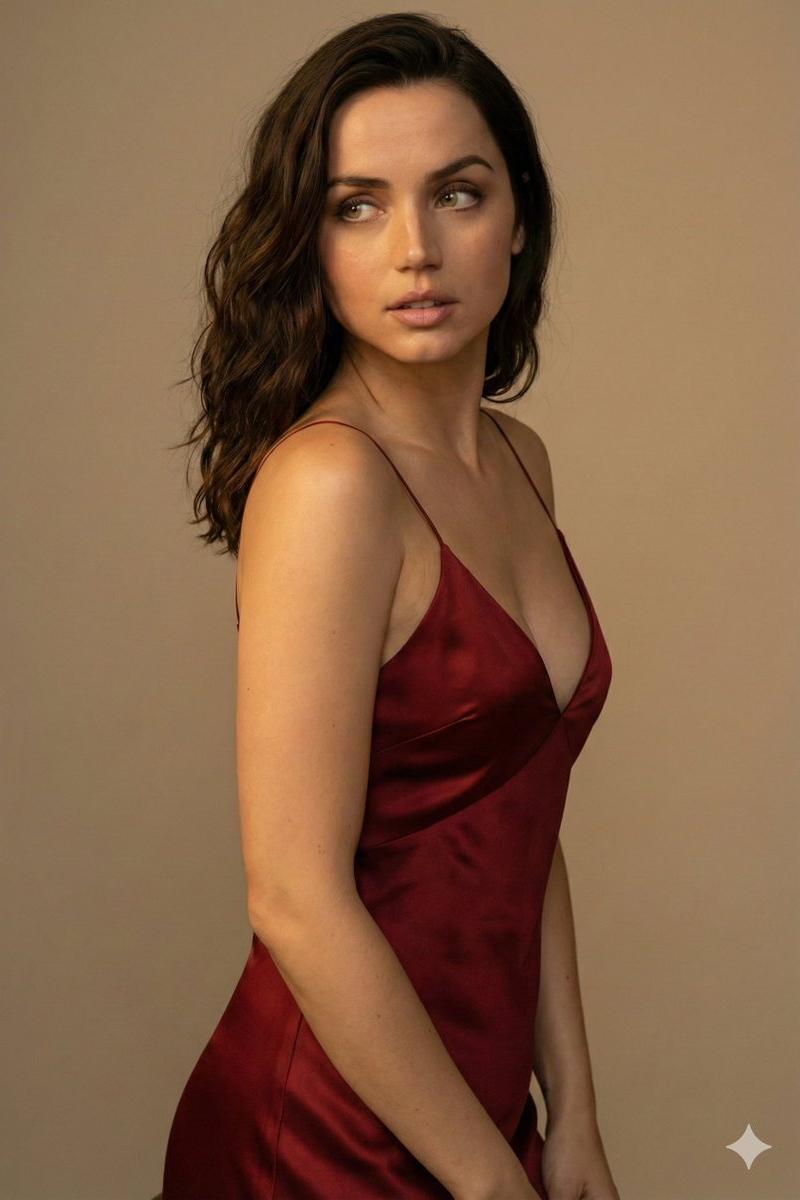
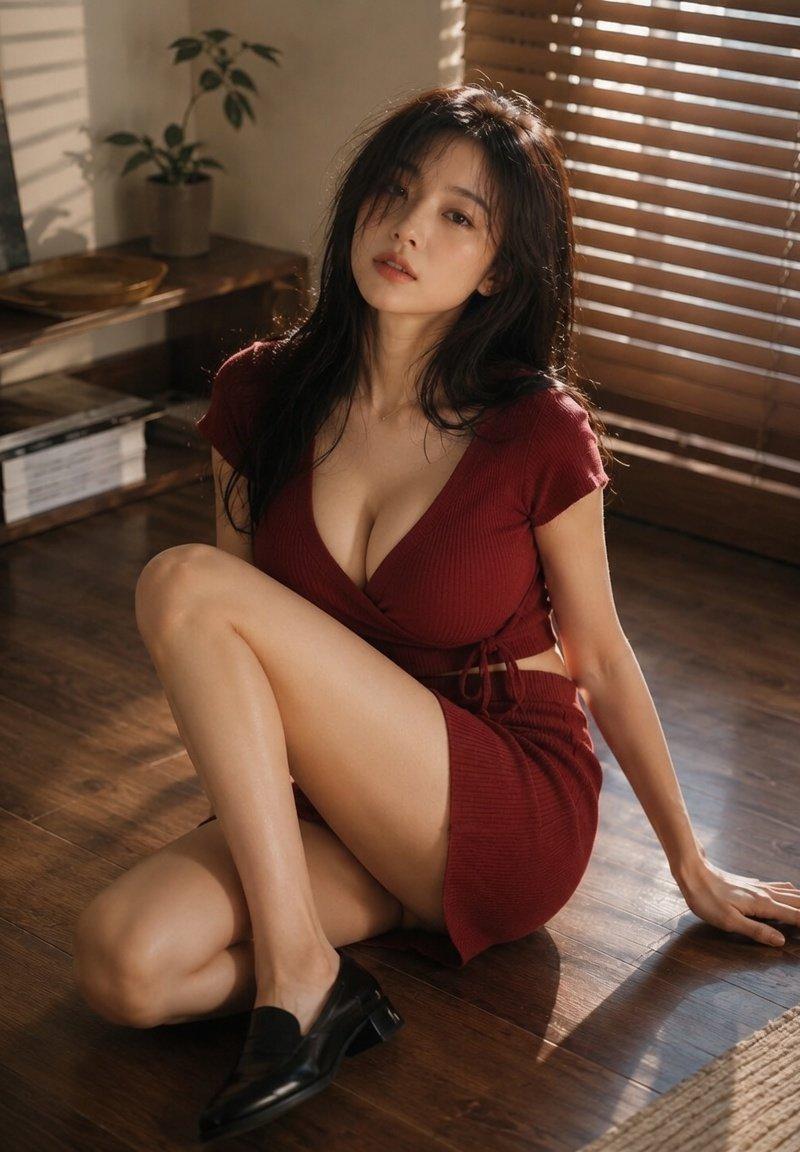
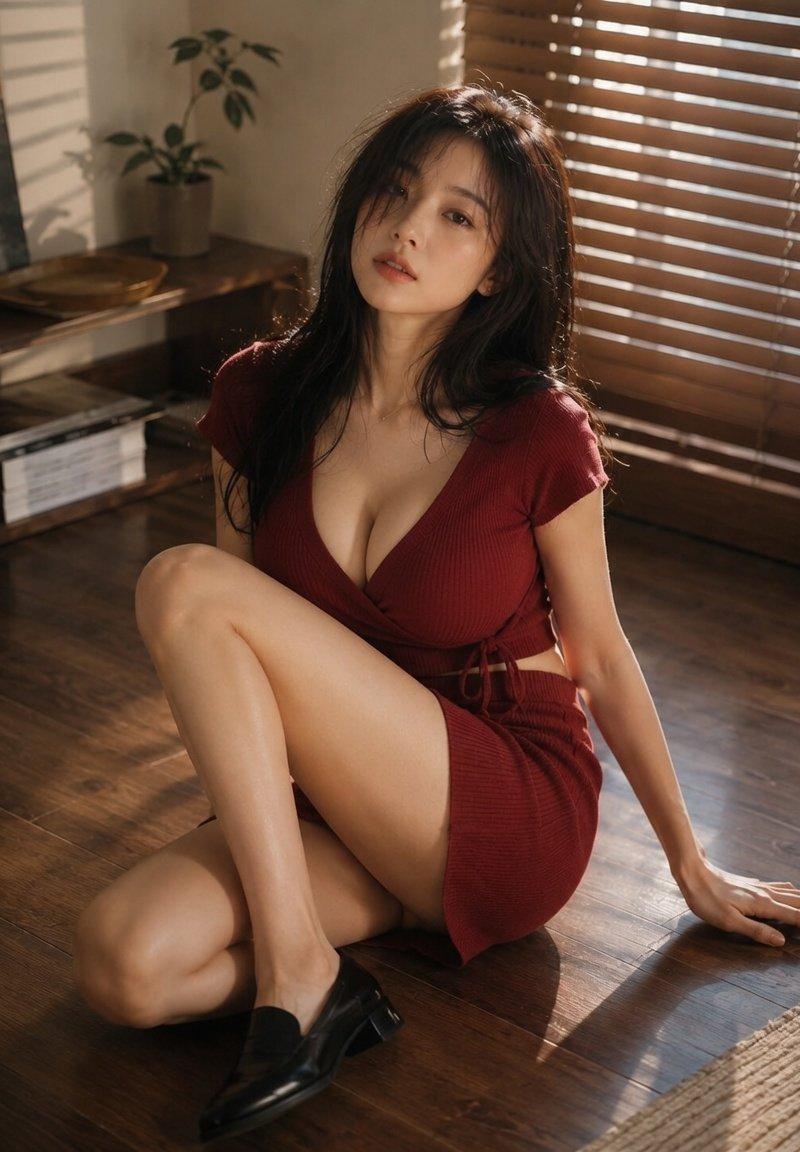
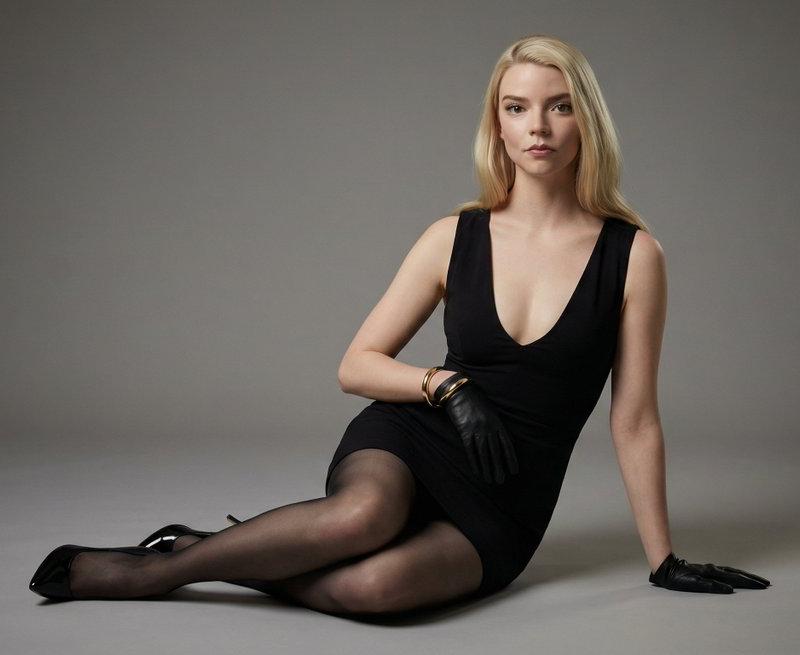
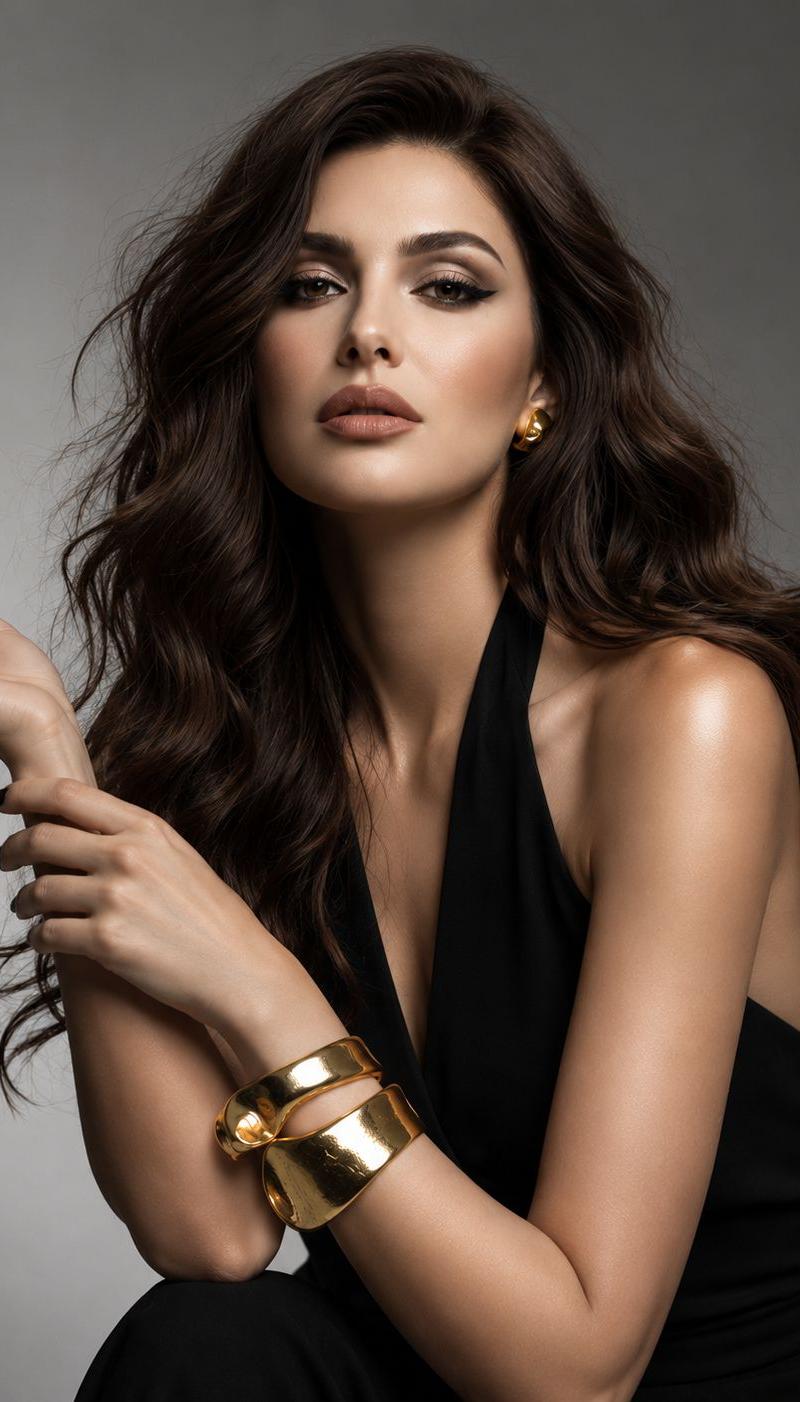
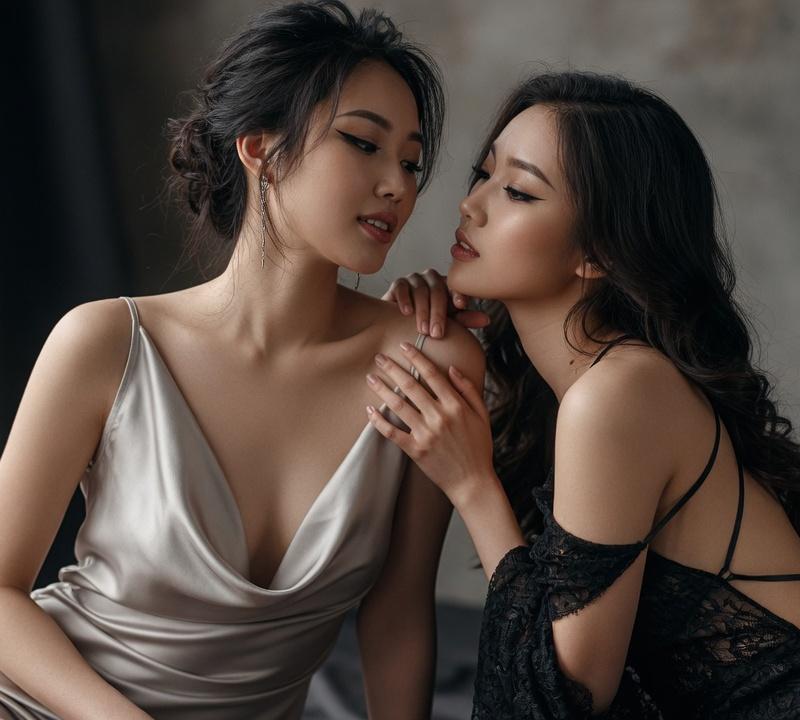
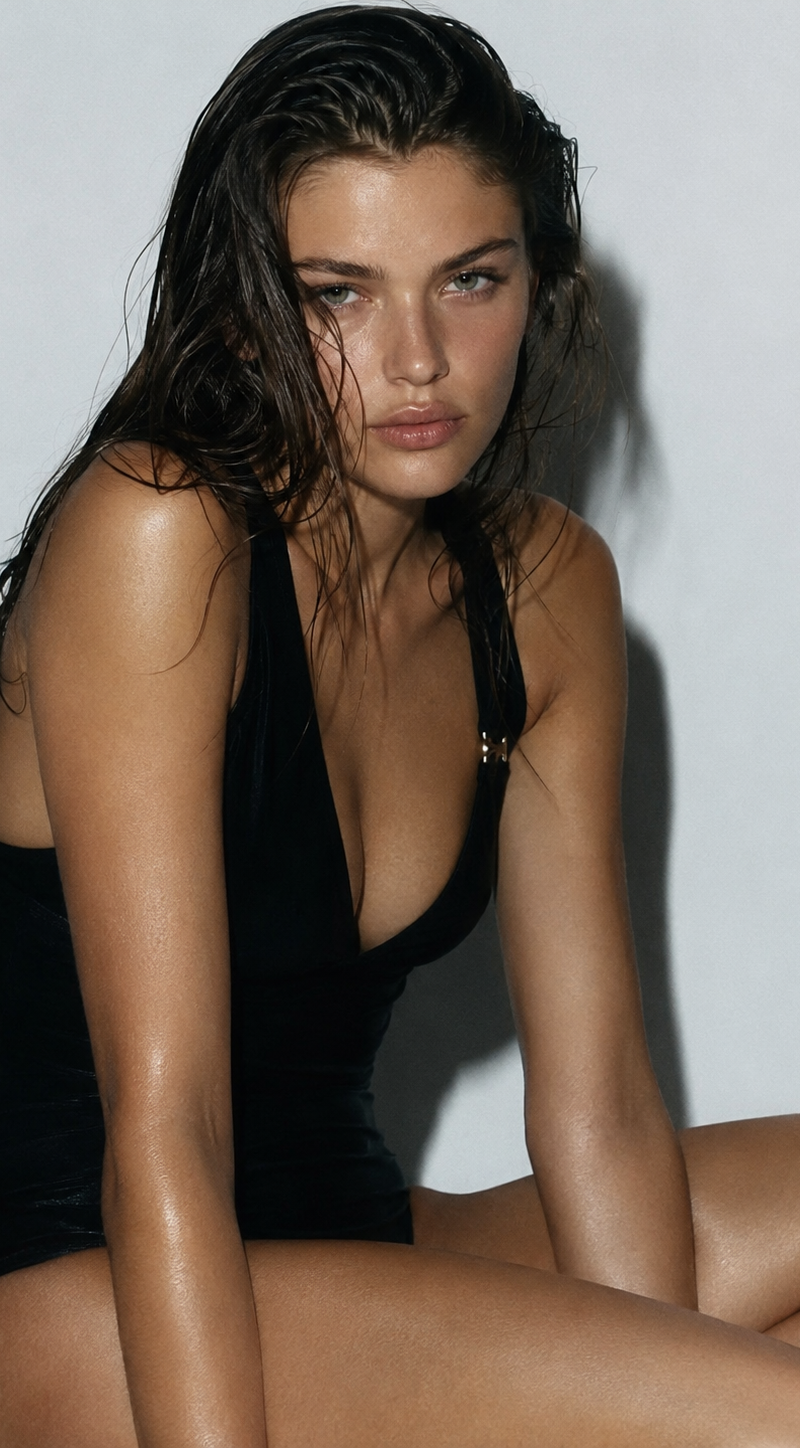
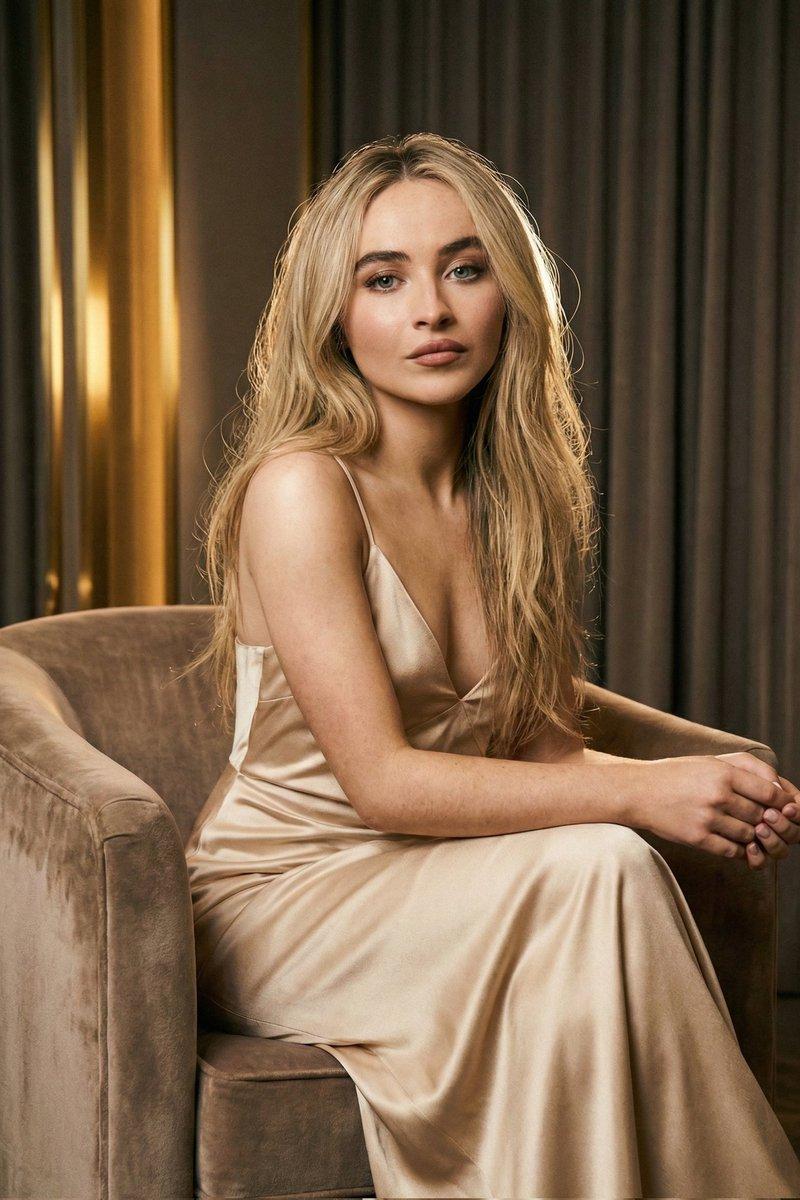
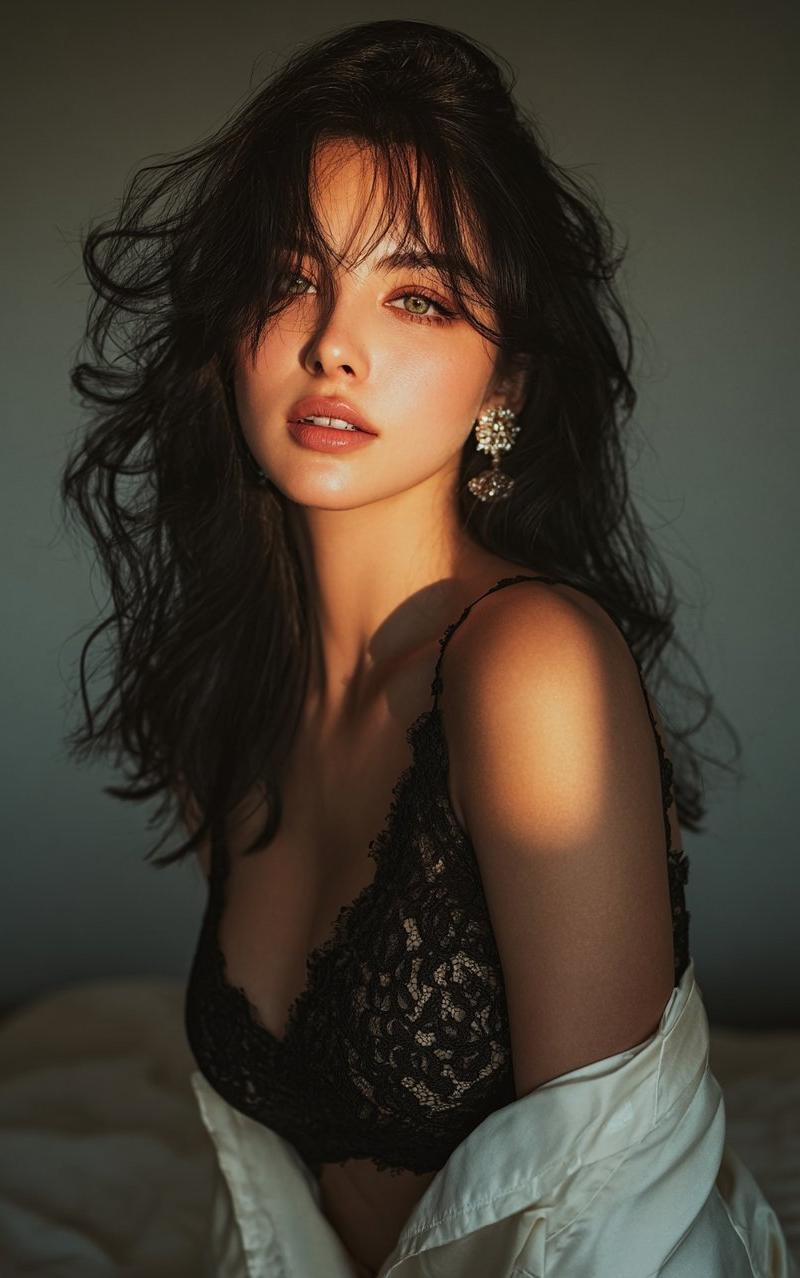
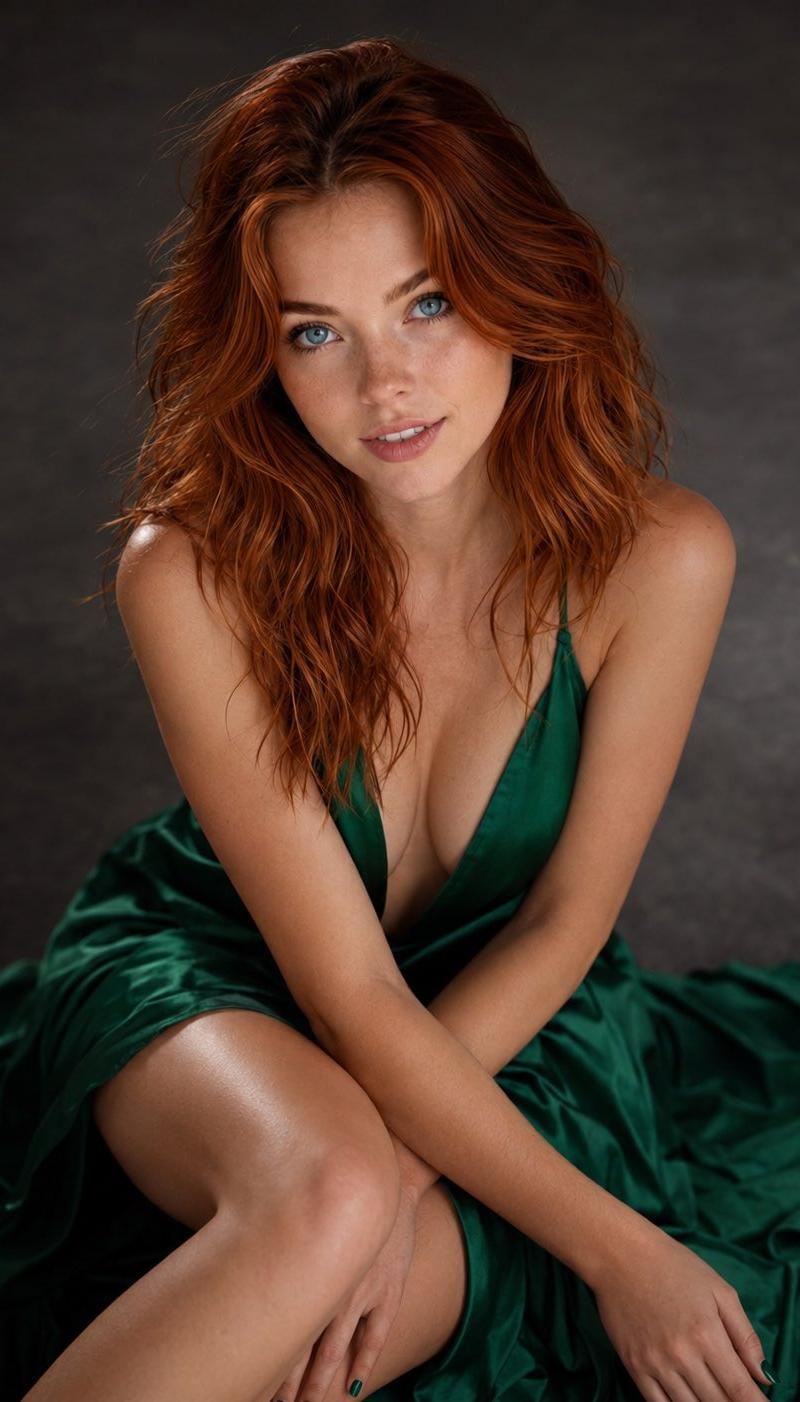
祖母绿丝绸连衣裙肖像
Enlarge

Example images

祖母绿丝绸连衣裙肖像

Prompt
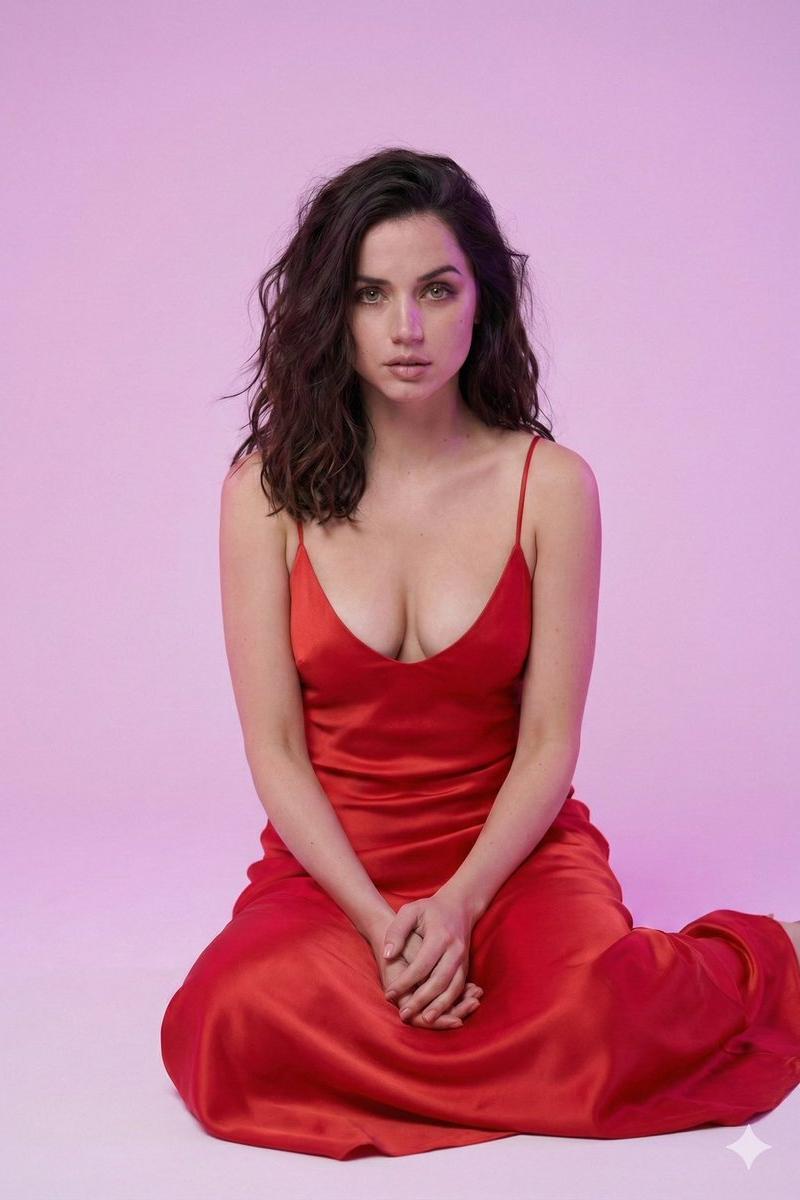
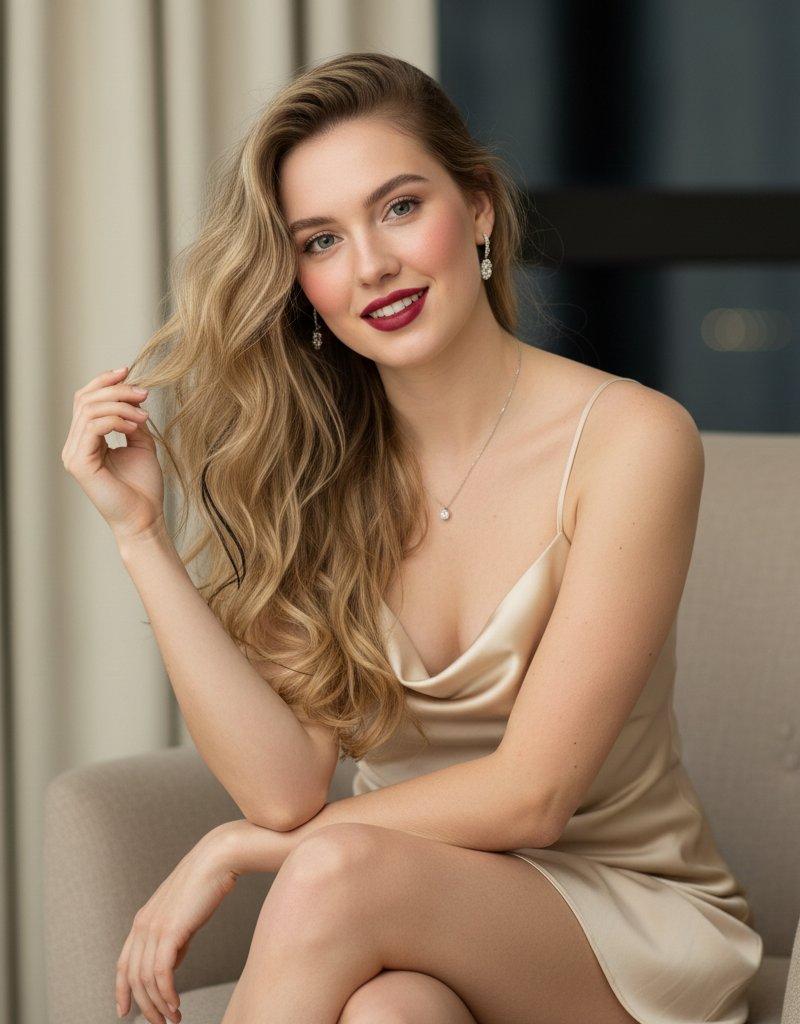
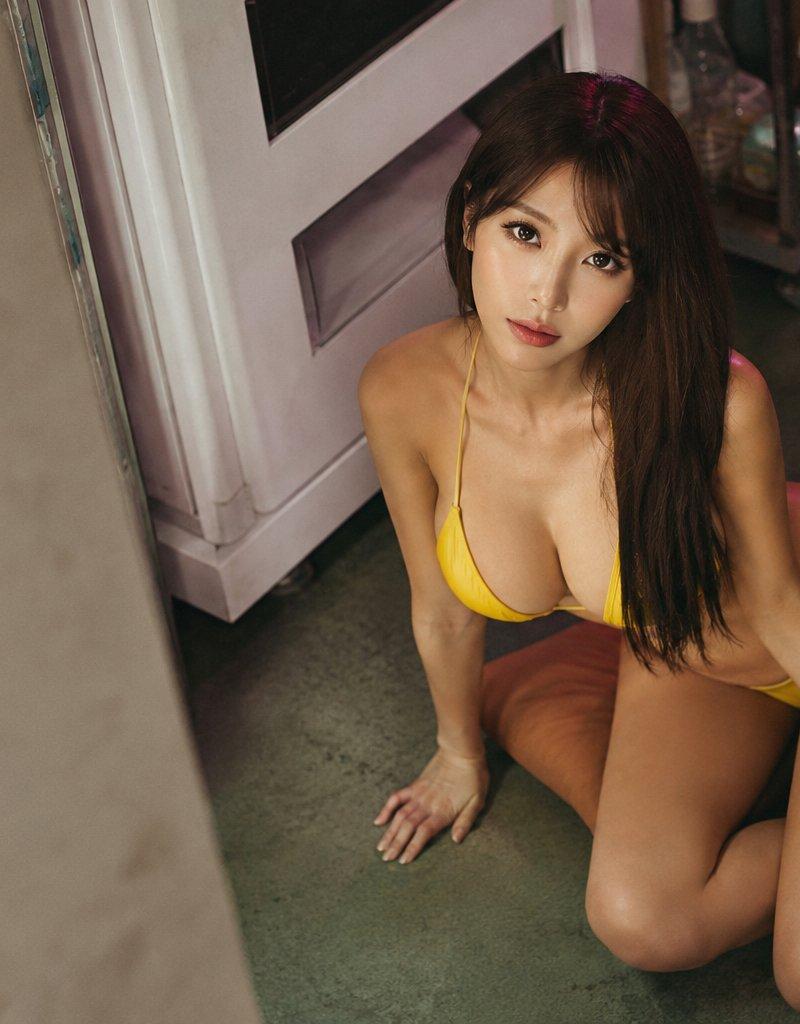
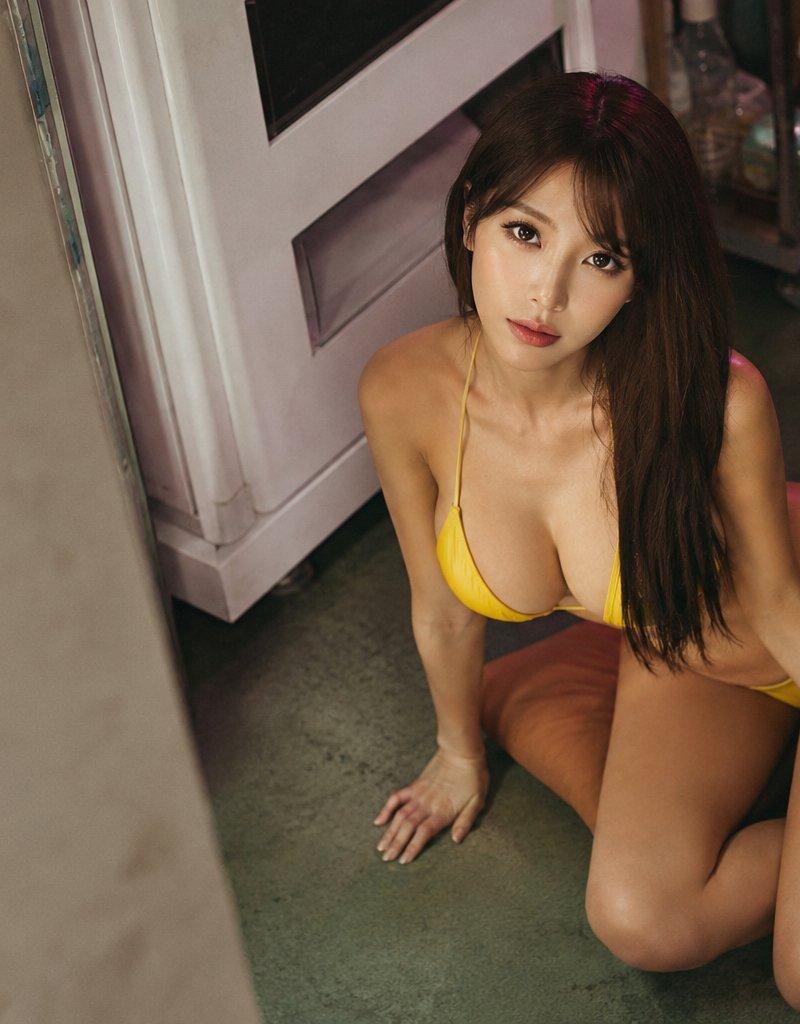
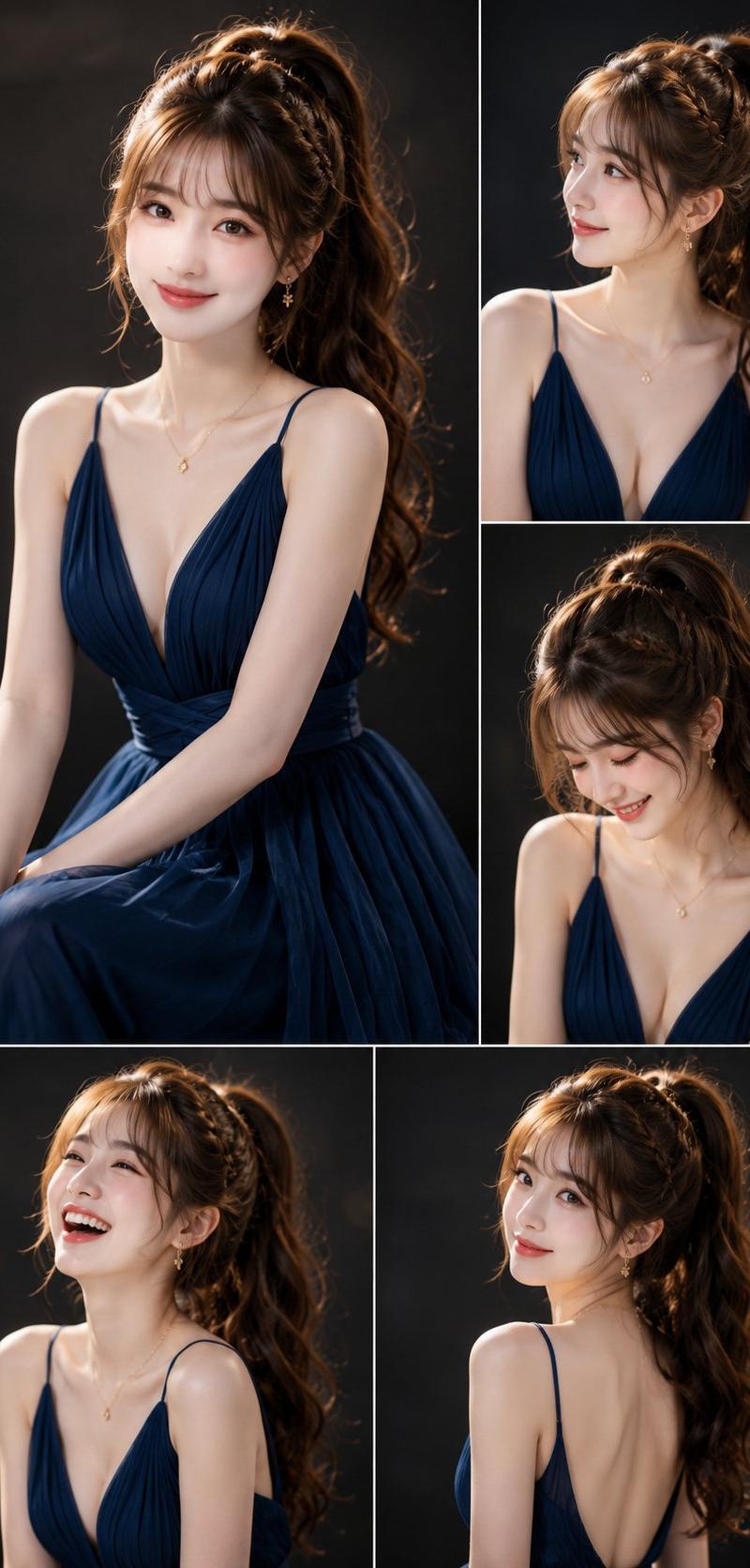
My attached model looks up intensely towards the camera, seated on the floor in a {argument name="dress description" default="flowing, v-neck, silk, emerald green dress"}. Long flowing, slightly messy hair. Fingernails are painted an {argument name="color" default="emerald green"} shade. The soft, natural lighting and shallow depth of field emphasize her facial features, creating an intimate, portrait-style photograph with a fine art aesthetic. Hair light. Rim lighting. {argument name="expression" default="Coy smile"}. Grounded realism, high-detail skin texture. Subtle make-up, soft pink lipstick. Backdrop is a blend of blacks and shades of gray.
Category
Photography & Realism
Model
GPT Image 2
Creator
Prompting Bill
Source language
en
Views0
Source ID
26221
Published
Jun 19, 2026
Studio

Guide

About "祖母绿丝绸连衣裙肖像"

What is this prompt for?

"祖母绿丝绸连衣裙肖像" AI image prompt for GPT Image 2 (Photography & Realism). 这是一个为 GPT Image 2 设计的高级时尚肖像提示词,展示了一位身着绿色丝绸连衣裙的女性,并采用了专业布光和艺术摄影美学。 Copy it on Picva and re…

The full copyable prompt and example visuals above are ready for AI image generation or one-click recreate in Picva.

How to use this prompt

  1. Step 1

    Open the prompt detail

    Review the example visuals, category, and full prompt text for "祖母绿丝绸连衣裙肖像".

  2. Step 2

    Copy the prompt

    Copy the prompt body from this page, or load it directly in Studio.

  3. Step 3

    Pick a model (GPT Image 2)

    Prefer GPT Image 2. If you switch models, keep subject and composition and tweak style terms.

  4. Step 4

    Generate and export

    Recreate the look in Picva, or export into your workflow for editing and publishing.

FAQ

What is the "祖母绿丝绸连衣裙肖像" prompt?
It is an AI image-generation prompt for GPT Image 2 in the Photography & Realism category. This page includes the full prompt text, example visuals, and a one-click recreate path in Picva.
How do I use this prompt to generate an image?
Copy the prompt from this page, or use Generate / Studio. Paste it into a compatible image model, or recreate the look in Picva with optional reference images.
Which model is this prompt for?
This page lists GPT Image 2. Most descriptive prompts also transfer to nearby image models such as GPT Image, Flux, or Midjourney with light style tweaks.
Can I use the result commercially?
You can usually copy the prompt for creation, but commercial use of the final image depends on the model terms, reference-image rights, and the generated content. Follow the source author and platform rules.