18

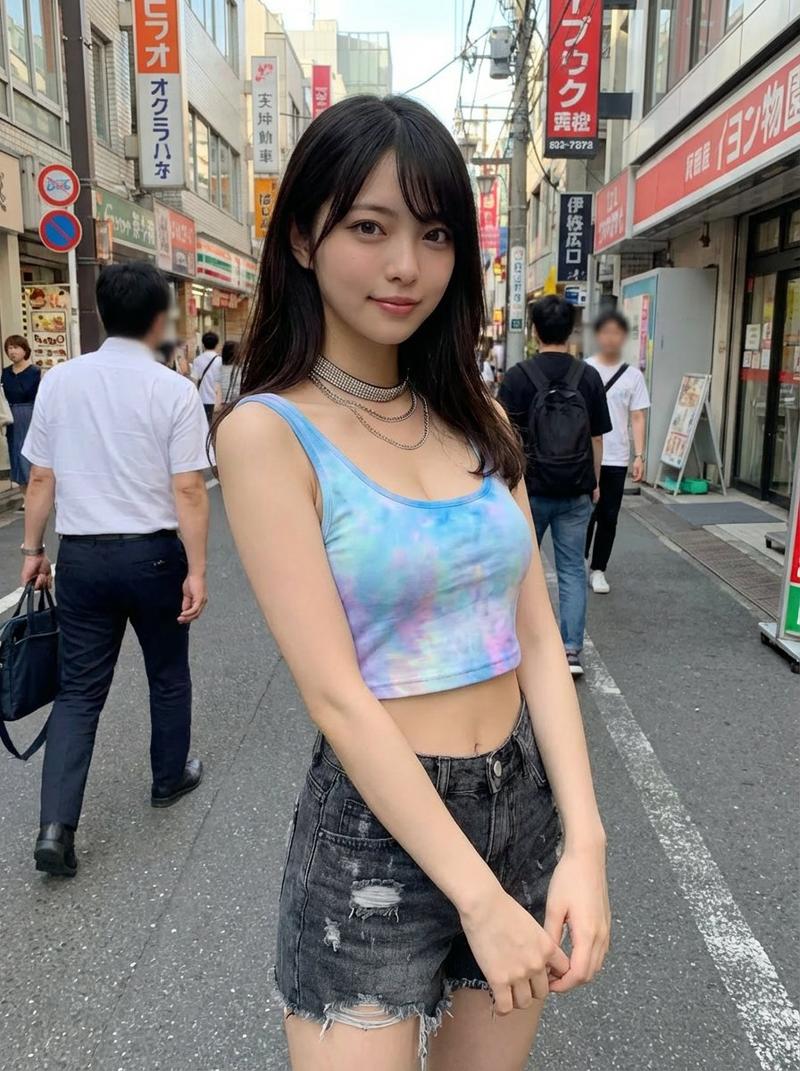
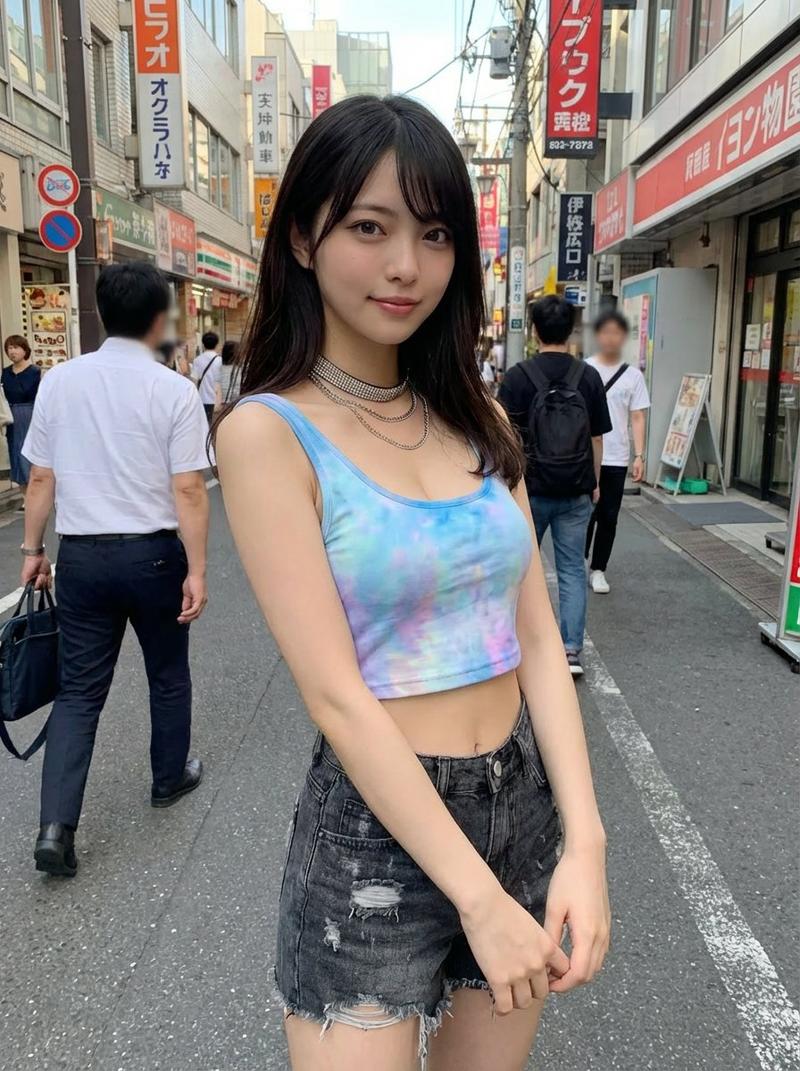
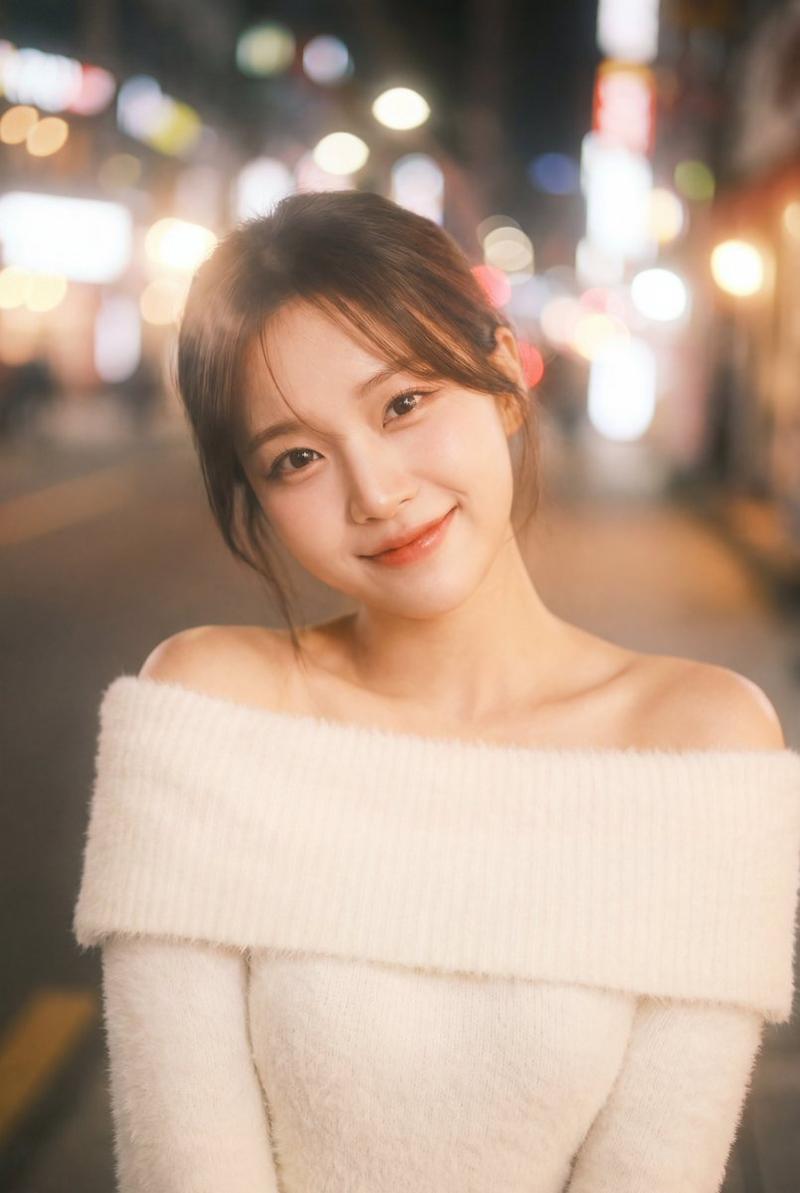
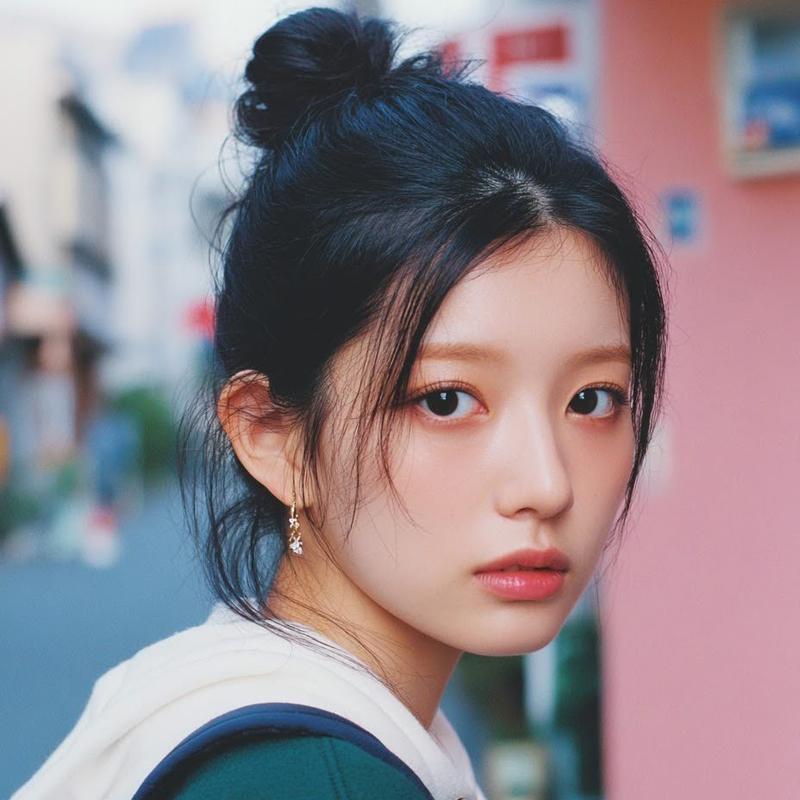
街机厅抓拍风格街头肖像
Enlarge

街机厅抓拍风格街头肖像

Prompt
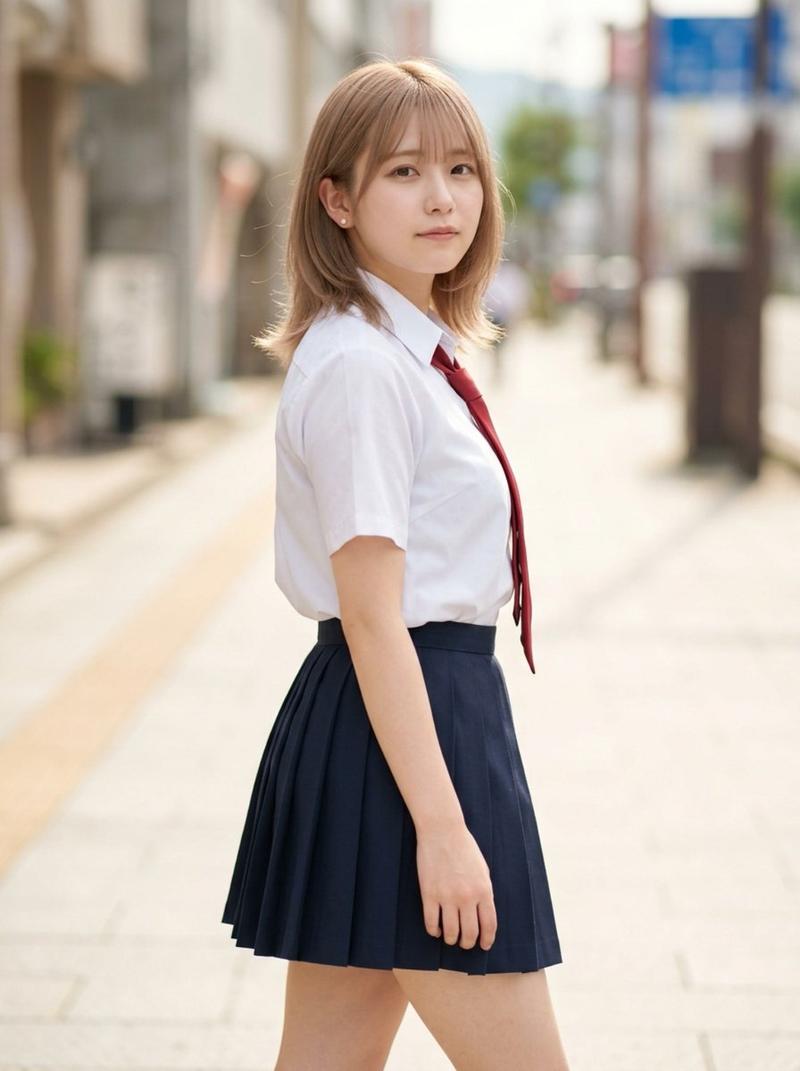
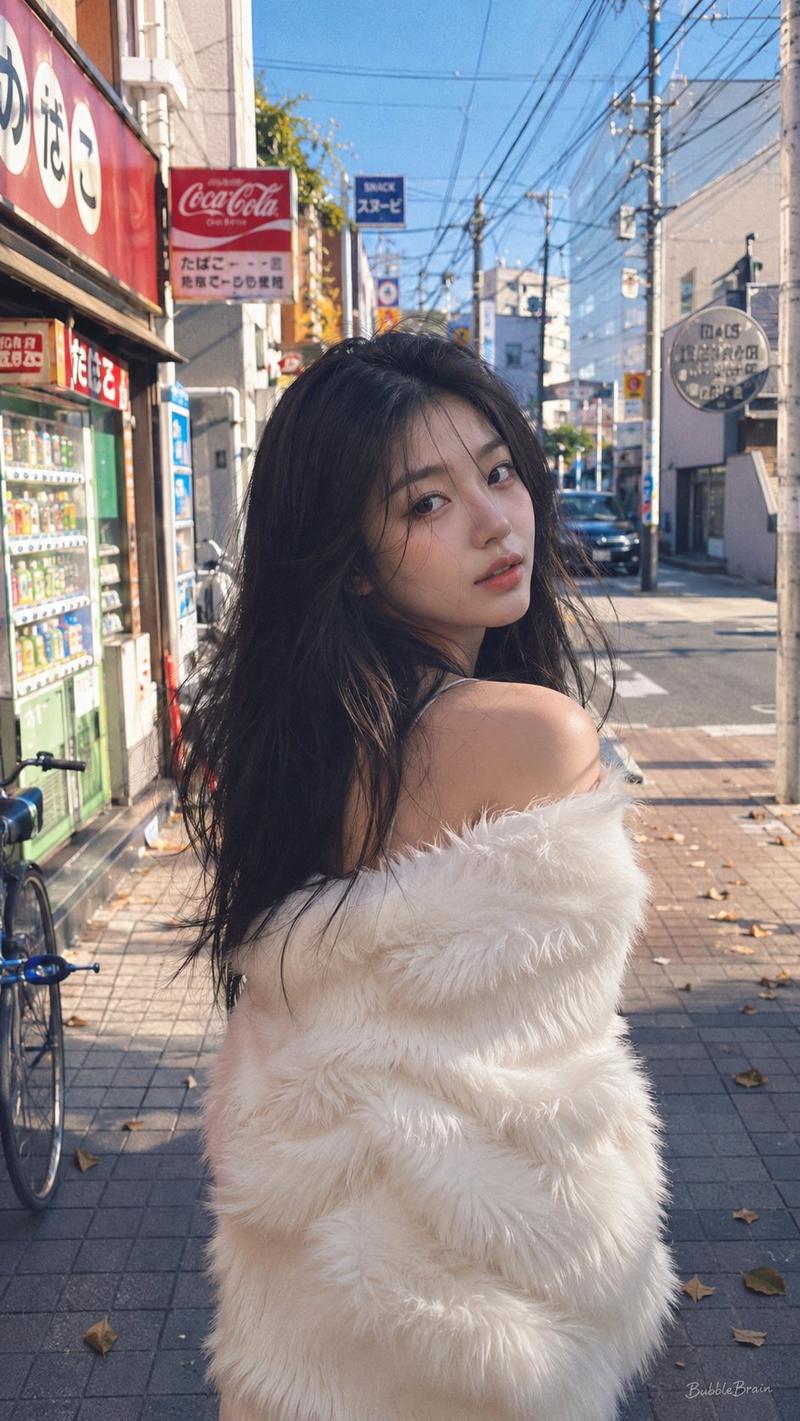
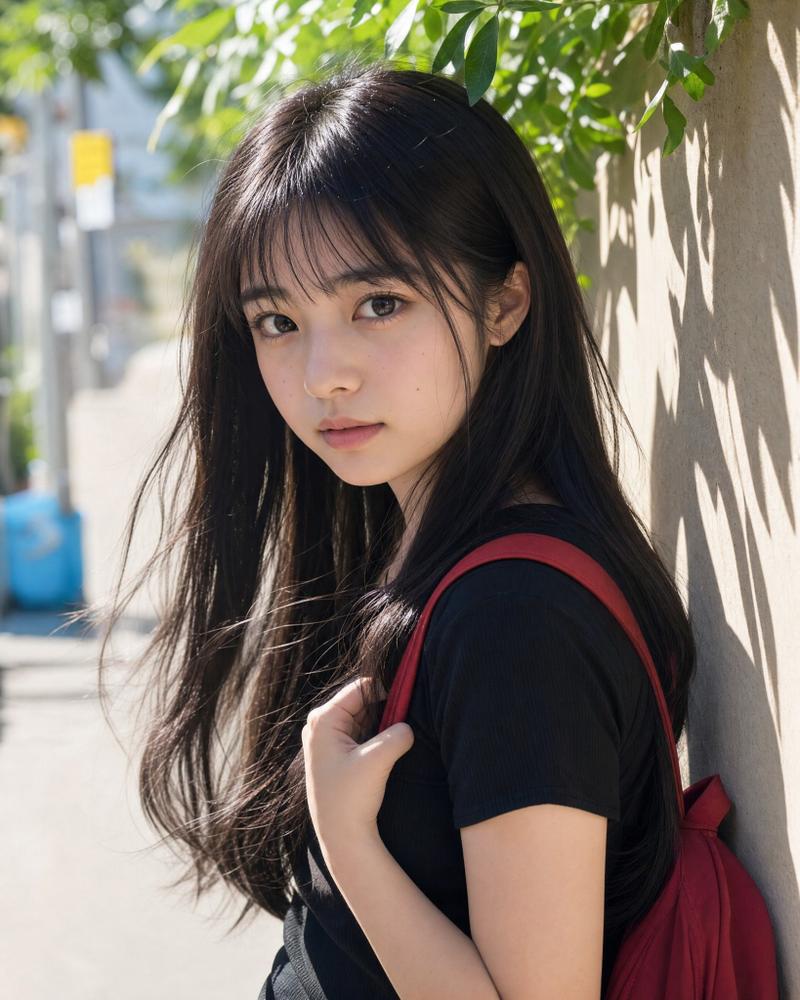
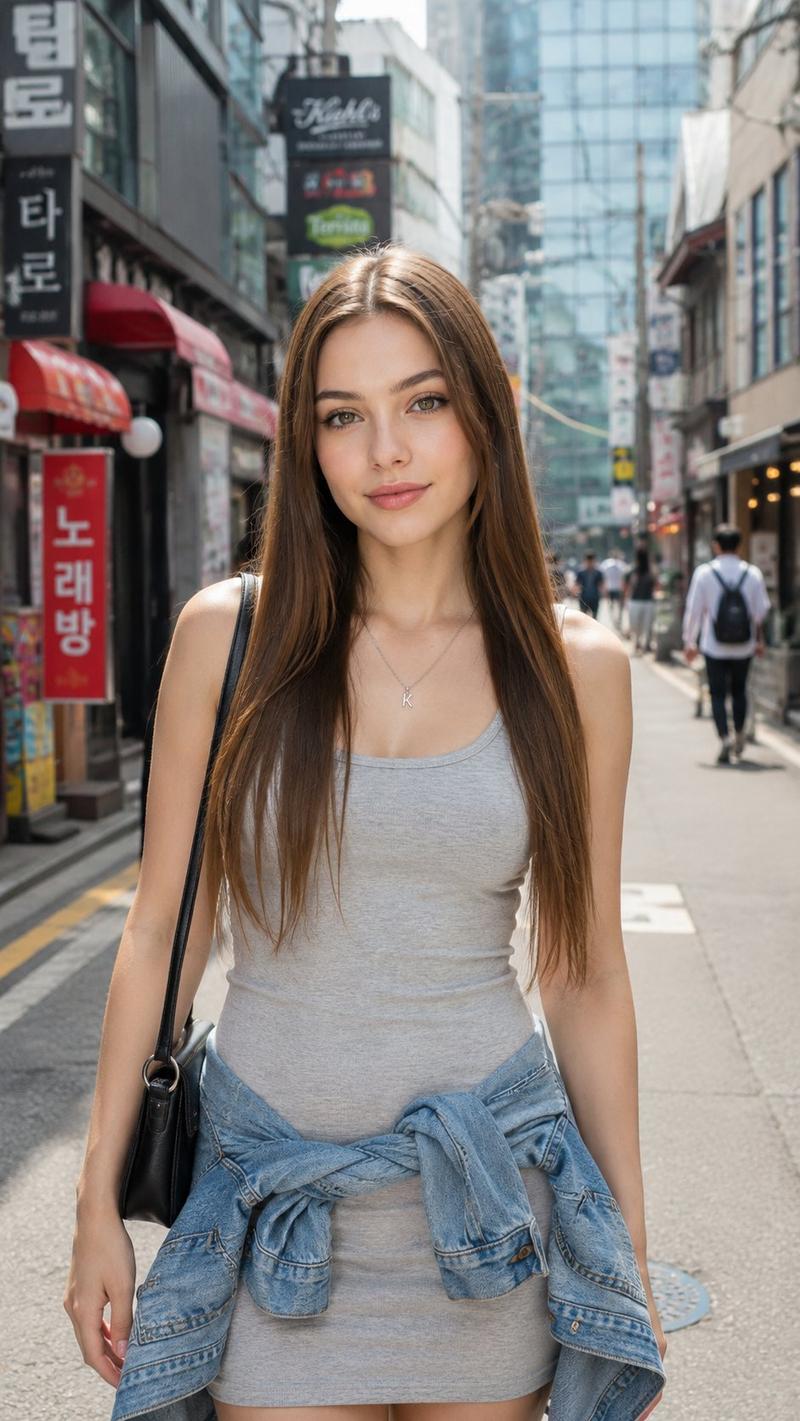
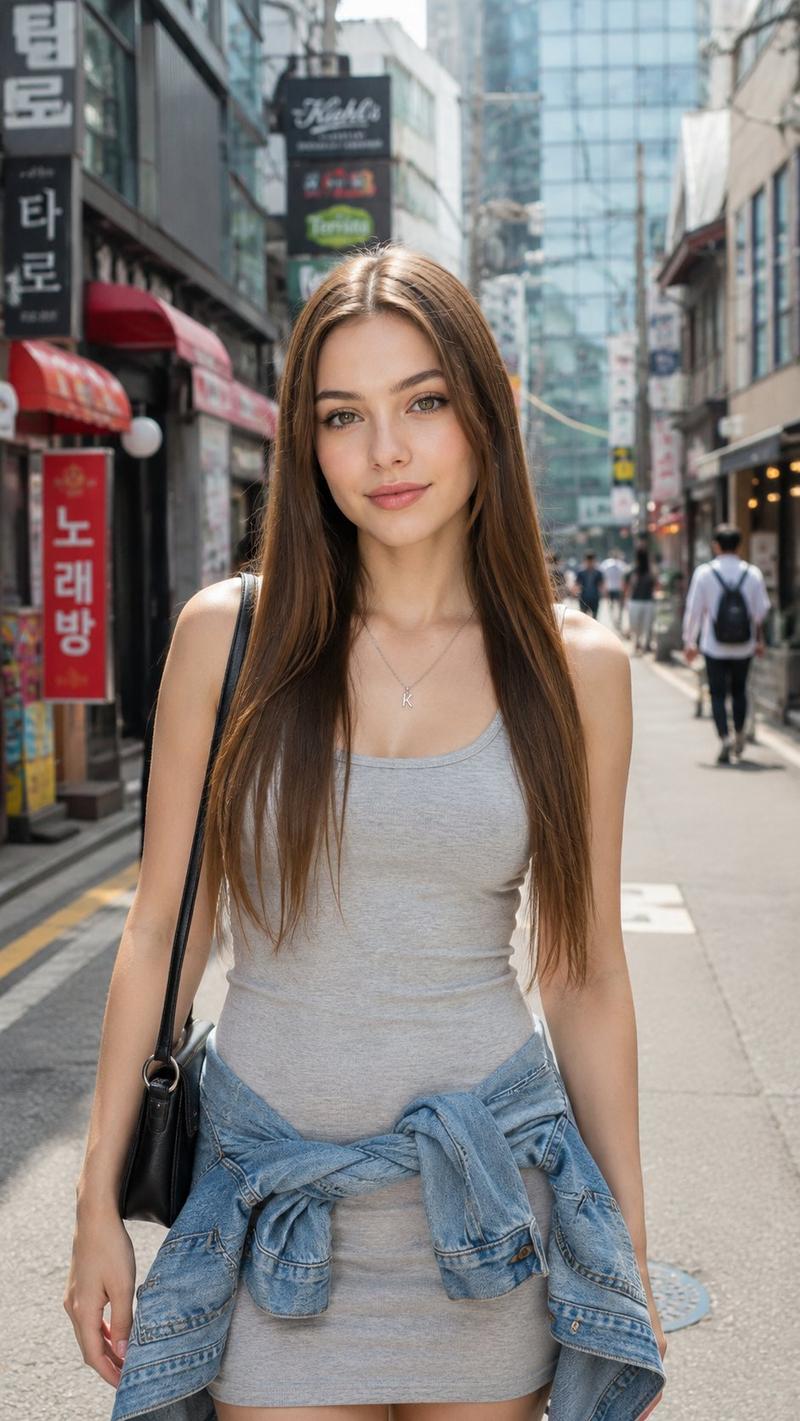
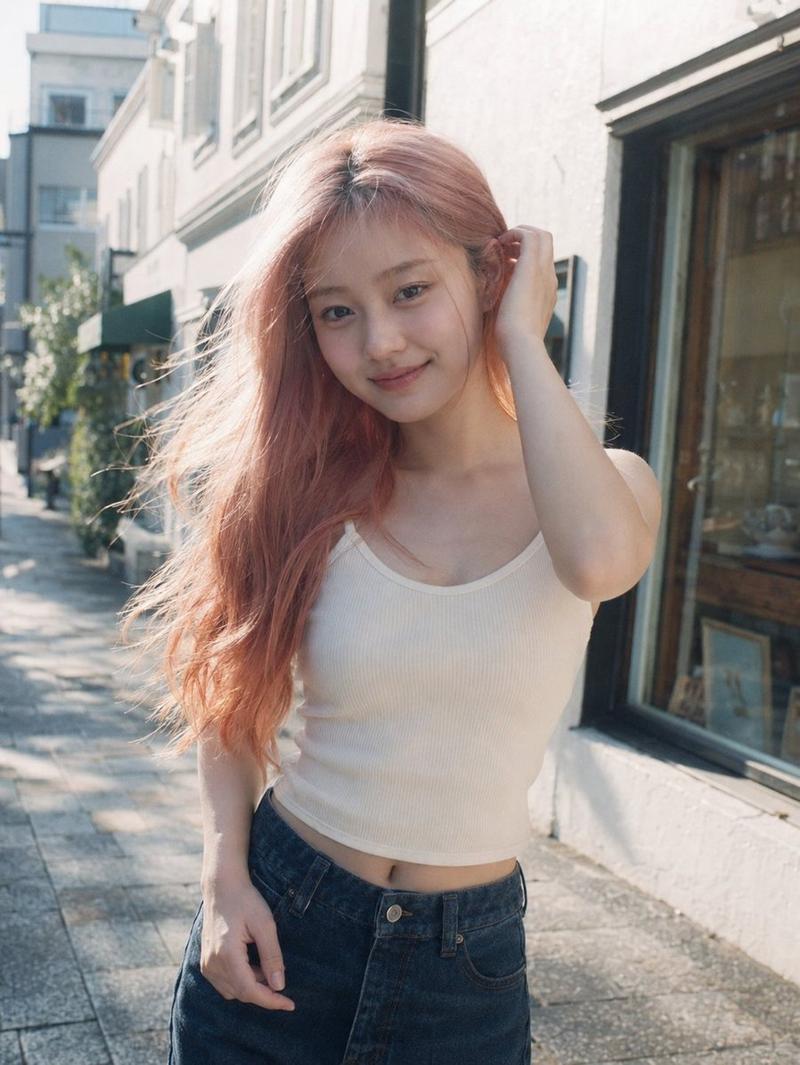
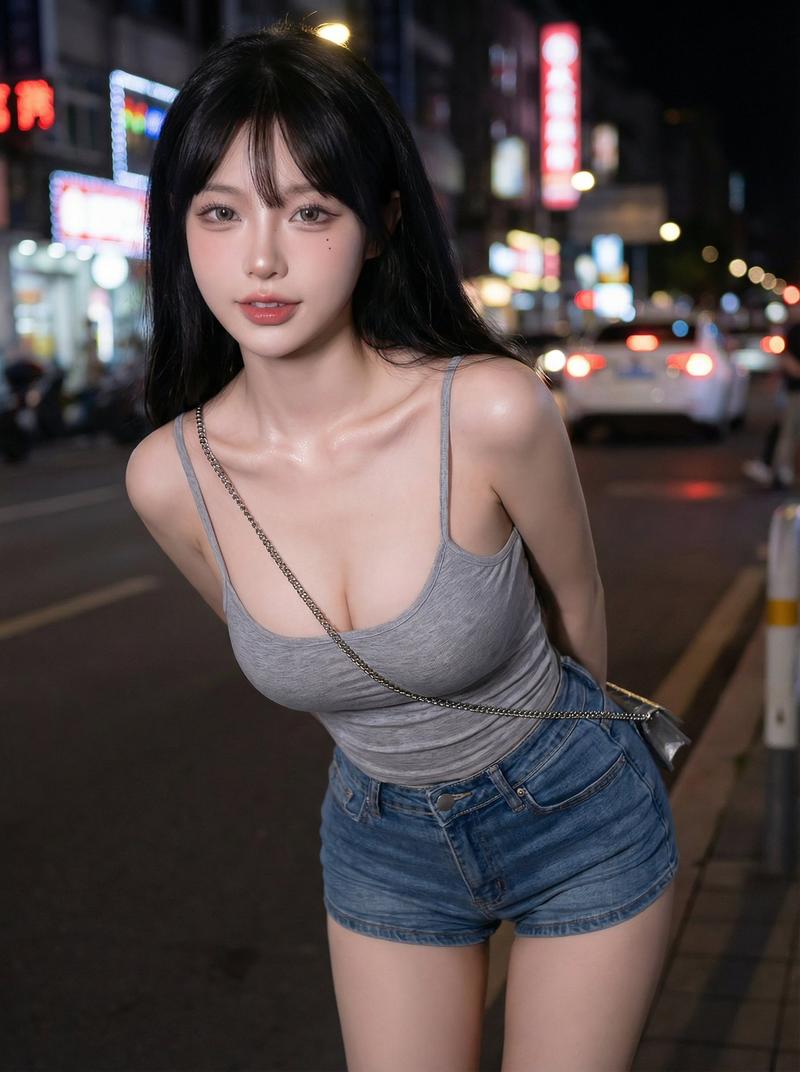
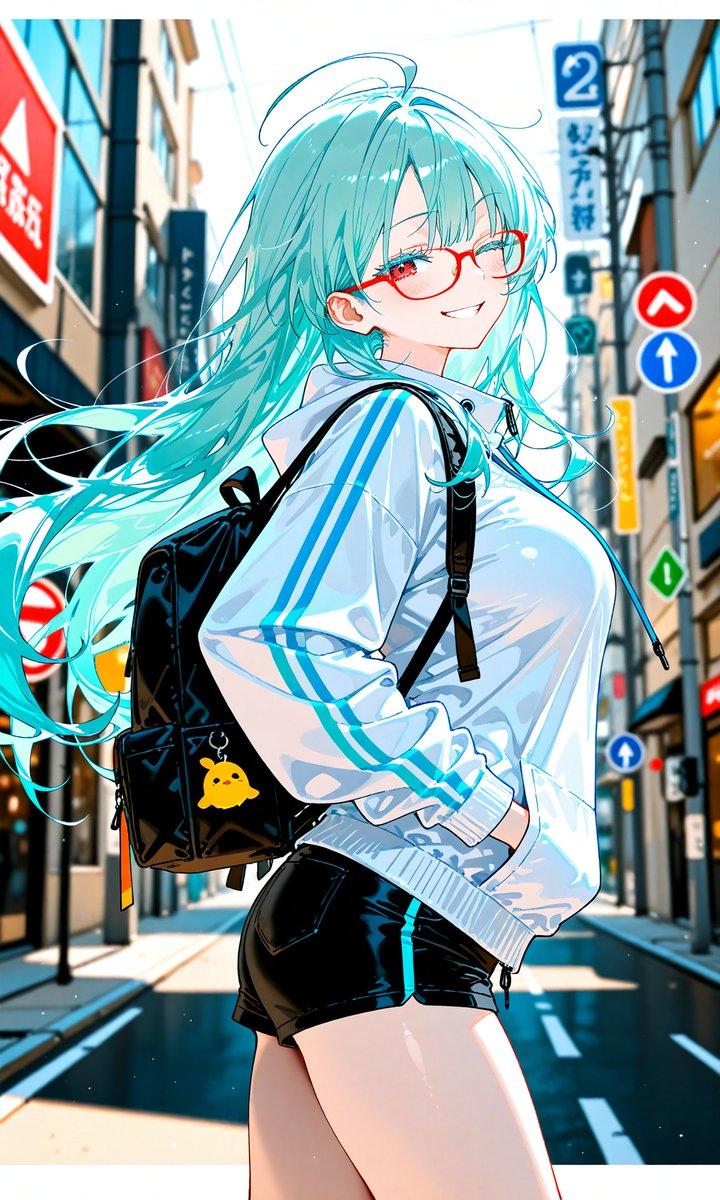
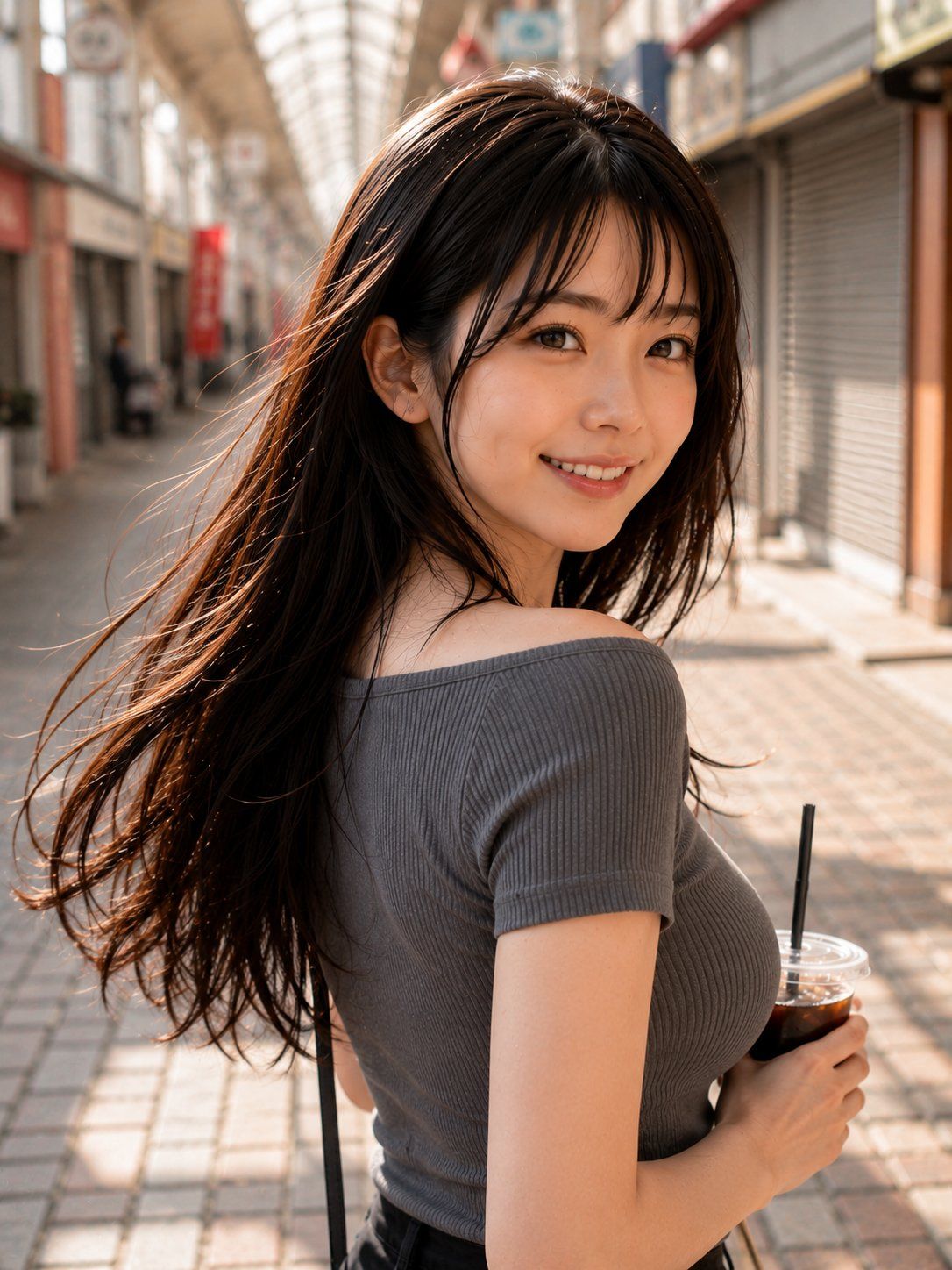
Create a photorealistic vertical street portrait of a young woman leisurely shopping in a covered Japanese arcade street on a sunny afternoon. The camera is close behind and slightly to the side, showing her upper body as she turns back over her shoulder toward the viewer; her face is intentionally hidden by a centered opaque brown square censor block. She has long flowing {argument name="hair color" default="dark brown"} hair catching warm backlight and moving gently as if in a breeze, with realistic individual strands and glossy highlights. She wears a fitted ribbed off-shoulder {argument name="top color" default="charcoal gray"} short-sleeve top, dark bottoms, and a thin black shoulder strap crossing down her back. In her right hand she holds exactly 1 clear plastic cup of iced coffee with a transparent lid and exactly 1 black straw. Set the scene in a softly blurred pedestrian shopping arcade with tiled pavement, storefront shutters, signs, columns, and a bright arched glass roof receding into the distance. Use warm golden-hour sunlight, shallow depth of field, natural skin tones, realistic fabric texture, cinematic bokeh, and a candid lifestyle photography look. No text, no watermark, no extra people in focus.
Category
Photography & Realism
Model
GPT Image 2
Views0
Source ID
26269
Published
Jun 19, 2026

Guide

About "街机厅抓拍风格街头肖像"

What is this prompt for?

"街机厅抓拍风格街头肖像" AI image prompt for GPT Image 2 (Photography & Realism). 一张在阳光明媚的日本商业街拍摄的女性手持冰咖啡的生活化写实肖像,适用于时尚或街头摄影概念。 Copy it on Picva and recreate the look in…

The full copyable prompt and example visuals above are ready for AI image generation or one-click recreate in Picva.

How to use this prompt

  1. Step 1

    Open the prompt detail

    Review the example visuals, category, and full prompt text for "街机厅抓拍风格街头肖像".

  2. Step 2

    Copy the prompt

    Copy the prompt body from this page, or load it directly in Studio.

  3. Step 3

    Pick a model (GPT Image 2)

    Prefer GPT Image 2. If you switch models, keep subject and composition and tweak style terms.

  4. Step 4

    Generate and export

    Recreate the look in Picva, or export into your workflow for editing and publishing.

FAQ

What is the "街机厅抓拍风格街头肖像" prompt?
It is an AI image-generation prompt for GPT Image 2 in the Photography & Realism category. This page includes the full prompt text, example visuals, and a one-click recreate path in Picva.
How do I use this prompt to generate an image?
Copy the prompt from this page, or use Generate / Studio. Paste it into a compatible image model, or recreate the look in Picva with optional reference images.
Which model is this prompt for?
This page lists GPT Image 2. Most descriptive prompts also transfer to nearby image models such as GPT Image, Flux, or Midjourney with light style tweaks.
Can I use the result commercially?
You can usually copy the prompt for creation, but commercial use of the final image depends on the model terms, reference-image rights, and the generated content. Follow the source author and platform rules.