20

电影感动漫照片转换
Enlarge

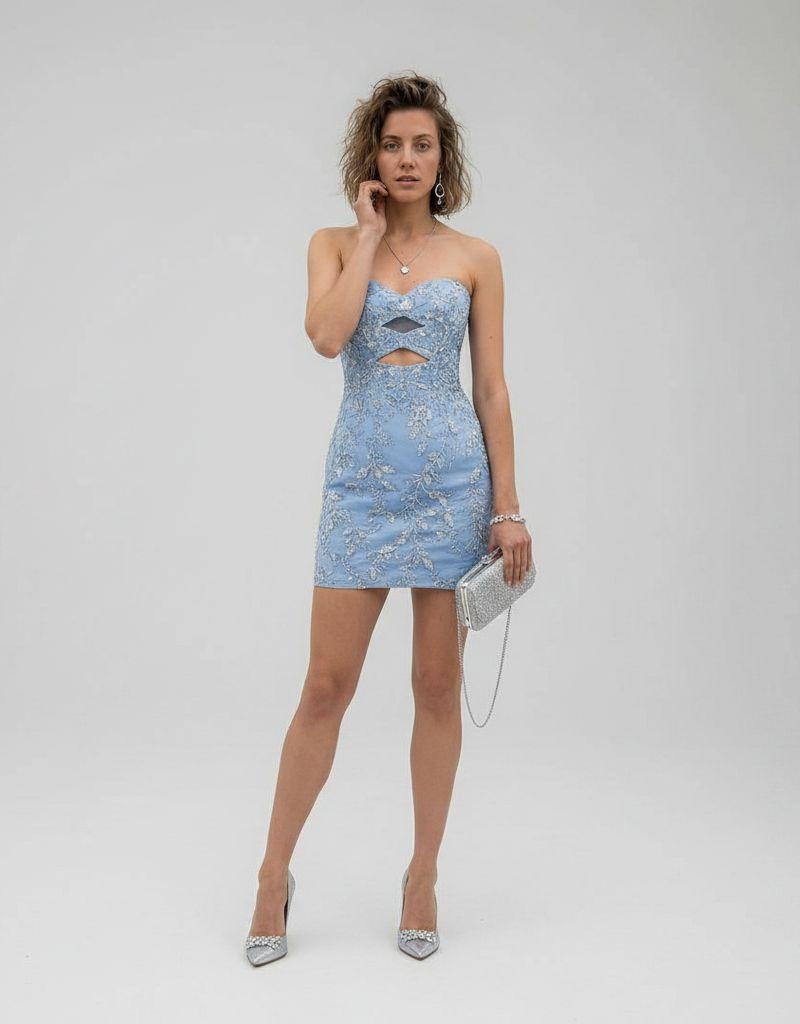
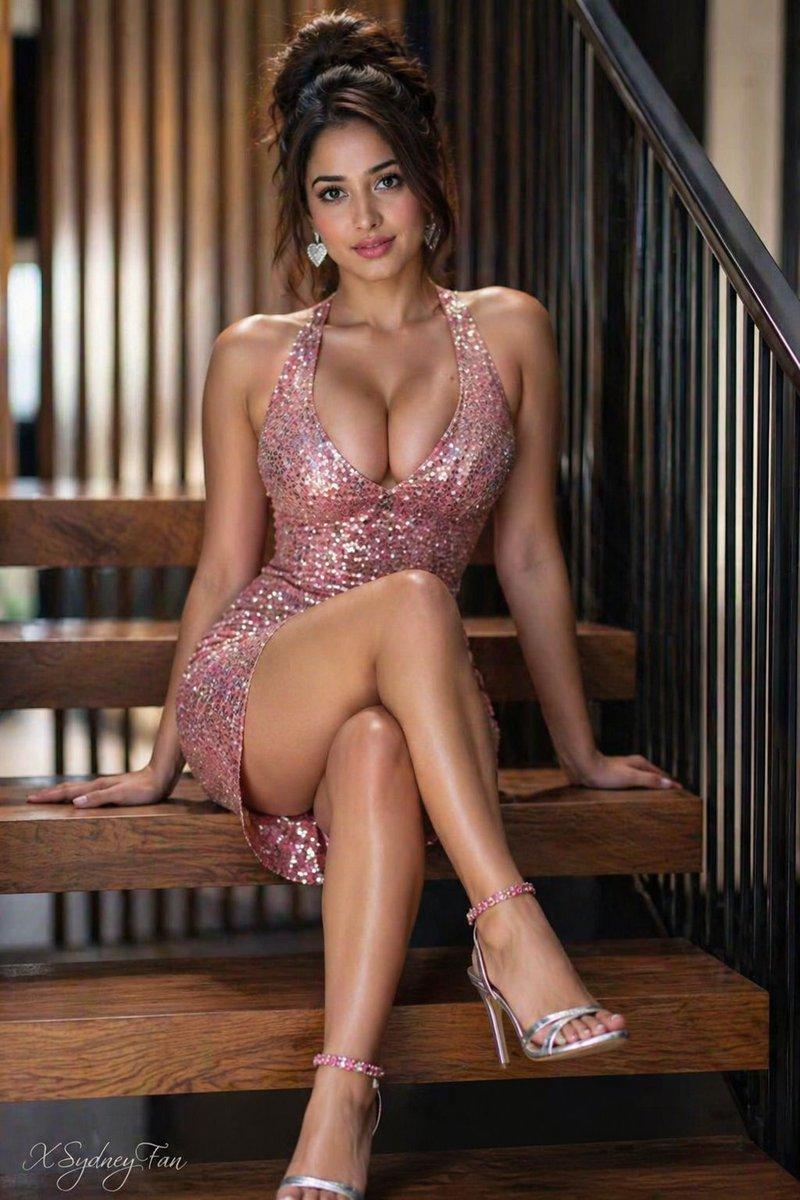
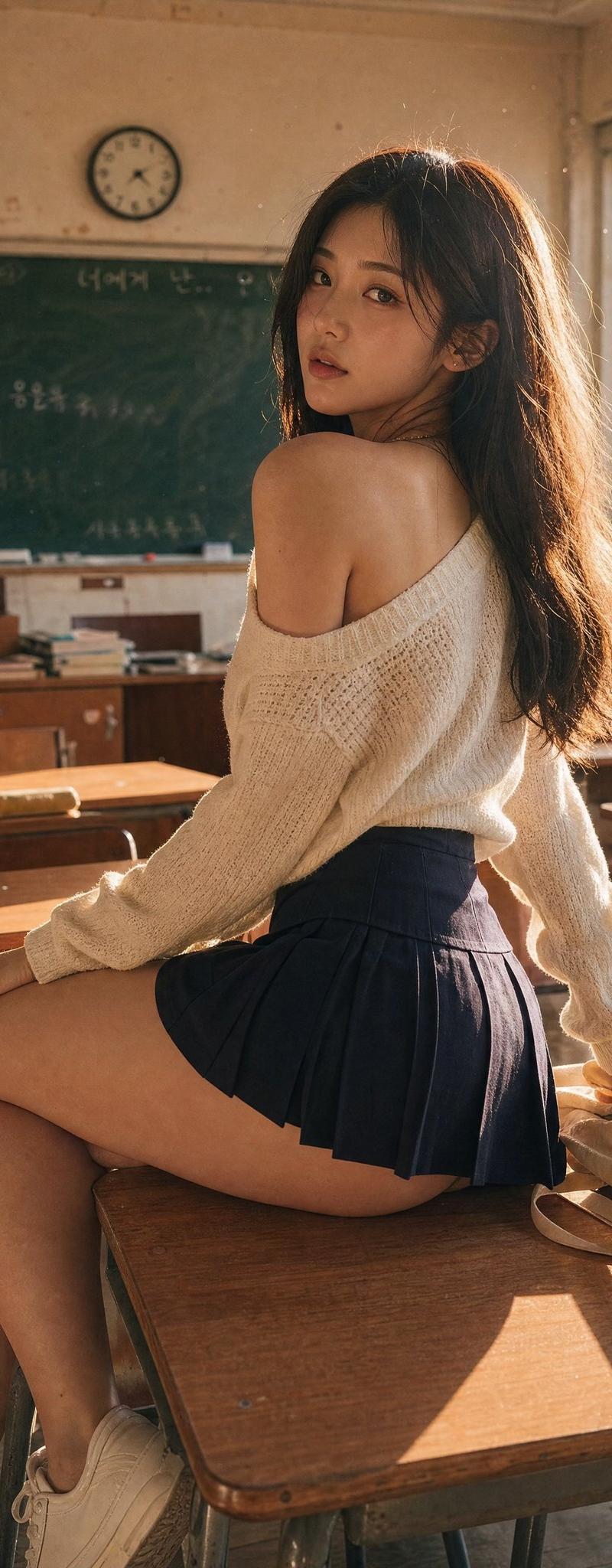
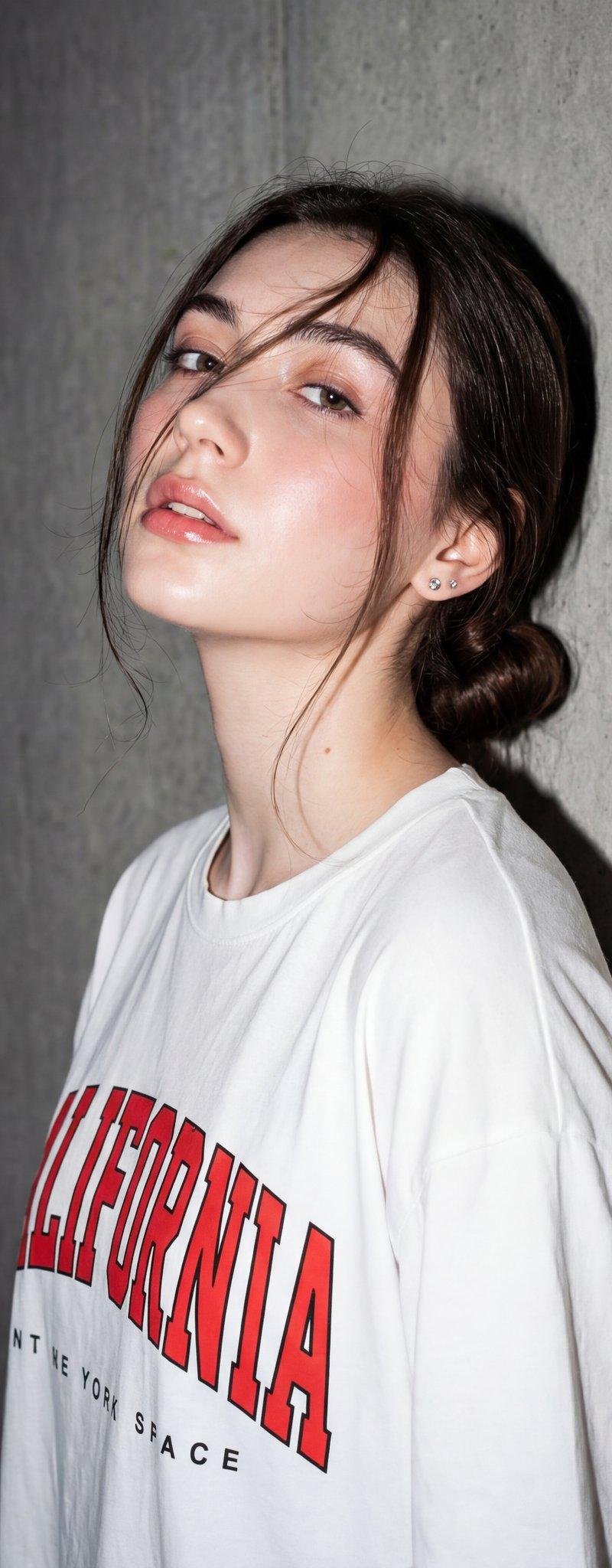
Example images

电影感动漫照片转换

Prompt
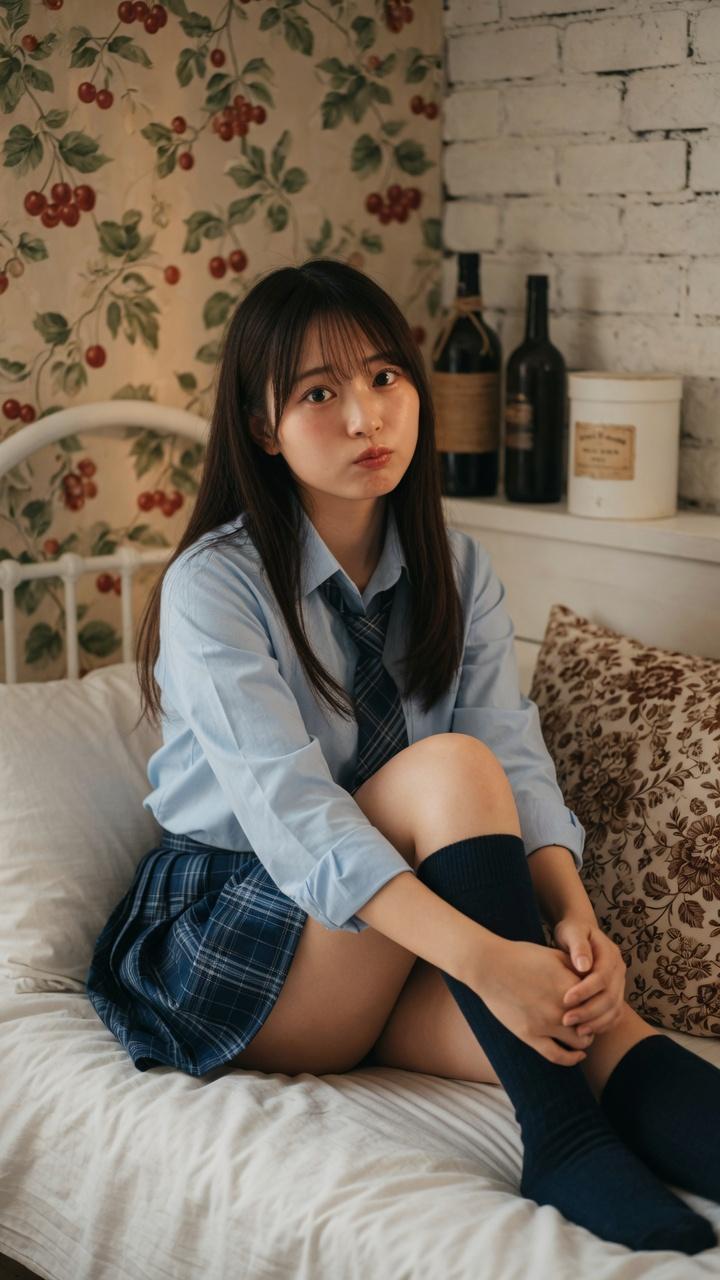
Using REFERENCE_0 as the base image, transform it into a premium cinematic Japanese anime frame in a 3:4 vertical ratio. Preserve the original composition, pose, camera angle, character placement, body language, framing, perspective, car interior environment, window view, outfit, plush accessories, and all visible props. Keep the obscured face as a plain rectangular block in the same position rather than inventing facial features. Convert the entire scene into high-end anime key art with delicate linework, soft painterly shading, warm golden-hour sunlight streaming through the car window, glowing rim light, subtle dust particles, gentle bloom, richer color grading, and a dreamy nostalgic atmosphere. Maintain the cute fluffy textures of the cat-ear hat, pink bow, striped dangling ties, long pale pink hair, fluffy pink coat, and the two white plush characters with red bows. Make the rendering feel like a polished still from a Japanese animated film while staying faithful to the reference photo’s layout and details. Use {argument name="aspect ratio" default="3:4"} and a {argument name="cinematic mood" default="warm golden-hour dreamy anime"} look.
Category
Photography & Realism
Model
GPT Image 2
Creator
Mahnoor Fatima
Source language
en
Views0
Source ID
26295
Published
Jun 19, 2026
Studio

Guide

About "电影感动漫照片转换"

What is this prompt for?

"电影感动漫照片转换" AI image prompt for GPT Image 2 (Photography & Realism). 将参考照片转换为温暖、高级的日式动漫风格画面,同时保留原始姿势、布局、服装和场景。 Copy it on Picva and recreate the look in one cl…

The full copyable prompt and example visuals above are ready for AI image generation or one-click recreate in Picva.

How to use this prompt

  1. Step 1

    Open the prompt detail

    Review the example visuals, category, and full prompt text for "电影感动漫照片转换".

  2. Step 2

    Copy the prompt

    Copy the prompt body from this page, or load it directly in Studio.

  3. Step 3

    Pick a model (GPT Image 2)

    Prefer GPT Image 2. If you switch models, keep subject and composition and tweak style terms.

  4. Step 4

    Generate and export

    Recreate the look in Picva, or export into your workflow for editing and publishing.

FAQ

What is the "电影感动漫照片转换" prompt?
It is an AI image-generation prompt for GPT Image 2 in the Photography & Realism category. This page includes the full prompt text, example visuals, and a one-click recreate path in Picva.
How do I use this prompt to generate an image?
Copy the prompt from this page, or use Generate / Studio. Paste it into a compatible image model, or recreate the look in Picva with optional reference images.
Which model is this prompt for?
This page lists GPT Image 2. Most descriptive prompts also transfer to nearby image models such as GPT Image, Flux, or Midjourney with light style tweaks.
Can I use the result commercially?
You can usually copy the prompt for creation, but commercial use of the final image depends on the model terms, reference-image rights, and the generated content. Follow the source author and platform rules.