19

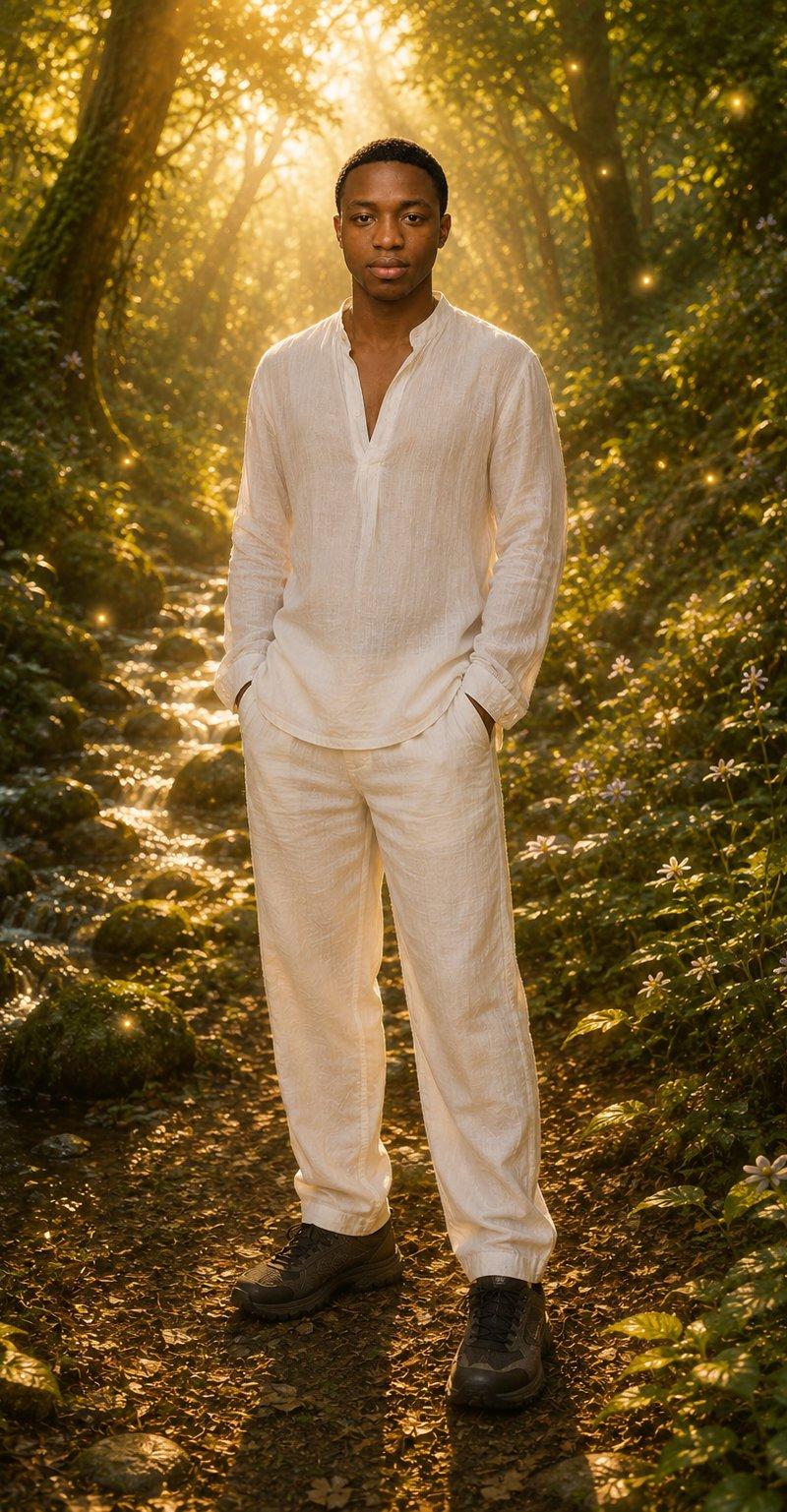
魔法森林全身肖像
Enlarge

Example images

魔法森林全身肖像

Prompt
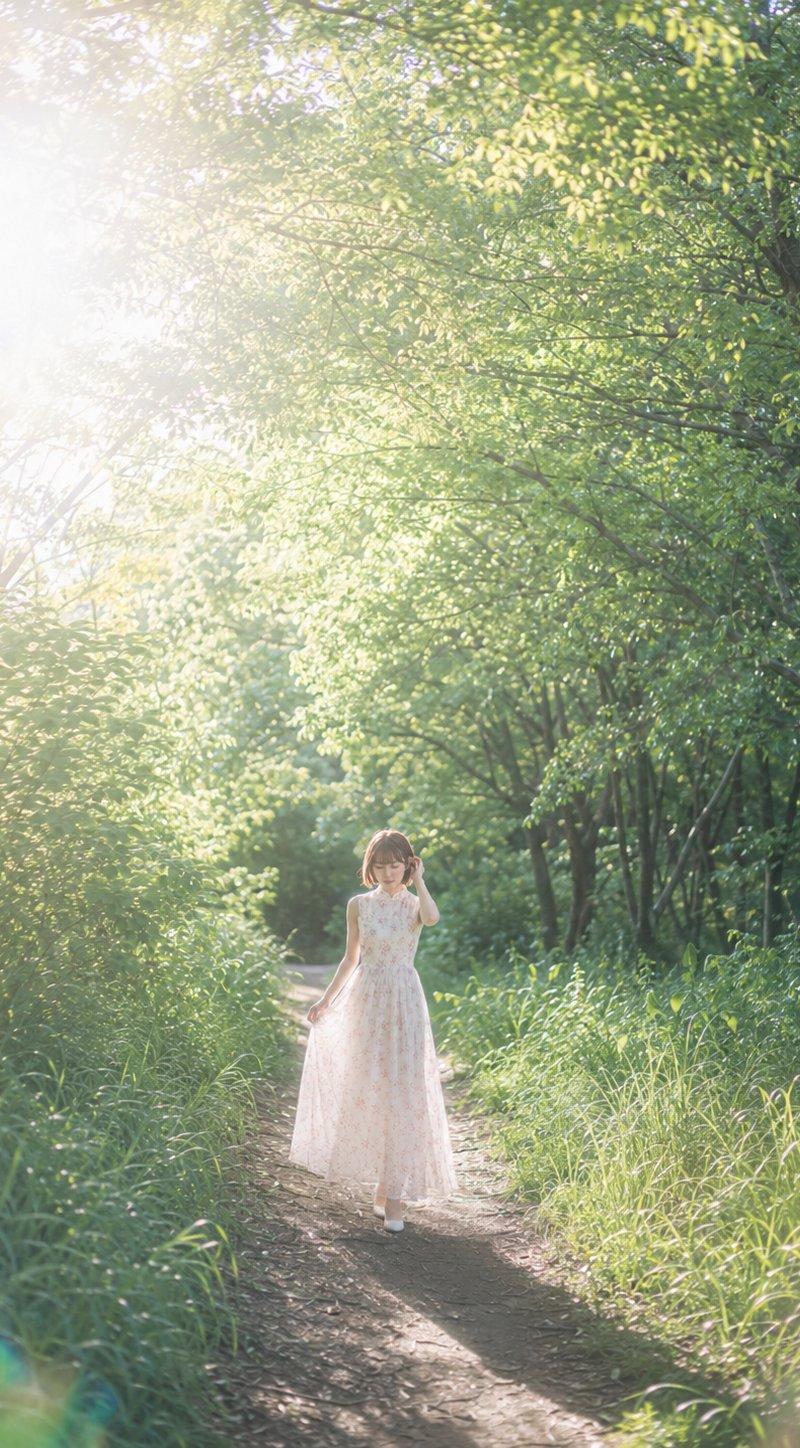
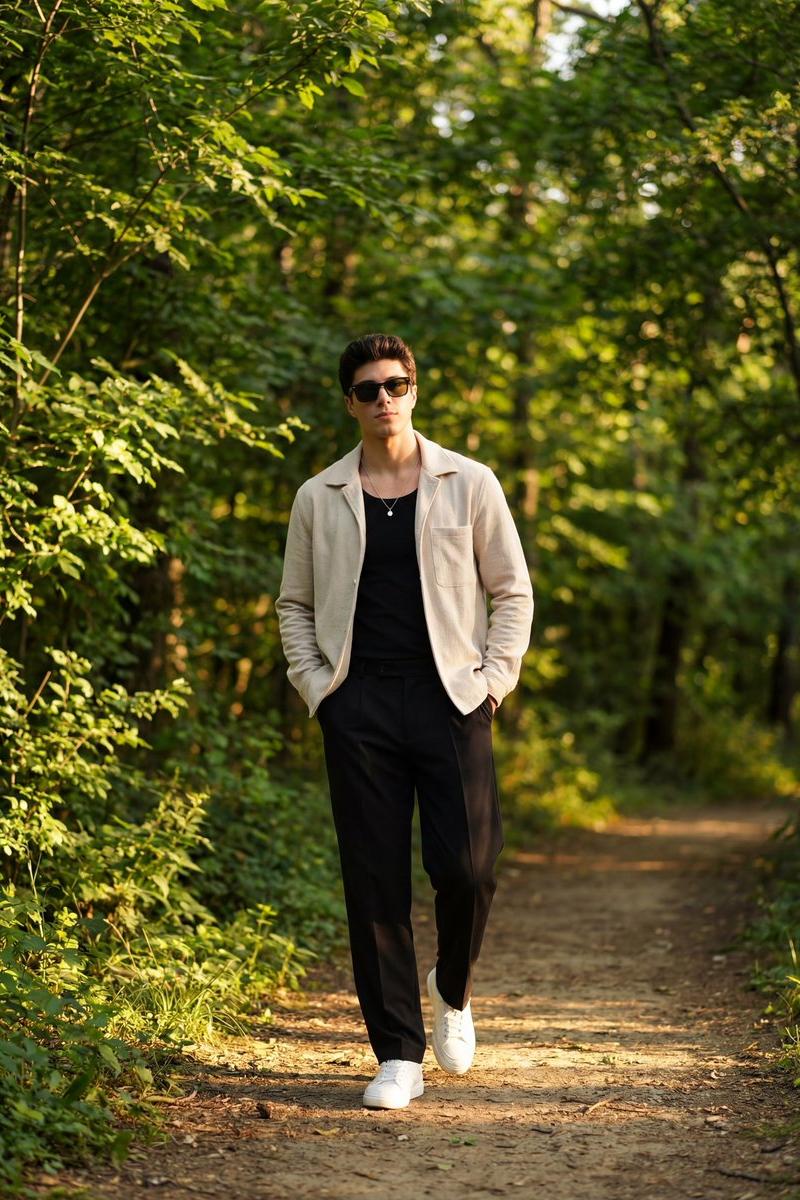
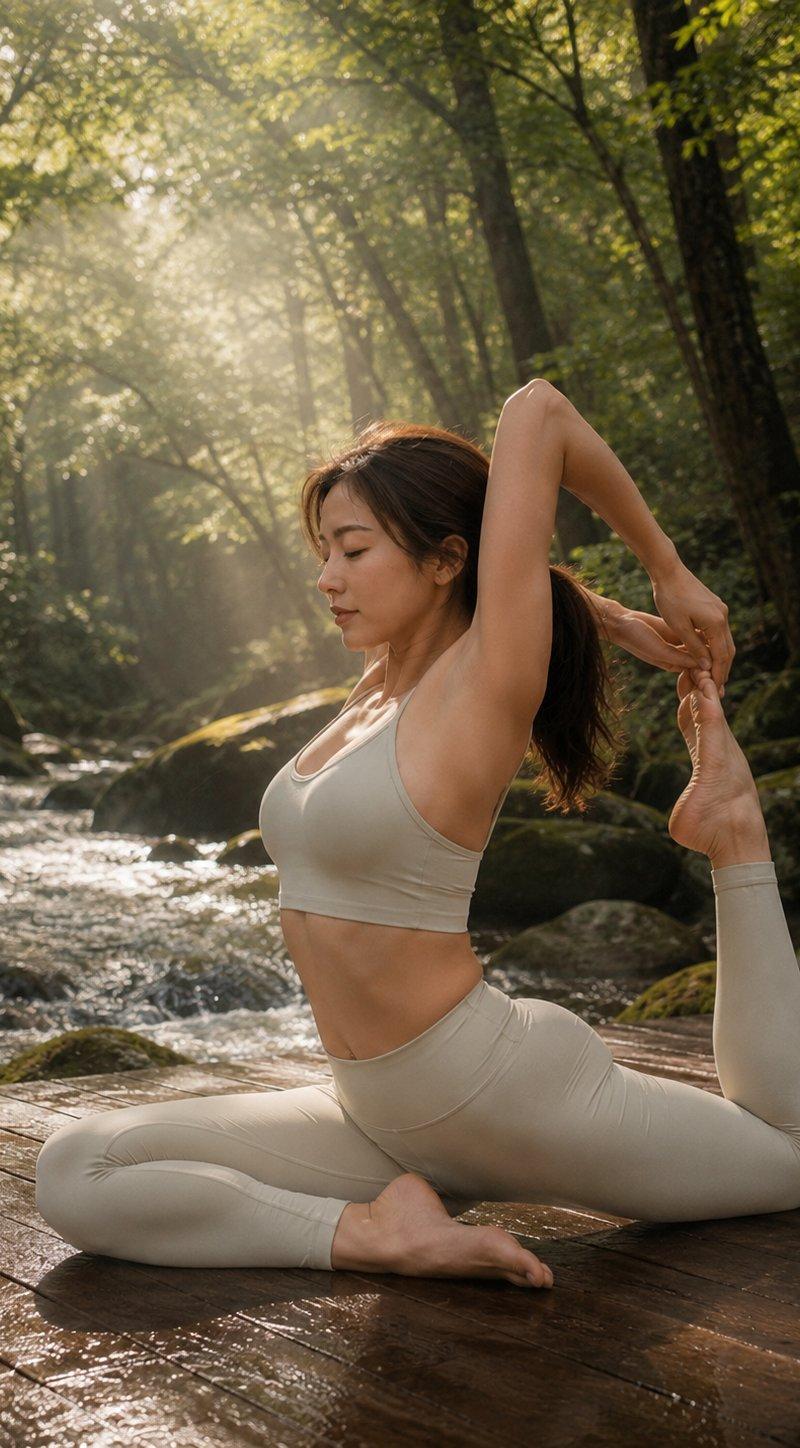
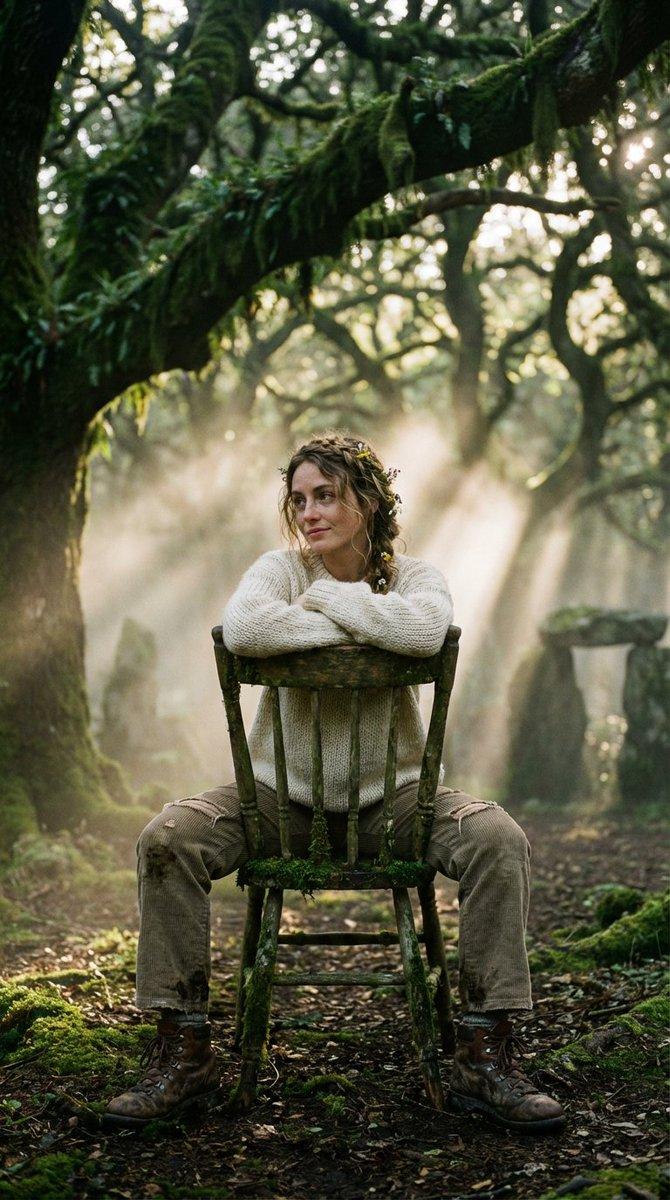
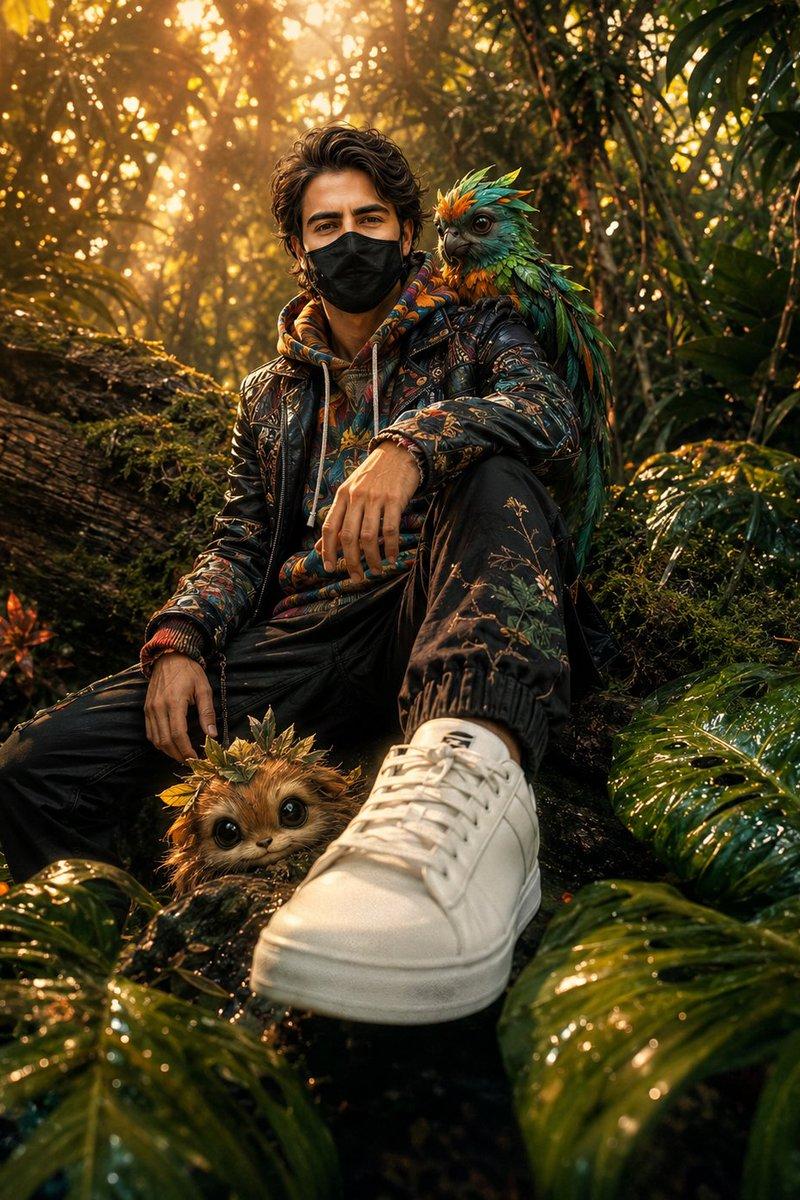
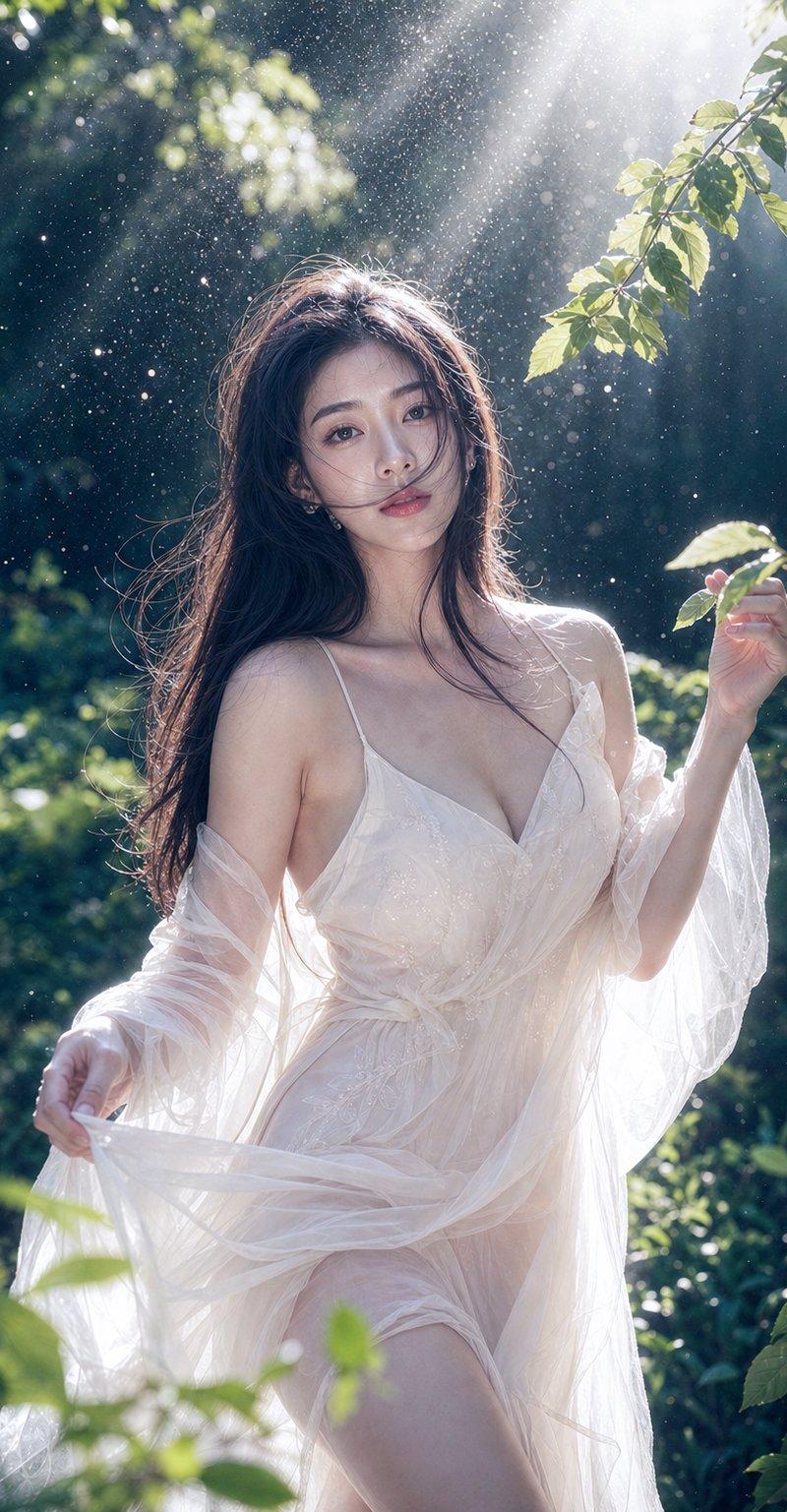
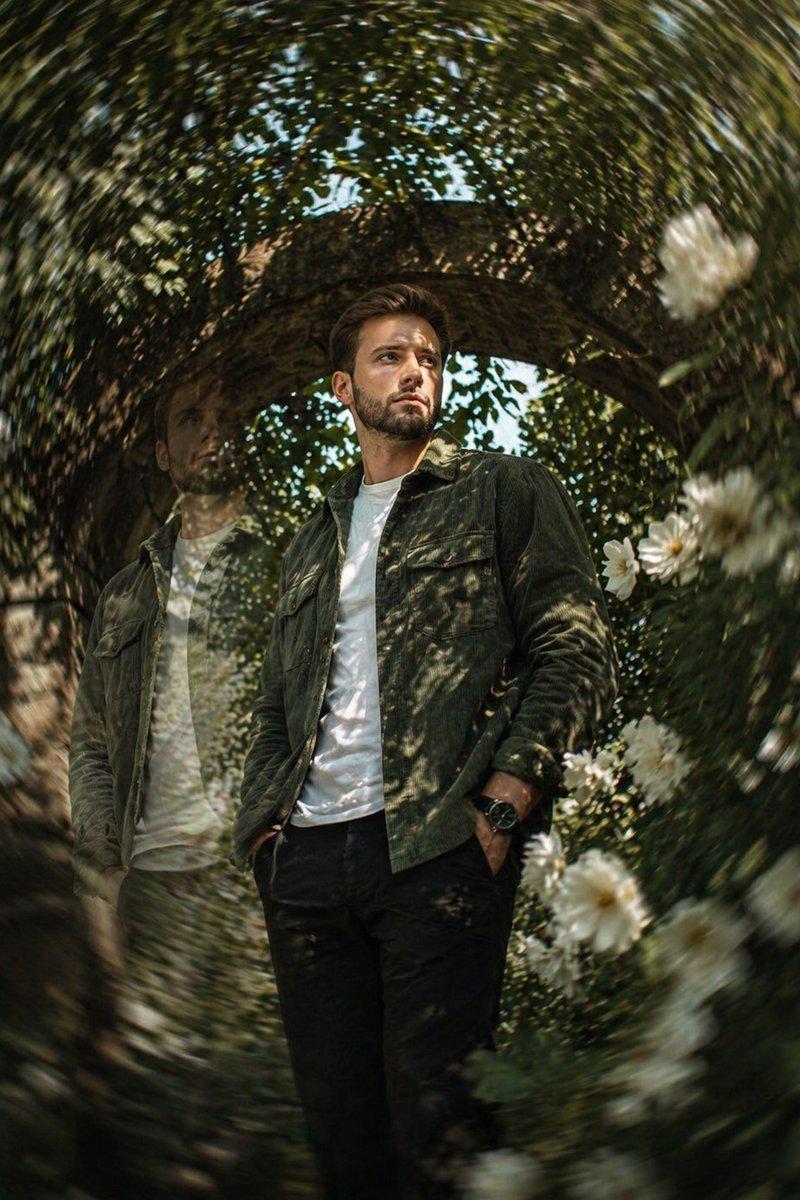
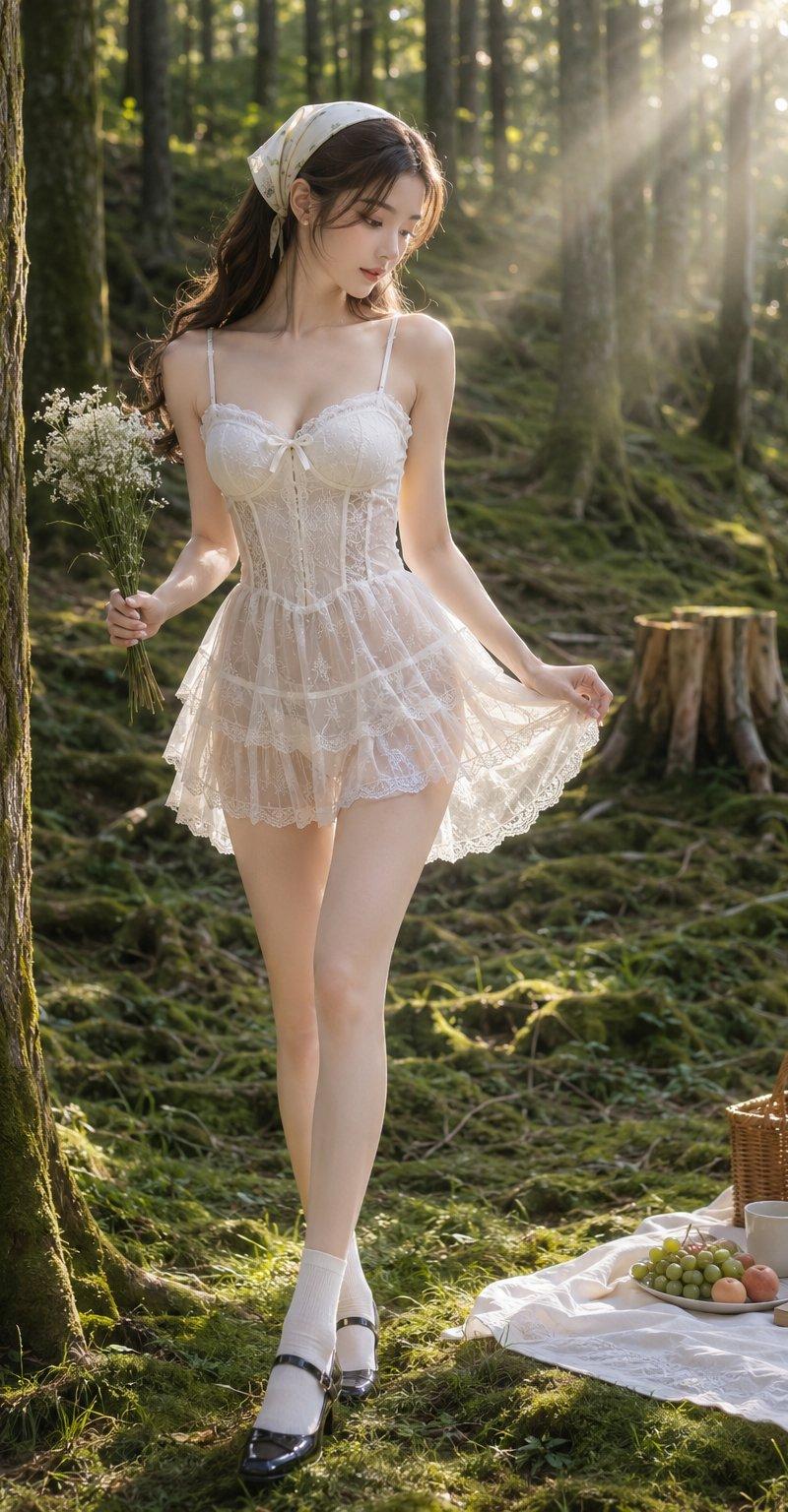
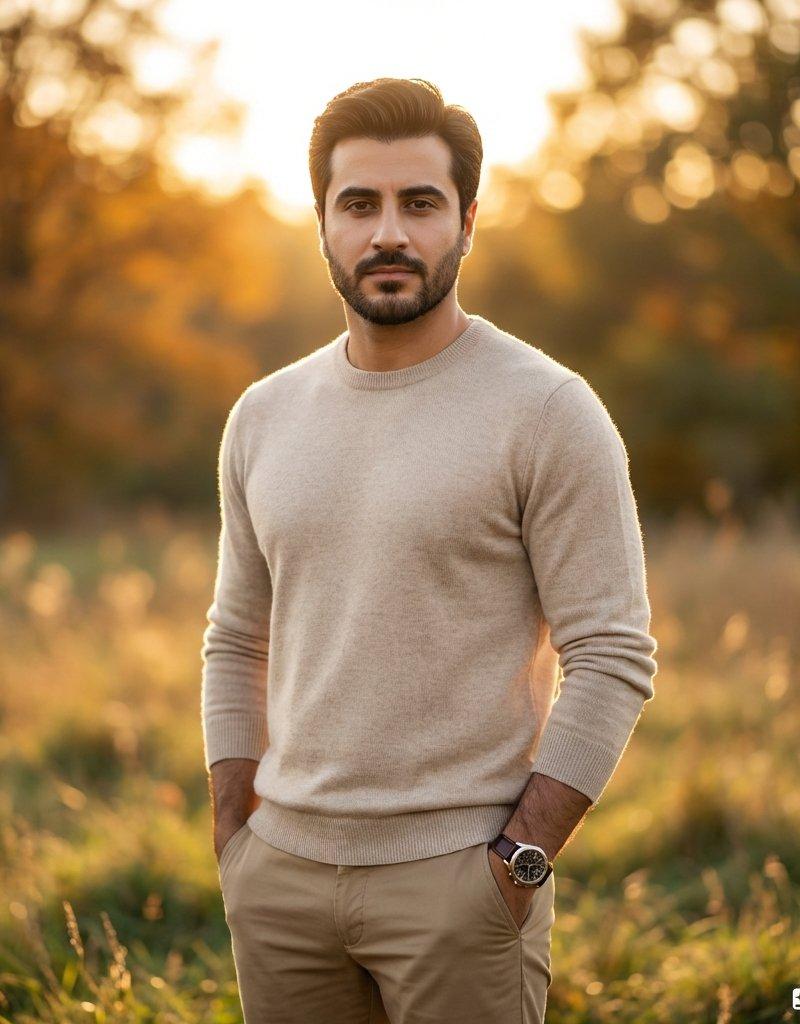
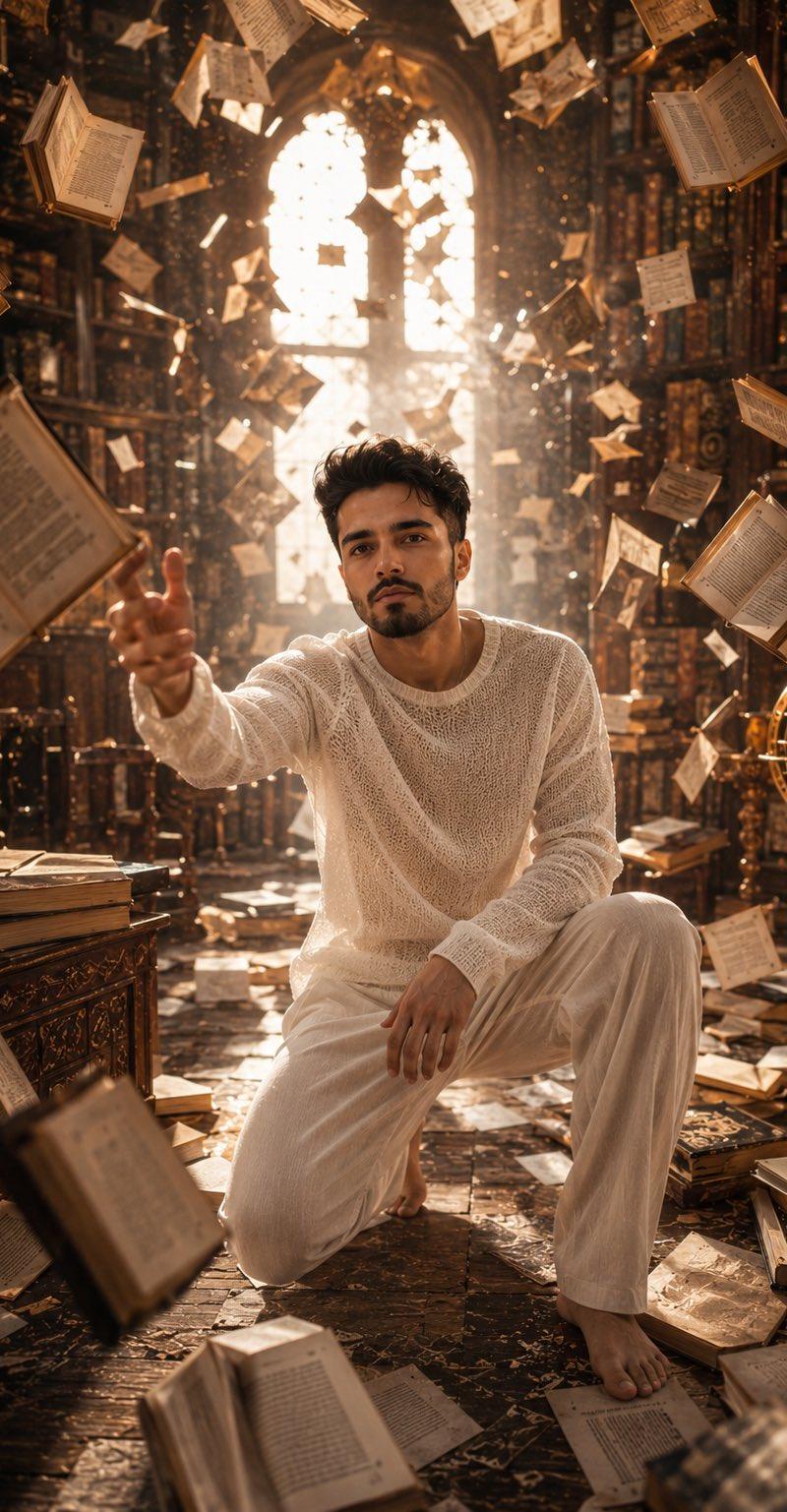
Create a full-body ultra-photorealistic portrait of {argument name="subject" default="an adult man"} standing centered on a narrow woodland path in a magical enchanted forest at golden hour. The subject wears a loose off-white linen tunic with a deep open collar, matching relaxed linen pants, and dark hiking shoes; his hands rest casually in his pants pockets, posture upright and calm, facing the camera. Surround him with dense lush green foliage, mossy rocks, small pale wildflowers, twisting tree trunks, and a shallow sparkling stream running beside the path. Warm sunlight pours from behind the subject through the tree canopy, creating strong golden backlighting, volumetric sun rays, rim light on the clothing, long shadows on the forest floor, and a dreamy cinematic glow. Add numerous tiny floating golden firefly-like light particles throughout the forest, especially around the midground and background. Use a vertical portrait composition, eye-level camera, full body visible from head to shoes, realistic proportions, natural fabric texture, detailed leaves and moss, shallow depth of field, high dynamic range, and an ethereal fantasy atmosphere. Keep the scene photorealistic rather than illustrated, with no text, no watermark, no extra people, and no animals.
Category
Photography & Realism
Model
GPT Image 2
Creator
Abkr Sadiq
Source language
en
Views0
Source ID
26386
Published
Jun 20, 2026
Studio

Guide

About "魔法森林全身肖像"

What is this prompt for?

"魔法森林全身肖像" AI image prompt for GPT Image 2 (Photography & Realism). 生成一张身着亚麻服装的人站在发光魔法森林中的超写实全身肖像,非常适合作为奇幻风格的个人资料图。 Copy it on Picva and recreate the look in o…

The full copyable prompt and example visuals above are ready for AI image generation or one-click recreate in Picva.

How to use this prompt

  1. Step 1

    Open the prompt detail

    Review the example visuals, category, and full prompt text for "魔法森林全身肖像".

  2. Step 2

    Copy the prompt

    Copy the prompt body from this page, or load it directly in Studio.

  3. Step 3

    Pick a model (GPT Image 2)

    Prefer GPT Image 2. If you switch models, keep subject and composition and tweak style terms.

  4. Step 4

    Generate and export

    Recreate the look in Picva, or export into your workflow for editing and publishing.

FAQ

What is the "魔法森林全身肖像" prompt?
It is an AI image-generation prompt for GPT Image 2 in the Photography & Realism category. This page includes the full prompt text, example visuals, and a one-click recreate path in Picva.
How do I use this prompt to generate an image?
Copy the prompt from this page, or use Generate / Studio. Paste it into a compatible image model, or recreate the look in Picva with optional reference images.
Which model is this prompt for?
This page lists GPT Image 2. Most descriptive prompts also transfer to nearby image models such as GPT Image, Flux, or Midjourney with light style tweaks.
Can I use the result commercially?
You can usually copy the prompt for creation, but commercial use of the final image depends on the model terms, reference-image rights, and the generated content. Follow the source author and platform rules.