18

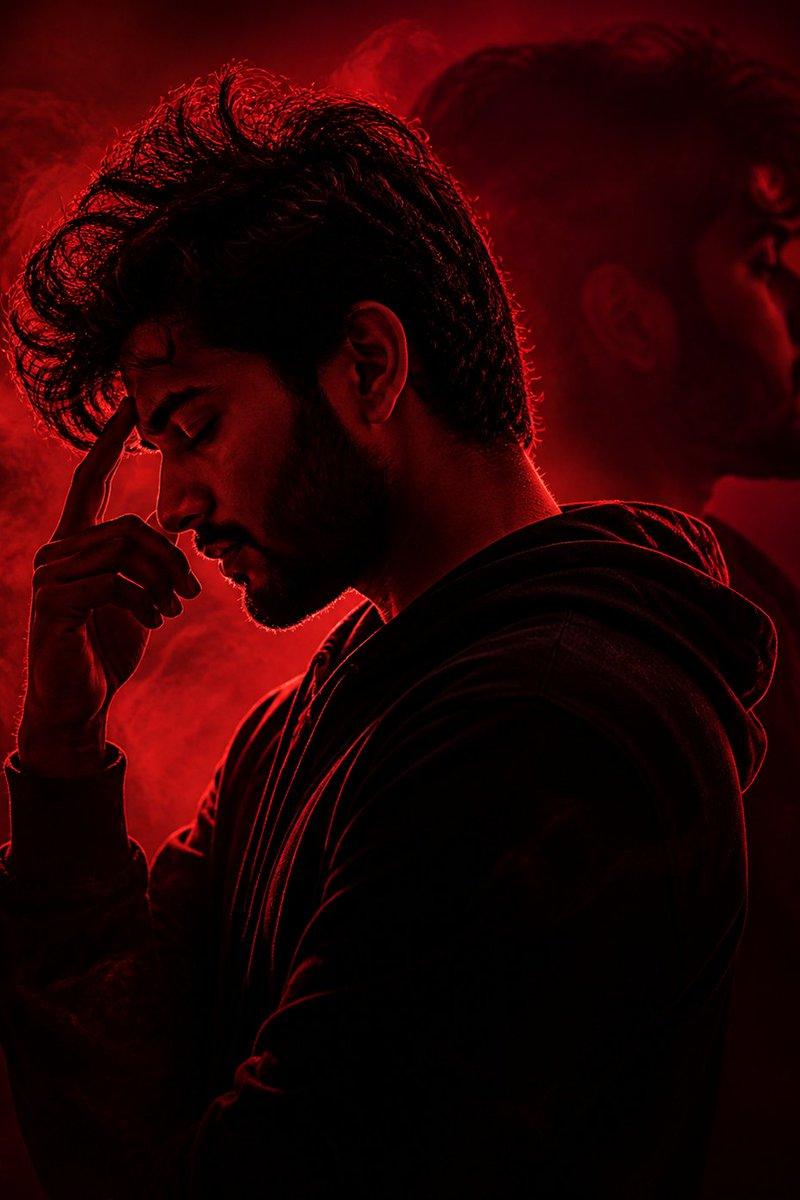
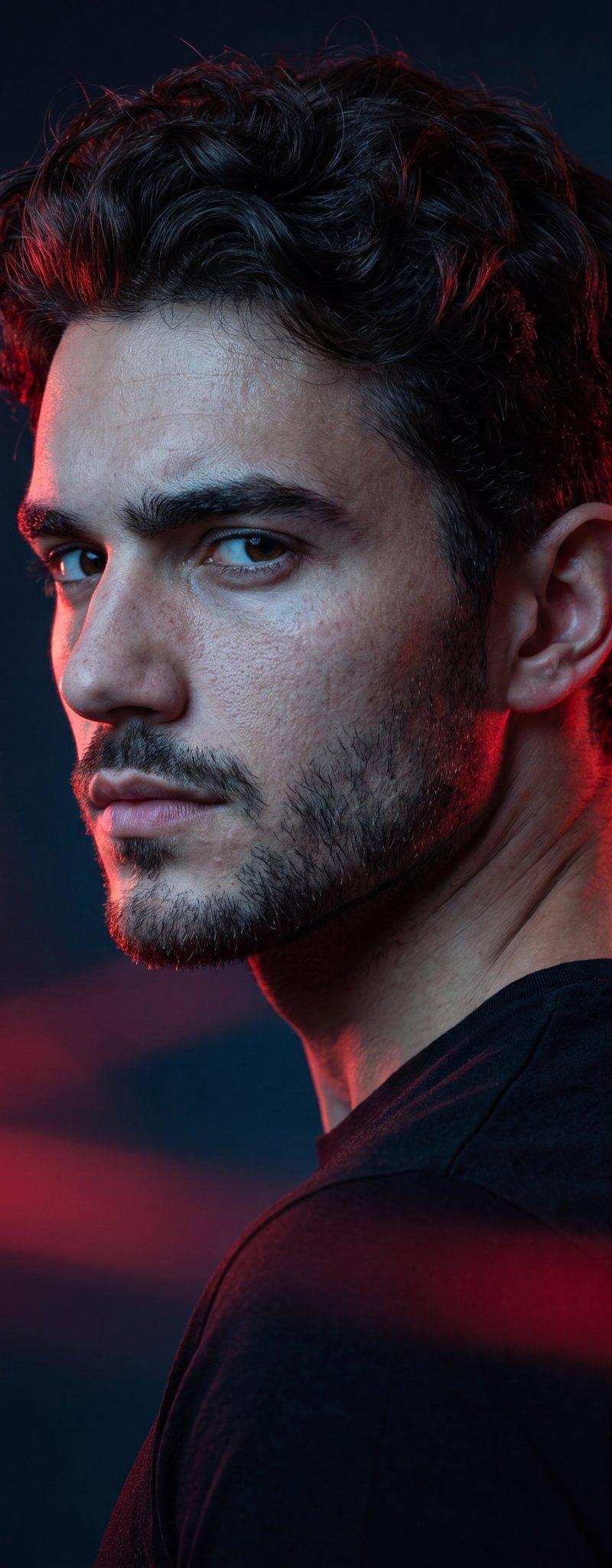
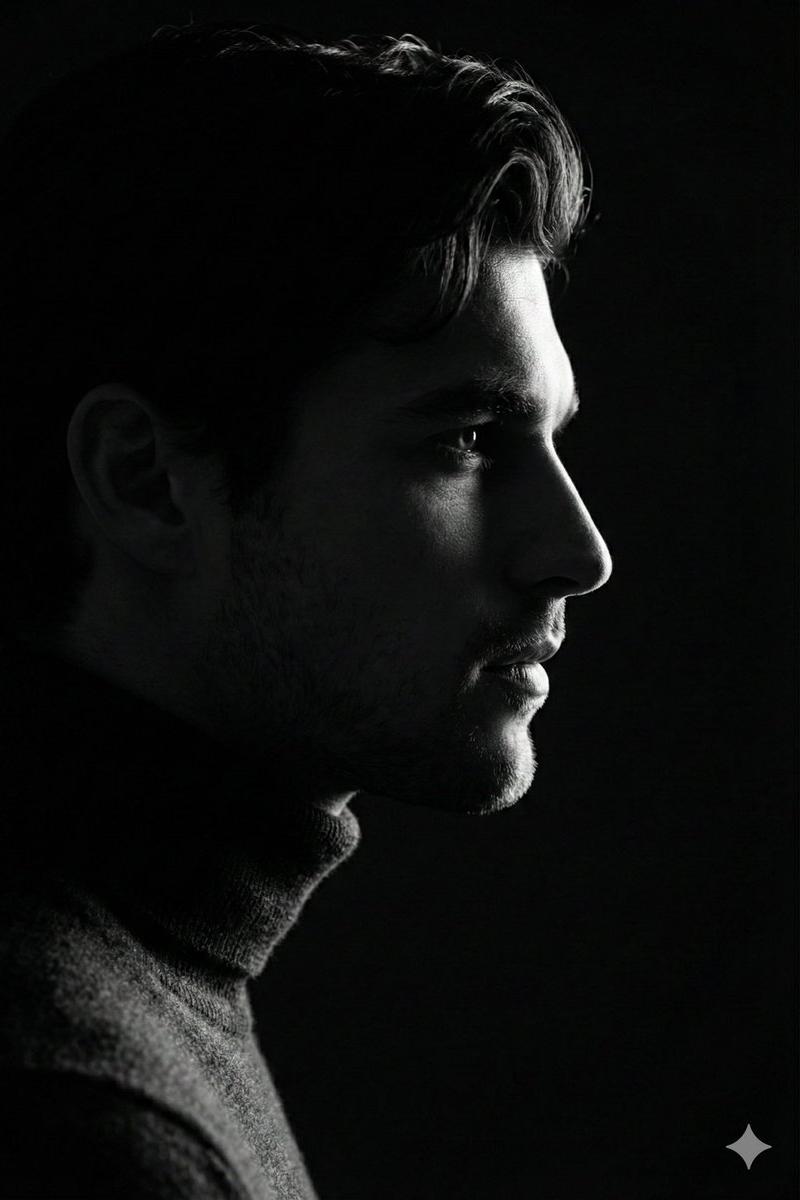
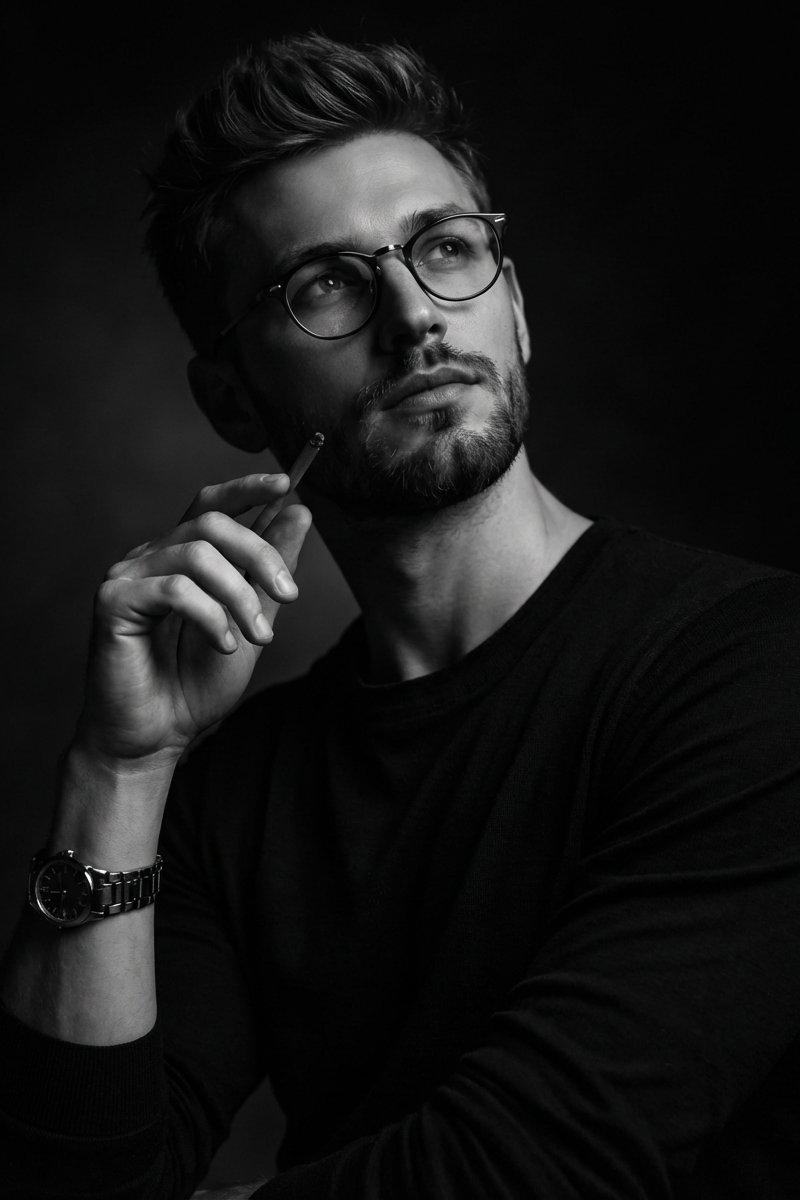
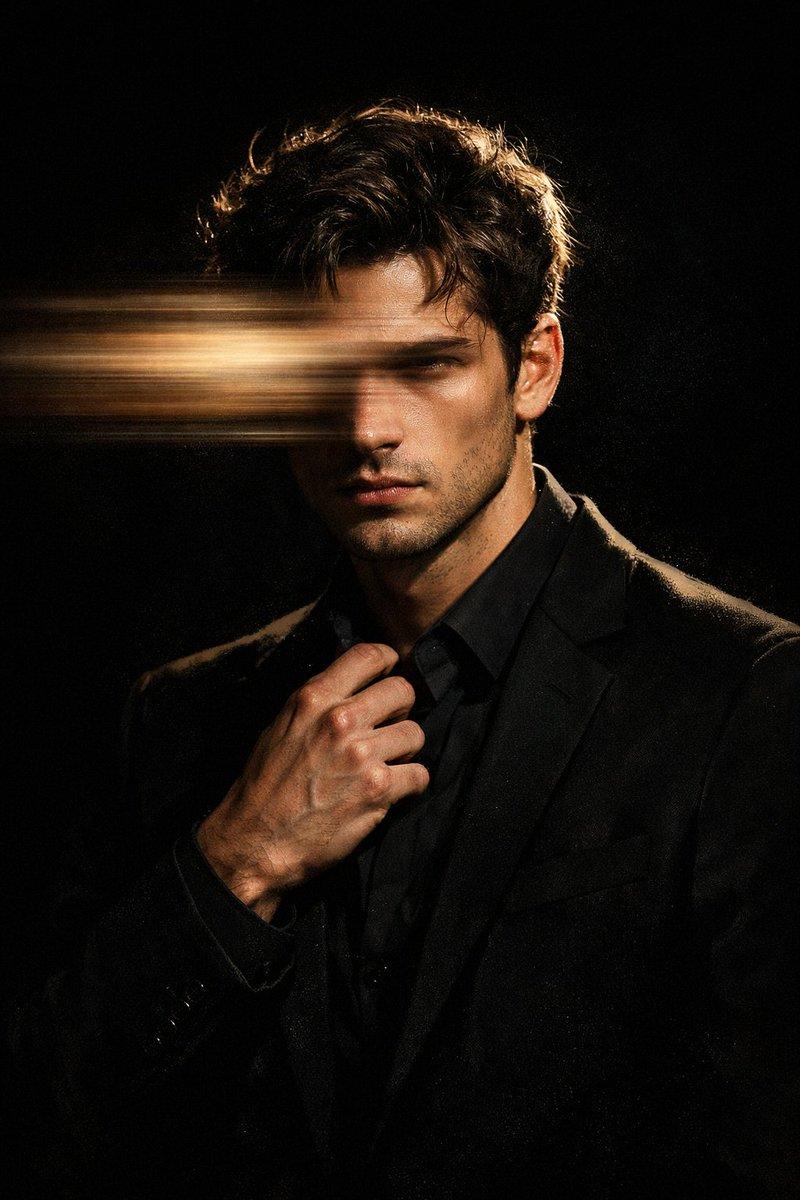
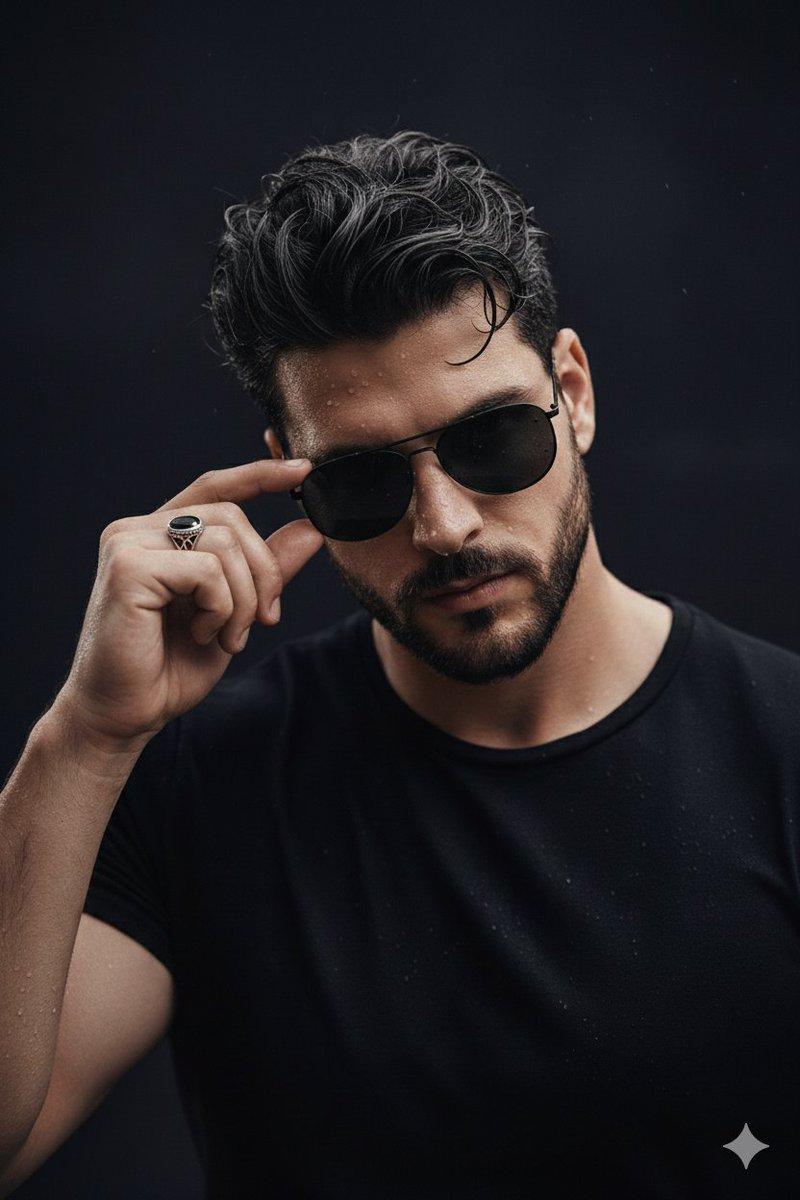
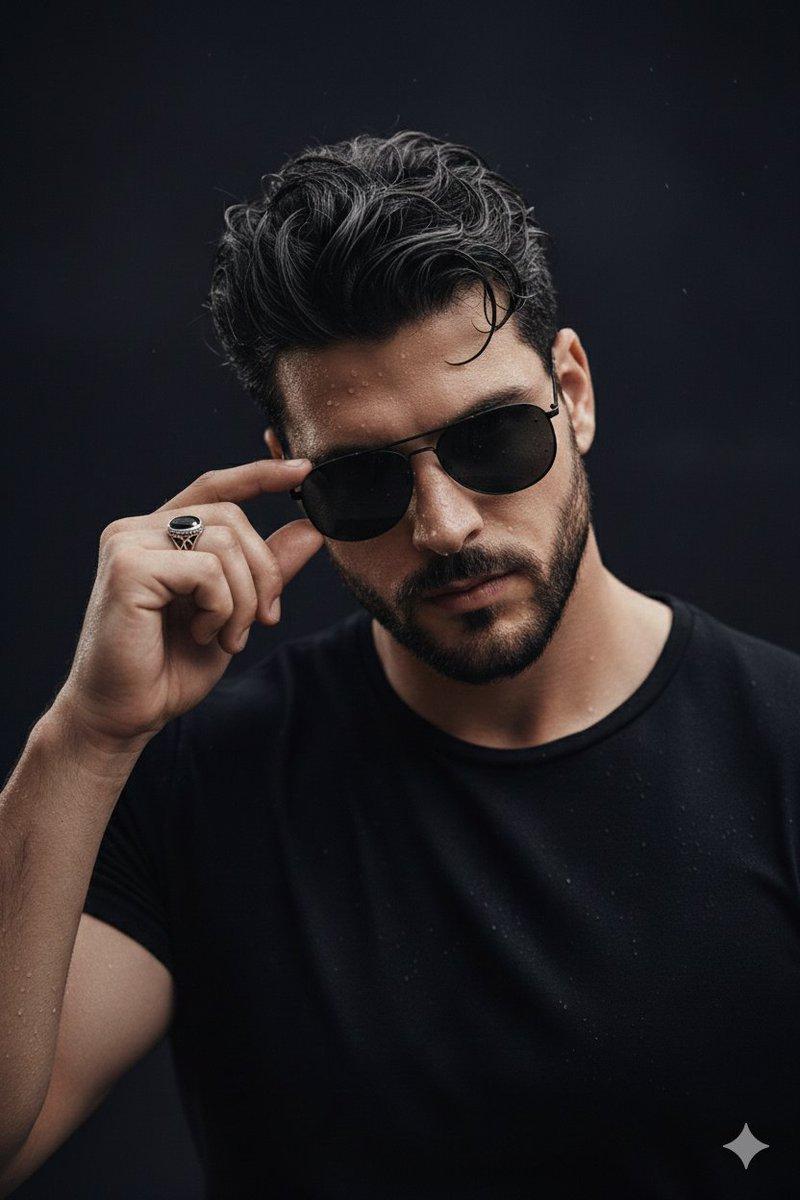
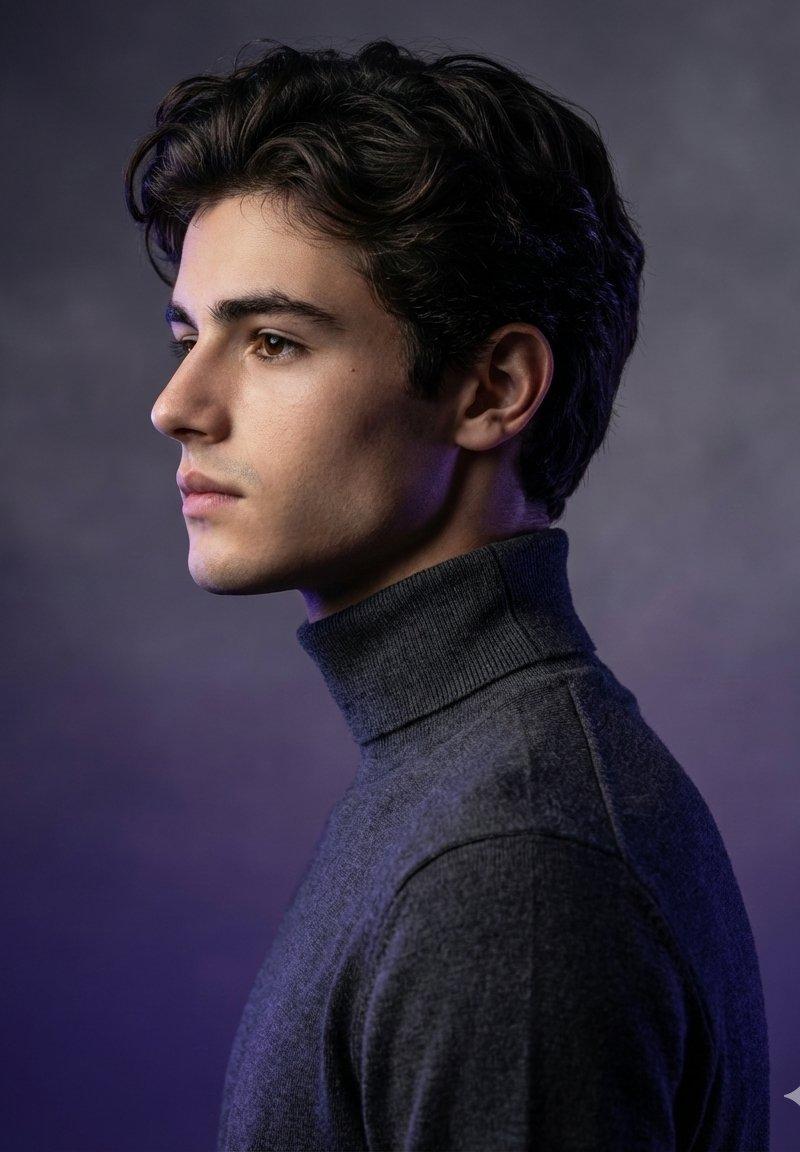
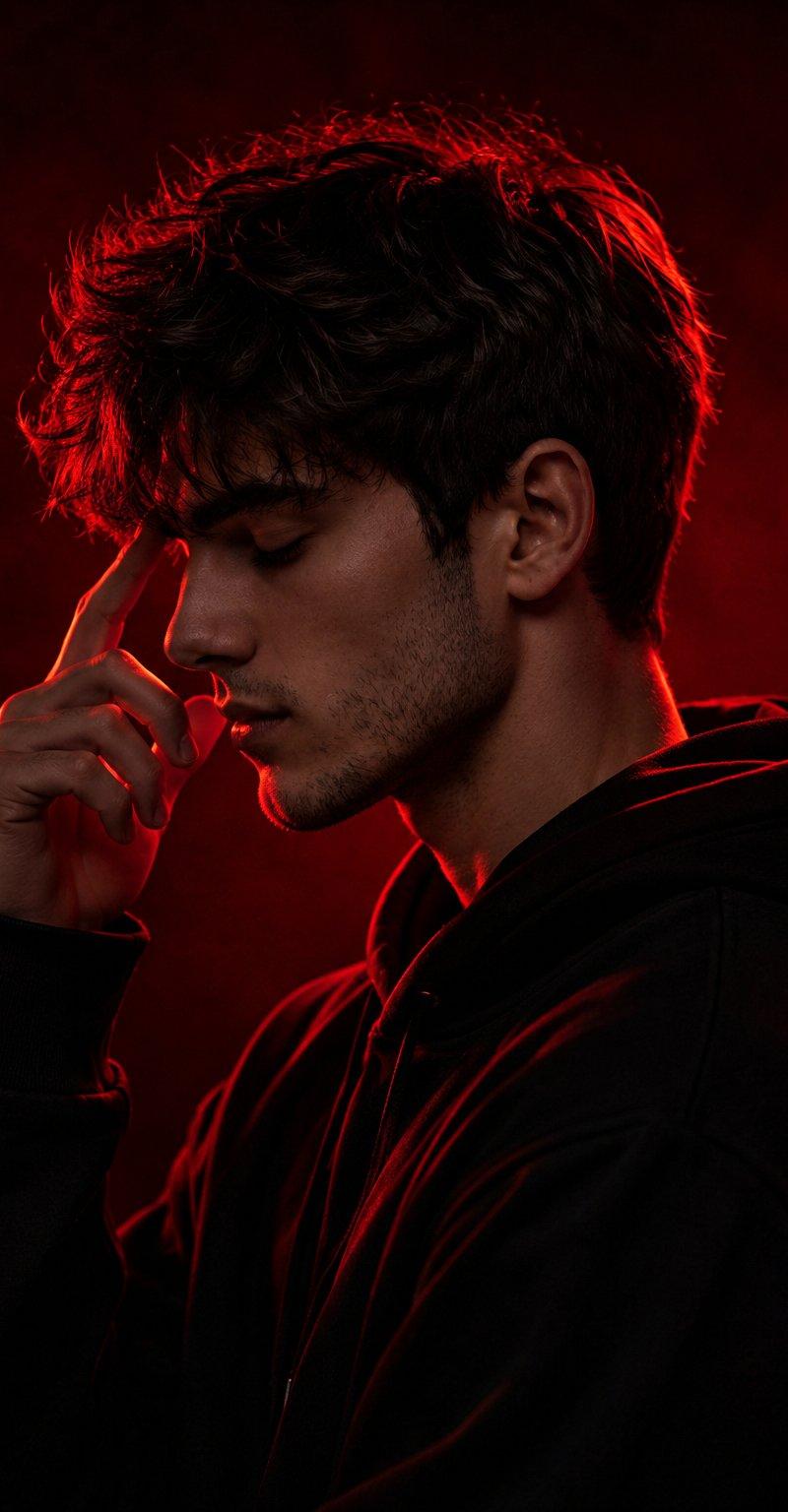
电影感红色剪影肖像
Enlarge

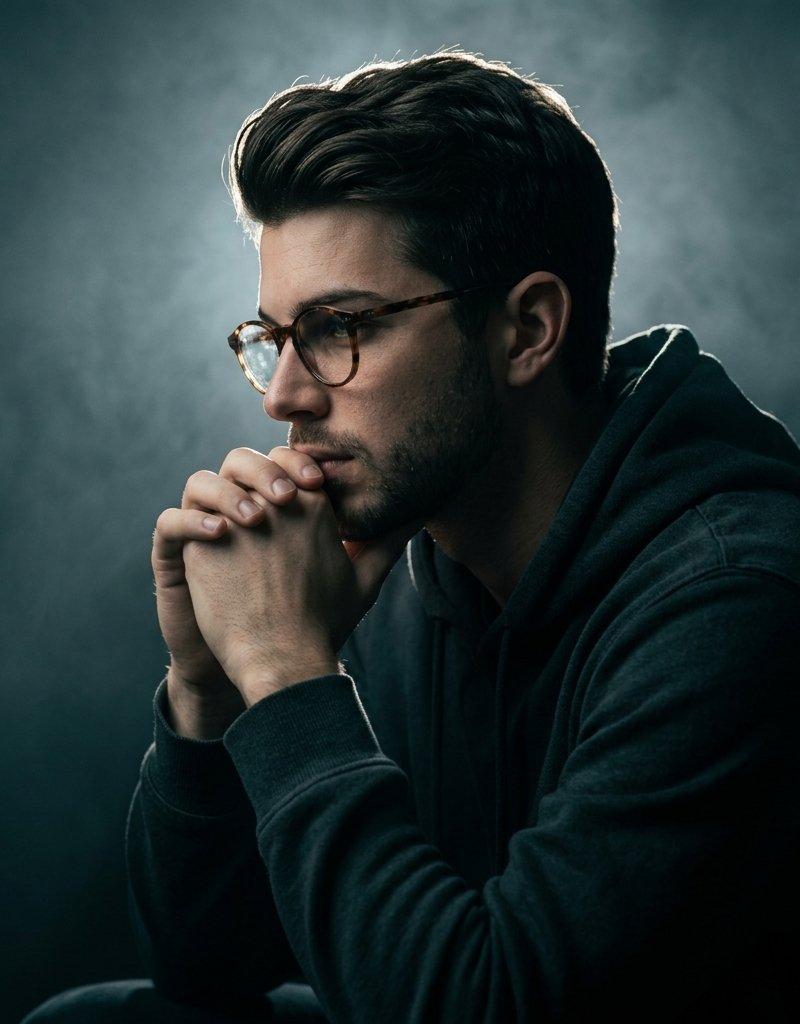
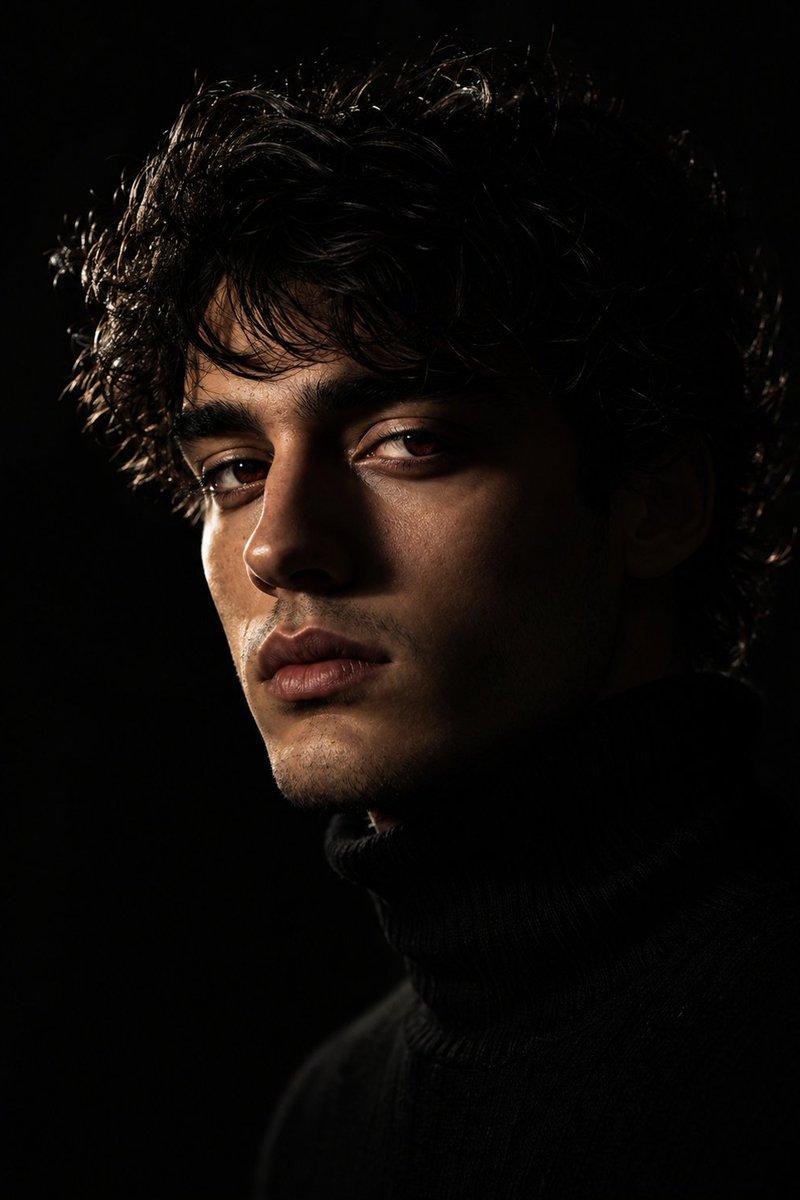
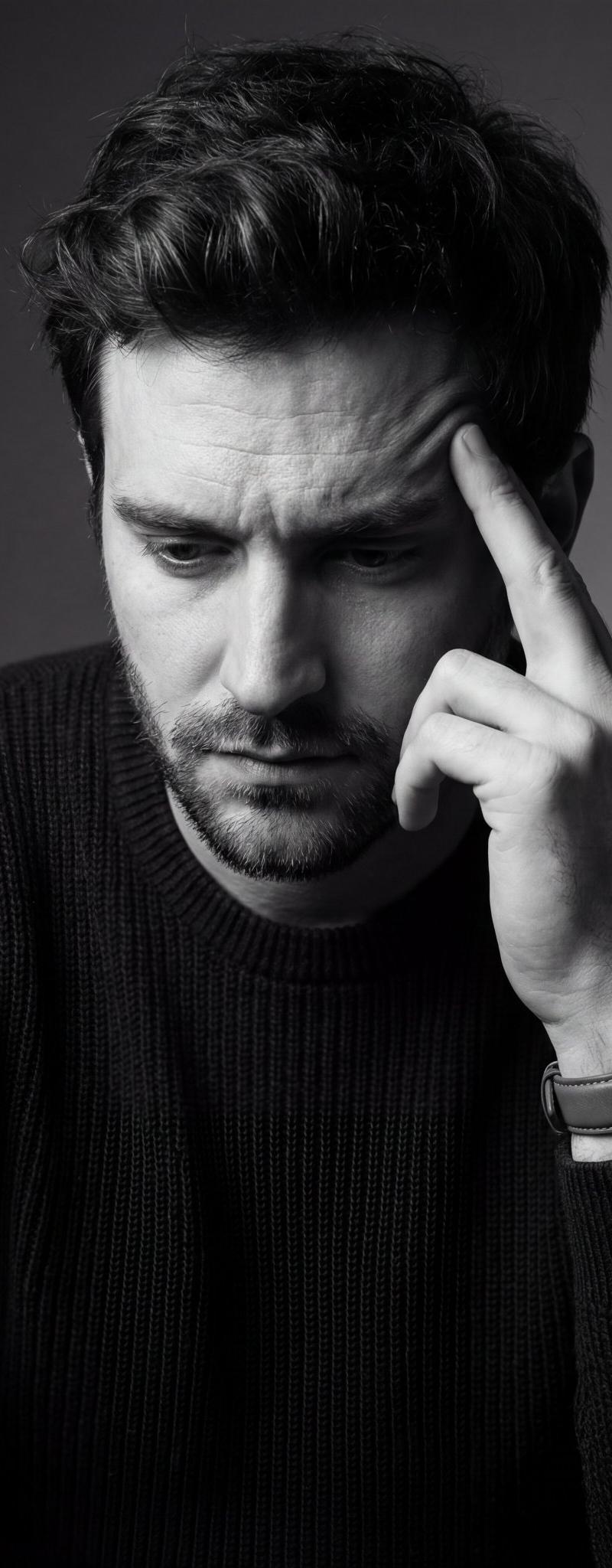
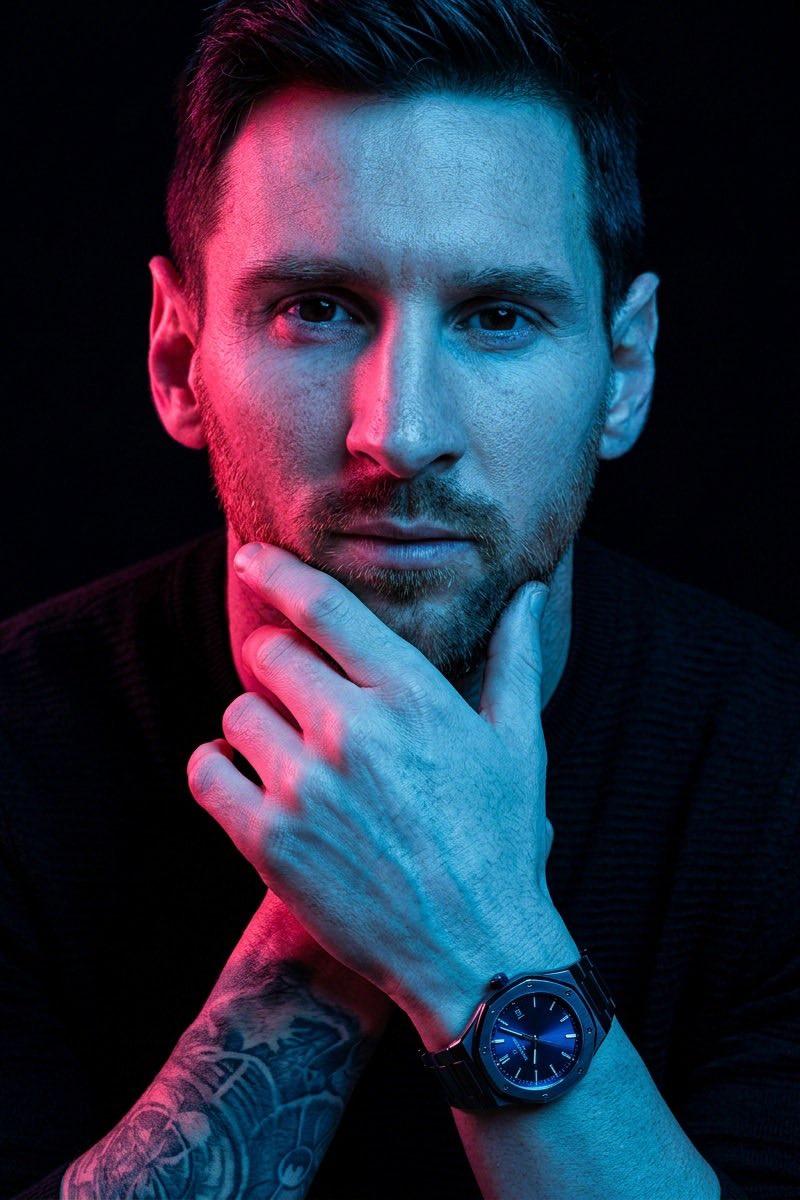
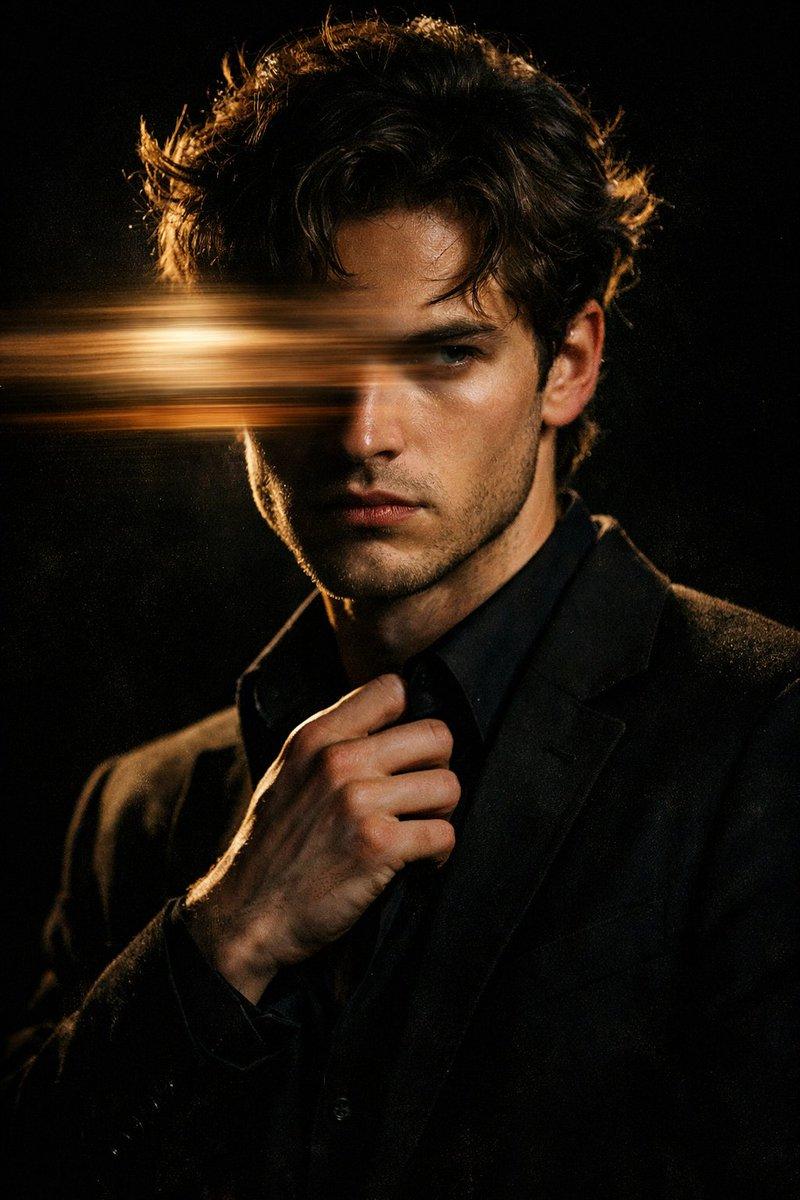
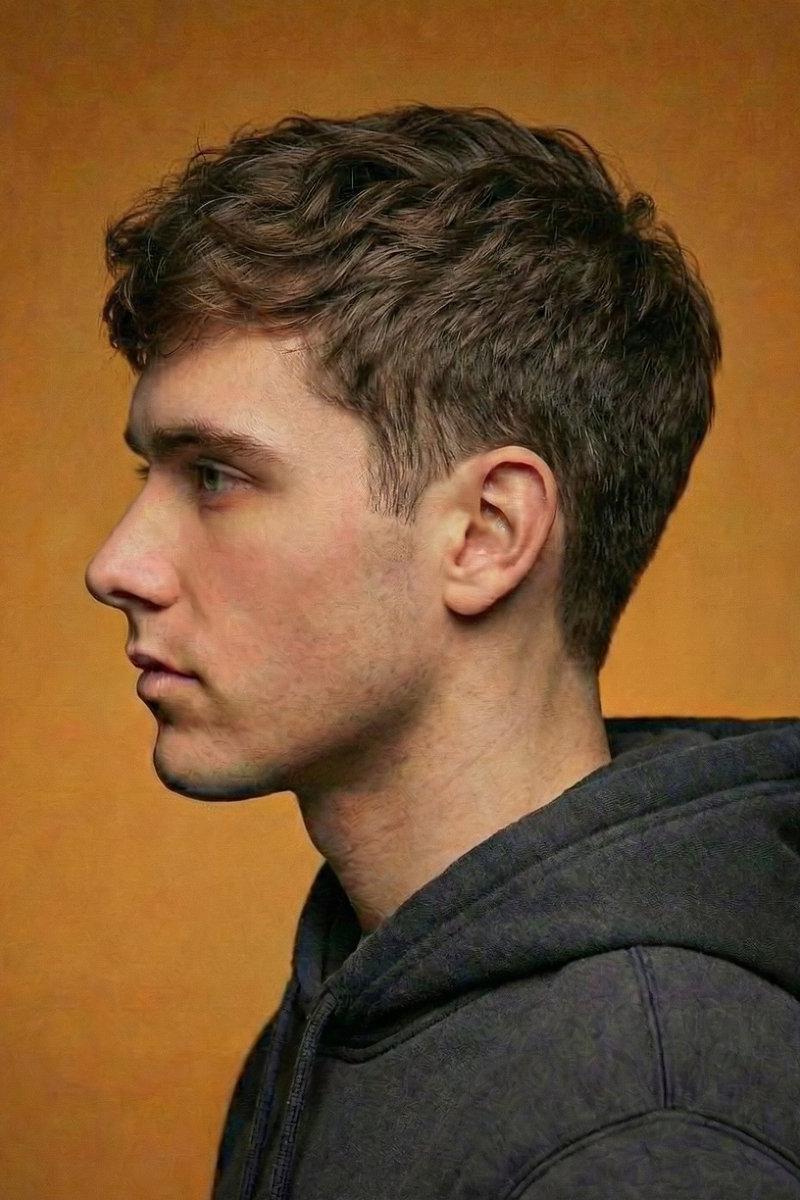
Example images

电影感红色剪影肖像

Prompt
Ultra-cinematic dramatic {argument name="color theme" default="red"} silhouette portrait of a {argument name="subject" default="young man"} in side profile, captured from the shoulders up, standing in a contemplative pose. The man has {argument name="hair style" default="messy textured hair"} and a short rugged beard, (keep face and hair style 100% same as in uploaded image) wearing a casual dark hoodie with soft fabric folds and realistic cloth texture. His eyes are closed and his fingers gently touch his temple, suggesting deep thought, emotional tension, or inner conflict.
Category
Photography & Realism
Model
GPT Image 2
Creator
Harboris
Source language
en
Views0
Source ID
26491
Published
Jun 22, 2026
Studio

Guide

About "电影感红色剪影肖像"

What is this prompt for?

"电影感红色剪影肖像" AI image prompt for GPT Image 2 (Photography & Realism). 生成一张极具戏剧性的红色剪影肖像,主角为一名留着质感发型和粗犷胡须的男性,着重表现情感张力。 Copy it on Picva and recreate the look in o…

The full copyable prompt and example visuals above are ready for AI image generation or one-click recreate in Picva.

How to use this prompt

  1. Step 1

    Open the prompt detail

    Review the example visuals, category, and full prompt text for "电影感红色剪影肖像".

  2. Step 2

    Copy the prompt

    Copy the prompt body from this page, or load it directly in Studio.

  3. Step 3

    Pick a model (GPT Image 2)

    Prefer GPT Image 2. If you switch models, keep subject and composition and tweak style terms.

  4. Step 4

    Generate and export

    Recreate the look in Picva, or export into your workflow for editing and publishing.

FAQ

What is the "电影感红色剪影肖像" prompt?
It is an AI image-generation prompt for GPT Image 2 in the Photography & Realism category. This page includes the full prompt text, example visuals, and a one-click recreate path in Picva.
How do I use this prompt to generate an image?
Copy the prompt from this page, or use Generate / Studio. Paste it into a compatible image model, or recreate the look in Picva with optional reference images.
Which model is this prompt for?
This page lists GPT Image 2. Most descriptive prompts also transfer to nearby image models such as GPT Image, Flux, or Midjourney with light style tweaks.
Can I use the result commercially?
You can usually copy the prompt for creation, but commercial use of the final image depends on the model terms, reference-image rights, and the generated content. Follow the source author and platform rules.