20

节日之夜时尚人像
Enlarge

节日之夜时尚人像

Prompt
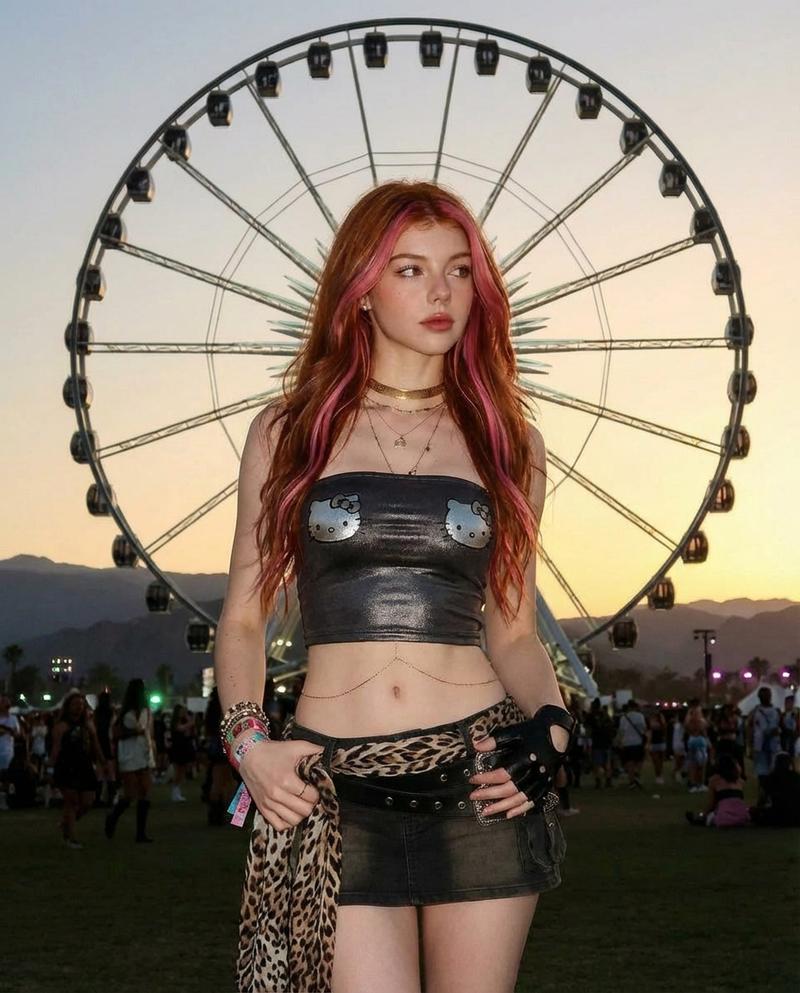
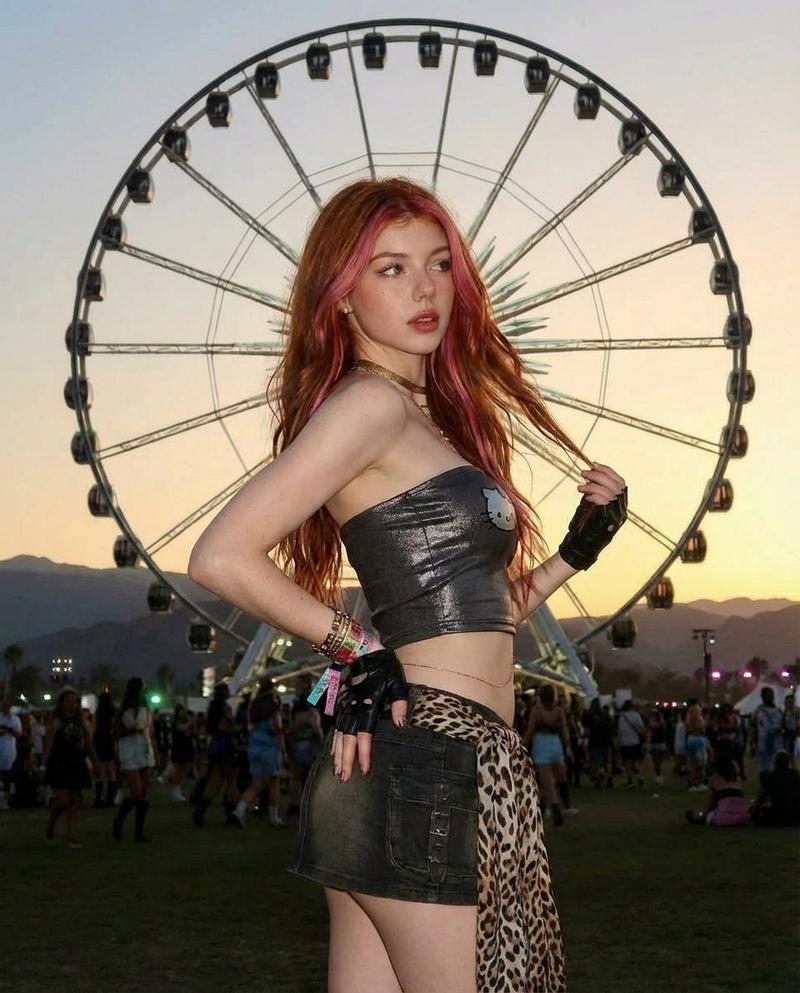
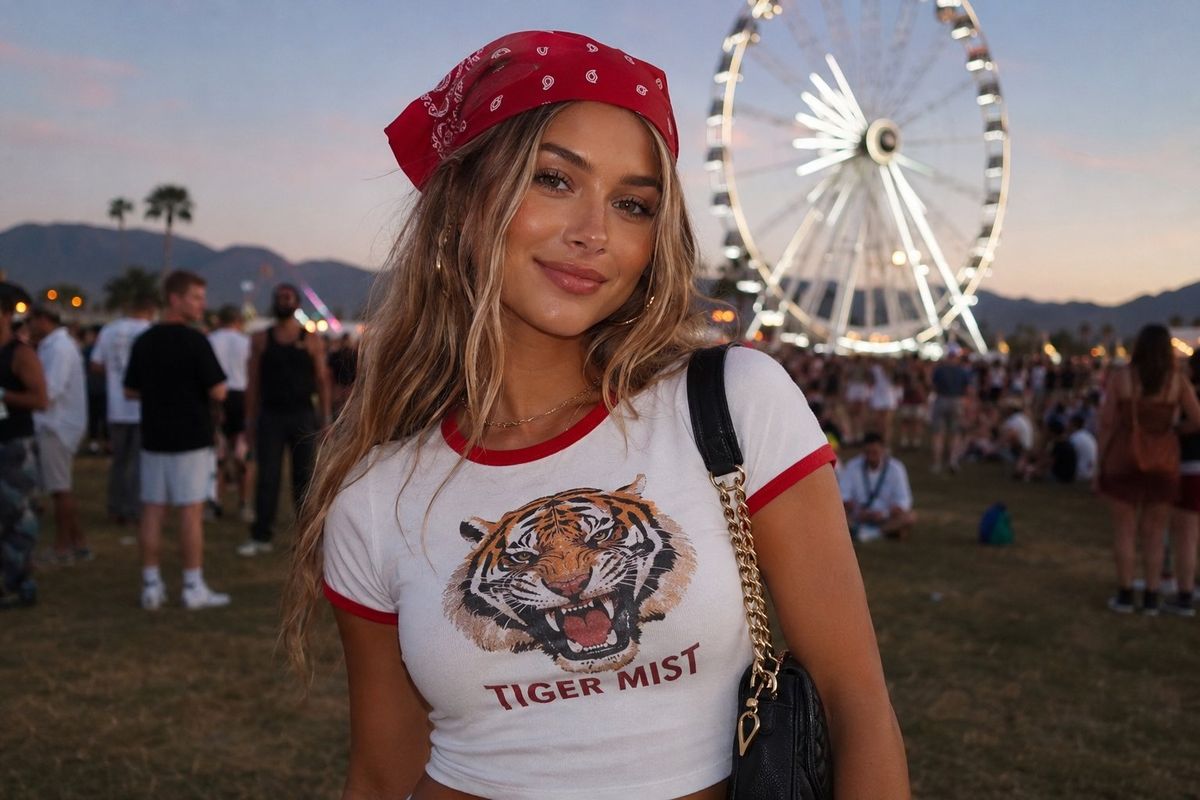
​A medium shot of a {argument name="subject" default="stylish young woman"} posing outdoors at an {argument name="setting" default="evening festival or fair"}. She is wearing a {argument name="clothing" default="white baby tee with red ringer trim"}, featuring a bold graphic illustration of a roaring tiger on the front with the text "TIGER MIST" printed underneath. She wears a bright red bandana tied around her head, with long, wavy blonde-brown hair cascading down. She has a subtle smile, glowing soft-glam makeup, and a black leather shoulder bag with a gold chain strap draped over her shoulder. In the soft-focus background, a large white Ferris wheel stands against a dusk sky, with a blurred crowd on a grassy field, capturing a lively, aesthetic festival vibe. Natural, soft evening lighting, highly detailed, photorealistic.
Category
Photography & Realism
Model
GPT Image 2
Creator
yusra.
Views0
Source ID
26575
Published
Jun 24, 2026

Guide

About "节日之夜时尚人像"

What is this prompt for?

"节日之夜时尚人像" AI image prompt for GPT Image 2 (Photography & Realism). 一张在夜间节日拍摄的时尚中景人像,展现了一位身穿老虎图案 T 恤、佩戴红色头巾的女性,在柔和的嘉年华灯光映衬下显得格外动人。 Copy it on Picva and recreat…

The full copyable prompt and example visuals above are ready for AI image generation or one-click recreate in Picva.

How to use this prompt

  1. Step 1

    Open the prompt detail

    Review the example visuals, category, and full prompt text for "节日之夜时尚人像".

  2. Step 2

    Copy the prompt

    Copy the prompt body from this page, or load it directly in Studio.

  3. Step 3

    Pick a model (GPT Image 2)

    Prefer GPT Image 2. If you switch models, keep subject and composition and tweak style terms.

  4. Step 4

    Generate and export

    Recreate the look in Picva, or export into your workflow for editing and publishing.

FAQ

What is the "节日之夜时尚人像" prompt?
It is an AI image-generation prompt for GPT Image 2 in the Photography & Realism category. This page includes the full prompt text, example visuals, and a one-click recreate path in Picva.
How do I use this prompt to generate an image?
Copy the prompt from this page, or use Generate / Studio. Paste it into a compatible image model, or recreate the look in Picva with optional reference images.
Which model is this prompt for?
This page lists GPT Image 2. Most descriptive prompts also transfer to nearby image models such as GPT Image, Flux, or Midjourney with light style tweaks.
Can I use the result commercially?
You can usually copy the prompt for creation, but commercial use of the final image depends on the model terms, reference-image rights, and the generated content. Follow the source author and platform rules.