16

极简水彩动漫肖像提示词
Enlarge

Example images

极简水彩动漫肖像提示词

Prompt
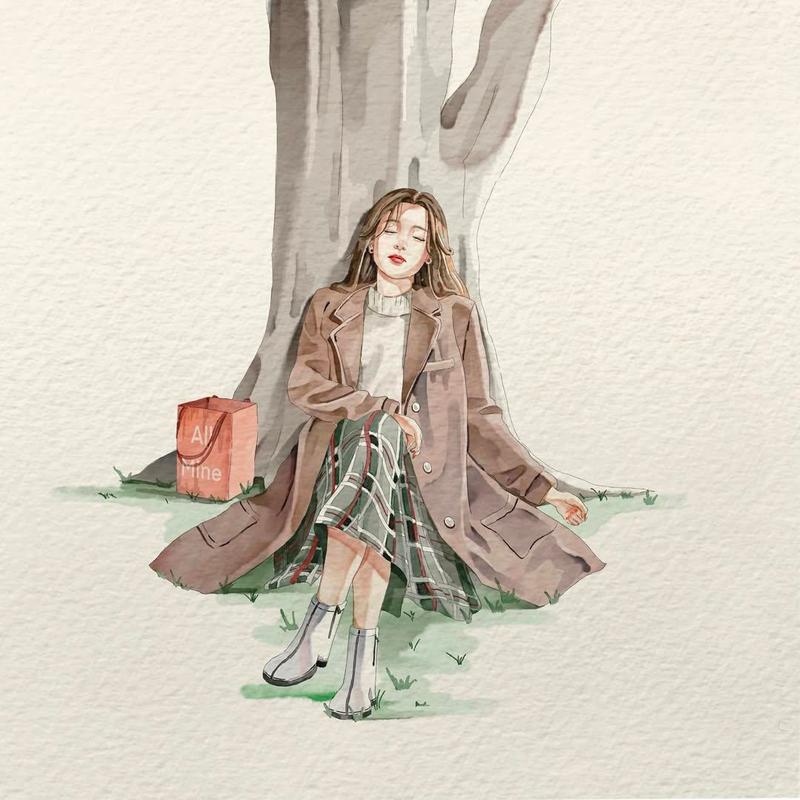
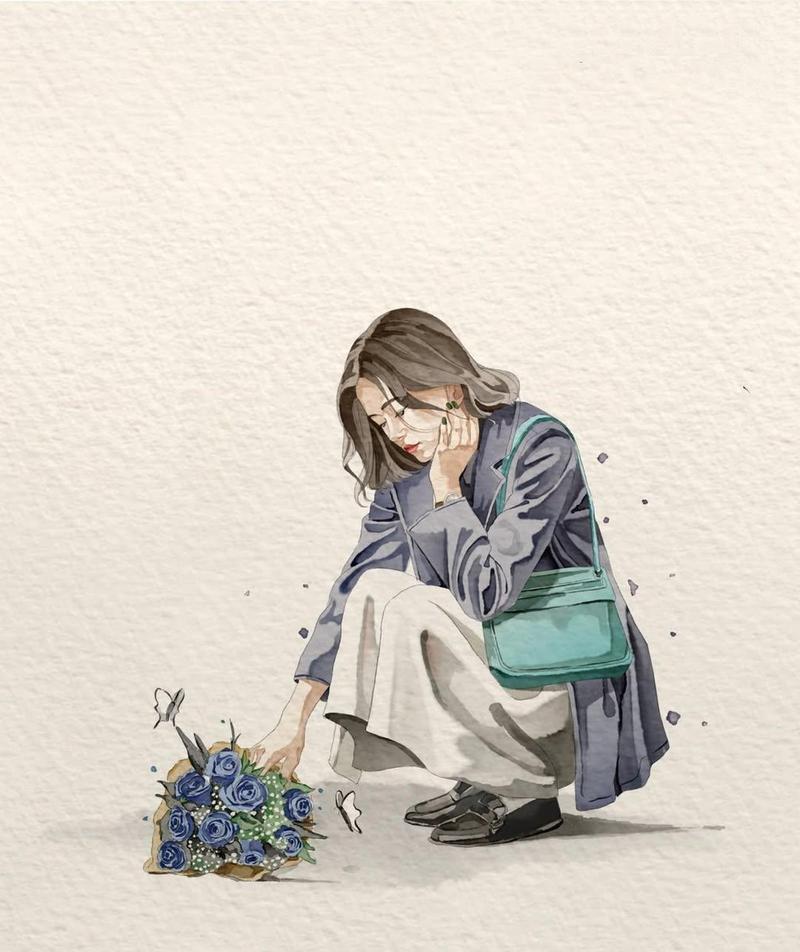
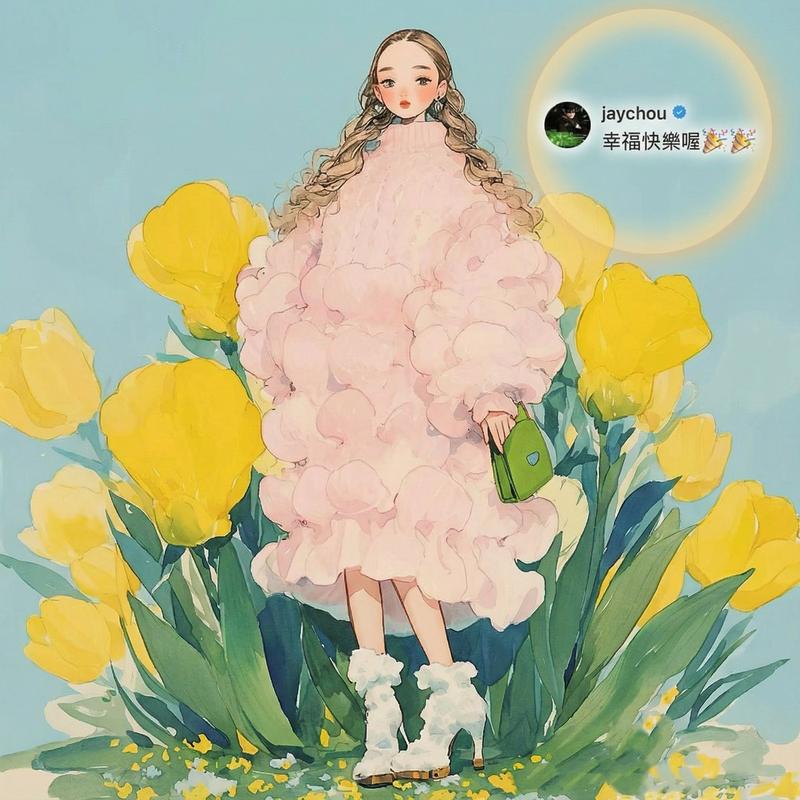
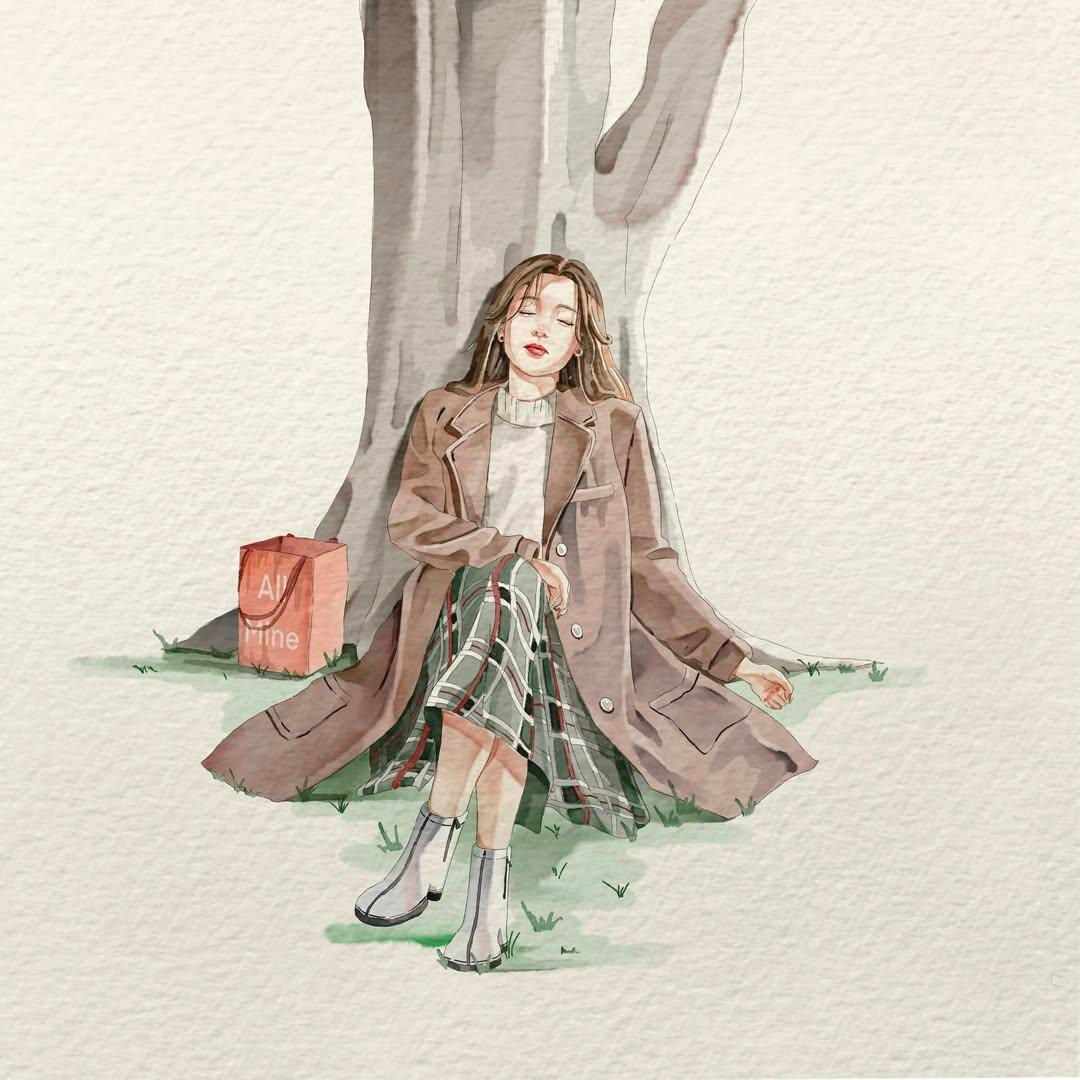
Minimalist watercolor illustration of a young woman in a candid everyday moment, soft hand-painted anime aesthetic, delicate ink outlines, textured watercolor paper background, muted pastel color palette, expressive pose, flowing clothing folds, subtle paint splashes and pigment blooms around the subject, clean negative space, gentle lighting, sketchbook artwork, elegant brushwork, dreamy atmosphere, highly detailed watercolor shading, soft edges, artistic imperfections, lifestyle fashion illustration, centered composition, light beige paper texture, modern Japanese watercolor art style, peaceful and emotional mood, high-quality traditional watercolor painting.
Style Keywords
watercolor on textured paper
minimalist composition
soft pastel tones
anime-inspired illustration
delicate line art
paint splatter accents
hand-painted aesthetic
sketchbook style
airy negative space
subtle shadows
elegant fashion illustration
cozy everyday moments
Category
Photography & Realism
Model
GPT Image 2
Creator
K
Views0
Source ID
26582
Published
Jun 23, 2026

Guide

About "极简水彩动漫肖像提示词"

What is this prompt for?

"极简水彩动漫肖像提示词" AI image prompt for GPT Image 2 (Photography & Realism). 生成一幅细腻的水彩插画,描绘年轻女性的日常瞬间,融合柔和的动漫美学与纹理纸张上的颜料飞溅细节。 Copy it on Picva and recreate the look i…

The full copyable prompt and example visuals above are ready for AI image generation or one-click recreate in Picva.

How to use this prompt

  1. Step 1

    Open the prompt detail

    Review the example visuals, category, and full prompt text for "极简水彩动漫肖像提示词".

  2. Step 2

    Copy the prompt

    Copy the prompt body from this page, or load it directly in Studio.

  3. Step 3

    Pick a model (GPT Image 2)

    Prefer GPT Image 2. If you switch models, keep subject and composition and tweak style terms.

  4. Step 4

    Generate and export

    Recreate the look in Picva, or export into your workflow for editing and publishing.

FAQ

What is the "极简水彩动漫肖像提示词" prompt?
It is an AI image-generation prompt for GPT Image 2 in the Photography & Realism category. This page includes the full prompt text, example visuals, and a one-click recreate path in Picva.
How do I use this prompt to generate an image?
Copy the prompt from this page, or use Generate / Studio. Paste it into a compatible image model, or recreate the look in Picva with optional reference images.
Which model is this prompt for?
This page lists GPT Image 2. Most descriptive prompts also transfer to nearby image models such as GPT Image, Flux, or Midjourney with light style tweaks.
Can I use the result commercially?
You can usually copy the prompt for creation, but commercial use of the final image depends on the model terms, reference-image rights, and the generated content. Follow the source author and platform rules.