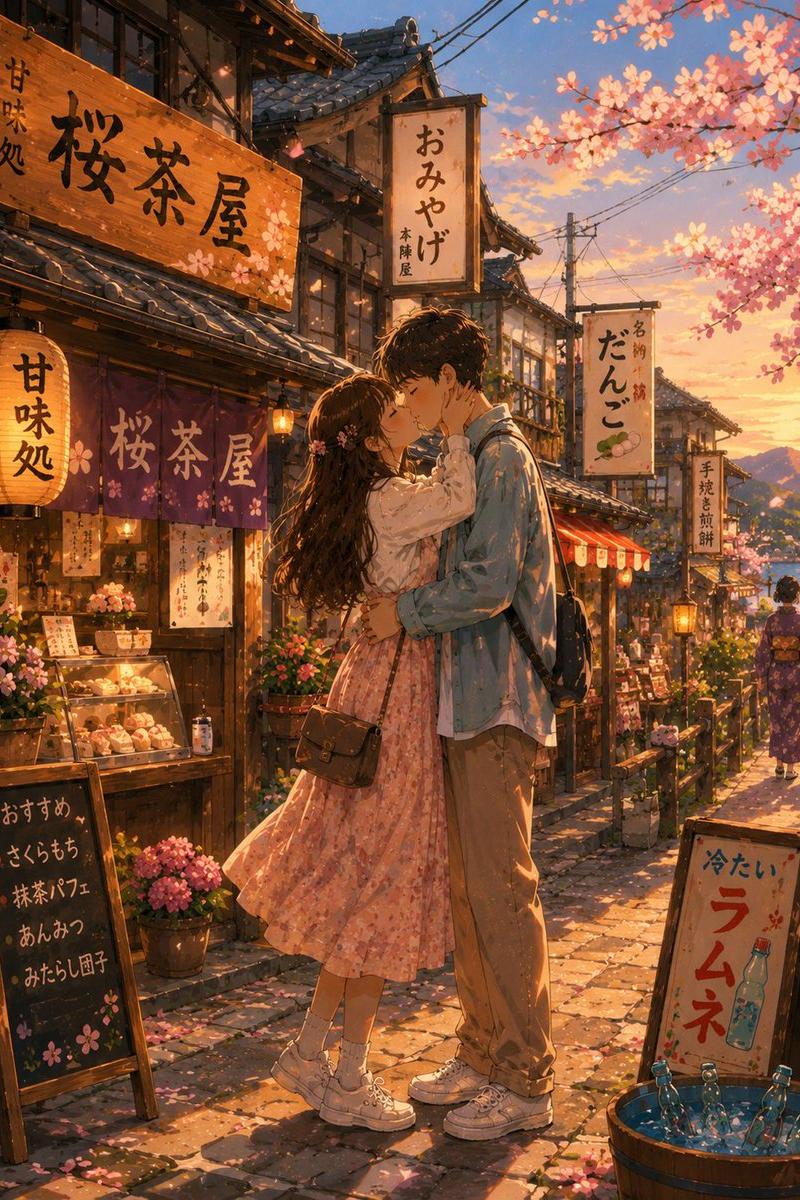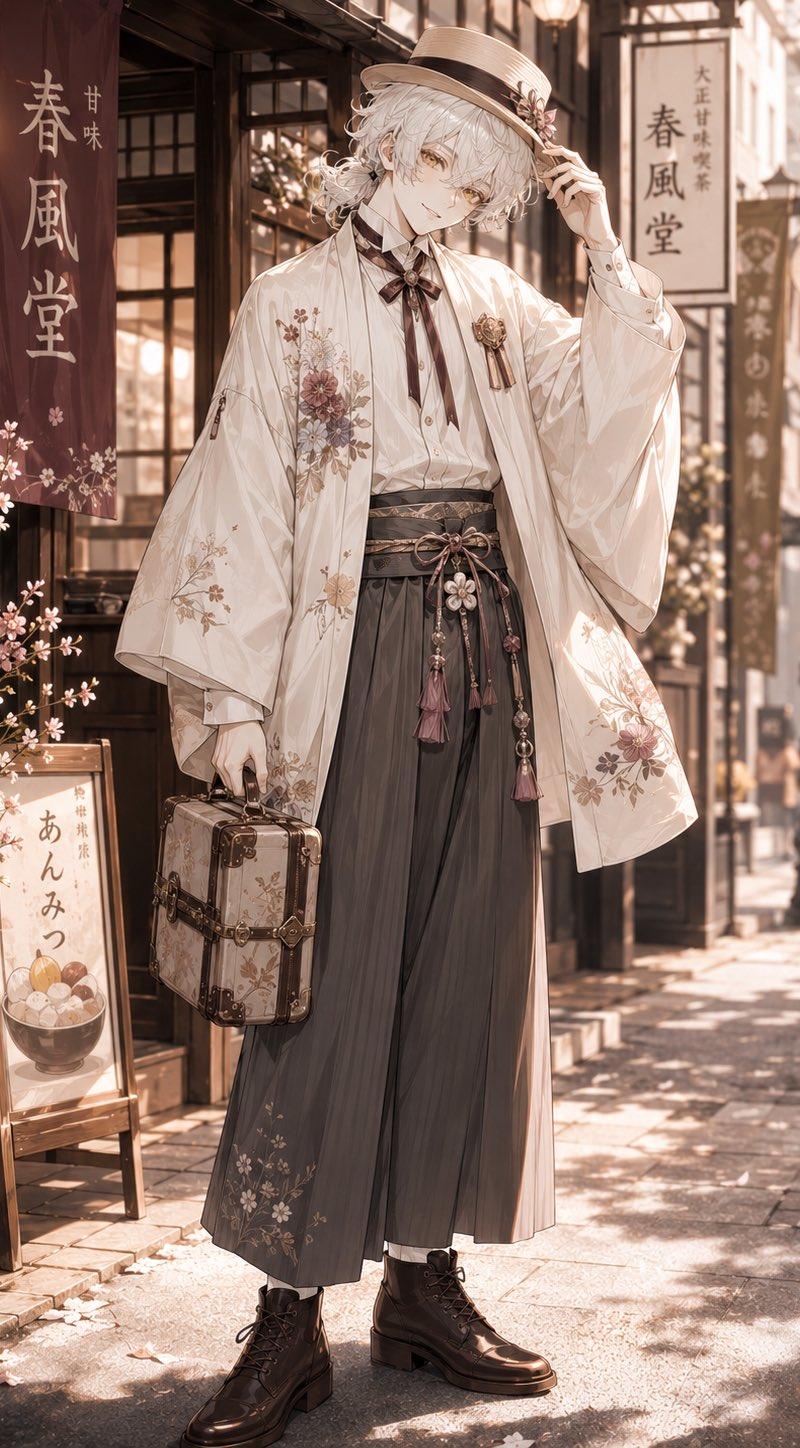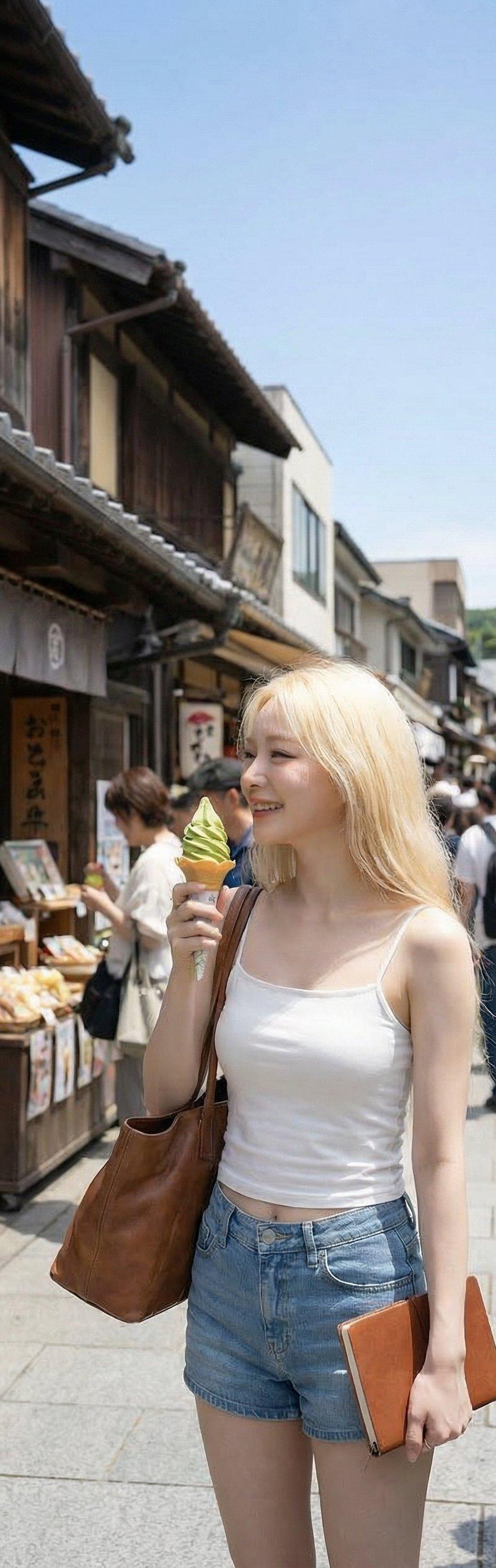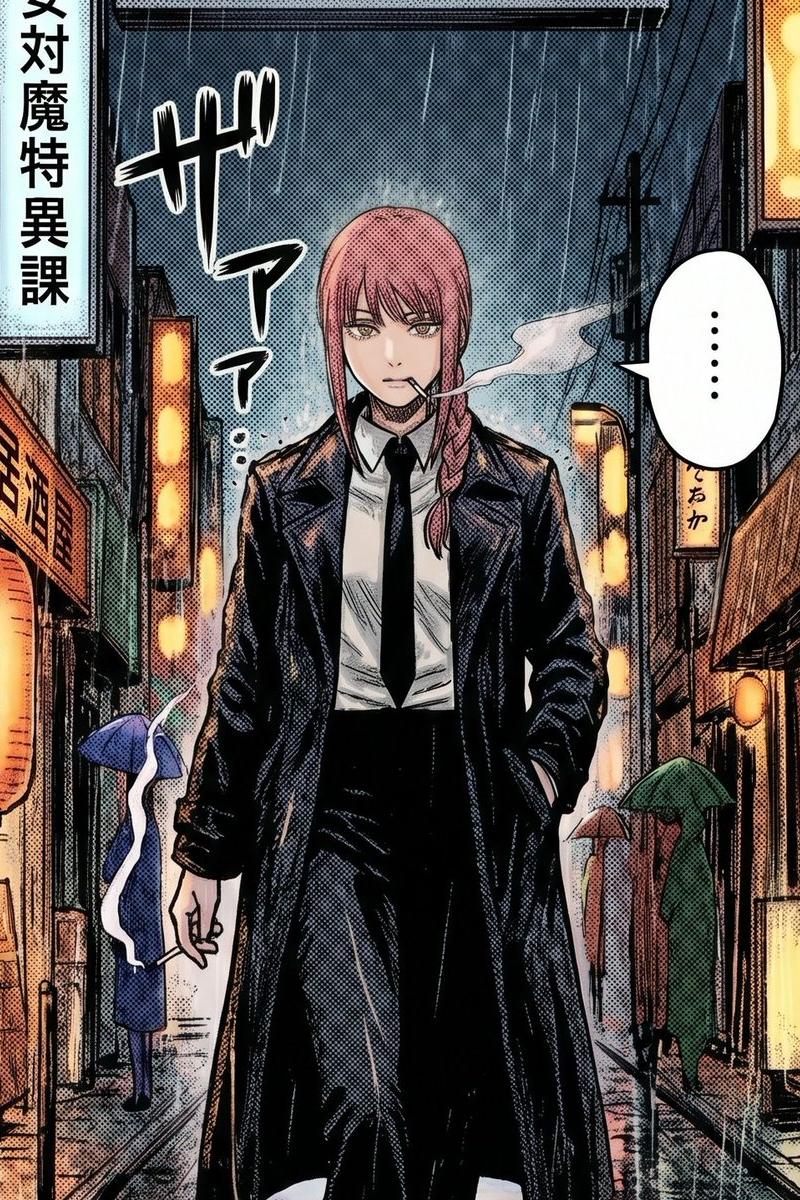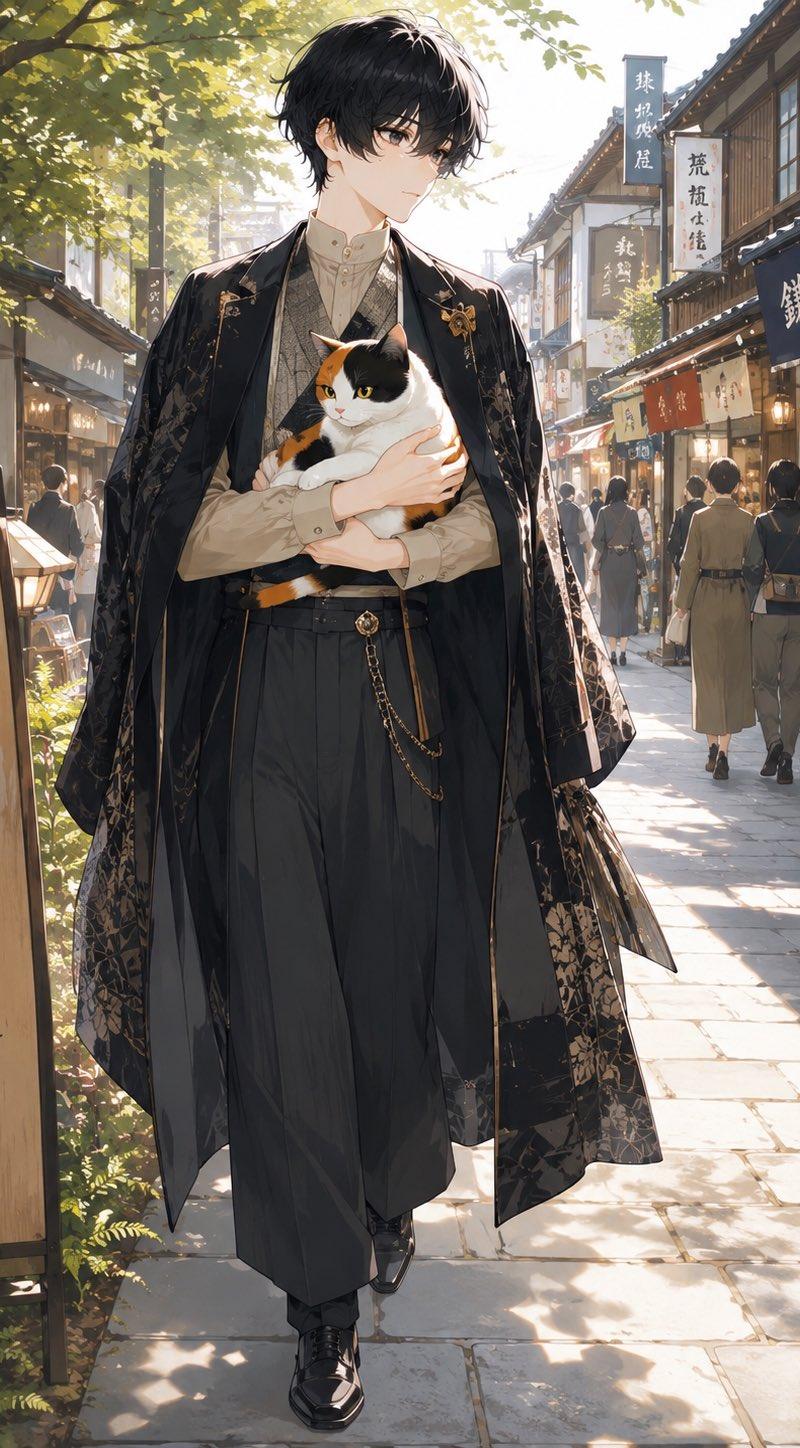
无脸动漫男子怀抱三花猫
Prompt
Create a full-body anime-style portrait of {argument name="character name" default="a mysterious young man"} walking toward the viewer on a sunlit traditional Japanese shopping street in Kamakura. He has a deliberately blank, softly blurred face with no facial features, tousled {argument name="hair color" default="black"} medium-length hair, and a tall slender build. He wears a refined Taisho-era inspired outfit: cream high-collar shirt, patterned vest, high-waisted dark hakama-style trousers, polished black shoes, a decorative waist chain, and a long black haori coat with subtle gold floral embroidery and flowing translucent fabric panels. He cradles exactly one calico cat in both arms; the cat is white with orange and black patches, alert yellow eyes, and a calm but strong presence. The setting is a narrow old-town stone-paved lane lined with wooden storefronts, hanging shop curtains, paper lanterns, and vertical signs with Japanese calligraphy; include a prominent wooden signboard on the left reading 「鎌倉 小町通り」 and a dark shop curtain on the right reading 「鎌倉屋」. Add small background pedestrians in muted kimono and casual clothing, receding in perspective. Lighting is warm late-afternoon sunlight filtering through leafy trees, creating dappled shadows, rim light, and a nostalgic cinematic atmosphere. Use highly detailed painterly anime rendering, elegant fashion illustration, soft depth of field, intricate fabric textures, realistic street perspective, vertical composition, no watermark, no extra animals, and keep the central figure dominant.- Category
- Photography & Realism
- Model
- GPT Image 2
- Creator
- 🐹🐹
- Source language
- en
- Source ID
- 26704
- Published
- Jun 24, 2026
Views0