20

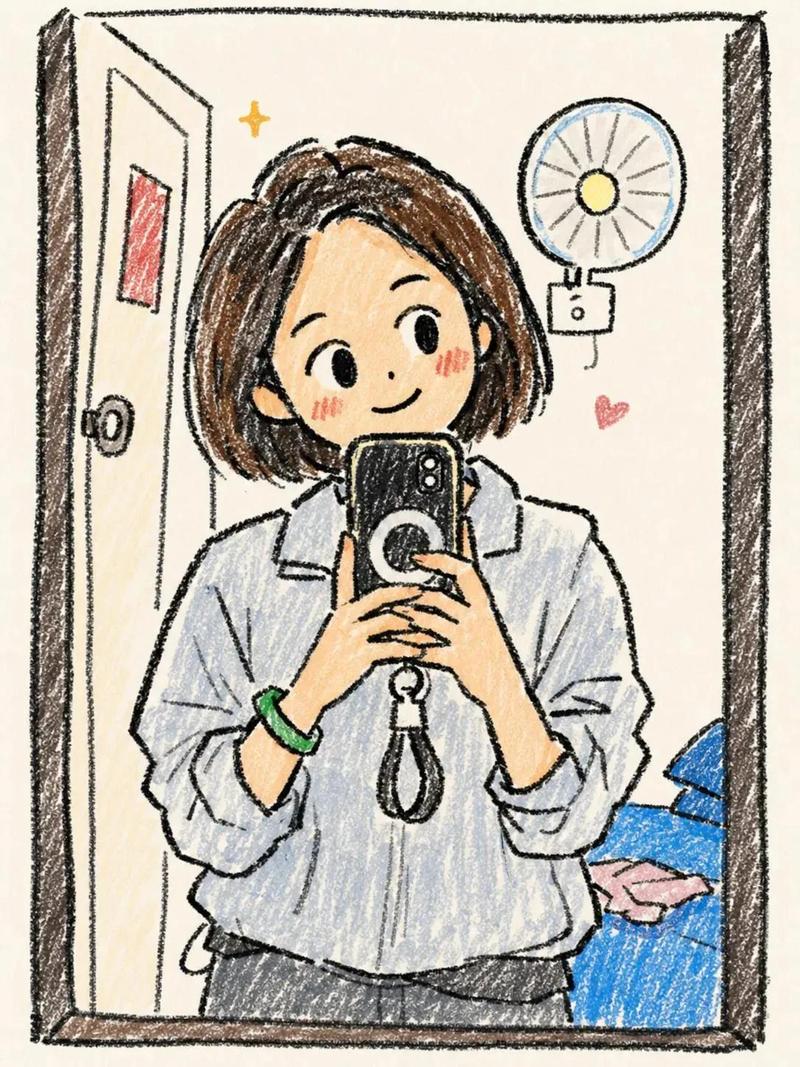
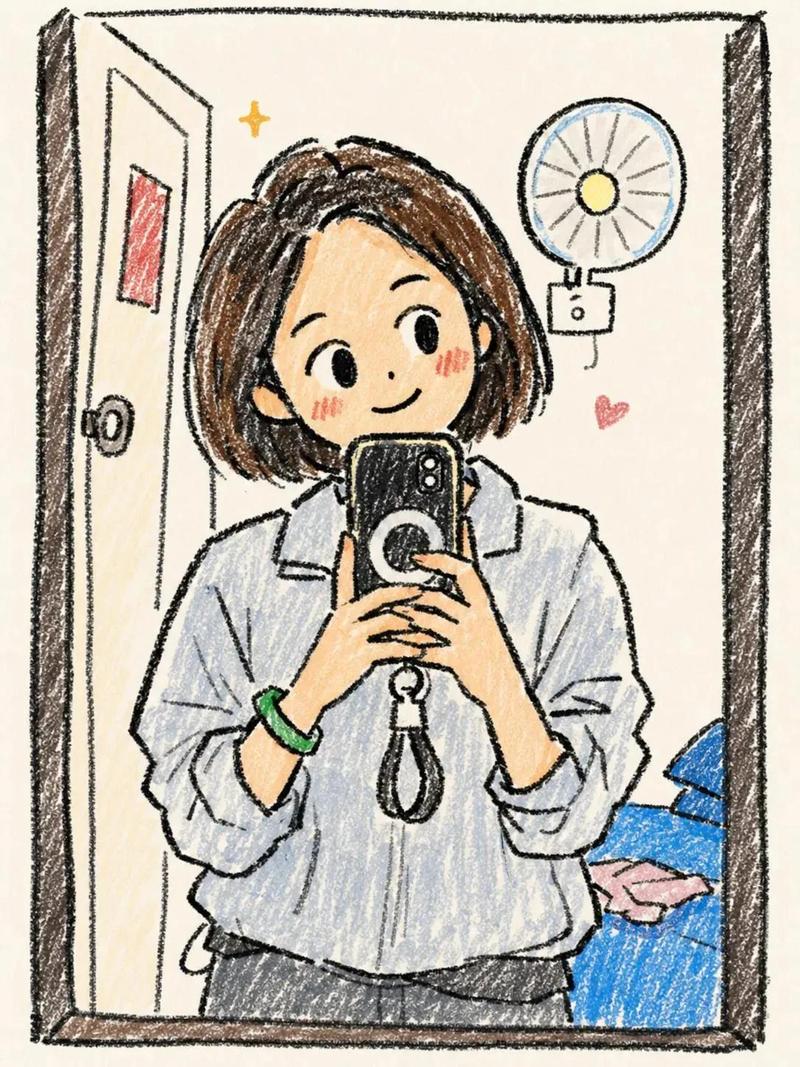
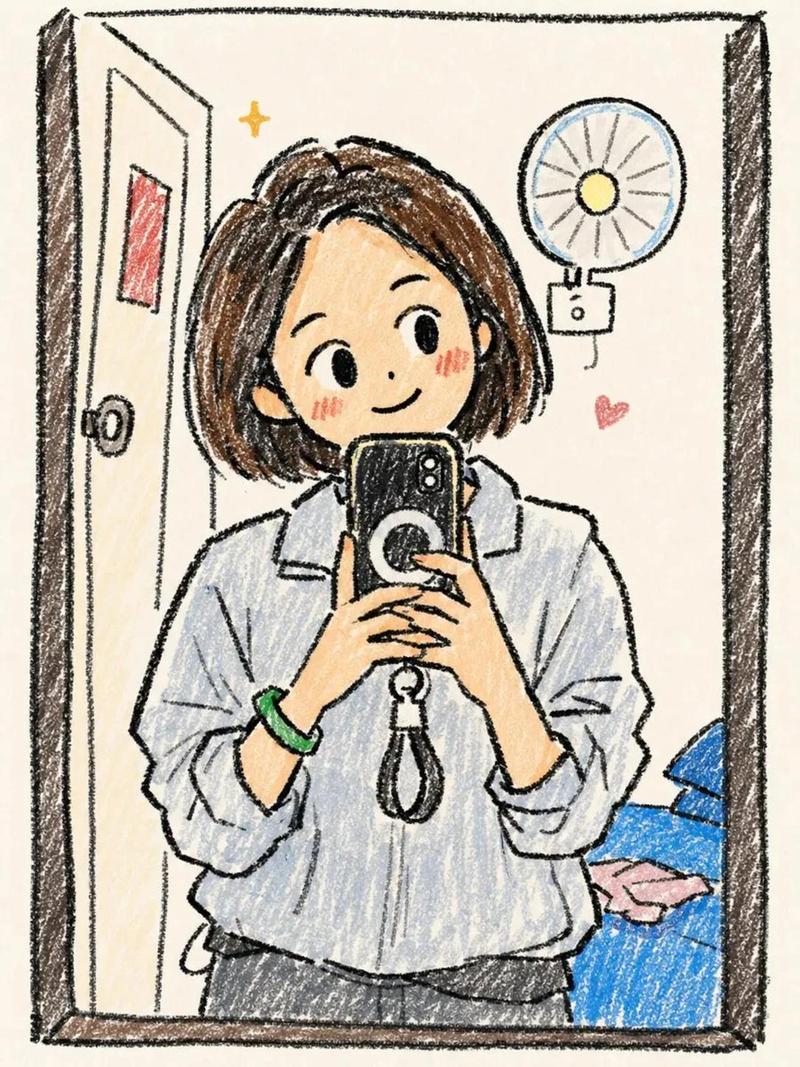
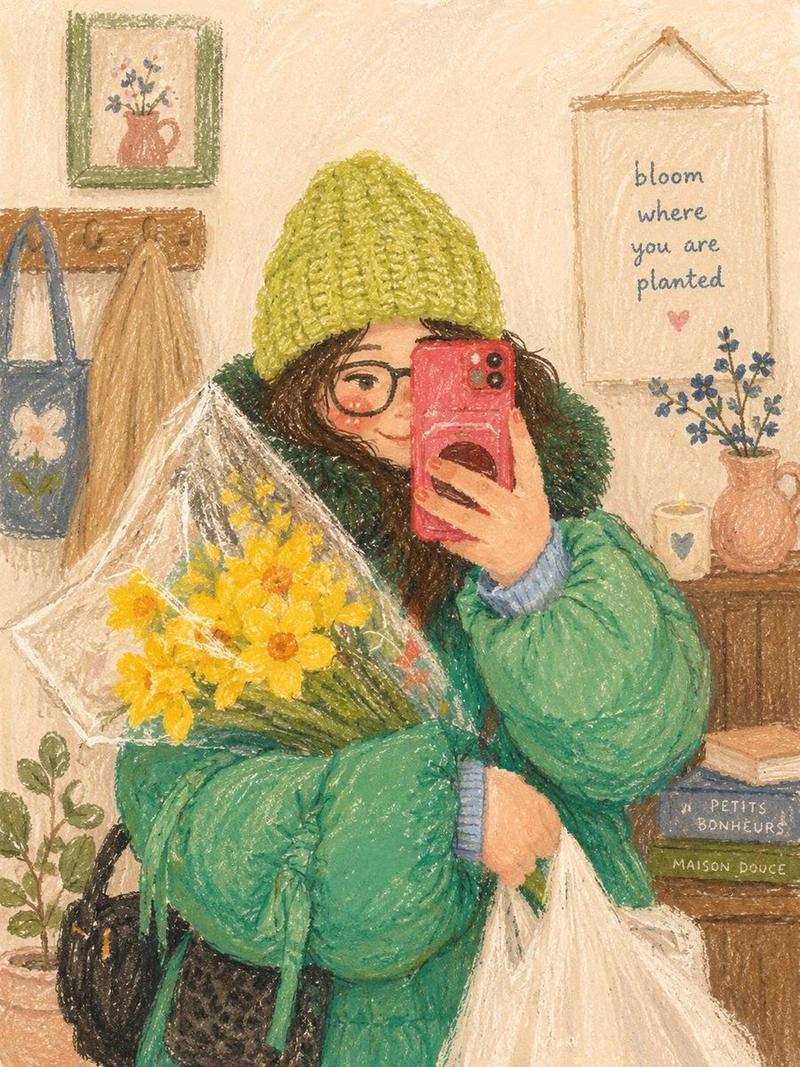
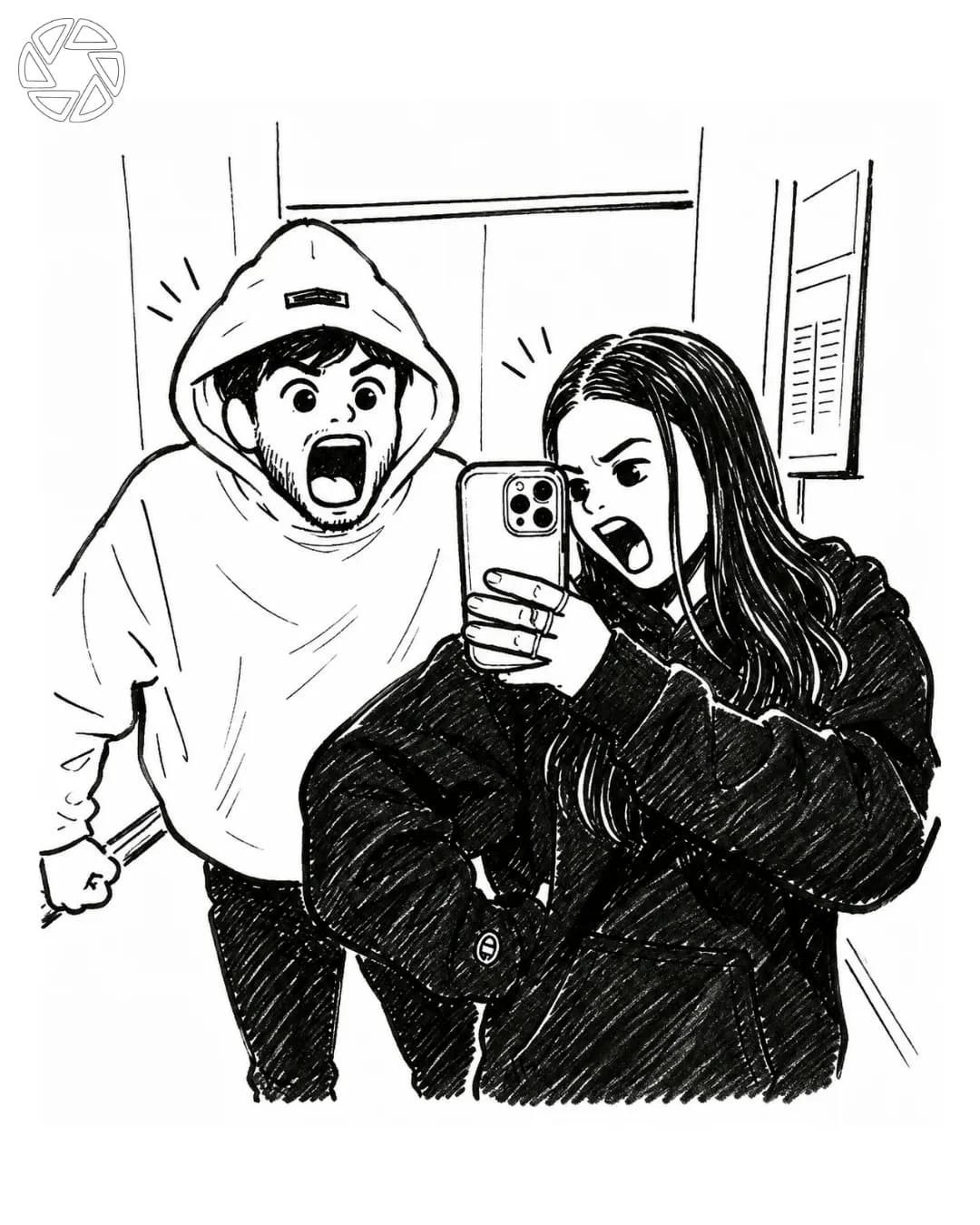
漫画风格照片转换
Enlarge

漫画风格照片转换

Prompt
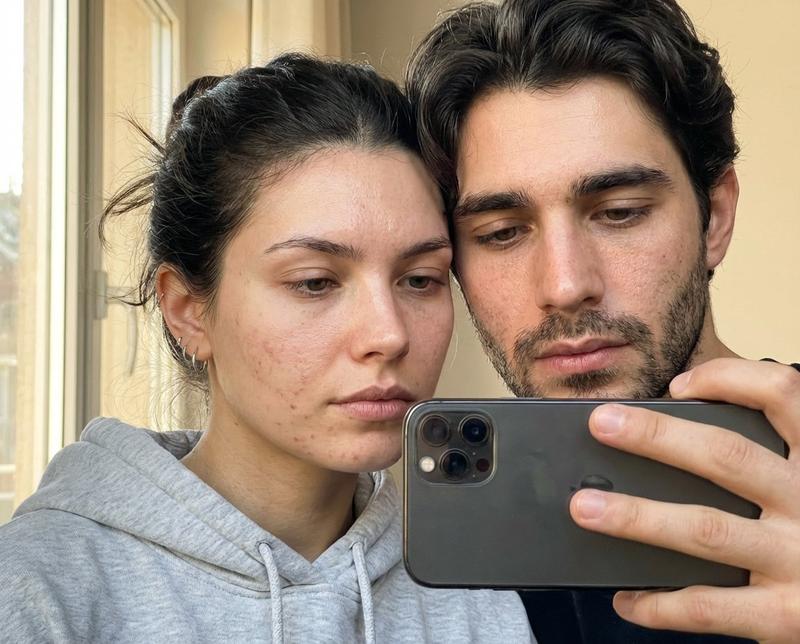
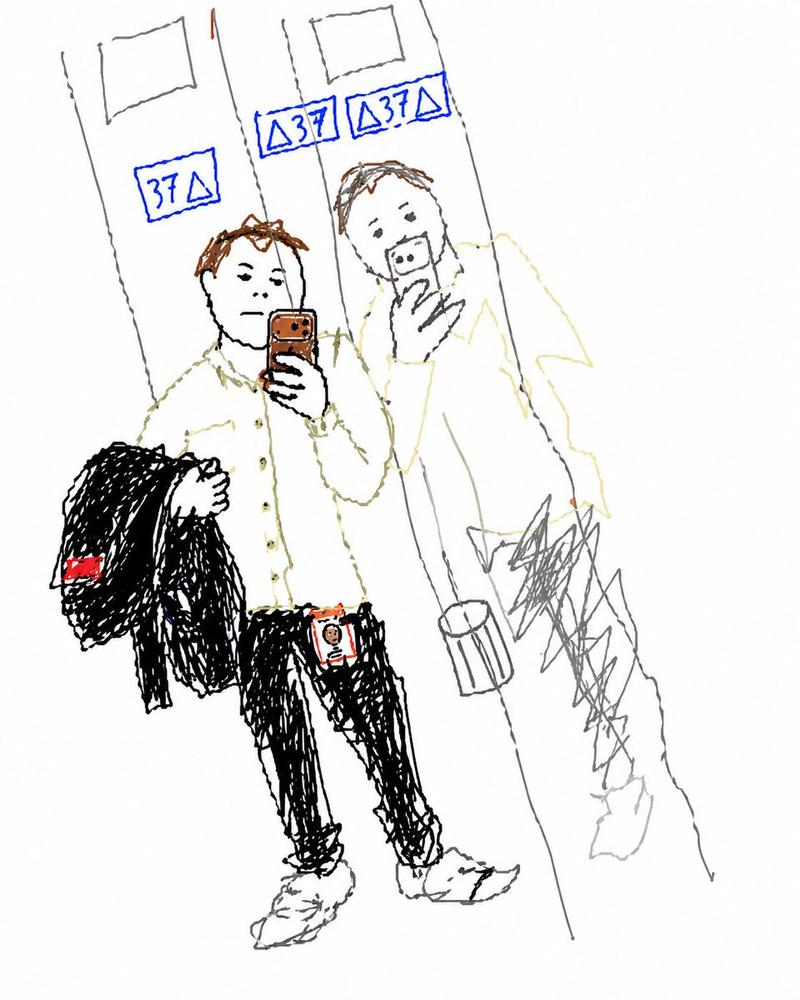
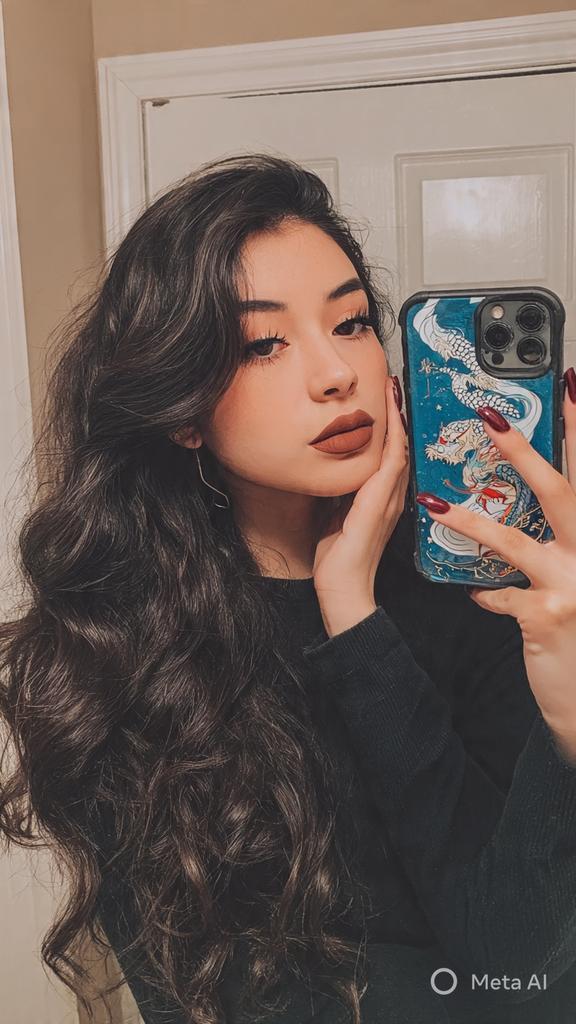
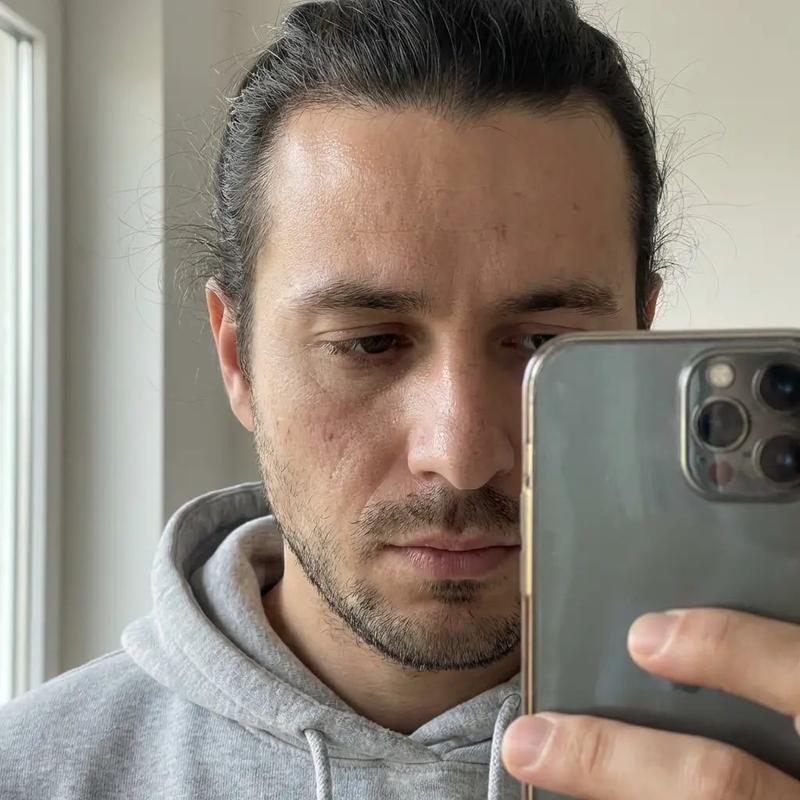
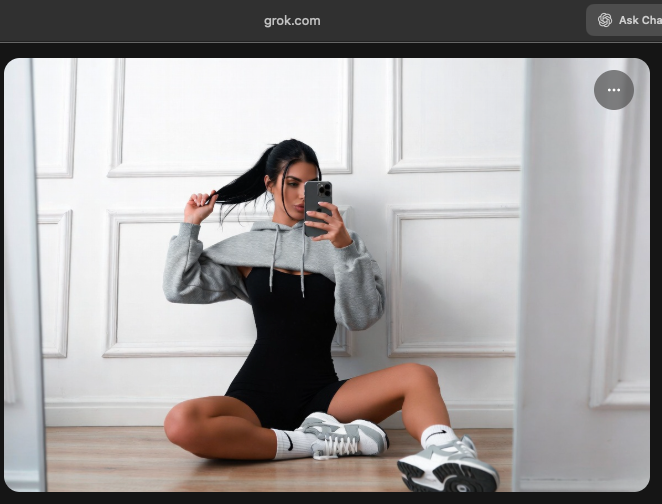
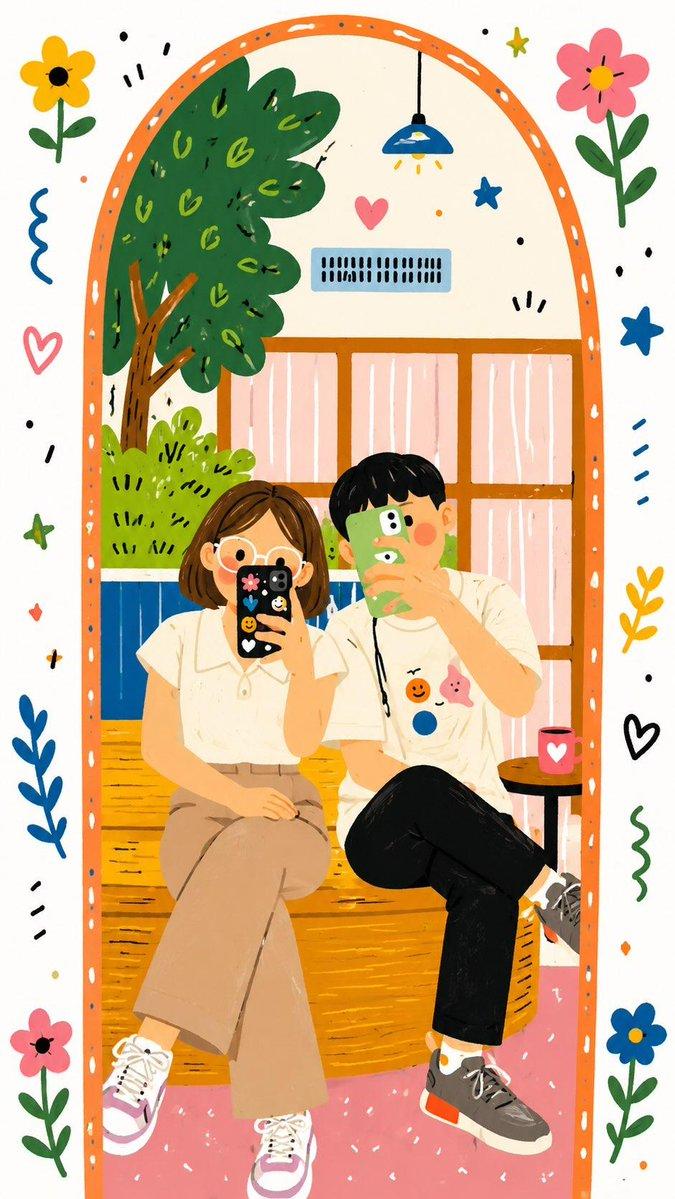
Create a highly detailed black-and-white manga illustration based on the uploaded photo while preserving the exact pose, composition, facial expressions, clothing, and camera angle. {argument name="subject" default="Two friends are taking a mirror selfie inside a modern elevator. The girl stands in the foreground holding a smartphone, wearing an oversized black hoodie, long dark hair, making an exaggerated screaming expression with one eye squinted. Behind her, the boy wears an oversized white hoodie with the hood up, also screaming dramatically with wide eyes and an open mouth, fists clenched in a playful pose."}

Illustrate everything using bold manga ink lines, clean contour work, expressive cross-hatching, fine pen strokes, subtle screentone shading, and dynamic comic-style line weight. Keep the elevator background minimal but recognizable with metallic panels and reflections. Add tiny manga emphasis lines around both heads to enhance the comedic energy.
Category
Photography & Realism
Model
GPT Image 2
Creator
Taaruk
Views0
Source ID
26731
Published
Jun 25, 2026

Guide

About "漫画风格照片转换"

What is this prompt for?

"漫画风格照片转换" AI image prompt for GPT Image 2 (Photography & Realism). 一个专门用于将写实自拍照转换为精细黑白漫画插图的提示词,同时保持精确的比例。 Copy it on Picva and recreate the look in one click.

The full copyable prompt and example visuals above are ready for AI image generation or one-click recreate in Picva.

How to use this prompt

  1. Step 1

    Open the prompt detail

    Review the example visuals, category, and full prompt text for "漫画风格照片转换".

  2. Step 2

    Copy the prompt

    Copy the prompt body from this page, or load it directly in Studio.

  3. Step 3

    Pick a model (GPT Image 2)

    Prefer GPT Image 2. If you switch models, keep subject and composition and tweak style terms.

  4. Step 4

    Generate and export

    Recreate the look in Picva, or export into your workflow for editing and publishing.

FAQ

What is the "漫画风格照片转换" prompt?
It is an AI image-generation prompt for GPT Image 2 in the Photography & Realism category. This page includes the full prompt text, example visuals, and a one-click recreate path in Picva.
How do I use this prompt to generate an image?
Copy the prompt from this page, or use Generate / Studio. Paste it into a compatible image model, or recreate the look in Picva with optional reference images.
Which model is this prompt for?
This page lists GPT Image 2. Most descriptive prompts also transfer to nearby image models such as GPT Image, Flux, or Midjourney with light style tweaks.
Can I use the result commercially?
You can usually copy the prompt for creation, but commercial use of the final image depends on the model terms, reference-image rights, and the generated content. Follow the source author and platform rules.