20

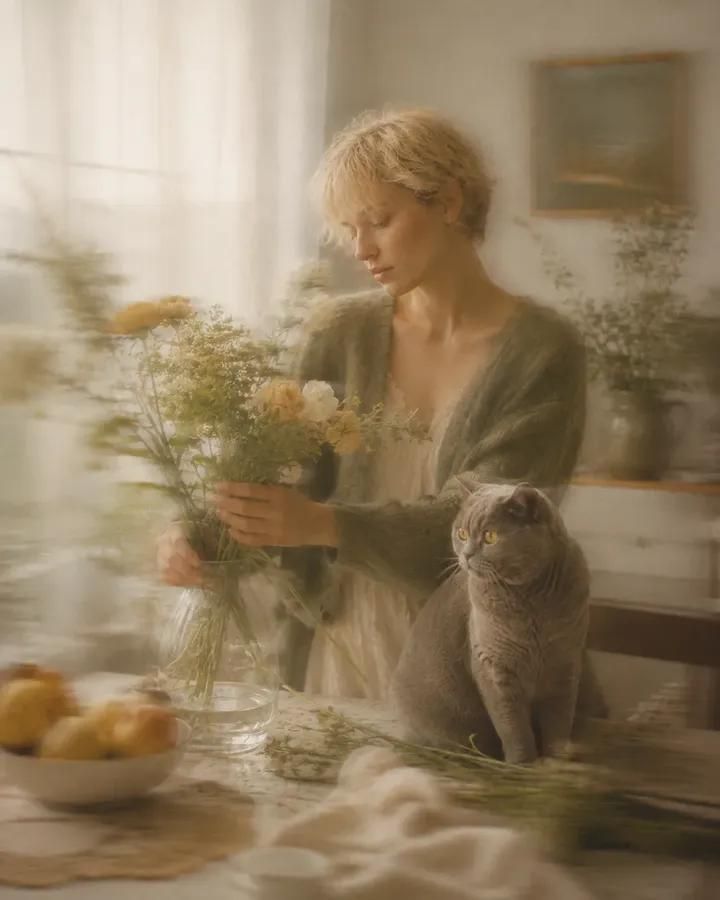
柔和动态模糊艺术摄影
Enlarge

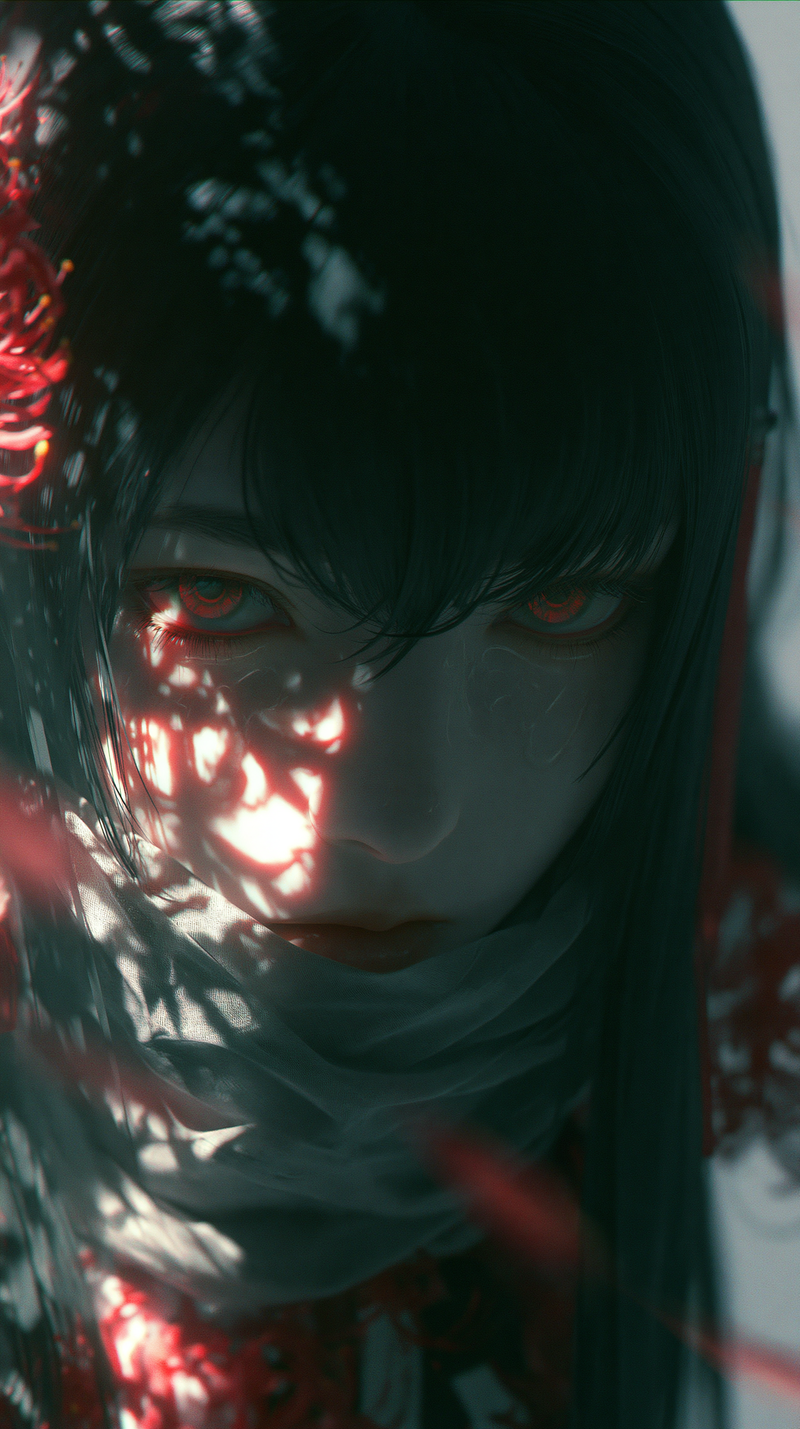
Example images

柔和动态模糊艺术摄影

Prompt
Soft motion-blur fine art photography of {argument name="subject" default="[SUBJECT]"}, wearing [CLOTHING], [POSE] with [COMPANION] in {argument name="scenery" default="[SCENERY]"}. Use {argument name="palette" default="[PALETTE]"}, diffused window light, slow-shutter camera movement, gentle panning blur, creamy soft focus, translucent ghosted edges, shallow depth of field, low contrast, warm film grain, pale highlights, muted shadows, and an intimate dreamlike atmosphere. The background is [BACKGROUND], softly smeared by motion with painterly streaks, delicate reflections, quiet negative space, and a nostalgic editorial photography finish, aspect ratio 4:5.
Category
Photography & Realism
Model
GPT Image 2
Creator
Simply Ray
Views0
Source ID
26756
Published
Jun 26, 2026

Guide

About "柔和动态模糊艺术摄影"

What is this prompt for?

"柔和动态模糊艺术摄影" AI image prompt for GPT Image 2 (Photography & Realism). 一个梦幻般的艺术摄影提示词,利用慢快门模糊和窗光效果,营造出亲密、怀旧的编辑风格影像。 Copy it on Picva and recreate the look in one…

The full copyable prompt and example visuals above are ready for AI image generation or one-click recreate in Picva.

How to use this prompt

  1. Step 1

    Open the prompt detail

    Review the example visuals, category, and full prompt text for "柔和动态模糊艺术摄影".

  2. Step 2

    Copy the prompt

    Copy the prompt body from this page, or load it directly in Studio.

  3. Step 3

    Pick a model (GPT Image 2)

    Prefer GPT Image 2. If you switch models, keep subject and composition and tweak style terms.

  4. Step 4

    Generate and export

    Recreate the look in Picva, or export into your workflow for editing and publishing.

FAQ

What is the "柔和动态模糊艺术摄影" prompt?
It is an AI image-generation prompt for GPT Image 2 in the Photography & Realism category. This page includes the full prompt text, example visuals, and a one-click recreate path in Picva.
How do I use this prompt to generate an image?
Copy the prompt from this page, or use Generate / Studio. Paste it into a compatible image model, or recreate the look in Picva with optional reference images.
Which model is this prompt for?
This page lists GPT Image 2. Most descriptive prompts also transfer to nearby image models such as GPT Image, Flux, or Midjourney with light style tweaks.
Can I use the result commercially?
You can usually copy the prompt for creation, but commercial use of the final image depends on the model terms, reference-image rights, and the generated content. Follow the source author and platform rules.