19

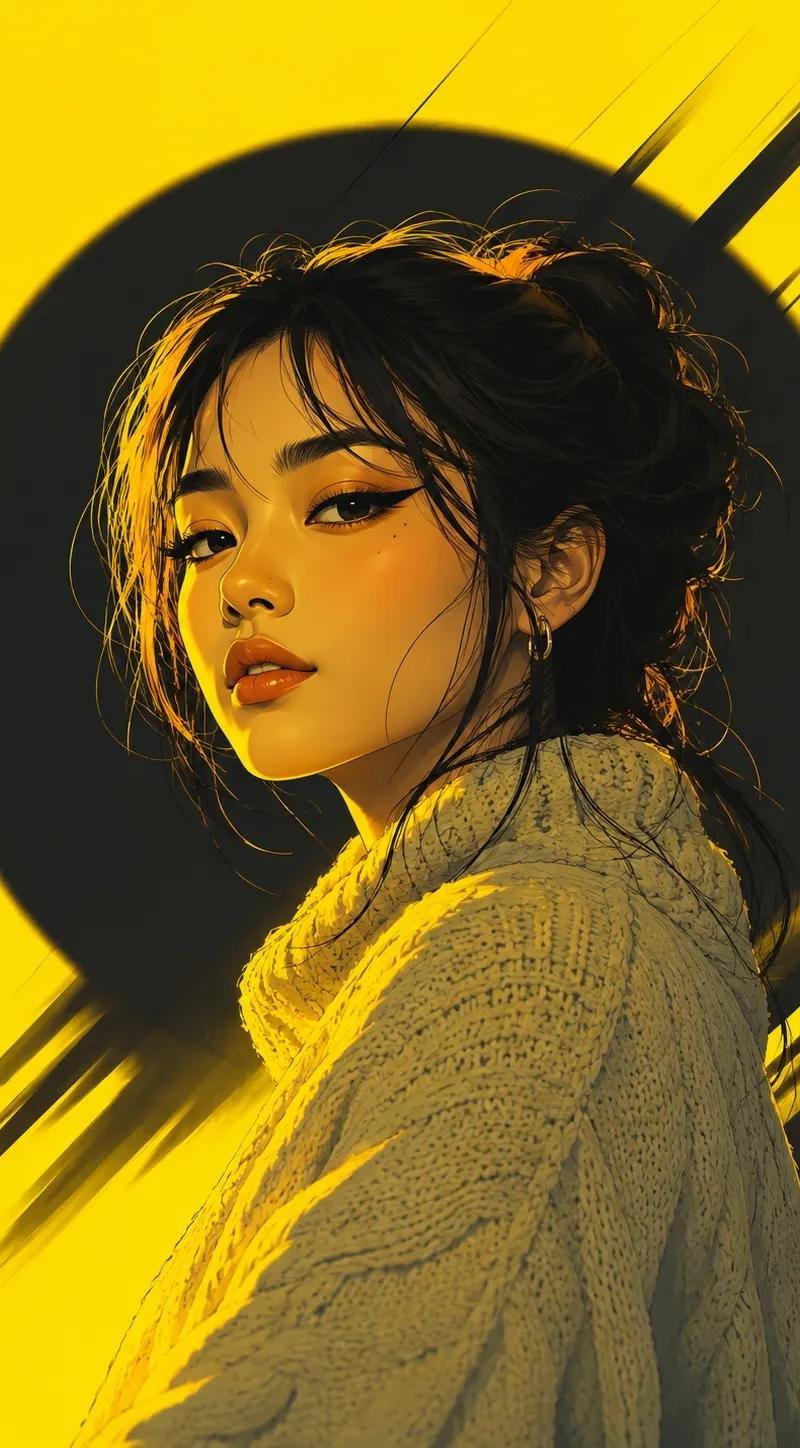
半写实霓虹日系数字艺术
Enlarge

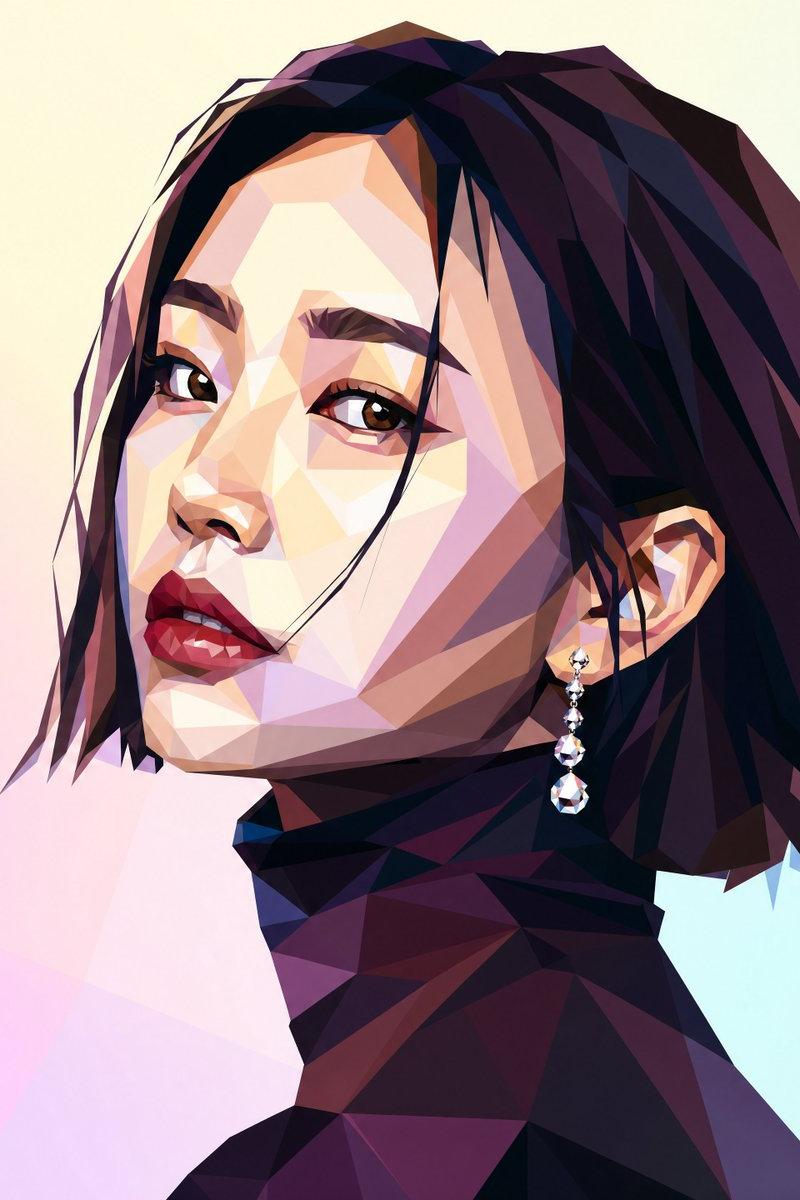
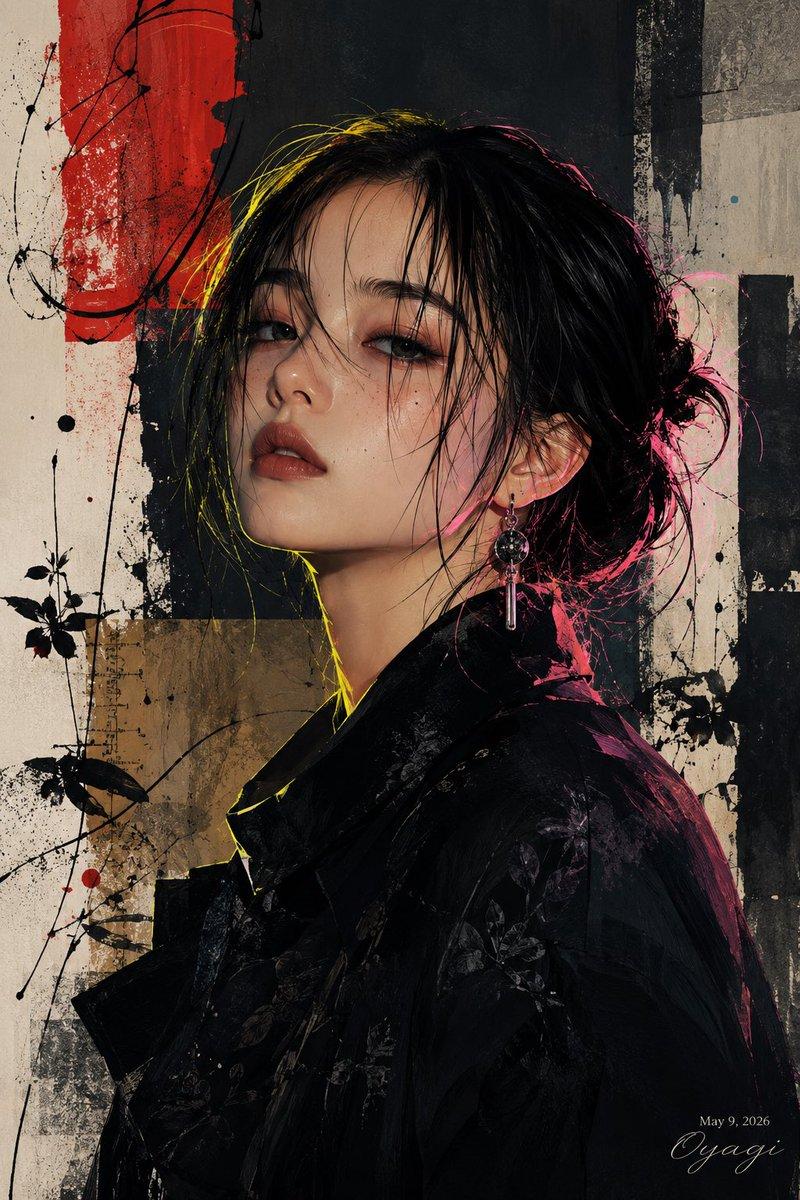
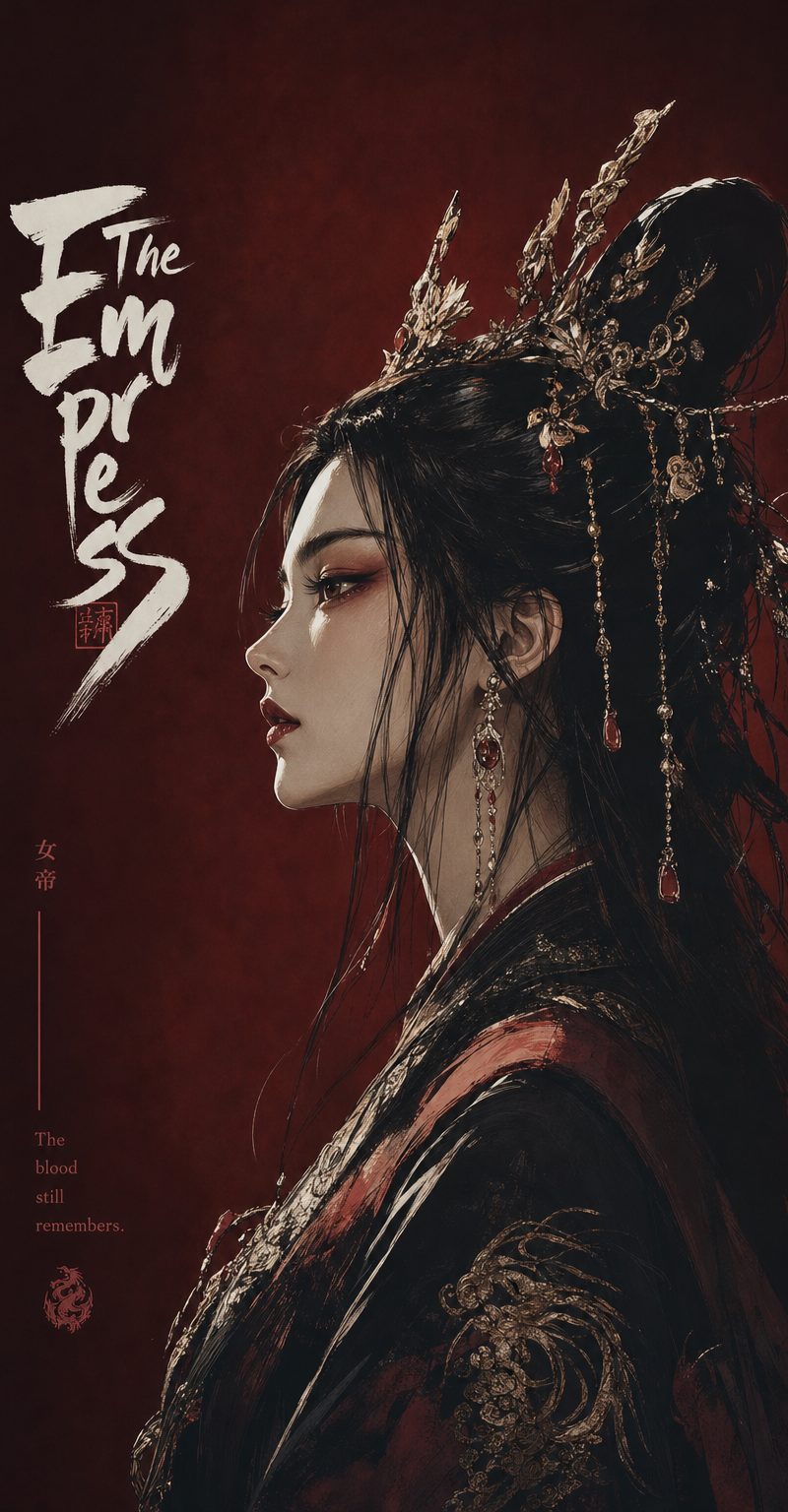
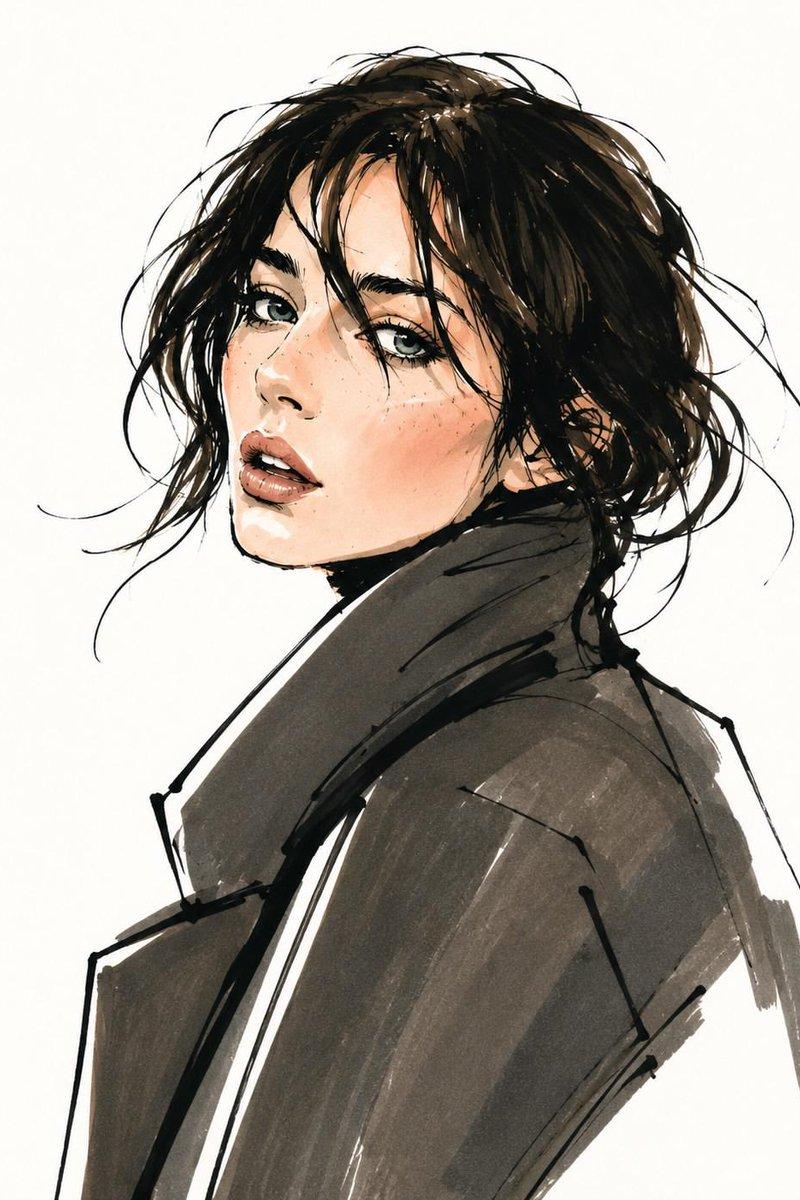
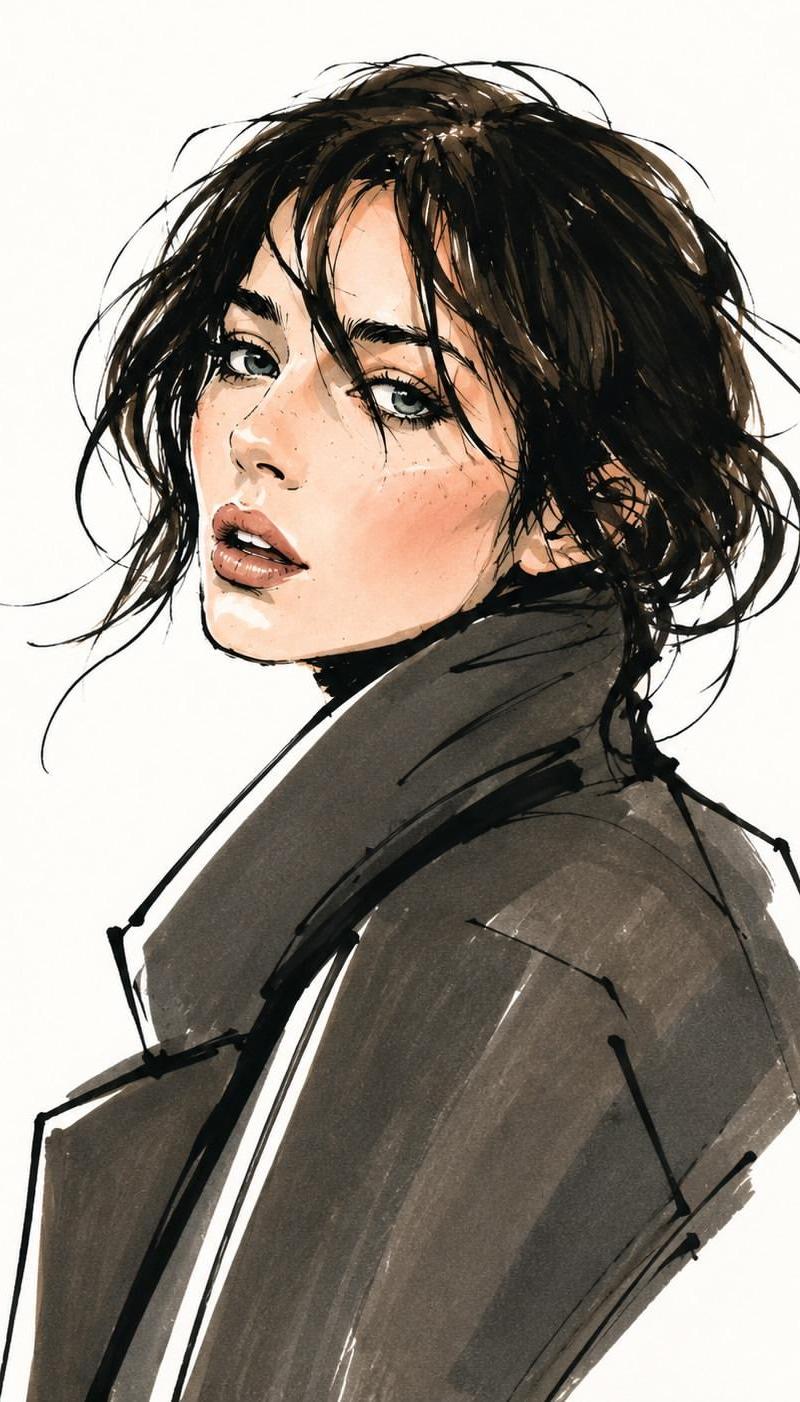
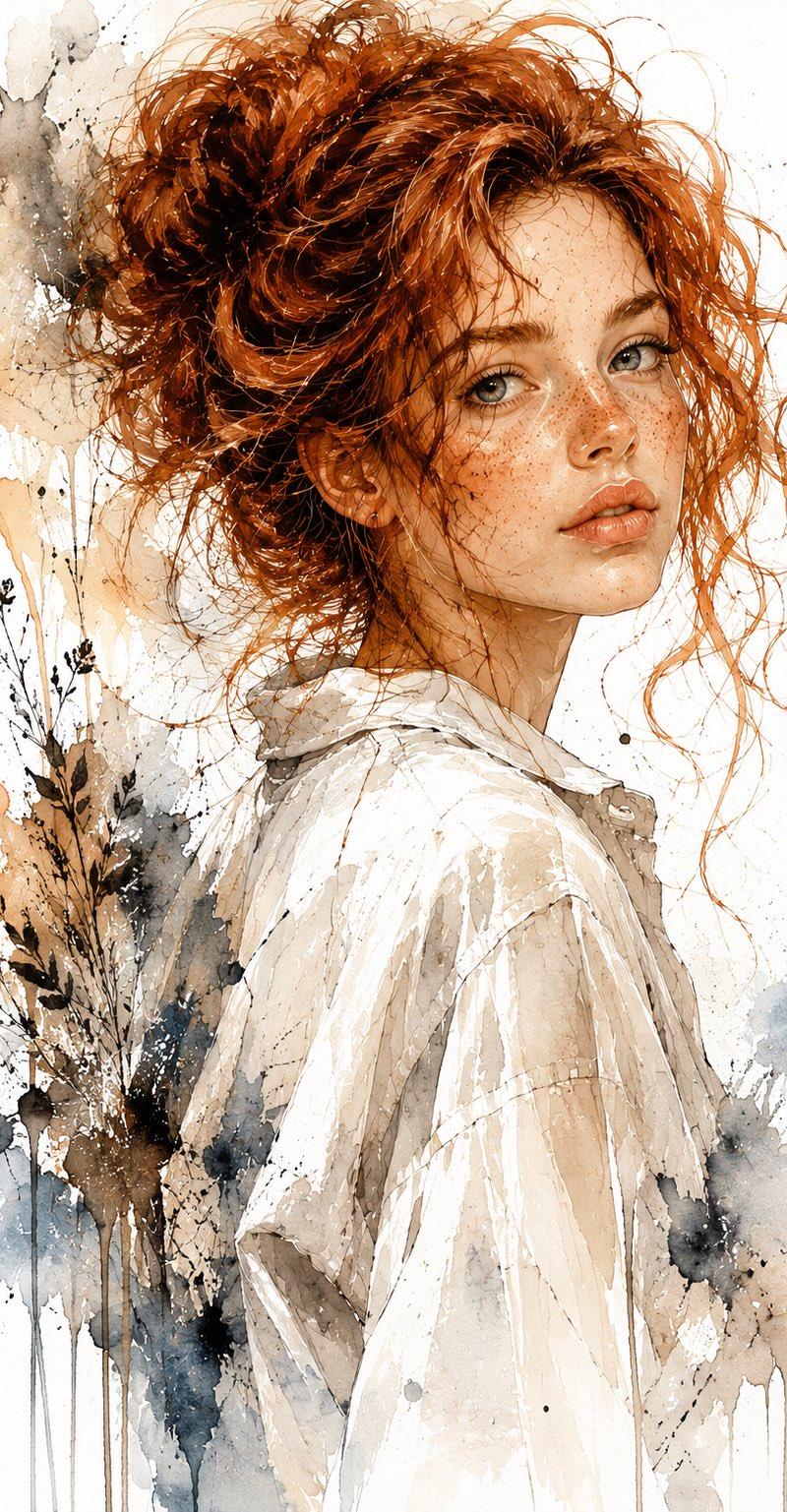
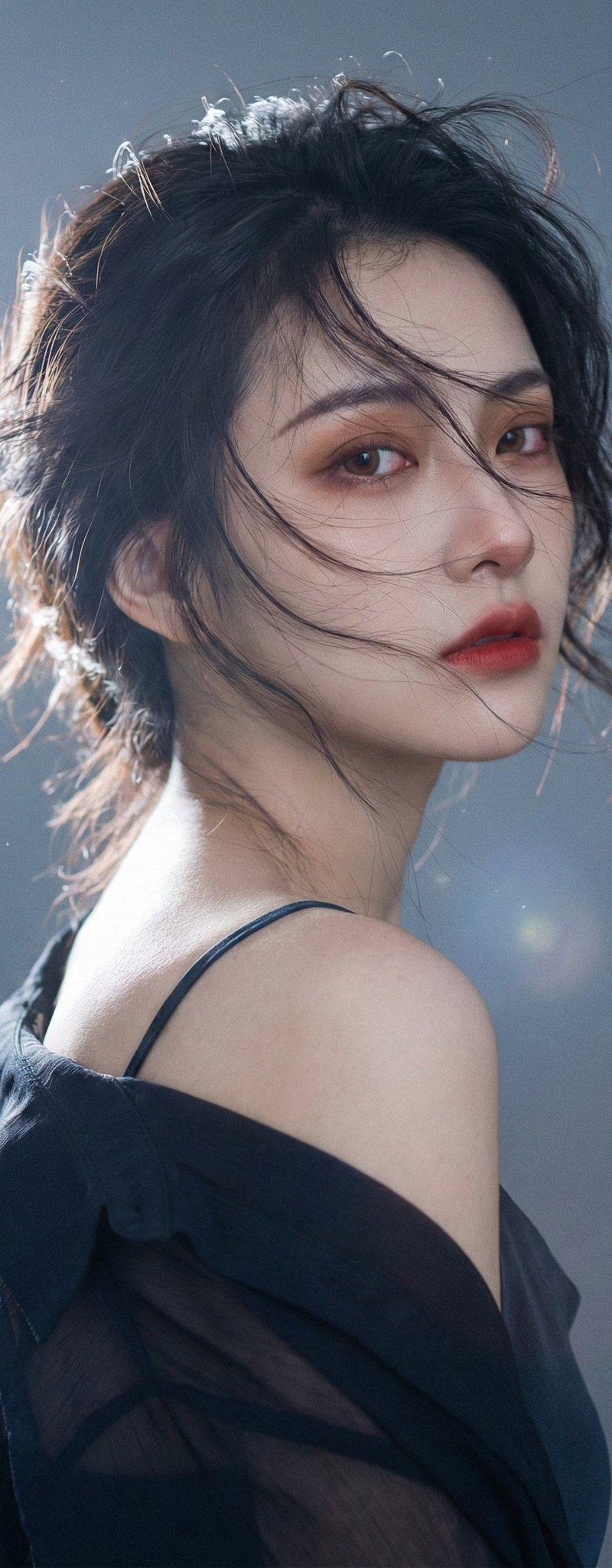
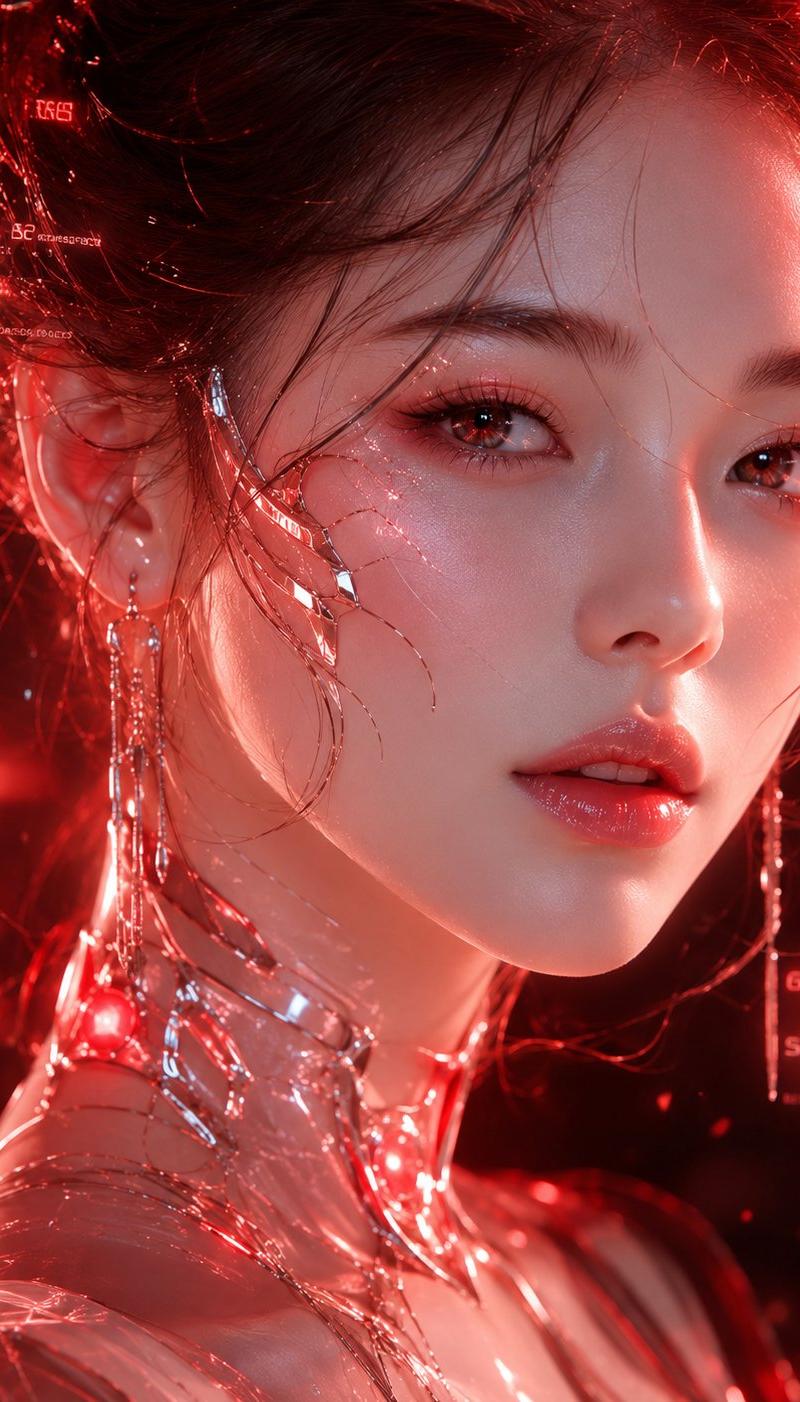
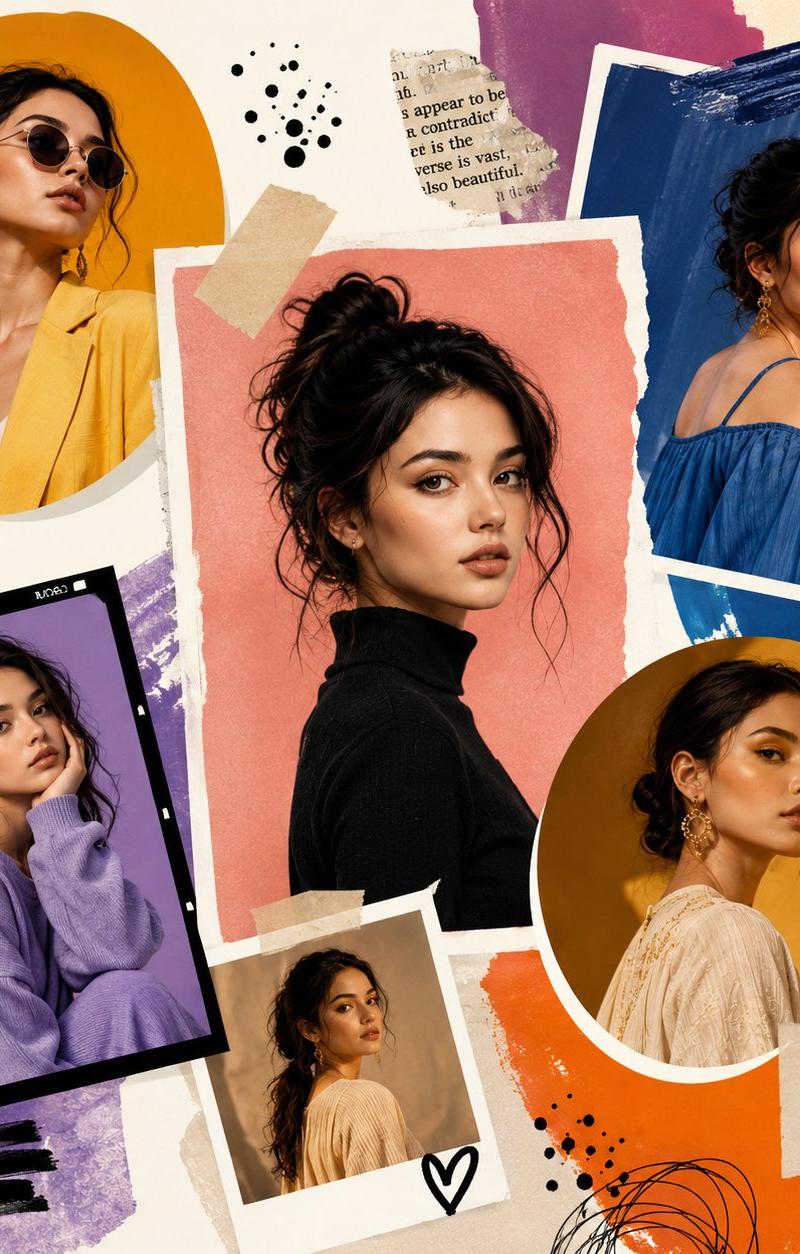
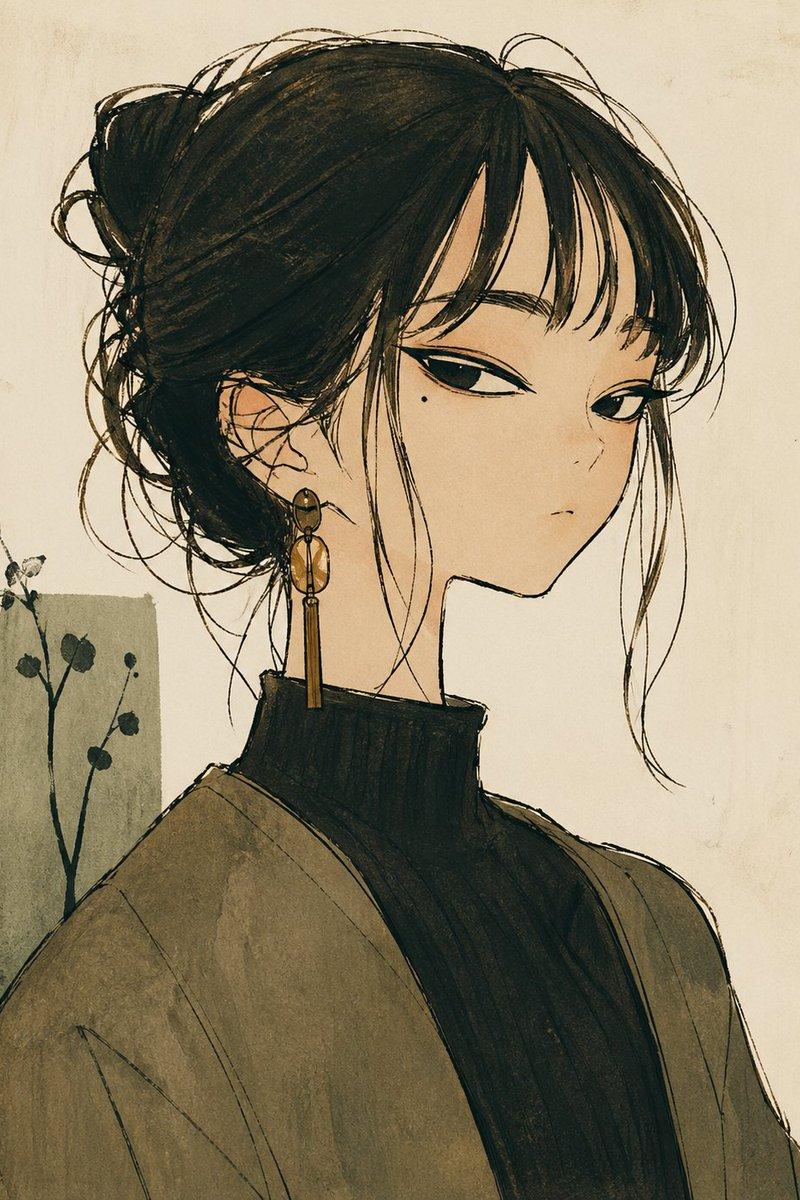
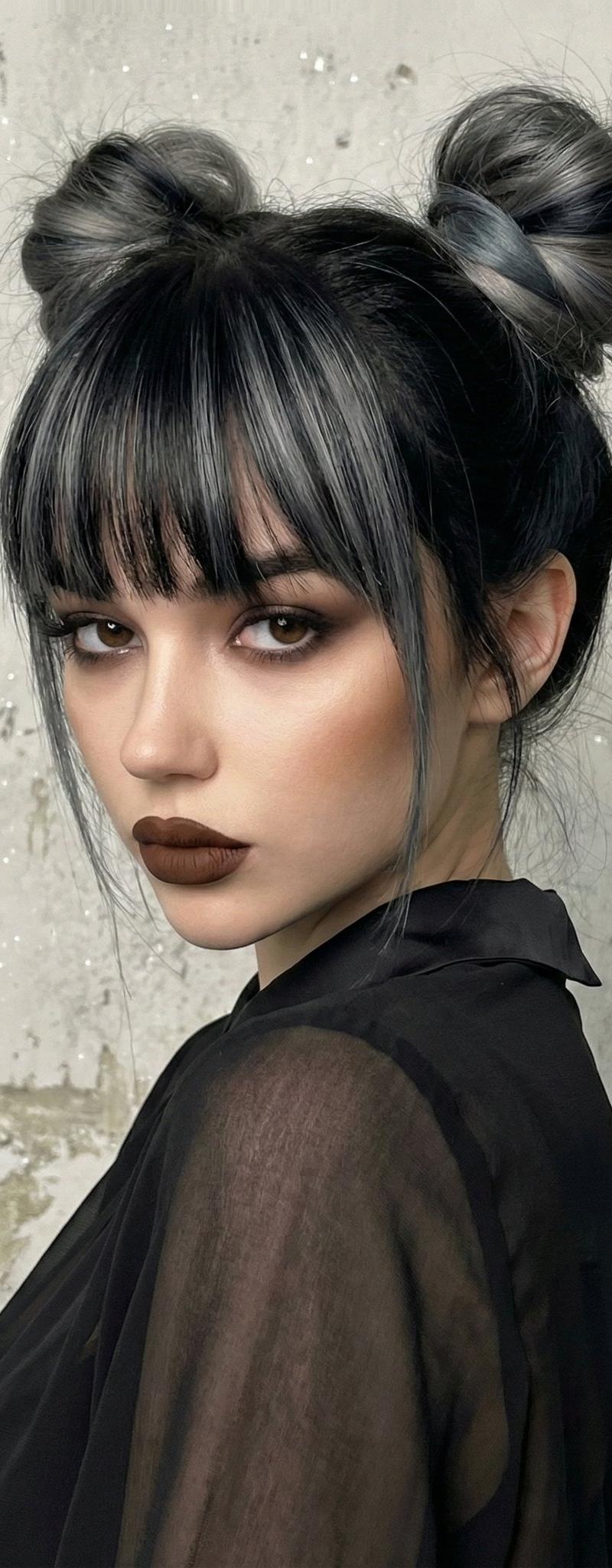
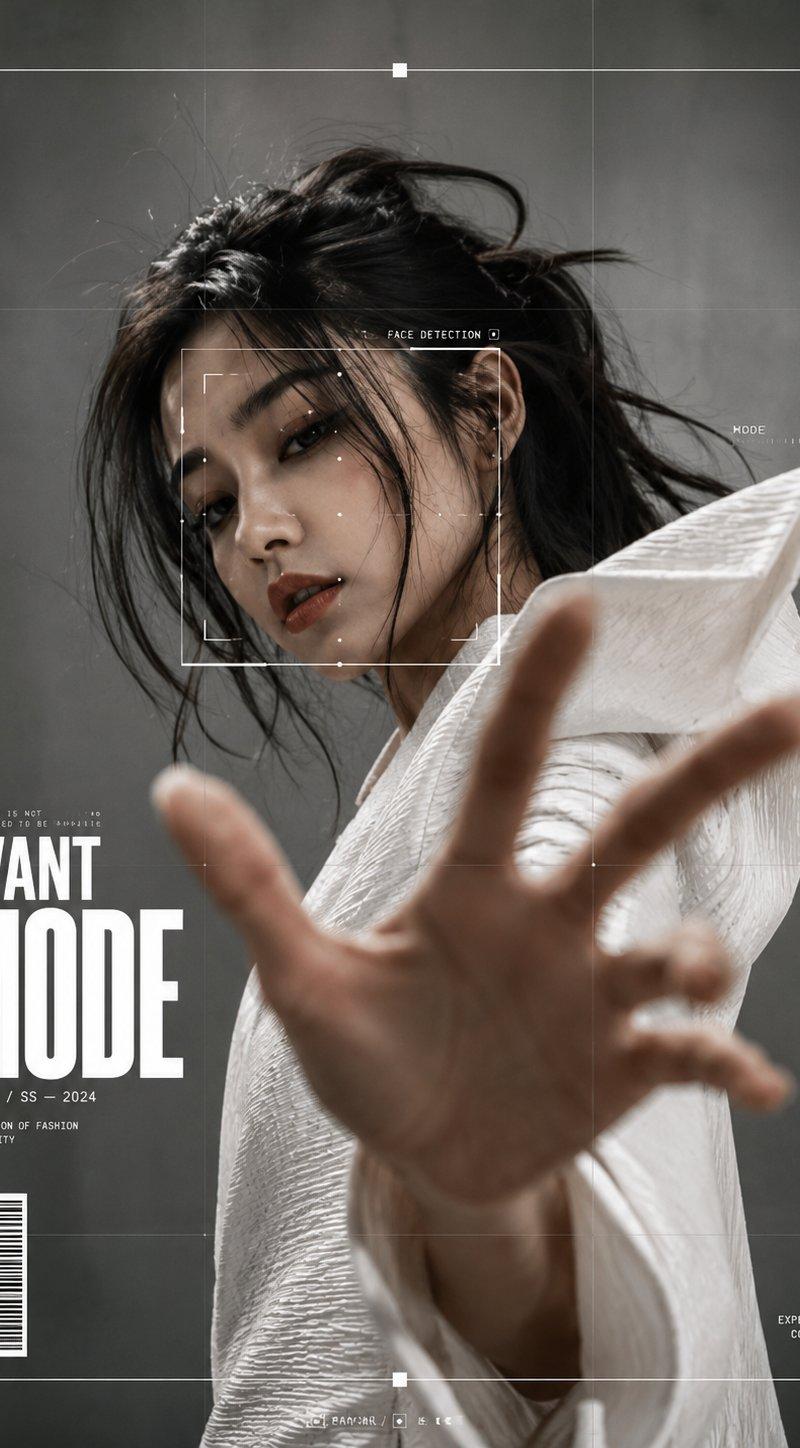
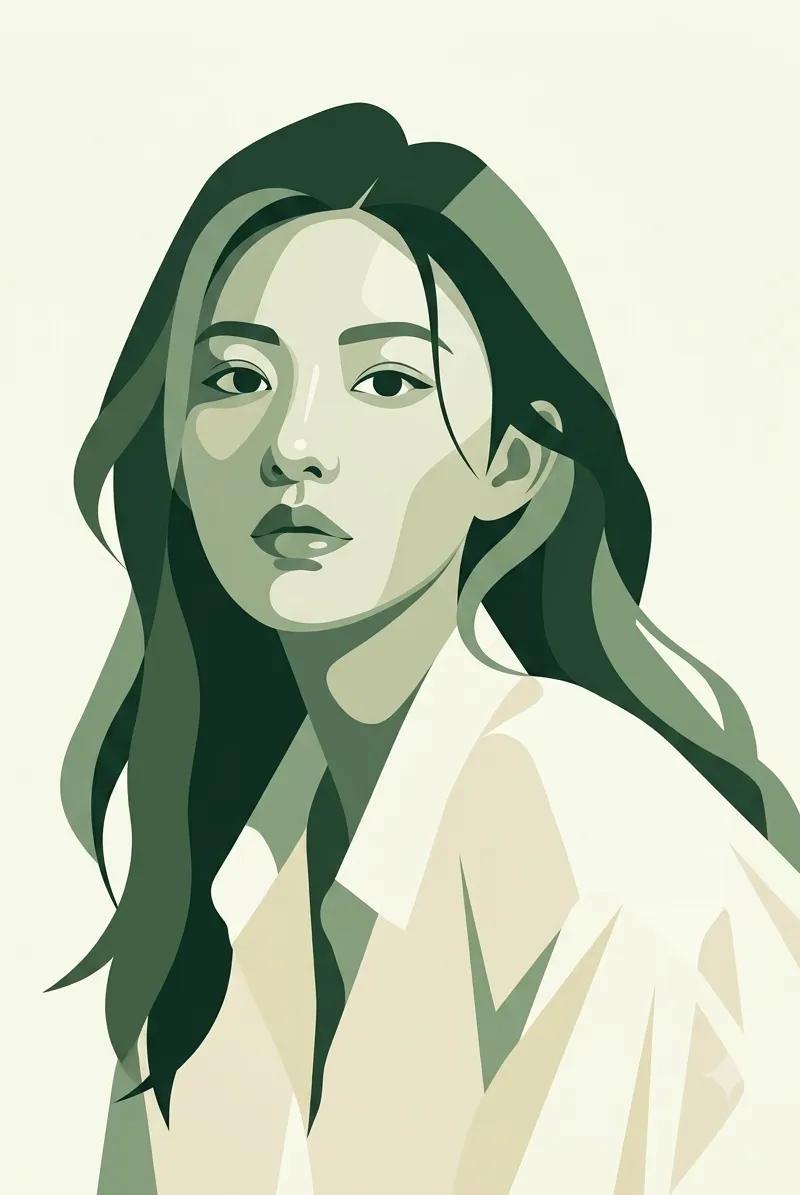
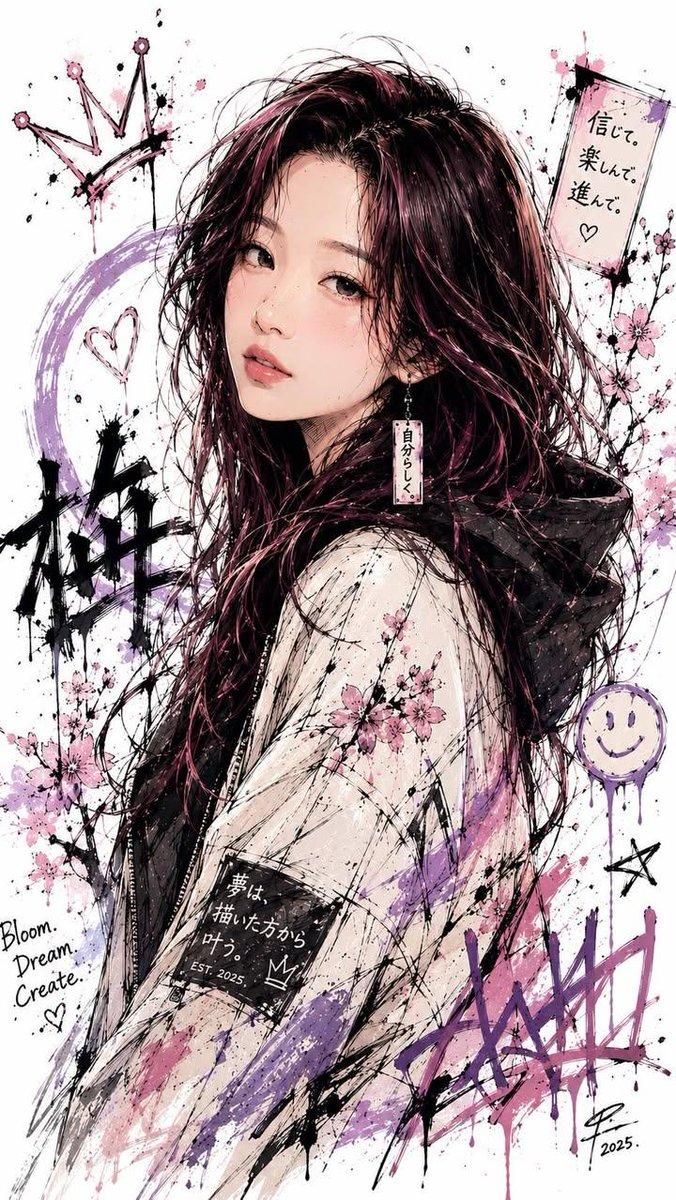
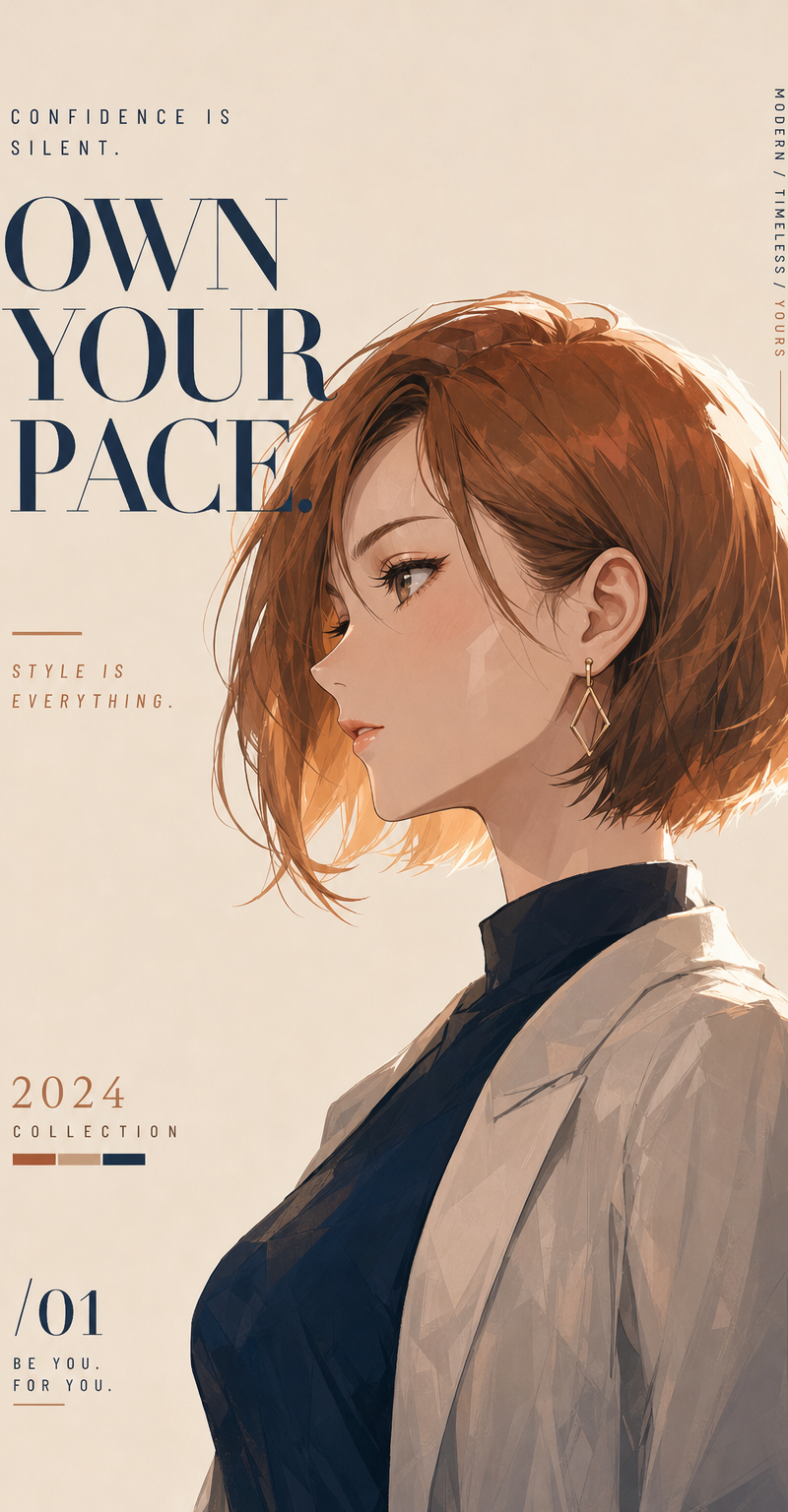
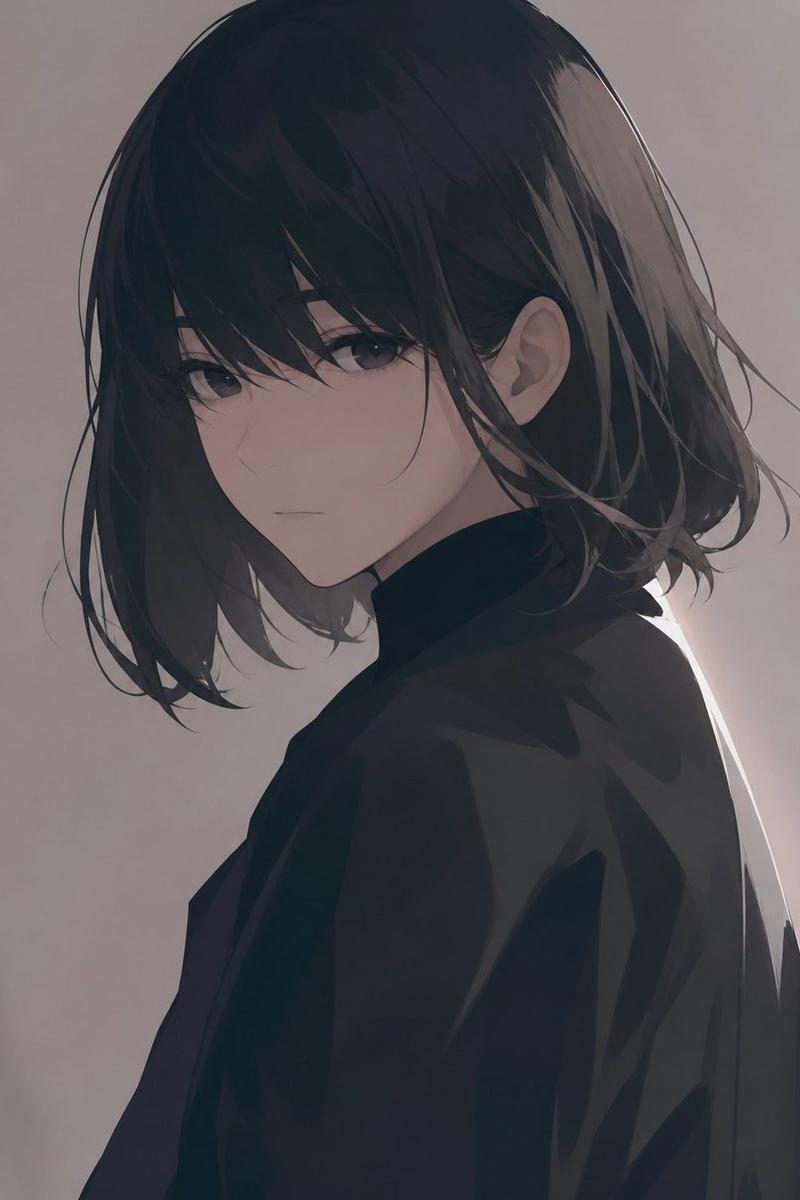
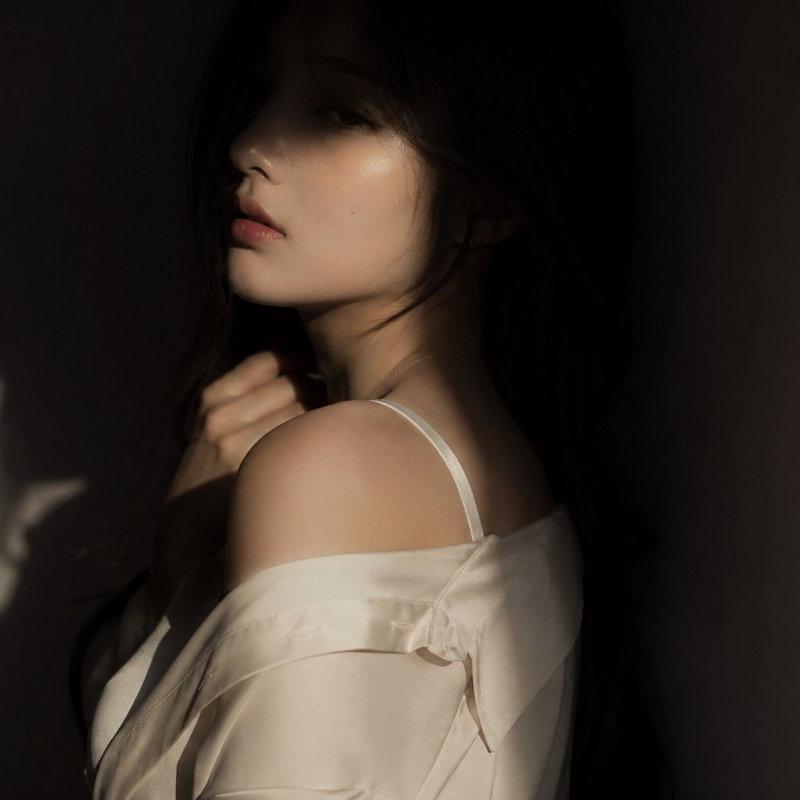
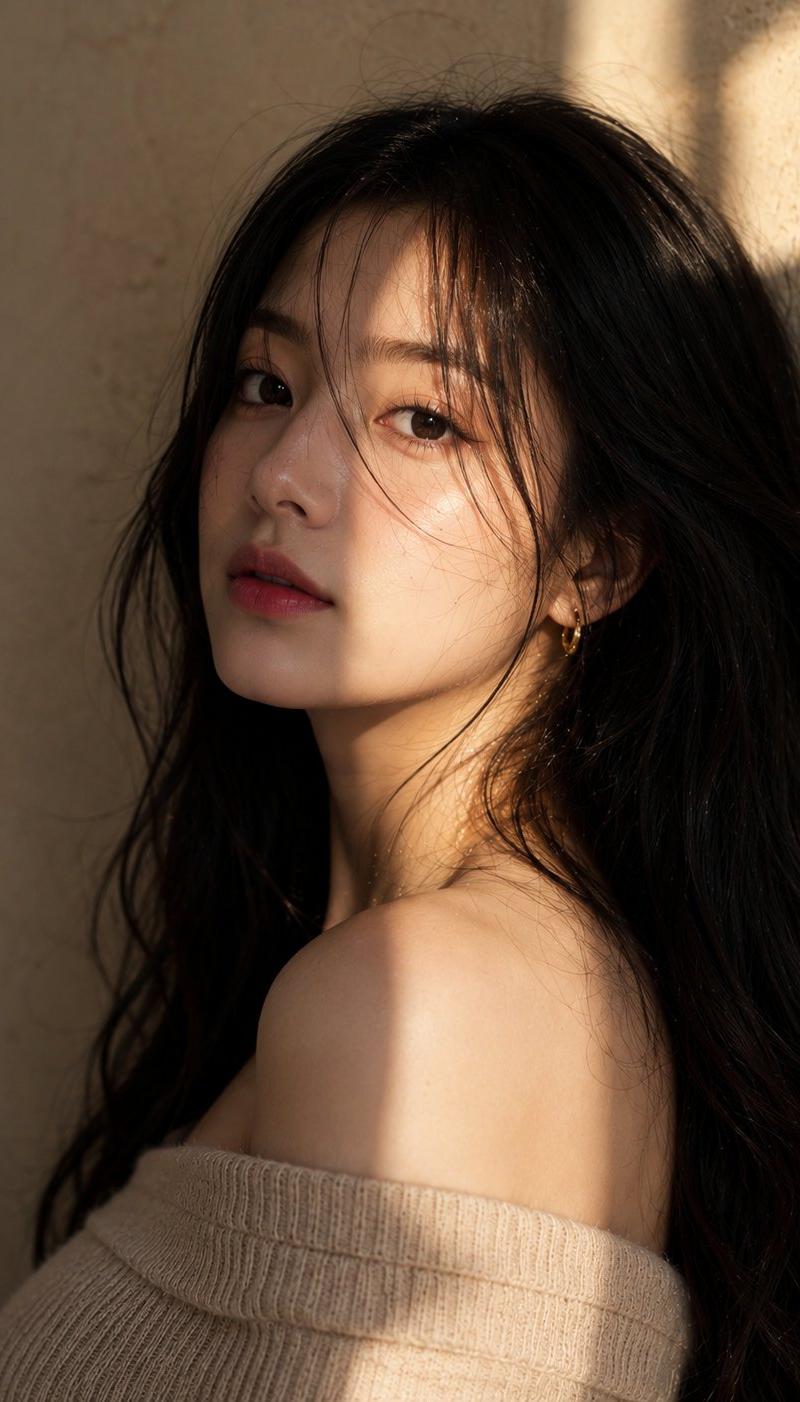
Example images

半写实霓虹日系数字艺术

Prompt
Use the attached image only as a strong visual inspiration for general facial proportions and vibe, while ensuring the generated subject remains fully original, non-identifiable, and not a face copy. Semi-realistic, clean sharp linework, smooth gradient shading, {argument name="background color" default="neon yellow"} background, dark circular shadow halo behind subject, dramatic front lighting, high contrast {argument name="color scheme" default="black and yellow"} color scheme, bold eyeliner detail, soft skin gradient, diagonal shadow streaks, modern Japanese digital art, editorial illustration, vibrant pop aesthetic, --ar 3:4 --stylize 750 --v 6
Category
Photography & Realism
Model
GPT Image 2
Creator
Kashberg
Source language
en
Views0
Source ID
26773
Published
Jun 23, 2026
Studio

Guide

About "半写实霓虹日系数字艺术"

What is this prompt for?

"半写实霓虹日系数字艺术" AI image prompt for GPT Image 2 (Photography & Realism). 这是一个引人注目的提示词,用于生成具有高对比度霓虹黄黑配色方案和锐利线条的编辑风格日系数字艺术。 Copy it on Picva and recreate the look…

The full copyable prompt and example visuals above are ready for AI image generation or one-click recreate in Picva.

How to use this prompt

  1. Step 1

    Open the prompt detail

    Review the example visuals, category, and full prompt text for "半写实霓虹日系数字艺术".

  2. Step 2

    Copy the prompt

    Copy the prompt body from this page, or load it directly in Studio.

  3. Step 3

    Pick a model (GPT Image 2)

    Prefer GPT Image 2. If you switch models, keep subject and composition and tweak style terms.

  4. Step 4

    Generate and export

    Recreate the look in Picva, or export into your workflow for editing and publishing.

FAQ

What is the "半写实霓虹日系数字艺术" prompt?
It is an AI image-generation prompt for GPT Image 2 in the Photography & Realism category. This page includes the full prompt text, example visuals, and a one-click recreate path in Picva.
How do I use this prompt to generate an image?
Copy the prompt from this page, or use Generate / Studio. Paste it into a compatible image model, or recreate the look in Picva with optional reference images.
Which model is this prompt for?
This page lists GPT Image 2. Most descriptive prompts also transfer to nearby image models such as GPT Image, Flux, or Midjourney with light style tweaks.
Can I use the result commercially?
You can usually copy the prompt for creation, but commercial use of the final image depends on the model terms, reference-image rights, and the generated content. Follow the source author and platform rules.