19

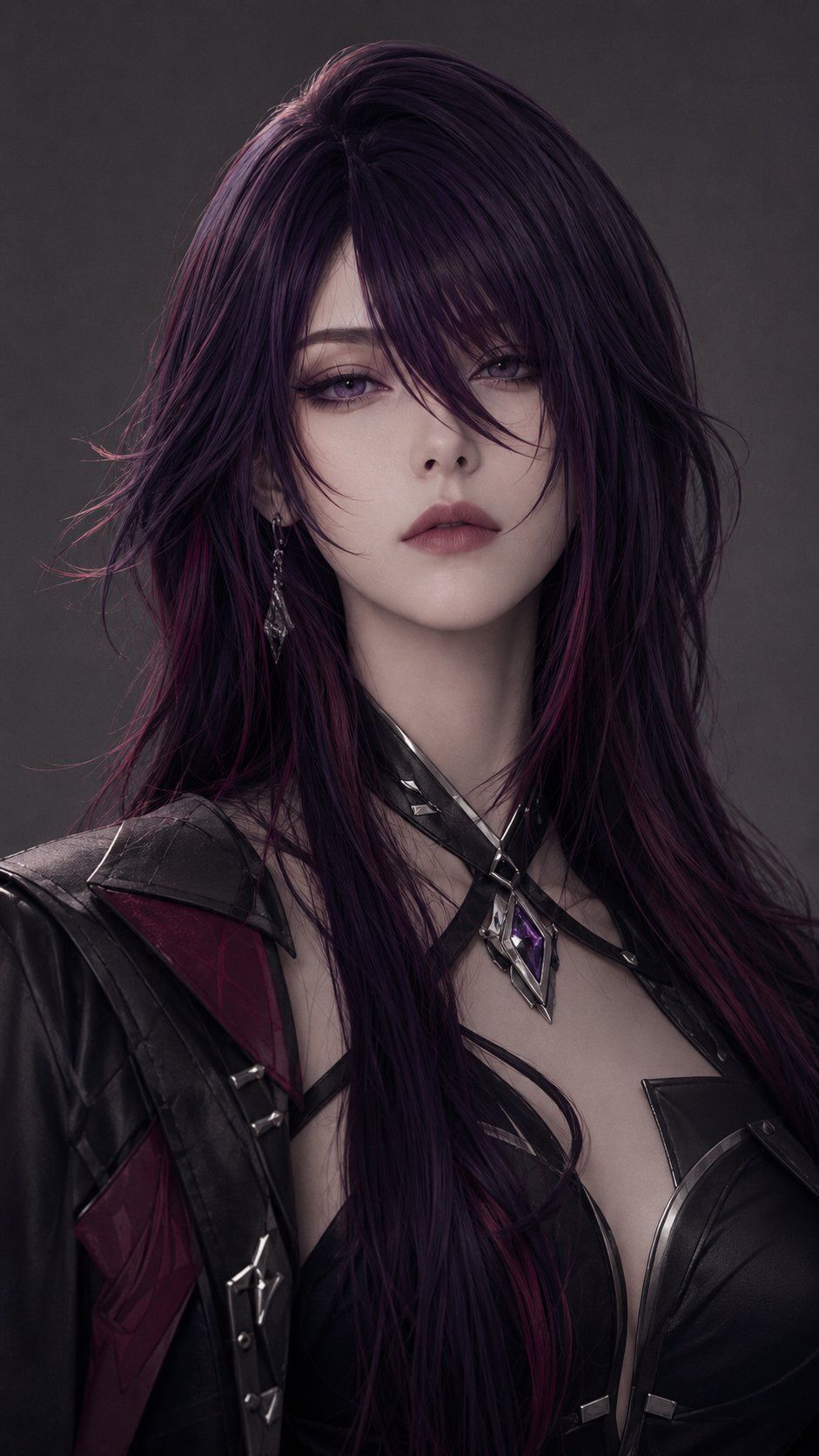
哥特风盗贼肖像(遮挡版)
Enlarge

Example images

哥特风盗贼肖像(遮挡版)

Prompt
Create a dark cinematic fantasy character portrait in a vertical 9:16 frame, showing the upper torso of a mysterious female rogue or vampire warrior named {argument name="character name" default="Nyx"}. She has very long, voluminous, wind-tousled {argument name="hair color" default="black-purple hair with magenta streaks"} cascading over her shoulders and chest, with glossy strands and a slightly messy anime-inspired silhouette. Her face is intentionally hidden by a centered opaque square censor block in a muted mauve-brown gradient, covering the full facial area from forehead to chin while leaving the hair, neck, shoulders, and outfit visible. She wears a dramatic black leather gothic battle outfit: asymmetrical armored shoulder pieces, deep black leather bodice with angular cutouts, thin crossing chest straps, metal buckles, dark red fabric panels, and sharp silver accents. Around her neck is a black choker and layered straps holding a faceted purple crystal pendant in a silver diamond-shaped frame. The pose is front-facing and confident, cropped from the top of the hair to mid-chest, with the body slightly angled. Use moody studio lighting, soft rim highlights on the hair, realistic skin and leather textures, muted charcoal-gray background, high-detail semi-realistic fantasy game character art, elegant dark glamour, no text, no watermark.
Category
Photography & Realism
Model
GPT Image 2
Creator
VoxCat
Views0
Source ID
26794
Published
Jun 25, 2026

Guide

About "哥特风盗贼肖像(遮挡版)"

What is this prompt for?

"哥特风盗贼肖像(遮挡版)" AI image prompt for GPT Image 2 (Photography & Realism). 一张充满情绪感的垂直奇幻肖像,描绘了一位长发哥特女战士,其面部被一个不透明的方形遮挡块隐藏。 Copy it on Picva and recreate the look i…

The full copyable prompt and example visuals above are ready for AI image generation or one-click recreate in Picva.

How to use this prompt

  1. Step 1

    Open the prompt detail

    Review the example visuals, category, and full prompt text for "哥特风盗贼肖像(遮挡版)".

  2. Step 2

    Copy the prompt

    Copy the prompt body from this page, or load it directly in Studio.

  3. Step 3

    Pick a model (GPT Image 2)

    Prefer GPT Image 2. If you switch models, keep subject and composition and tweak style terms.

  4. Step 4

    Generate and export

    Recreate the look in Picva, or export into your workflow for editing and publishing.

FAQ

What is the "哥特风盗贼肖像(遮挡版)" prompt?
It is an AI image-generation prompt for GPT Image 2 in the Photography & Realism category. This page includes the full prompt text, example visuals, and a one-click recreate path in Picva.
How do I use this prompt to generate an image?
Copy the prompt from this page, or use Generate / Studio. Paste it into a compatible image model, or recreate the look in Picva with optional reference images.
Which model is this prompt for?
This page lists GPT Image 2. Most descriptive prompts also transfer to nearby image models such as GPT Image, Flux, or Midjourney with light style tweaks.
Can I use the result commercially?
You can usually copy the prompt for creation, but commercial use of the final image depends on the model terms, reference-image rights, and the generated content. Follow the source author and platform rules.