19

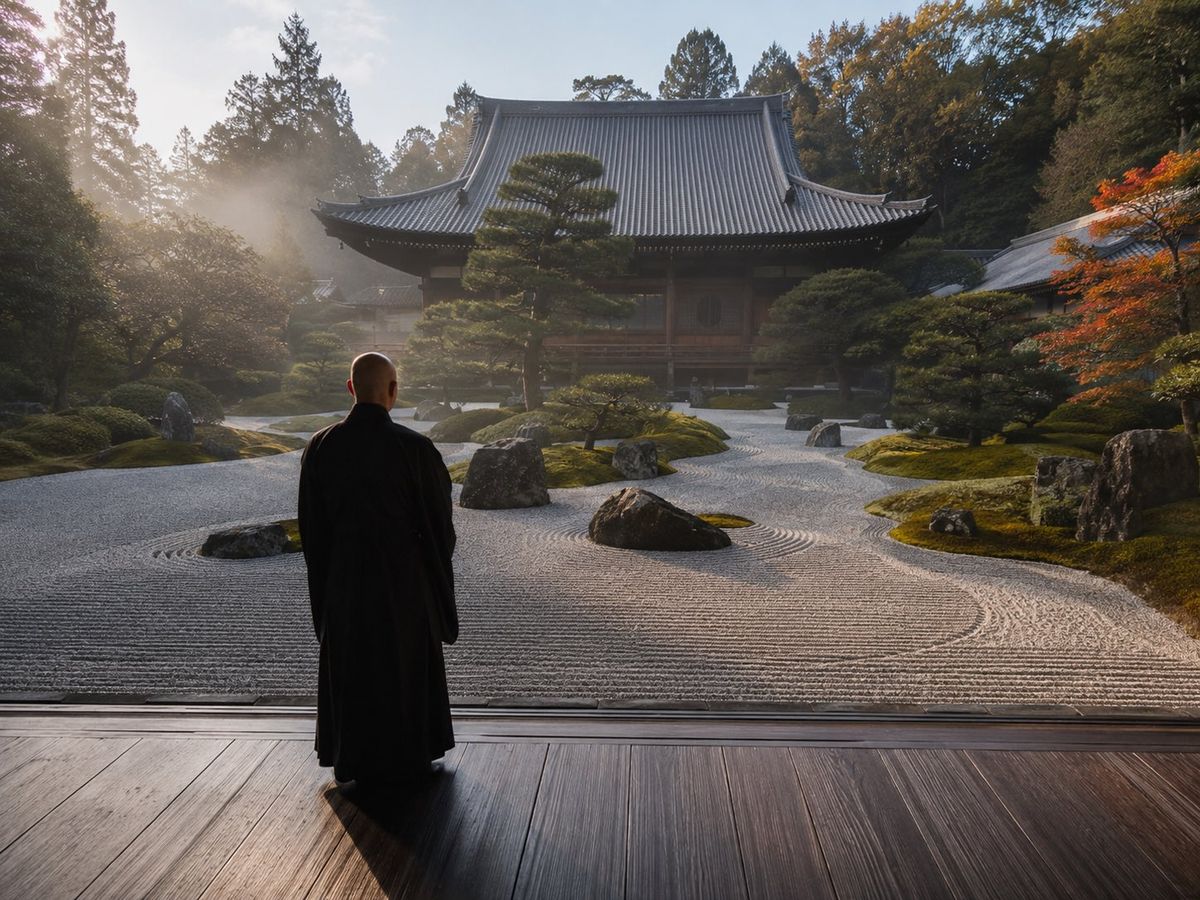
日式禅意庭院
Enlarge

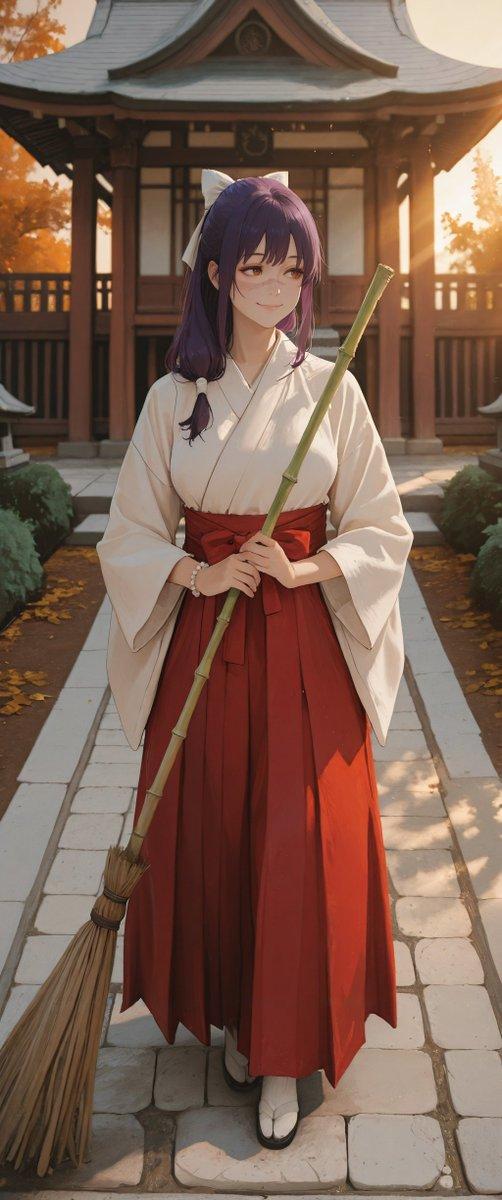
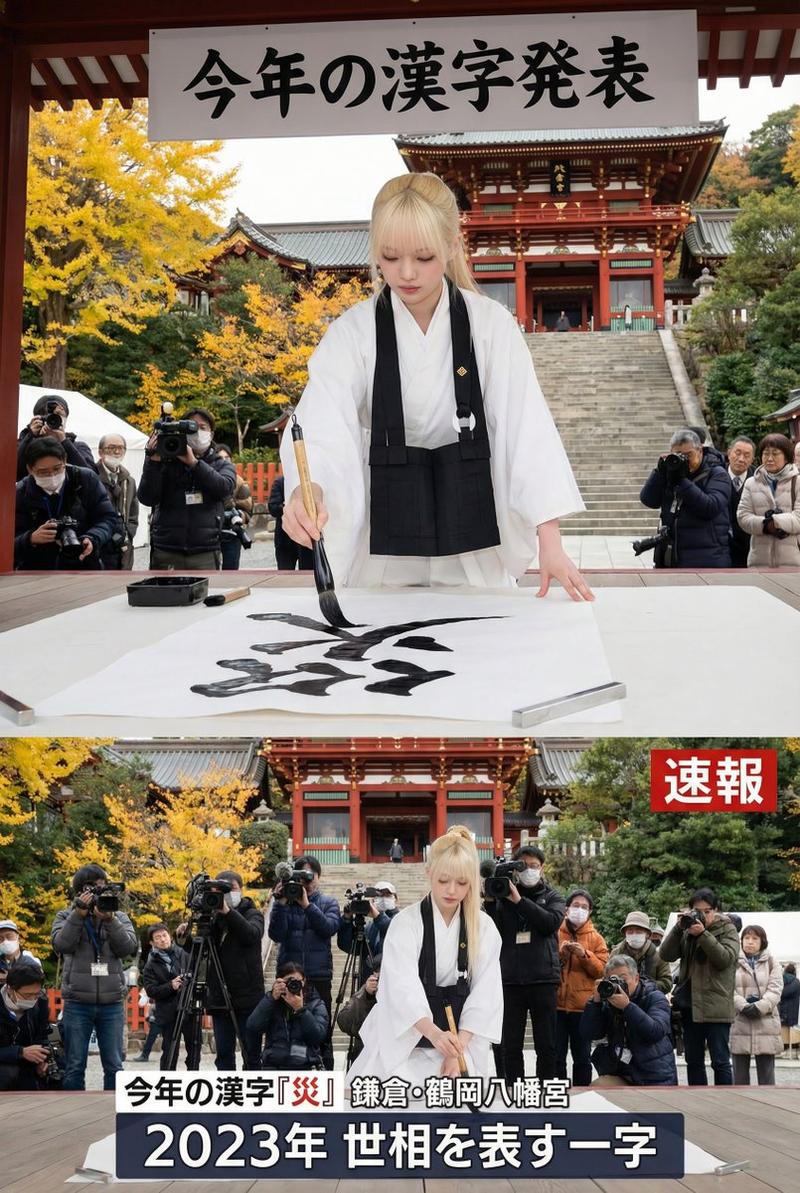
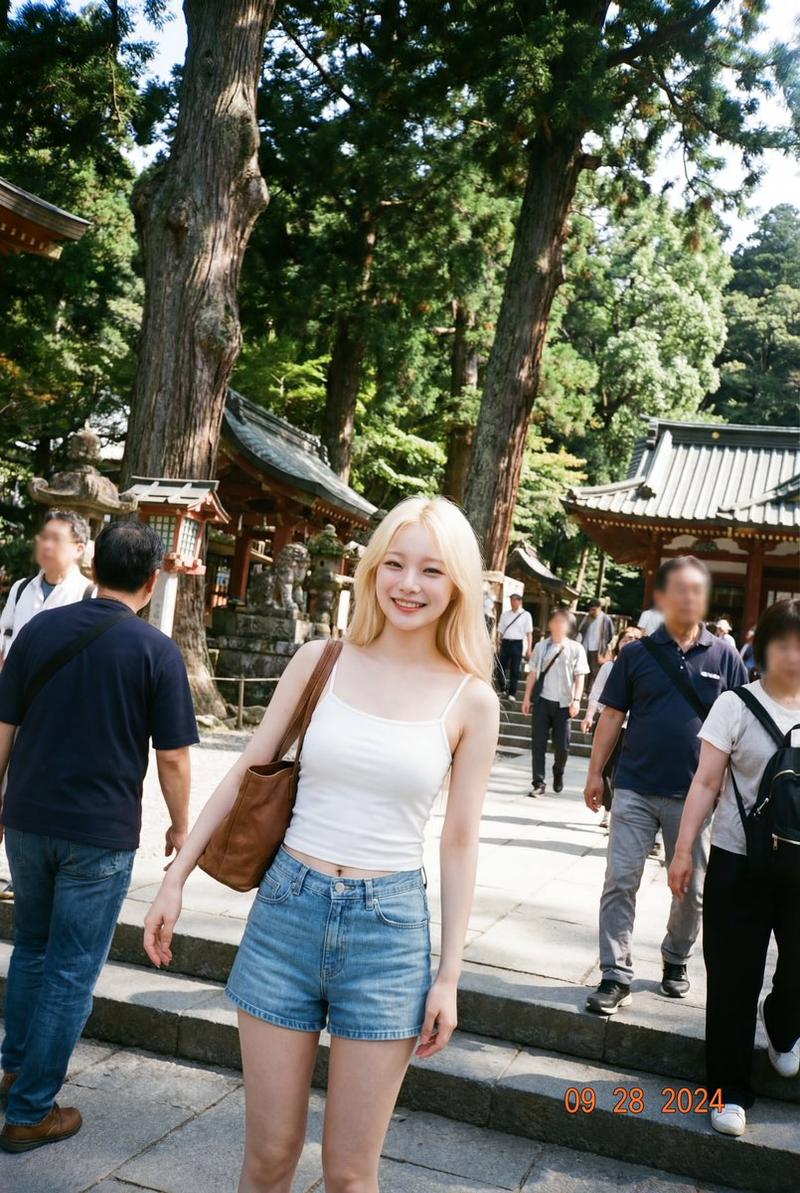
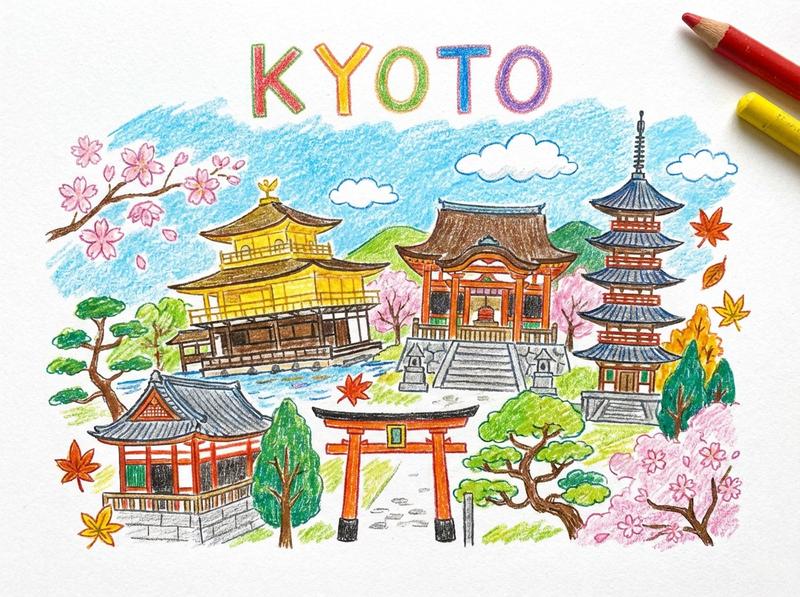
Example images

日式禅意庭院

Prompt
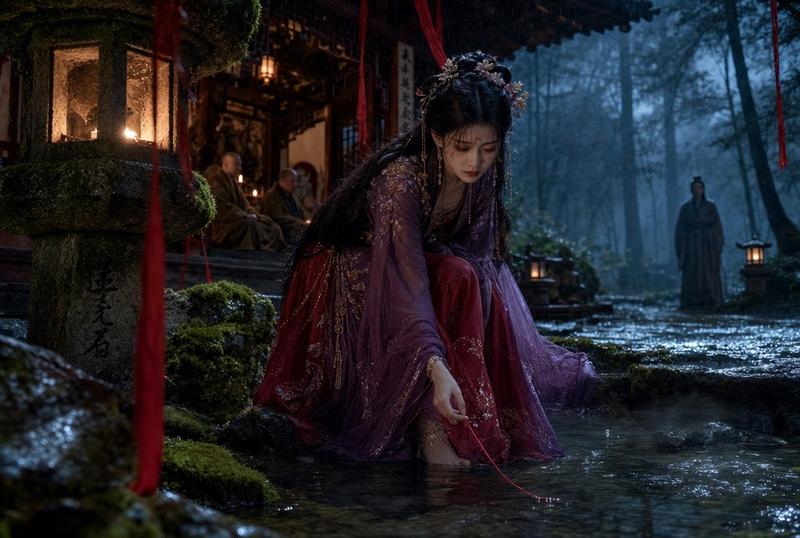
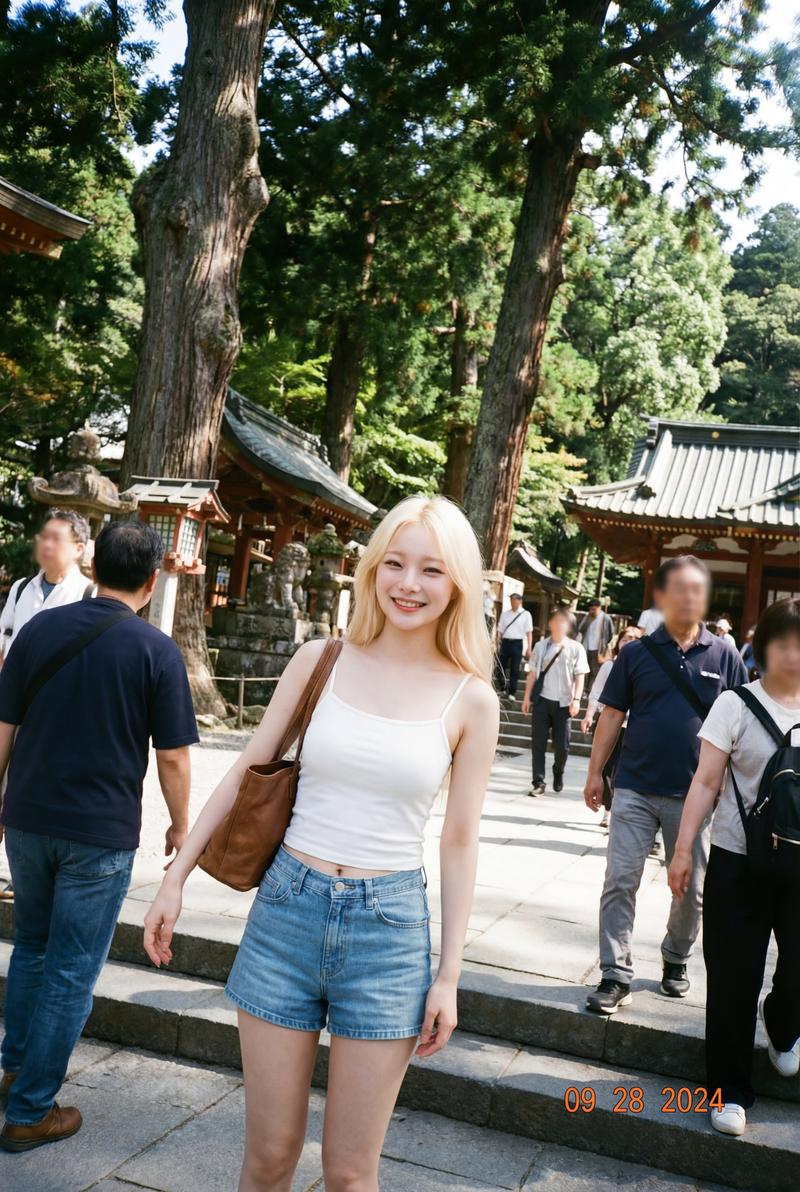
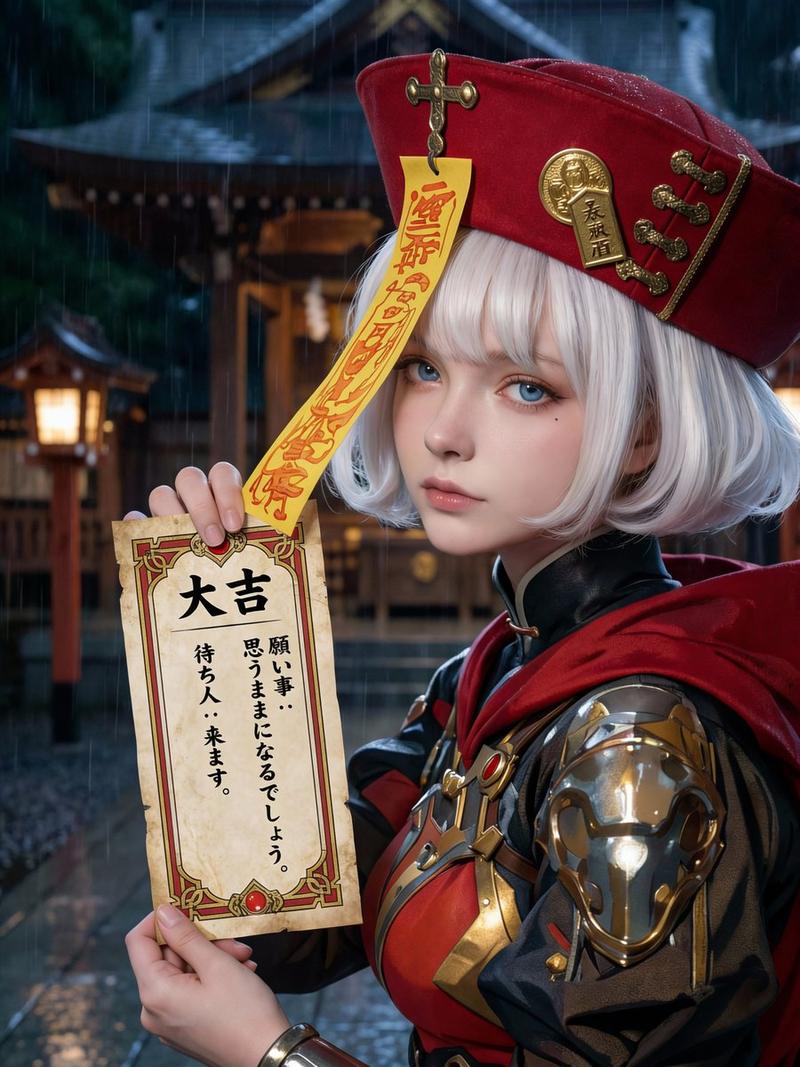
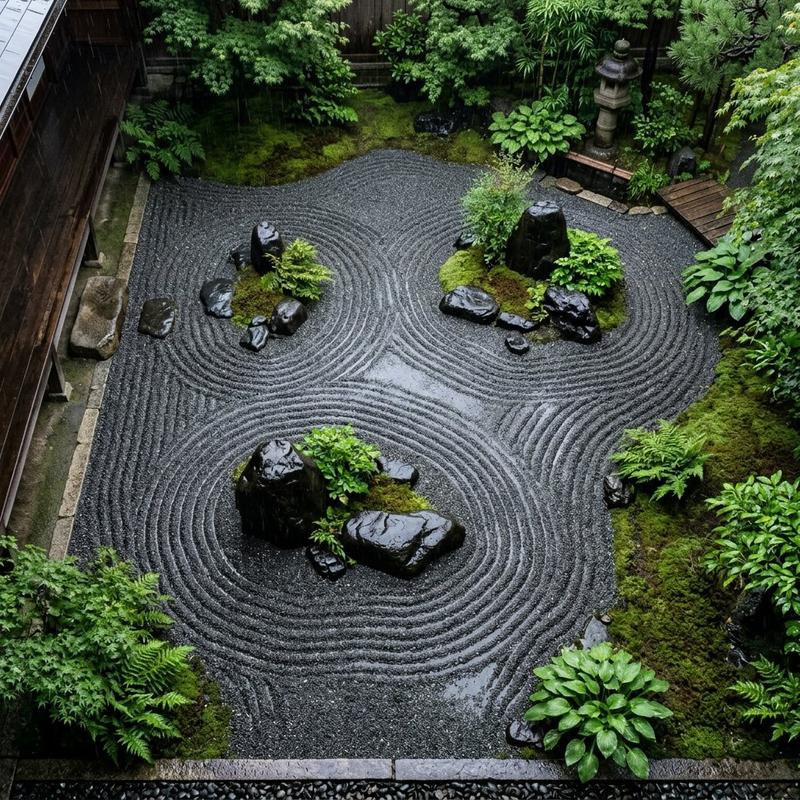
生成一张精美的照片。场景为一座受 {argument name="location" default="京都"} 启发的虚构寺庙庭院,呈现出整洁的枯山水(karesansui)景观,前方站着一位 {argument name="person" default="僧侣"}。画面置身于现代日本,散发着神秘而深邃的氛围。
Category
Photography & Realism
Model
GPT Image 2
Creator
陽仙堂
Views0
Source ID
26870
Published
Jun 26, 2026

Guide

About "日式禅意庭院"

What is this prompt for?

"日式禅意庭院" AI image prompt for GPT Image 2 (Photography & Realism). 一个用于创作神秘而优雅的传统日式庭院场景的提示词,画面中包含一位僧侣,将现代背景与深邃的意境完美融合。 Copy it on Picva and recreate the look in…

The full copyable prompt and example visuals above are ready for AI image generation or one-click recreate in Picva.

How to use this prompt

  1. Step 1

    Open the prompt detail

    Review the example visuals, category, and full prompt text for "日式禅意庭院".

  2. Step 2

    Copy the prompt

    Copy the prompt body from this page, or load it directly in Studio.

  3. Step 3

    Pick a model (GPT Image 2)

    Prefer GPT Image 2. If you switch models, keep subject and composition and tweak style terms.

  4. Step 4

    Generate and export

    Recreate the look in Picva, or export into your workflow for editing and publishing.

FAQ

What is the "日式禅意庭院" prompt?
It is an AI image-generation prompt for GPT Image 2 in the Photography & Realism category. This page includes the full prompt text, example visuals, and a one-click recreate path in Picva.
How do I use this prompt to generate an image?
Copy the prompt from this page, or use Generate / Studio. Paste it into a compatible image model, or recreate the look in Picva with optional reference images.
Which model is this prompt for?
This page lists GPT Image 2. Most descriptive prompts also transfer to nearby image models such as GPT Image, Flux, or Midjourney with light style tweaks.
Can I use the result commercially?
You can usually copy the prompt for creation, but commercial use of the final image depends on the model terms, reference-image rights, and the generated content. Follow the source author and platform rules.