16

赛博黑色电影明暗对照肖像
Enlarge

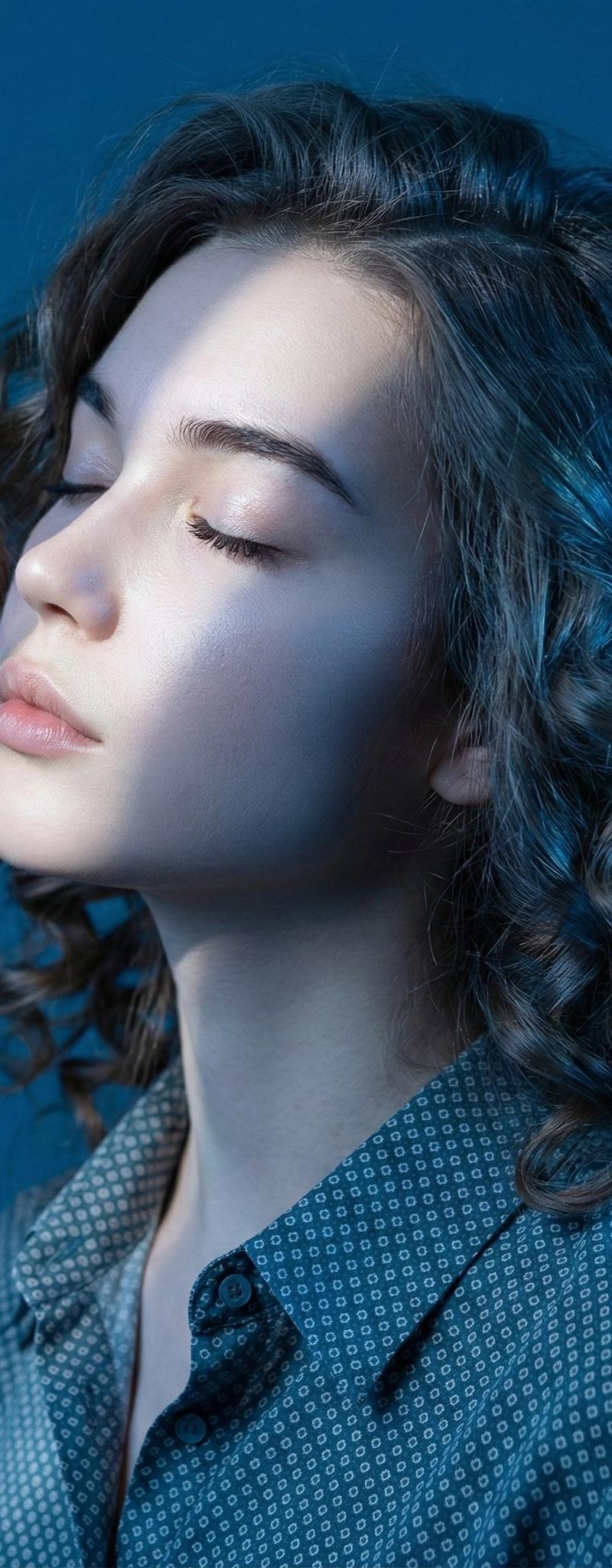
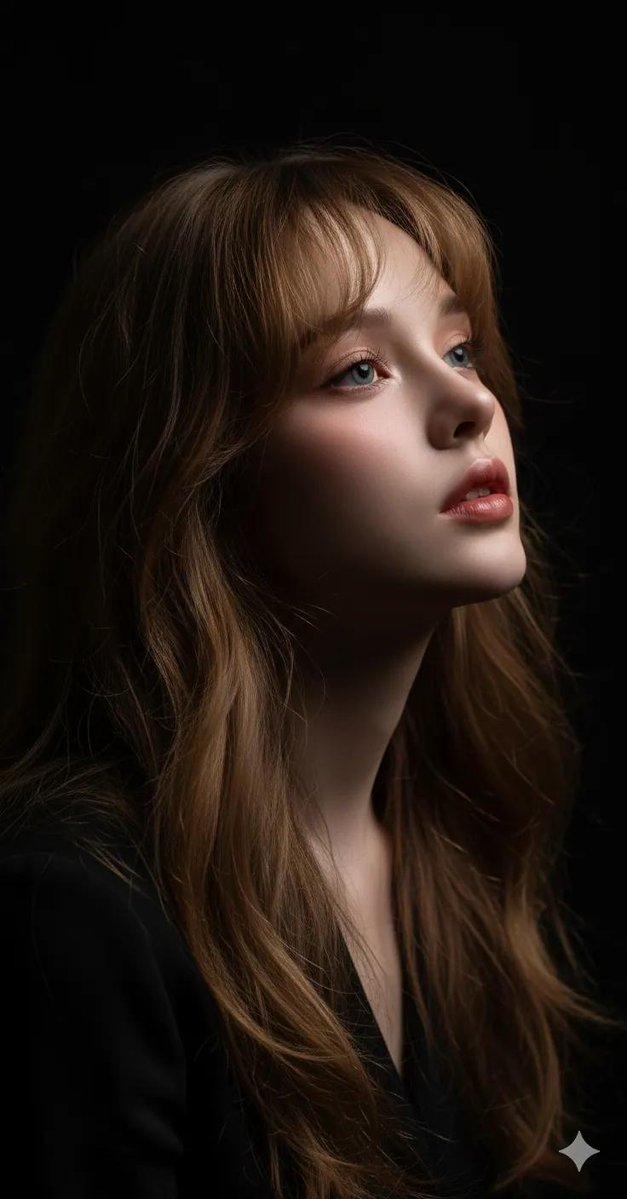
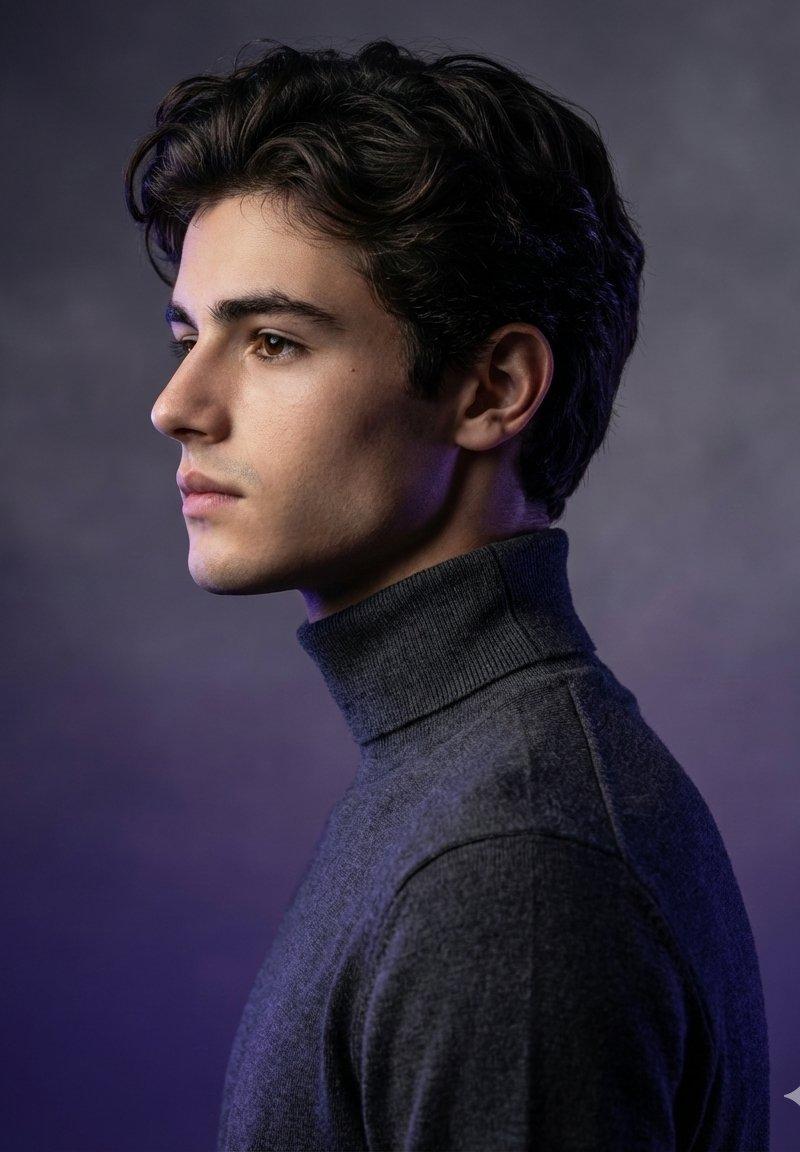
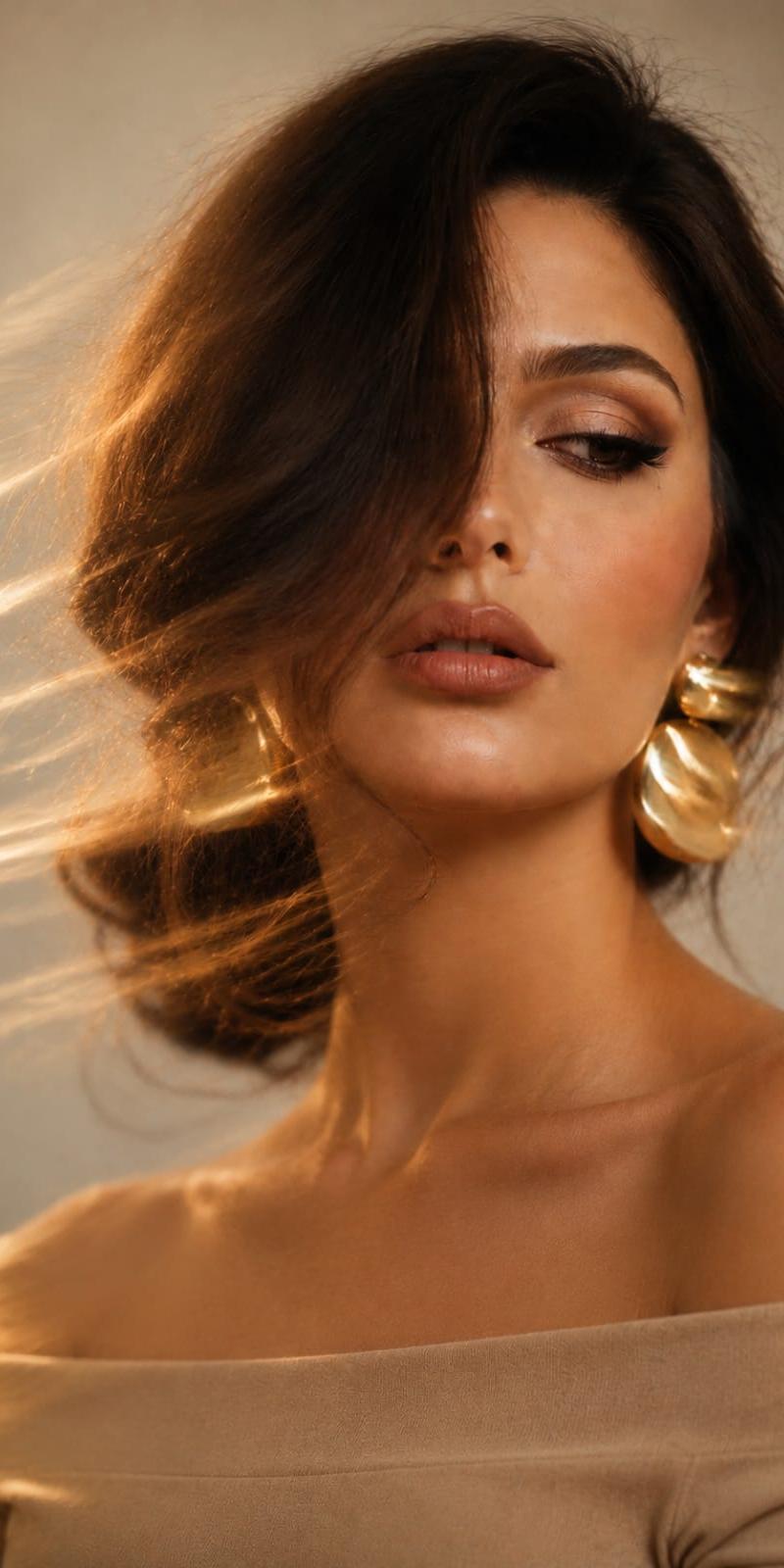
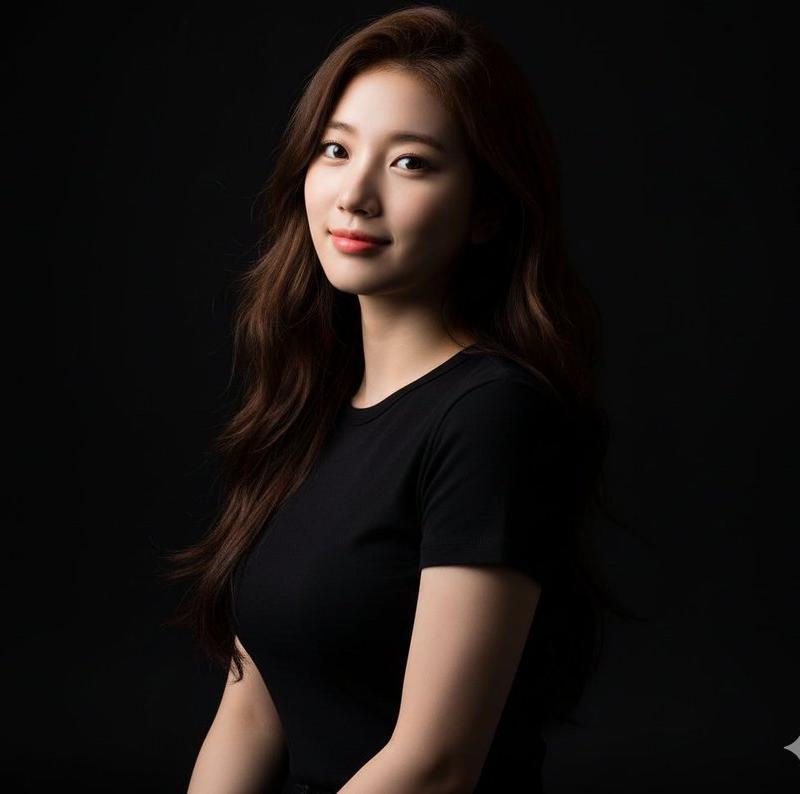
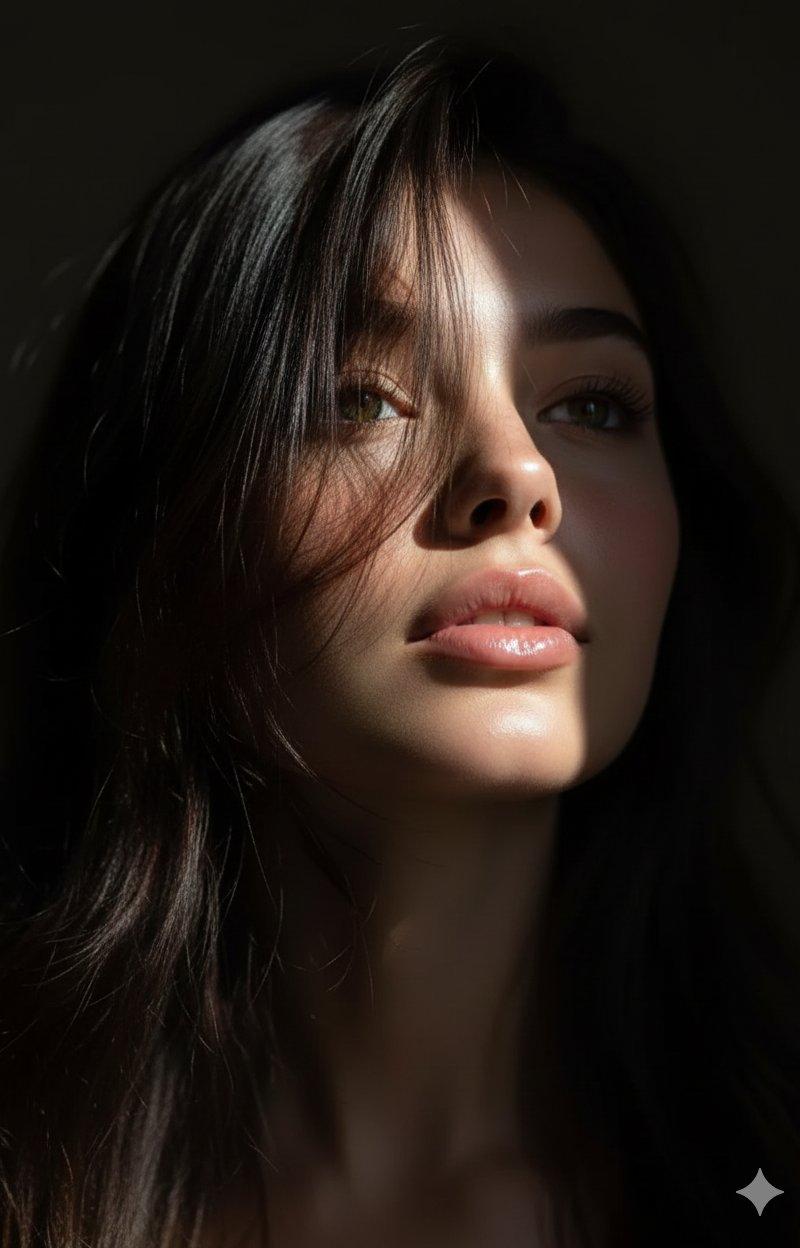
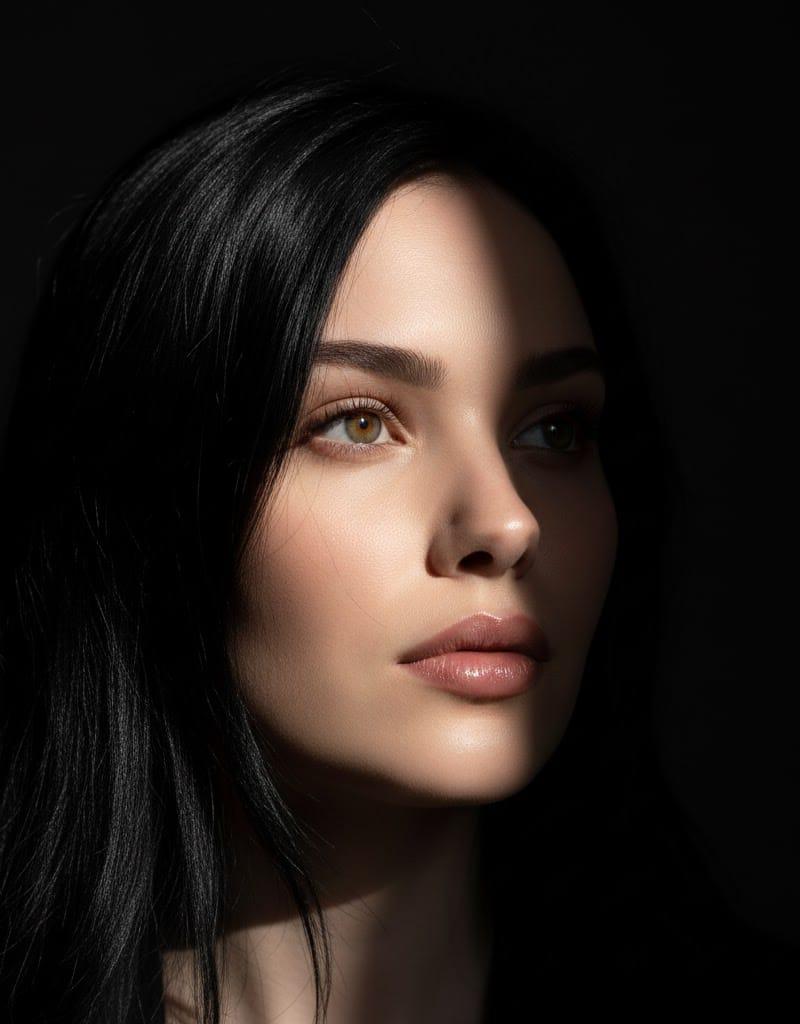
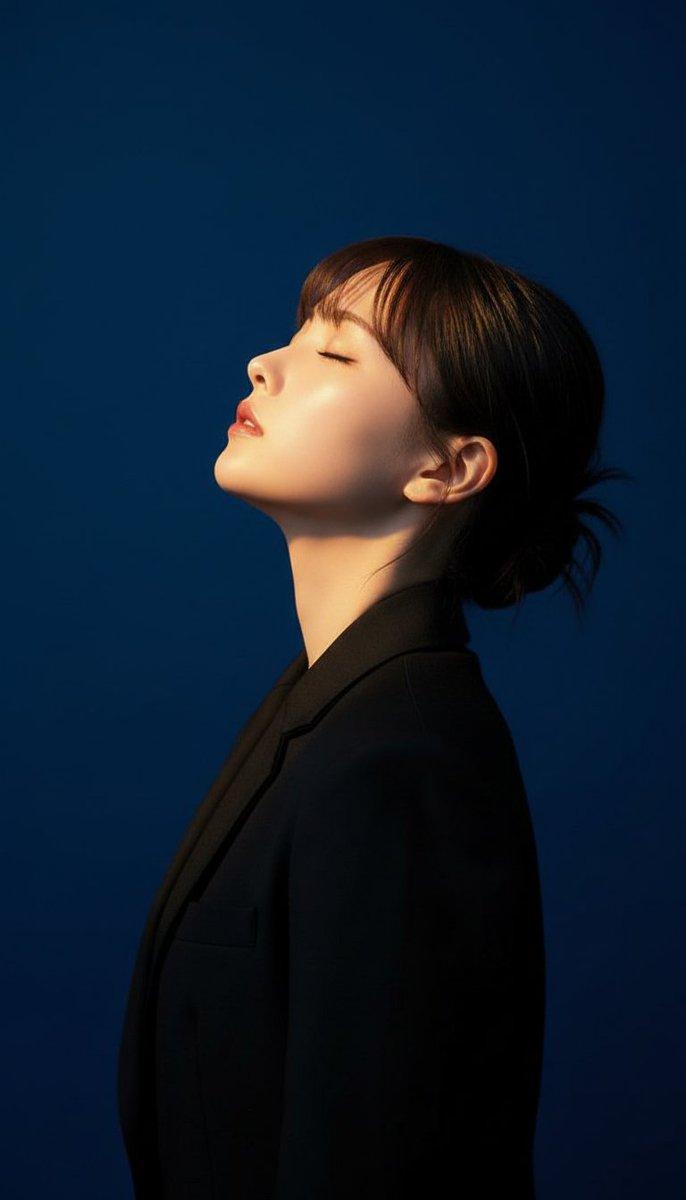
Example images

赛博黑色电影明暗对照肖像

Prompt
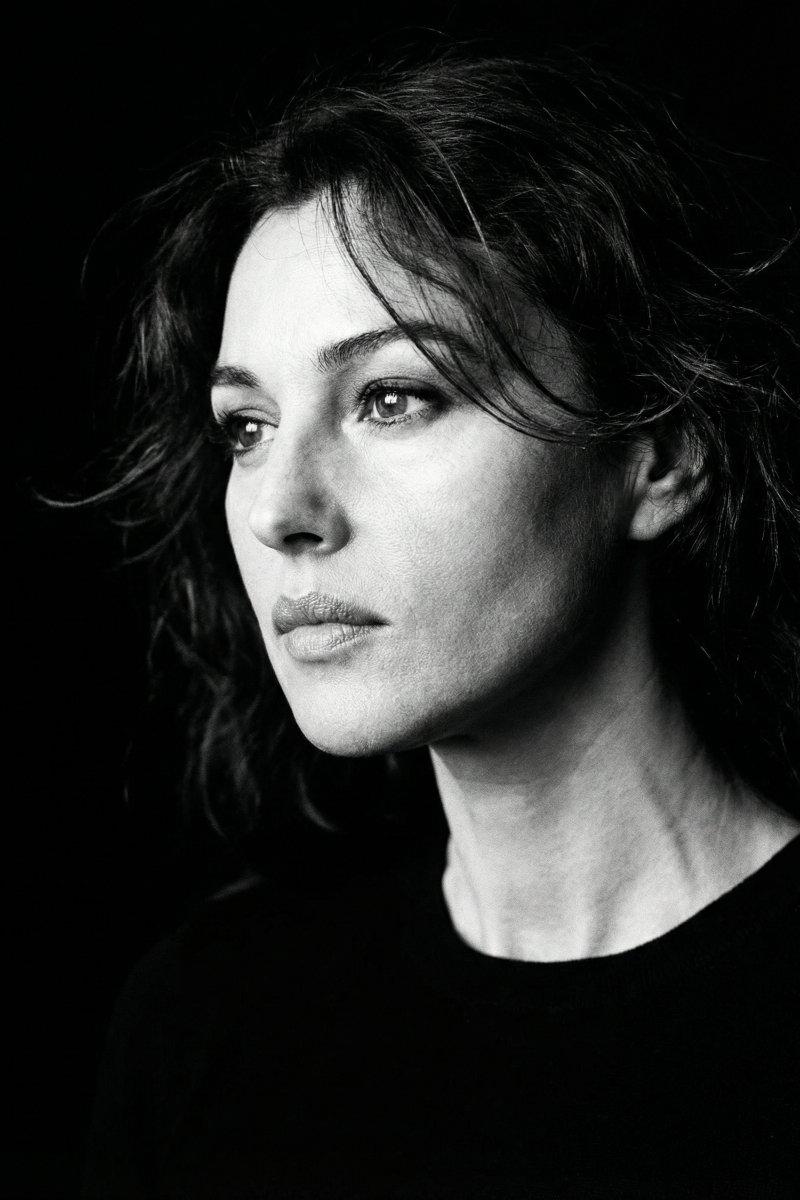
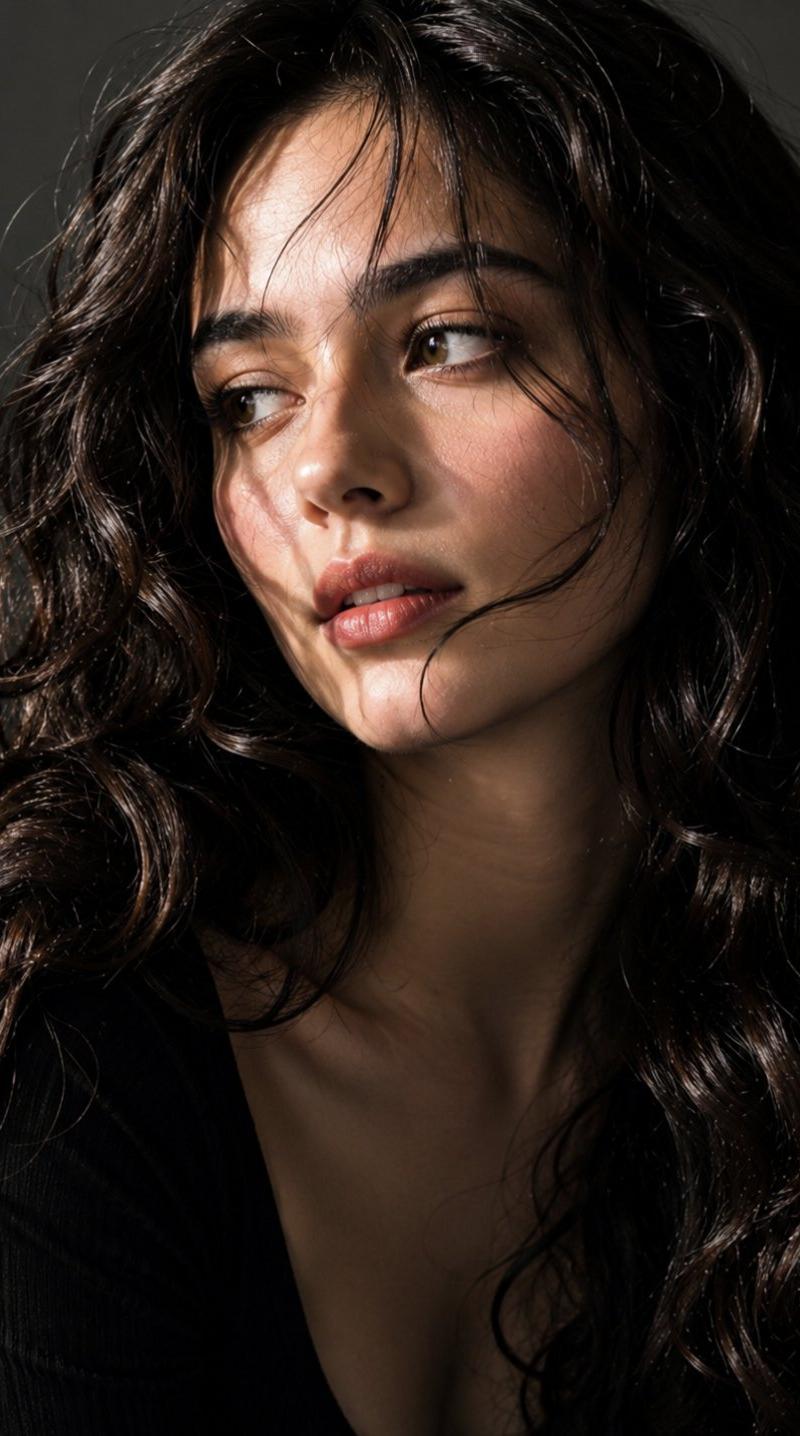
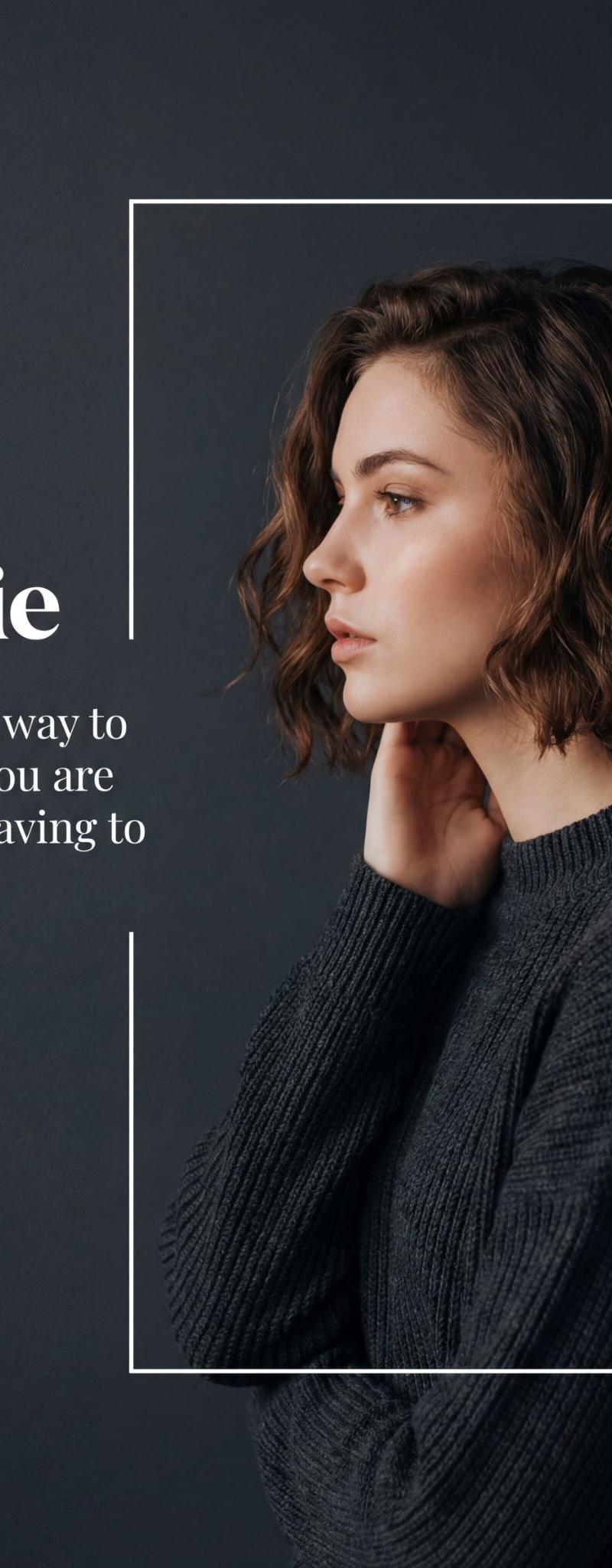
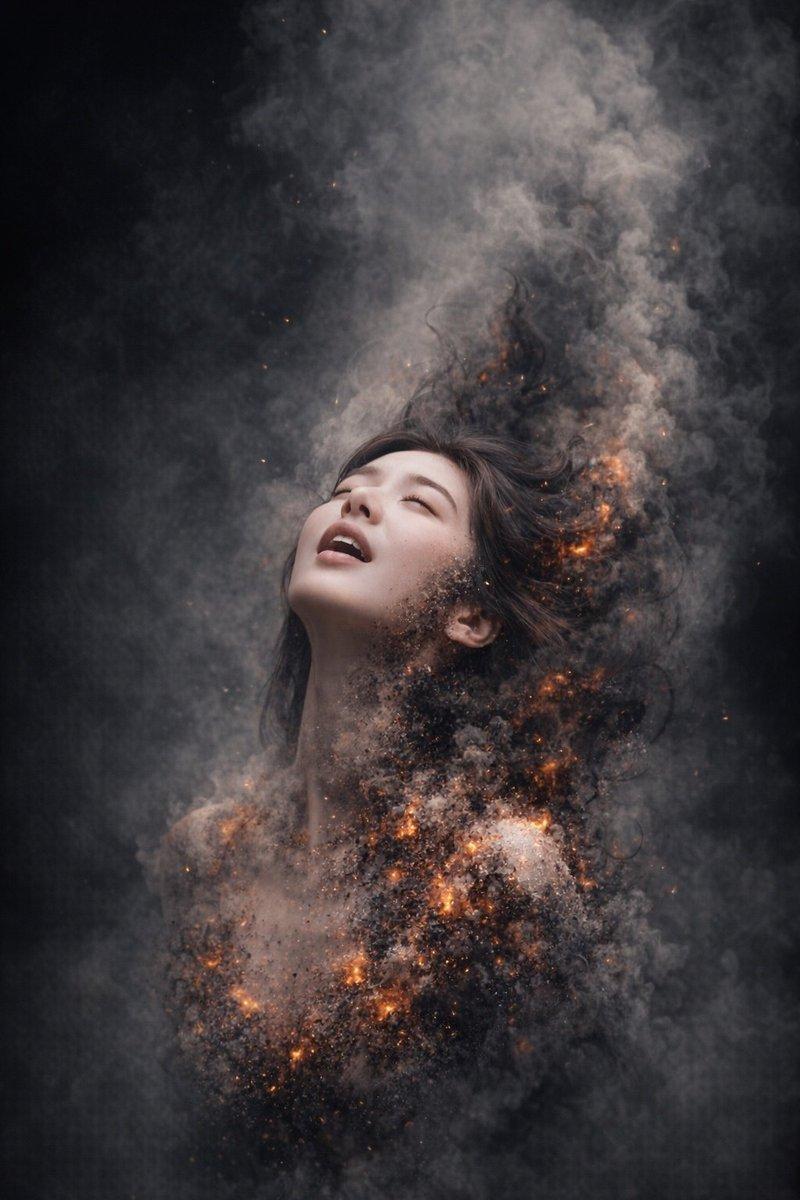
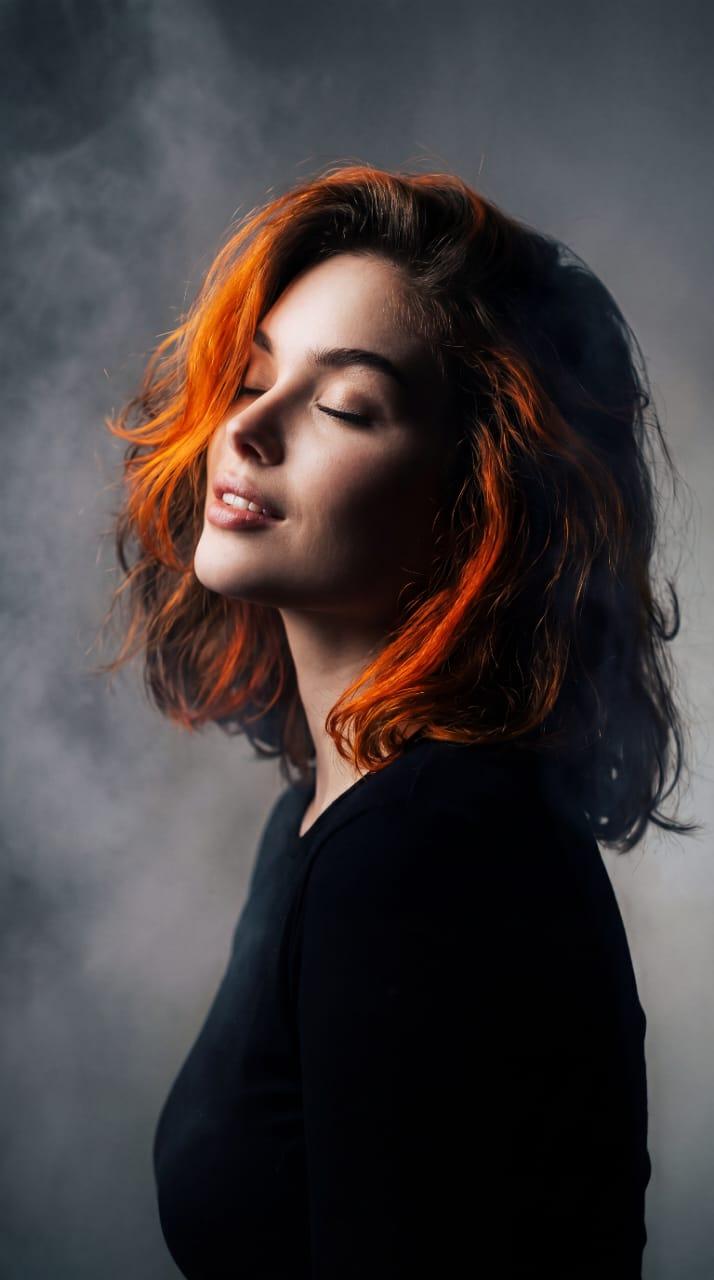
The subject is seen from a subtle side profile, her head slightly tilted up, eyes closed, and lips parted with an enigmatic, serene expression. She is wearing a minimalist, {argument name="clothing style" default="matte black top"} that fades into the shadows. The lighting is heavily focused on Chiaroscuro contrast, casting deep shadows over her face while the {argument name="accent light" default="vibrant orange streaks"} create a brilliant, hazy glow. The background is a soft, textured, moody gradient of {argument name="background colors" default="muted greys"} and hazy atmospheric smoke. The final image has a gritty, cinematic film grain, an ethereal cyber-noir undertone, and is captured with a shallow depth of field, rendering sharp facial structures beneath a dreamy, surreal overlay. --ar 9:16
Category
Photography & Realism
Model
GPT Image 2
Creator
Anissa
Source language
en
Views0
Source ID
26874
Published
Jun 26, 2026
Studio

Guide

About "赛博黑色电影明暗对照肖像"

What is this prompt for?

"赛博黑色电影明暗对照肖像" AI image prompt for GPT Image 2 (Photography & Realism). 一个电影感提示词,用于生成具有强烈对比、强调光条纹和粗颗粒胶片质感的忧郁、空灵肖像。 Copy it on Picva and recreate the look in on…

The full copyable prompt and example visuals above are ready for AI image generation or one-click recreate in Picva.

How to use this prompt

  1. Step 1

    Open the prompt detail

    Review the example visuals, category, and full prompt text for "赛博黑色电影明暗对照肖像".

  2. Step 2

    Copy the prompt

    Copy the prompt body from this page, or load it directly in Studio.

  3. Step 3

    Pick a model (GPT Image 2)

    Prefer GPT Image 2. If you switch models, keep subject and composition and tweak style terms.

  4. Step 4

    Generate and export

    Recreate the look in Picva, or export into your workflow for editing and publishing.

FAQ

What is the "赛博黑色电影明暗对照肖像" prompt?
It is an AI image-generation prompt for GPT Image 2 in the Photography & Realism category. This page includes the full prompt text, example visuals, and a one-click recreate path in Picva.
How do I use this prompt to generate an image?
Copy the prompt from this page, or use Generate / Studio. Paste it into a compatible image model, or recreate the look in Picva with optional reference images.
Which model is this prompt for?
This page lists GPT Image 2. Most descriptive prompts also transfer to nearby image models such as GPT Image, Flux, or Midjourney with light style tweaks.
Can I use the result commercially?
You can usually copy the prompt for creation, but commercial use of the final image depends on the model terms, reference-image rights, and the generated content. Follow the source author and platform rules.