18

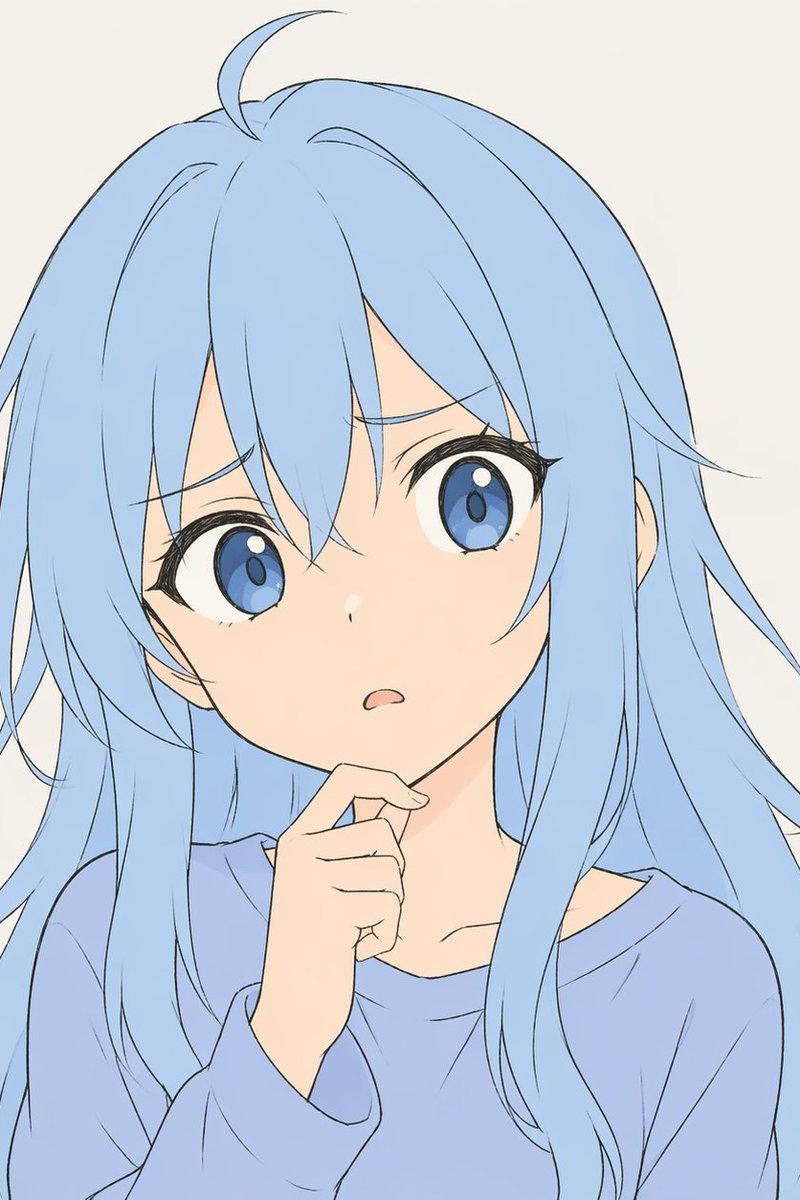
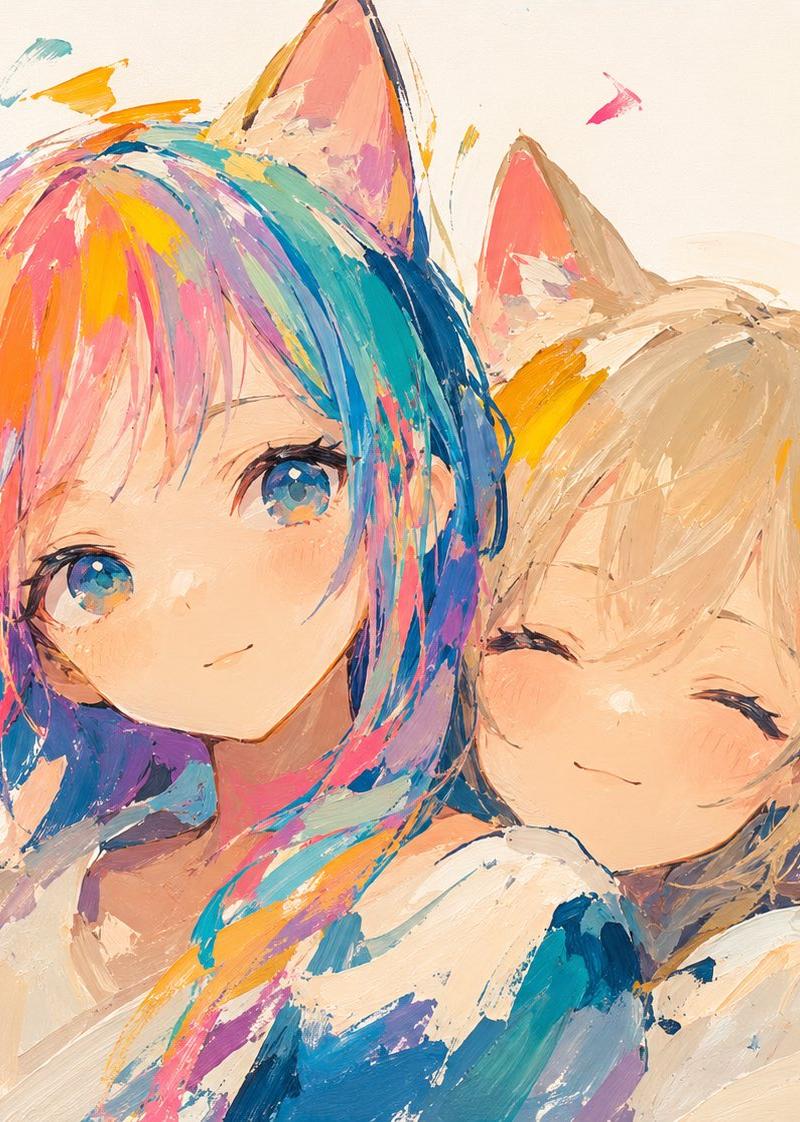
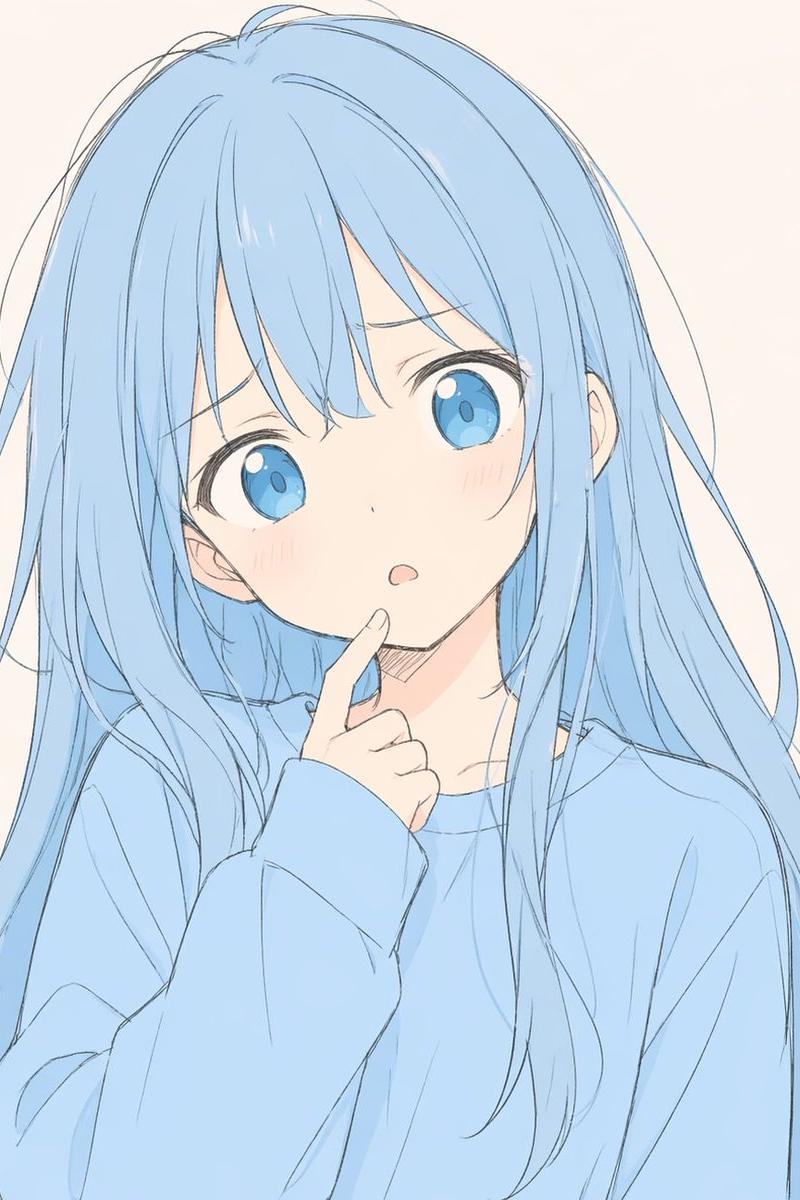
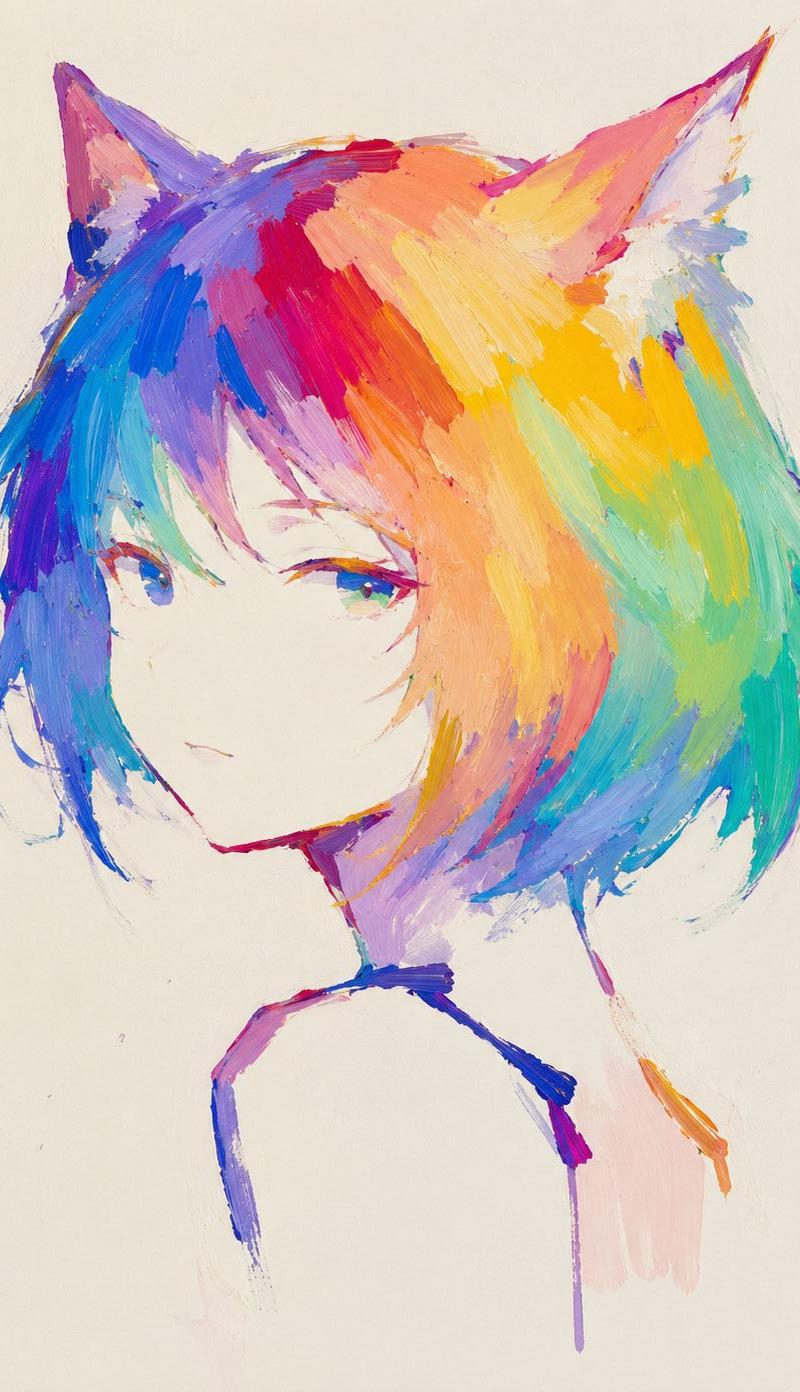
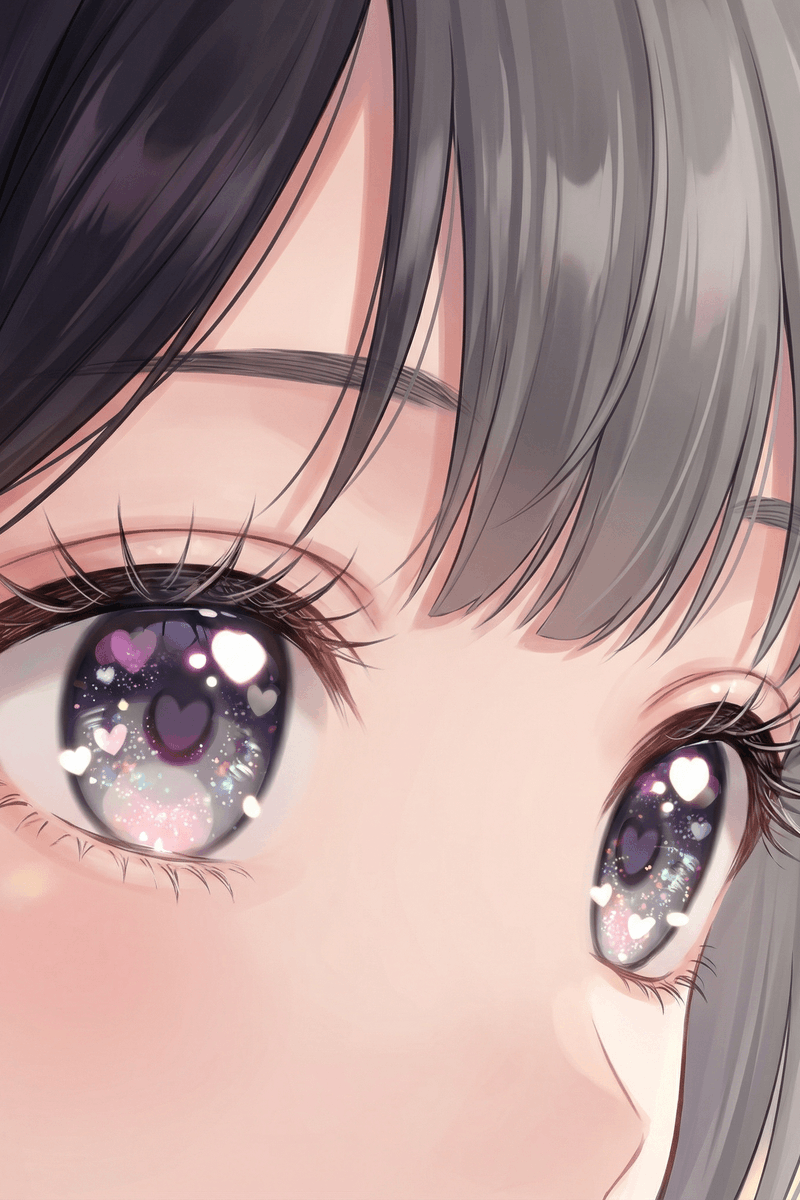
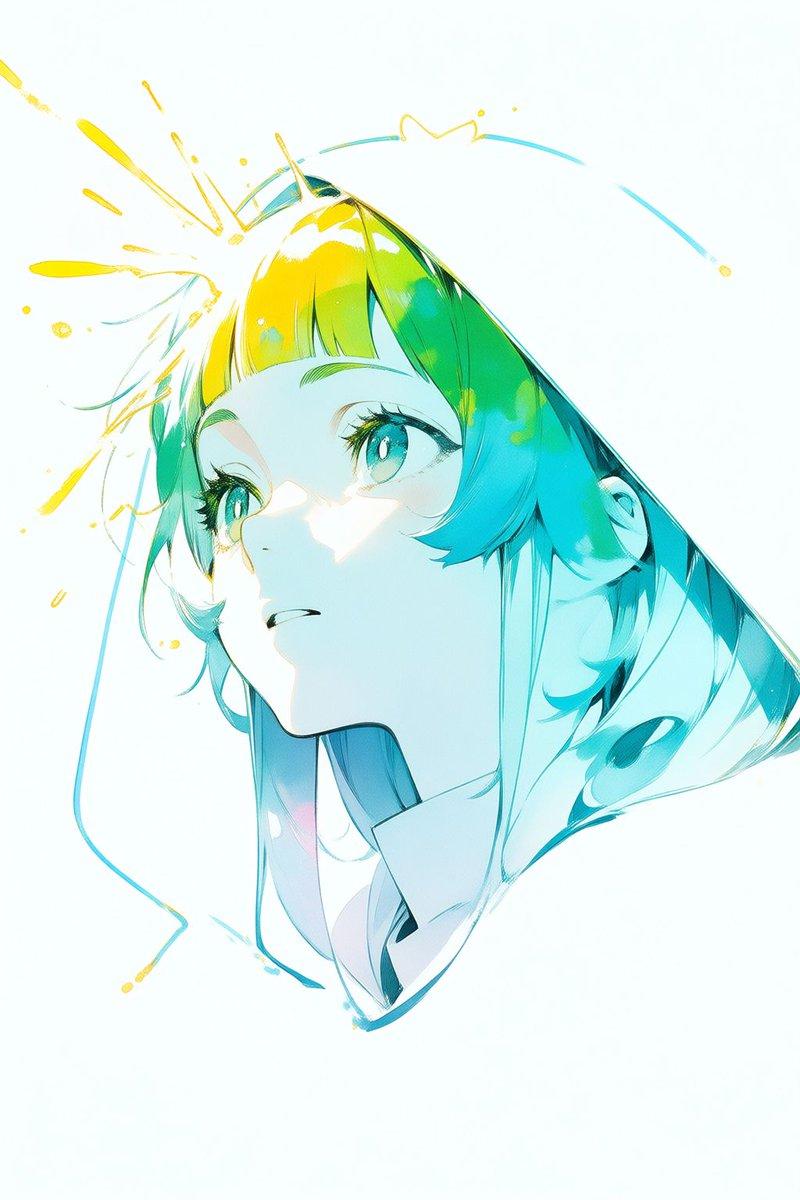
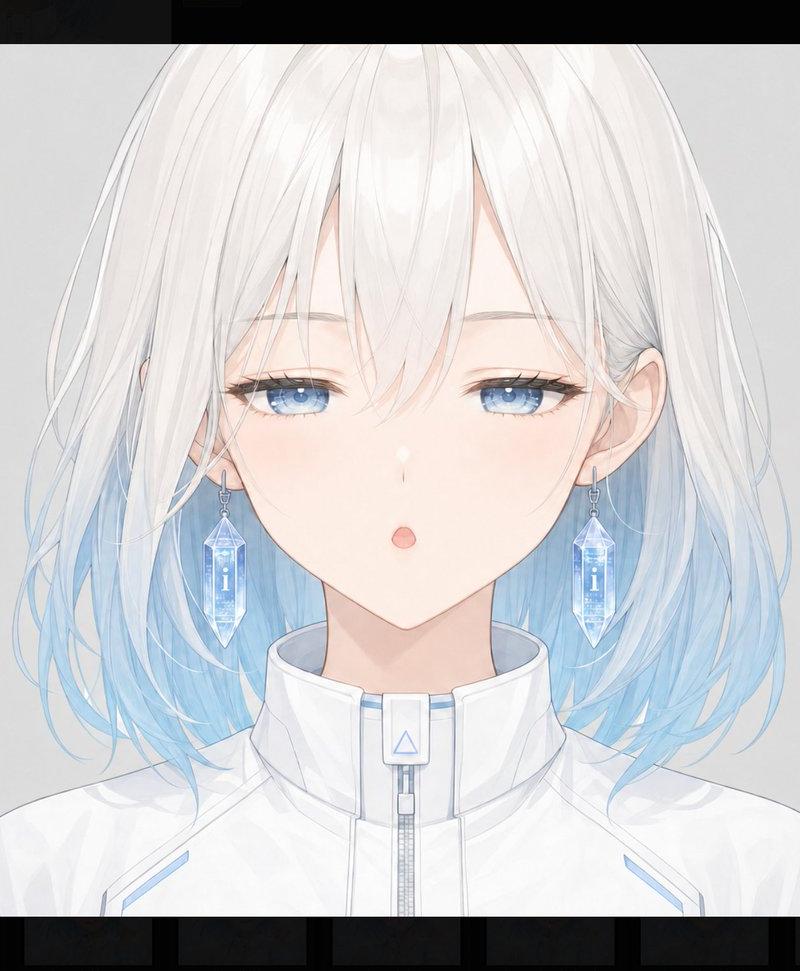
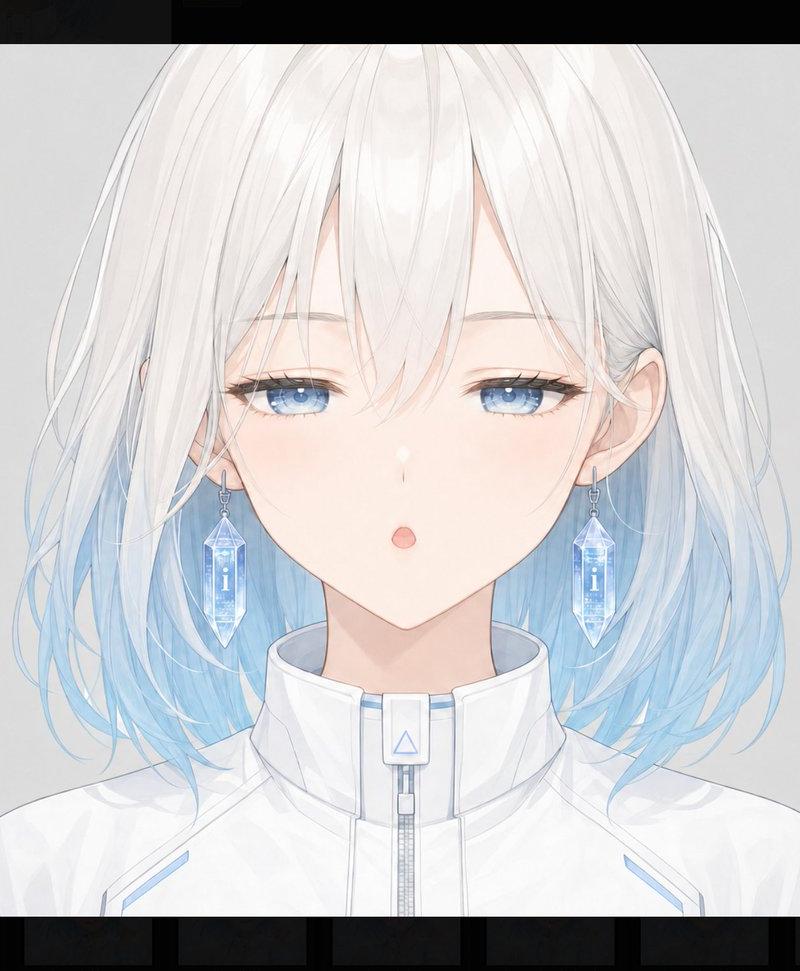
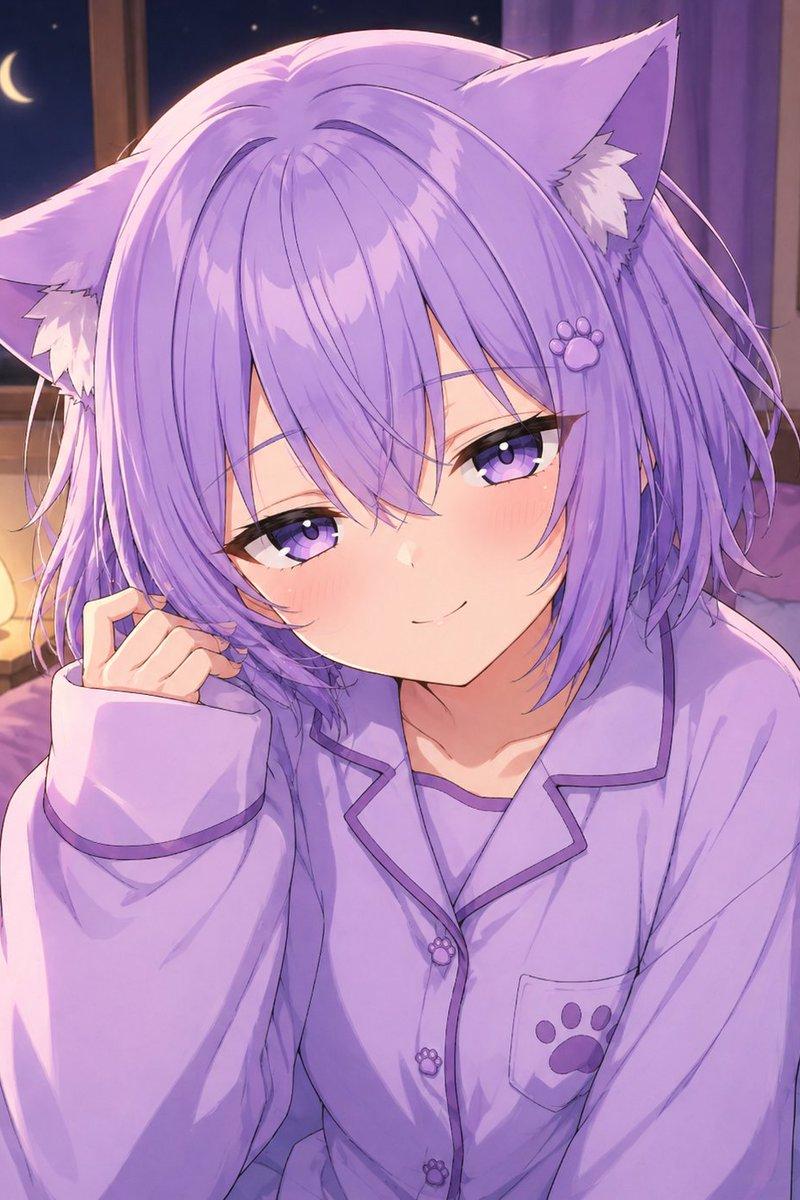
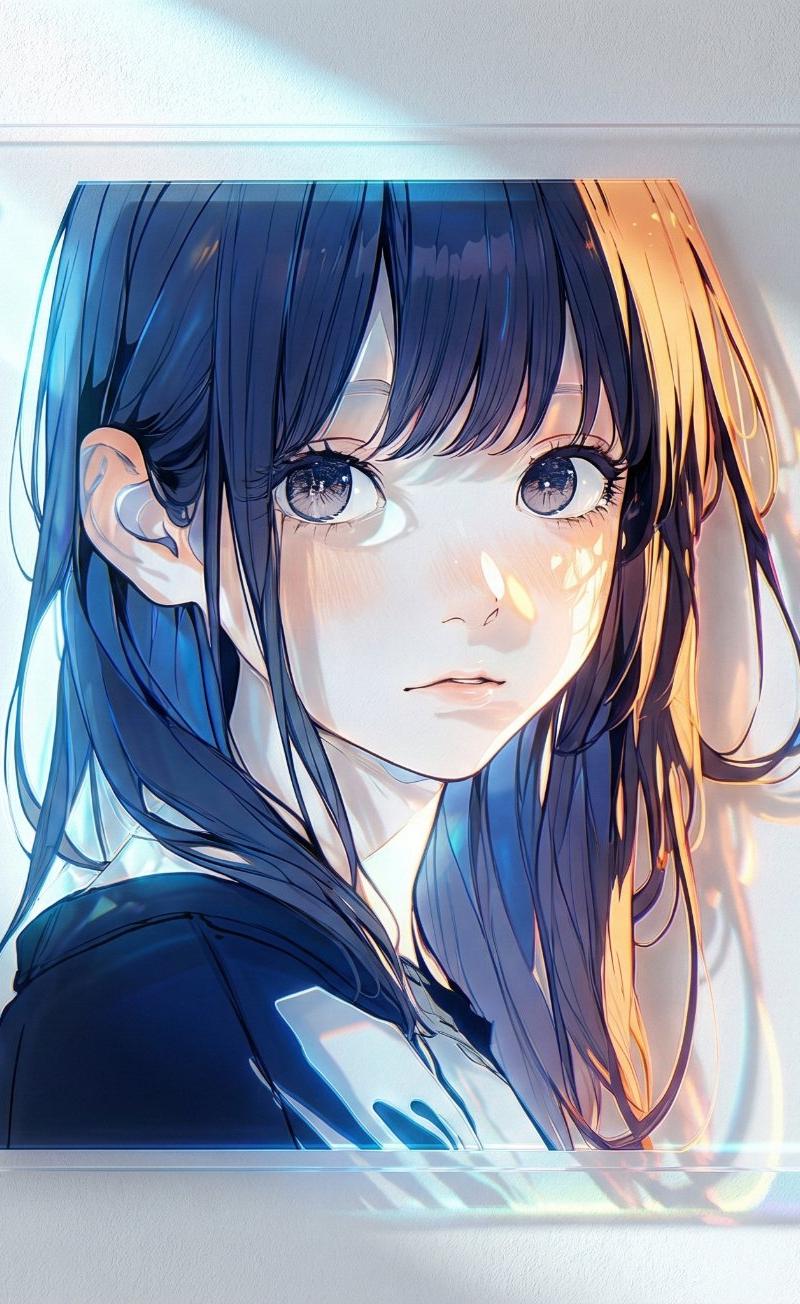
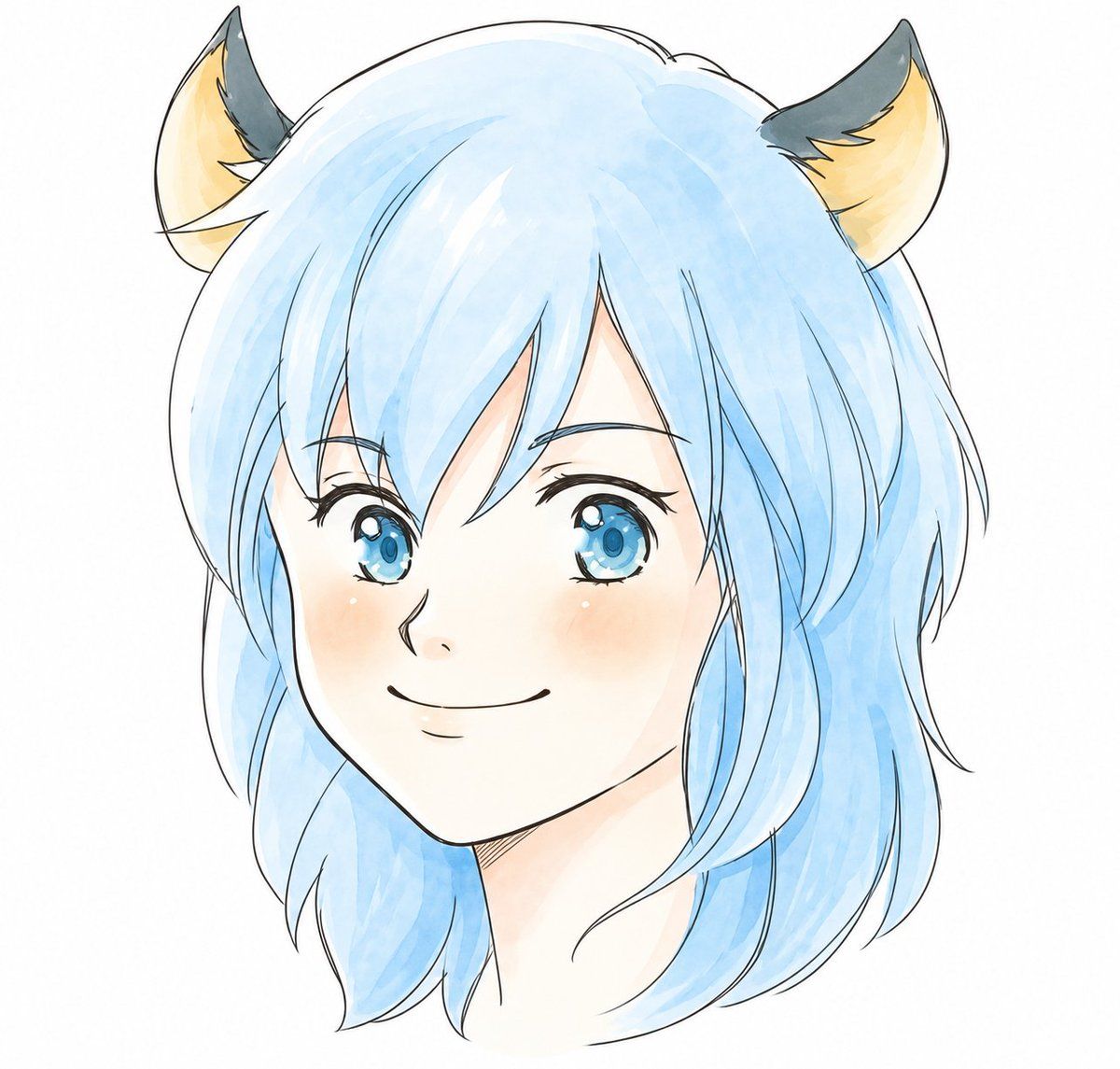
精致水彩风兽耳娘肖像
Enlarge

精致水彩风兽耳娘肖像

Prompt
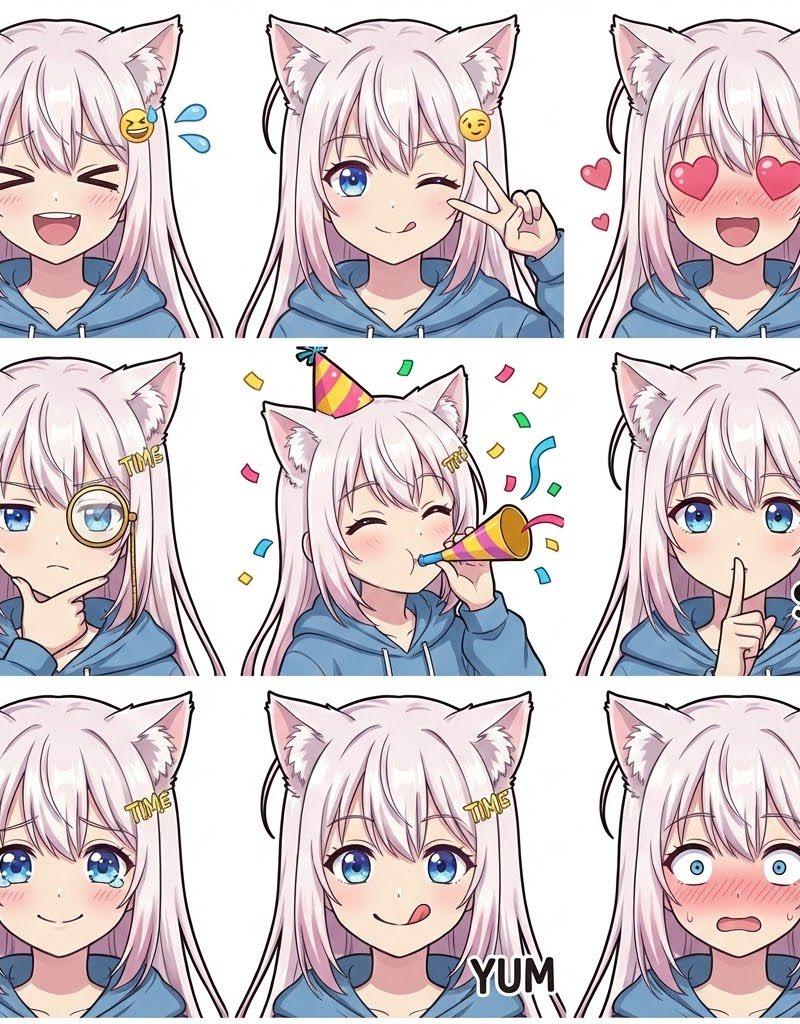
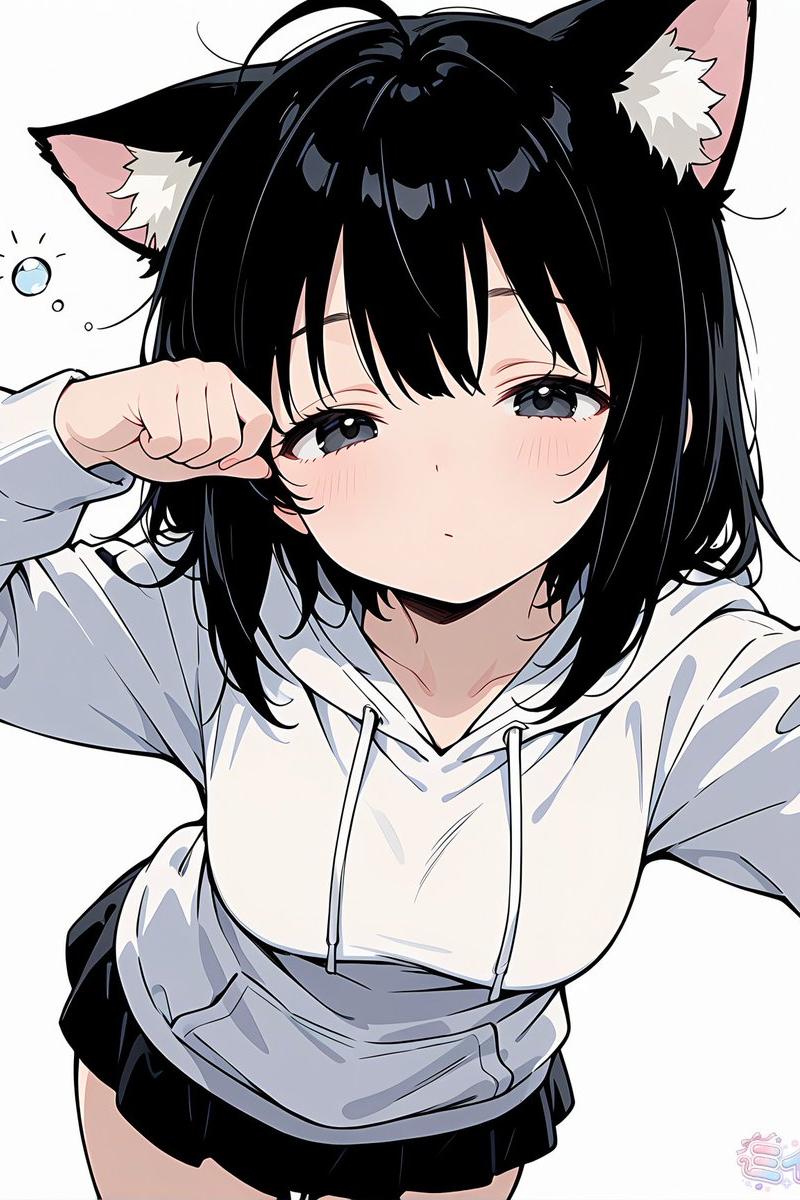
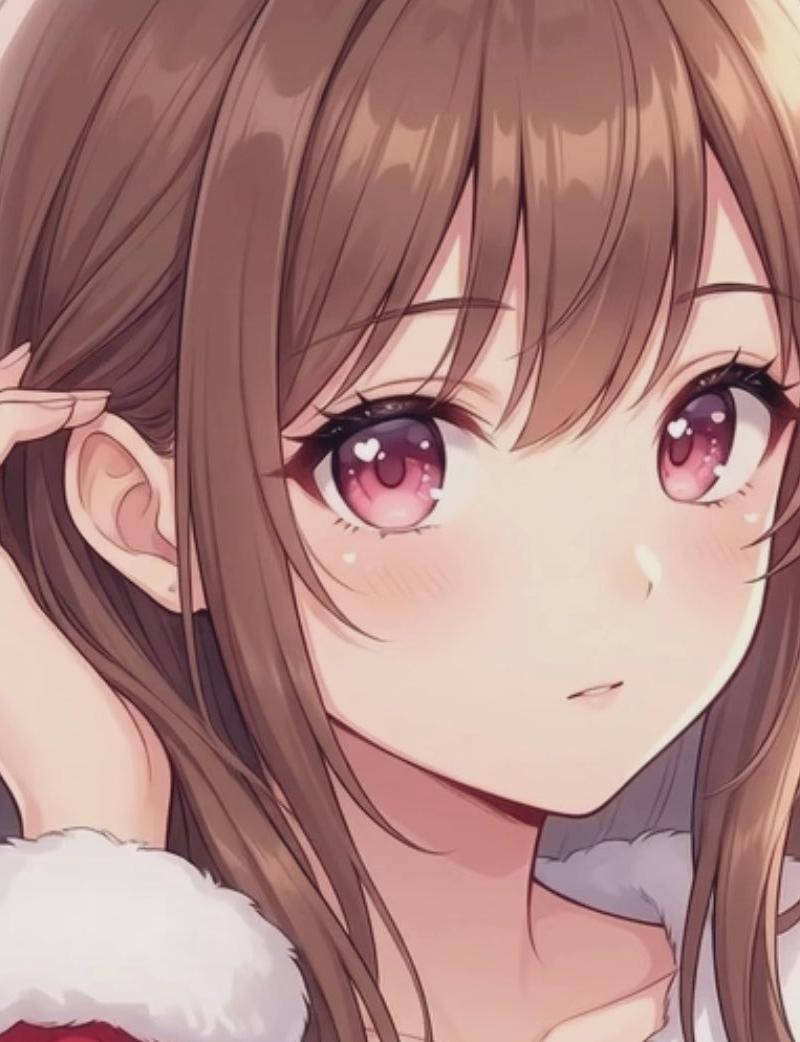
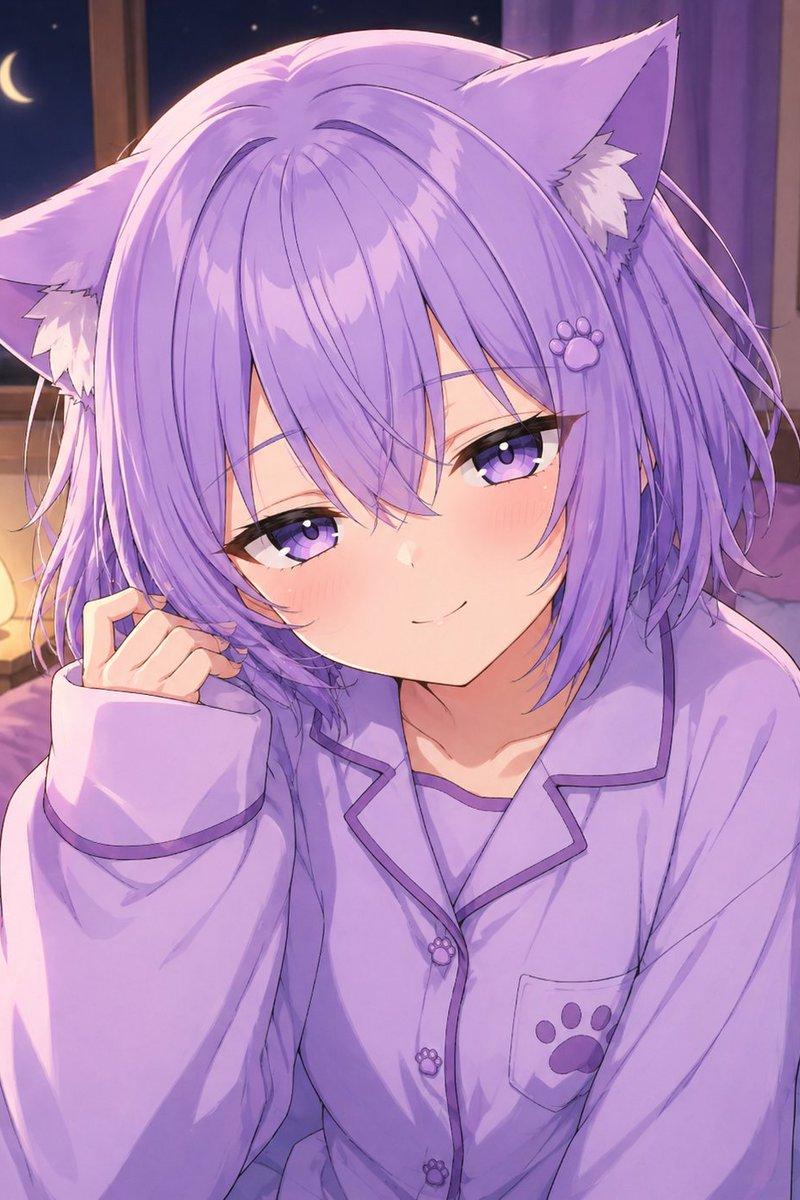
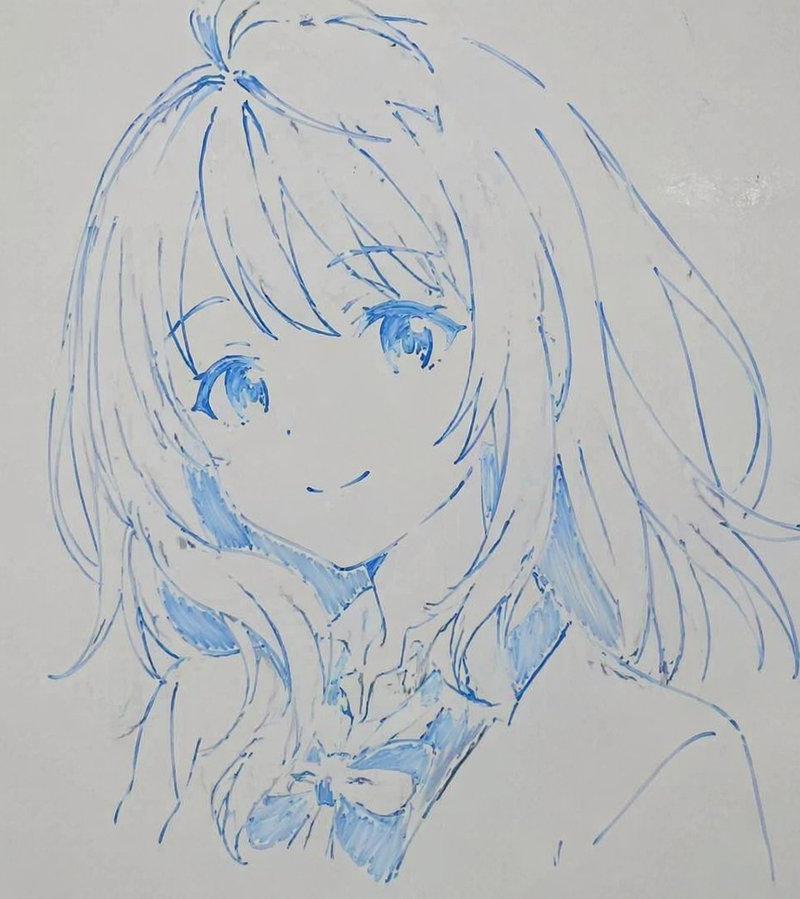
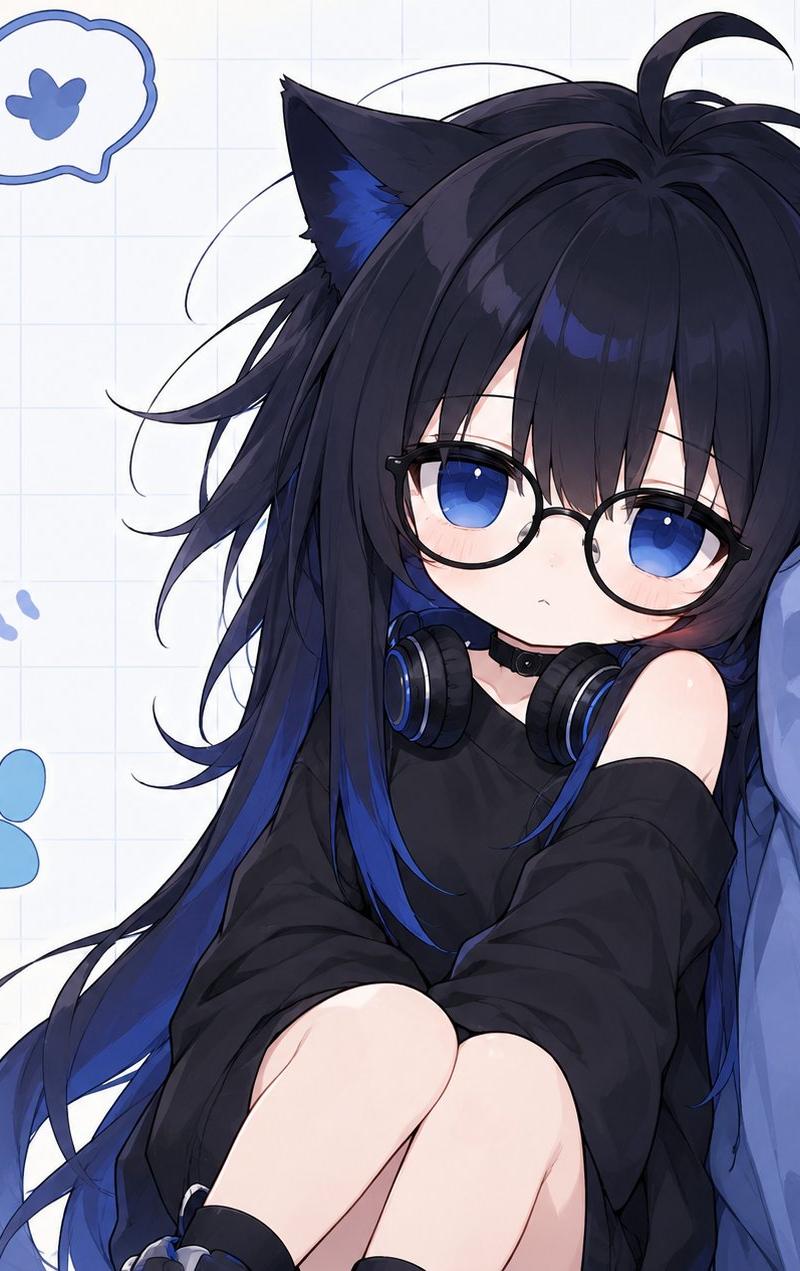
Using the provided reference image as the character base, redraw it as a polished anime-style bust illustration while preserving the same character identity, head angle, gentle smile, blue hair, blue eyes, and animal ears. Clean up the rough sketch into refined thin line art, correct the facial proportions and symmetry, make the eyes more detailed and expressive, and render the coloring as soft watercolor-like cel shading with pale blush and airy highlights. Remove any stray marks or partial shapes from the original reference background and place the character on a plain clean white background. Keep the composition as a close-up head-and-neck portrait with no text, no accessories, and no extra background elements. Optional customization: character name {argument name="character name" default="blue-haired kemomimi girl"}, finish style {argument name="finish style" default="soft watercolor cel anime"}, background {argument name="background" default="plain white"}.
Category
Photography & Realism
Model
GPT Image 2
Creator
ゆんゆん。。
Source language
en
Views0
Source ID
26910
Published
Jun 26, 2026
Studio

Guide

About "精致水彩风兽耳娘肖像"

What is this prompt for?

"精致水彩风兽耳娘肖像" AI image prompt for GPT Image 2 (Photography & Realism). 将粗糙的角色草图转化为干净的水彩赛璐珞风格兽耳娘半身像,同时保留原始设计。 Copy it on Picva and recreate the look in one click.

The full copyable prompt and example visuals above are ready for AI image generation or one-click recreate in Picva.

How to use this prompt

  1. Step 1

    Open the prompt detail

    Review the example visuals, category, and full prompt text for "精致水彩风兽耳娘肖像".

  2. Step 2

    Copy the prompt

    Copy the prompt body from this page, or load it directly in Studio.

  3. Step 3

    Pick a model (GPT Image 2)

    Prefer GPT Image 2. If you switch models, keep subject and composition and tweak style terms.

  4. Step 4

    Generate and export

    Recreate the look in Picva, or export into your workflow for editing and publishing.

FAQ

What is the "精致水彩风兽耳娘肖像" prompt?
It is an AI image-generation prompt for GPT Image 2 in the Photography & Realism category. This page includes the full prompt text, example visuals, and a one-click recreate path in Picva.
How do I use this prompt to generate an image?
Copy the prompt from this page, or use Generate / Studio. Paste it into a compatible image model, or recreate the look in Picva with optional reference images.
Which model is this prompt for?
This page lists GPT Image 2. Most descriptive prompts also transfer to nearby image models such as GPT Image, Flux, or Midjourney with light style tweaks.
Can I use the result commercially?
You can usually copy the prompt for creation, but commercial use of the final image depends on the model terms, reference-image rights, and the generated content. Follow the source author and platform rules.