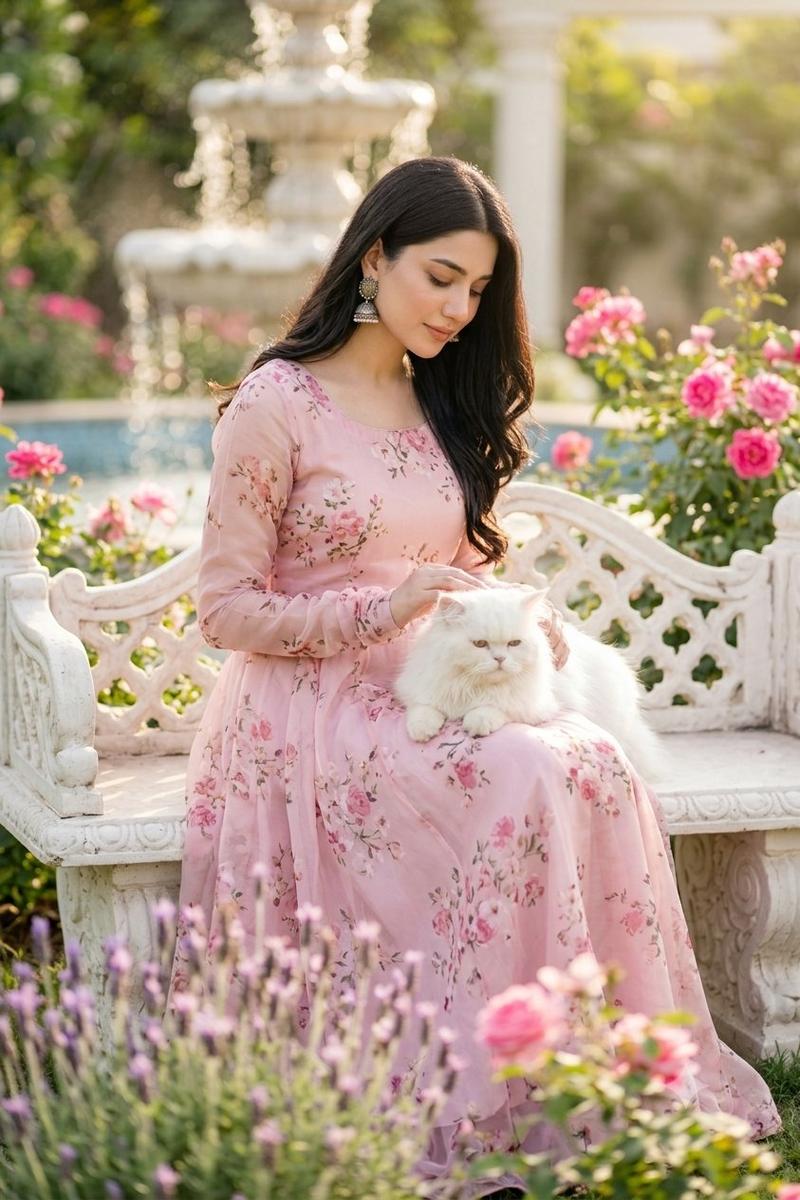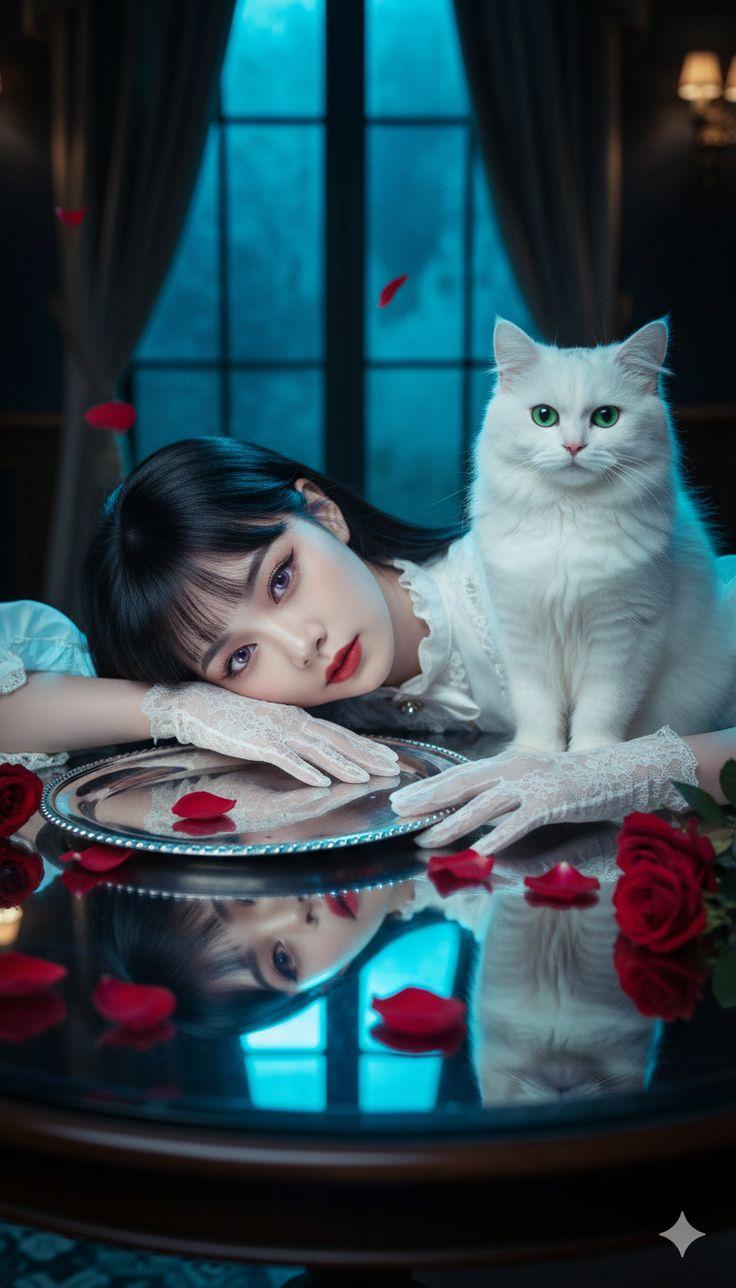
浪漫湖畔花园肖像
Prompt
Create a romantic vertical photorealistic portrait of {argument name="character name" default="a young woman"} sitting elegantly on a cozy lakeside garden terrace at golden-hour sunset, smiling softly at the camera with natural skin texture, soft makeup, warm brown eyes, and long chestnut-brown hair worn half-up with loose straight lengths over one shoulder. She wears a flowing blush-pink sheer lace gown with delicate floral embroidery and long draped sleeves, seated on a cream crochet-covered sofa with floral pillows. In her lap is a fluffy white long-haired cat with bright blue eyes, and she holds an open vintage floral book in both hands in front of the cat. The background is a breathtaking hidden lakeside garden: calm lake reflecting the low sun, distant blue mountains, soft pastel sky with peach clouds, cypress-like trees, and warm bokeh lights along the far shore. Frame the terrace with leafy branches and glowing string lights overhead, a wooden post with hanging lanterns and climbing pink flowers on the right, and a stone balustrade lined with blooming flowers behind her. In the foreground, include exactly 6 distinct tabletop/prop elements: 1 glass vase of pink flowers, 1 glowing white lantern, 1 stack of 3 books, 1 floral teacup on a saucer, 1 small pink rose on the table, and 1 round wooden side table. Use dreamy cinematic lighting, warm sunset rim light, soft depth of field, pastel pink and gold color palette, elegant cottagecore styling, high-detail fabric texture, realistic anatomy, serene expression, vertical 2:3 composition, subject centered, no text, no watermark.- Category
- Photography & Realism
- Model
- GPT Image 2
- Creator
- Alina Ai
- Source ID
- 26925
- Published
- Jun 26, 2026
Views0