17

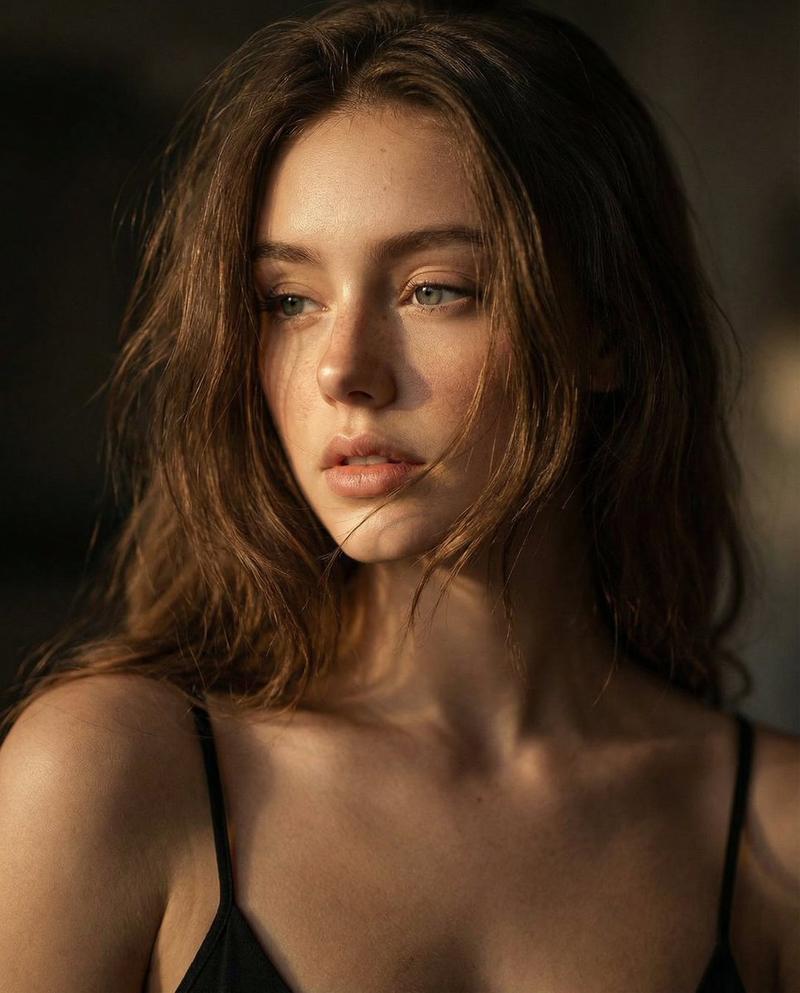
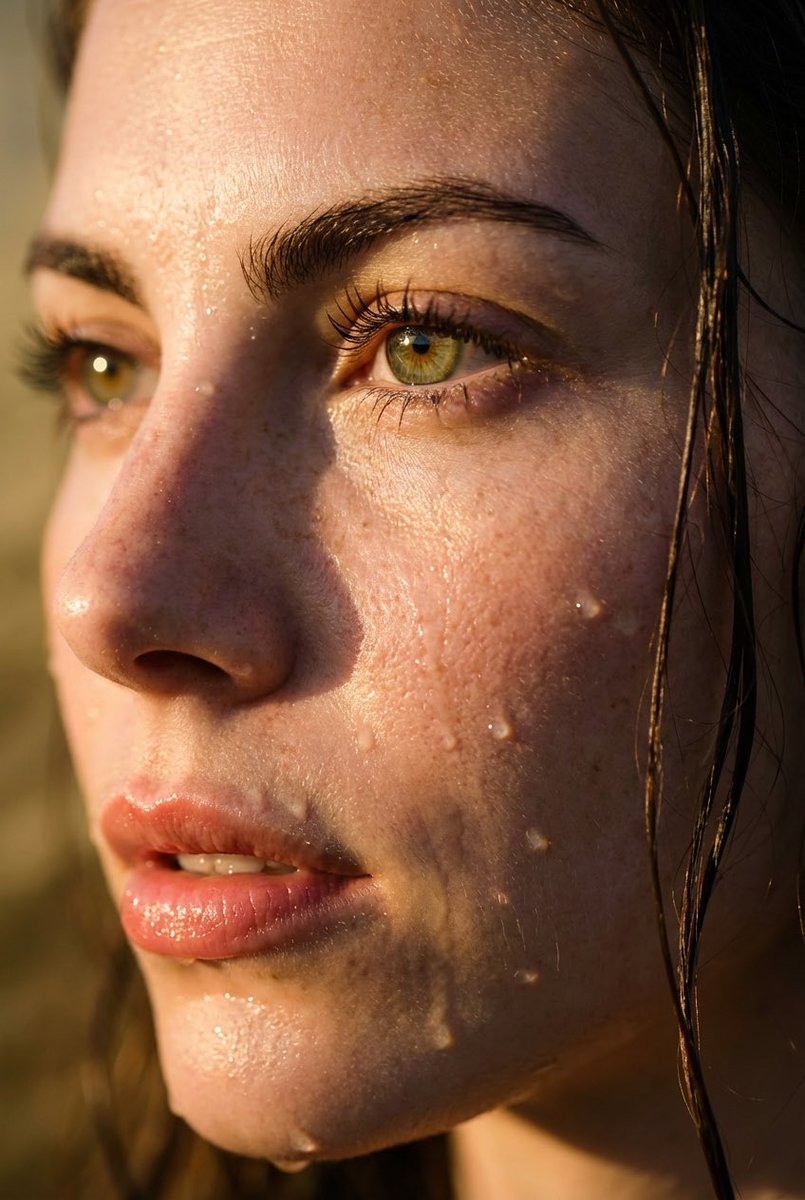
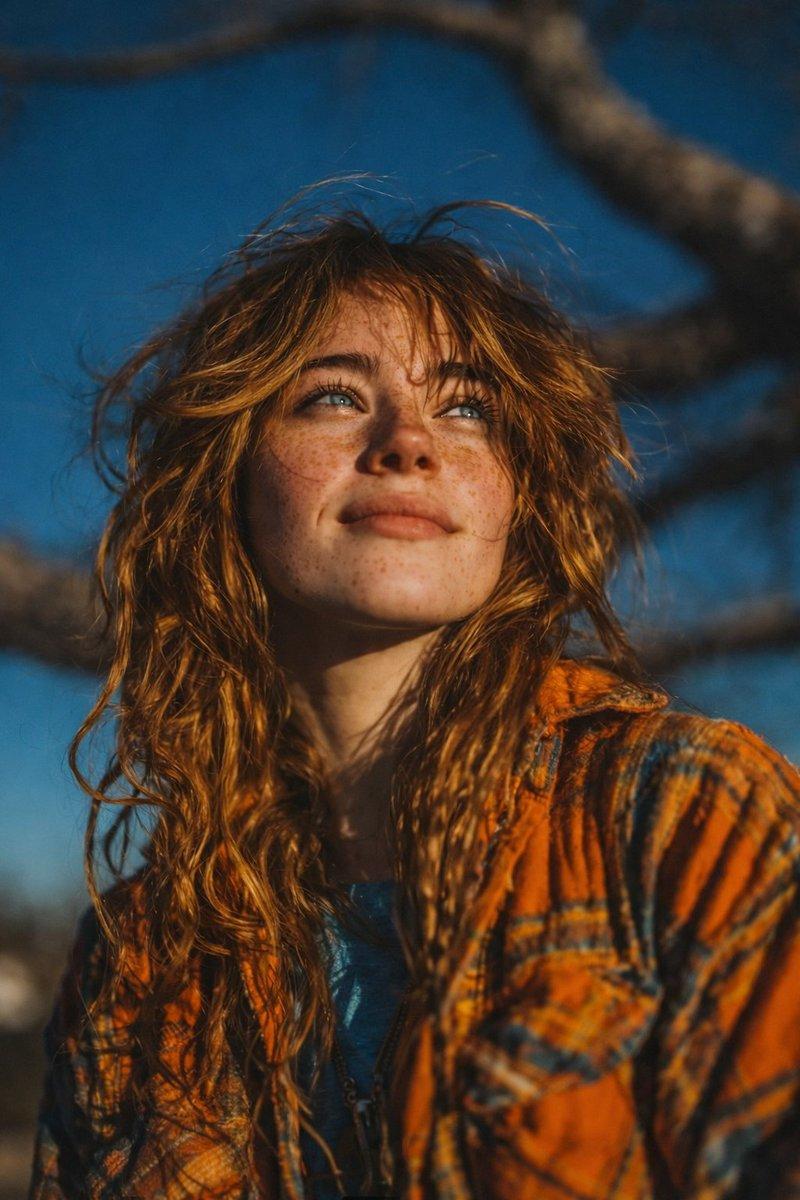
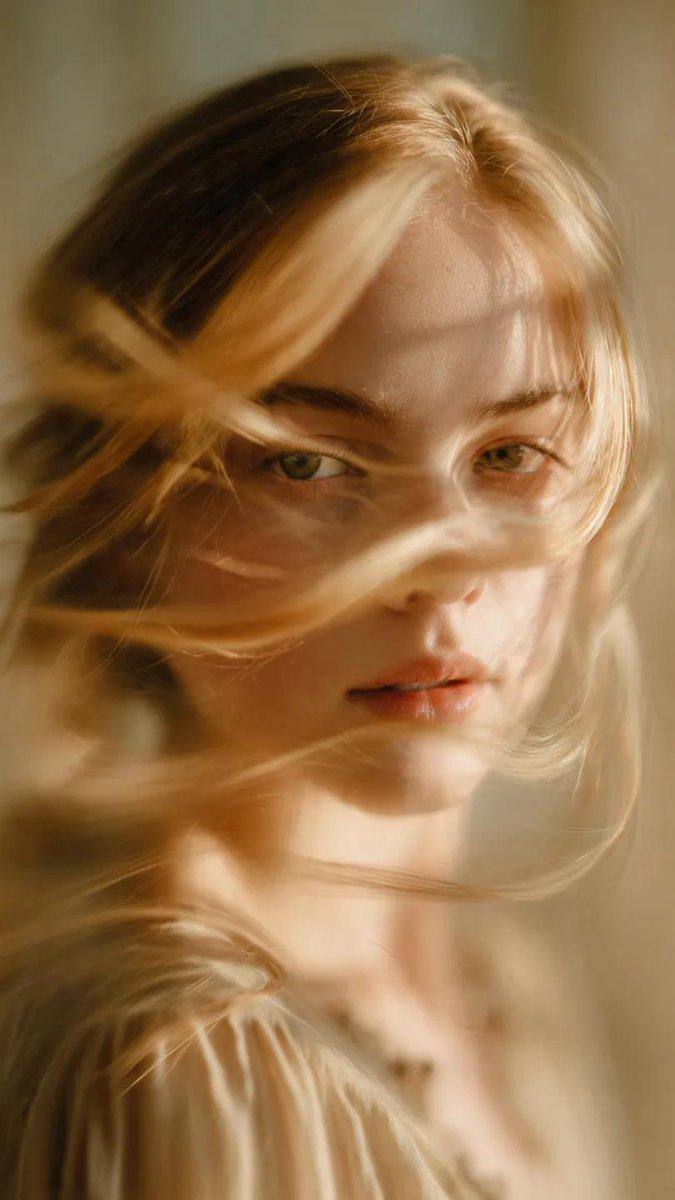
黄金时刻特写人像
Enlarge

Example images

黄金时刻特写人像

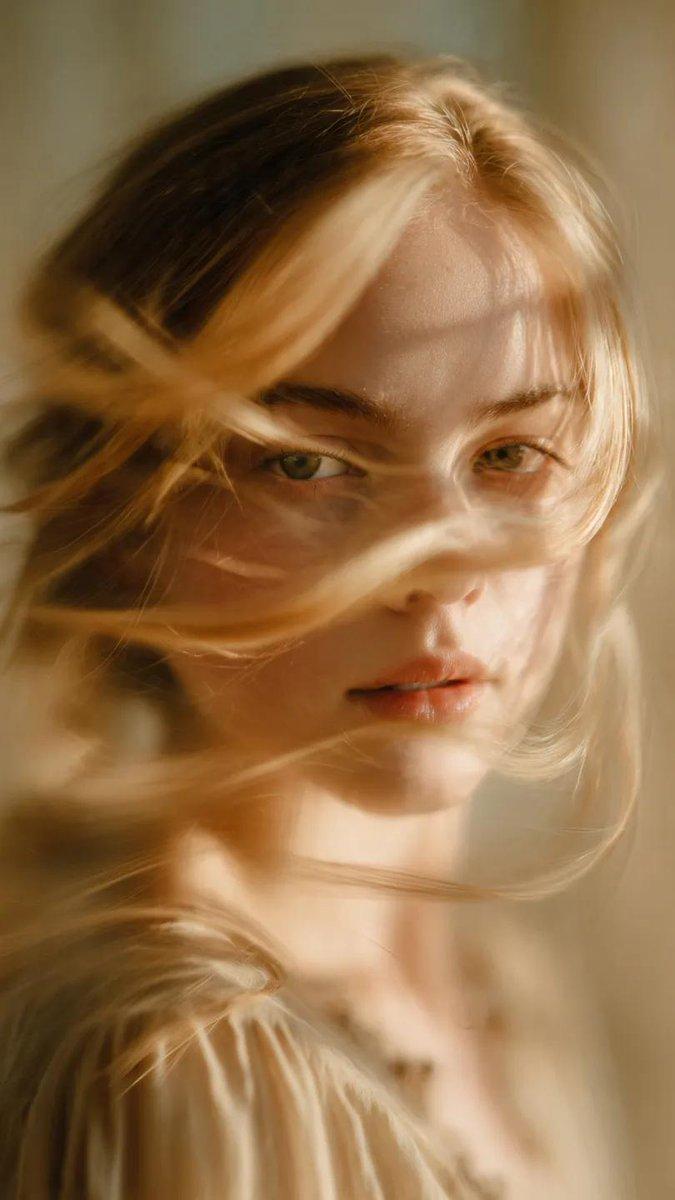
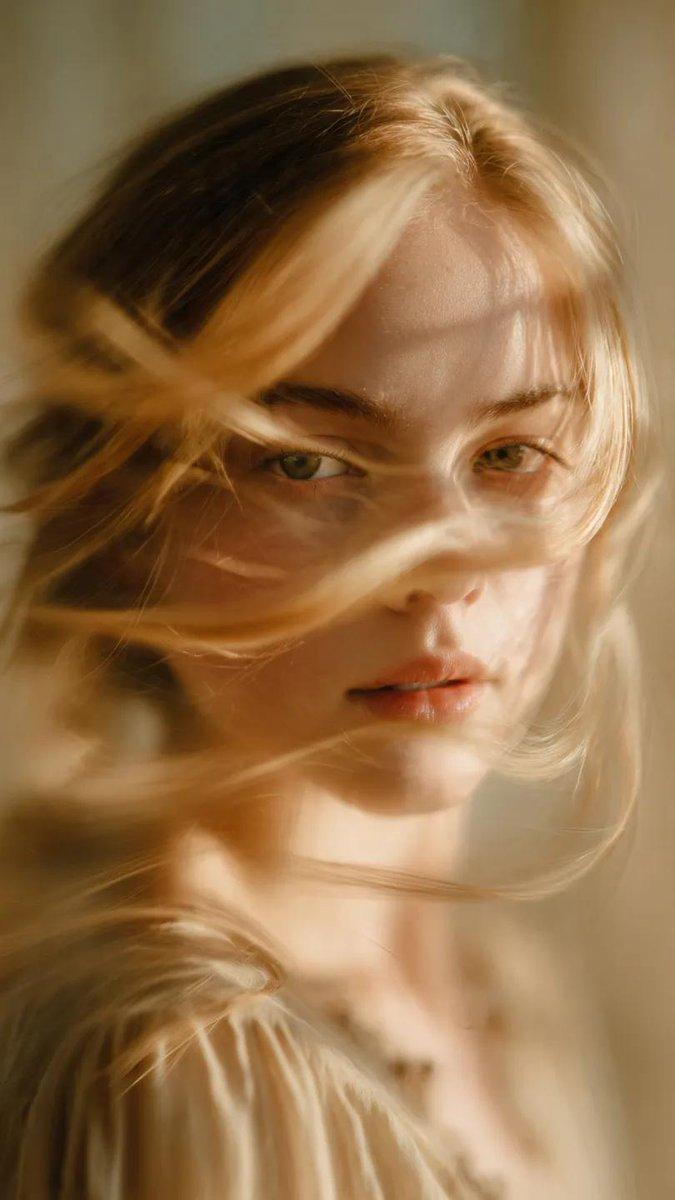
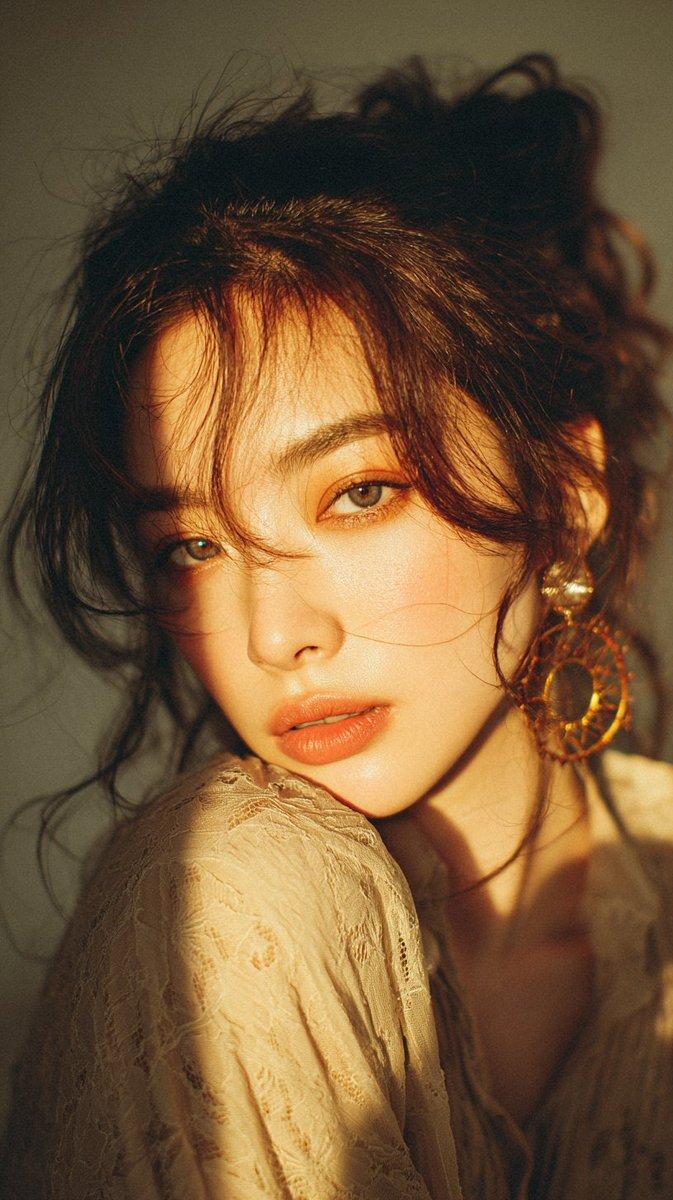
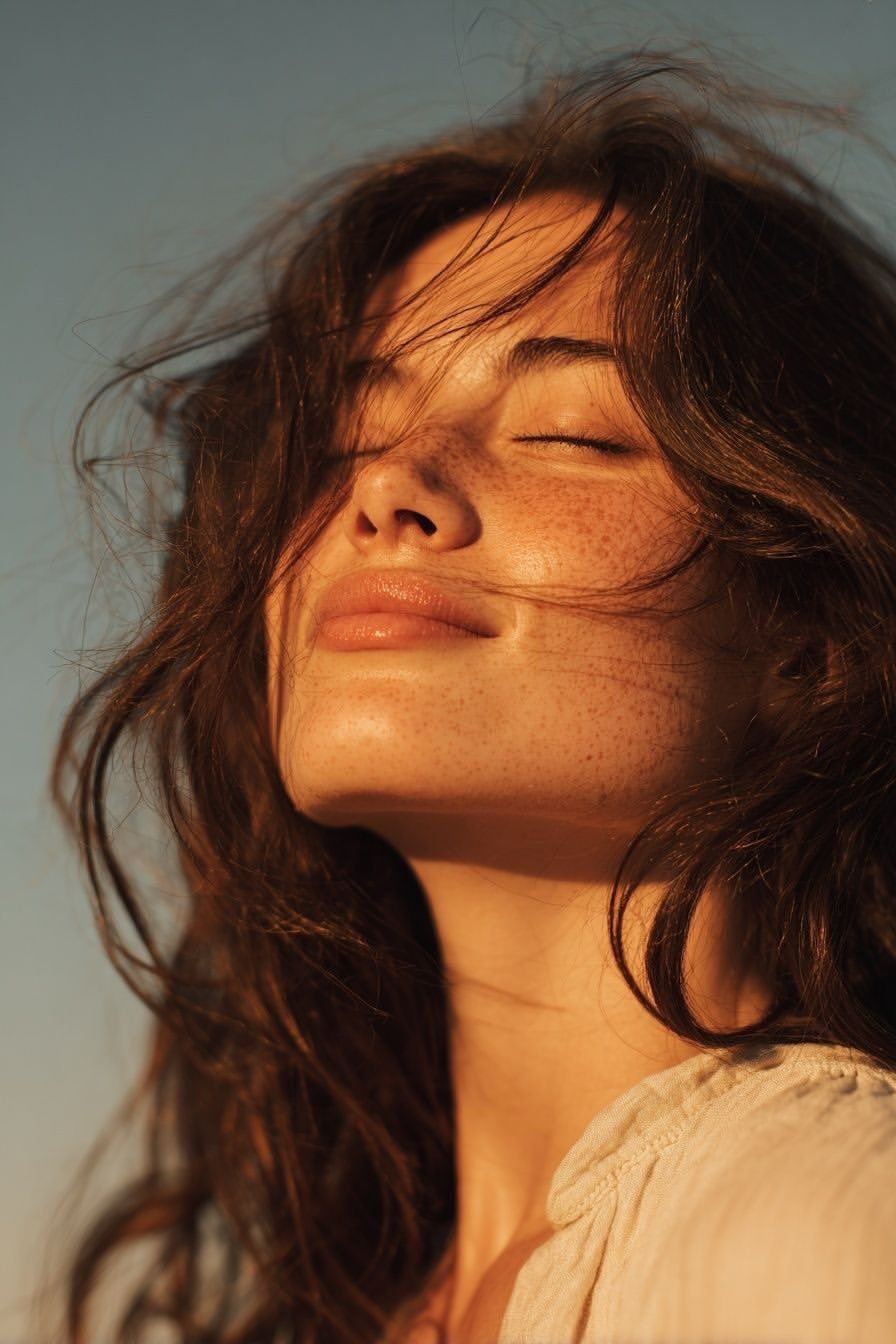
Prompt
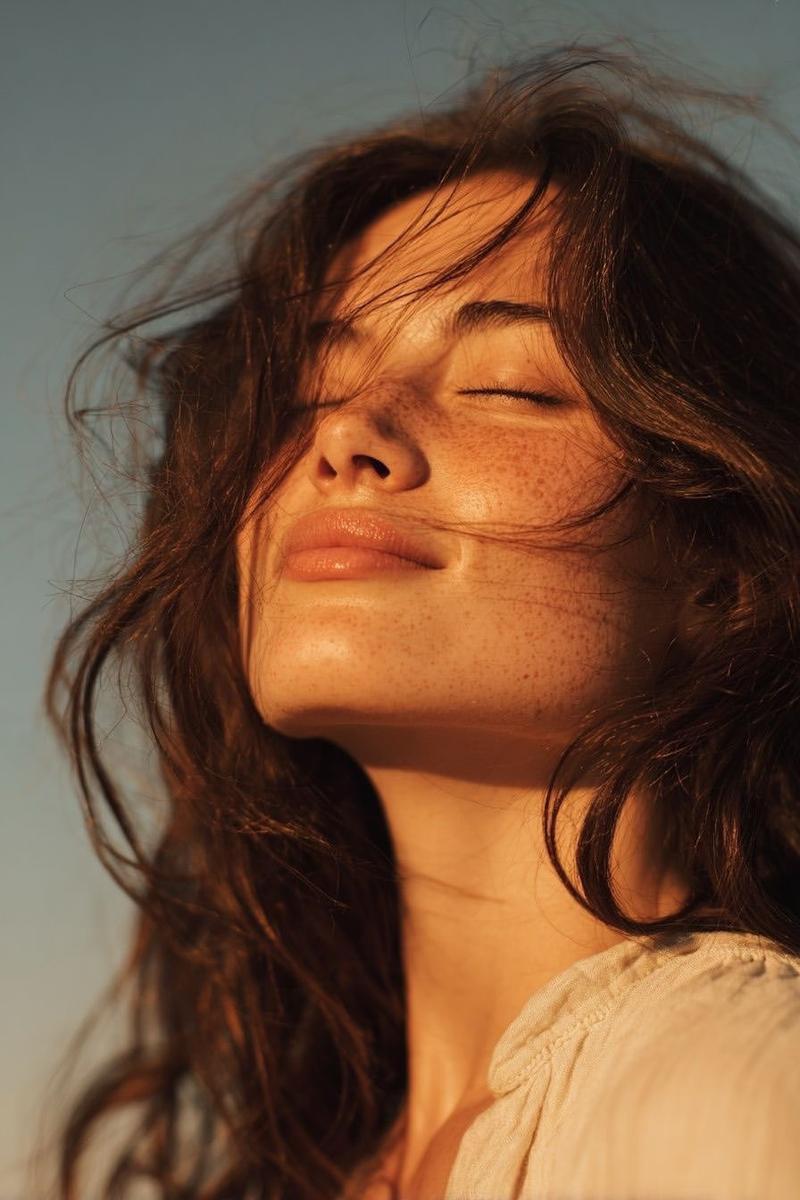
Ultra-realistic golden hour close-up portrait of a {argument name="subject" default="young woman"} outdoors, eyes gently closed with a soft peaceful smile, face tilted slightly upward toward the warm setting sun, loose windblown {argument name="hair color" default="dark brown"} hair flowing naturally across her face, glowing sun-kissed skin with natural texture and subtle freckles, minimal makeup, soft glossy lips, wearing a {argument name="clothing" default="loose white linen blouse"} with a delicate collar, cinematic warm amber sunlight creating beautiful highlights and gentle shadows, shallow depth of field, clean blue sky background, dreamy summer atmosphere, authentic candid expression, ultra-detailed skin texture, high dynamic range, 85mm portrait lens, f/1.8, professional fashion photography, natural color grading, soft contrast, editorial lifestyle aesthetic, photorealistic, 8K, RAW quality.
Category
Photography & Realism
Model
GPT Image 2
Creator
Sairah
Views0
Source ID
26965
Published
Jun 27, 2026

Guide

About "黄金时刻特写人像"

What is this prompt for?

"黄金时刻特写人像" AI image prompt for GPT Image 2 (Photography & Realism). 超写实黄金时刻人像,展现年轻女性自然的皮肤纹理与电影级光影效果。 Copy it on Picva and recreate the look in one click.

The full copyable prompt and example visuals above are ready for AI image generation or one-click recreate in Picva.

How to use this prompt

  1. Step 1

    Open the prompt detail

    Review the example visuals, category, and full prompt text for "黄金时刻特写人像".

  2. Step 2

    Copy the prompt

    Copy the prompt body from this page, or load it directly in Studio.

  3. Step 3

    Pick a model (GPT Image 2)

    Prefer GPT Image 2. If you switch models, keep subject and composition and tweak style terms.

  4. Step 4

    Generate and export

    Recreate the look in Picva, or export into your workflow for editing and publishing.

FAQ

What is the "黄金时刻特写人像" prompt?
It is an AI image-generation prompt for GPT Image 2 in the Photography & Realism category. This page includes the full prompt text, example visuals, and a one-click recreate path in Picva.
How do I use this prompt to generate an image?
Copy the prompt from this page, or use Generate / Studio. Paste it into a compatible image model, or recreate the look in Picva with optional reference images.
Which model is this prompt for?
This page lists GPT Image 2. Most descriptive prompts also transfer to nearby image models such as GPT Image, Flux, or Midjourney with light style tweaks.
Can I use the result commercially?
You can usually copy the prompt for creation, but commercial use of the final image depends on the model terms, reference-image rights, and the generated content. Follow the source author and platform rules.