13

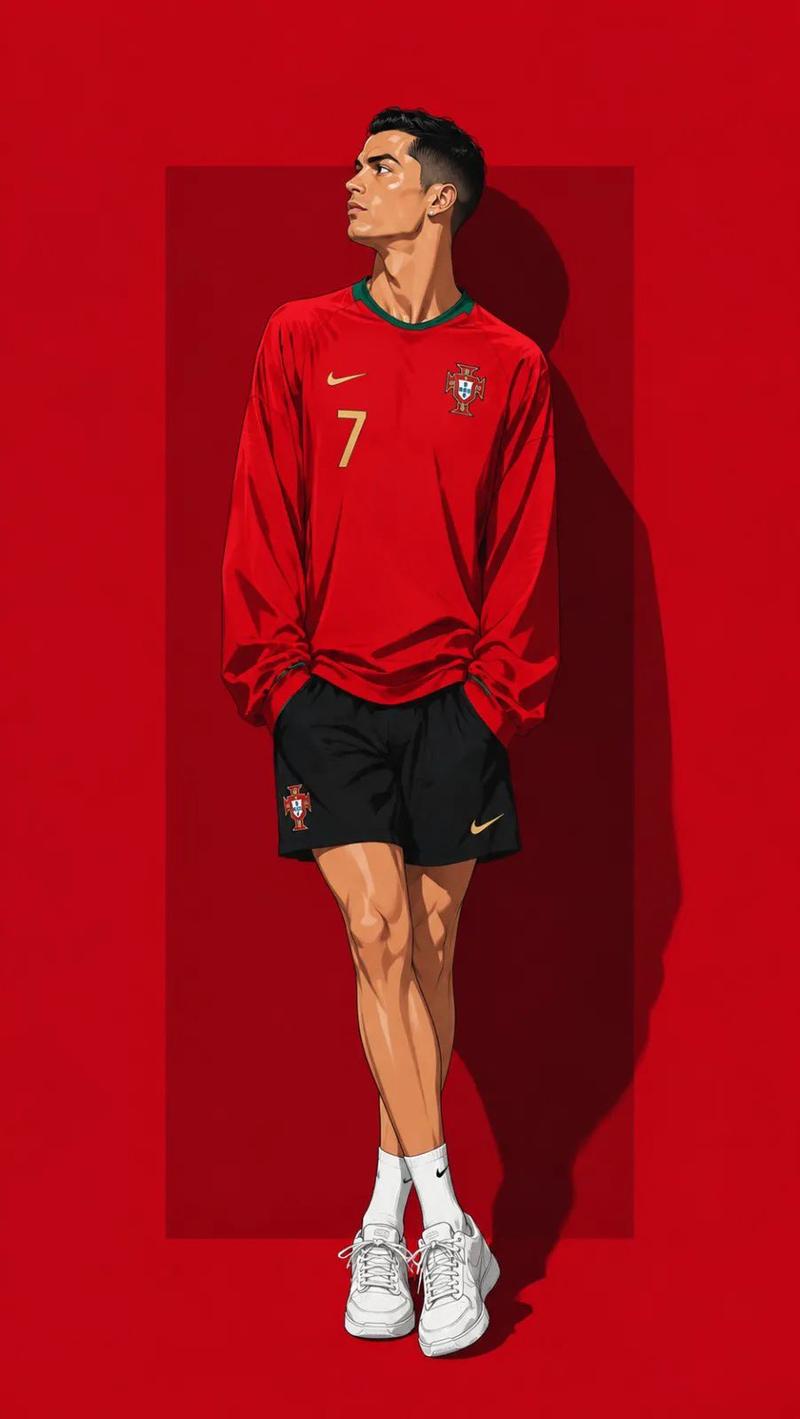
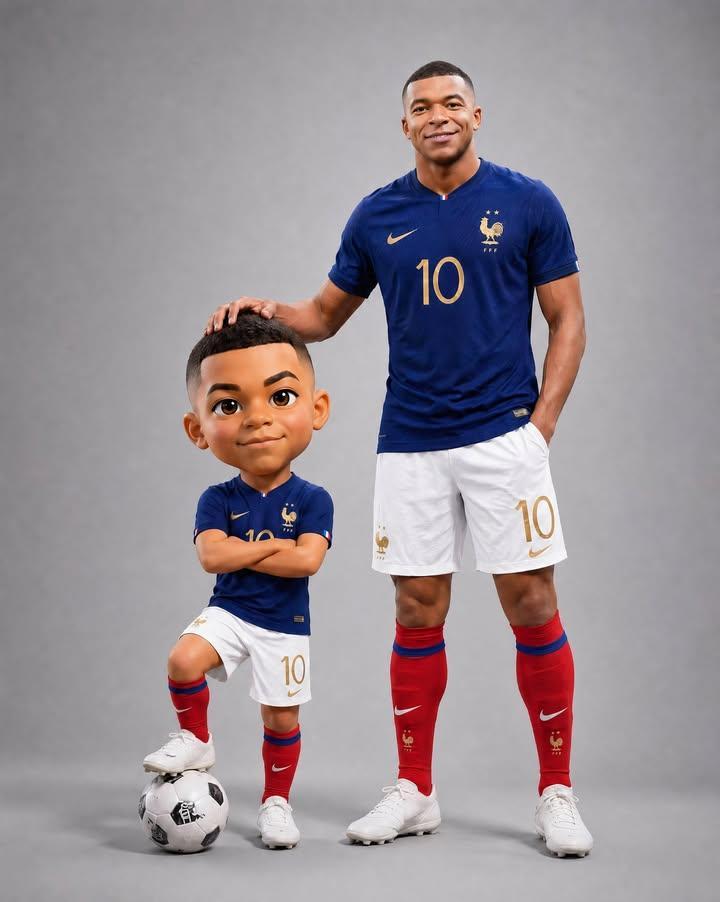
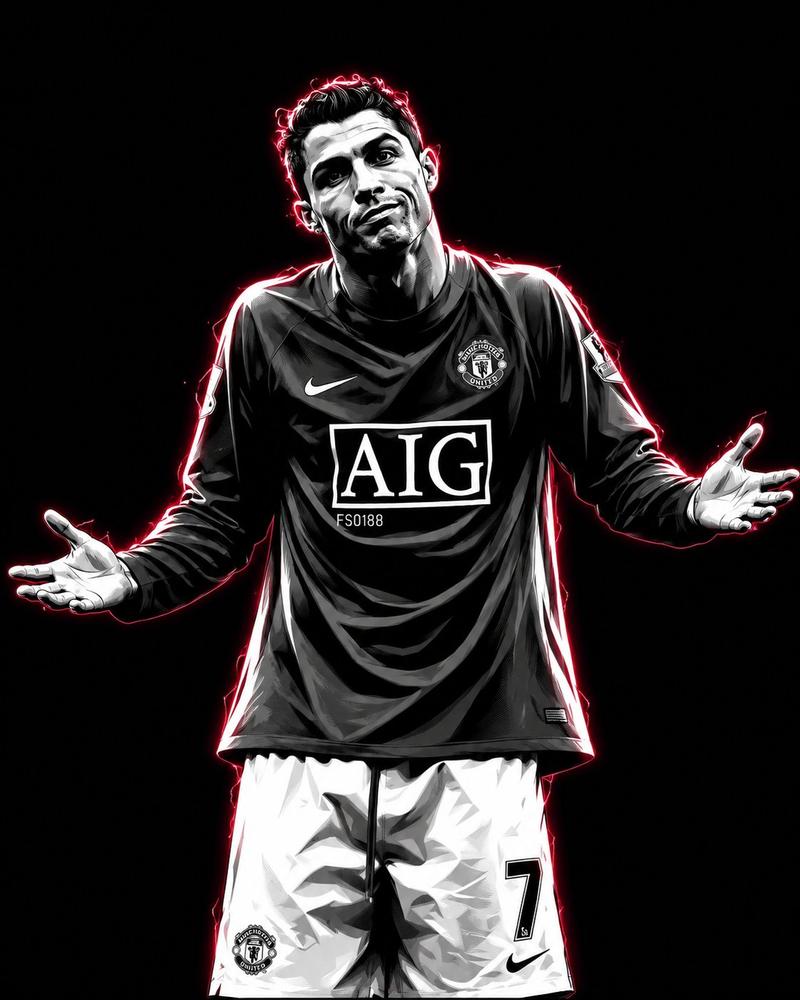
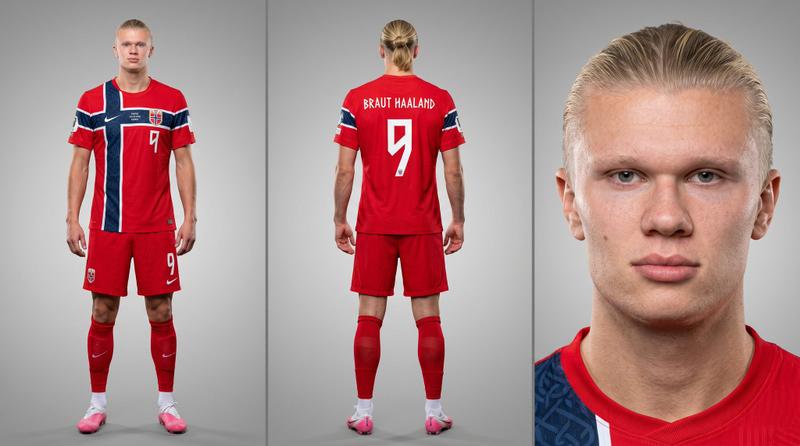
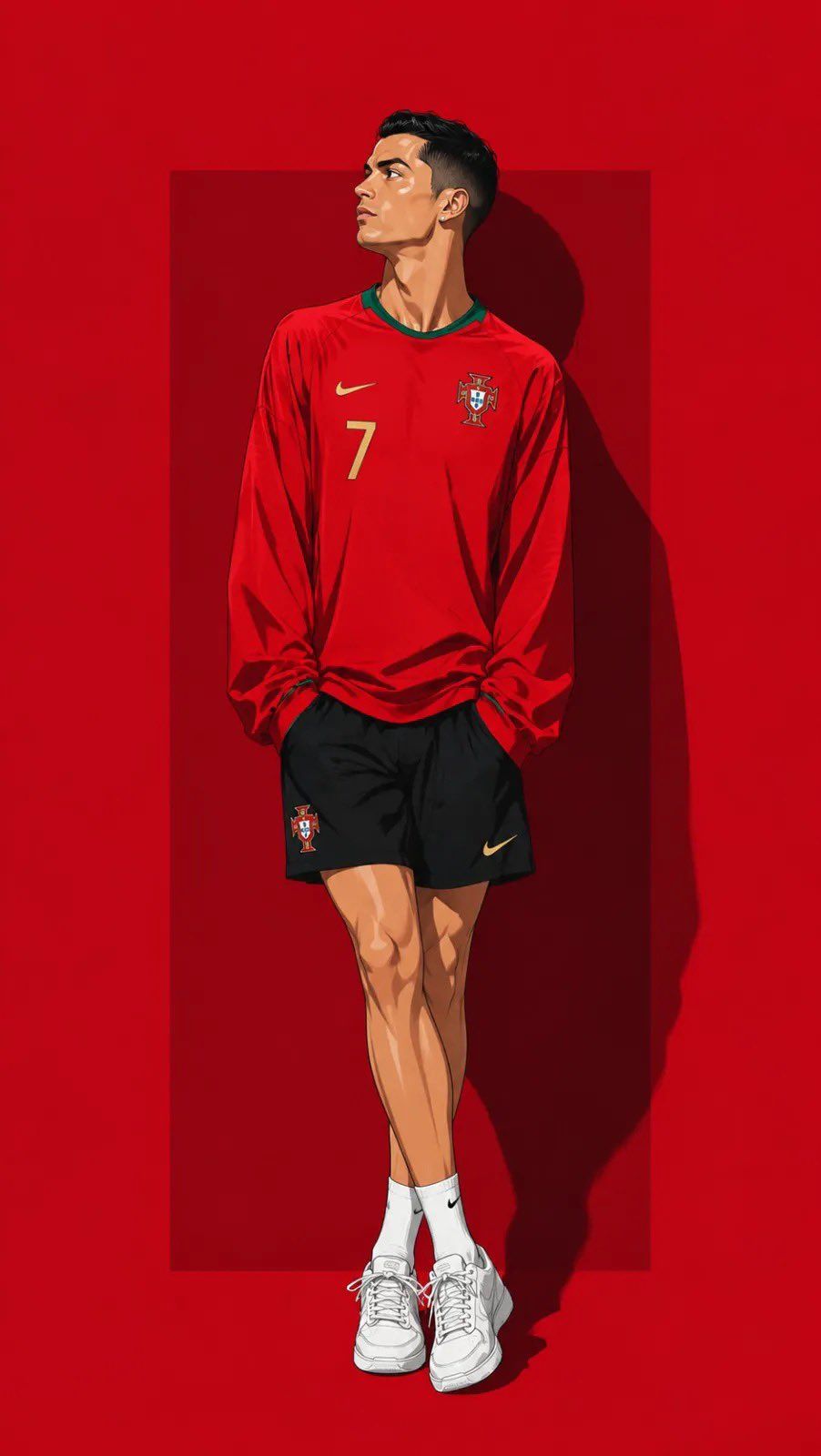
动漫足球运动员编辑插画
Enlarge

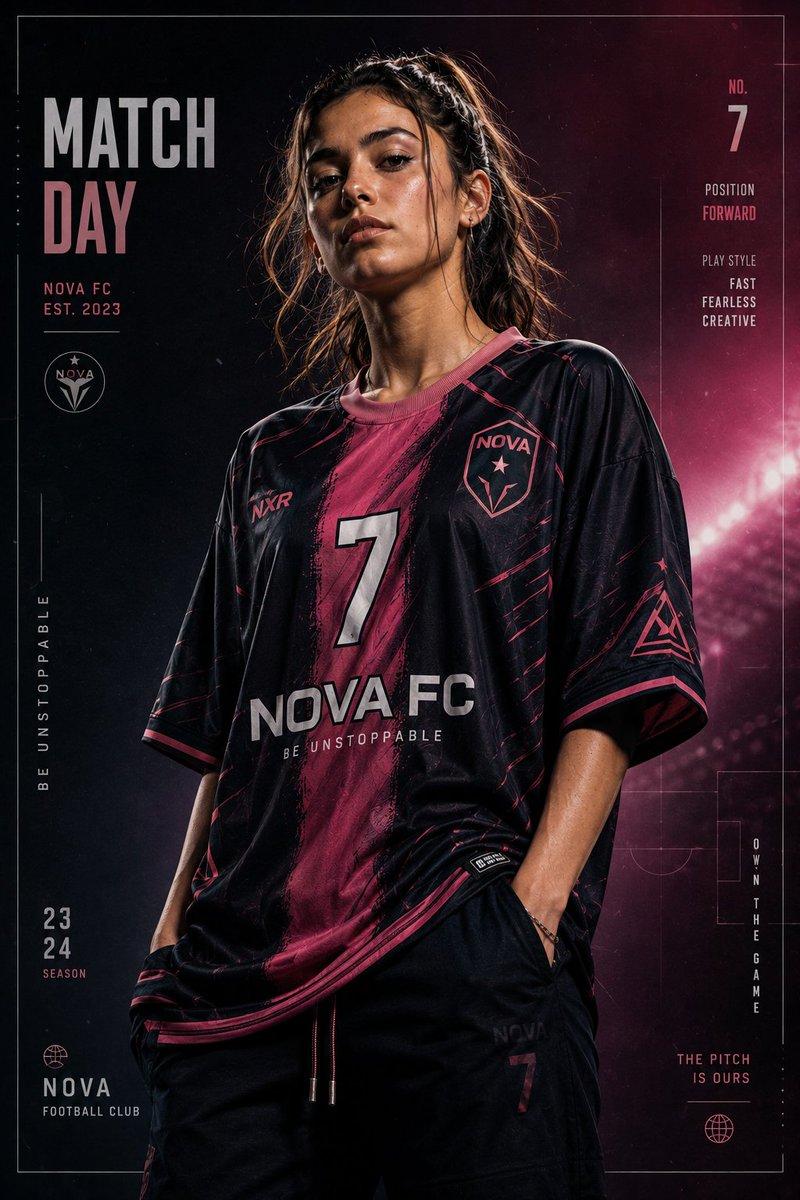
Example images

动漫足球运动员编辑插画

Prompt
Ultra detailed contemporary anime illustration of ({argument name="subject" default="Soccer Players"})

standing casually in a relaxed fashion pose with legs crossed naturally, shoulders relaxed, both hands hidden inside oversized sleeves, head tilted slightly upward looking to the left, calm confident expression.

Wearing ({argument name="clothing" default="National Jersey kit"}), (aksessoris Players) white sneakers asics tiger.

Background: {argument name="background" default="solid crimson red background"} with a darker red rectangular panel behind the character and dramatic hard shadow.

Full body, centered composition, editorial fashion illustration, clean line art, cel shading, premium digital painting, ultra detailed, vibrant colors, high resolution.
Category
Photography & Realism
Model
GPT Image 2
Creator
Sairah
Views0
Source ID
26966
Published
Jun 27, 2026

Guide

About "动漫足球运动员编辑插画"

What is this prompt for?

"动漫足球运动员编辑插画" AI image prompt for GPT Image 2 (Photography & Realism). 一幅简洁的现代动漫插画,描绘了足球运动员在深红色背景下摆出轻松时尚的姿势。 Copy it on Picva and recreate the look in one clic…

The full copyable prompt and example visuals above are ready for AI image generation or one-click recreate in Picva.

How to use this prompt

  1. Step 1

    Open the prompt detail

    Review the example visuals, category, and full prompt text for "动漫足球运动员编辑插画".

  2. Step 2

    Copy the prompt

    Copy the prompt body from this page, or load it directly in Studio.

  3. Step 3

    Pick a model (GPT Image 2)

    Prefer GPT Image 2. If you switch models, keep subject and composition and tweak style terms.

  4. Step 4

    Generate and export

    Recreate the look in Picva, or export into your workflow for editing and publishing.

FAQ

What is the "动漫足球运动员编辑插画" prompt?
It is an AI image-generation prompt for GPT Image 2 in the Photography & Realism category. This page includes the full prompt text, example visuals, and a one-click recreate path in Picva.
How do I use this prompt to generate an image?
Copy the prompt from this page, or use Generate / Studio. Paste it into a compatible image model, or recreate the look in Picva with optional reference images.
Which model is this prompt for?
This page lists GPT Image 2. Most descriptive prompts also transfer to nearby image models such as GPT Image, Flux, or Midjourney with light style tweaks.
Can I use the result commercially?
You can usually copy the prompt for creation, but commercial use of the final image depends on the model terms, reference-image rights, and the generated content. Follow the source author and platform rules.