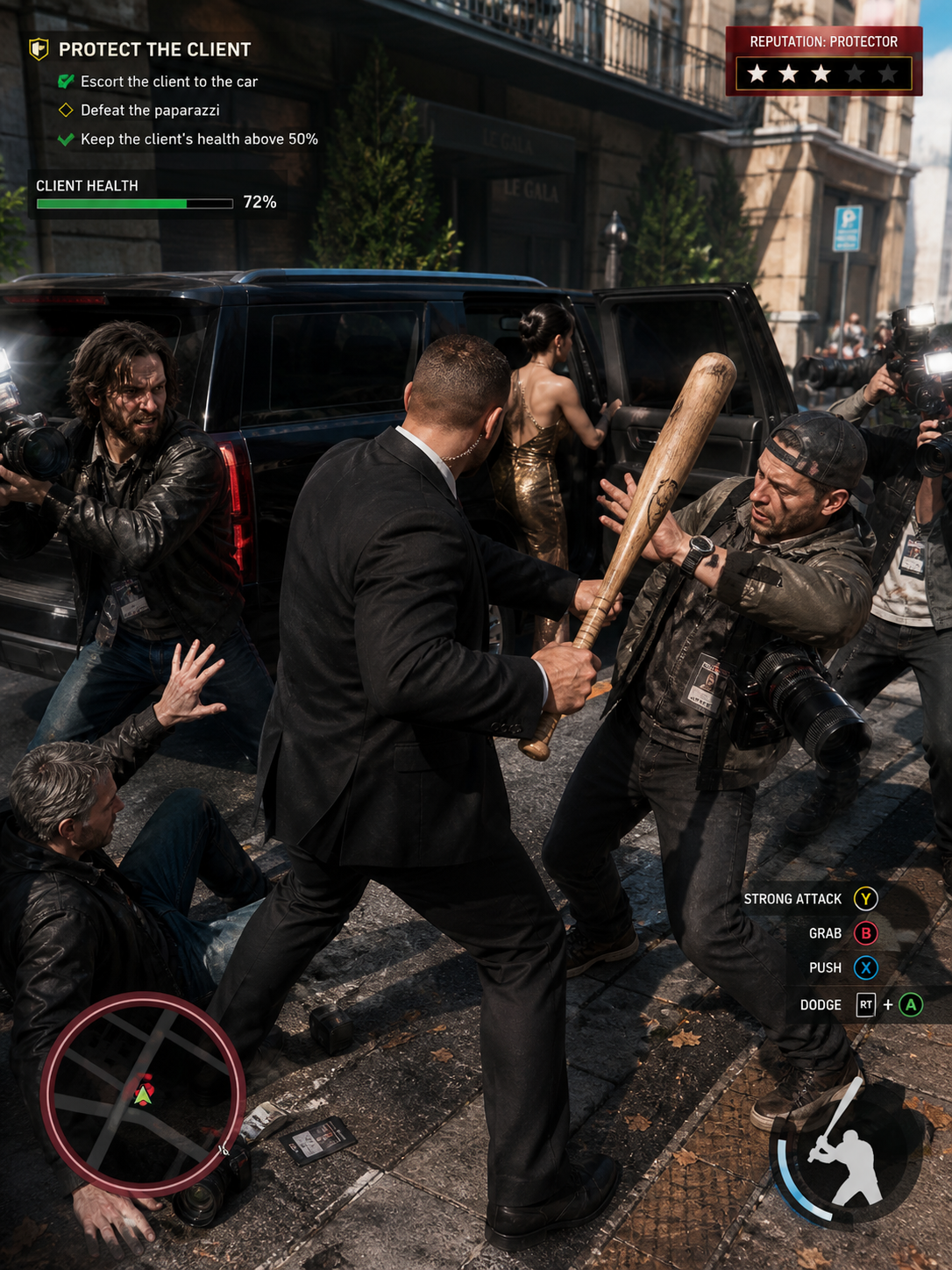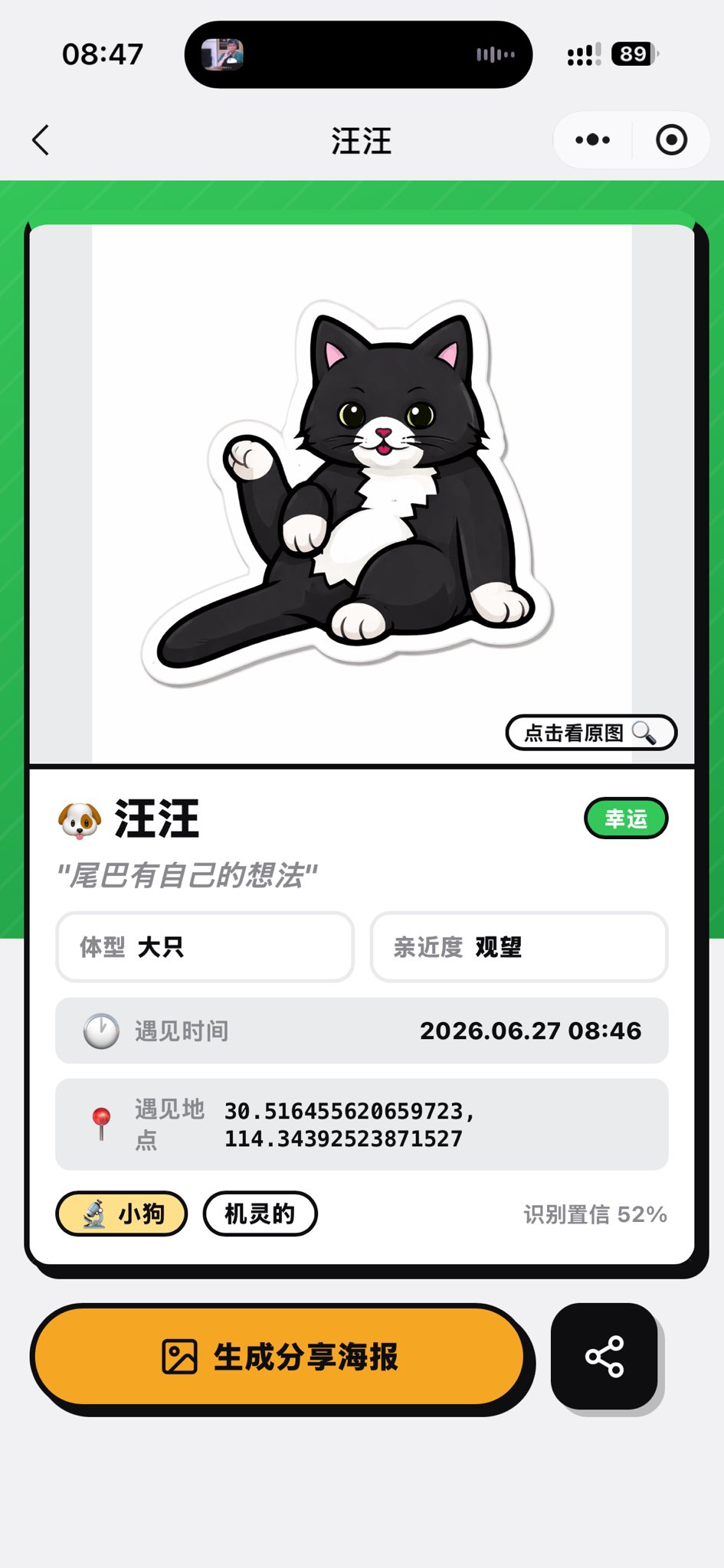
猫咪识别结果页面
根据实时猫咪摄像头参考,创建一个精致的中文小程序宠物识别结果页面。
- Category
- UI & Interfaces
- Model
- GPT Image 2
- Creator
- Bole Chen
- Source language
- en
- Source ID
- 26987
- Published
- Jun 27, 2026
Full prompt
Using the provided reference image as the source cat and app context, transform the camera recognition screen into a completed pet-profile result screen for a mini app. Replace the live camera view with a clean card-style analysis page: show a cute sticker-like cartoon illustration of the same black-and-white cat sitting with its tail raised on a white preview area, with a small button labeled “点击看原图” and a magnifying-glass icon. Keep the mobile screenshot aspect ratio and iOS-style top chrome, but change the page title to {argument name="pet name" default="汪汪"}.

Layout: Create one large rounded rectangular result card on a bright green patterned background. Under the illustration, add a profile section with exactly these visible data elements: 1) name row with a dog emoji and {argument name="pet name" default="汪汪"}, plus a green badge labeled “幸运”; 2) quote text {argument name="quote" default="尾巴有自己的想法"}; 3) two small info boxes labeled “体型 大只” and “亲近度 观望”; 4) a gray row labeled “遇见时间” with {argument name="encounter time" default="2026.06.27 08:46"}; 5) a gray row labeled “遇见地点” with {argument name="coordinates" default="30.516455620659723, 114.34392523871527"}; 6) two pill tags labeled “小狗” and “机灵的”; 7) confidence text “识别置信 52%”.

Bottom actions: Add two bottom buttons below the card: a large yellow rounded button with an image icon and text “生成分享海报”, and a smaller black rounded square share button with a share-network icon.

Style: playful polished Chinese mini-program UI, thick black outlines, rounded cards, soft shadows, yellow accent color, clean vector-like illustration. Do not keep the original camera scanning brackets, zoom controls, shutter button, or live street background.
Translations
猫咪识别结果页面
enUsing the provided reference image as the source cat and app context, transform the camera recognition screen into a completed pet-profile result screen for a mini app. Replace the live camera view with a clean card-style analysis page: show a cute sticker-like cartoon illustration of the same black-and-white cat sitting with its tail raised on a white preview area, with a small button labeled “点击看原图” and a magnifying-glass icon. Keep the mobile screenshot aspect ratio and iOS-style top chrome, but change the page title to {argument name="pet name" default="汪汪"}. Layout: Create one large rounded rectangular result card on a bright green patterned background. Under the illustration, add a profile section with exactly these visible data elements: 1) name row with a dog emoji and {argument name="pet name" default="汪汪"}, plus a green badge labeled “幸运”; 2) quote text {argument name="quote" default="尾巴有自己的想法"}; 3) two small info boxes labeled “体型 大只” and “亲近度 观望”; 4) a gray row labeled “遇见时间” with {argument name="encounter time" default="2026.06.27 08:46"}; 5) a gray row labeled “遇见地点” with {argument name="coordinates" default="30.516455620659723, 114.34392523871527"}; 6) two pill tags labeled “小狗” and “机灵的”; 7) confidence text “识别置信 52%”. Bottom actions: Add two bottom buttons below the card: a large yellow rounded button with an image icon and text “生成分享海报”, and a smaller black rounded square share button with a share-network icon. Style: playful polished Chinese mini-program UI, thick black outlines, rounded cards, soft shadows, yellow accent color, clean vector-like illustration. Do not keep the original camera scanning brackets, zoom controls, shutter button, or live street background.
猫咪识别结果页面
zh-CN使用提供的参考图像作为源猫咪和应用上下文,将摄像头识别屏幕转换为小程序中完整的宠物档案结果页面。将实时摄像头视图替换为简洁的卡片式分析页面:在白色预览区域显示一张可爱的贴纸风格卡通插图,内容为同一只黑白相间的猫咪坐着并翘起尾巴,配有一个标有“点击看原图”的小按钮和一个放大镜图标。保持移动端截图的长宽比和 iOS 风格的顶部状态栏,但将页面标题更改为 {argument name="pet name" default="汪汪"}。 布局:在明亮的绿色图案背景上创建一个大的圆角矩形结果卡片。在插图下方,添加一个包含以下可见数据元素的档案部分:1) 带有狗表情符号和 {argument name="pet name" default="汪汪"} 的名称行,以及一个标有“幸运”的绿色徽章;2) 引语文本 {argument name="quote" default="尾巴有自己的想法"};3) 两个标有“体型 大只”和“亲近度 观望”的小信息框;4) 标有“遇见时间”的灰色行,显示 {argument name="encounter time" default="2026.06.27 08:46"};5) 标有“遇见地点”的灰色行,显示 {argument name="coordinates" default="30.516455620659723, 114.34392523871527"};6) 两个标有“小狗”和“机灵的”胶囊标签;7) 识别置信度文本“识别置信 52%”。 底部操作:在卡片下方添加两个底部按钮:一个带有图片图标和“生成分享海报”文字的黄色大圆角按钮,以及一个带有分享网络图标的较小黑色圆角方形分享按钮。 风格:俏皮精致的中文小程序 UI,粗黑轮廓,圆角卡片,柔和阴影,黄色强调色,简洁的矢量风格插图。不要保留原始的摄像头扫描框、缩放控件、快门按钮或实时街道背景。