16

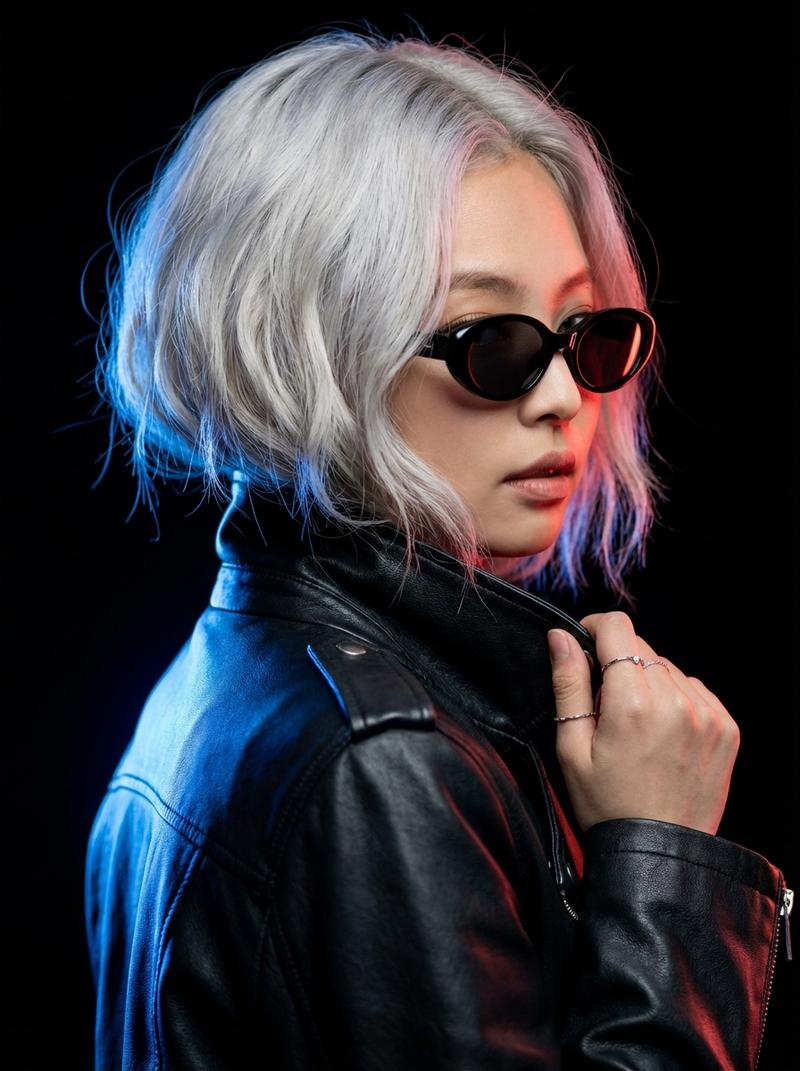
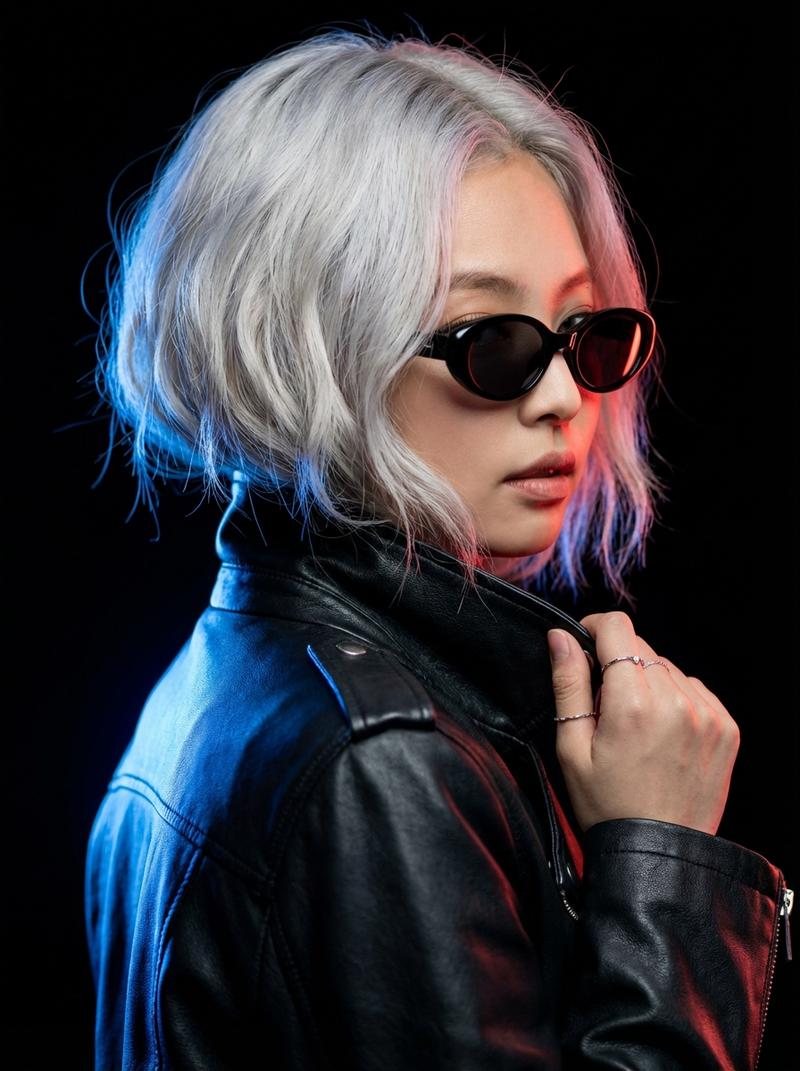
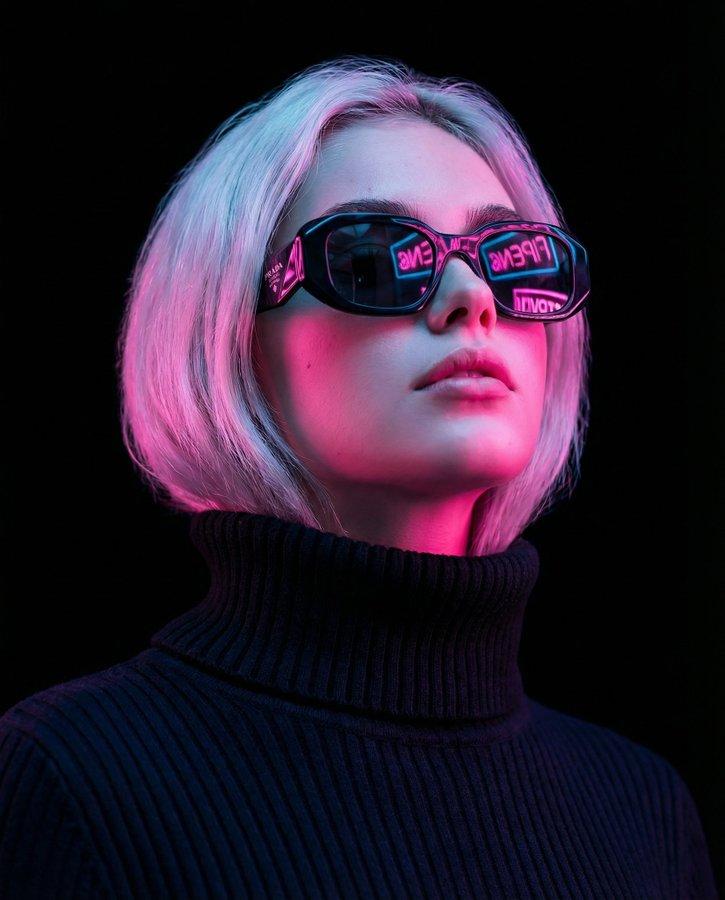
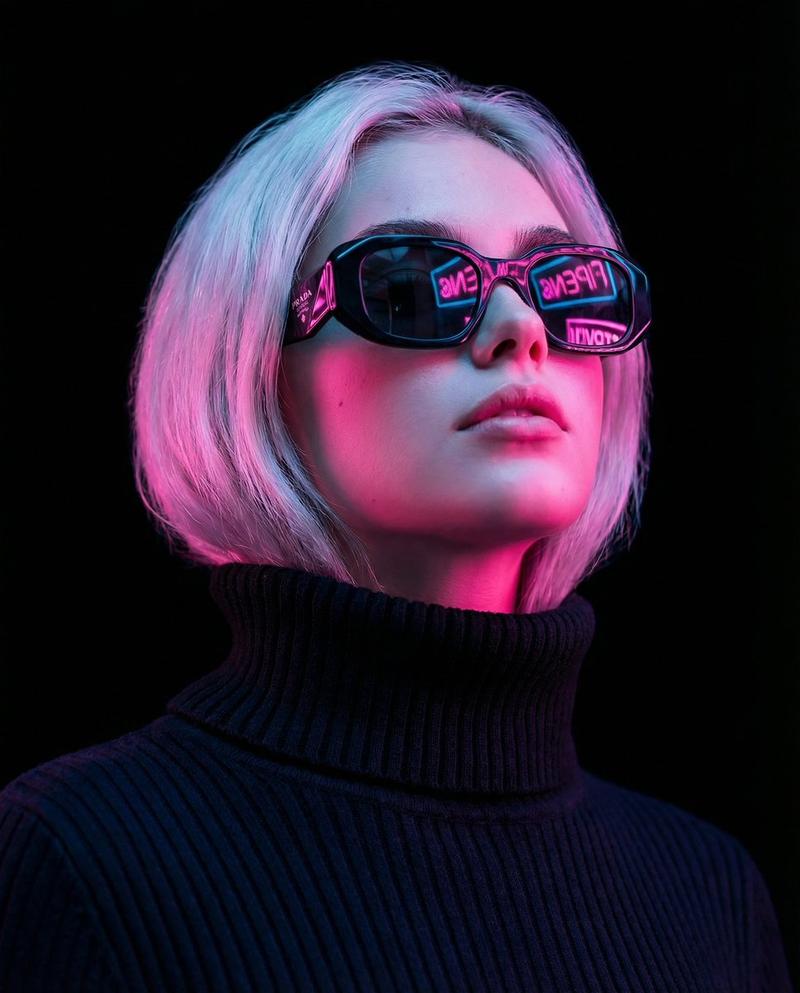
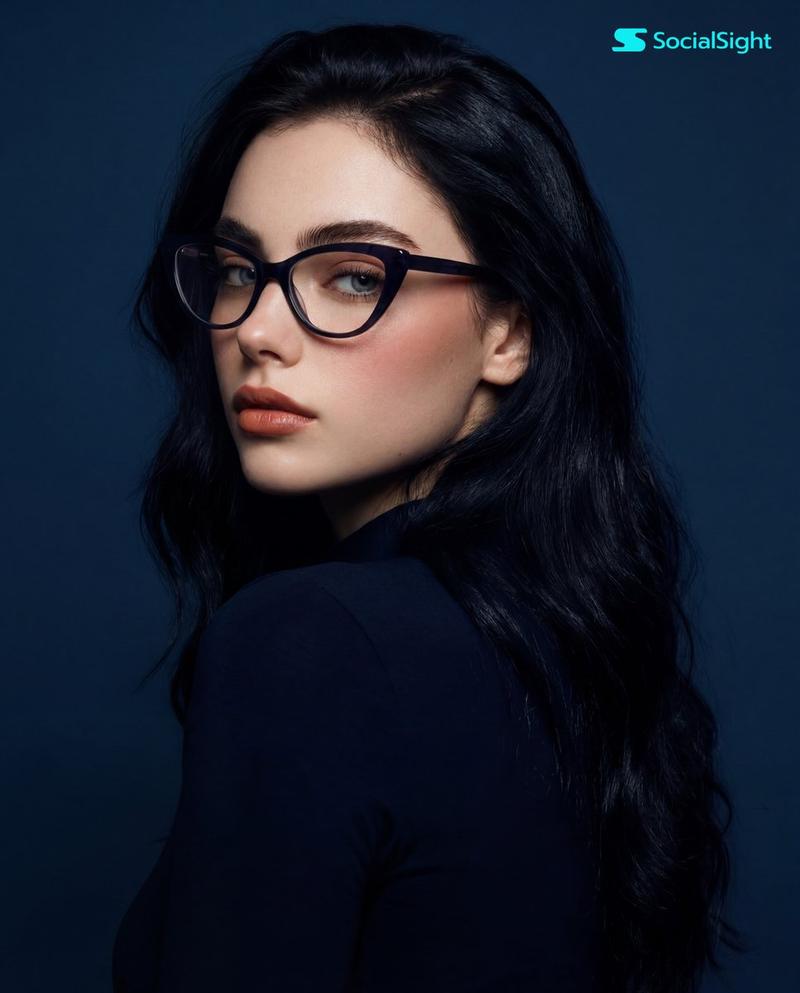
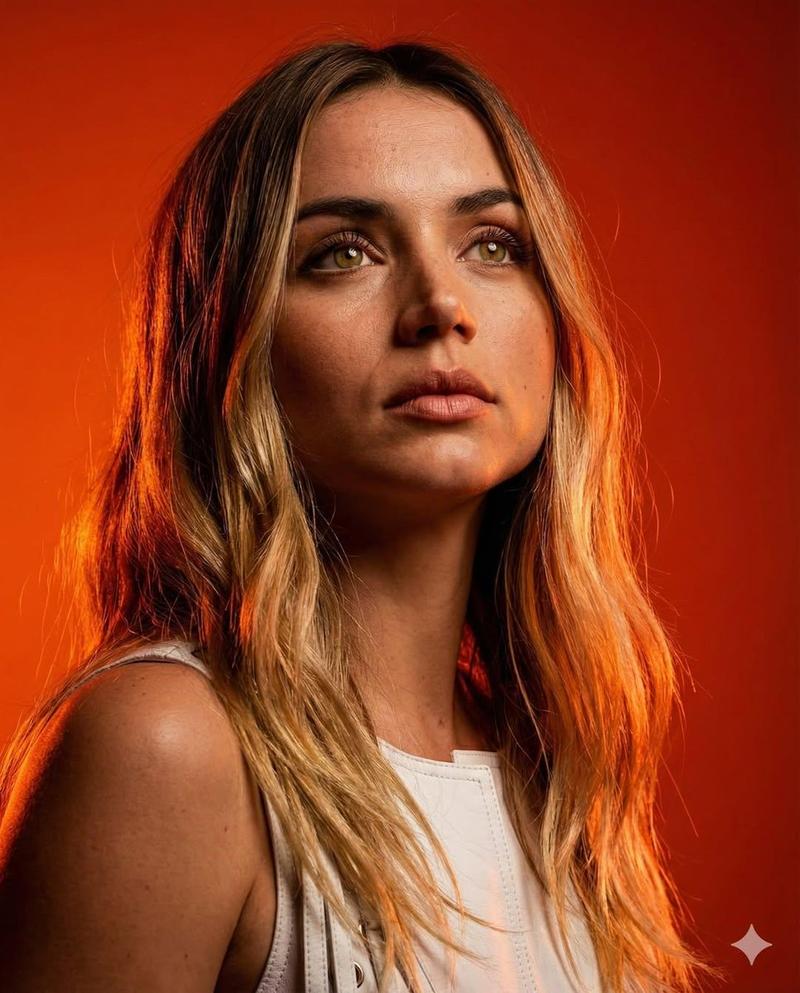
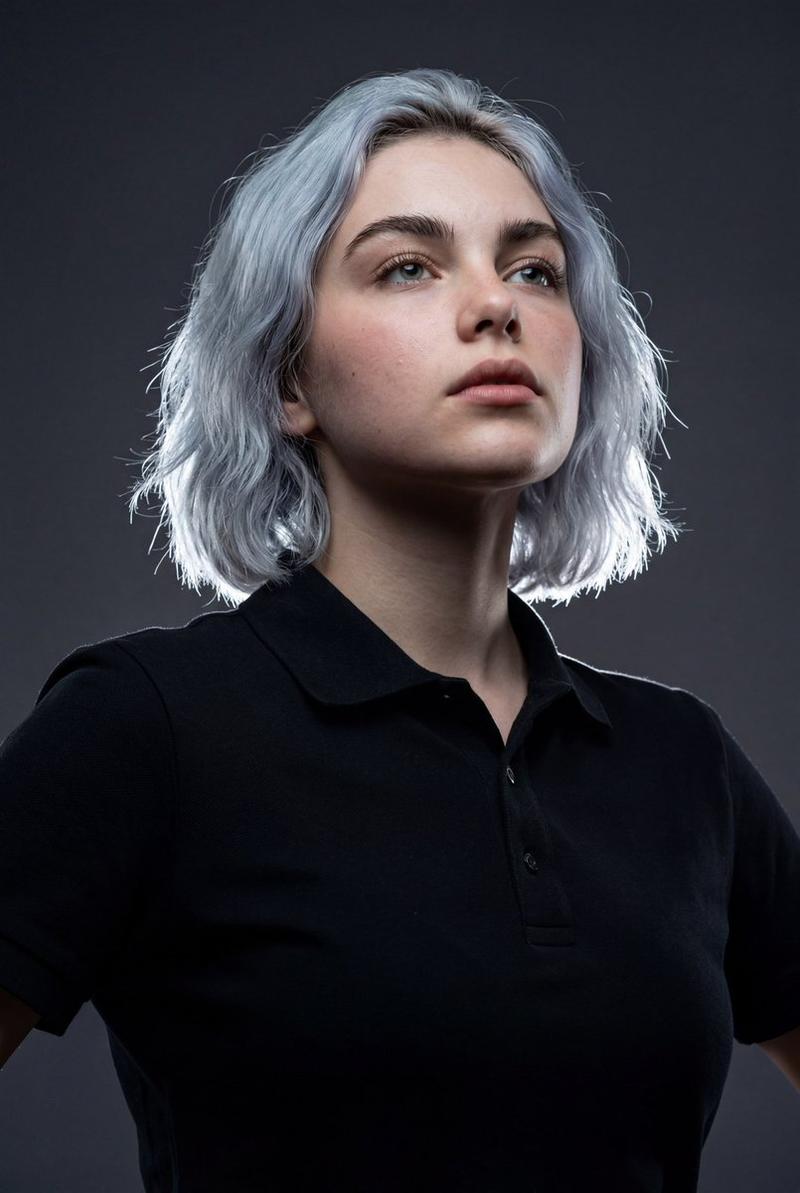
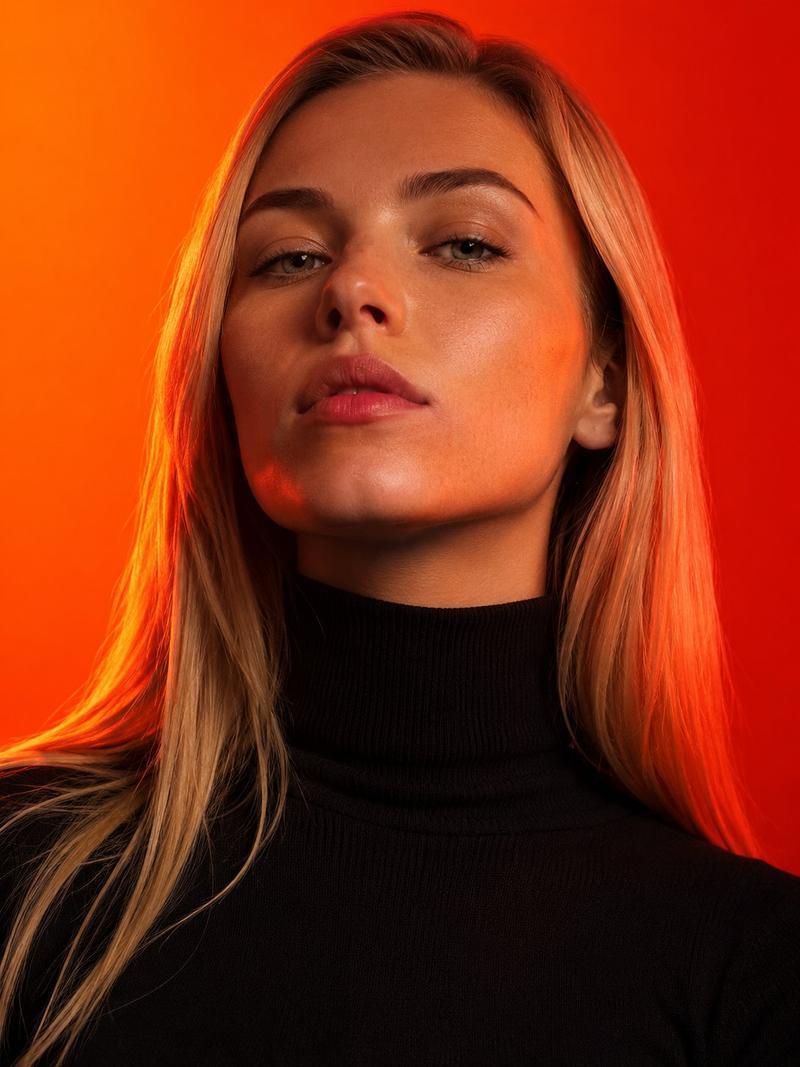
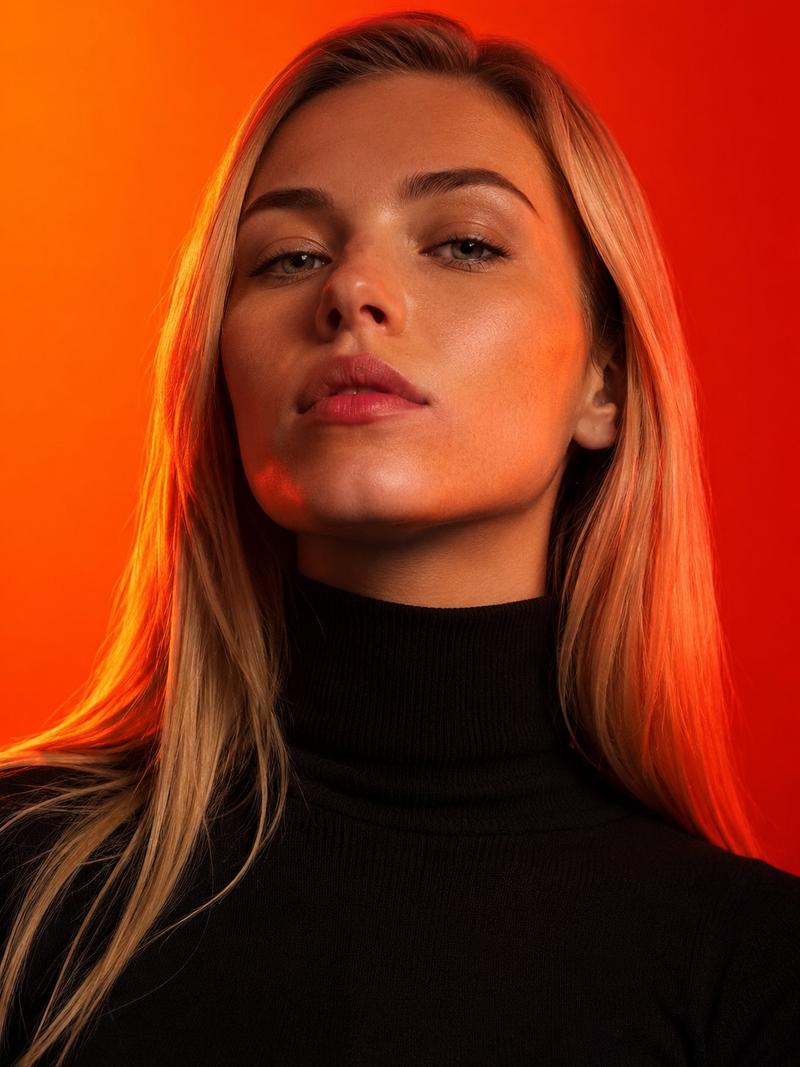
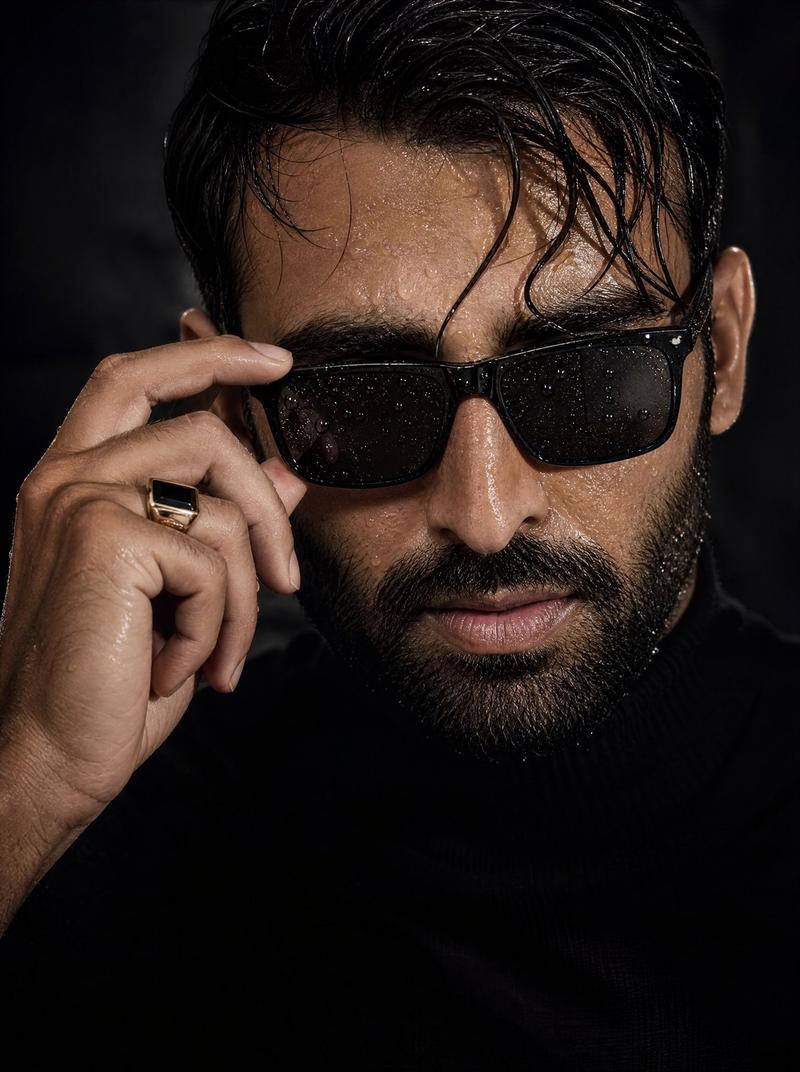
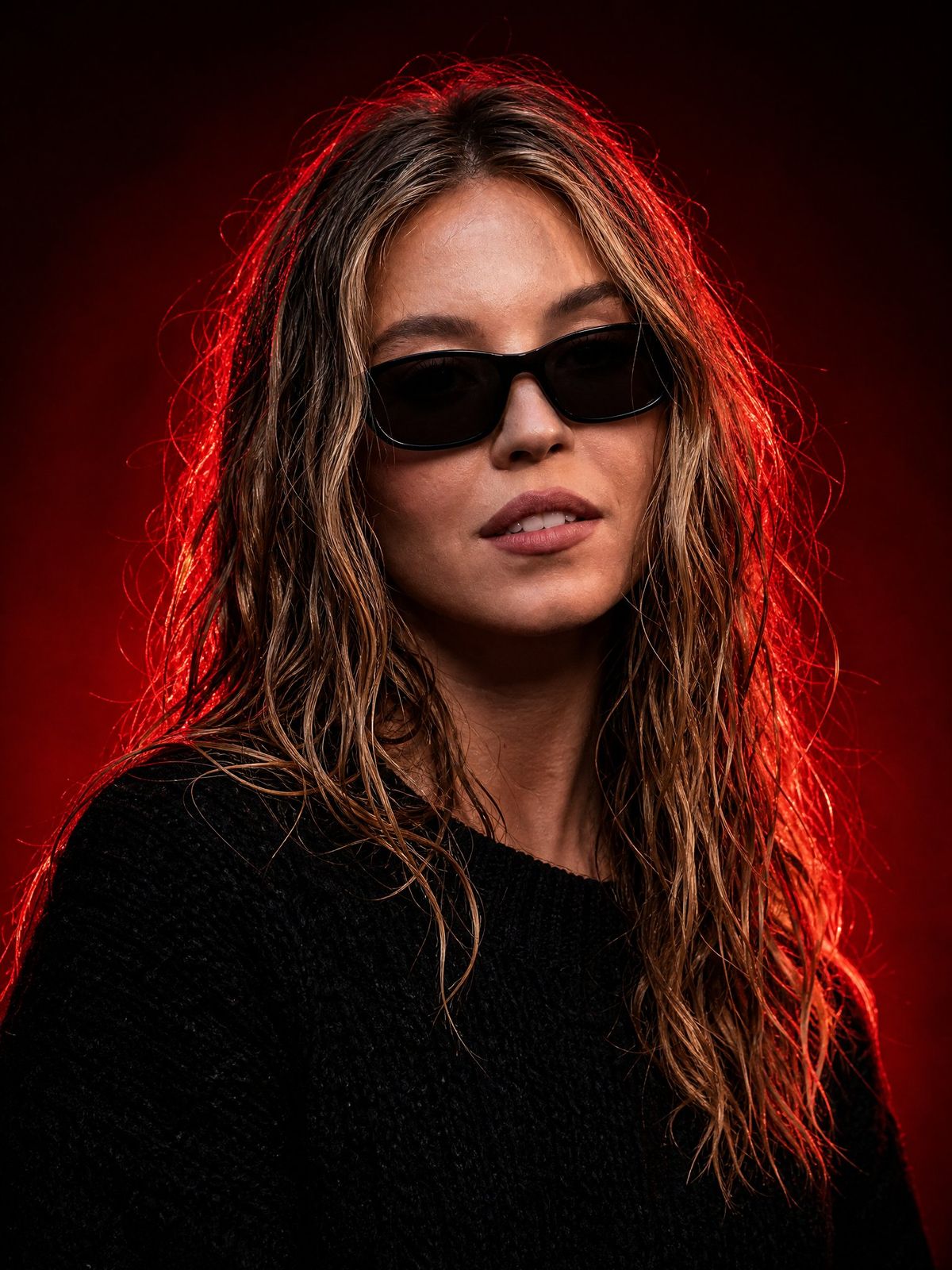
暗黑奢华红光肖像
Enlarge

Example images

暗黑奢华红光肖像

Prompt
Create an ultra-realistic cinematic studio portrait of {argument name="subject" default="a confident young woman"} in a dark luxury red-light aesthetic. Frame as a vertical close-up bust portrait, centered slightly left, with the subject facing the camera and the shoulders angled subtly. She has wet, tousled shoulder-length {argument name="hair color" default="dark blonde hair with lighter blonde highlights"}, natural skin texture, softly parted lips, and a calm powerful expression. Add sleek black rectangular sunglasses with dark lenses, and dress her in a textured oversized black knit sweater. Use a nearly black deep red studio background with a dramatic crimson rim light glowing from behind and around the hair, creating vivid red edges and flyaway hair highlights. Keep the face naturally lit from the front with soft cinematic contrast, detailed pores, realistic lips, and glossy hair strands. Mood: mysterious, elegant, powerful, high-fashion editorial, dark luxury. Camera style: 85mm portrait lens, shallow depth of field, sharp focus on face and sunglasses, rich shadows, high dynamic range, professional studio lighting, no text, no watermark, no extra objects.
Category
Photography & Realism
Model
GPT Image 2
Creator
Cherry 2.O
Views0
Source ID
27014
Published
Jun 27, 2026

Guide

About "暗黑奢华红光肖像"

What is this prompt for?

"暗黑奢华红光肖像" AI image prompt for GPT Image 2 (Photography & Realism). 生成一张超写实的电影级摄影棚肖像,采用黑色风格、太阳镜以及极具戏剧性的深红色轮廓光,打造强烈的奢华时尚大片质感。 Copy it on Picva and recreate the…

The full copyable prompt and example visuals above are ready for AI image generation or one-click recreate in Picva.

How to use this prompt

  1. Step 1

    Open the prompt detail

    Review the example visuals, category, and full prompt text for "暗黑奢华红光肖像".

  2. Step 2

    Copy the prompt

    Copy the prompt body from this page, or load it directly in Studio.

  3. Step 3

    Pick a model (GPT Image 2)

    Prefer GPT Image 2. If you switch models, keep subject and composition and tweak style terms.

  4. Step 4

    Generate and export

    Recreate the look in Picva, or export into your workflow for editing and publishing.

FAQ

What is the "暗黑奢华红光肖像" prompt?
It is an AI image-generation prompt for GPT Image 2 in the Photography & Realism category. This page includes the full prompt text, example visuals, and a one-click recreate path in Picva.
How do I use this prompt to generate an image?
Copy the prompt from this page, or use Generate / Studio. Paste it into a compatible image model, or recreate the look in Picva with optional reference images.
Which model is this prompt for?
This page lists GPT Image 2. Most descriptive prompts also transfer to nearby image models such as GPT Image, Flux, or Midjourney with light style tweaks.
Can I use the result commercially?
You can usually copy the prompt for creation, but commercial use of the final image depends on the model terms, reference-image rights, and the generated content. Follow the source author and platform rules.