奇幻绘本风旅行拼贴画
Prompt
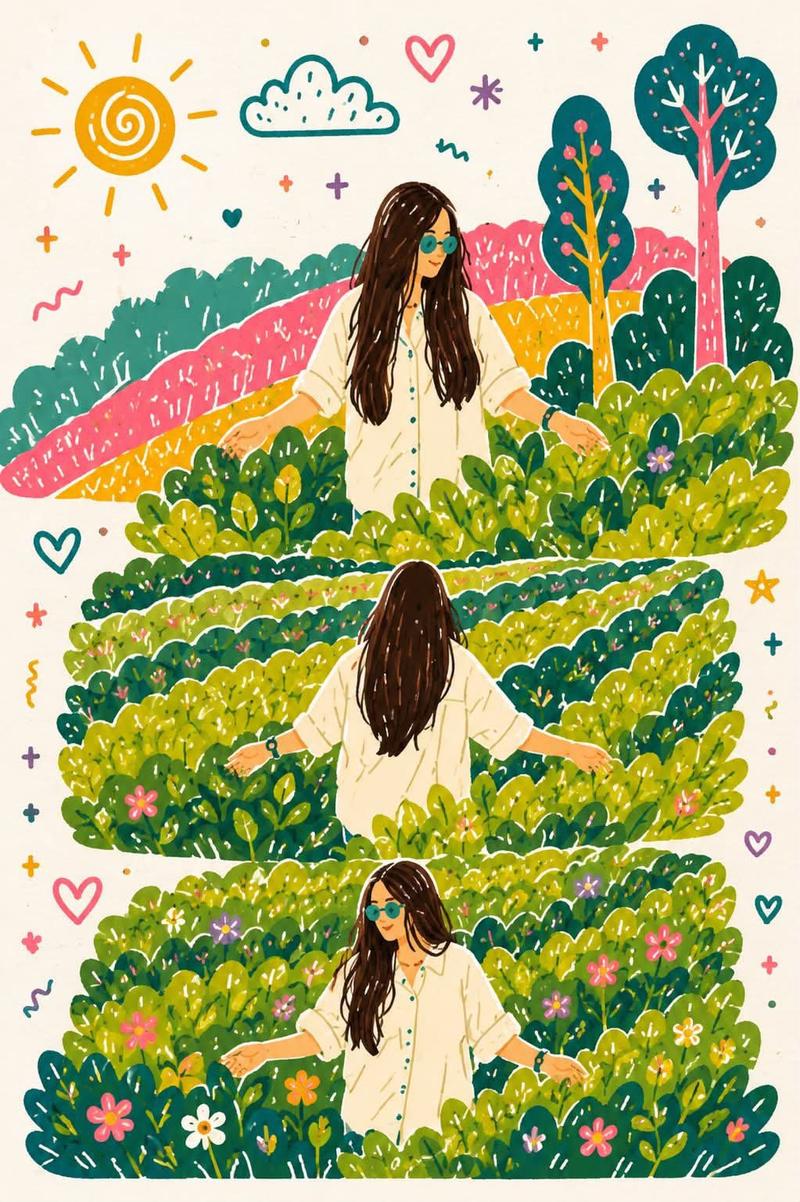
Create a whimsical, hand-painted storybook-style illustration inspired by three candid travel photos arranged vertically in a collage. Preserve the exact composition, poses, and framing from the reference: a young woman with {argument name="hair style" default="long straight dark brown hair"} wearing an {argument name="outfit" default="oversized off-white button-up shirt"}, black smartwatch, and round sunglasses, standing waist-deep in lush green tea plantations. The first panel shows her facing slightly left while gently brushing the tea leaves with both hands. The second panel captures her from behind with both arms stretched outward, walking peacefully through the tea bushes. The third panel shows her turned slightly to the right, smiling softly while touching the leaves.

Transform the realistic tea estate into a dreamy, colorful illustrated landscape with rolling hills, playful stylized trees, blooming wildflowers, and vibrant foliage. Use {argument name="color palette" default="soft pastel tones, rich greens, warm yellows, blush pinks, and teal accents"}. Add whimsical doodle elements around the composition such as hearts, stars, clouds, sunshine, sparkles, tiny flowers, and hand-drawn decorative marks on a warm cream paper background. Maintain the same vertical three-panel layout with generous spacing, rounded organic shapes, textured brush strokes, and a cozy children’s book aesthetic. The illustration should feel joyful, peaceful, and magical, with clean outlines, subtle paper texture, high detail, and a charming gouache/watercolor-inspired finish. No text, no watermark, high-resolution, portrait orientation.- Category
- Photography & Realism
- Model
- GPT Image 2
- Creator
- Sairah
- Source ID
- 27045
- Published
- Jun 28, 2026
Views0