19

风暴龙战:勇士对决
Enlarge

Example images

风暴龙战:勇士对决

Prompt
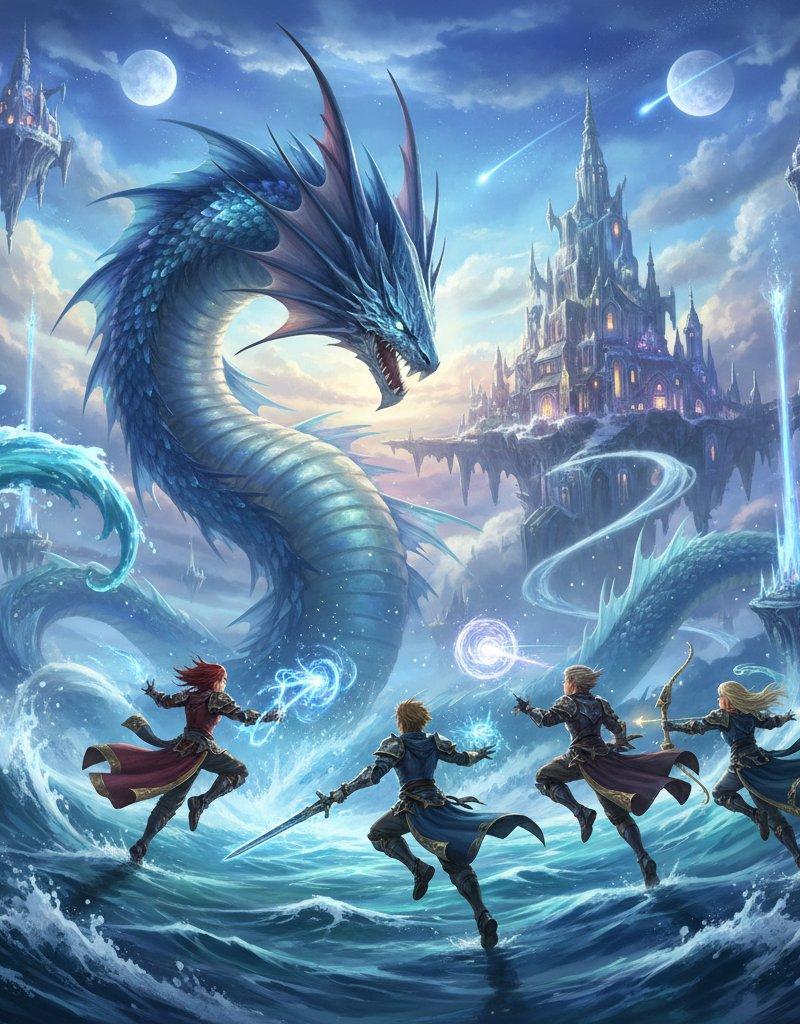
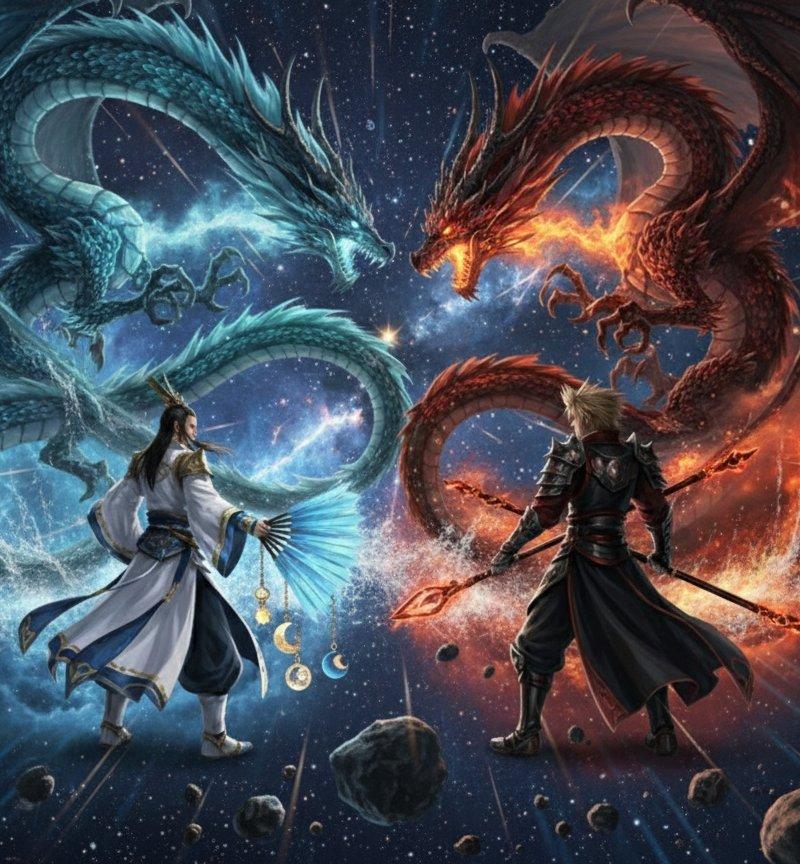
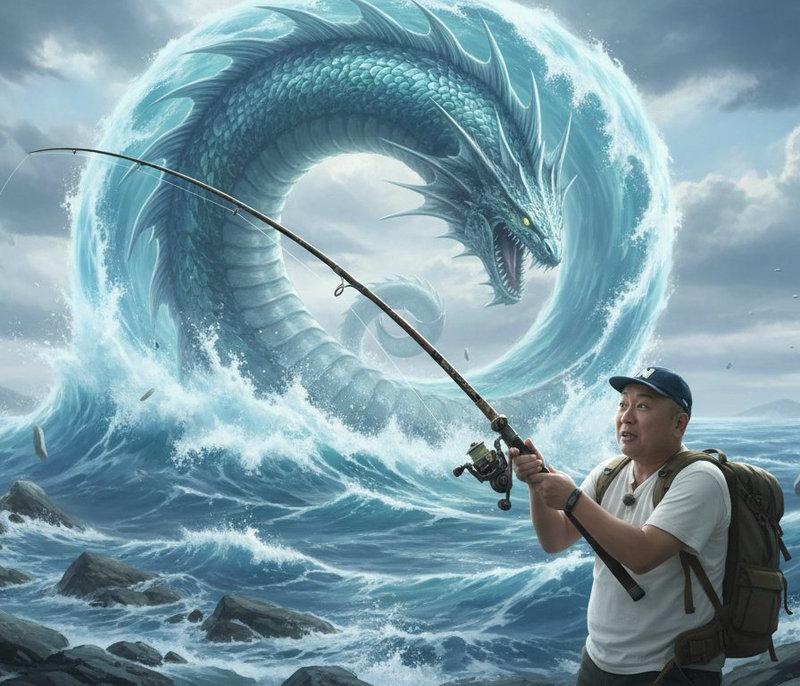
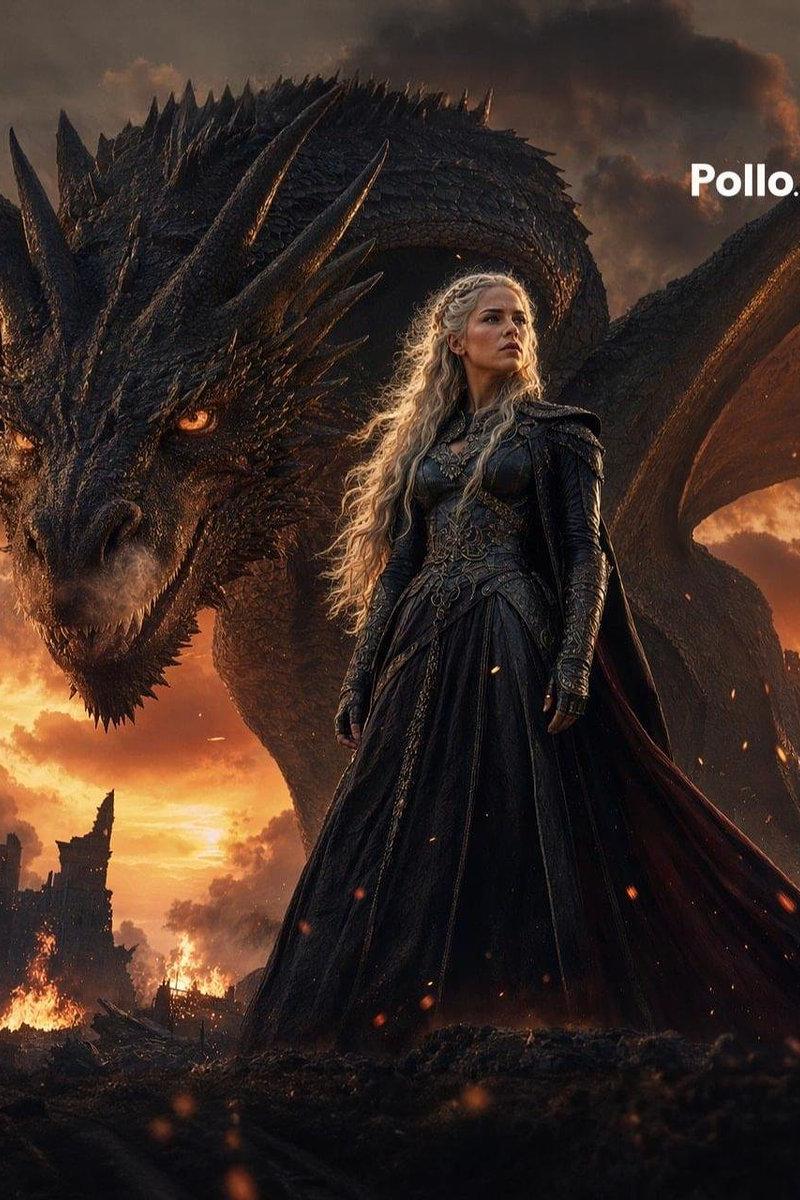
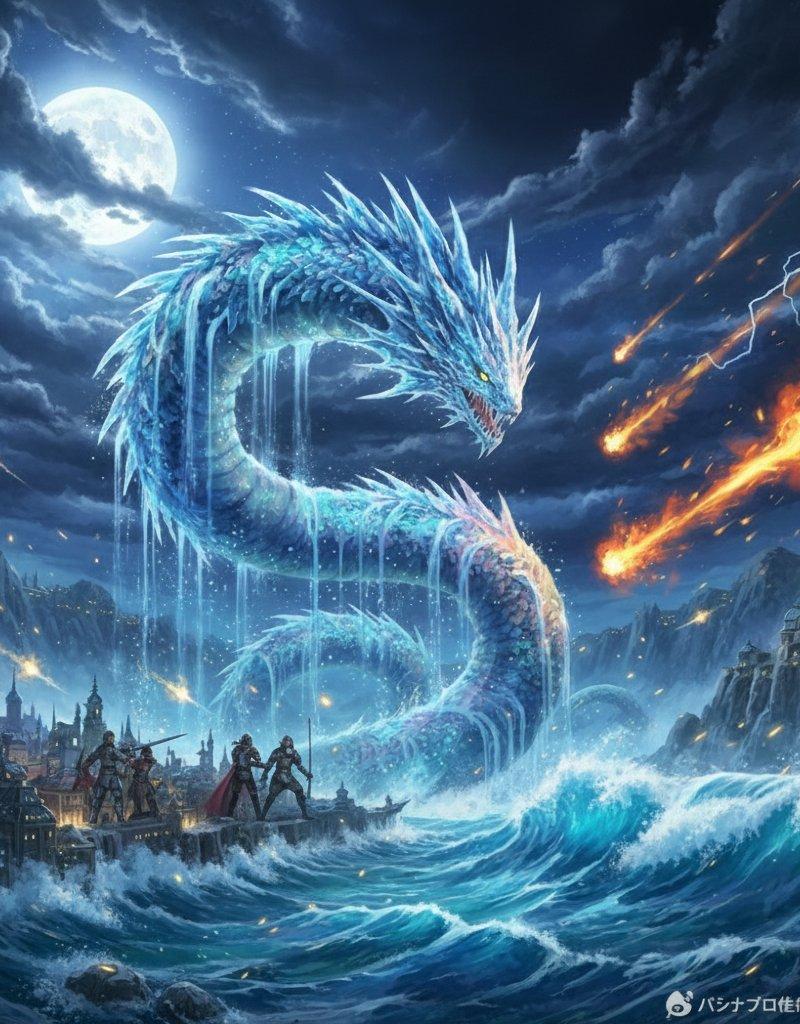
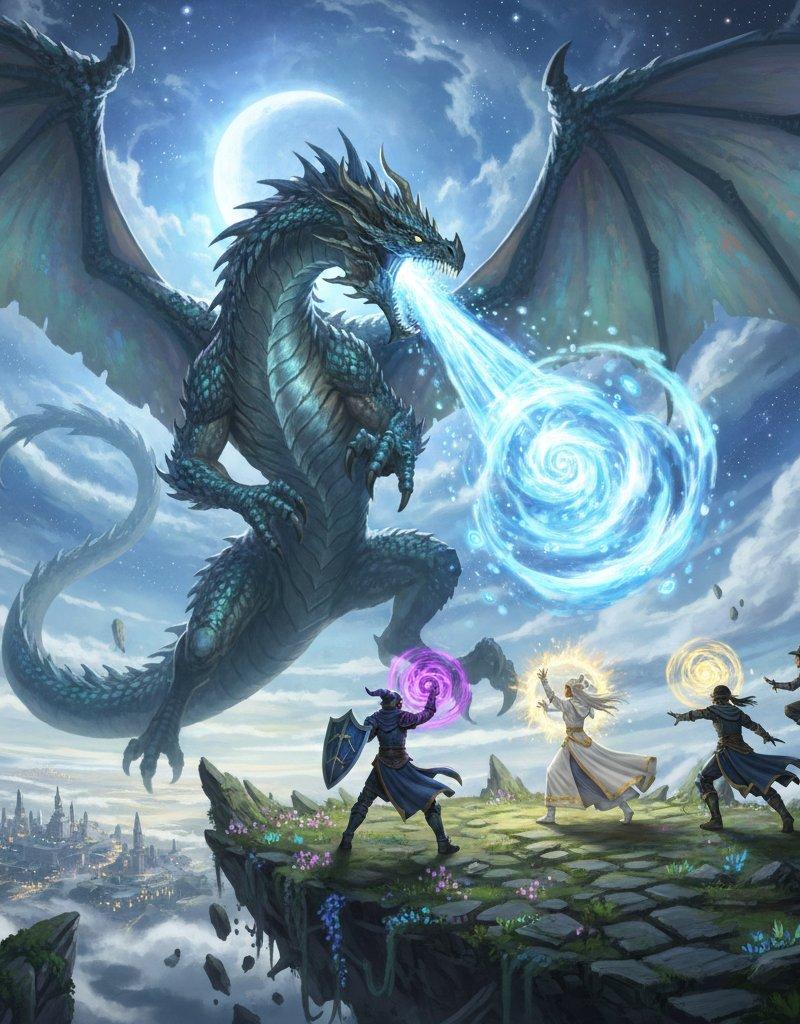
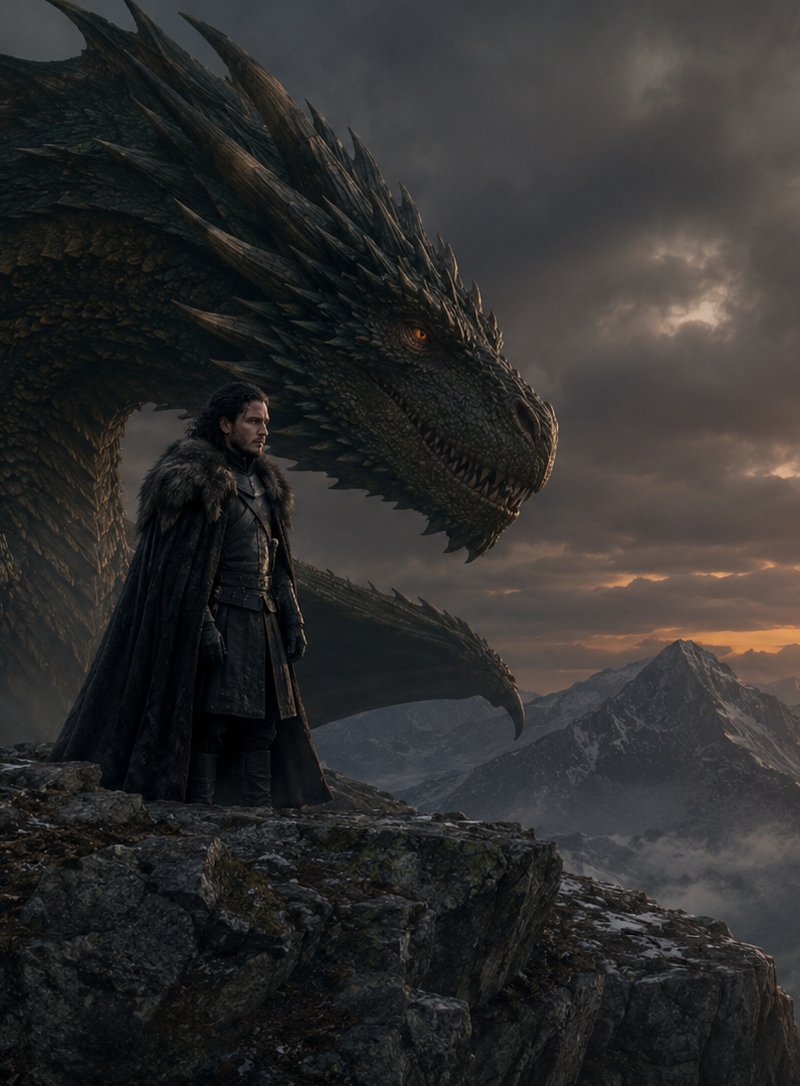
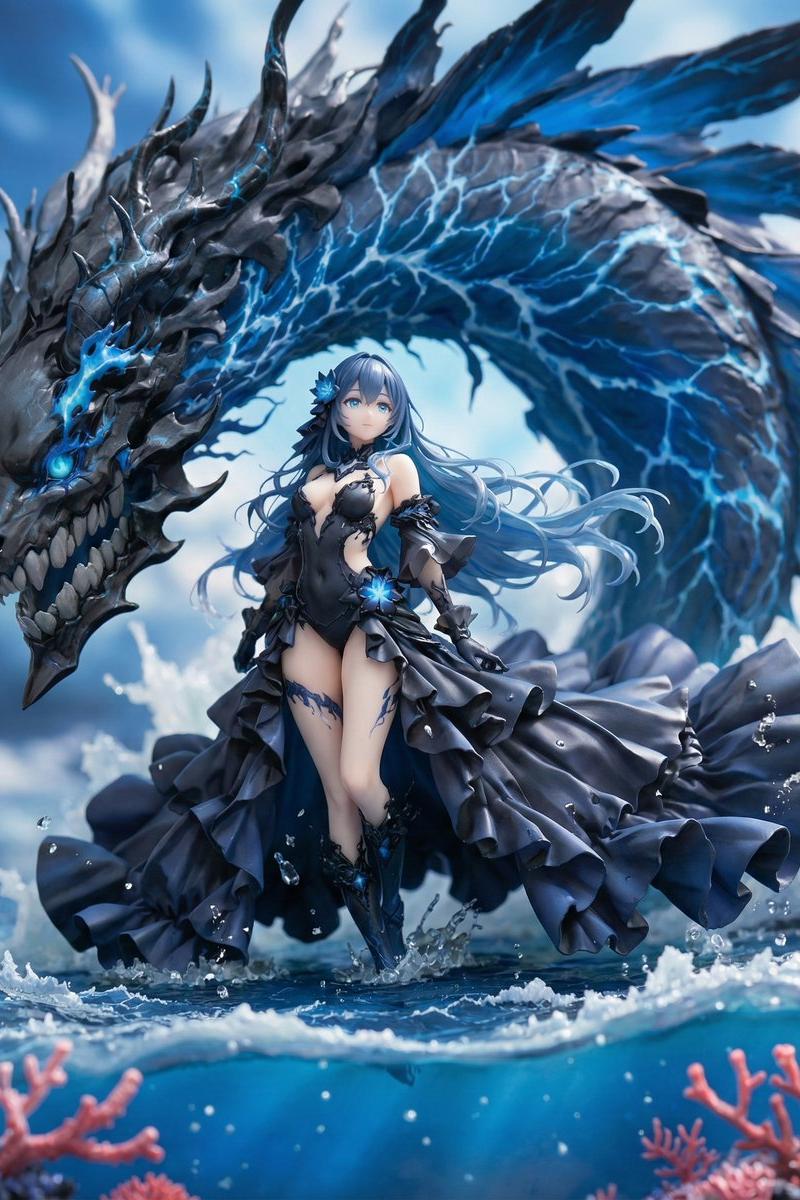
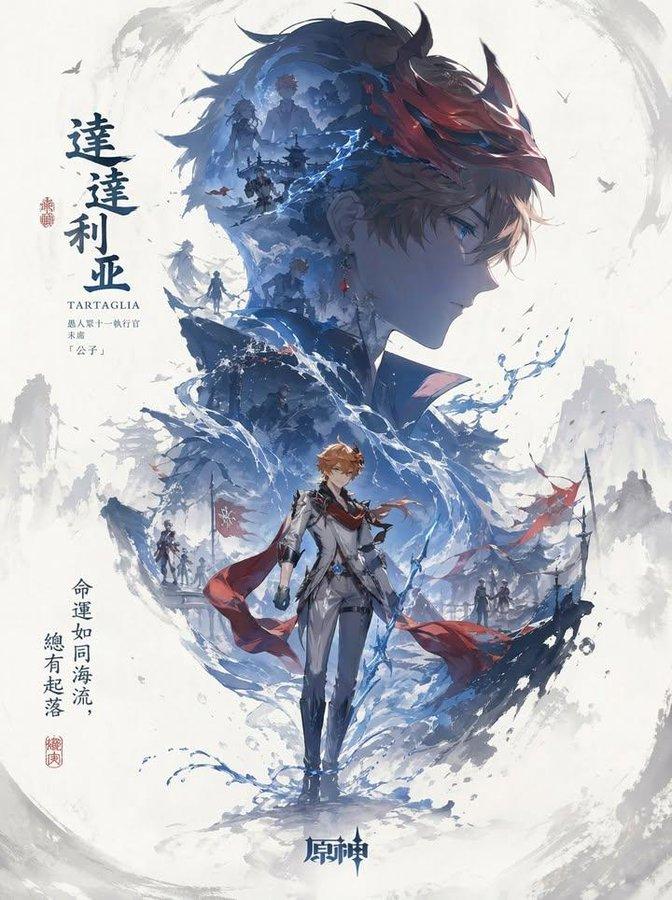
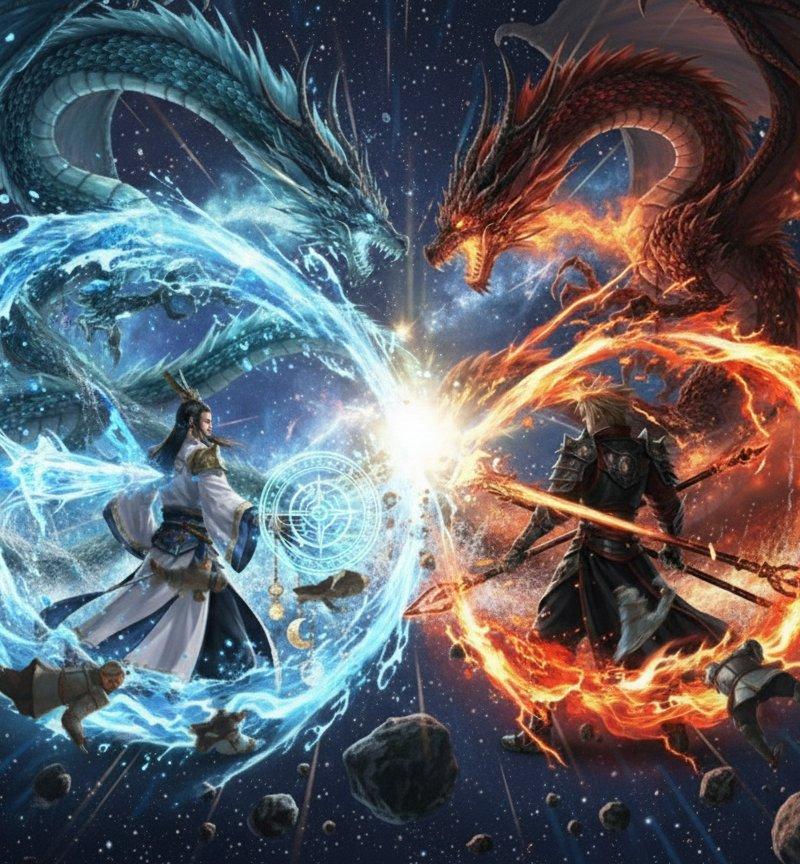
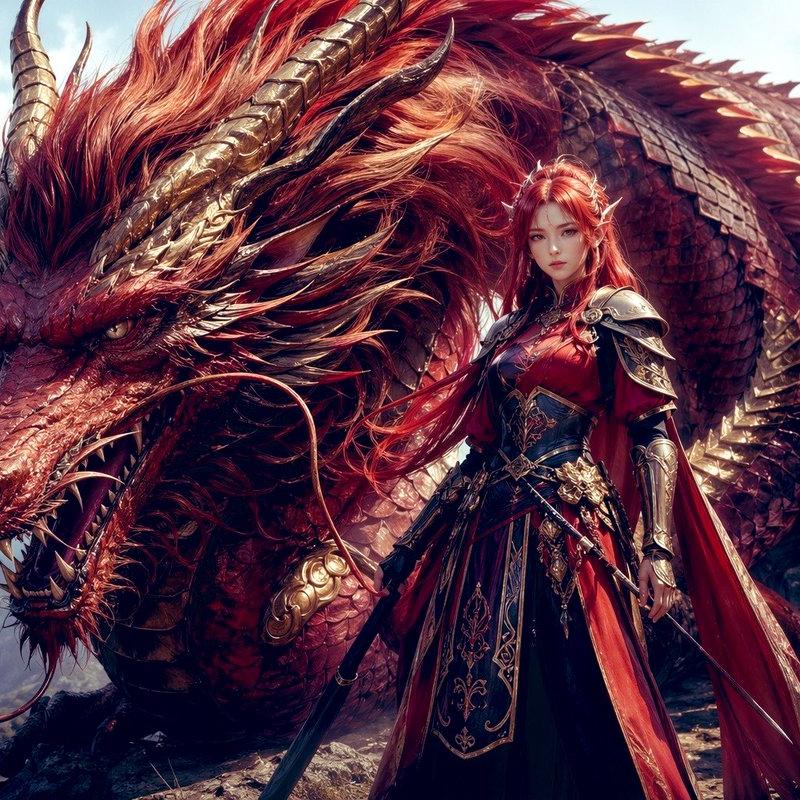
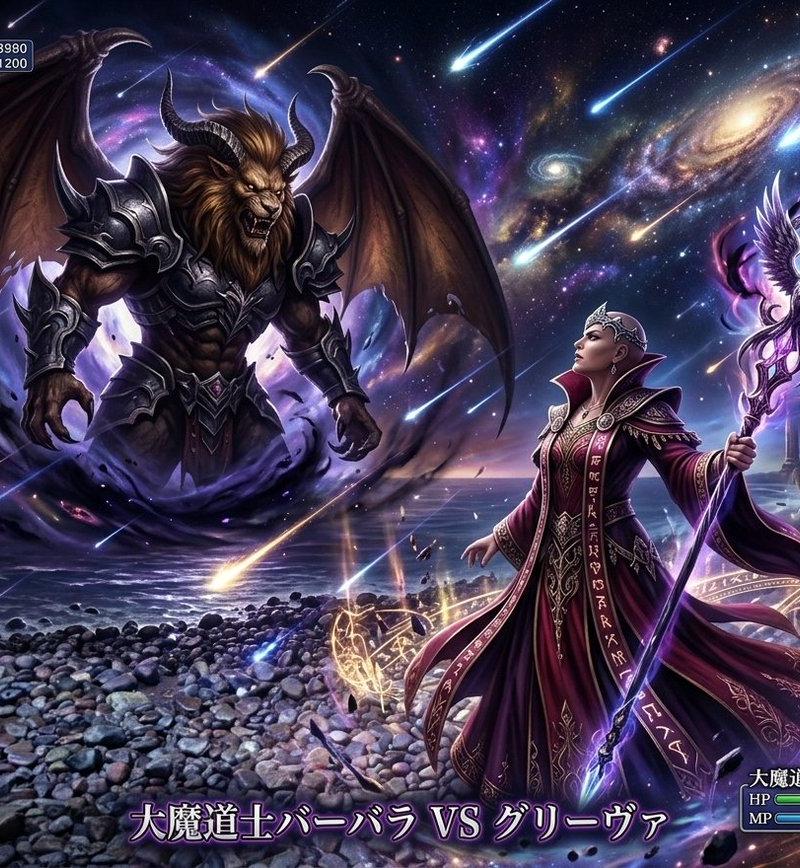
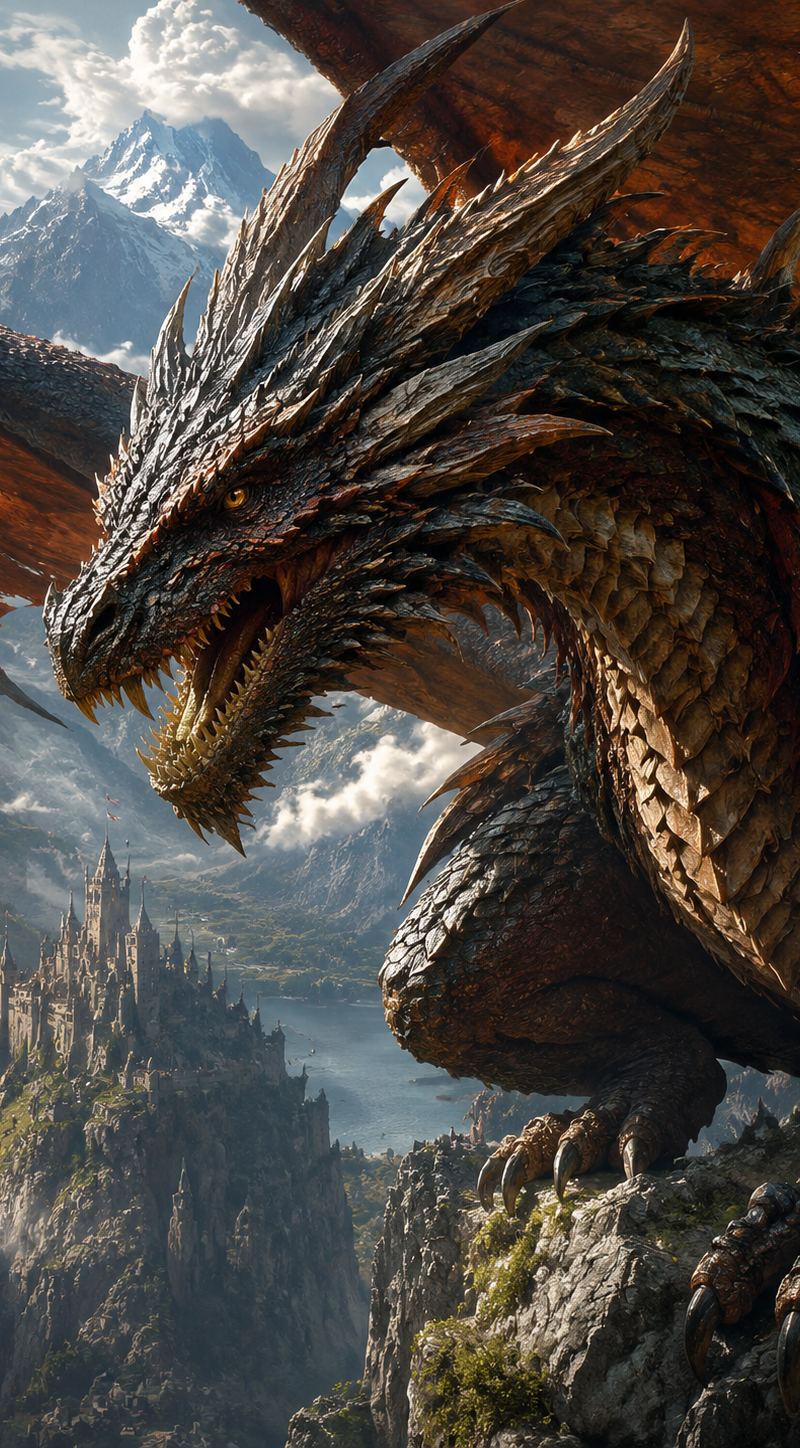
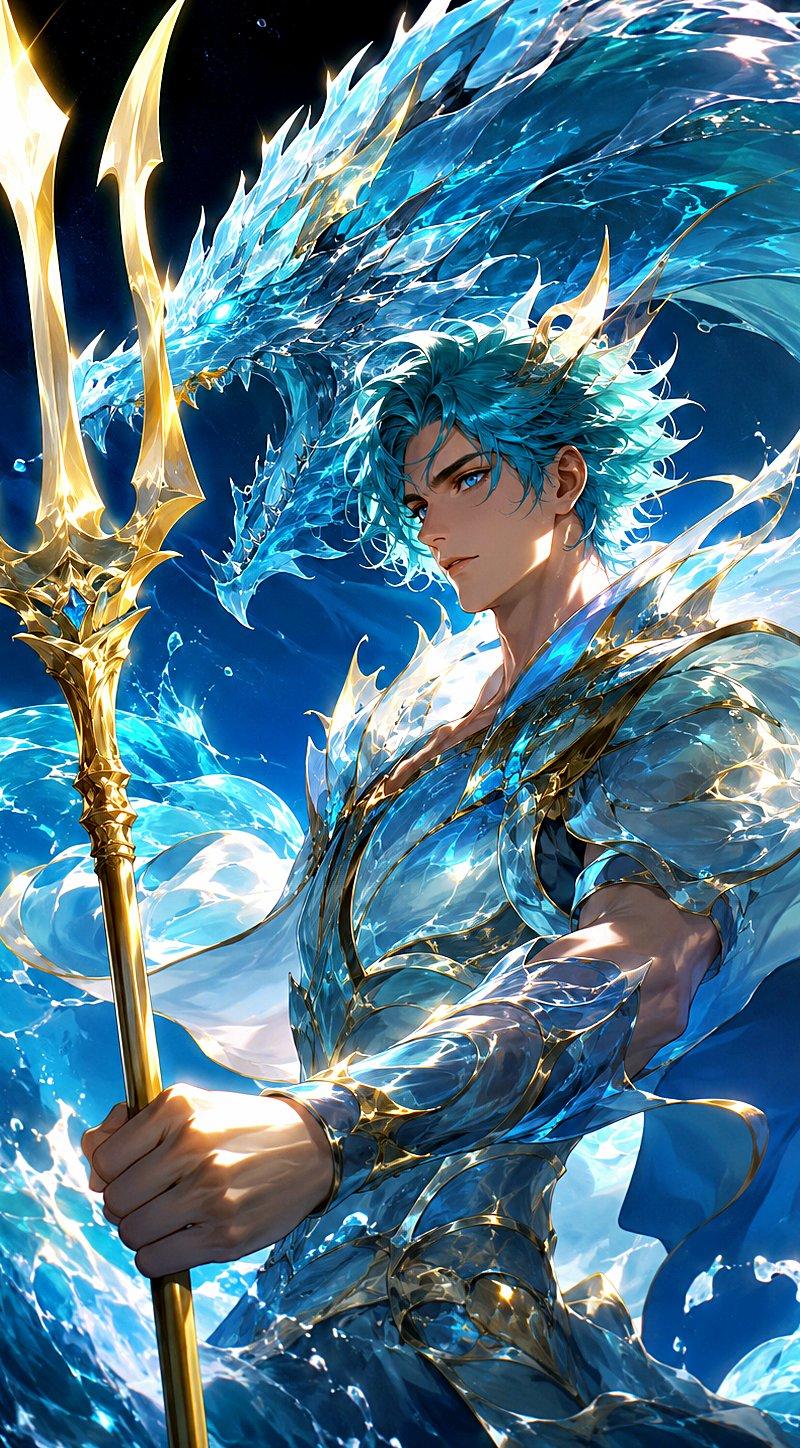
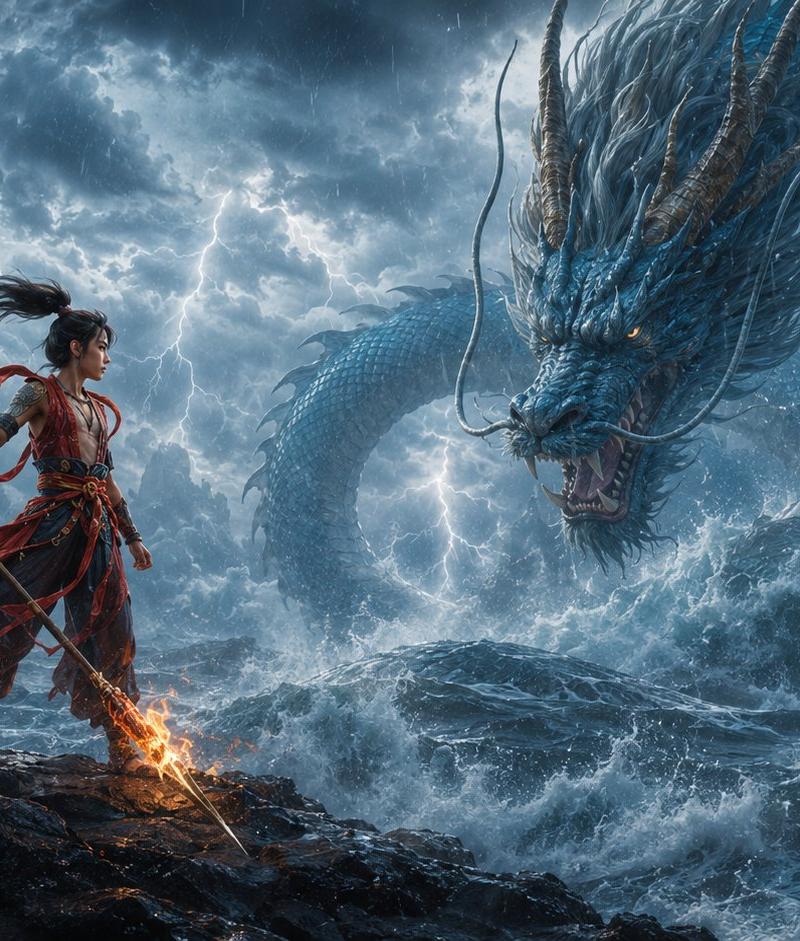
Create a cinematic fantasy game key art scene in an ancient Chinese mythological style, showing exactly 2 main subjects: 1 foreground subject, {argument name="foreground subject" default="a young warrior hero inspired by Nezha, standing on black coastal rocks"}, and 1 background entity, {argument name="background entity" default="a colossal blue Chinese sea dragon rising from storm waves"}. The hero stands on the left third of a wide 16:9 canvas, full body visible, facing right in a defiant stance, with long black hair tied high and blowing in the wind, red ribbons streaming behind, layered red-and-black battle robes, arm wraps, ornate belts, and a flaming spear held diagonally with fire burning at both ends. The dragon dominates the right side and background, serpentine body looping through the sky and ocean, blue scales, long whiskers, antler-like horns, spiny mane, glowing amber eyes, open roaring mouth, and water exploding around its body. Set the scene on a jagged volcanic shoreline during a violent thunderstorm with dark blue-gray storm clouds, heavy rain, turbulent ocean waves, sea spray, lightning branching behind the subjects, and misty mountain silhouettes in the distance. Use dramatic low-angle composition, epic scale contrast, sharp fantasy realism, ultra-detailed textures, dynamic motion, cold blue storm lighting contrasted with warm orange flame glow, cinematic volumetric lighting, high contrast, painterly yet photorealistic finish, no text, no watermark, no modern objects.
Category
Photography & Realism
Model
GPT Image 2
Creator
TWnese
Source language
en
Views0
Source ID
27094
Published
Jun 29, 2026
Studio

Guide

About "风暴龙战:勇士对决"

What is this prompt for?

"风暴龙战:勇士对决" AI image prompt for GPT Image 2 (Photography & Realism). 一个电影级奇幻提示词,用于生成古代中国英雄在风暴游戏场景中对抗巨型海龙的史诗画面。 Copy it on Picva and recreate the look in one cl…

The full copyable prompt and example visuals above are ready for AI image generation or one-click recreate in Picva.

How to use this prompt

  1. Step 1

    Open the prompt detail

    Review the example visuals, category, and full prompt text for "风暴龙战:勇士对决".

  2. Step 2

    Copy the prompt

    Copy the prompt body from this page, or load it directly in Studio.

  3. Step 3

    Pick a model (GPT Image 2)

    Prefer GPT Image 2. If you switch models, keep subject and composition and tweak style terms.

  4. Step 4

    Generate and export

    Recreate the look in Picva, or export into your workflow for editing and publishing.

FAQ

What is the "风暴龙战:勇士对决" prompt?
It is an AI image-generation prompt for GPT Image 2 in the Photography & Realism category. This page includes the full prompt text, example visuals, and a one-click recreate path in Picva.
How do I use this prompt to generate an image?
Copy the prompt from this page, or use Generate / Studio. Paste it into a compatible image model, or recreate the look in Picva with optional reference images.
Which model is this prompt for?
This page lists GPT Image 2. Most descriptive prompts also transfer to nearby image models such as GPT Image, Flux, or Midjourney with light style tweaks.
Can I use the result commercially?
You can usually copy the prompt for creation, but commercial use of the final image depends on the model terms, reference-image rights, and the generated content. Follow the source author and platform rules.