20

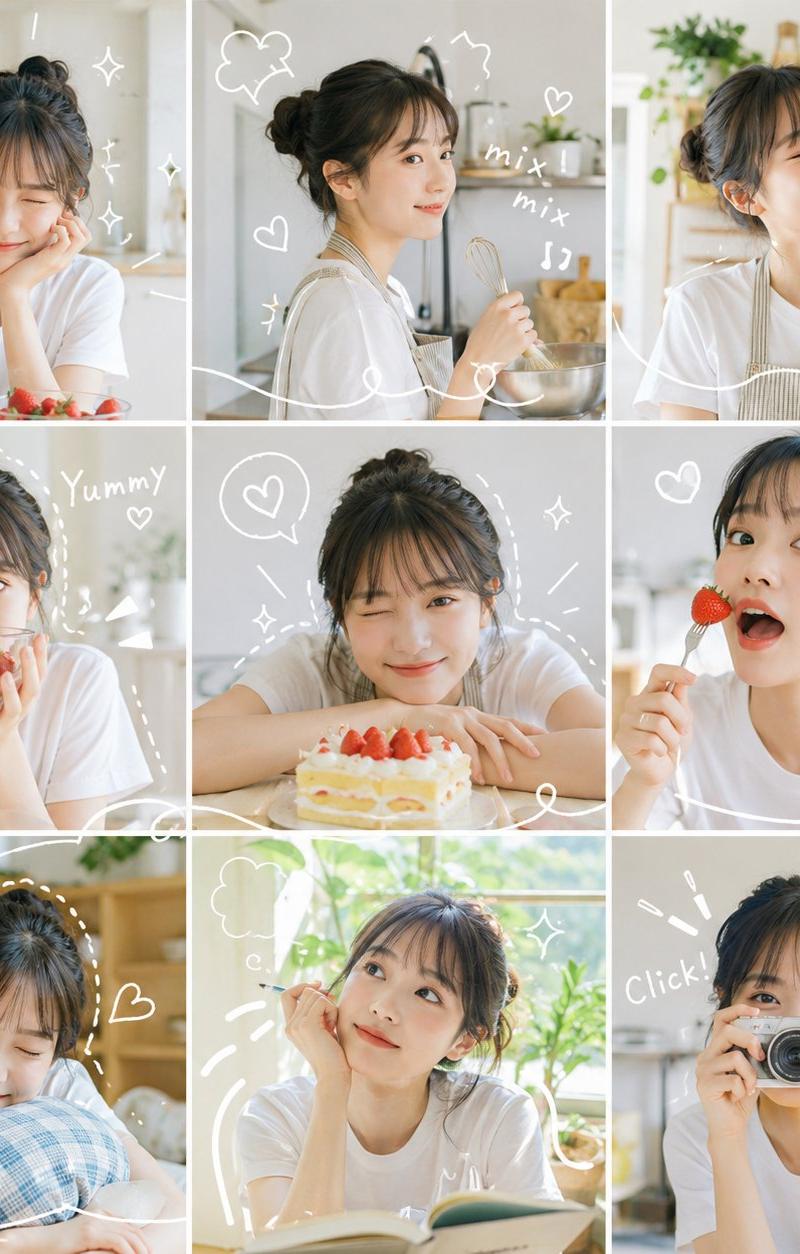
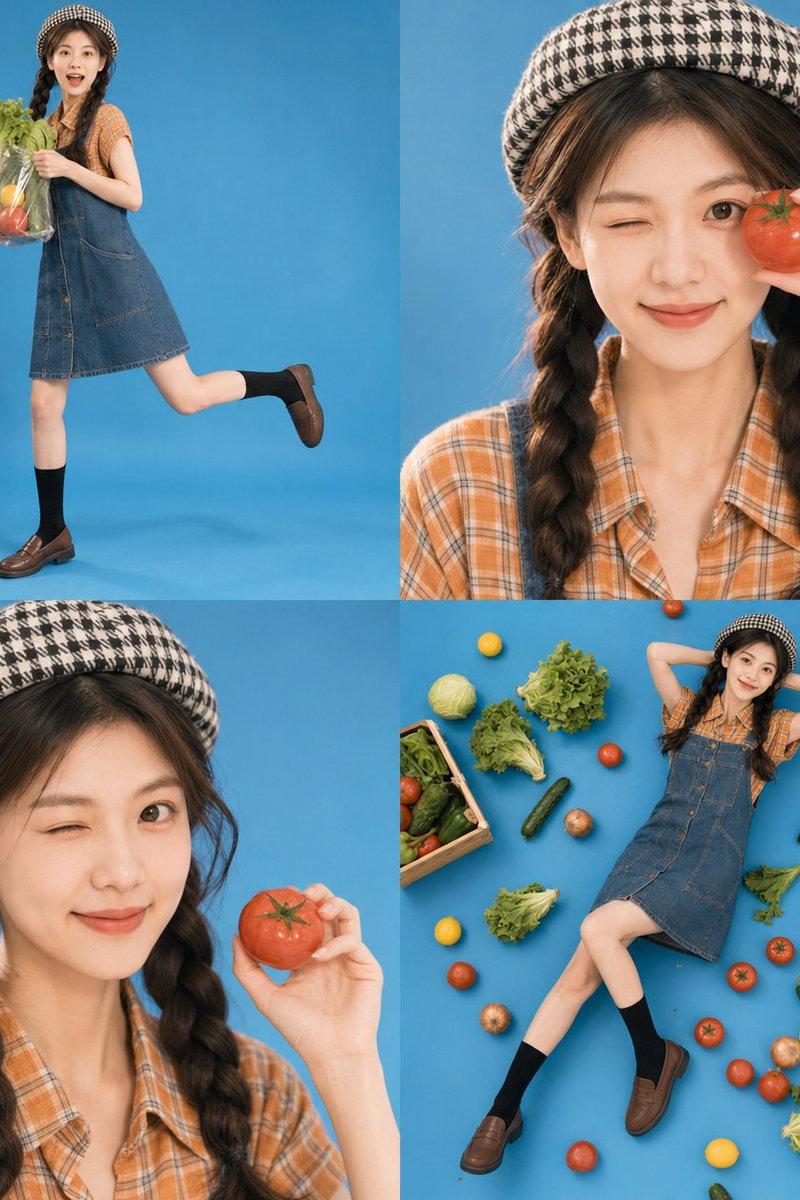
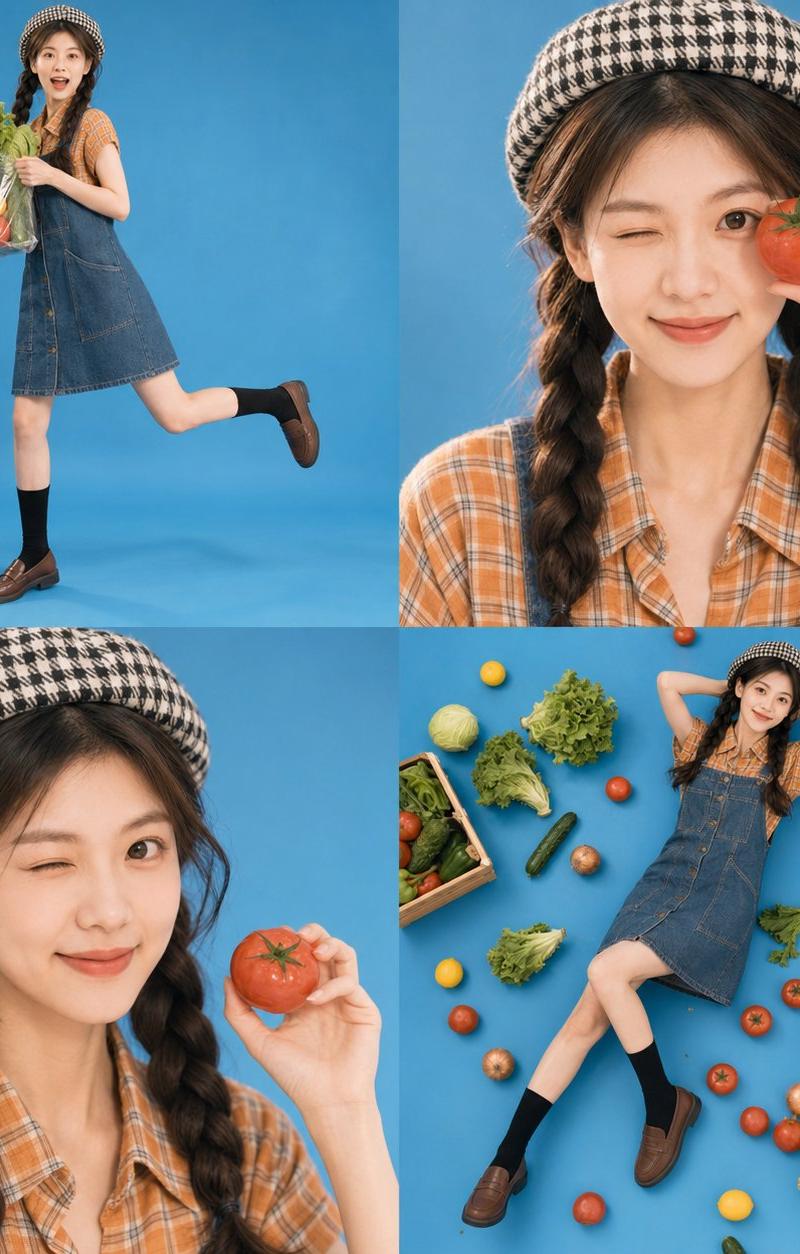
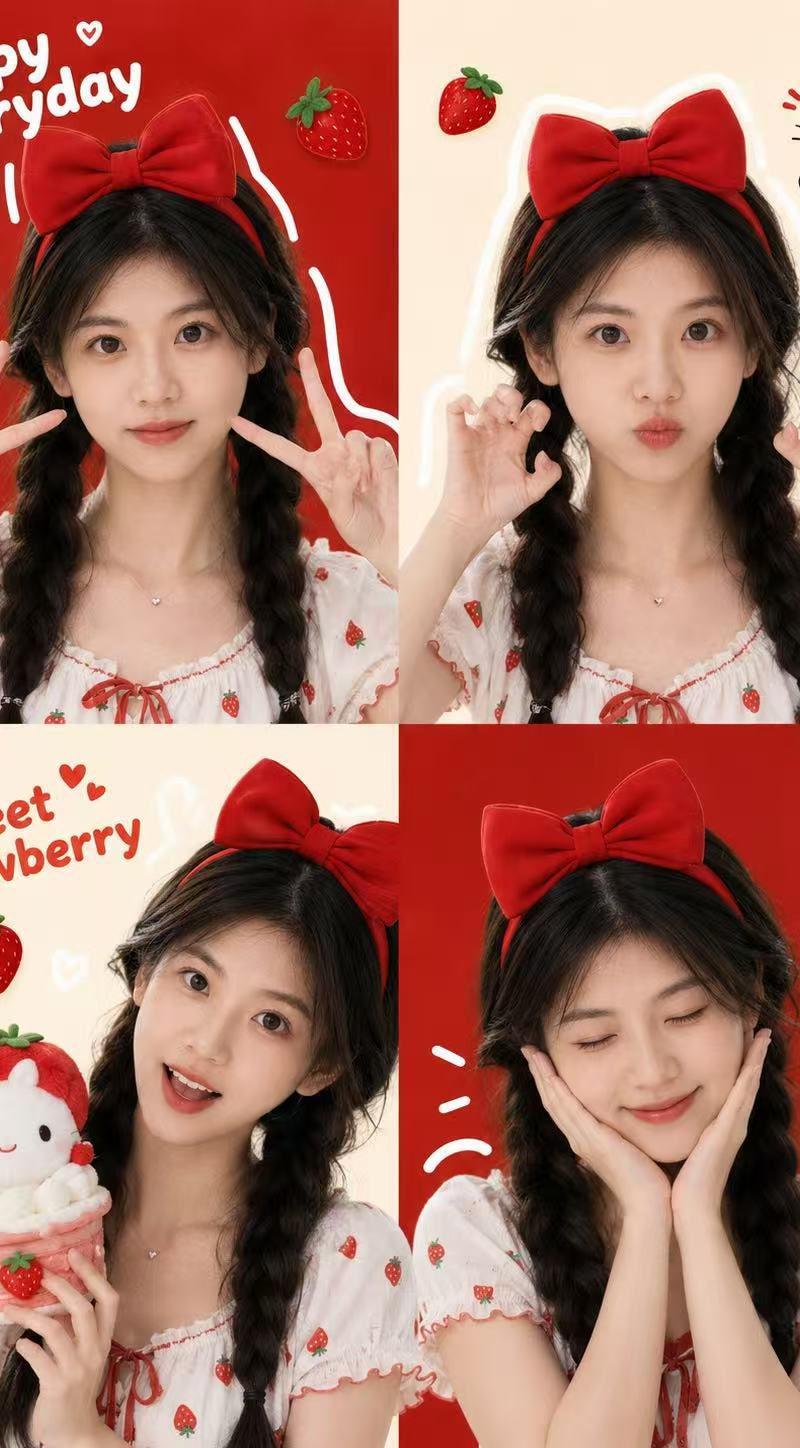
网格照片拼贴日记风格
Enlarge

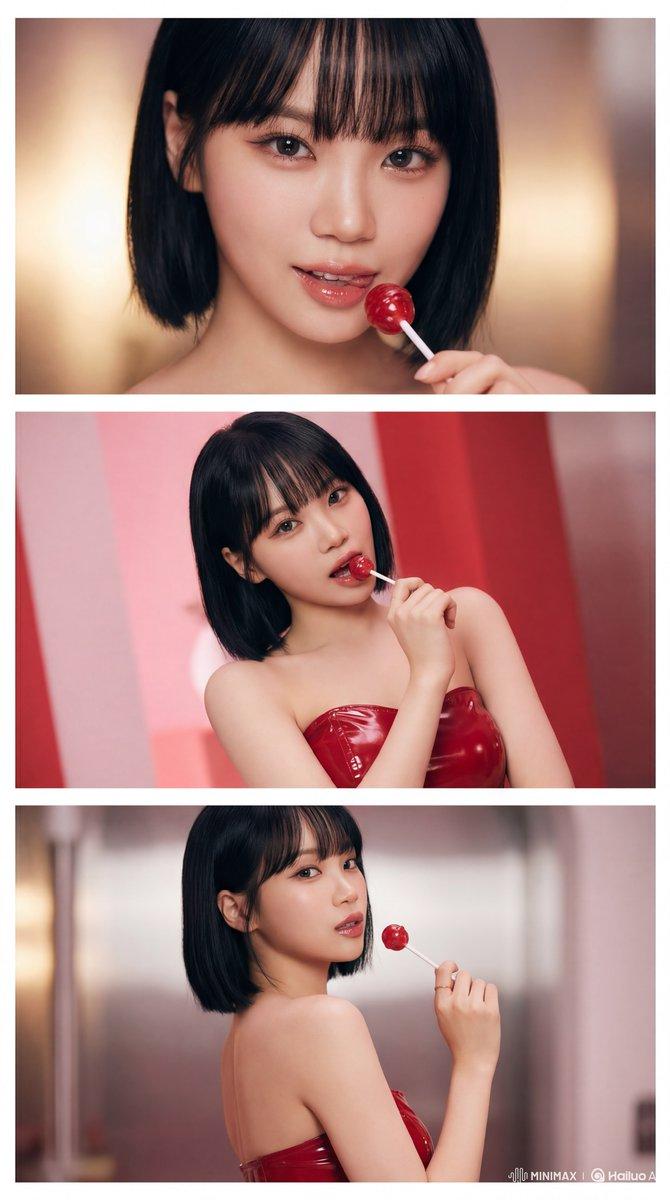
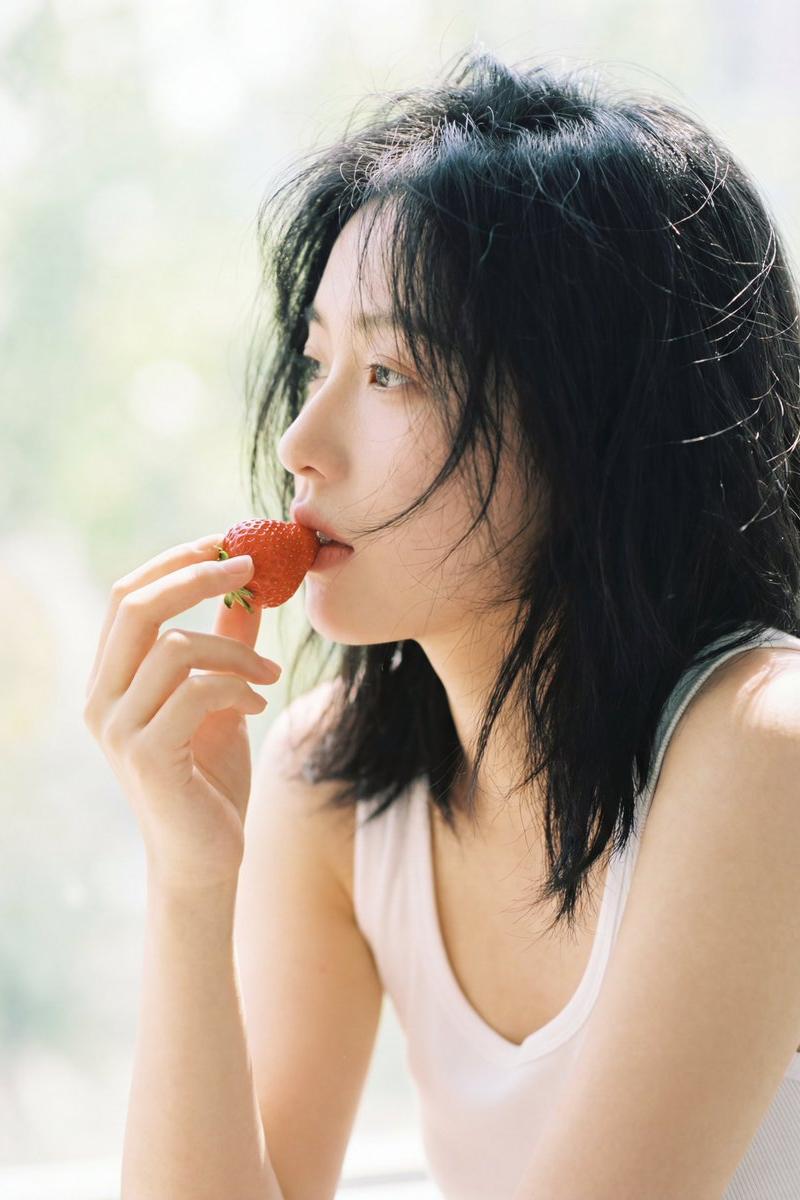
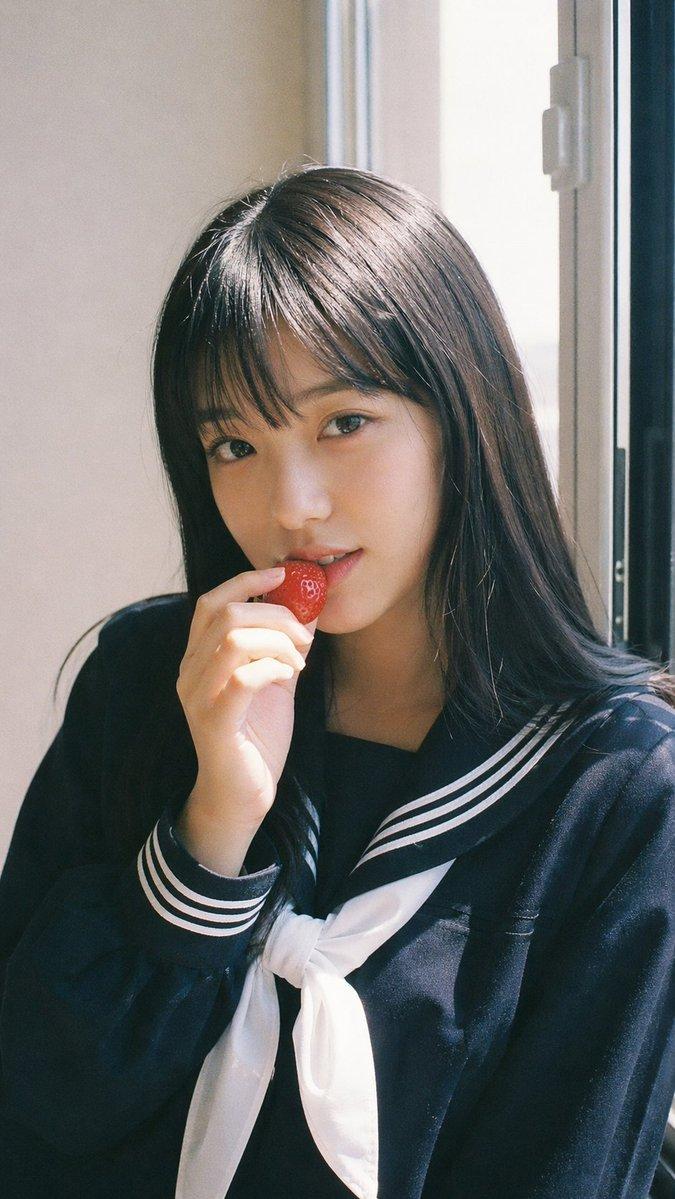
Example images

网格照片拼贴日记风格

Prompt
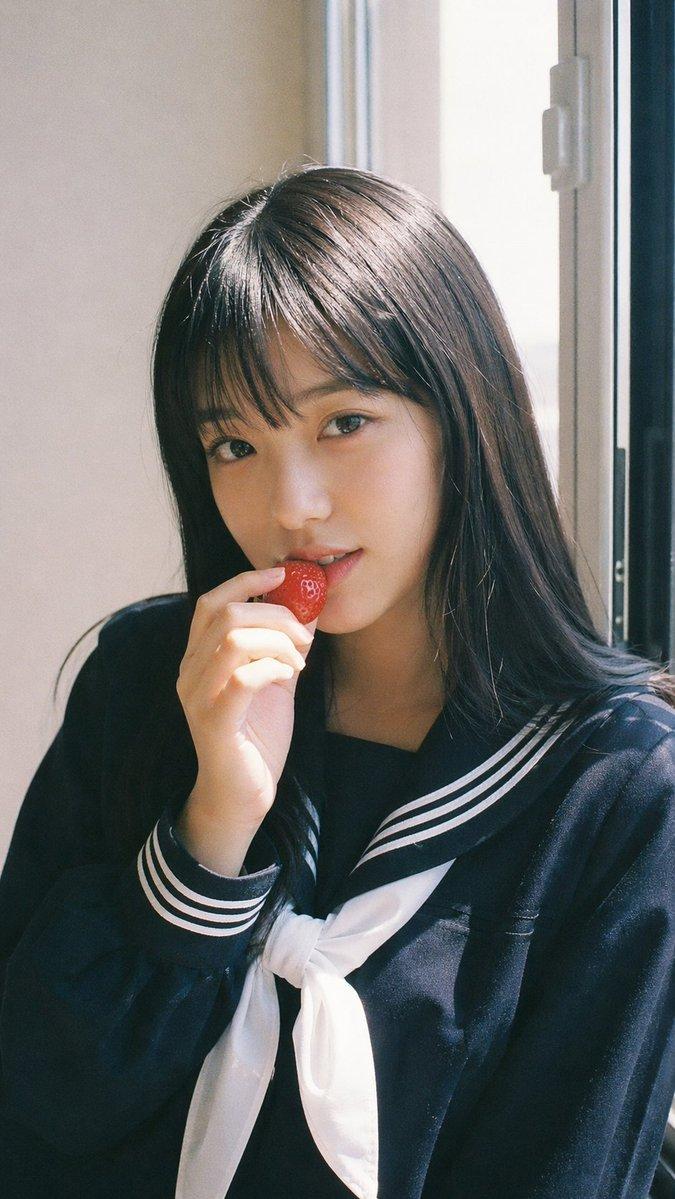
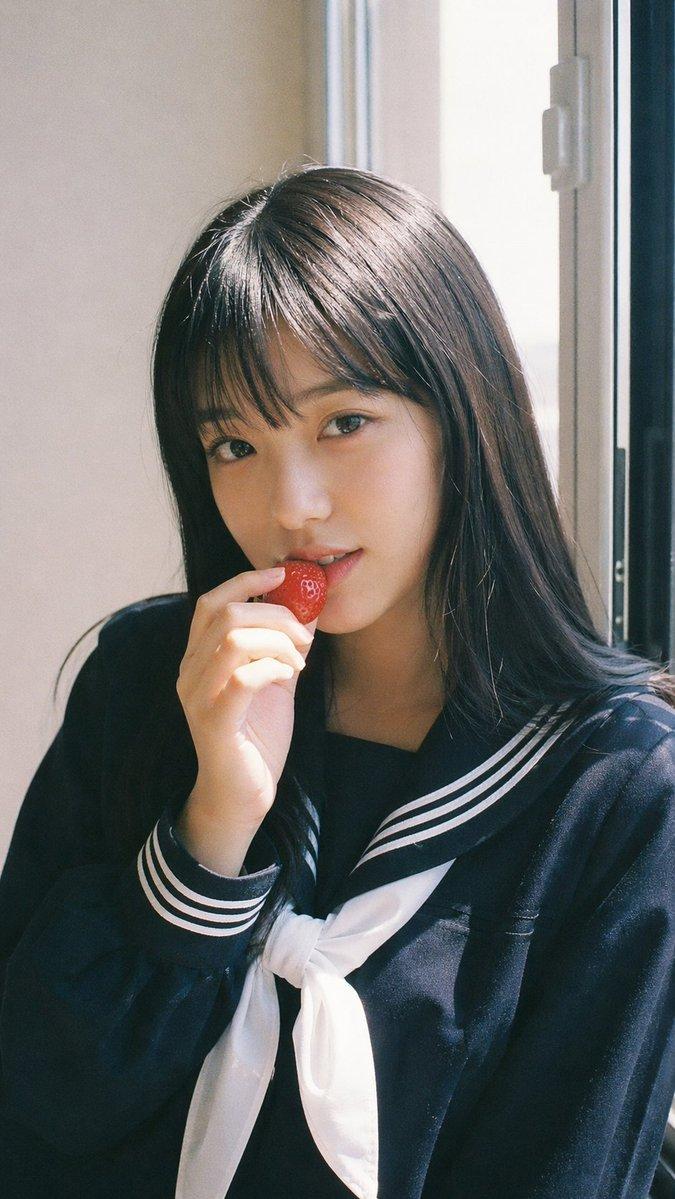
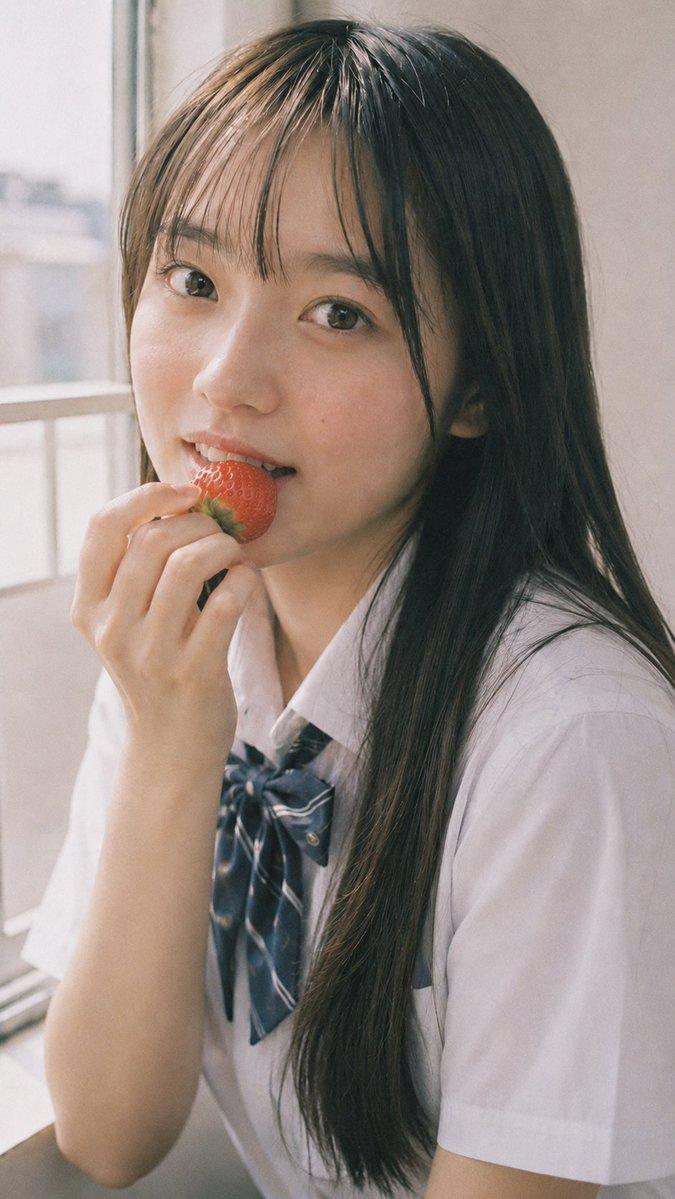
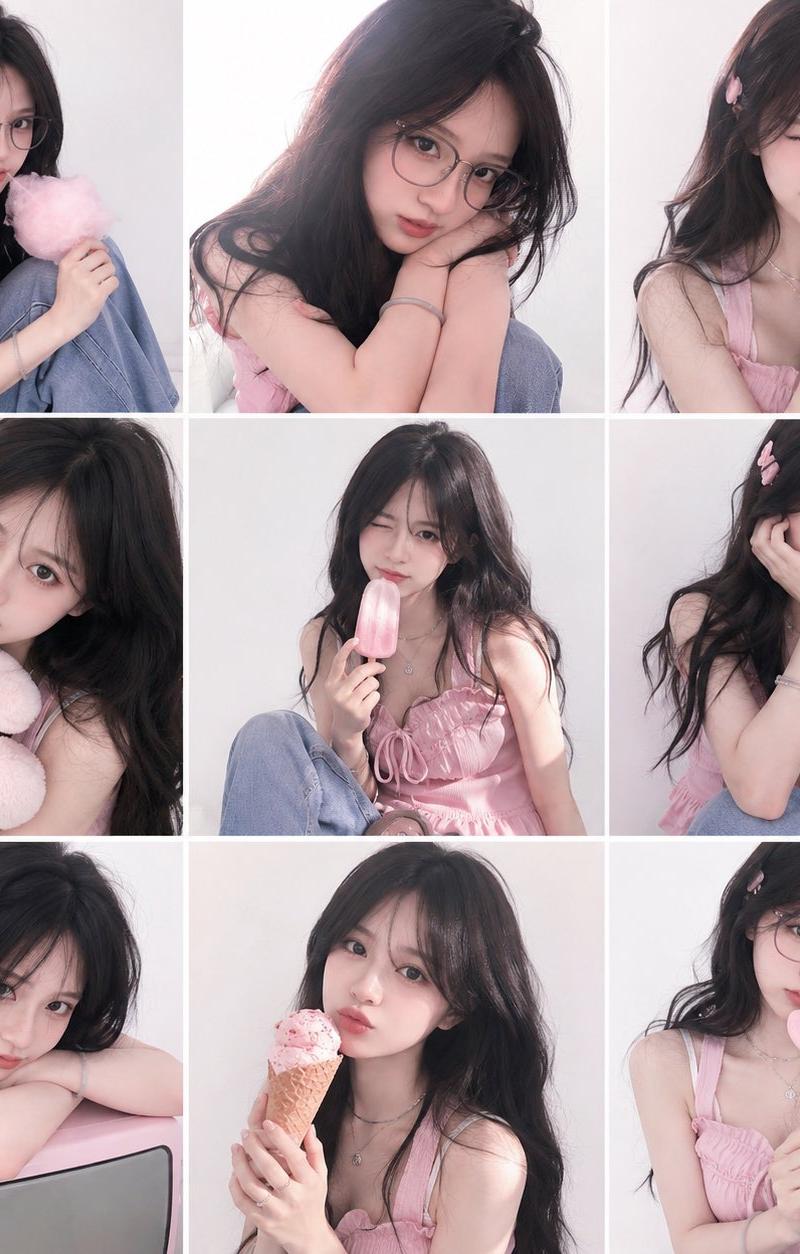
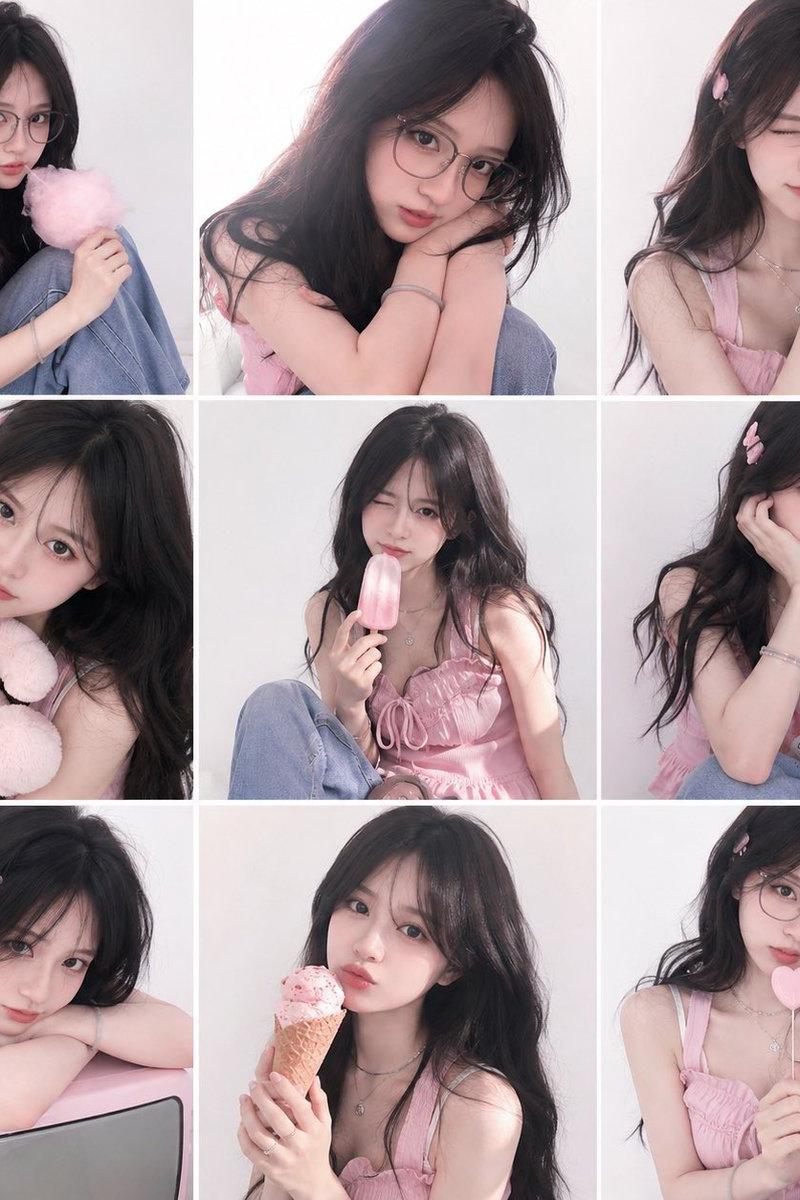
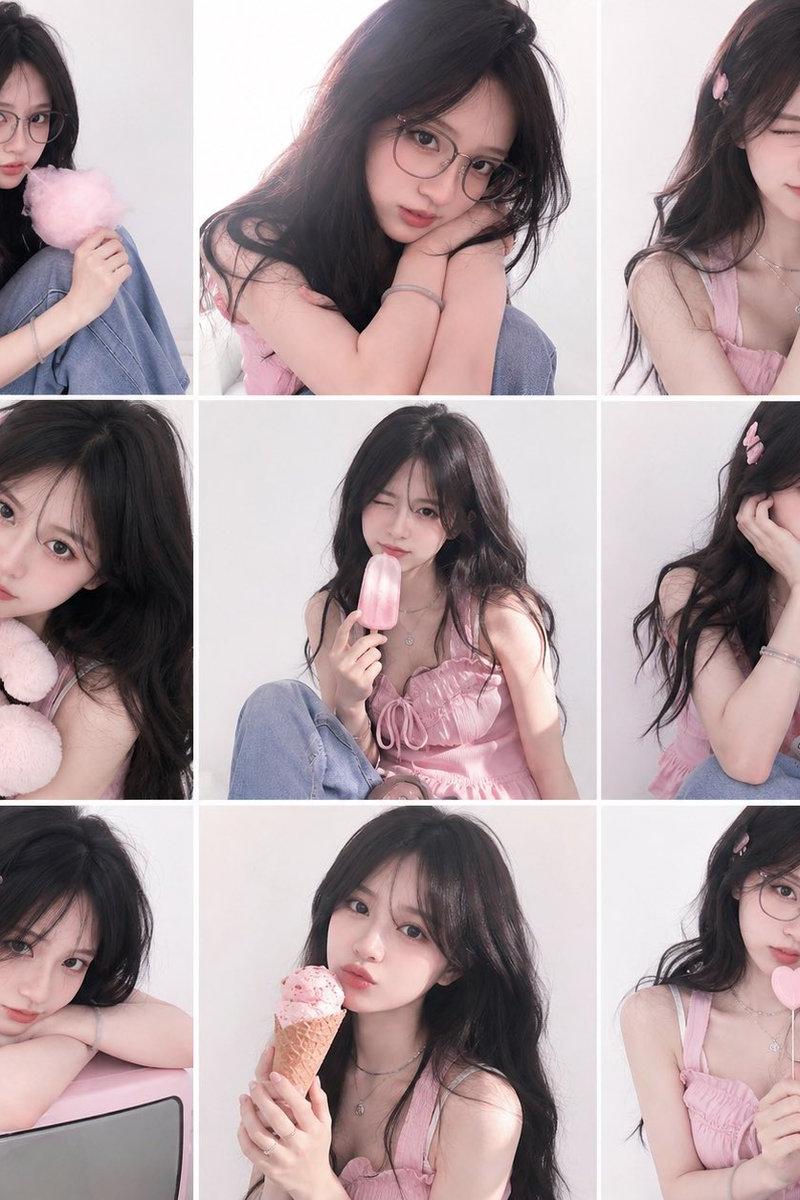
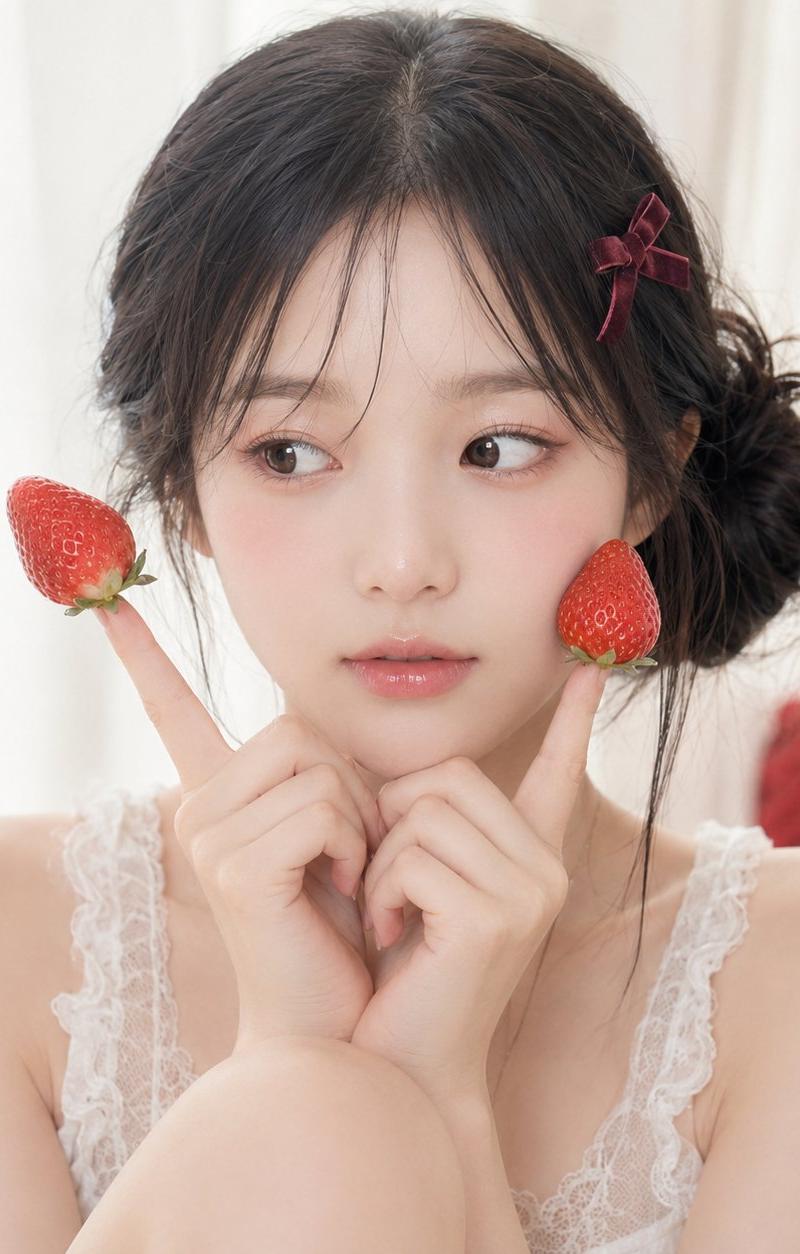
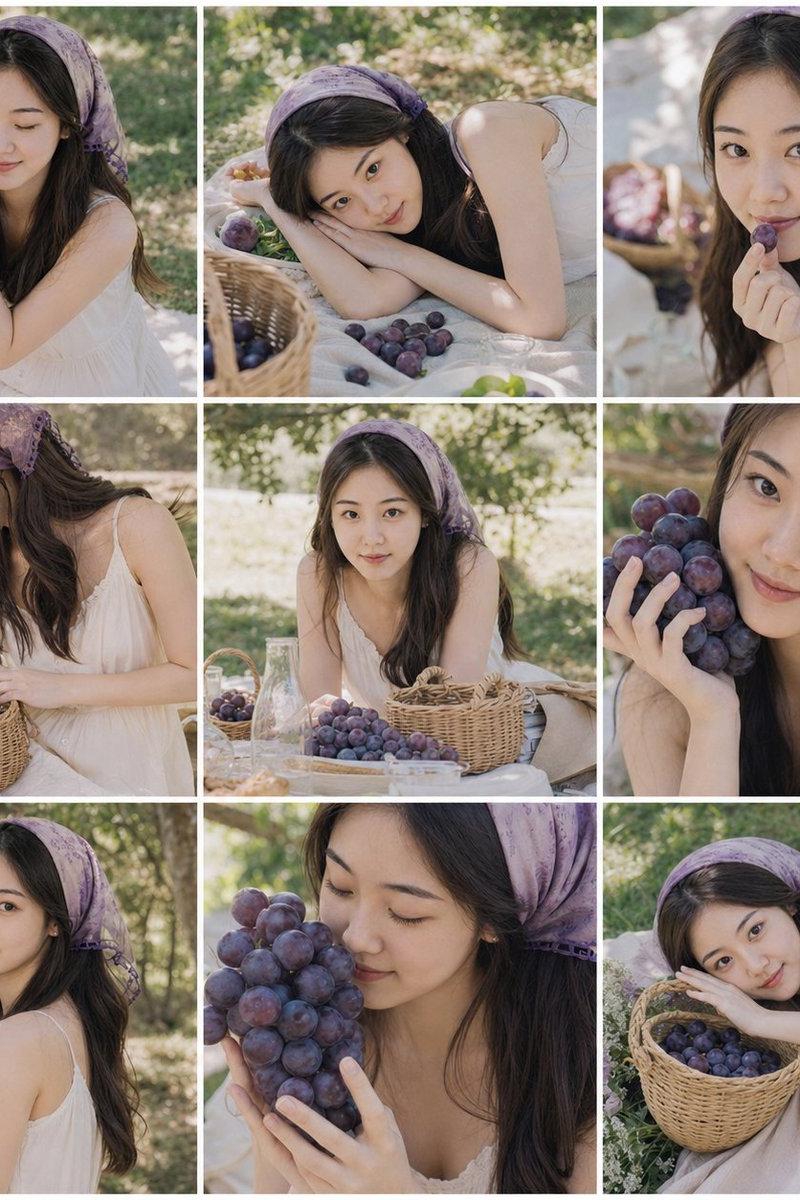
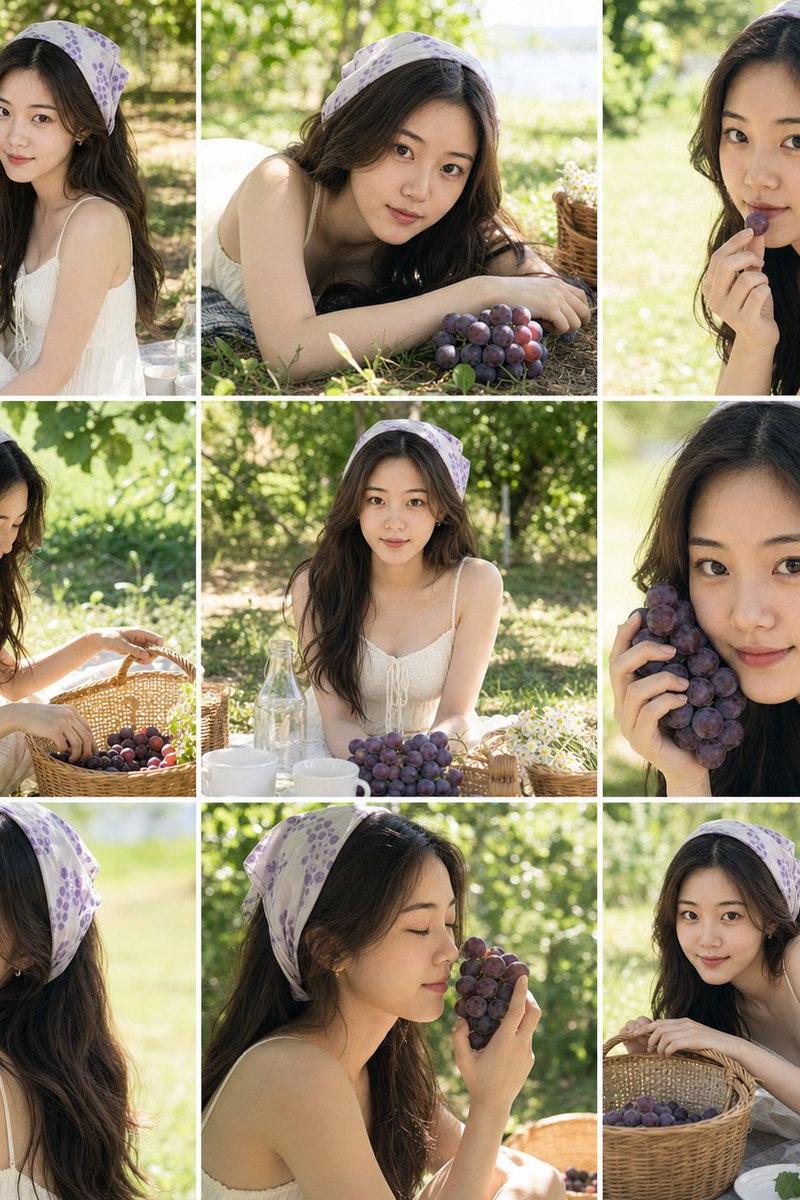
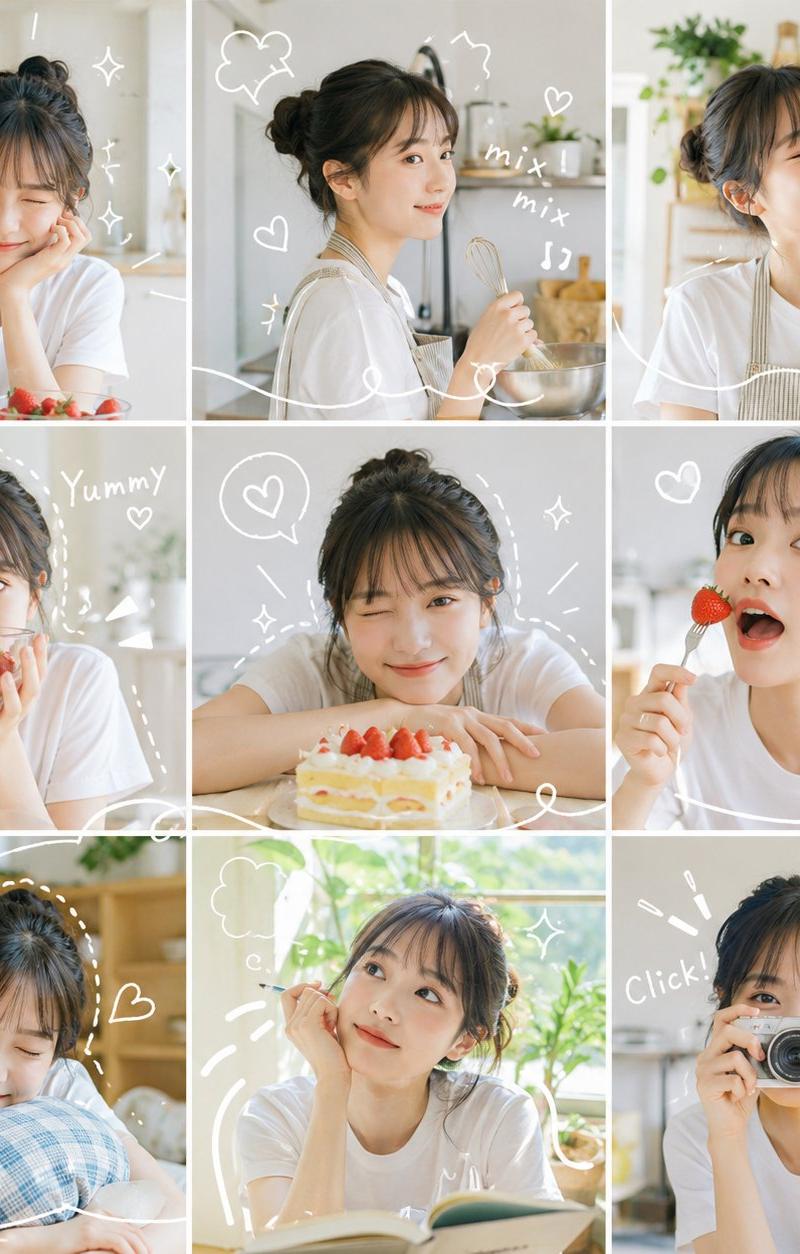
一个 {argument name="collage style" default="9-grid"} 照片拼贴,展示同一个人在不同时刻、角度和距离下的状态。每一格看起来都像是一张真实的照片,具有自然光感、干净的背景以及明亮清新的氛围。{argument name="decorative lines" default="白色手绘线条"} 贯穿整张图片,围绕在人物周围,描绘动作细节,并包含小爱心✨、闪光、波浪和动态线条。整体色调为 {argument name="color tone" default="明亮且饱和"},色彩柔和自然,带有细节点缀,没有沉重的阴影。最终效果如同生动的日记页面,九个瞬间既各具特色,又在视觉上连接成一个富有节奏感的故事。
Category
Photography & Realism
Model
GPT Image 2
Creator
千寻|AI 分享 🌸
Source language
zh-CN
Views0
Source ID
27152
Published
Jun 30, 2026
Studio

Guide

About "网格照片拼贴日记风格"

What is this prompt for?

"网格照片拼贴日记风格" AI image prompt for GPT Image 2 (Photography & Realism). 生成一个明亮、整洁的 9 格照片拼贴,呈现出手绘日记页面的效果,捕捉人物在不同时刻和角度的瞬间。 Copy it on Picva and recreate the look i…

The full copyable prompt and example visuals above are ready for AI image generation or one-click recreate in Picva.

How to use this prompt

  1. Step 1

    Open the prompt detail

    Review the example visuals, category, and full prompt text for "网格照片拼贴日记风格".

  2. Step 2

    Copy the prompt

    Copy the prompt body from this page, or load it directly in Studio.

  3. Step 3

    Pick a model (GPT Image 2)

    Prefer GPT Image 2. If you switch models, keep subject and composition and tweak style terms.

  4. Step 4

    Generate and export

    Recreate the look in Picva, or export into your workflow for editing and publishing.

FAQ

What is the "网格照片拼贴日记风格" prompt?
It is an AI image-generation prompt for GPT Image 2 in the Photography & Realism category. This page includes the full prompt text, example visuals, and a one-click recreate path in Picva.
How do I use this prompt to generate an image?
Copy the prompt from this page, or use Generate / Studio. Paste it into a compatible image model, or recreate the look in Picva with optional reference images.
Which model is this prompt for?
This page lists GPT Image 2. Most descriptive prompts also transfer to nearby image models such as GPT Image, Flux, or Midjourney with light style tweaks.
Can I use the result commercially?
You can usually copy the prompt for creation, but commercial use of the final image depends on the model terms, reference-image rights, and the generated content. Follow the source author and platform rules.