20

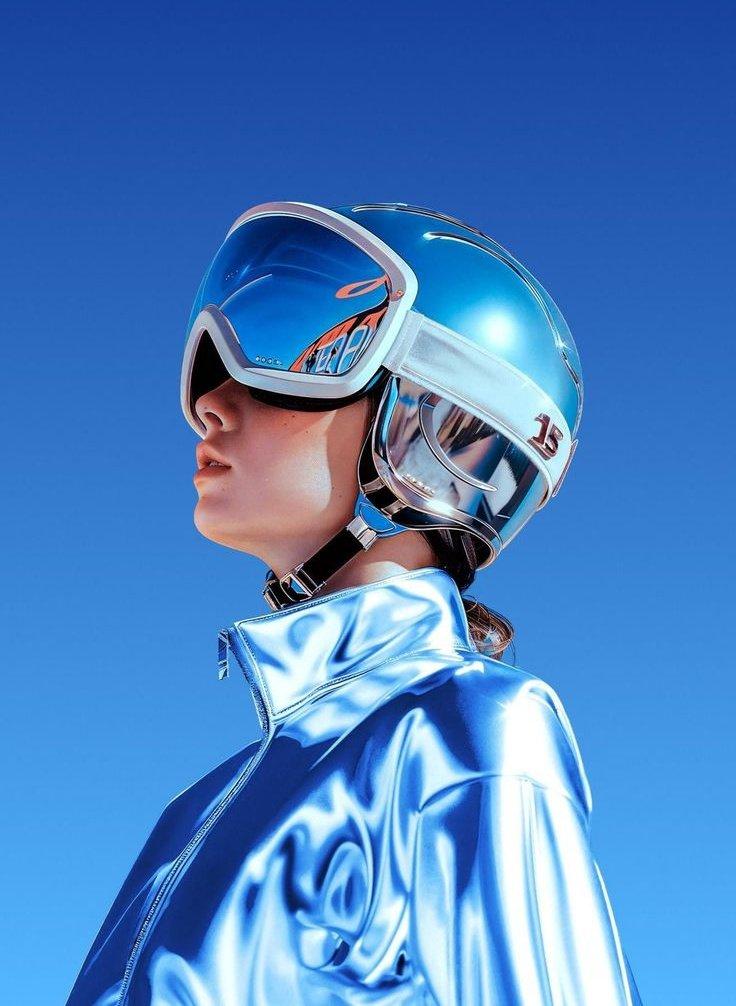
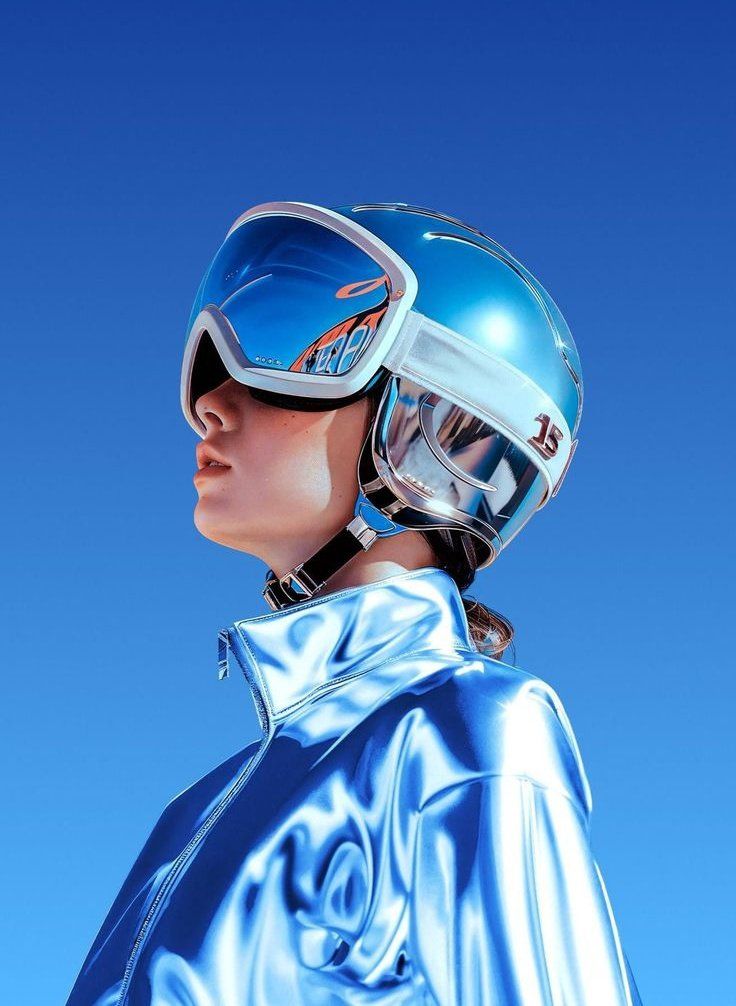
赛博朋克风格编辑人像
Enlarge

赛博朋克风格编辑人像

Prompt
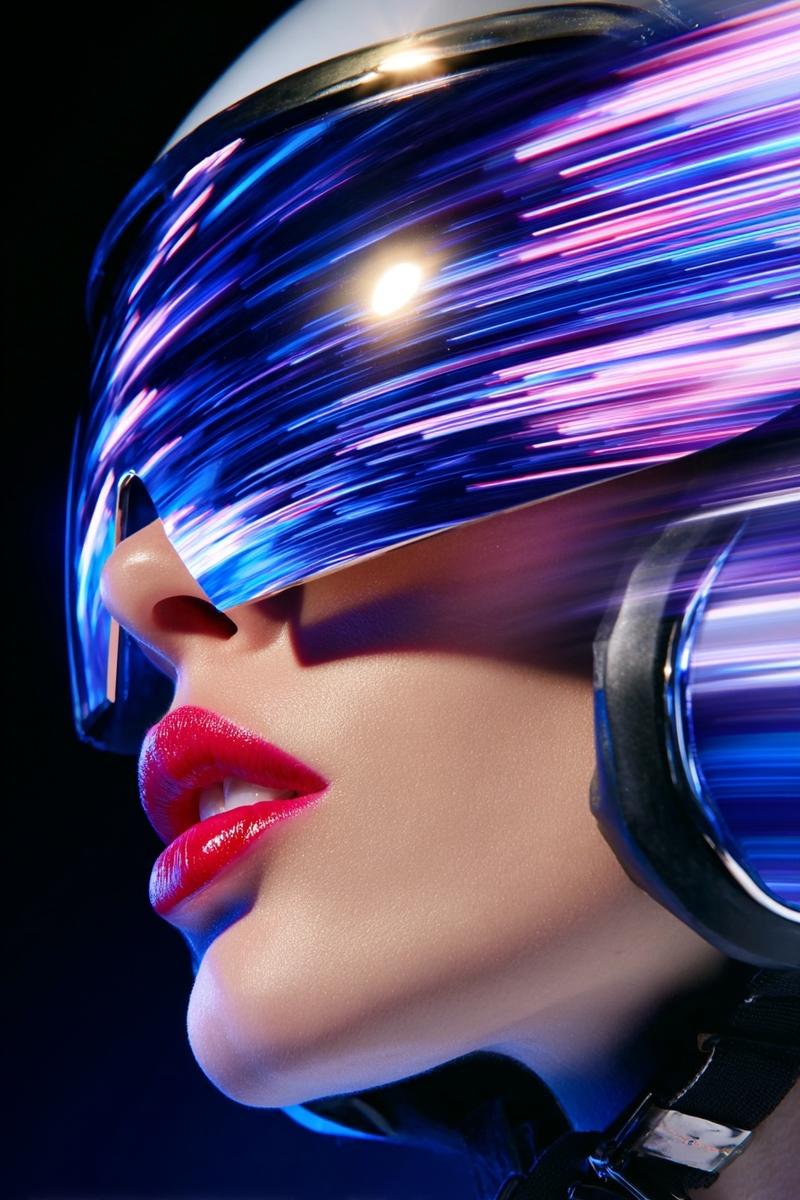
Photorealistic sci-fi portrait, {argument name="subject" default="young woman"} in left-facing side profile, dressed in a {argument name="jacket style" default="mirror-finish chrome-blue jacket"} and a futuristic helmet with a wide glossy visor obscuring her eyes. Helmet features smooth curves, white trim, clear side panels with subtle tech detailing. Visor has a cool blue reflective sheen, cyberpunk meets space-age fashion. Clean, minimal framing against a {argument name="background style" default="gradient blue backdrop"}. Cinematic studio lighting, high contrast, mirror-like reflections across jacket and helmet surfaces. Razor-sharp detail on facial features and material textures, slight bokeh, 8K resolution, hyper-realistic editorial aesthetic.
Category
Photography & Realism
Model
GPT Image 2
Creator
PromptLab
Views0
Source ID
27165
Published
Jun 29, 2026

Guide

About "赛博朋克风格编辑人像"

What is this prompt for?

"赛博朋克风格编辑人像" AI image prompt for GPT Image 2 (Photography & Realism). 一张超写实的科幻编辑人像,模特身穿镜面铬合金夹克,佩戴未来感头盔。 Copy it on Picva and recreate the look in one click.

The full copyable prompt and example visuals above are ready for AI image generation or one-click recreate in Picva.

How to use this prompt

  1. Step 1

    Open the prompt detail

    Review the example visuals, category, and full prompt text for "赛博朋克风格编辑人像".

  2. Step 2

    Copy the prompt

    Copy the prompt body from this page, or load it directly in Studio.

  3. Step 3

    Pick a model (GPT Image 2)

    Prefer GPT Image 2. If you switch models, keep subject and composition and tweak style terms.

  4. Step 4

    Generate and export

    Recreate the look in Picva, or export into your workflow for editing and publishing.

FAQ

What is the "赛博朋克风格编辑人像" prompt?
It is an AI image-generation prompt for GPT Image 2 in the Photography & Realism category. This page includes the full prompt text, example visuals, and a one-click recreate path in Picva.
How do I use this prompt to generate an image?
Copy the prompt from this page, or use Generate / Studio. Paste it into a compatible image model, or recreate the look in Picva with optional reference images.
Which model is this prompt for?
This page lists GPT Image 2. Most descriptive prompts also transfer to nearby image models such as GPT Image, Flux, or Midjourney with light style tweaks.
Can I use the result commercially?
You can usually copy the prompt for creation, but commercial use of the final image depends on the model terms, reference-image rights, and the generated content. Follow the source author and platform rules.