19

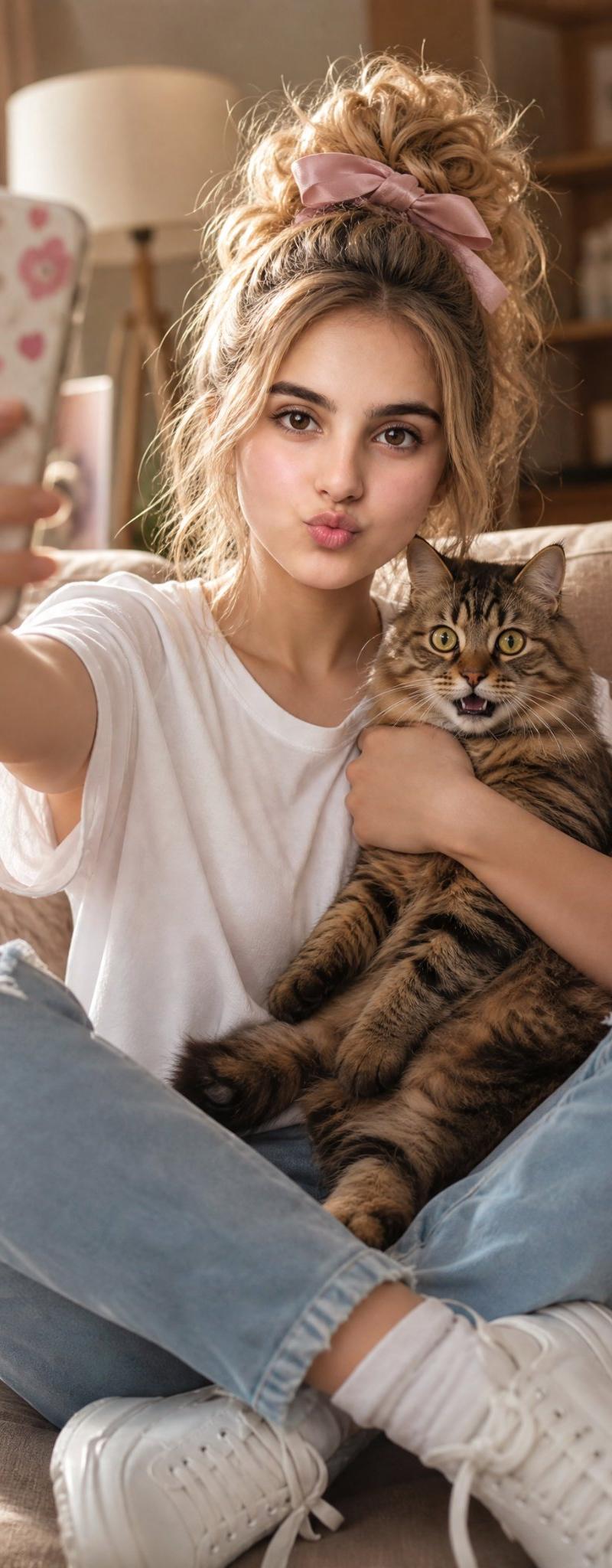
与受惊虎斑猫的温馨自拍
Enlarge

Example images

与受惊虎斑猫的温馨自拍

Prompt
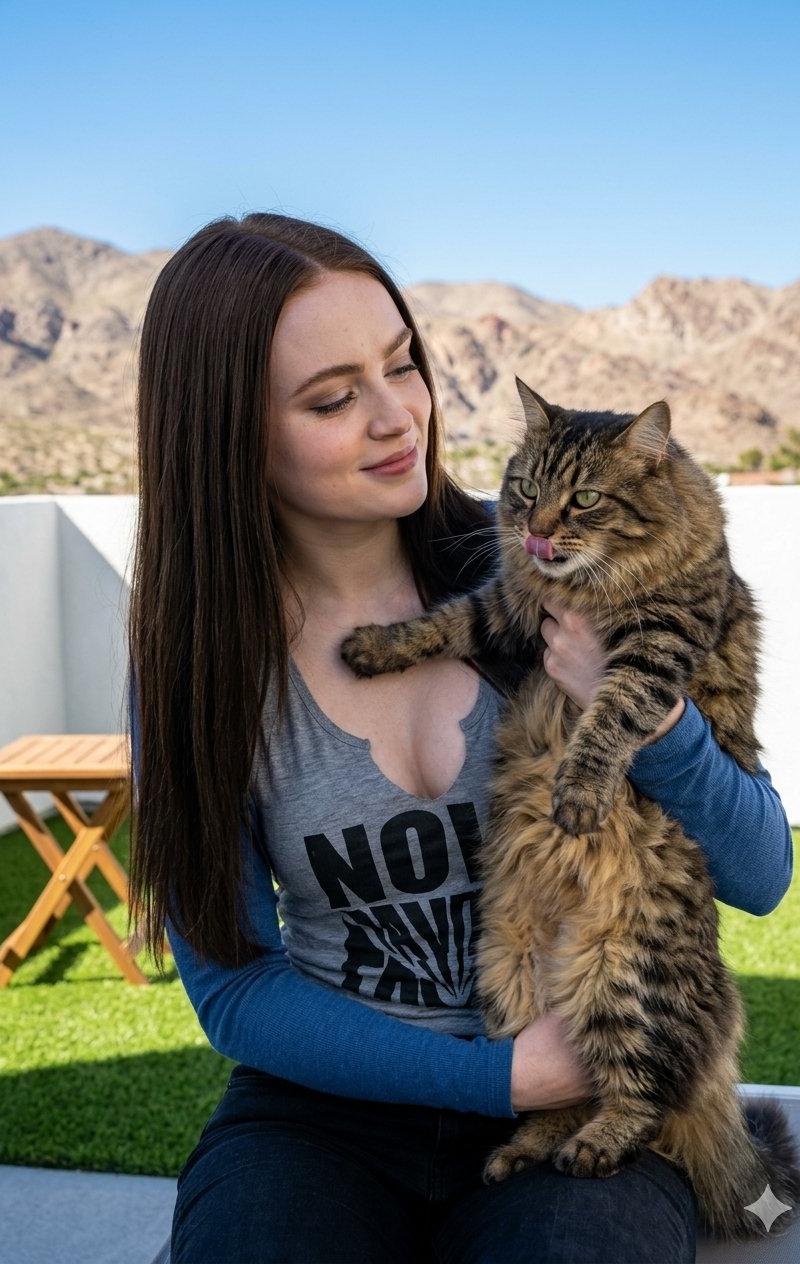
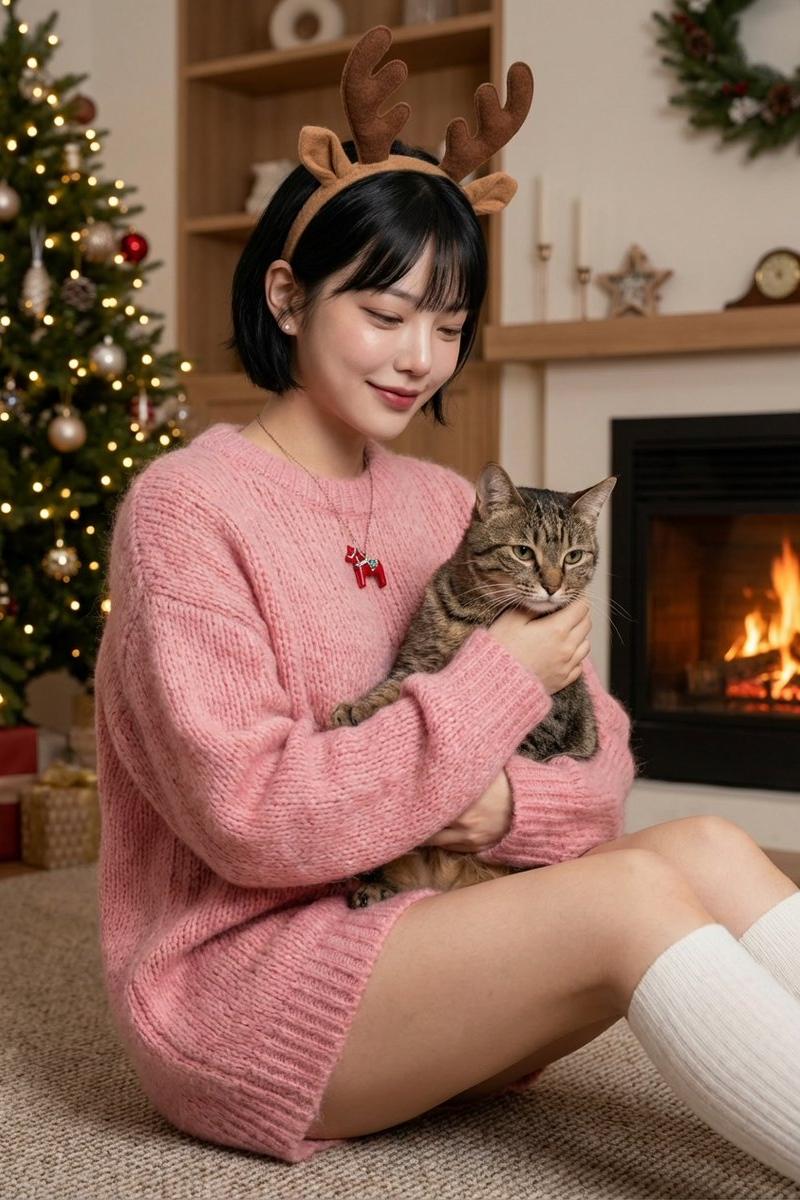
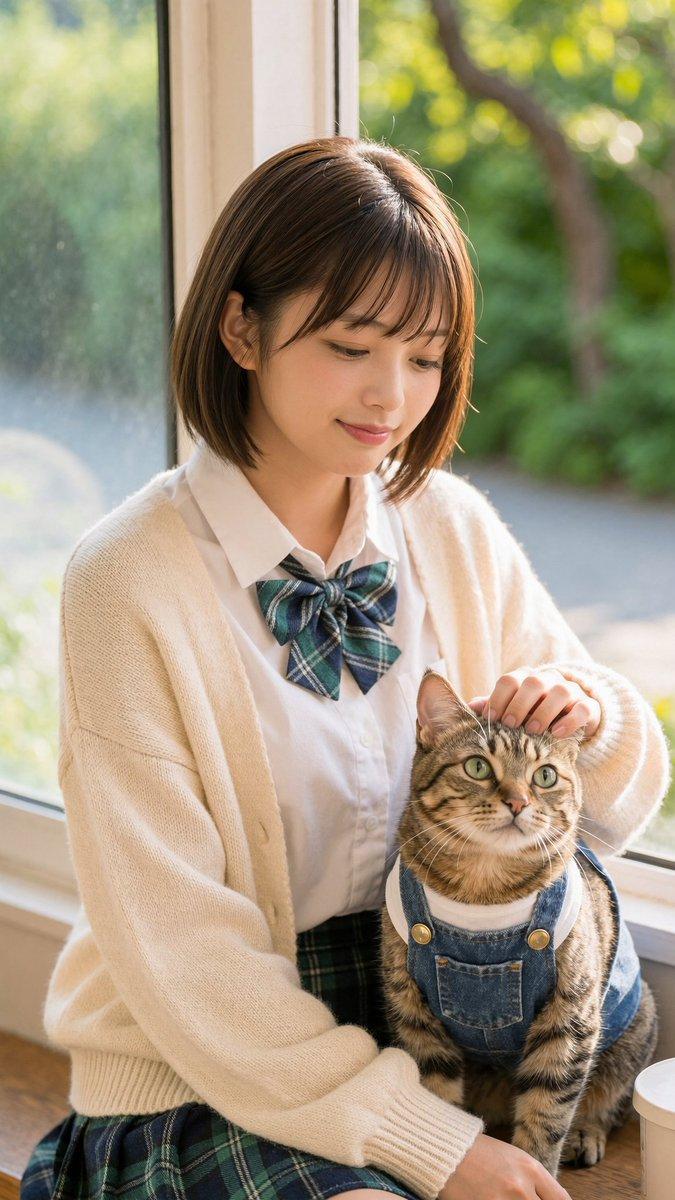
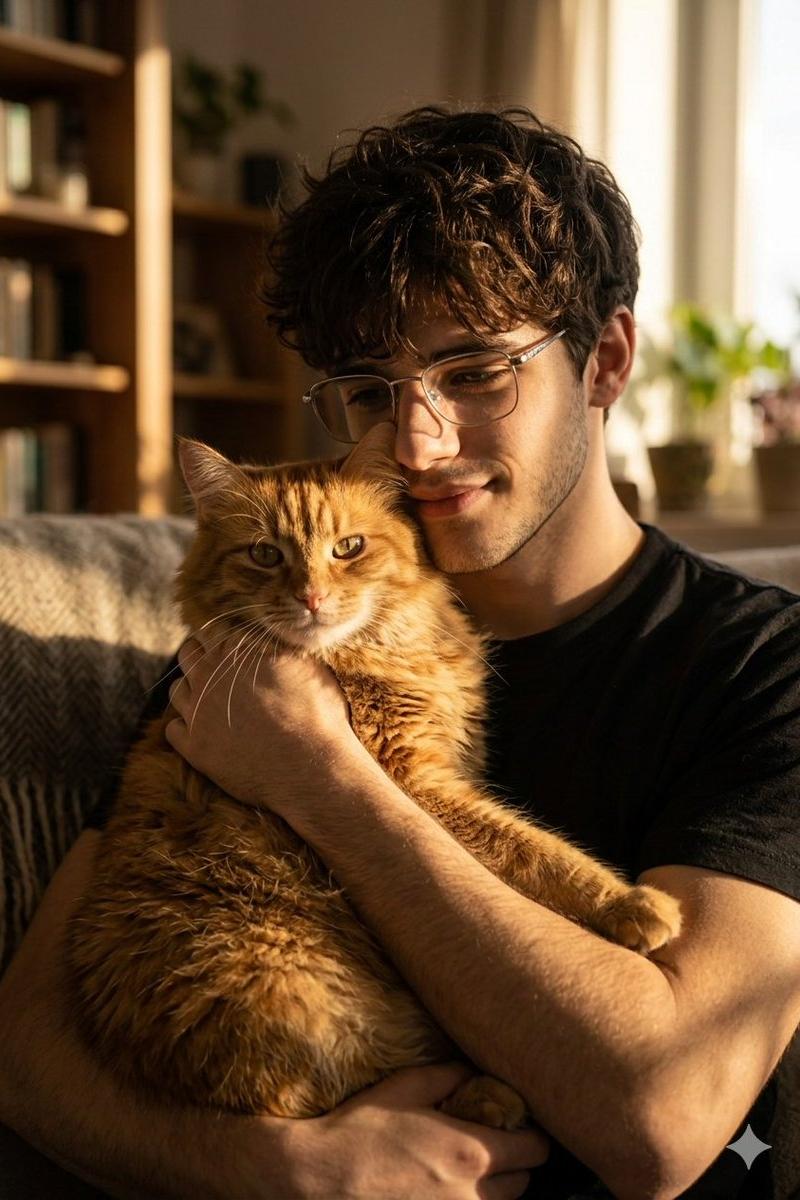
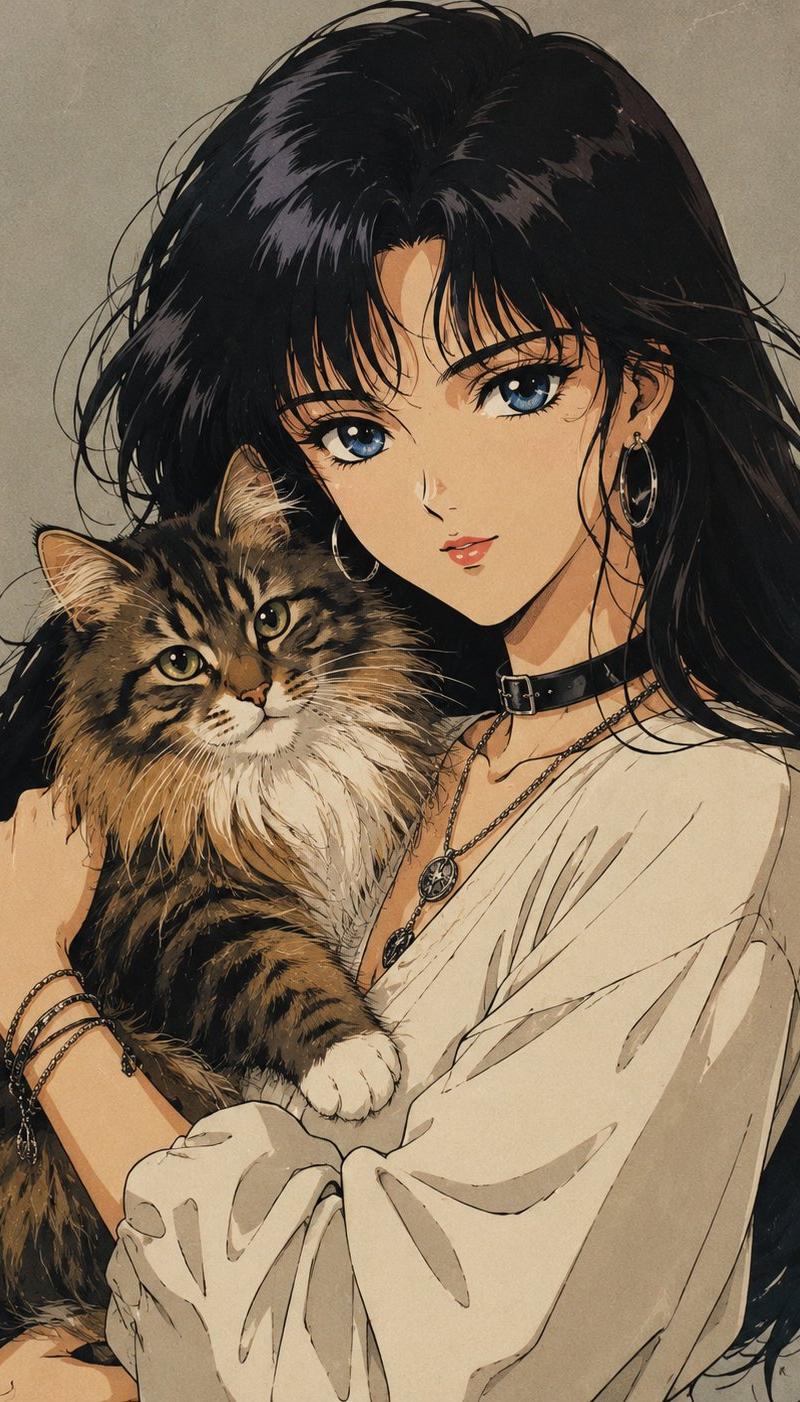
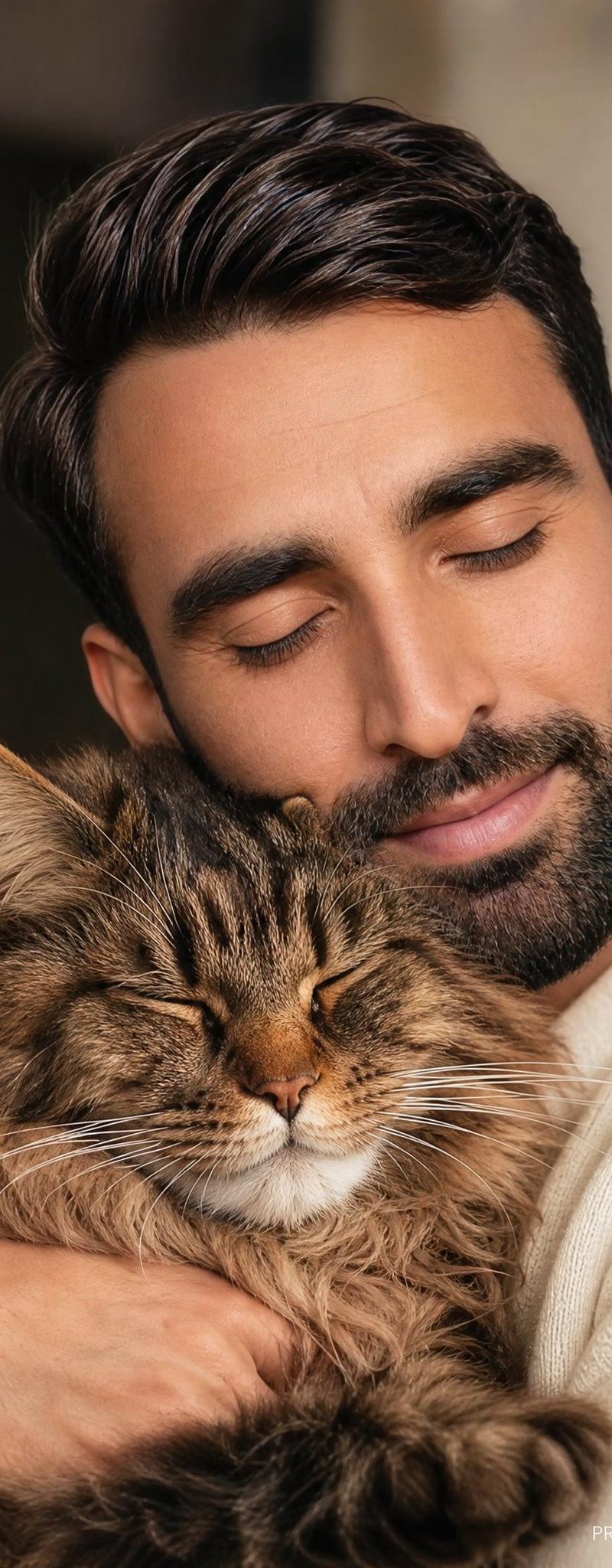
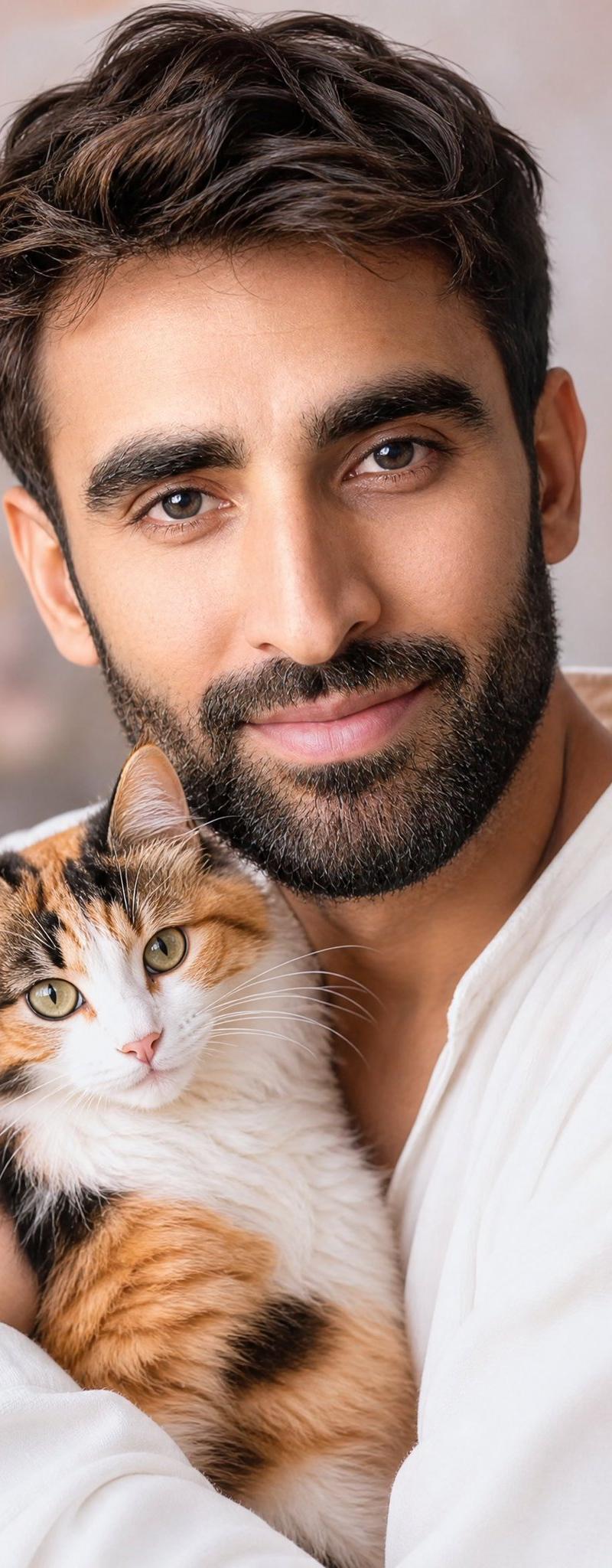
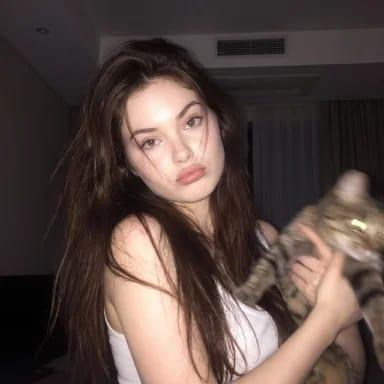
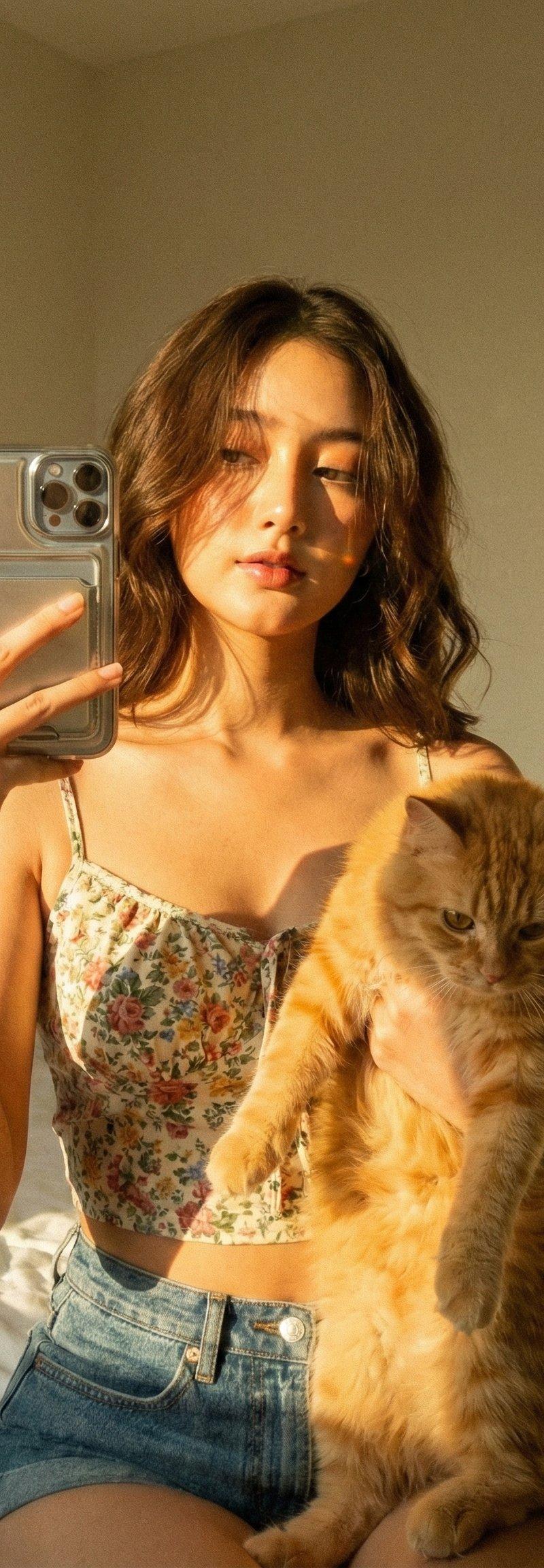
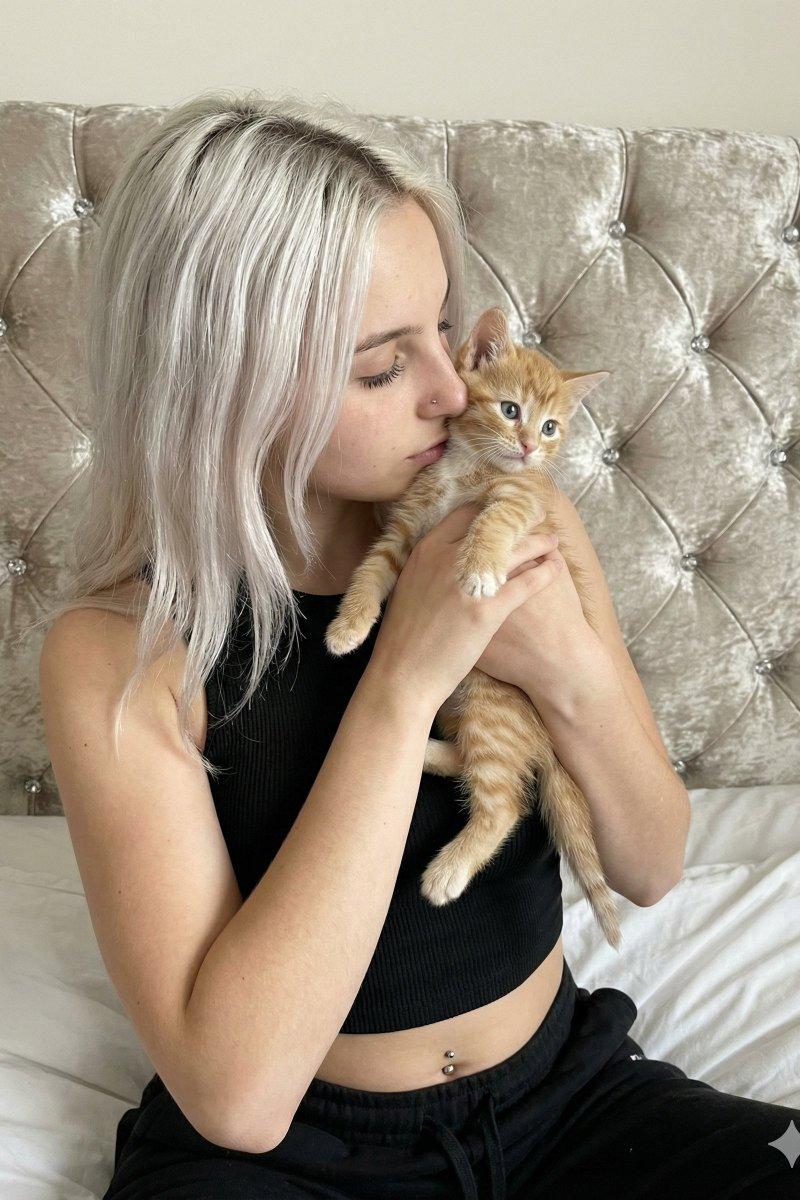
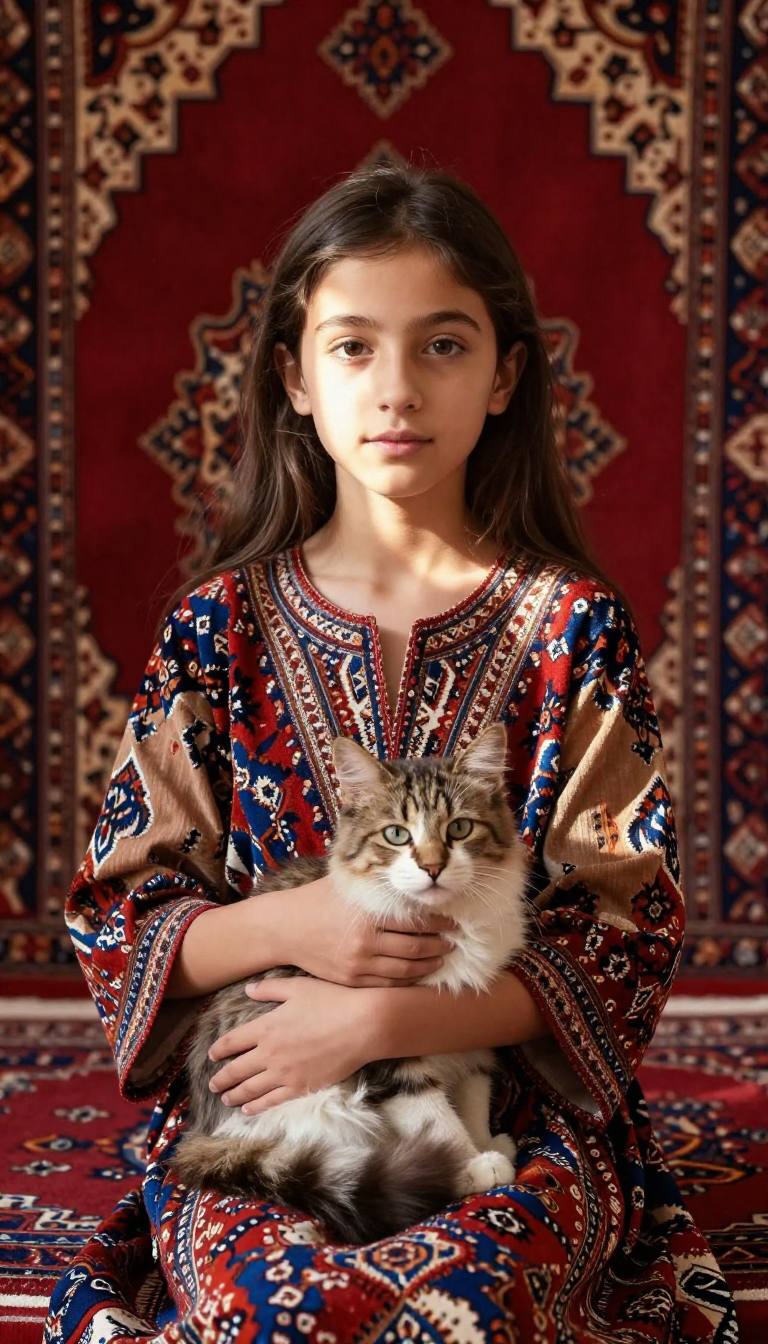
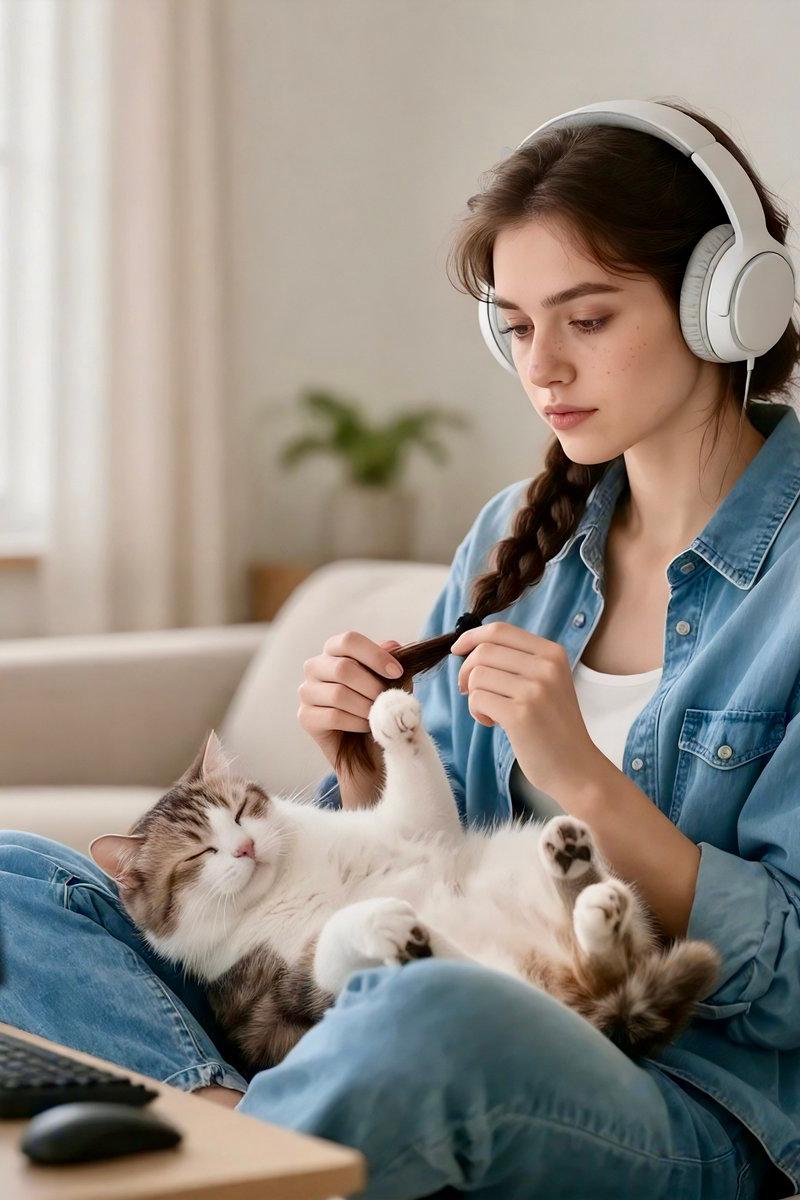
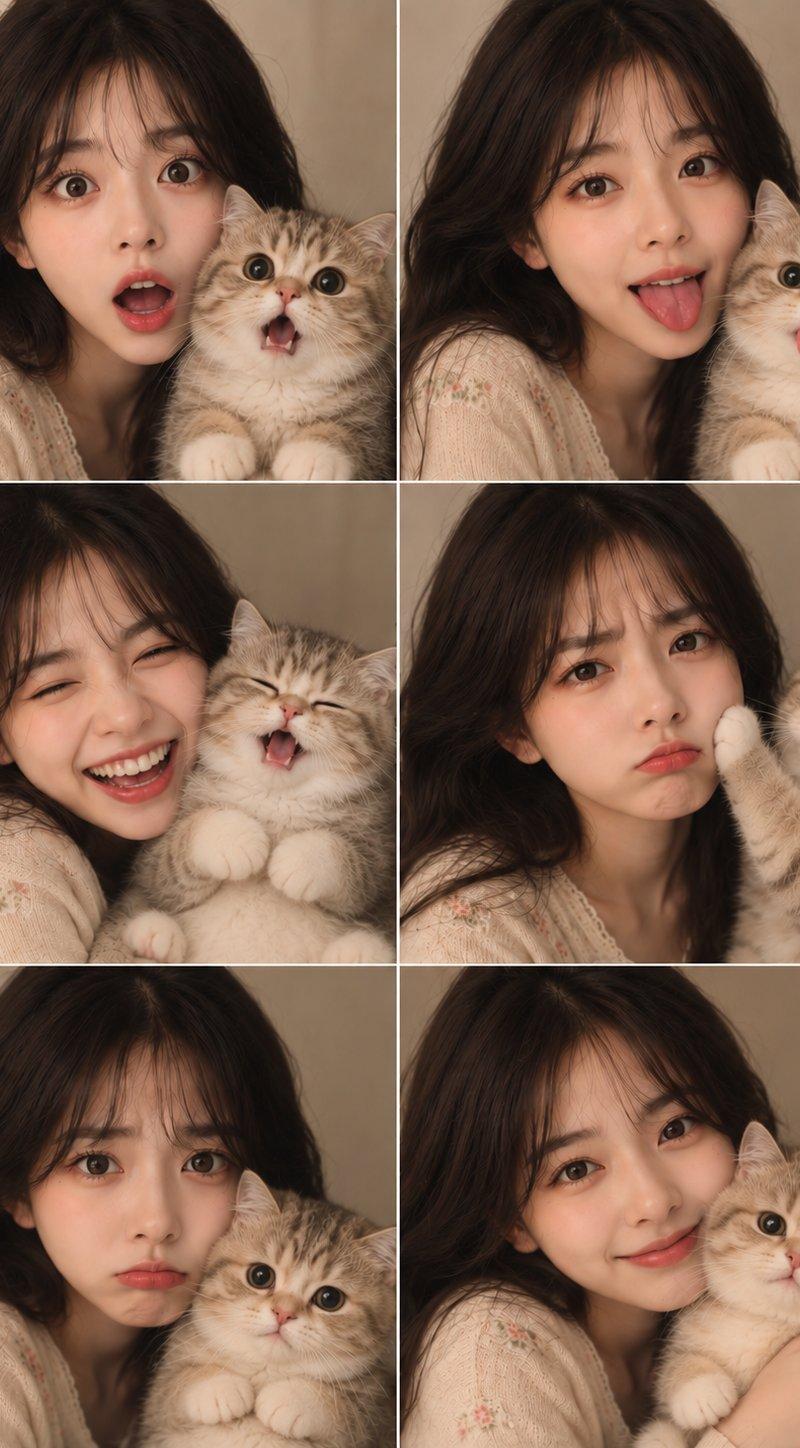
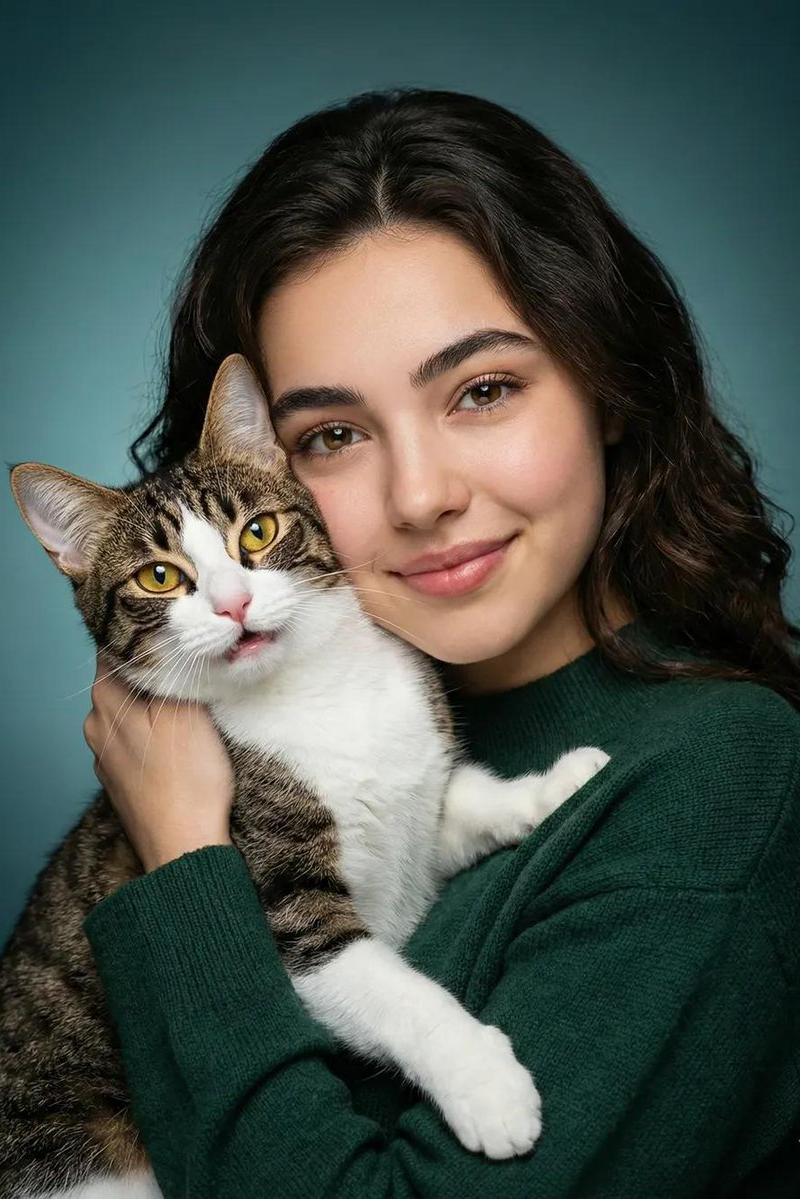
Create an ultra-realistic vertical lifestyle selfie photo of a {argument name="subject age and gender" default="beautiful 20-year-old woman"} sitting cross-legged on a beige cozy sofa while hugging one surprised brown tabby cat. The woman has a curly blonde messy high bun tied with a soft pink bow scrunchie, loose face-framing strands, natural glam makeup, expressive brown eyes, and a playful duck-face pout as she looks toward her phone camera. Her left arm is extended close to the lens holding a smartphone with a pale floral case, creating strong foreground perspective and slight blur on the phone and hand. She wears an oversized plain white T-shirt, light blue ripped jeans with large torn knees, white socks, and chunky white sneakers. The cat is held upright against her chest with one arm wrapped around it; it has striped brown fur, wide round yellow-green eyes, perked ears, and a slightly open mouth, looking comically surprised. Setting: warm sunlit living room with soft beige upholstery, textured cream throw blanket, muted pink cushion, window with sheer curtains on the left, cream floor lamp behind her, and softly blurred wooden shelves with small plants and decor in the background. Lighting is golden, cozy, and natural, with shallow depth of field, realistic skin texture, detailed hair curls, crisp fabric textures, cinematic 8K DSLR quality. Use a vertical 3:4 composition, centered subject, intimate handheld selfie angle, no text, no watermark, no extra people, exactly one cat and one phone visible.
Category
Photography & Realism
Model
GPT Image 2
Creator
Arina Ai
Source language
en
Views0
Source ID
27196
Published
Jun 29, 2026
Studio

Guide

About "与受惊虎斑猫的温馨自拍"

What is this prompt for?

"与受惊虎斑猫的温馨自拍" AI image prompt for GPT Image 2 (Photography & Realism). 生成一张写实的温馨客厅自拍肖像,画面中一位年轻女性正坐在沙发上拥抱着一只受惊的虎斑猫。 Copy it on Picva and recreate the look in on…

The full copyable prompt and example visuals above are ready for AI image generation or one-click recreate in Picva.

How to use this prompt

  1. Step 1

    Open the prompt detail

    Review the example visuals, category, and full prompt text for "与受惊虎斑猫的温馨自拍".

  2. Step 2

    Copy the prompt

    Copy the prompt body from this page, or load it directly in Studio.

  3. Step 3

    Pick a model (GPT Image 2)

    Prefer GPT Image 2. If you switch models, keep subject and composition and tweak style terms.

  4. Step 4

    Generate and export

    Recreate the look in Picva, or export into your workflow for editing and publishing.

FAQ

What is the "与受惊虎斑猫的温馨自拍" prompt?
It is an AI image-generation prompt for GPT Image 2 in the Photography & Realism category. This page includes the full prompt text, example visuals, and a one-click recreate path in Picva.
How do I use this prompt to generate an image?
Copy the prompt from this page, or use Generate / Studio. Paste it into a compatible image model, or recreate the look in Picva with optional reference images.
Which model is this prompt for?
This page lists GPT Image 2. Most descriptive prompts also transfer to nearby image models such as GPT Image, Flux, or Midjourney with light style tweaks.
Can I use the result commercially?
You can usually copy the prompt for creation, but commercial use of the final image depends on the model terms, reference-image rights, and the generated content. Follow the source author and platform rules.