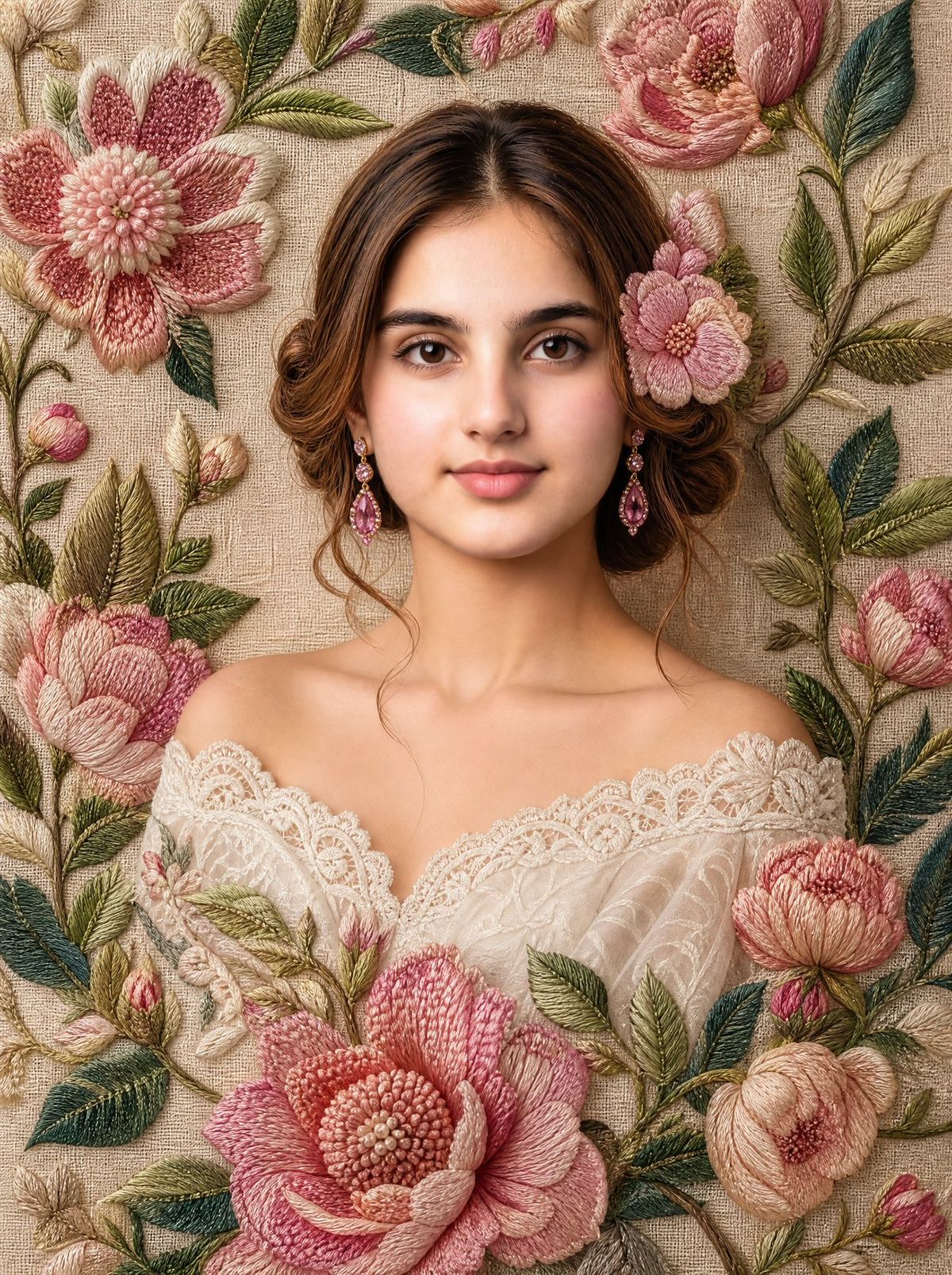
刺绣花卉艺术肖像
Prompt
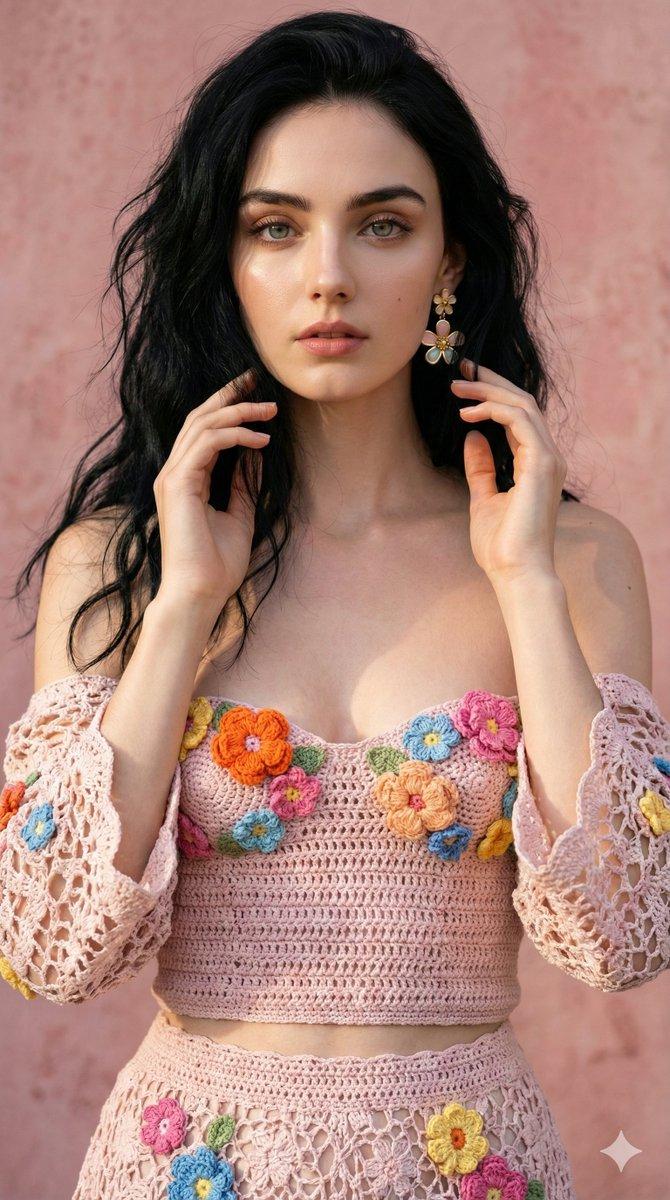
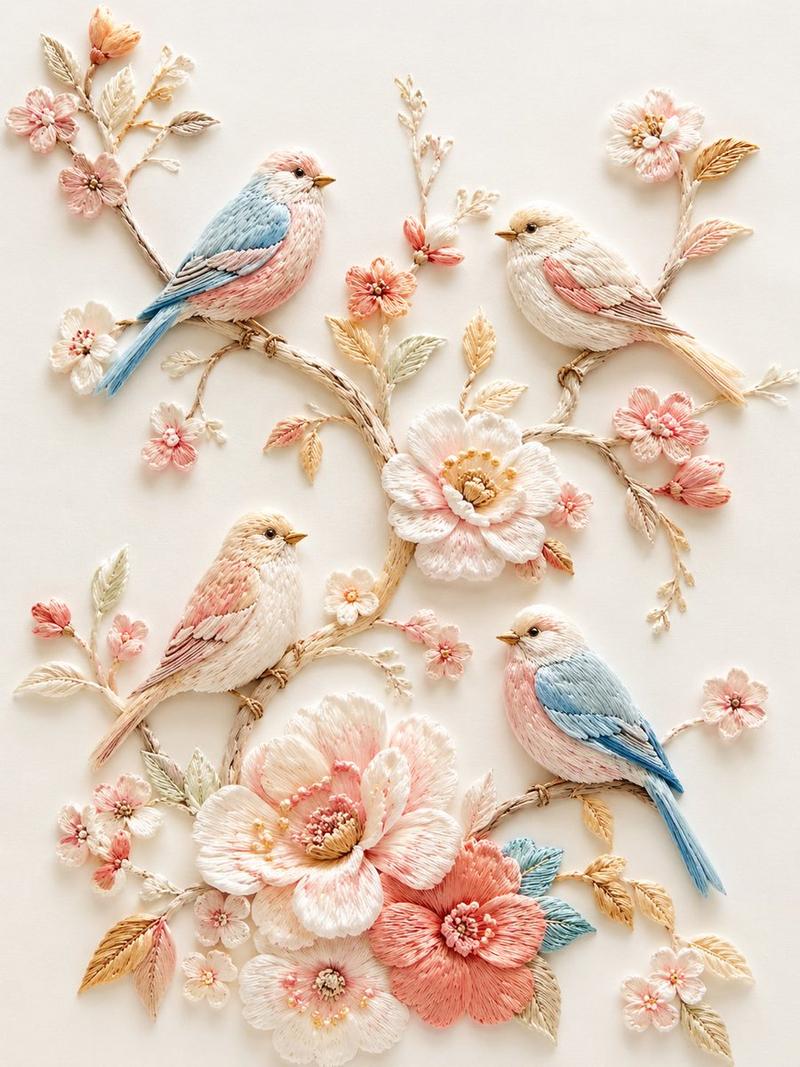
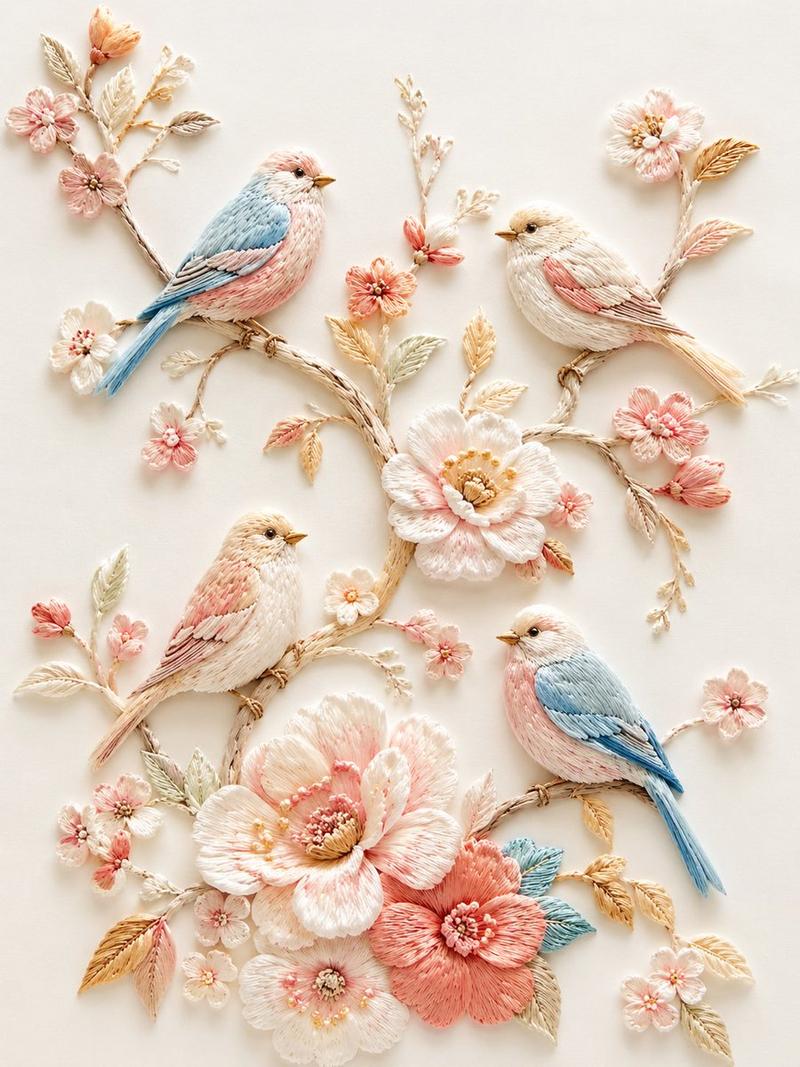
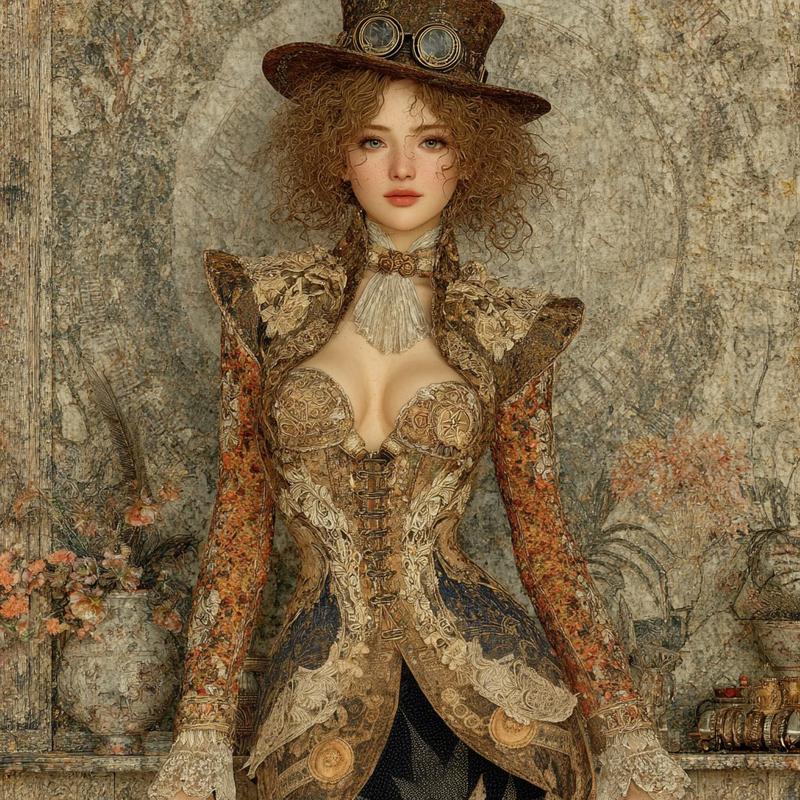
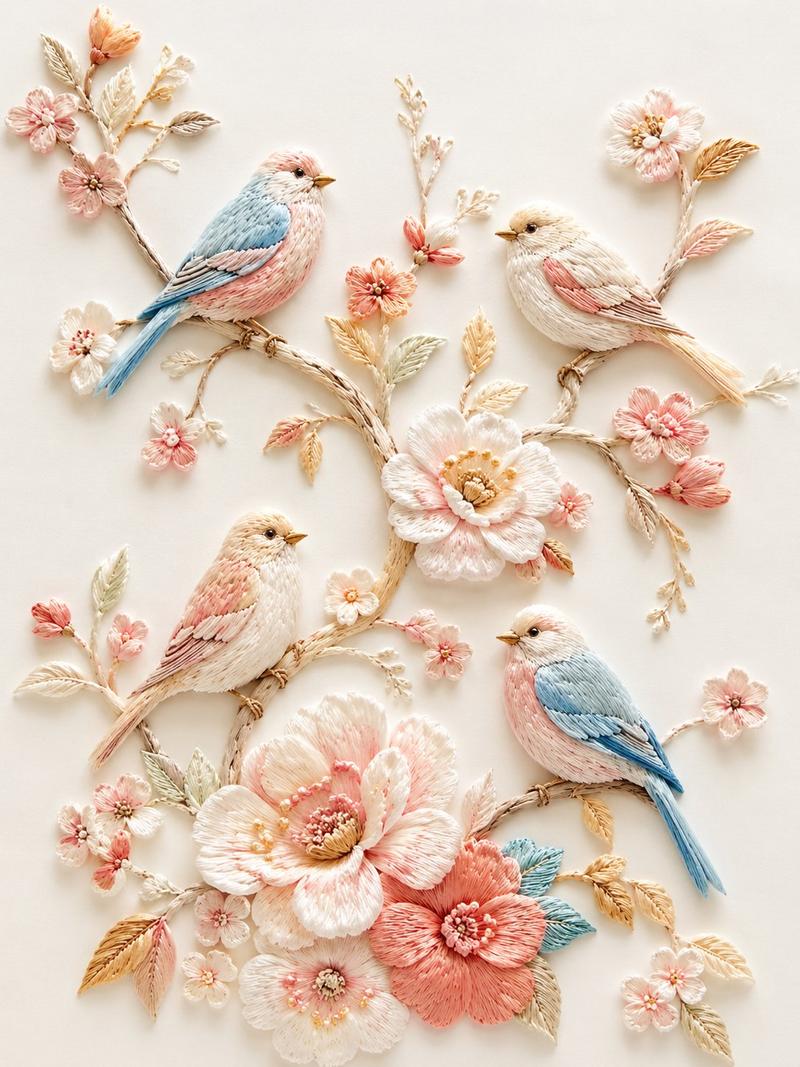
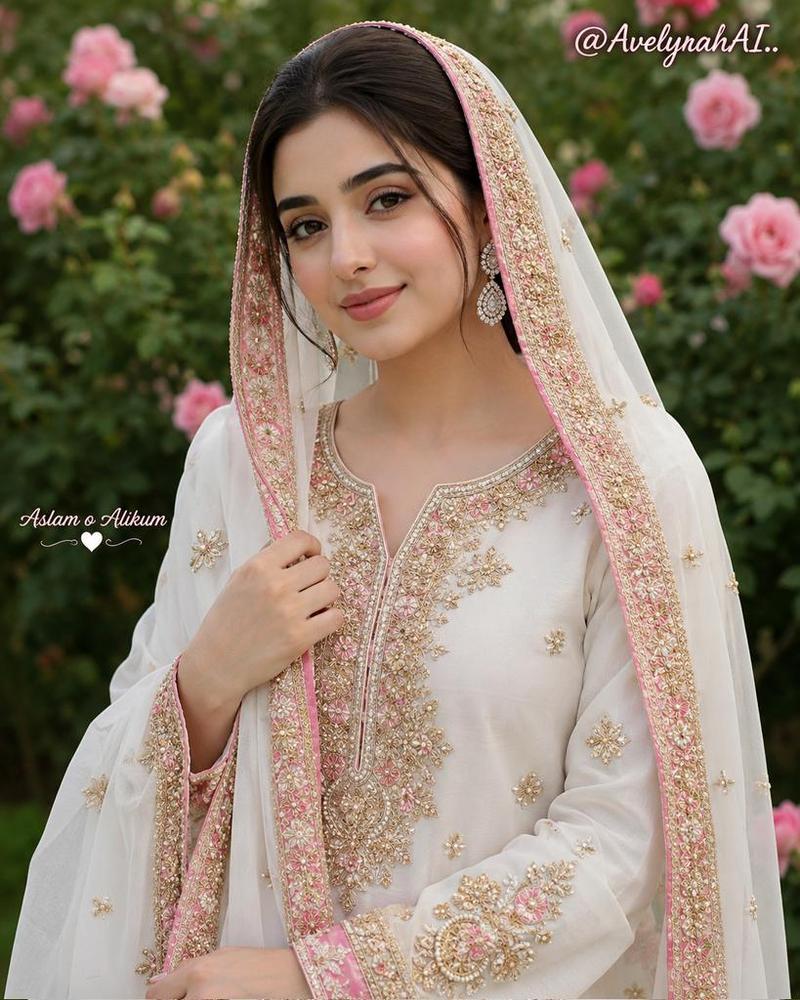
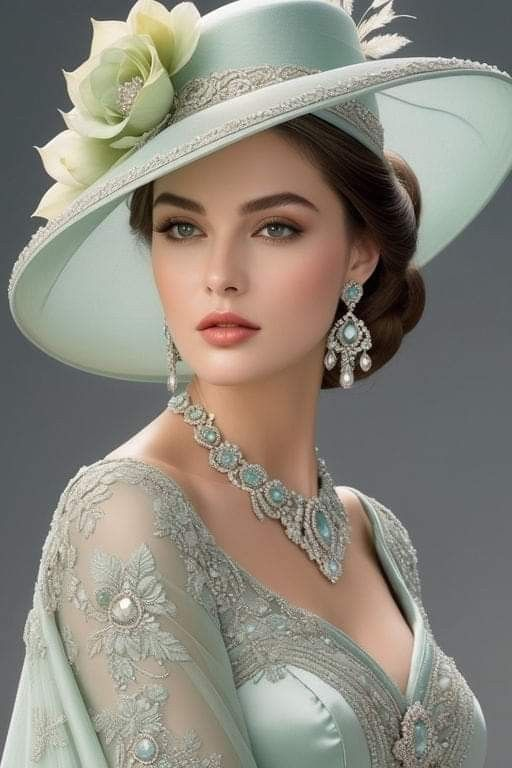
Create an ultra-realistic fine-art portrait of a young woman using {argument name="character name" default="the uploaded person"} as the primary face reference with extreme identity preservation. She faces forward in a centered bust-length composition, calm soft smile, large natural eyes, smooth luminous skin, and natural makeup. Style her with {argument name="hair color" default="warm chestnut brown"} hair parted in the middle and arranged in a vintage low bun with curled side tendrils. She wears an off-shoulder ivory lace dress with ornate scalloped lace trim and {argument name="earrings" default="pink gemstone drop earrings"}. Frame her head and shoulders with handcrafted raised floral embroidery on coarse beige linen: exactly 6 large prominent flowers visible around her, including a large pink daisy-like flower at upper left, a pink peony at upper right, a large peony at lower left, a large central bottom pink blossom, a peach flower at lower right, and a smaller pink flower near her right temple, plus many embroidered green leaves, winding stems, and unopened buds. The embroidery should look tactile and three-dimensional with thread texture, satin stitches, knots, and layered petals partially overlapping the portrait, especially across the lower foreground. Use soft studio lighting, warm cinematic color grading, shallow depth of field, extremely detailed fabric fibers, elegant romantic vintage mood, 8K masterpiece quality, vertical portrait format. No text, no watermark, no modern accessories, no harsh shadows.- Category
- Photography & Realism
- Model
- GPT Image 2
- Creator
- Arina Ai
- Source ID
- 27263
- Published
- Jun 30, 2026
Views0