15

3D Shadowbox Manga Display
Enlarge

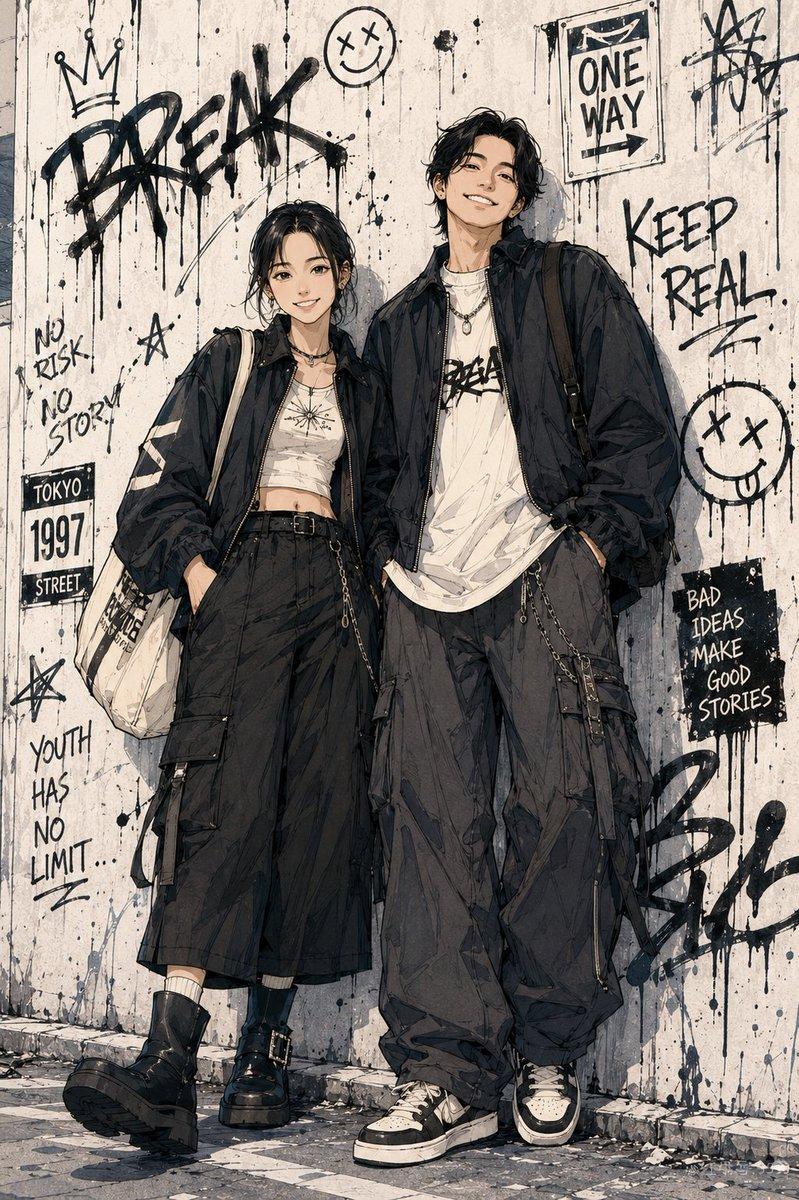
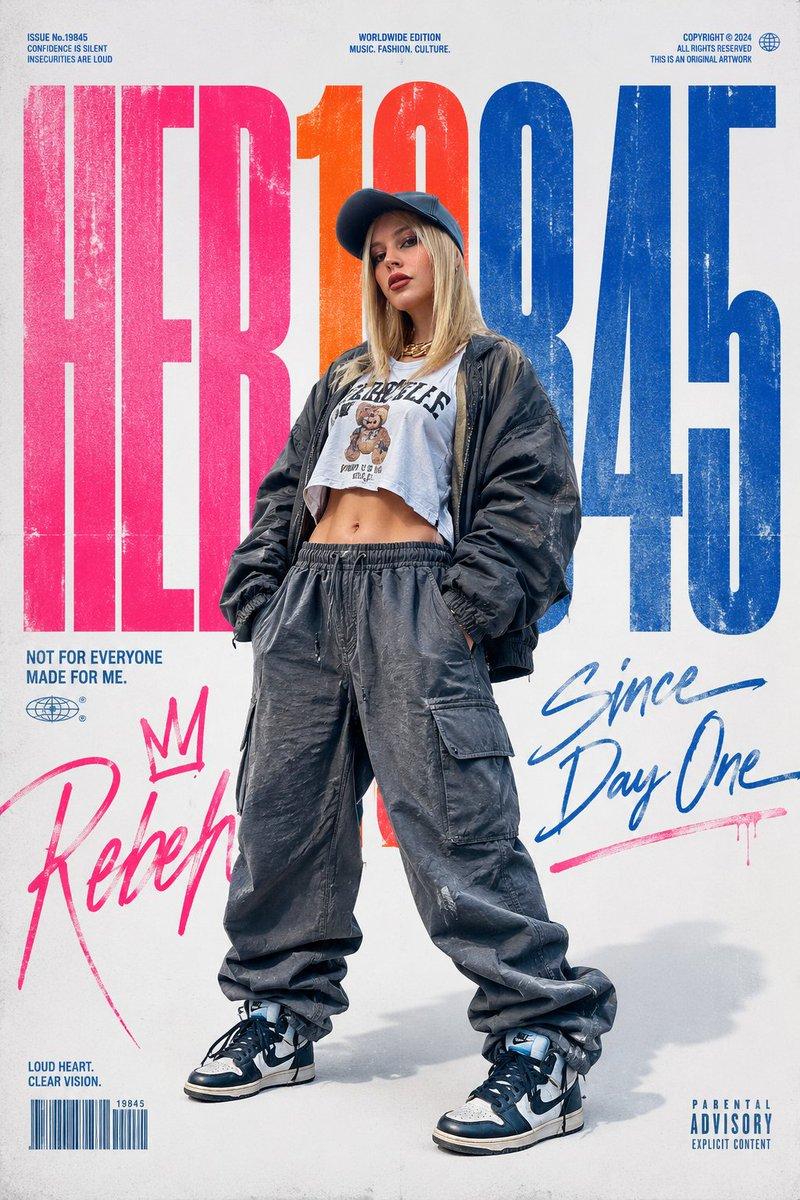
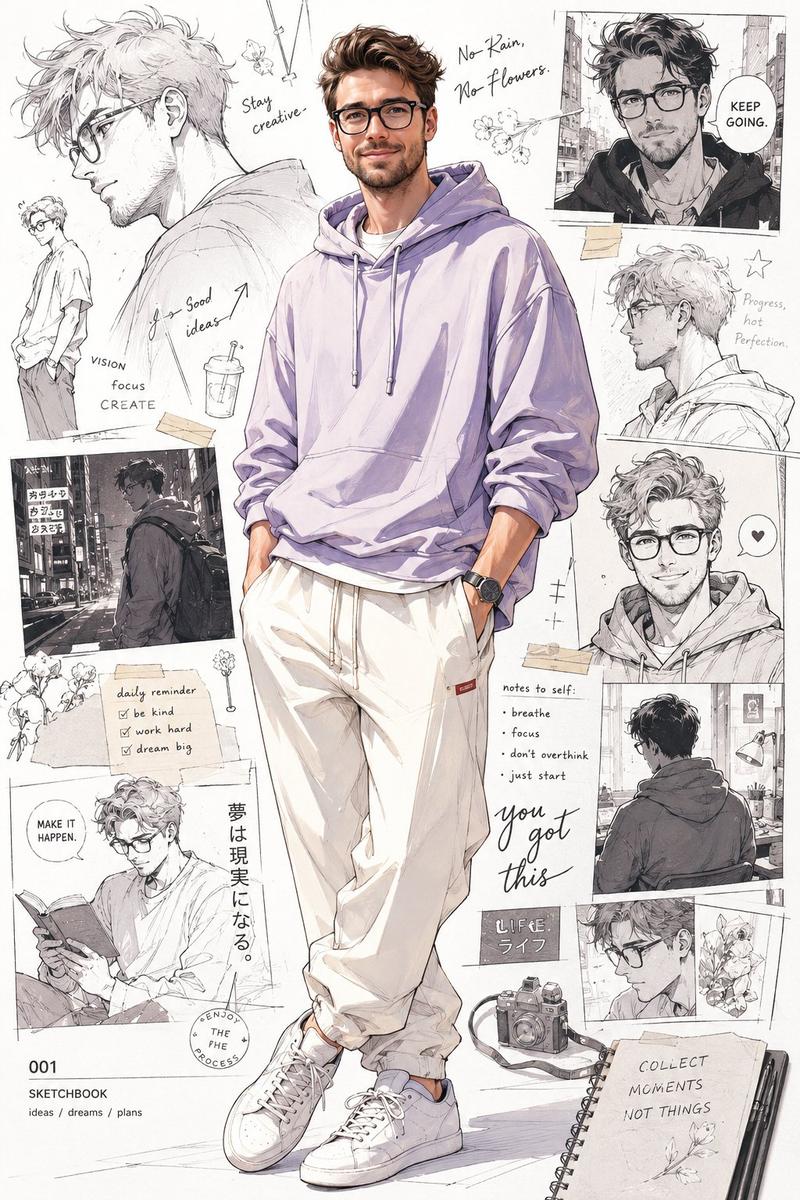
Example images

3D Shadowbox Manga Display

Prompt
A 3D shadowbox display version of 11054.jpg. The "ONE PIECE" typography at the top is rendered as thick, raised 3D stone-textured letters with prominent drop shadows. The central woman is fully multi-dimensional, casting a realistic, soft shadow onto the textured background behind her to create a distinct layer of depth. The sketches, manga panels, and "WANTED" poster in the background are subtly embossed and debossed into the concrete wall texture. The entire image is enclosed in an ornate wooden shadowbox frame, with directional top-down studio lighting that emphasizes the deep, tangible layers and physical depth. A 3D shadowbox display version of 11055.jpg. The "DRAGON BALL" typography at the top is transformed into heavy, weathered, 3D metallic block letters that cast distinct drop shadows onto the background. The central woman is a realistic, lifelike figure stepping forward, creating physical depth and separation from the wall behind her. The entire composition is encased within a rustic wooden shadowbox frame with soft, warm LED strip lighting running along the inner edges, casting dynamic shadows and accentuating the multi-layered, three-dimensional pop-out effect.
Category
Charts & Infographics
Model
nano-banana-pro
Creator
Aijaz
Views1.6K
Source ID
24363
Published
Jun 6, 2026

Guide

About "3D Shadowbox Manga Display"

What is this prompt for?

"3D Shadowbox Manga Display" AI image prompt for nano-banana-pro (Charts & Infographics). Transform existing images into a multi-layered 3D shadowbox display w…

The full copyable prompt and example visuals above are ready for AI image generation or one-click recreate in Picva.

How to use this prompt

  1. Step 1

    Open the prompt detail

    Review the example visuals, category, and full prompt text for "3D Shadowbox Manga Display".

  2. Step 2

    Copy the prompt

    Copy the prompt body from this page, or load it directly in Studio.

  3. Step 3

    Pick a model (nano-banana-pro)

    Prefer nano-banana-pro. If you switch models, keep subject and composition and tweak style terms.

  4. Step 4

    Generate and export

    Recreate the look in Picva, or export into your workflow for editing and publishing.

FAQ

What is the "3D Shadowbox Manga Display" prompt?
It is an AI image-generation prompt for nano-banana-pro in the Charts & Infographics category. This page includes the full prompt text, example visuals, and a one-click recreate path in Picva.
How do I use this prompt to generate an image?
Copy the prompt from this page, or use Generate / Studio. Paste it into a compatible image model, or recreate the look in Picva with optional reference images.
Which model is this prompt for?
This page lists nano-banana-pro. Most descriptive prompts also transfer to nearby image models such as GPT Image, Flux, or Midjourney with light style tweaks.
Can I use the result commercially?
You can usually copy the prompt for creation, but commercial use of the final image depends on the model terms, reference-image rights, and the generated content. Follow the source author and platform rules.