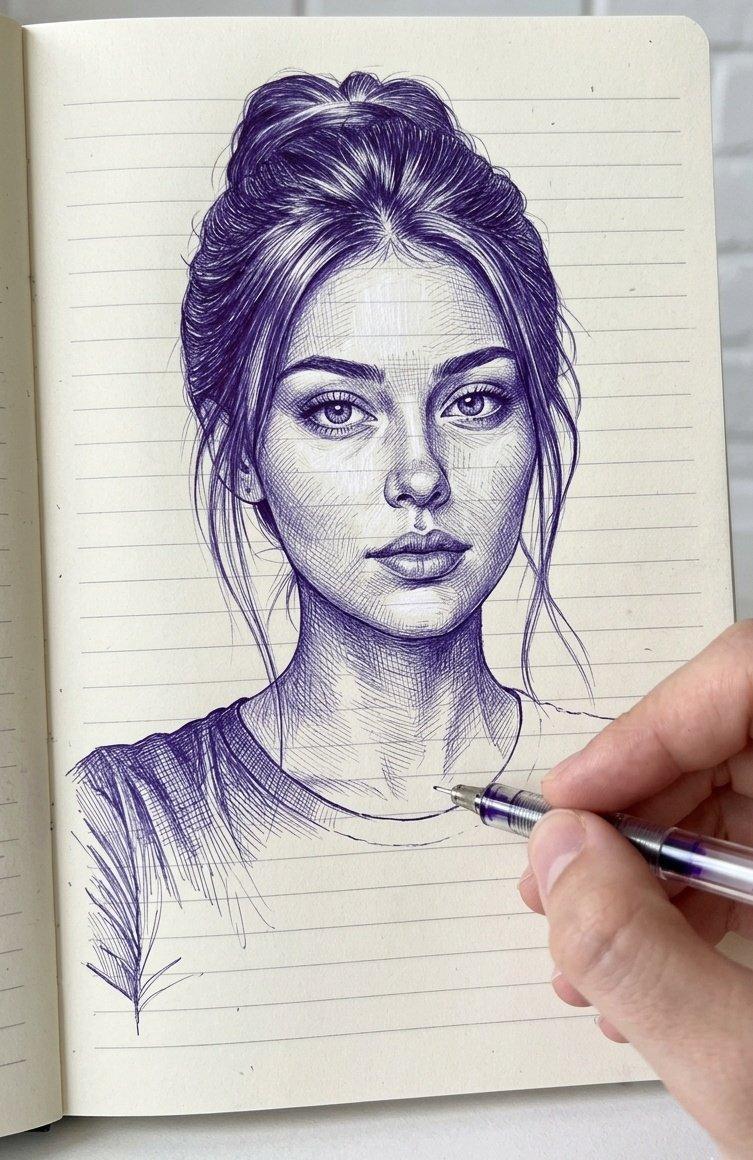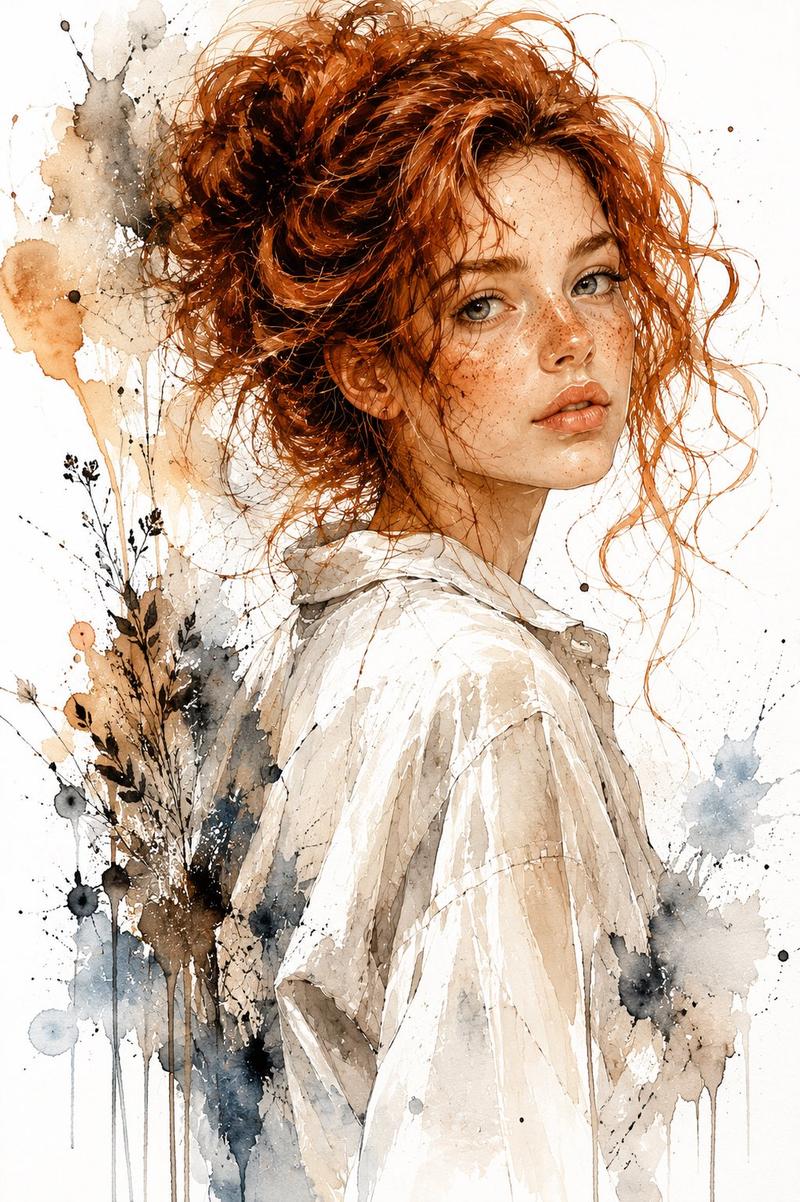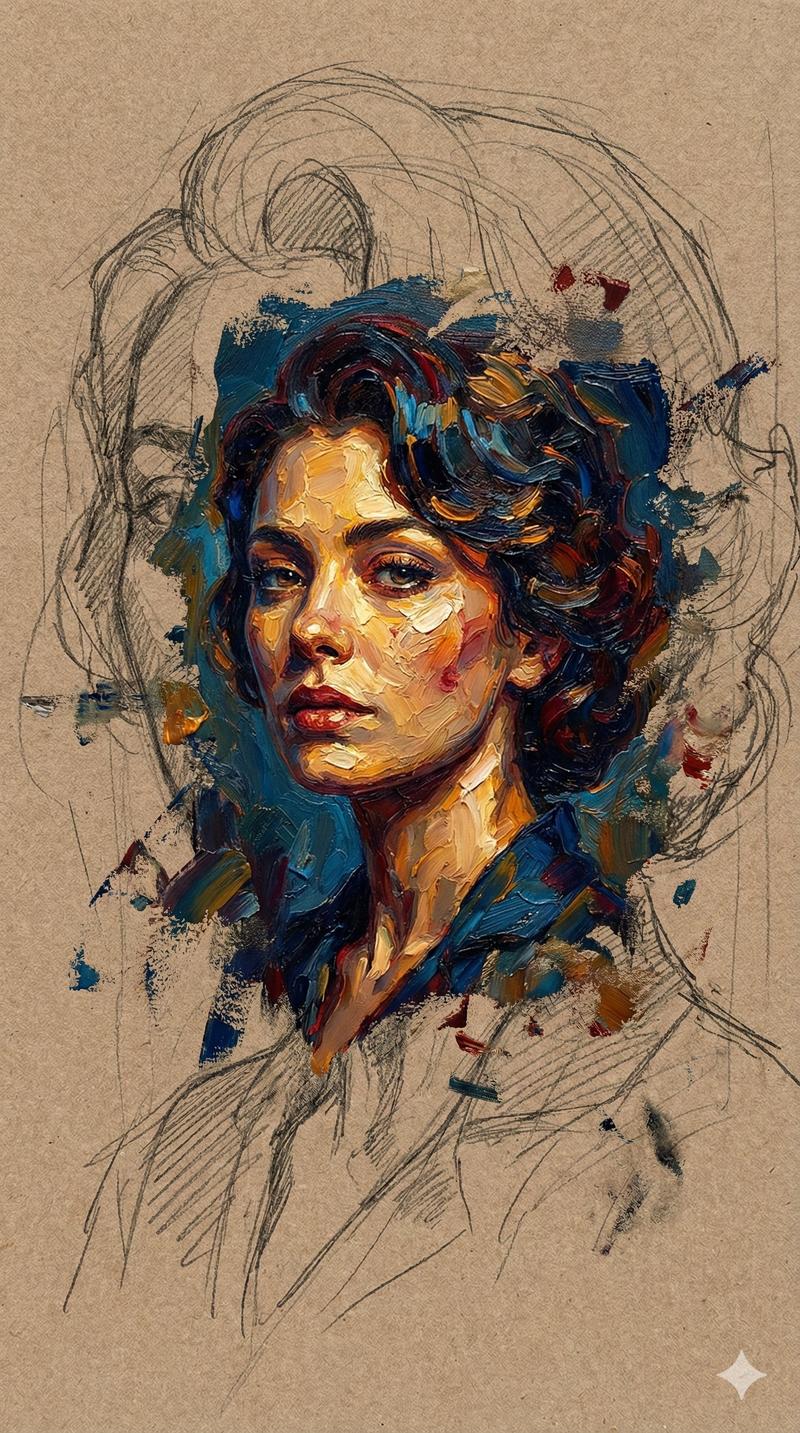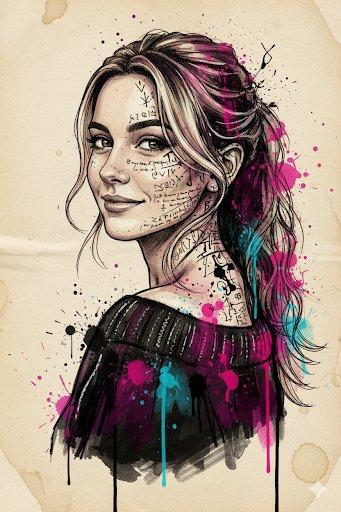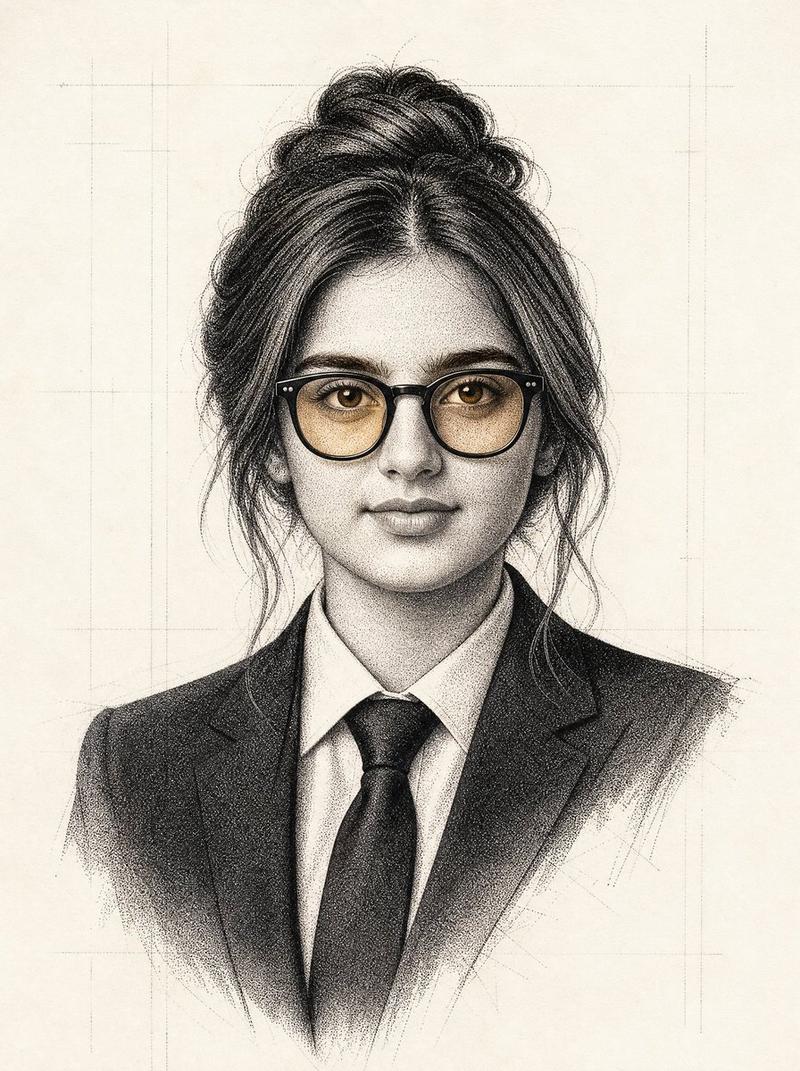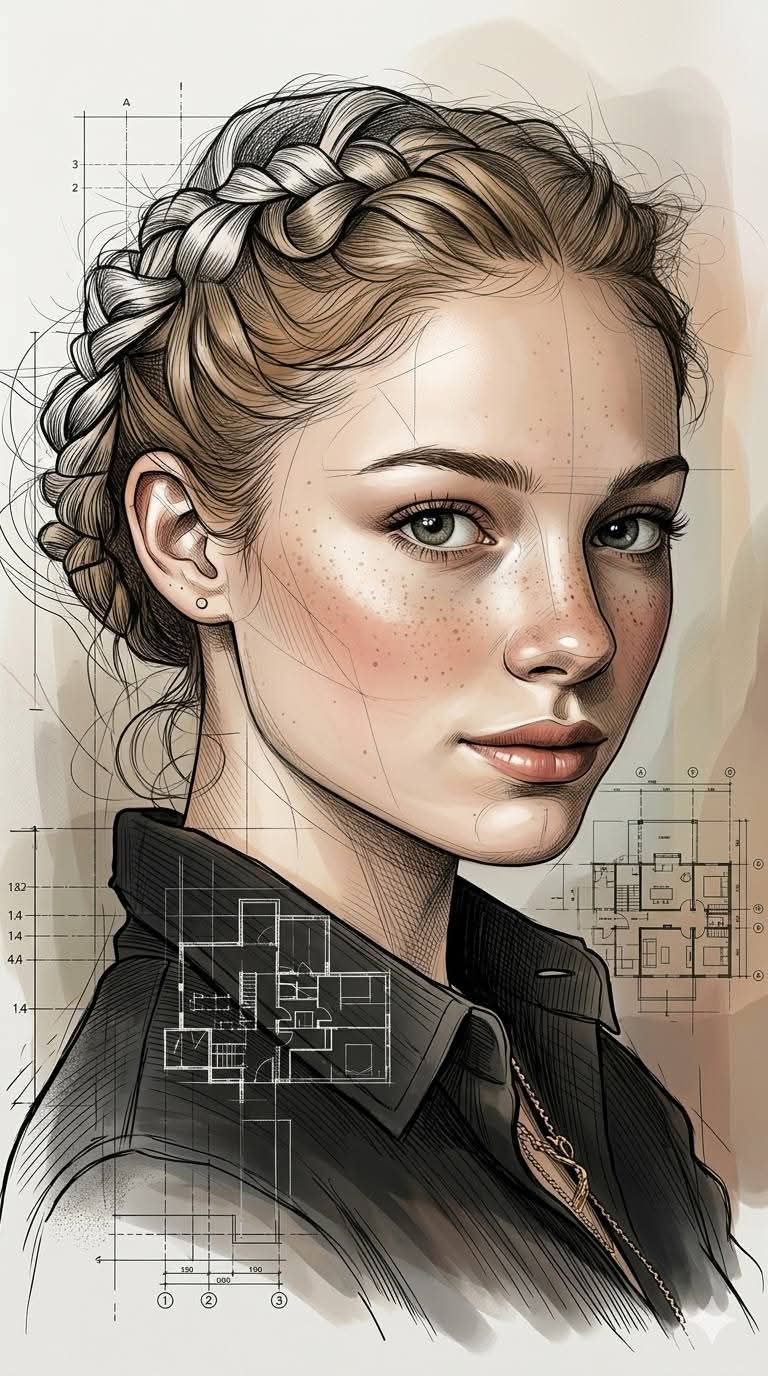
Architectural Ink Digital Portrait
Prompt
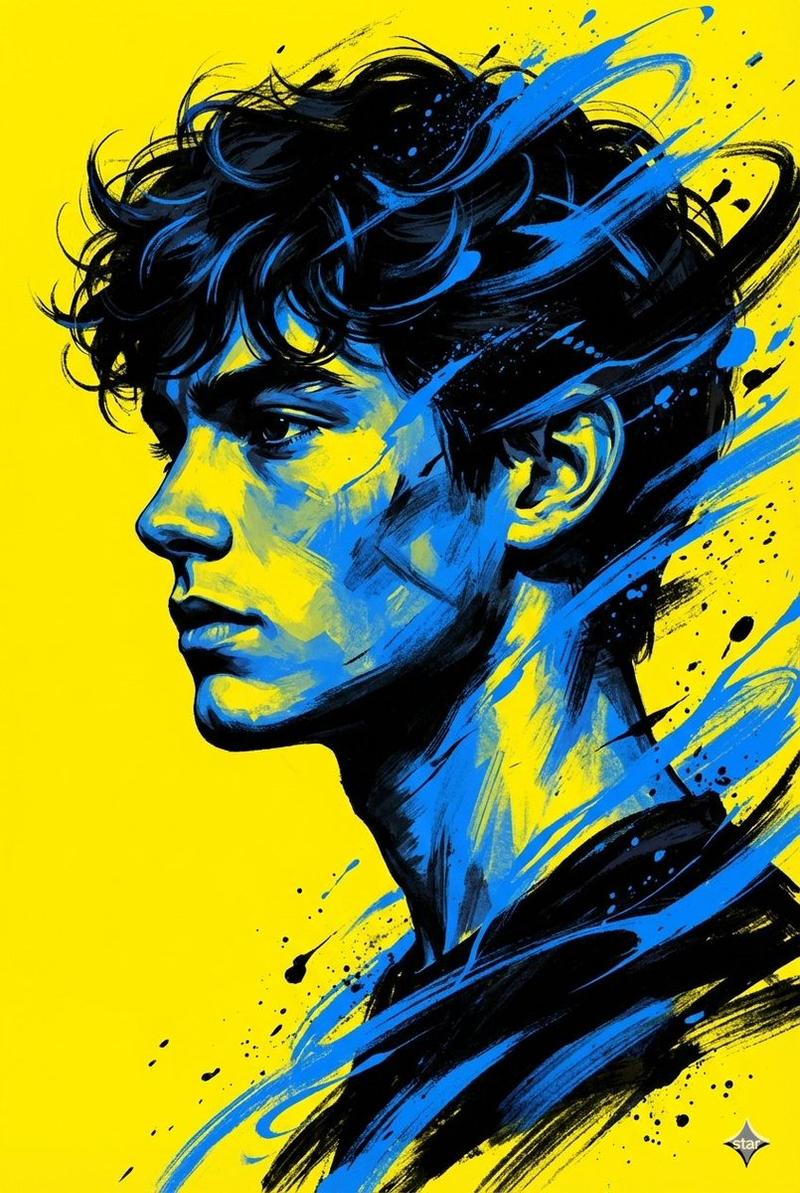
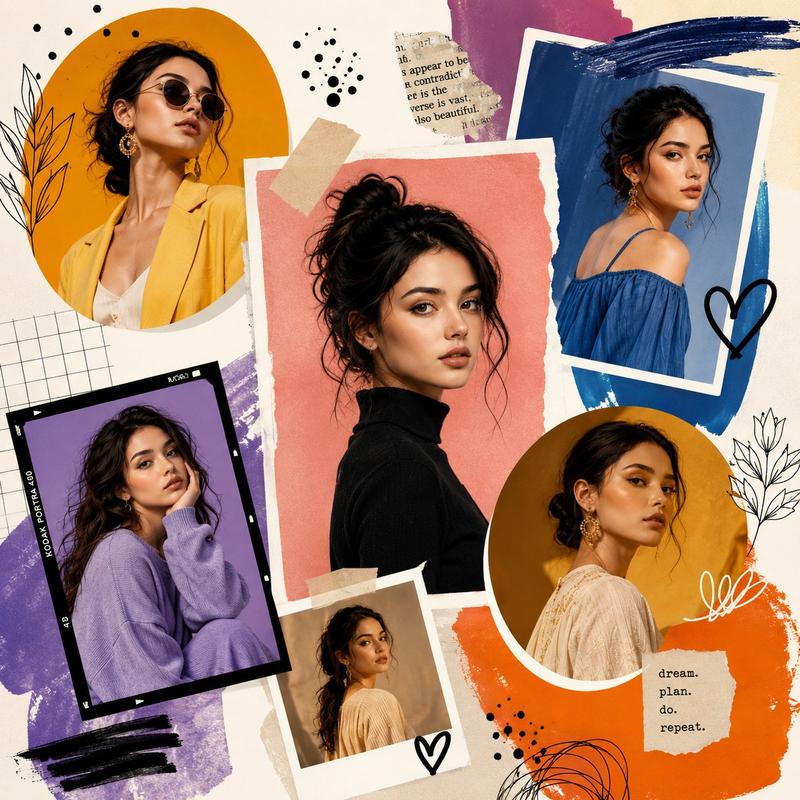
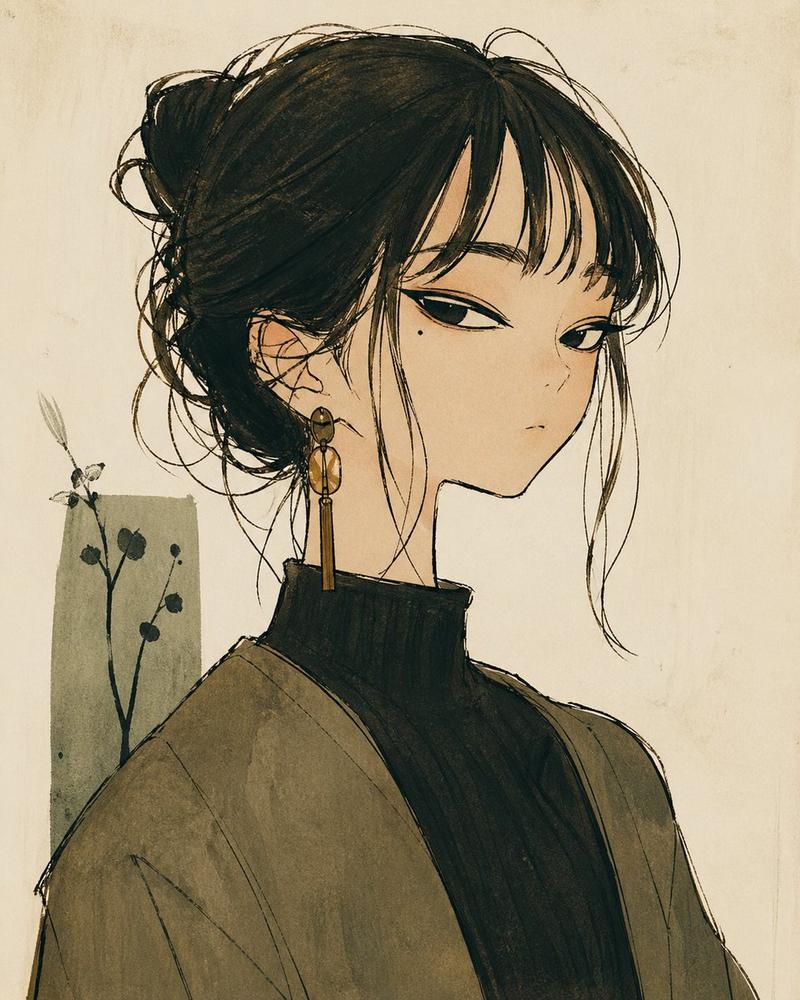
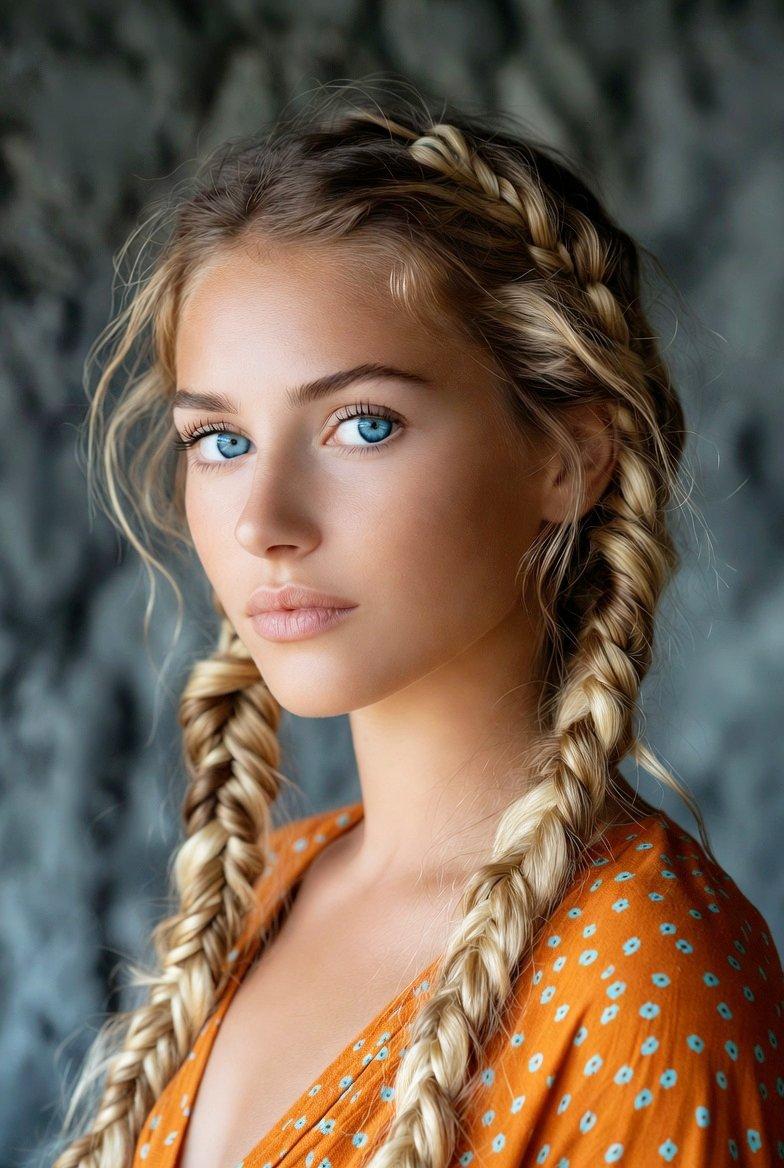
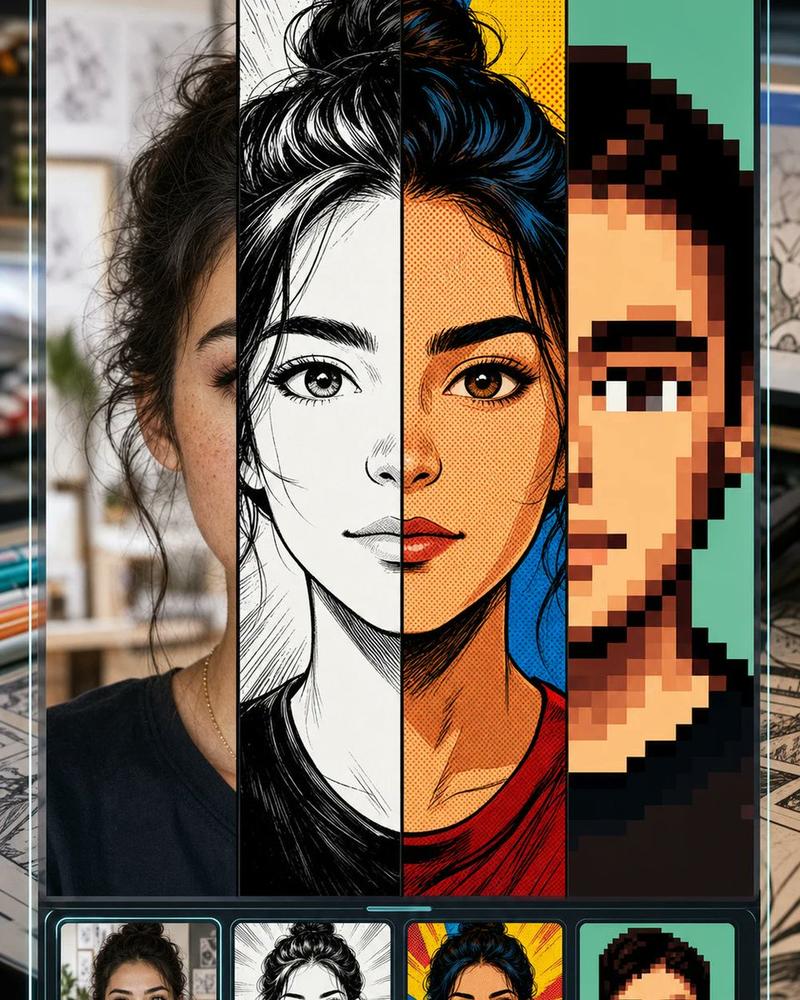
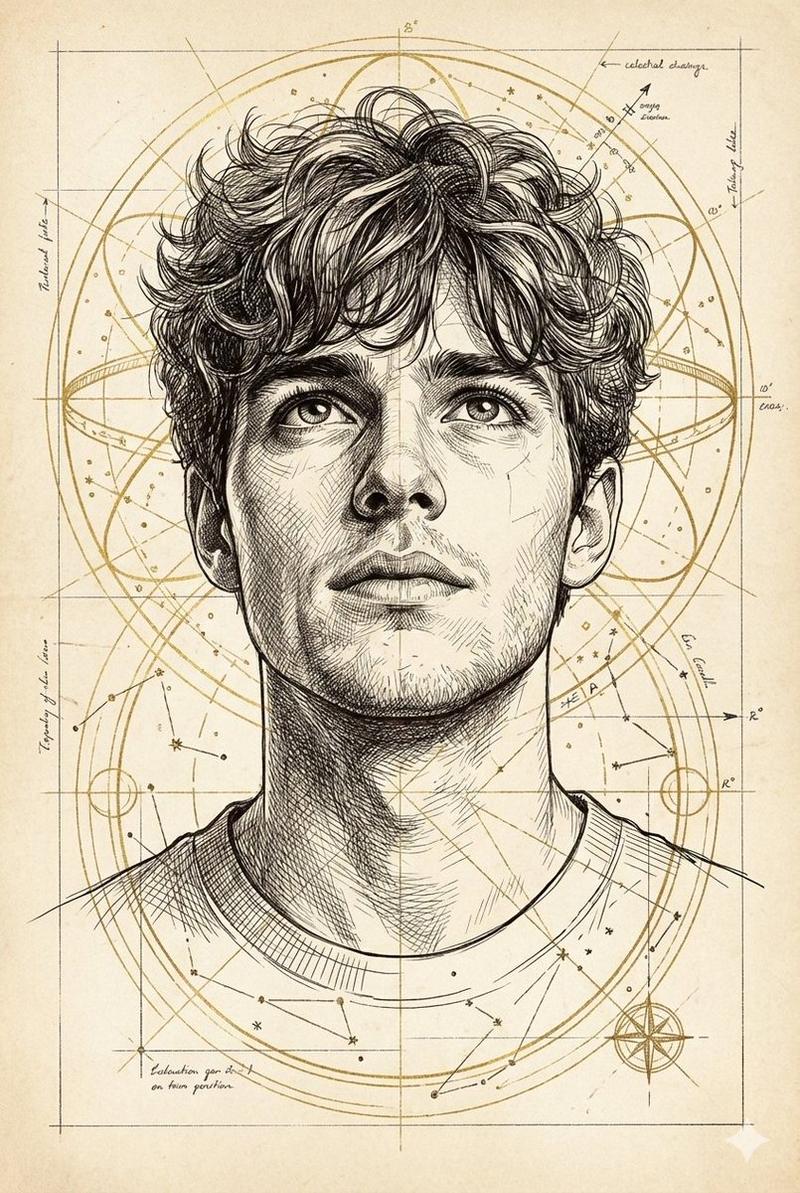
A highly refined hybrid portrait illustration style blending {argument name="style A" default="expressive architectural ink sketching"} with {argument name="style B" default="hyper-realistic cinematic digital painting"}. Ultra-detailed black-ink linework is seamlessly integrated with smooth painterly rendering, combining precise contour drafting, geometric facial construction guides, and dynamic cross-hatching with luxurious skin realism and polished studio-quality lighting. The artwork features elegant variations in line weight, layered sketchbook textures, subtle stippling, and handcrafted pen imperfections, while maintaining ultra-smooth skin surfaces, glossy highlights, and sophisticated facial depth. Semi-realistic anatomy is enhanced with slightly stylized facial proportions, creating a perfect balance between technical illustration and contemporary concept art. Flowing organic line structures merge naturally into cinematic color transitions, soft atmospheric gradients, and high-contrast volumetric shadows. Architectural drafting aesthetics, editorial fashion sketch energy, and premium gallery-quality portraiture coexist within a single visual language. Crisp edge definition, refined negative-space composition, ultra-subtle brushwork, and intricate contour mapping create exceptional dimensionality. The color palette combines muted earth tones, warm neutrals, soft cinematic highlights, and restrained monochromatic ink accents. Finished in an ultra-polished 4K concept-art quality, featuring museum-grade craftsmanship, sophisticated visual storytelling, and a modern luxury illustration aesthetic that feels both handcrafted and photorealistically rendered. R {argument name="aspect ratio" default="9:16 vertikal"}.- Category
- Charts & Infographics
- Model
- nano-banana-pro
- Creator
- zayan
- Source ID
- 24366
- Published
- Jun 6, 2026
Views1.5K