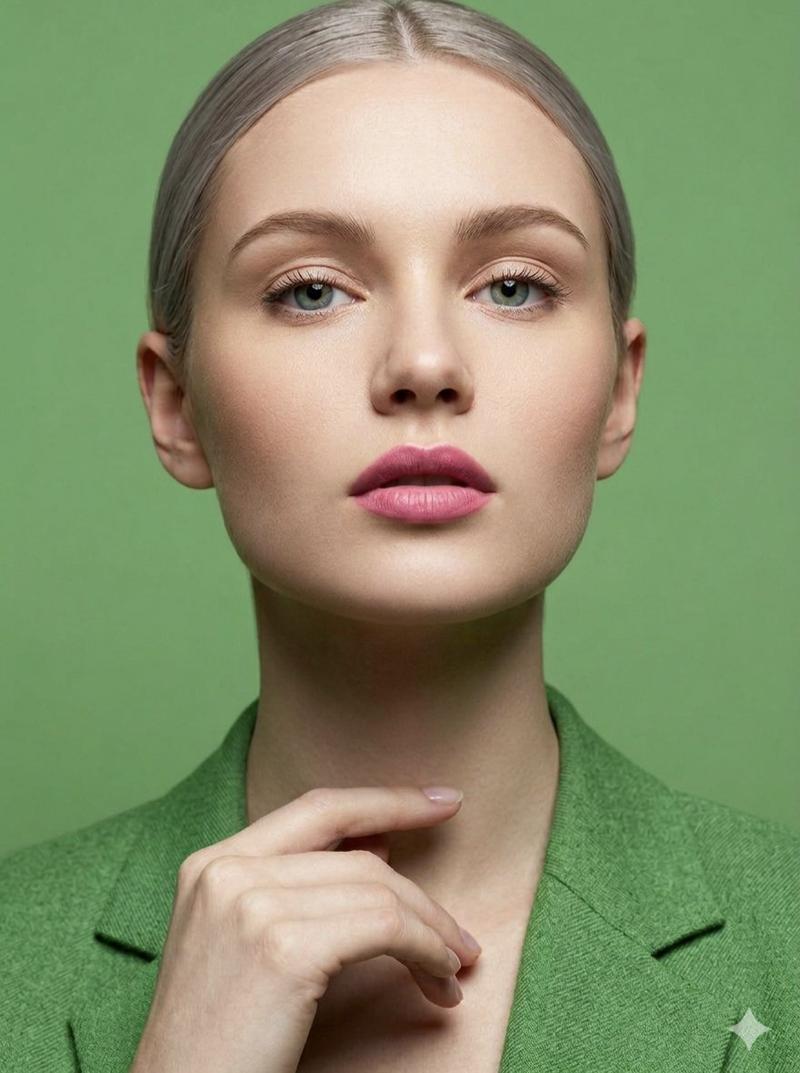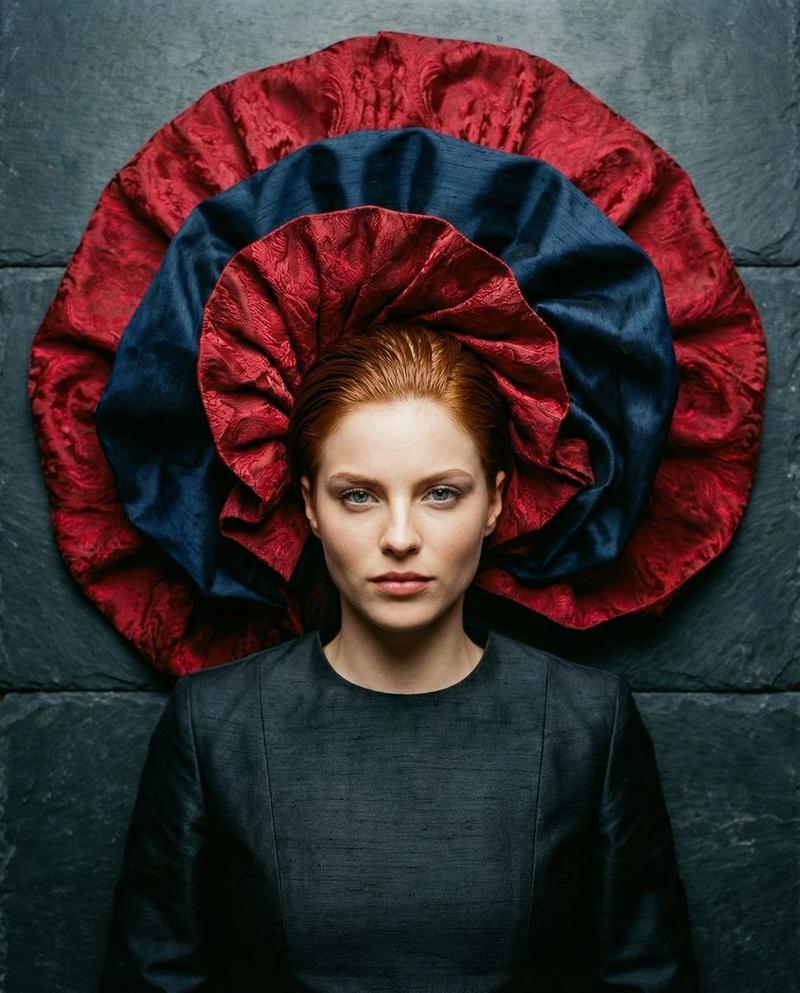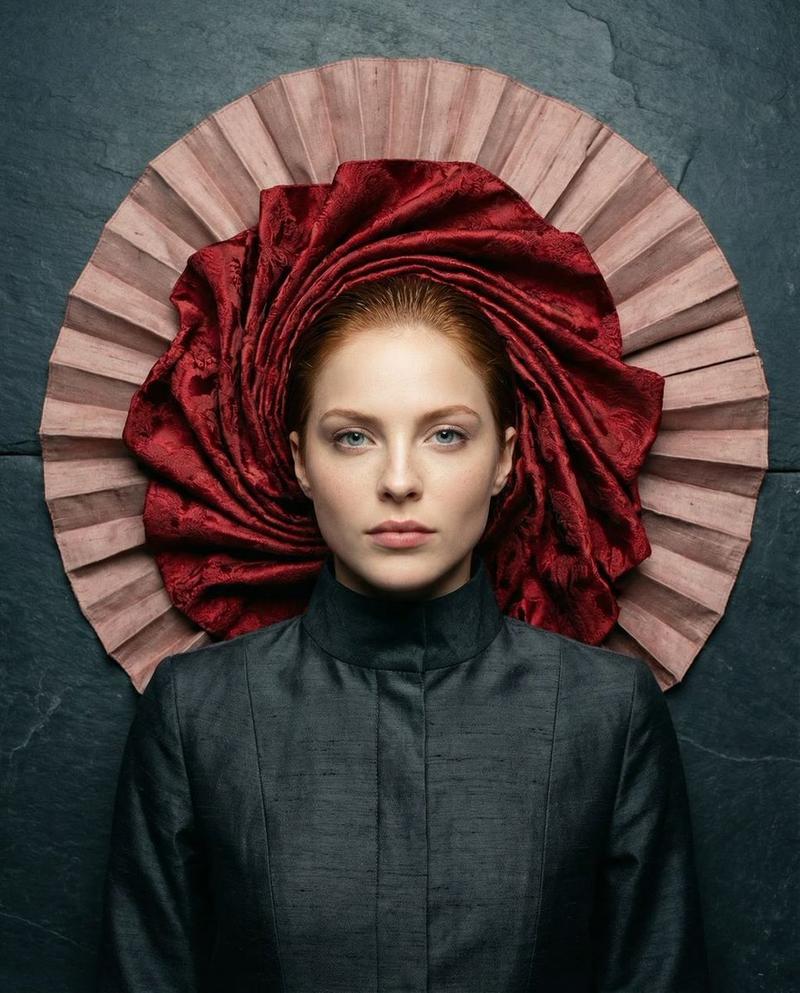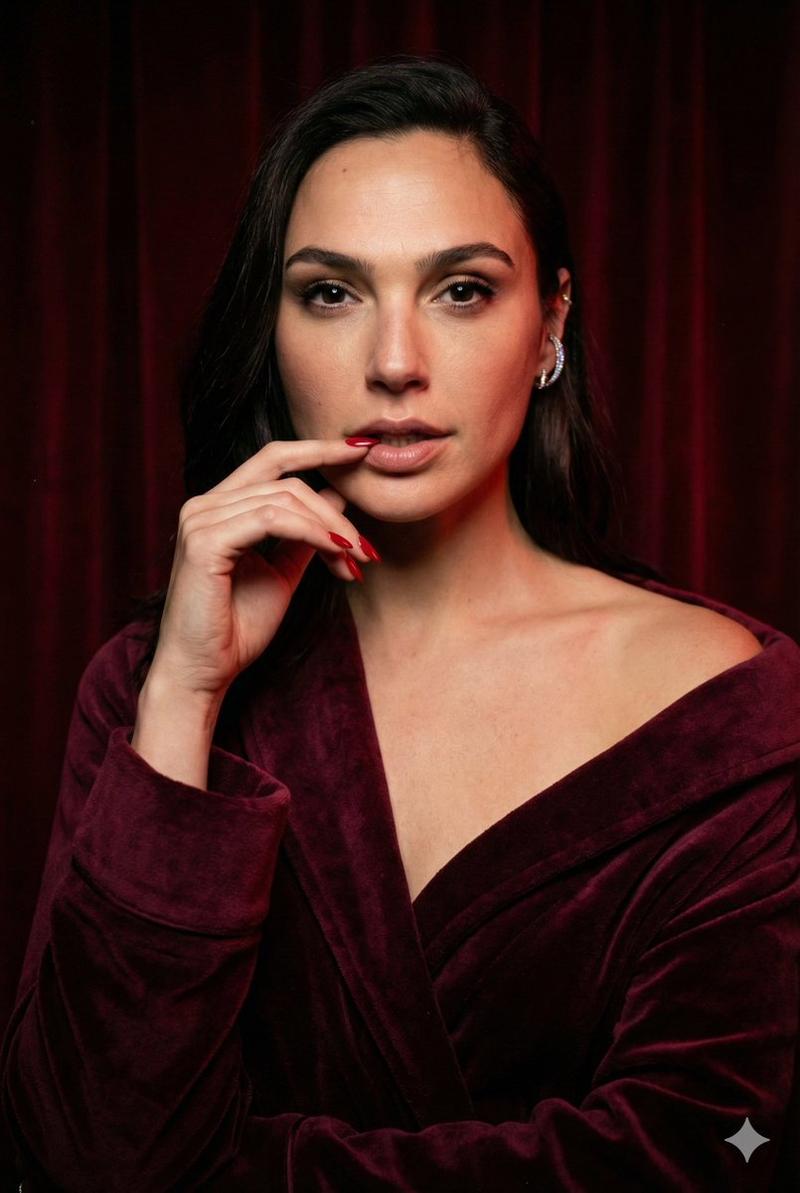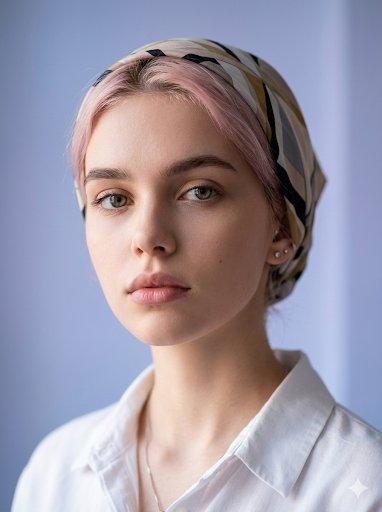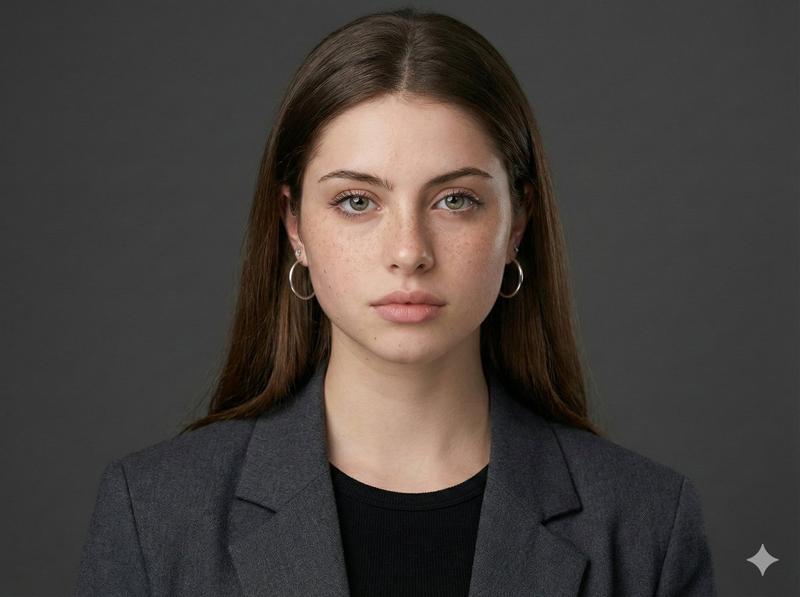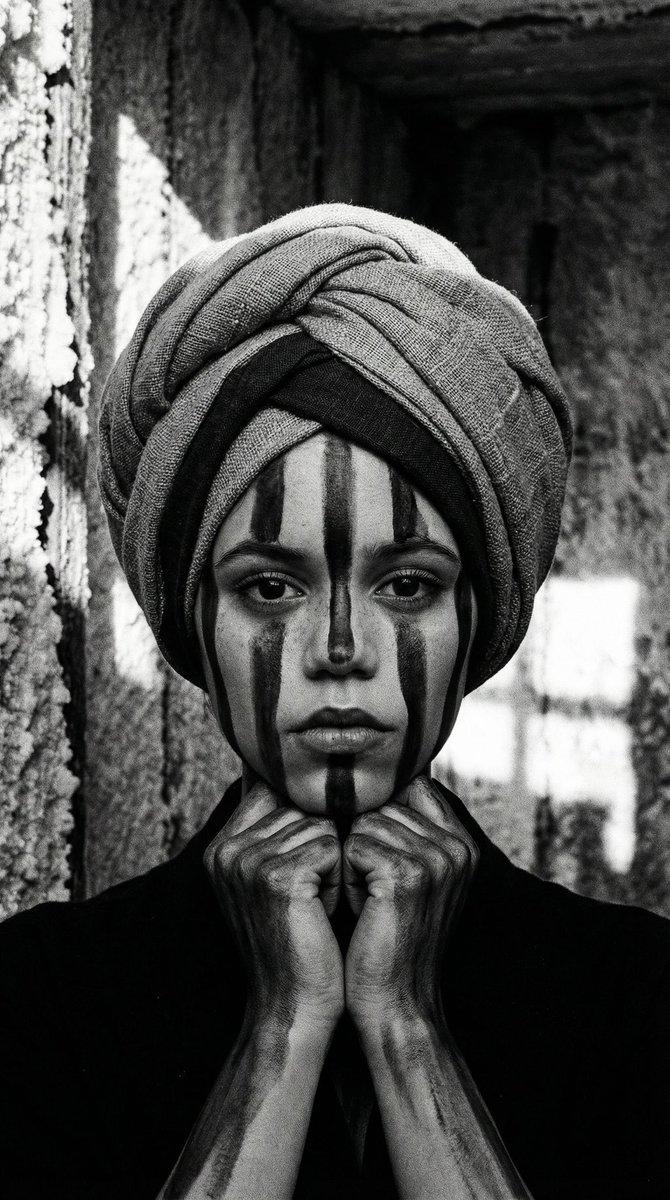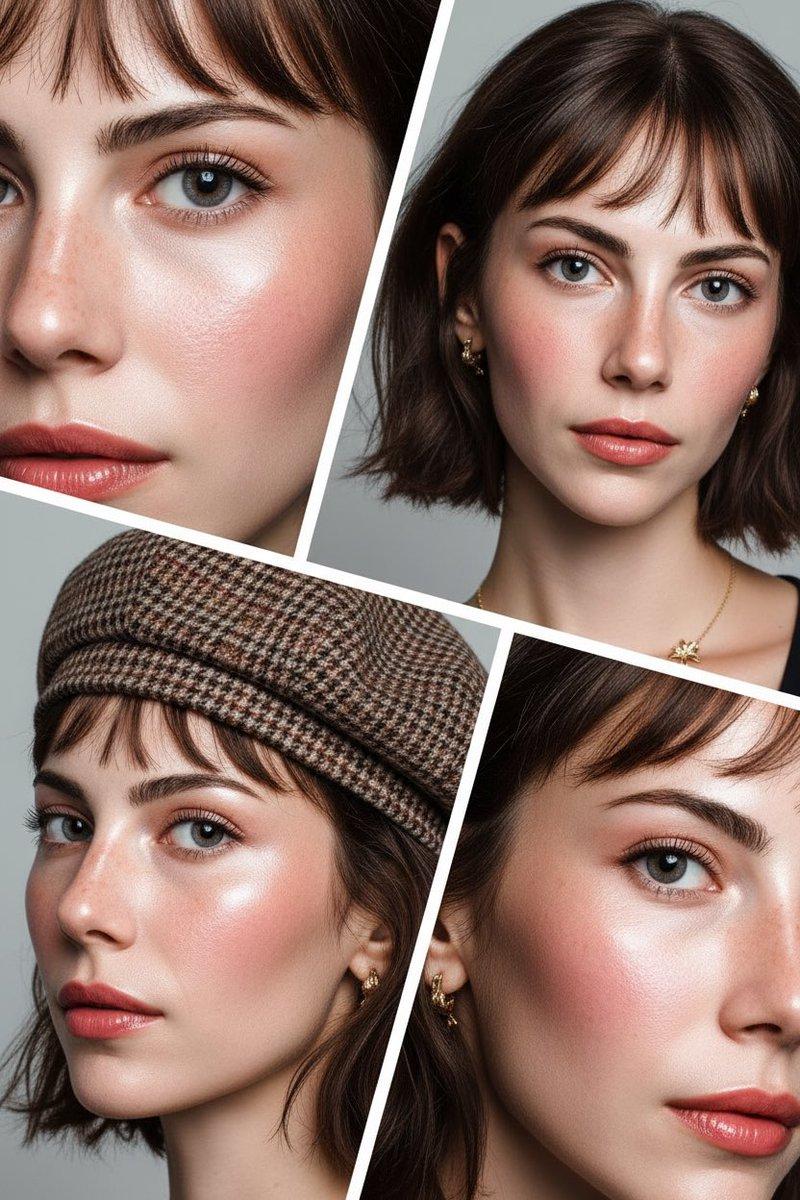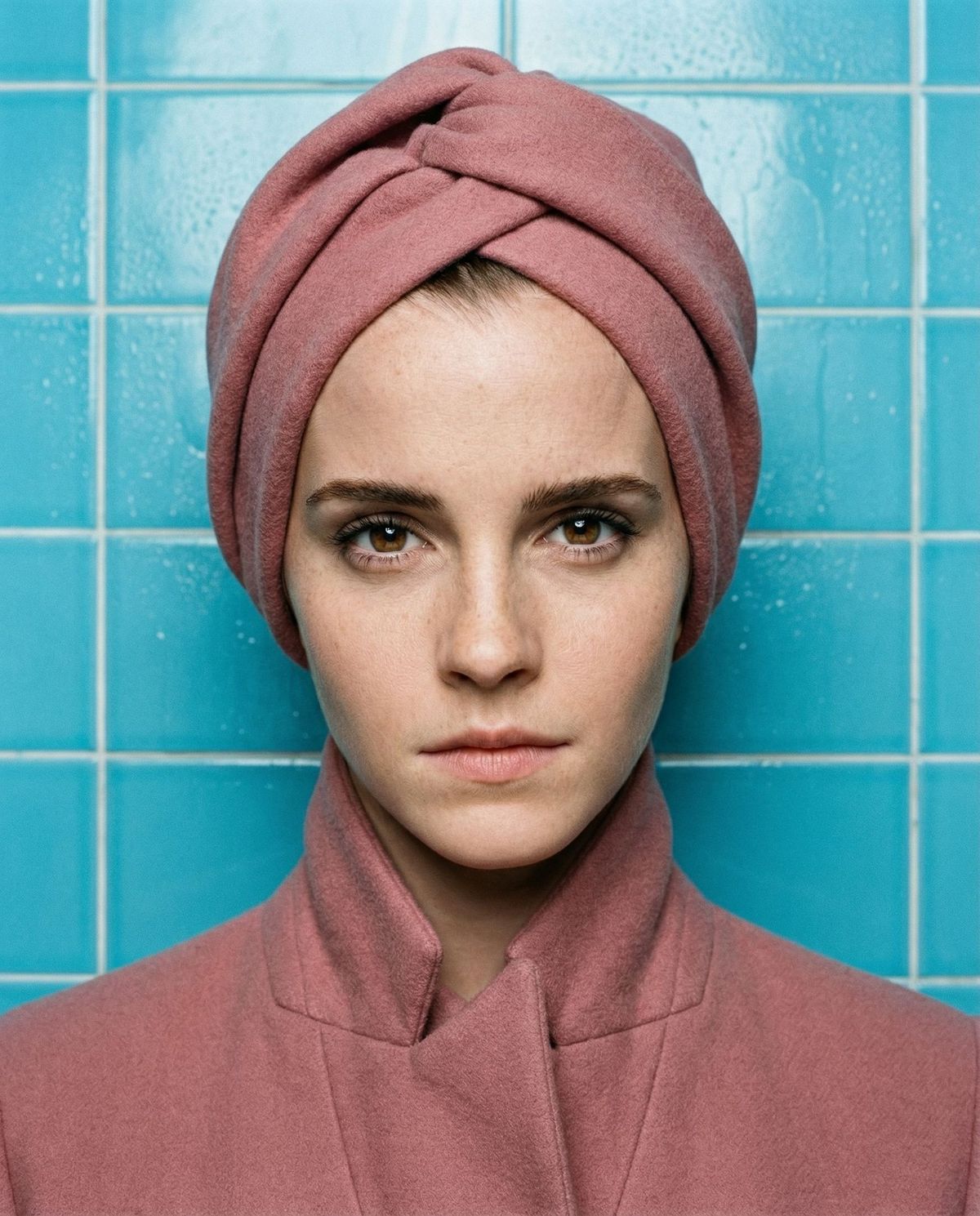
High-Concept Editorial Portrait in Dusty Rose
Prompt
{
 "vibe_title_en": "Pastel Authority",
 "master_prompt": "A hyper-realistic medium-format portrait of The Protagonist, captured in a surreal, tactile collision of textures. The subject commands the frame with the 'Piercing Minimalist' gaze—absolute eye contact, stoic expression, irises sharp and illuminated. They are dressed in a monochromatic 'Dusty Rose' ensemble inspired by high-concept fashion: a structured, heavy matte wool coat with a high collar, and a matching architectural head-wrap that sculpts the head shape but leaves the face fully exposed. The setting is a 'Retro-Futuristic Sanatorium'—a wall of glossy, clinical 'Cyan Blue' ceramic tiles with visible grout lines and slight condensation, grounding the pastel surrealism in physical reality. Lighting is a precise 'Beauty Rembrandt' setup, casting a soft triangular shadow on the cheek while keeping the face luminous. Shot on a Hasselblad H6D-100c with an 80mm f/2.8 lens to compress the features flatteringly (simulating the requested 70mm feel). The image quality emphasizes organic skin pores, the fibrous weave of the pink wool, and the cold, hard reflection of the blue tiles. No neon; only diffuse, volumetric daylight.",
 "meta": {
 "intent": "Editorial Portraiture",
 "priorities": "Eye Contact, Skin Texture, Color Contrast",
 "device_profile": "Hasselblad H6D-100c"
 },
 "frame": {
 "aspect": "4:5",
 "composition": "The Editorial Tight-Mid",
 "layout": "Center-weighted symmetry",
 "camera_angle": "Eye Level",
 "tilt_roll_degrees": "0"
 },
 "subject": {
 "gender": "Female",
 "identity": "The Protagonist",
 "demographics": "Ageless/Universal",
 "face": "Symmetrical, high cheekbones, sharp jawline, hyper-detailed skin texture",
 "hair": "Concealed by architectural head-wrap",
 "body": "Mid-chest up, shoulders squared to camera",
 "expression": "Stoic, intense, piercing gaze, neutral mouth",
 "pose": "Static, commanding, chin slightly down, eyes locked on lens"
 },
 "wardrobe_accessories": {
 "garments": [
 {
 "item": "Architectural Head-Wrap",
 "material": "Heavy Matte Wool",
 "color": "Dusty Rose Pink",
 "fit": "Structured/Tight"
 },
 {
 "item": "High-Collar Trench Coat",
 "material": "Felted Wool",
 "color": "Dusty Rose Pink",
 "fit": "Tailored/Oversized Shoulders"
 }
 ],
 "accessories": []
 },
 "environment": {
 "setting": "Retro-Futuristic Sanatorium Wall",
 "surfaces": "Glossy Cyan Ceramic Tiles, White Grout",
 "depth": "Shallow depth of field, background slightly soft but textured",
 "atmosphere": "Clinical, humid, sterile but vibrant",
 "lens_interaction": "Sharp focus on eyes, soft fall-off on ears and background"
 },
 "lighting": {
 "key": "Softbox placed high and 45-degrees (Rembrandt)",
 "fill": "White bounce card from below to soften shadows",
"rim": "Subtle cool- Category
- Charts & Infographics
- Model
- nano-banana-pro
- Creator
- timedoctor.eth
- Source ID
- 24374
- Published
- Jun 6, 2026
Views194