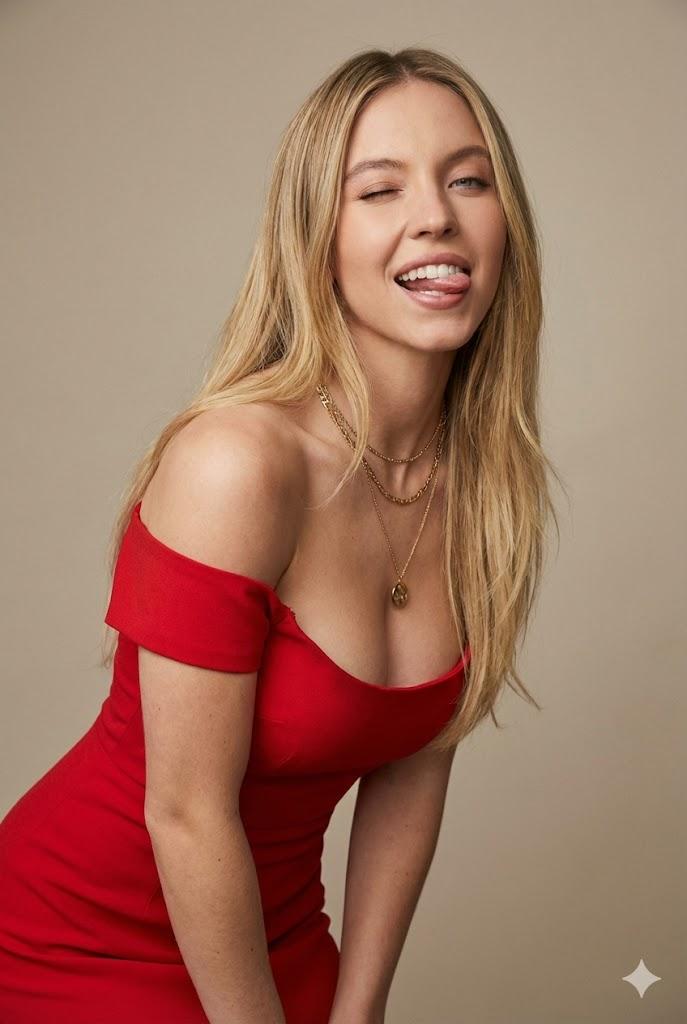
20

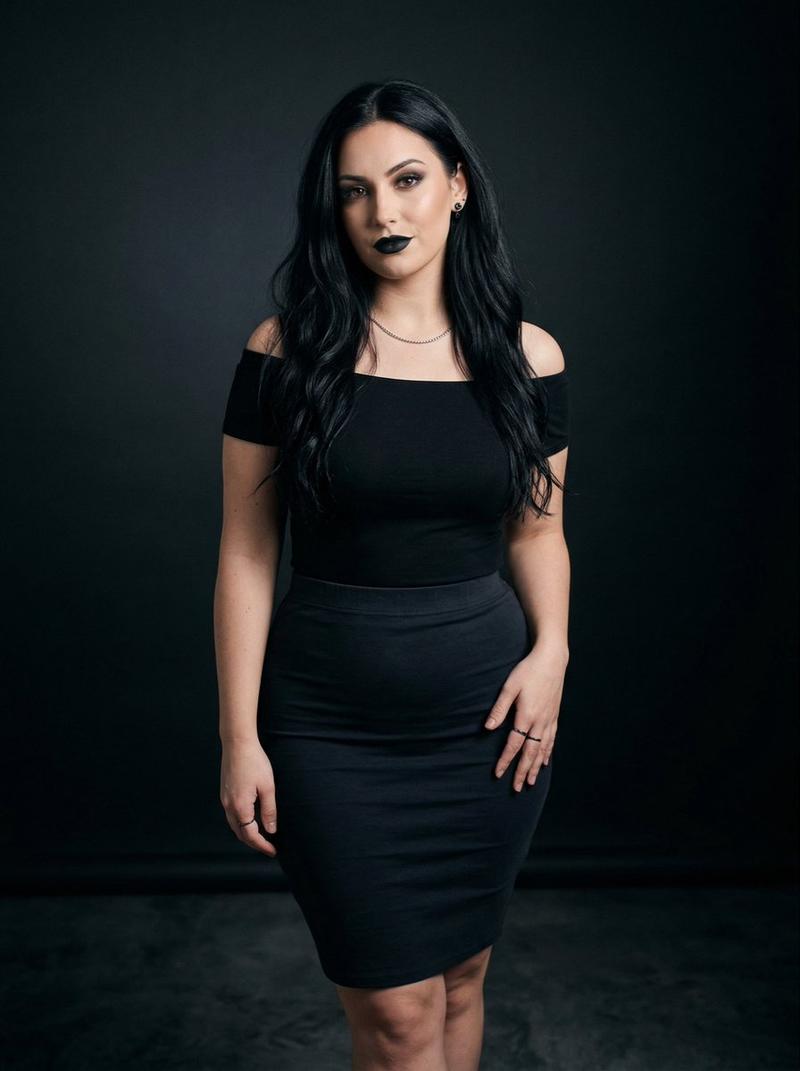
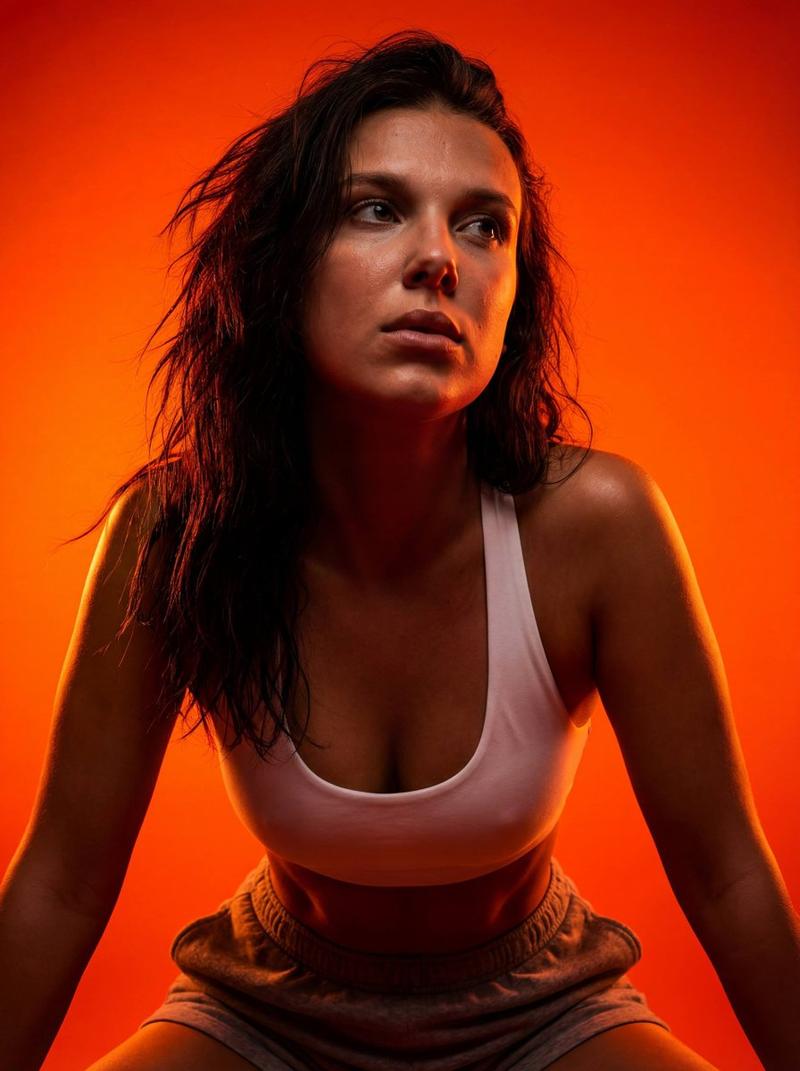
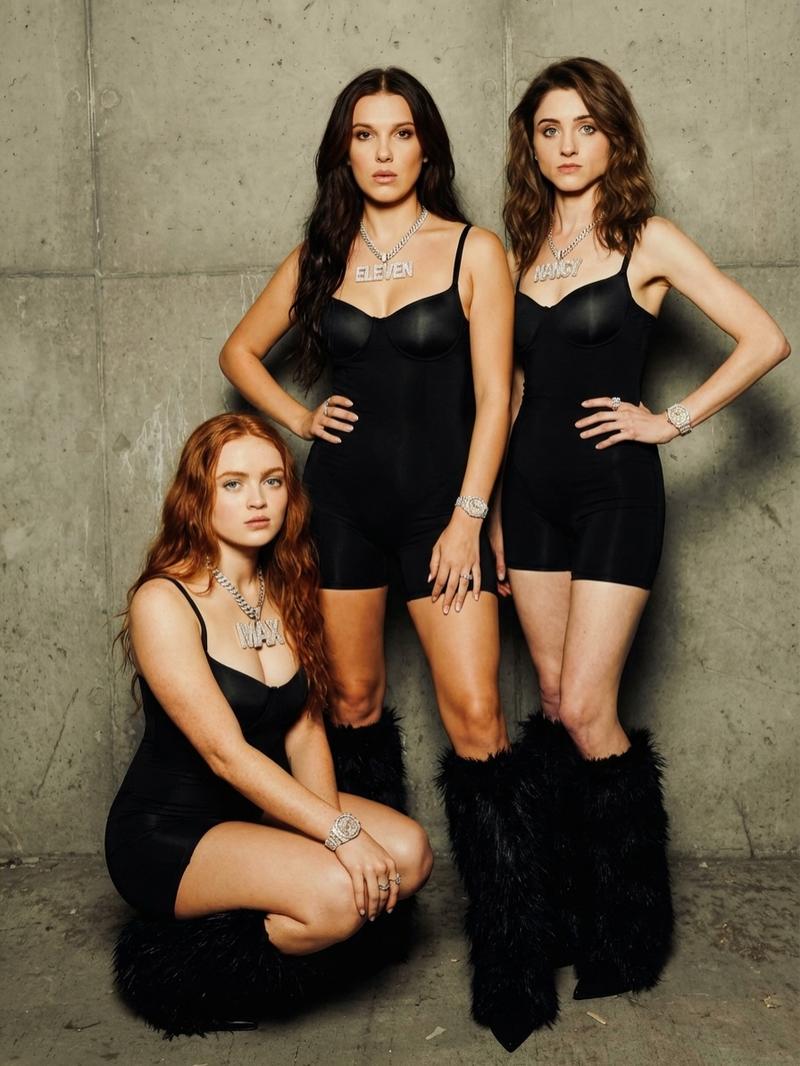
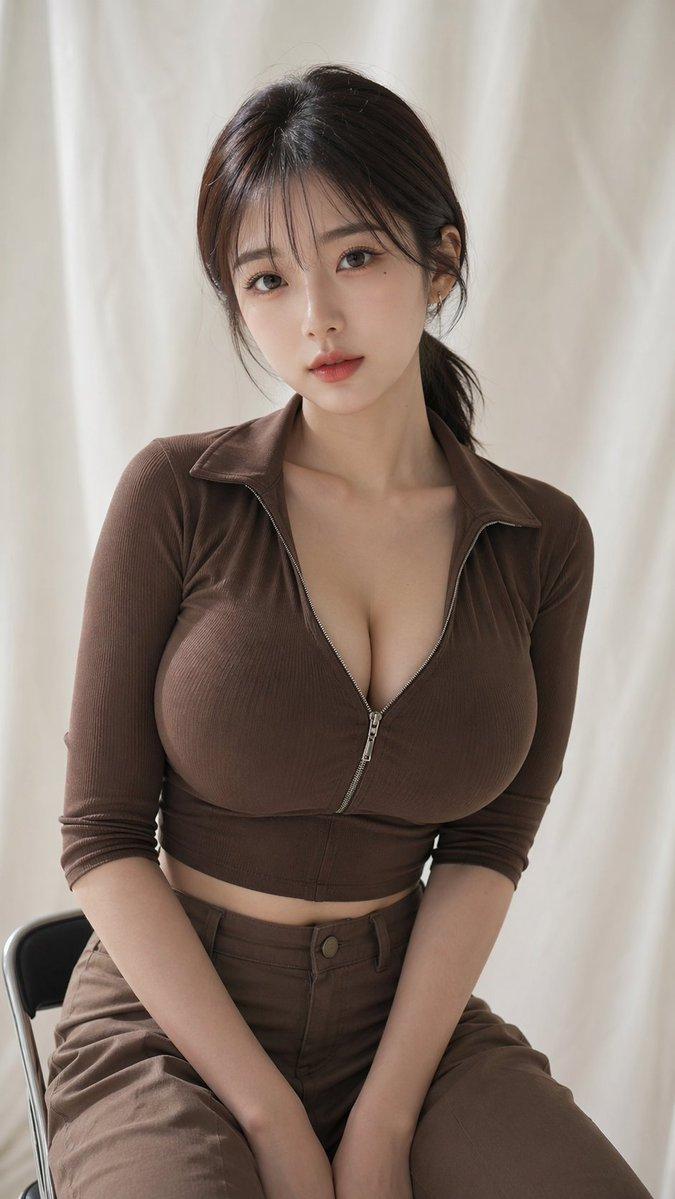
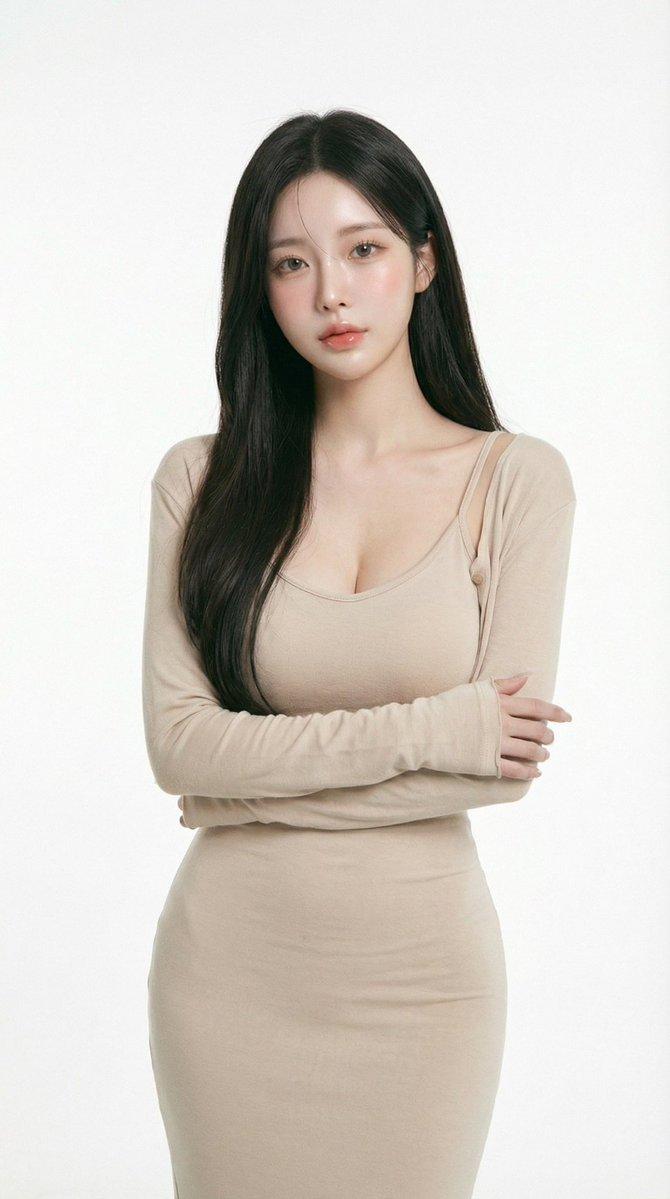
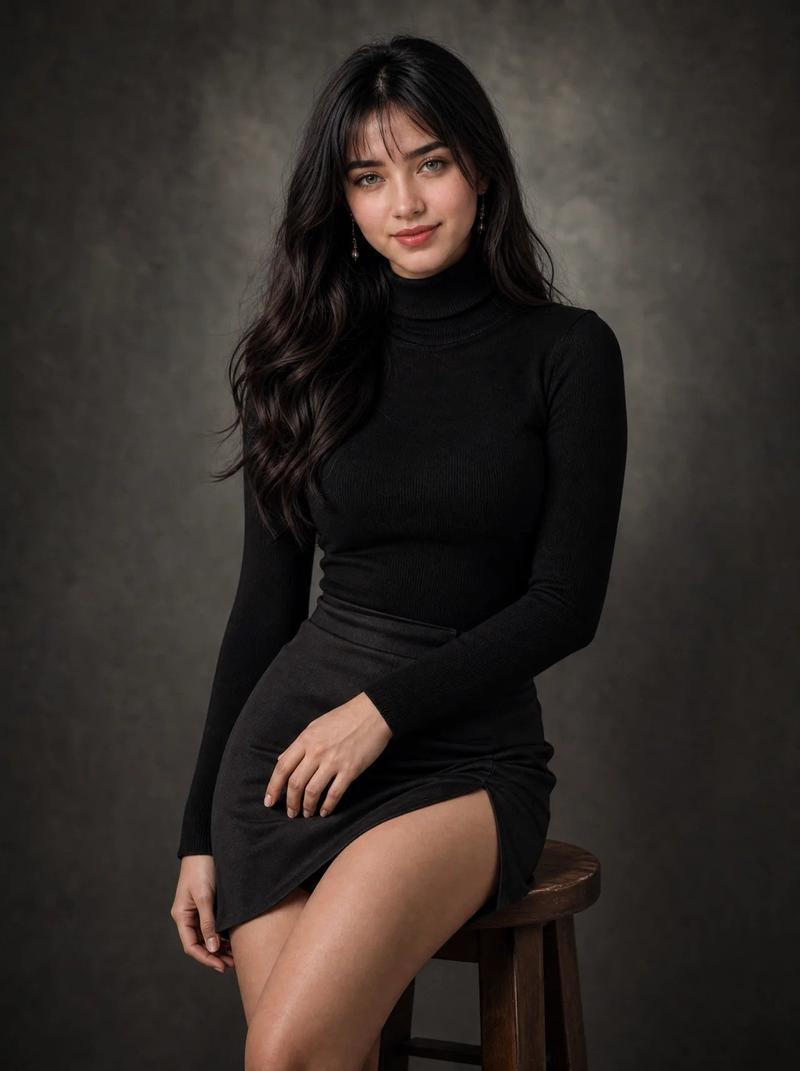
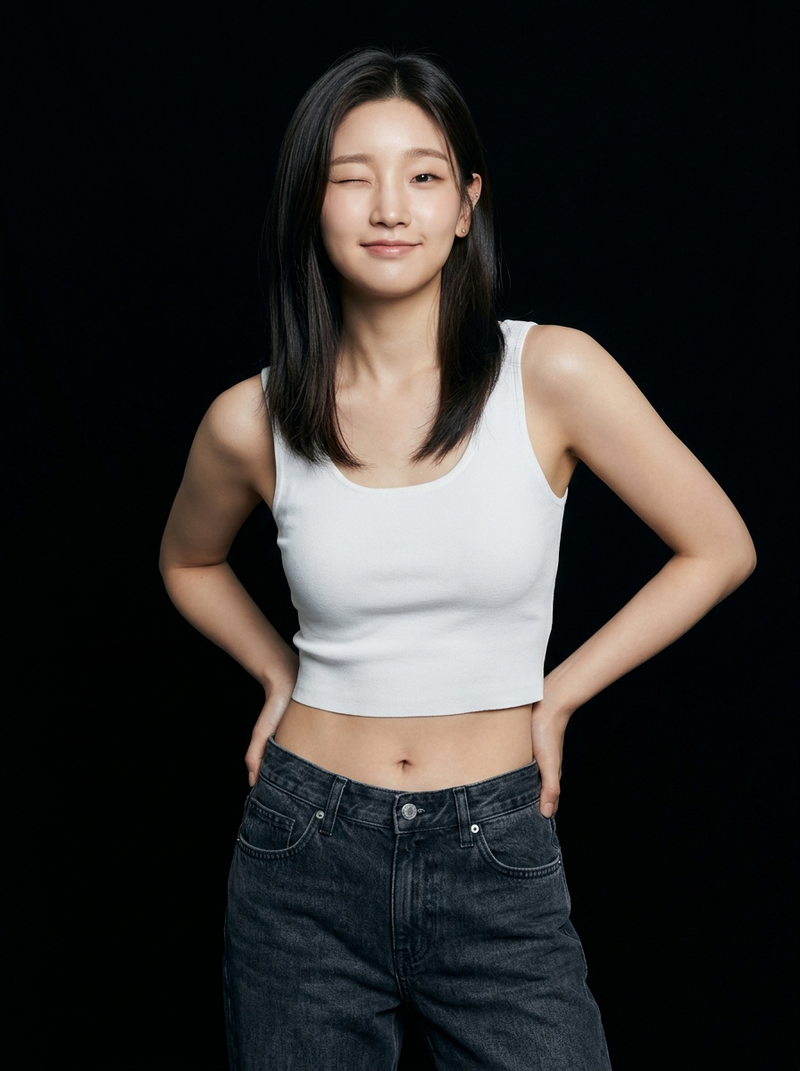
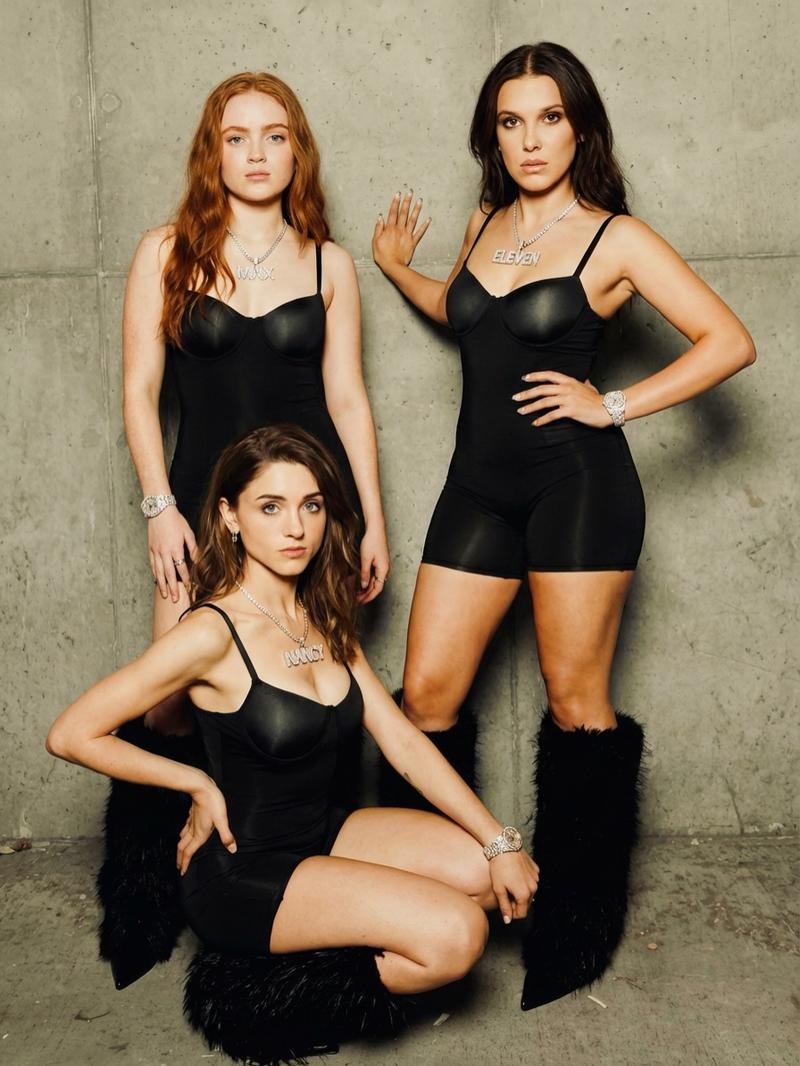
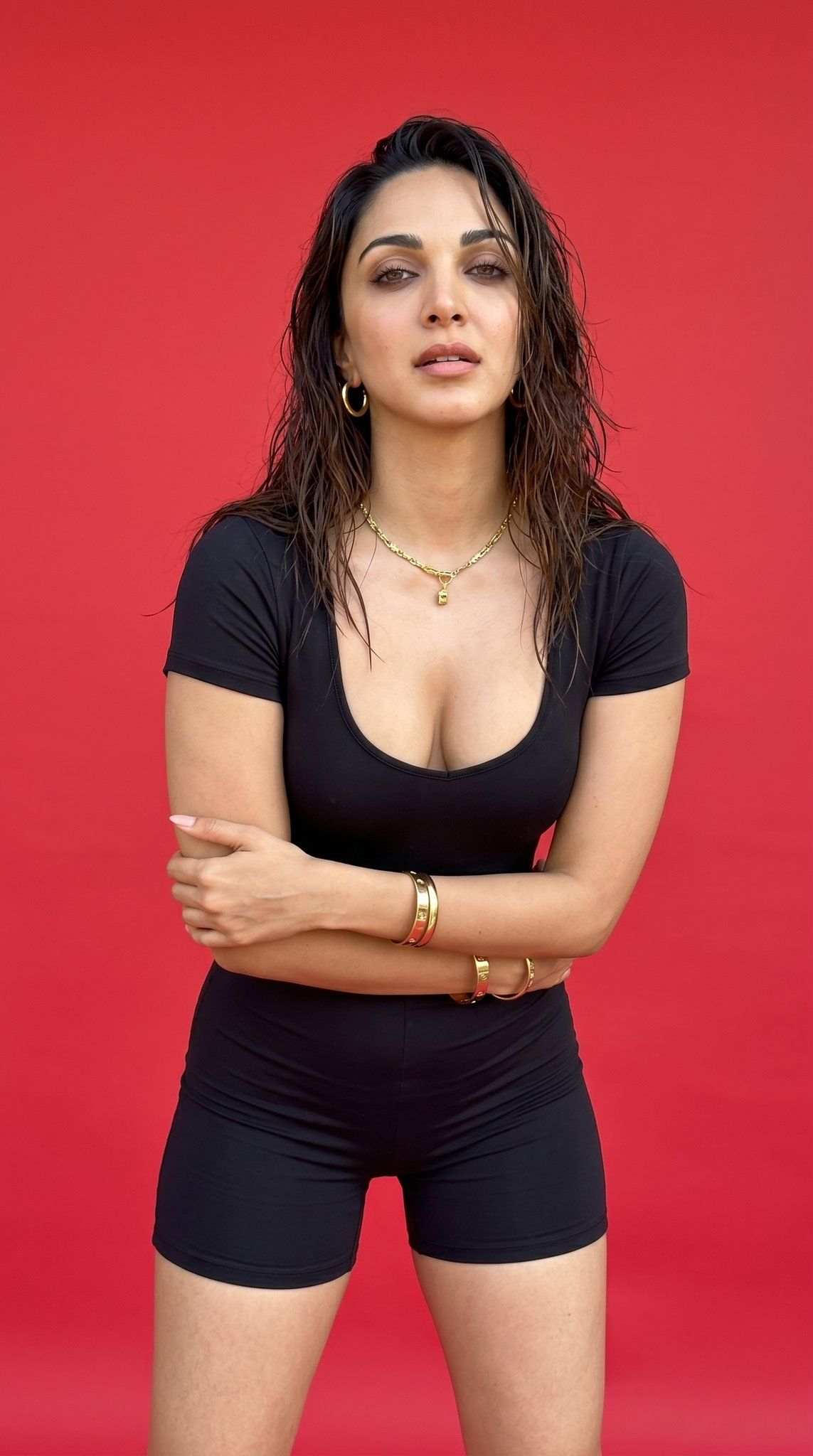
Candid Smartphone Portrait of Woman
Enlarge

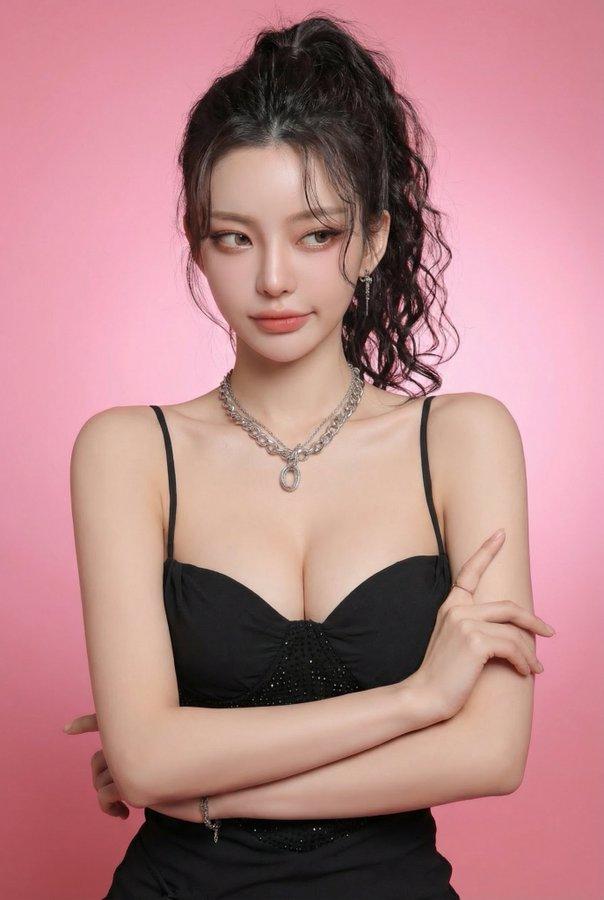
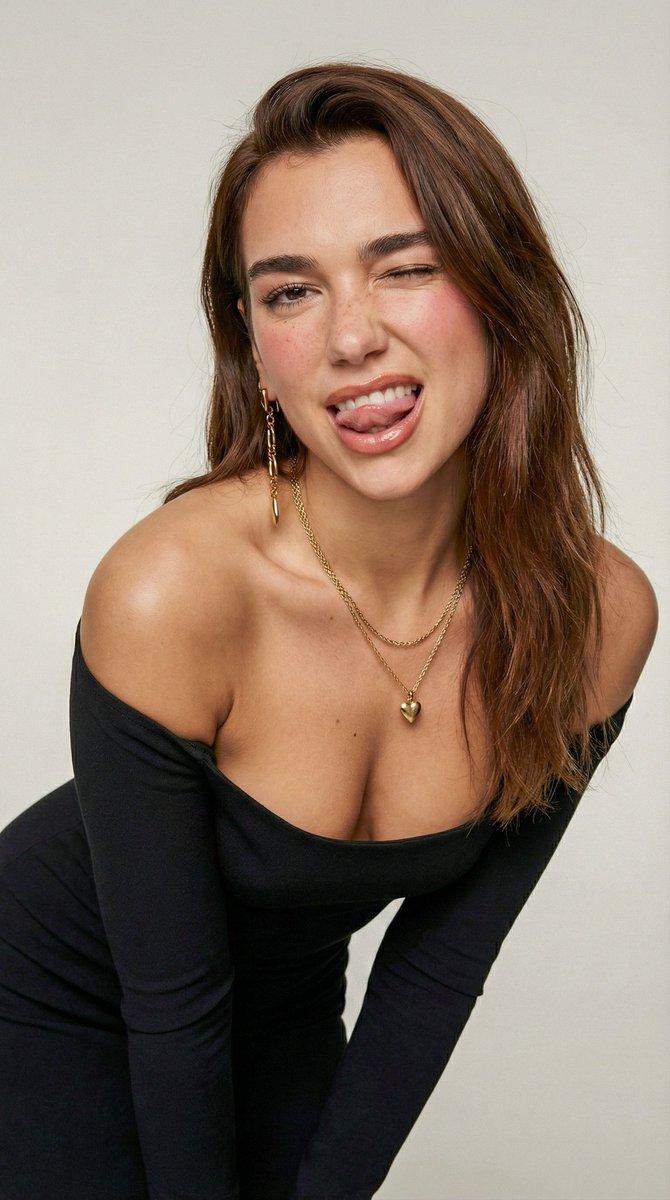
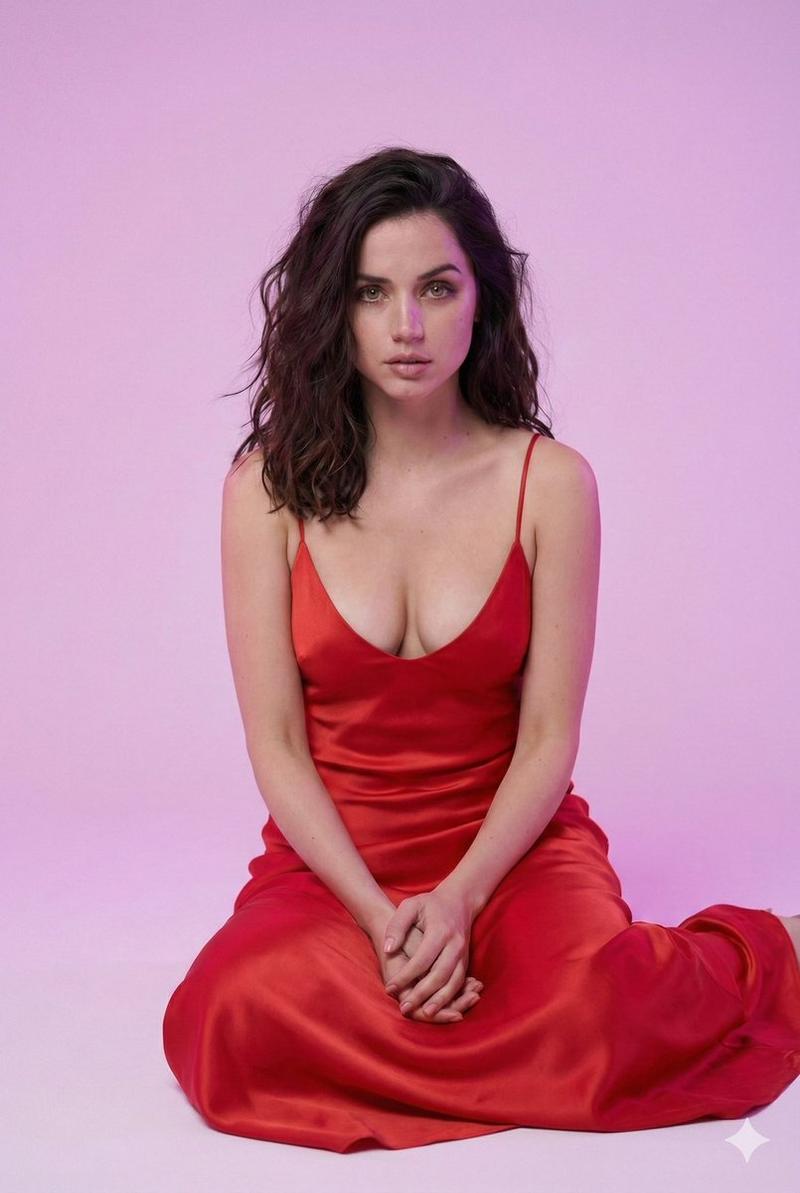
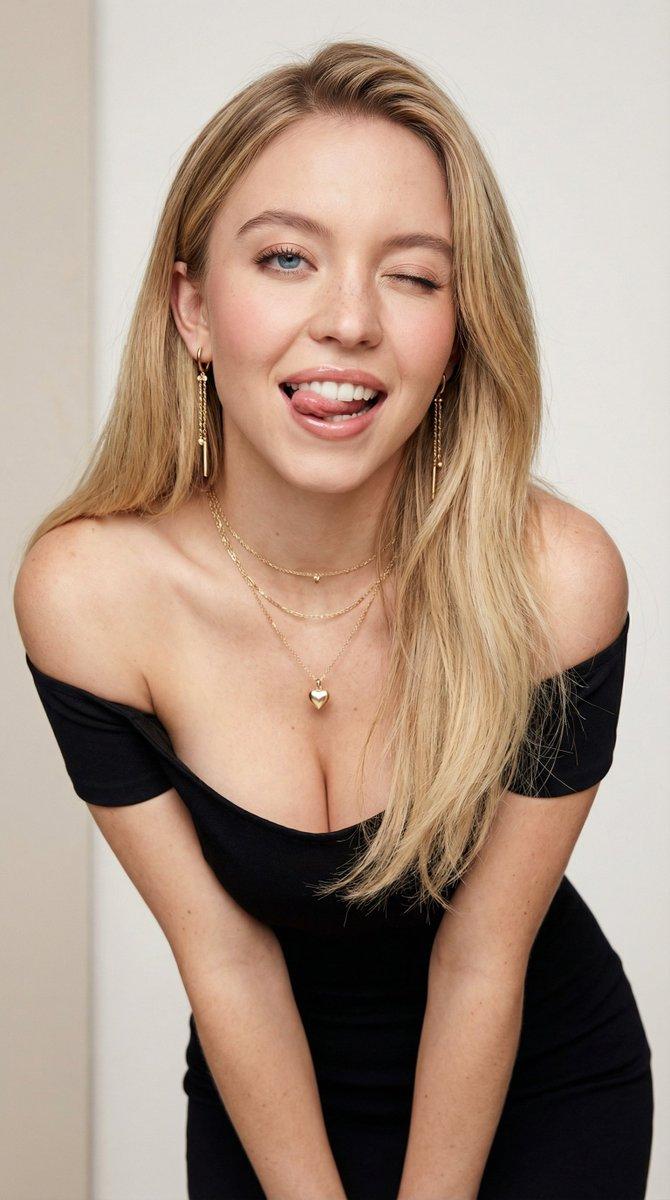
Example images

Candid Smartphone Portrait of Woman

Prompt
Raw UGC smartphone photo, 9:16 vertical, 4K look. Full-body shot of a curvy woman in her mid-30s with warm neutral skin tone, standing against a {argument name="background color" default="vivid red"} background. Wet, messy dark brown hair, natural skin texture with visible pores and realistic details. Wearing a {argument name="outfit" default="tight black short-sleeve romper"}, gold necklace, hoop earrings, and bangles. {argument name="pose" default="Arms crossed"}, slight forward lean, direct confident gaze. Bright natural lighting with realistic shadows and highlights. Shot on iPhone 16 Pro, 24mm f/1.8, candid style with natural grain. No cartoon, anime, CGI, beauty filters, airbrushing, text, watermark, extra limbs, blur, or oversaturation. 1080×1920.
Category
Photography & Realism
Model
nano-banana-pro
Views12.6K
Source ID
24706
Published
Jun 8, 2026

Guide

About "Candid Smartphone Portrait of Woman"

What is this prompt for?

"Candid Smartphone Portrait of Woman" AI image prompt for nano-banana-pro (Photography & Realism). A detailed prompt for creating a realistic, vertical smartph…

The full copyable prompt and example visuals above are ready for AI image generation or one-click recreate in Picva.

How to use this prompt

  1. Step 1

    Open the prompt detail

    Review the example visuals, category, and full prompt text for "Candid Smartphone Portrait of Woman".

  2. Step 2

    Copy the prompt

    Copy the prompt body from this page, or load it directly in Studio.

  3. Step 3

    Pick a model (nano-banana-pro)

    Prefer nano-banana-pro. If you switch models, keep subject and composition and tweak style terms.

  4. Step 4

    Generate and export

    Recreate the look in Picva, or export into your workflow for editing and publishing.

FAQ

What is the "Candid Smartphone Portrait of Woman" prompt?
It is an AI image-generation prompt for nano-banana-pro in the Photography & Realism category. This page includes the full prompt text, example visuals, and a one-click recreate path in Picva.
How do I use this prompt to generate an image?
Copy the prompt from this page, or use Generate / Studio. Paste it into a compatible image model, or recreate the look in Picva with optional reference images.
Which model is this prompt for?
This page lists nano-banana-pro. Most descriptive prompts also transfer to nearby image models such as GPT Image, Flux, or Midjourney with light style tweaks.
Can I use the result commercially?
You can usually copy the prompt for creation, but commercial use of the final image depends on the model terms, reference-image rights, and the generated content. Follow the source author and platform rules.