20

仓库发现导演脚本

Prompt
SCENE: Warehouse Discovery

GEOMETRY
- Woman enters frame from left edge, 10 feet from camera
- Warehouse recedes into deep background (20+ feet)
- High windows (frame-right and frame-top) flood space

OPTICS
- Static wide shot, 35mm lens equivalent
- Hold 2 seconds
- Then: slow push-in over 6 seconds to 85mm
- Final frame: woman's face fills upper half

ILLUMINATION
- Sunlight from frame-right, 45-degree high angle
- Sharp shadow grid from window mullions across floor
- Strong contrast (5:1) — bright beam, deep shadow in corners
- Warm color (5200K)
- Volumetric light visible in air (dust particles catching beam)

ACTION & TIMING
- 0-2sec: She walks frame-left to frame-center, steady pace
- 2-5sec: She stops, head down
- 5-7sec: Head slowly raises, face enters light beam
- 7-8sec: She pauses, eyes narrow (discovery)

CONNECTION
- Her movement intersects the light geometry at moment of stopping
- Camera push completes as face enters brightest zone
- By frame-end: she is revealed by light, not hidden
Category
Posters & Typography
Model
seedance-2.0
Creator
NΞXUS
Source language
en
Views0
Source ID
5614
Published
Jun 2, 2026
Studio

Guide

About "仓库发现导演脚本"

What is this prompt for?

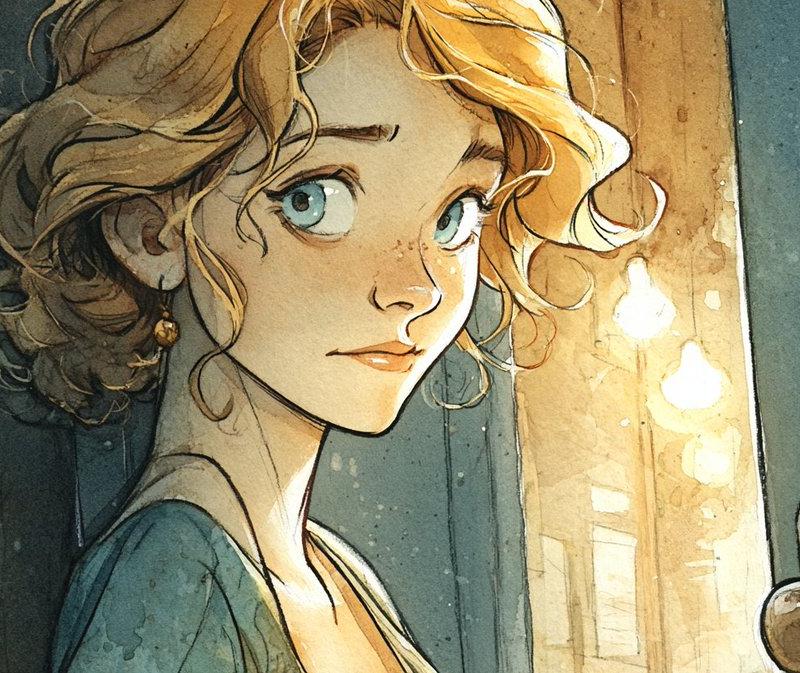
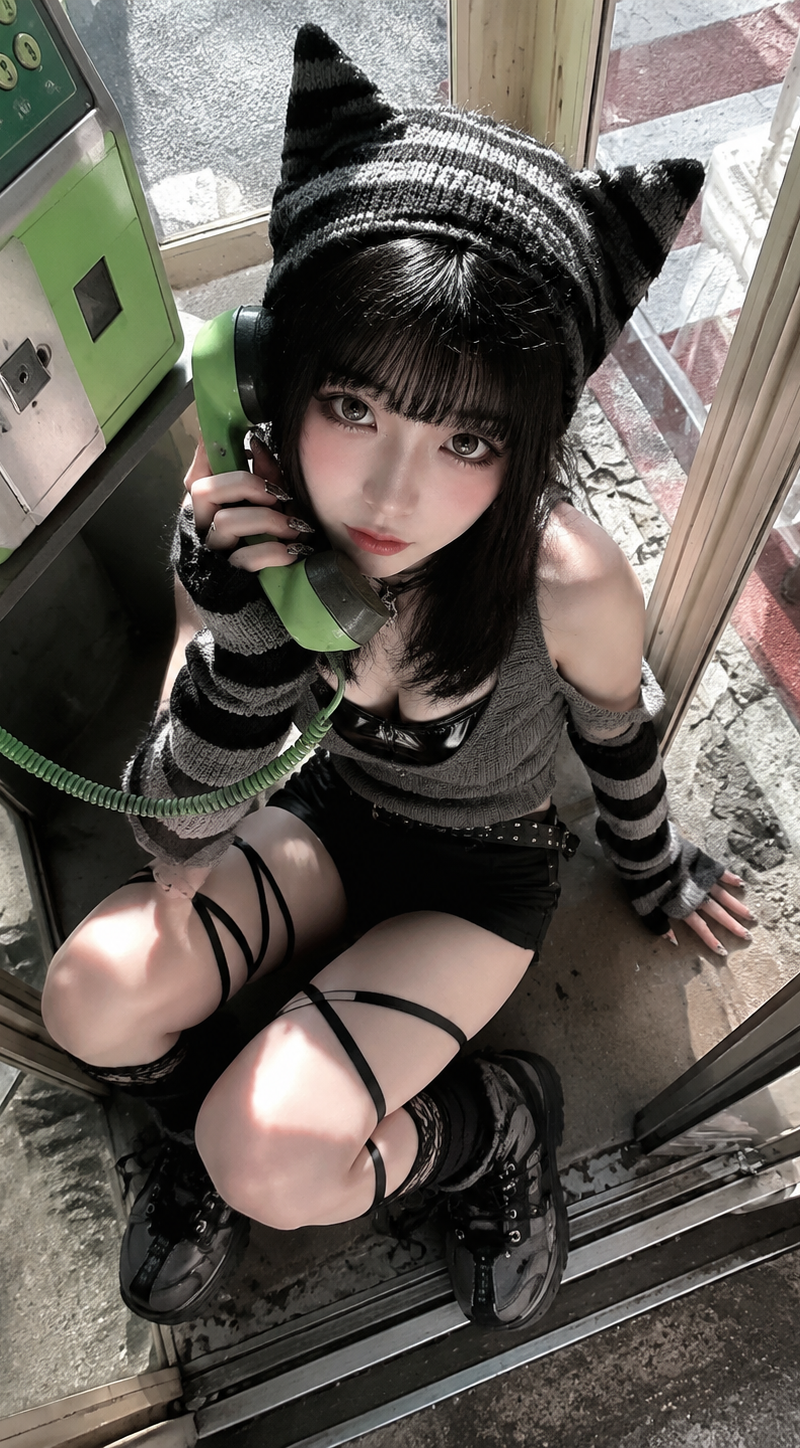
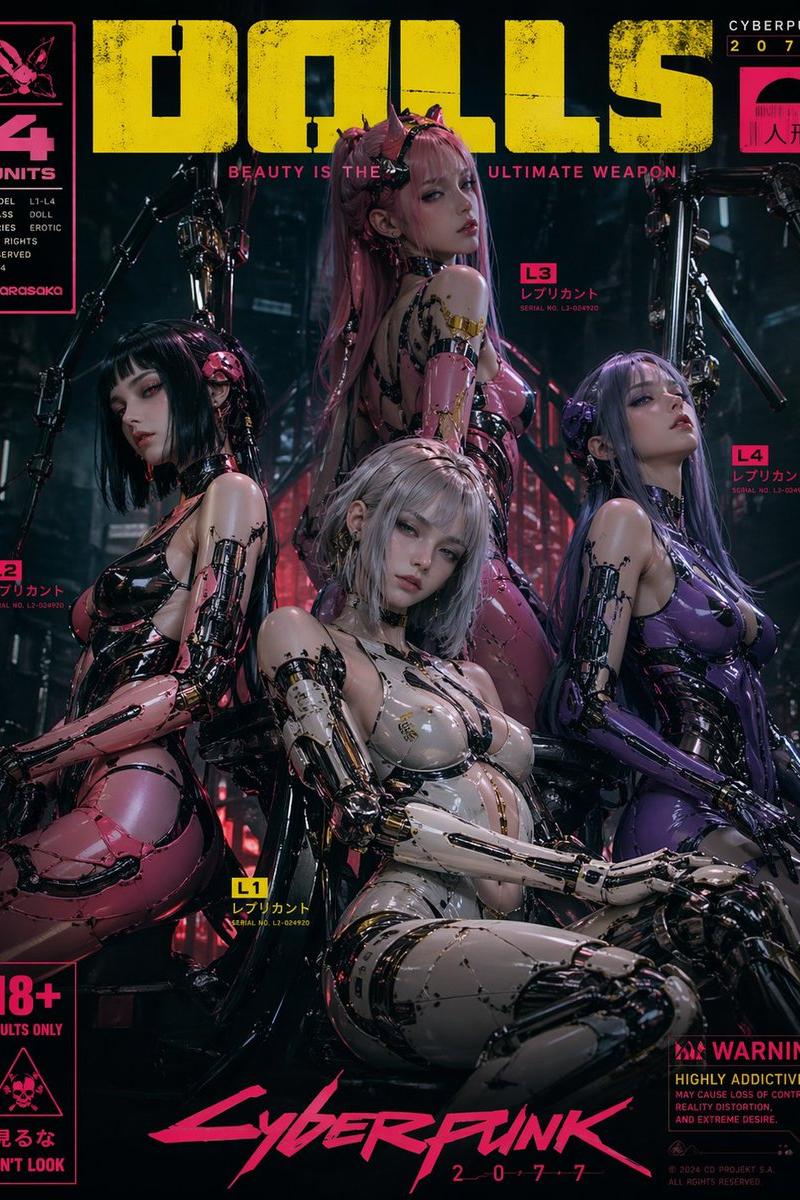
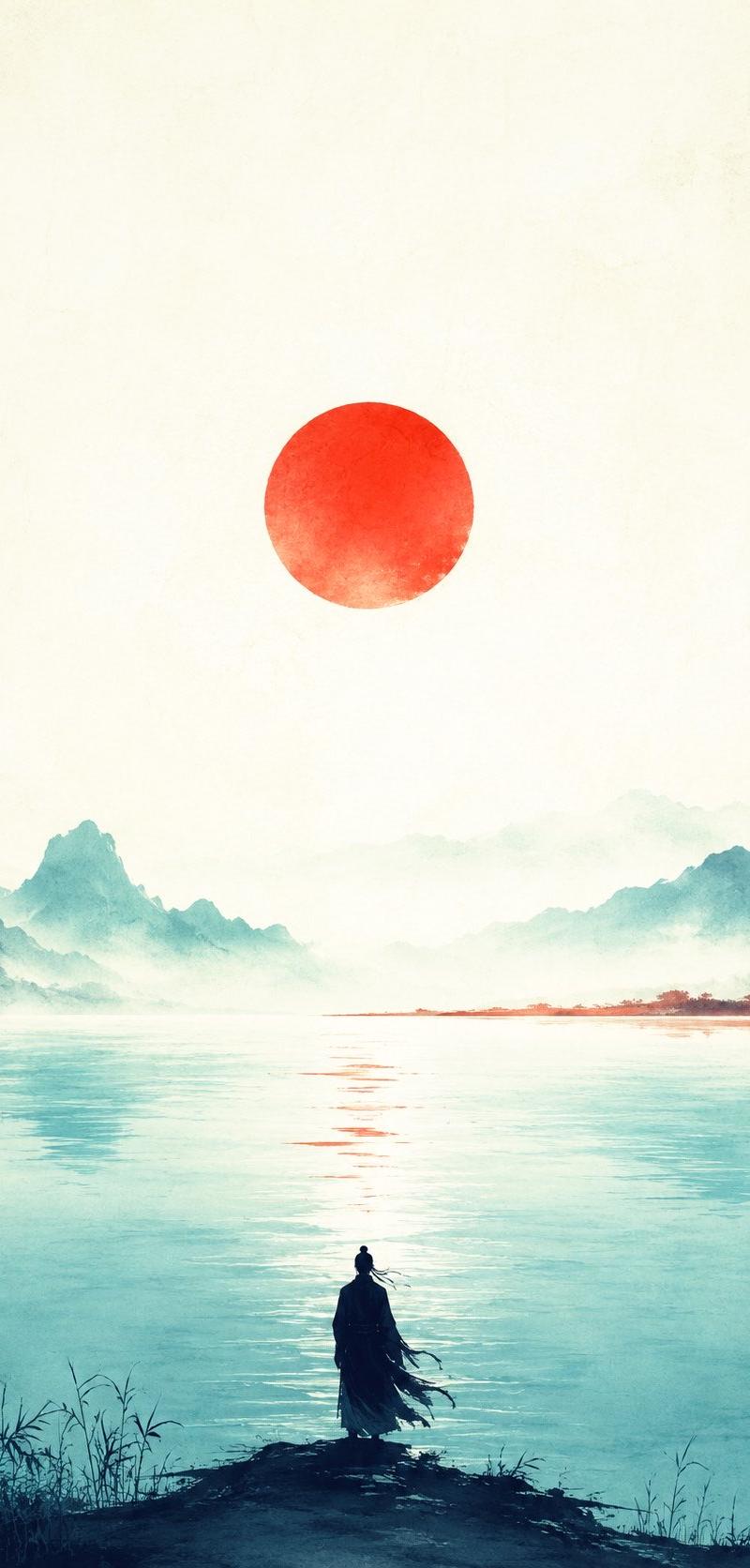
"仓库发现导演脚本" AI image prompt for seedance-2.0 (Posters & Typography). 一份适用于 Seedance 2.0 的技术导演风格提示词,详细说明了摄像机光学、照明几何结构以及角色动作时机。 Copy it on Picva and recreate the…

The full copyable prompt and example visuals above are ready for AI image generation or one-click recreate in Picva.

How to use this prompt

  1. Step 1

    Open the prompt detail

    Review the example visuals, category, and full prompt text for "仓库发现导演脚本".

  2. Step 2

    Copy the prompt

    Copy the prompt body from this page, or load it directly in Studio.

  3. Step 3

    Pick a model (seedance-2.0)

    Prefer seedance-2.0. If you switch models, keep subject and composition and tweak style terms.

  4. Step 4

    Generate and export

    Recreate the look in Picva, or export into your workflow for editing and publishing.

FAQ

What is the "仓库发现导演脚本" prompt?
It is an AI image-generation prompt for seedance-2.0 in the Posters & Typography category. This page includes the full prompt text, example visuals, and a one-click recreate path in Picva.
How do I use this prompt to generate an image?
Copy the prompt from this page, or use Generate / Studio. Paste it into a compatible image model, or recreate the look in Picva with optional reference images.
Which model is this prompt for?
This page lists seedance-2.0. Most descriptive prompts also transfer to nearby image models such as GPT Image, Flux, or Midjourney with light style tweaks.
Can I use the result commercially?
You can usually copy the prompt for creation, but commercial use of the final image depends on the model terms, reference-image rights, and the generated content. Follow the source author and platform rules.