Posters & TypographyYouMindseedance-2.0posters-typography海报与排版
教室武术动作序列
Prompt
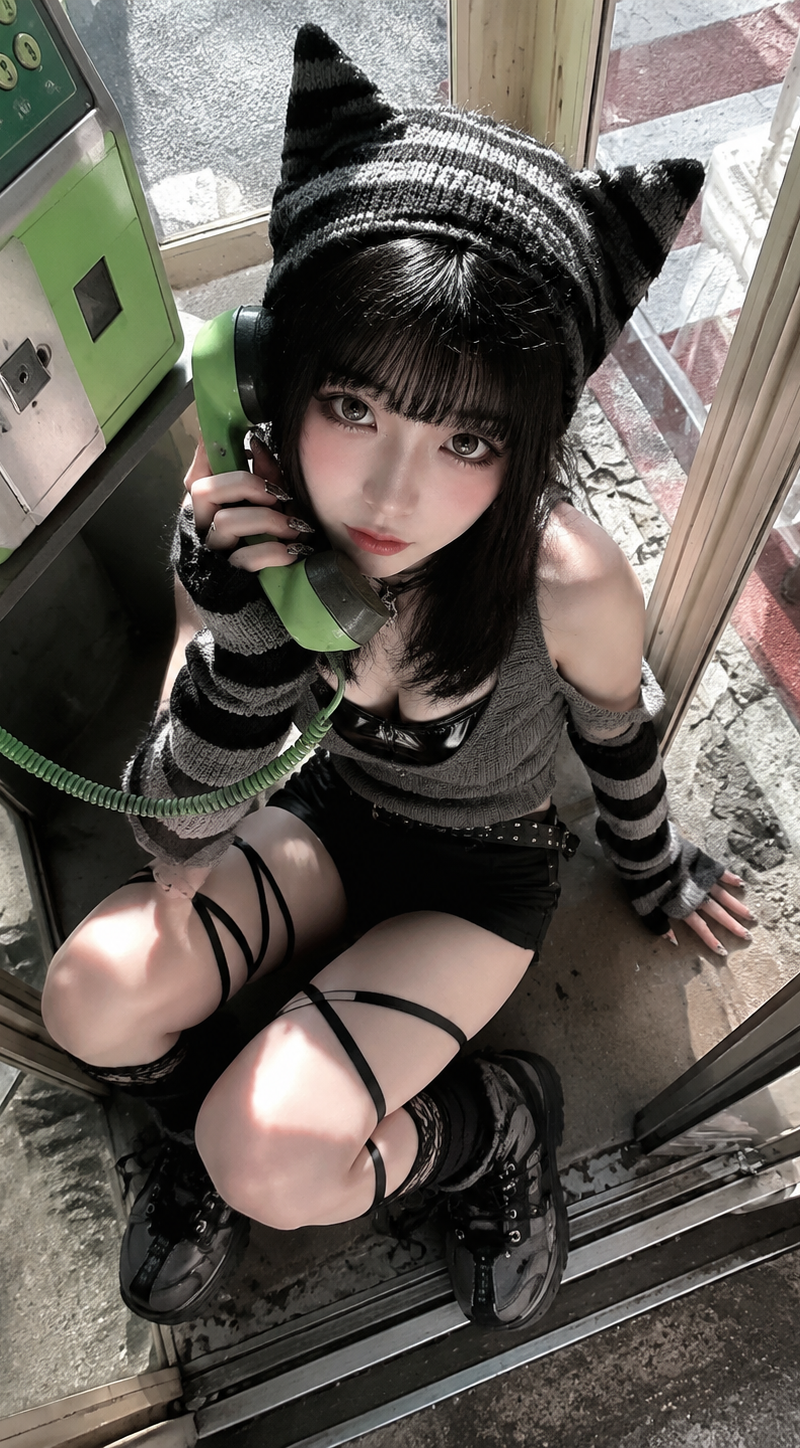
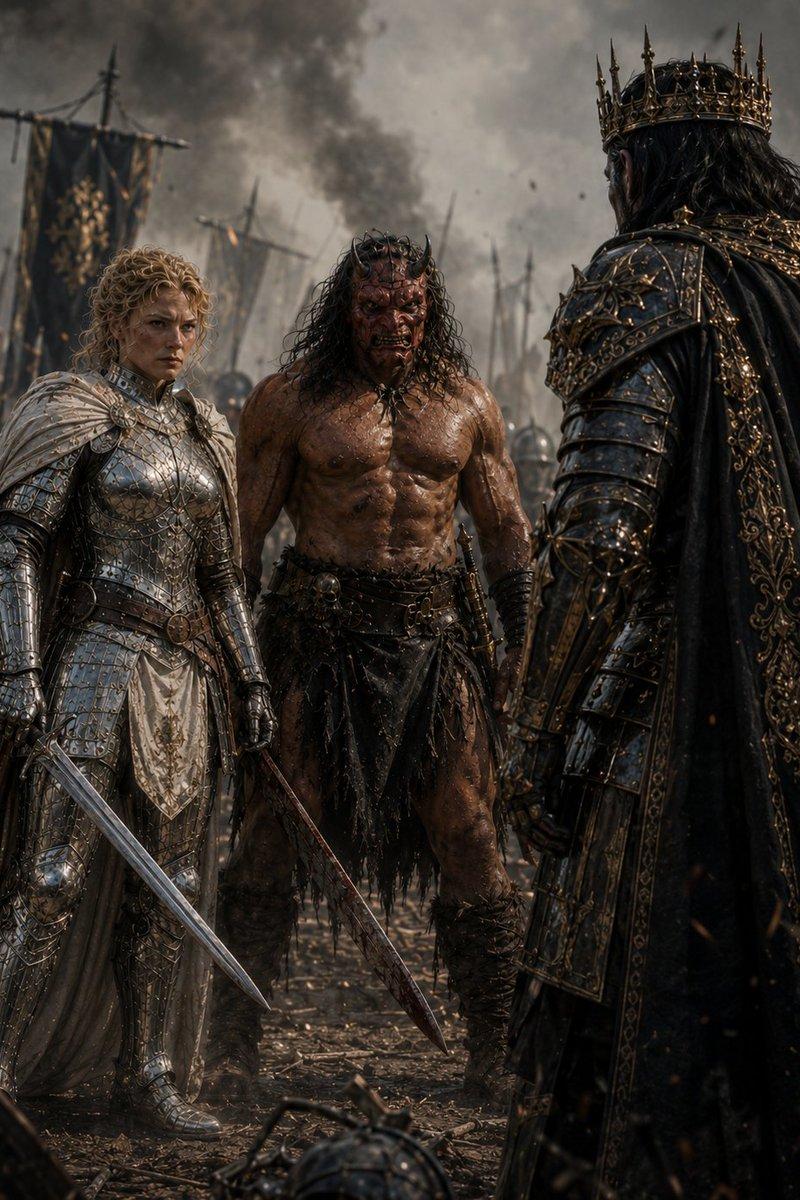
@image1 mage1 fights three opponents inside a Japanese high school classroom in an intense, highly dynamic one-take action sequence. The classroom is filled with wooden desks, chairs, school bags, a chalkboard, sliding windows, curtains, fluorescent ceiling lights, posters, books, and scattered papers. The fight is fast, physical, and highly interactive with the environment. The woman moves between the desks with sharp agility, dodging attacks from all three opponents at once. She vaults over desks, slides across tabletops, kicks chairs into attackers, blocks strikes using classroom objects, grabs a backpack to deflect a hit, and uses the narrow aisles between desks to redirect momentum. Papers fly through the air, chairs scrape across the floor, desks topple, curtains whip from the movement, and sunlight cuts through the windows, catching dust particles in the air. The camera is extremely dynamic and close to the action, never a static wide shot. Use a fast-moving one-take camera that constantly follows, circles, ducks, whips, and pushes through the fight. The camera moves between desks, swings around the woman as she turns, rushes backward as opponents charge, drops low near the floor during leg sweeps, rises suddenly as she jumps over a desk, and whips around quickly to reveal the next attacker. The framing should feel urgent, handheld, immersive, and physically present inside the classroom. The action should feature strong choreography, realistic body movement, believable impact, fast reaction timing, close-range combat, and continuous motion. Make the scene feel like a high-budget martial arts action sequence captured in one uninterrupted shot. Use natural classroom lighting mixed with warm afternoon sunlight through the windows, realistic shadows, practical motion blur, grounded textures, real-world imperfections, and a raw cinematic look. No glossy AI finish, no overly polished CGI, and no static long-shot framing. Negative prompts: static camera, slow movement, shaky low-quality footage, blurry subject, distorted body, unrealistic swinging physics, cartoon style, flat lighting, dull colors, overexposed sky, broken buildings, empty streets, low detail, awkward camera cuts, poor motion continuity, AI glossy look, overly polished CGI, plastic-looking skin, waxy skin texture, hyper-smooth surfaces, artificial shine, fake cinematic bloom, excessive lens flare, unrealistic HDR, oversaturated colors, neon color grading, game-engine look, Unreal Engine render look, synthetic lighting, studio lighting, perfect clean reflections, overly sharp digital image, crispy AI detail, overprocessed image, fake depth of field, exaggerated bokeh, unnatural contrast, overly smooth motion, floating physics, rubbery body movement, distorted anatomy, warped limbs, inconsistent body proportions, blurry face, melted facial features, duplicated limbs, broken hands, unnatural pose, stiff action, low-quality
- Category
- Posters & Typography
- Model
- seedance-2.0
- Creator
- auqib
- Source language
- en
- Source ID
- 5686
- Published
- Jun 4, 2026
Views0