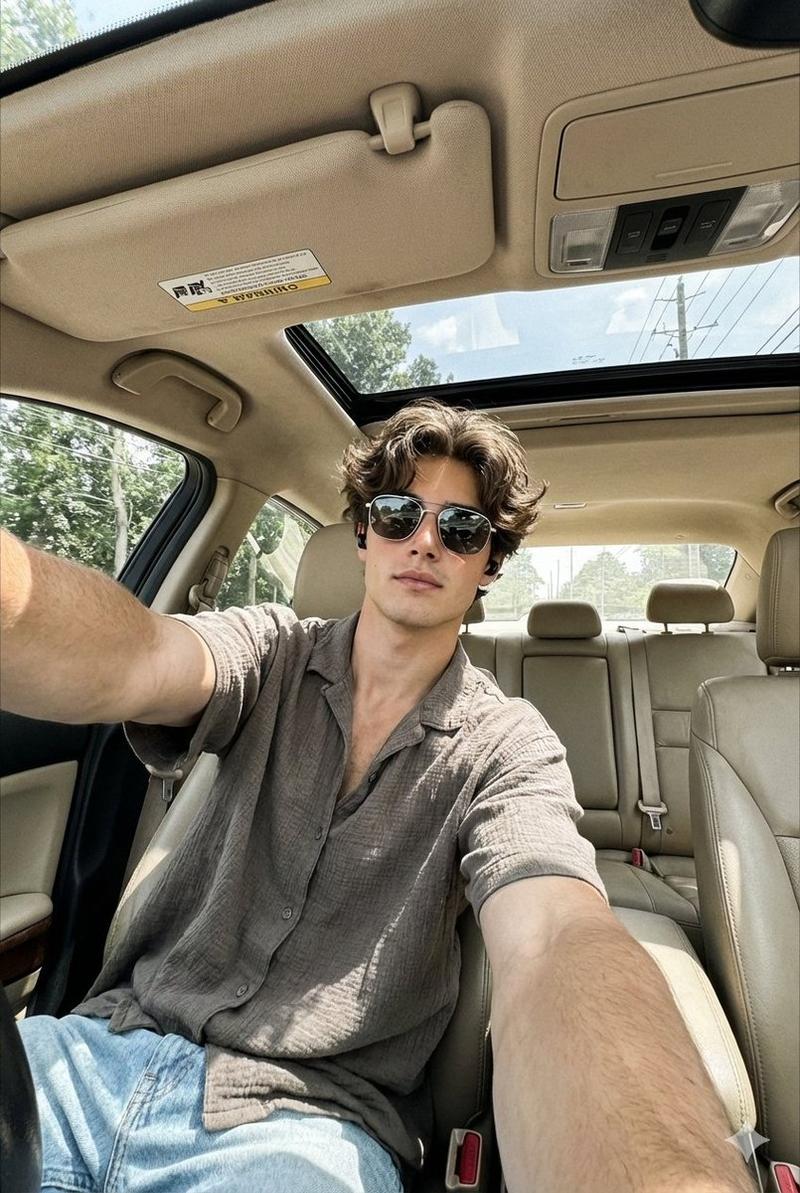
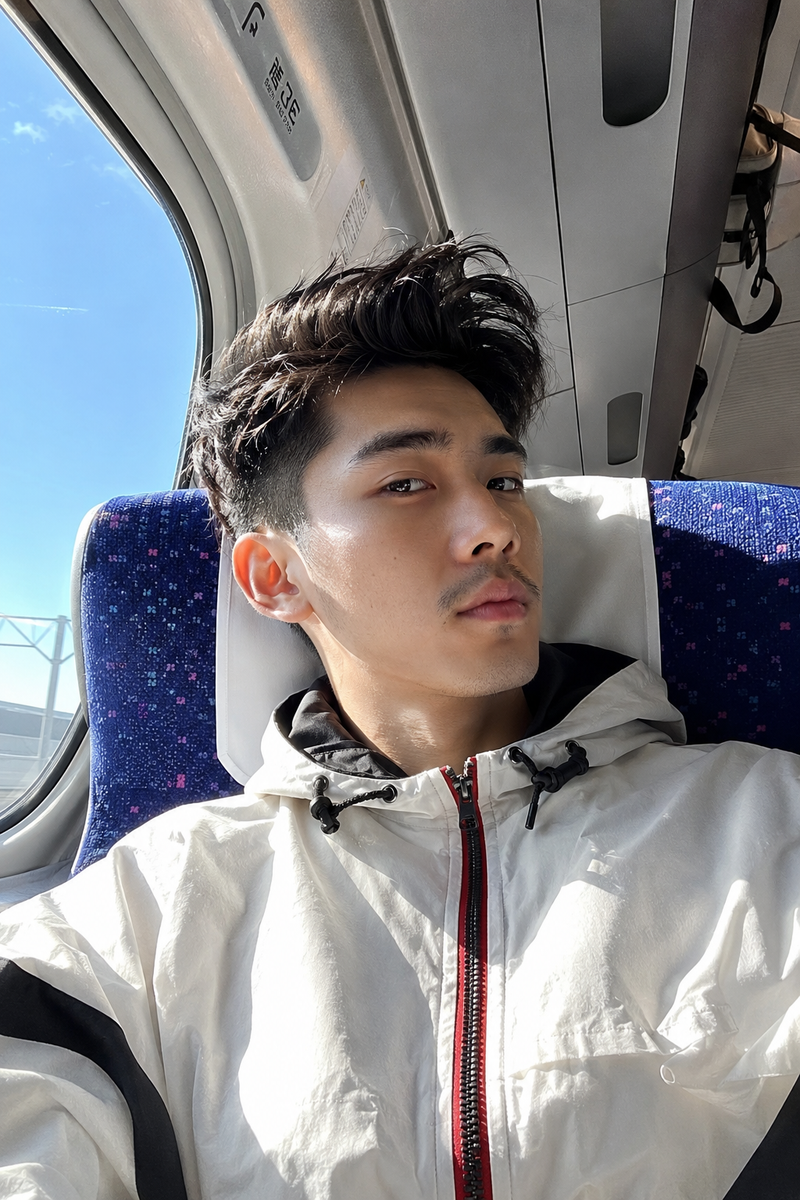
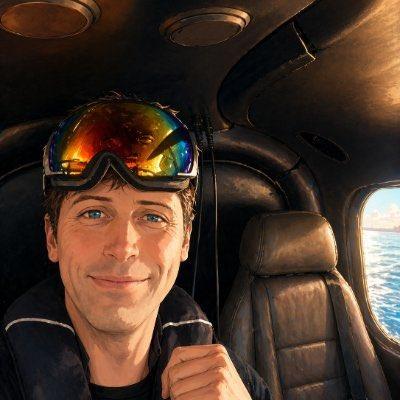
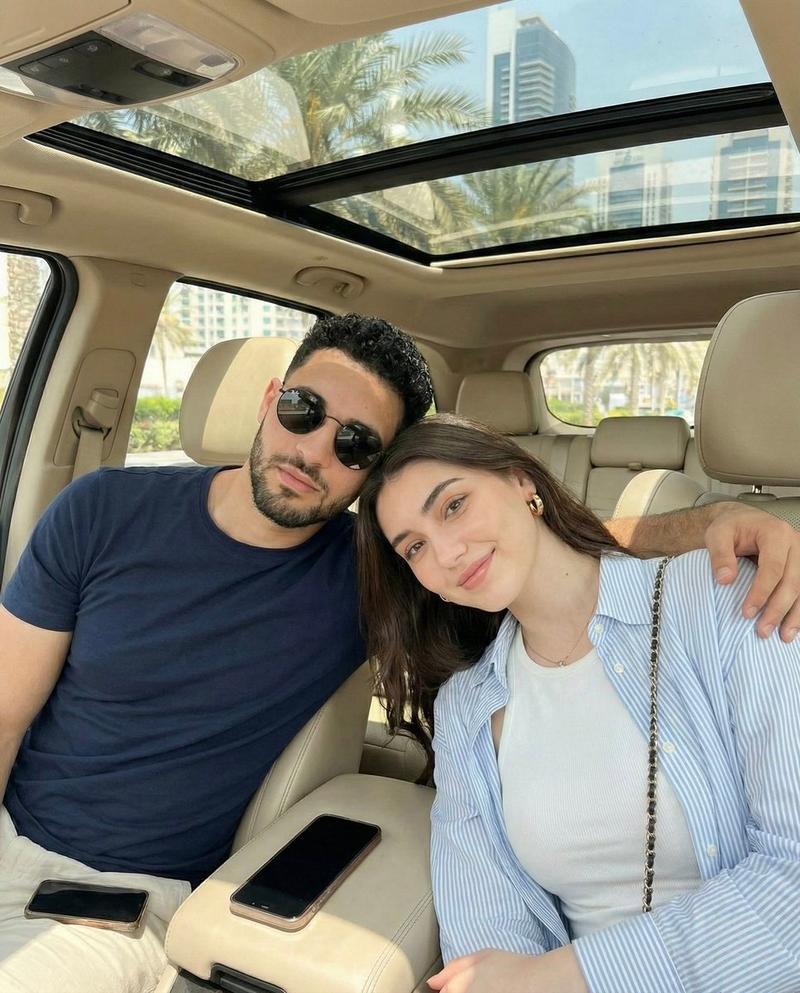
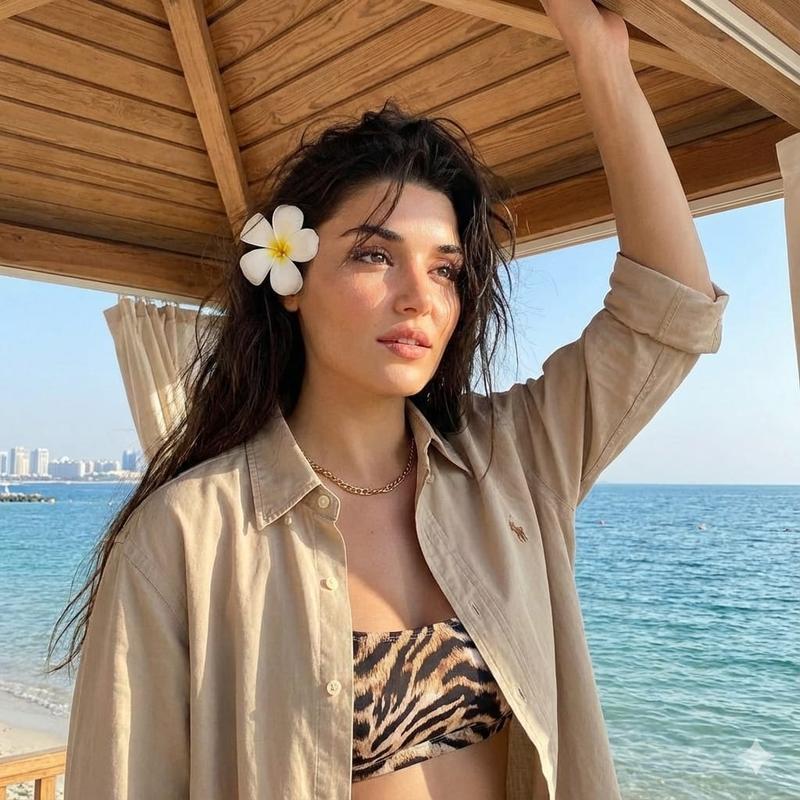
逼真的电影级高空跳伞场景
Prompt
Create a 15-second ultra-realistic cinematic skydiving video using the uploaded photo as the exact character reference. The person's face must remain identical to the uploaded image throughout the entire video. Preserve facial structure, eyes, nose, lips, jawline, skin texture, hairstyle, and overall identity with maximum consistency. No face changes, no beautification, no age changes, no identity drift. The person is wearing a realistic skydiving jumpsuit and a visible parachute backpack securely attached to their back before the jump. The parachute bag should be clearly visible in multiple shots. Scene 1 (0–3s) Inside an aircraft at high altitude. The person stands near the open aircraft door wearing the parachute backpack. Wind blowing naturally. Close-up cinematic shots of the face, hands adjusting straps, and the parachute pack. Bright blue sky and clouds outside. Scene 2 (3–8s) The person slowly exits the aircraft and begins a controlled, graceful freefall. Do not make the fall appear excessively fast. Create the feeling of floating through the sky. Use smooth cinematic slow-motion photography. Camera angles: •Front-facing shot with face clearly visible •Side profile shot •Camera above looking downward •Camera below looking upward toward the person against the blue sky •Wide aerial shot showing the vast landscape below The parachute backpack remains visible and realistic. Scene 3 (8–11s) Alternate between: •First-person POV looking down at Earth •Ultra-wide aerial shots showing rivers, forests, valleys, clouds, and distant mountain ranges •Close-up shots of the person's face enjoying the experience The descent feels calm, smooth, and majestic rather than extreme or aggressive. Scene 4 (11–13s) The parachute opens smoothly. Realistic canopy deployment. The person gently glides through the air above a beautiful green meadow surrounded by mountains. Golden sunlight, cinematic atmosphere, floating sensation. Scene 5 (13–15s) Soft landing in a lush green meadow with mountains in the background. The person removes one hand from the parachute controls and walks toward the camera naturally. Dialogue (natural lip sync): "That was a good adventure. Try this." Cinematography •Hollywood adventure film quality •Ultra-realistic live-action footage •Slow-motion aerial photography •Smooth drone movements •Camera above, below, side, front, and POV perspectives •Blue sky, white clouds, breathtaking Earth views •Green meadow landing zone •Mountain panorama •Natural lighting •Realistic wind interaction •Professional color grading •4K cinematic quality Identity Lock •Face consistency: maximum •Identity preservation: maximum •Same person in every frame •No facial modifications •No face swapping •No AI beautification •No age change •No hairstyle change •No facial flicker •Face clearly recognizable throughout the video
- Category
- Photography & Realism
- Model
- seedance-2.0
- Creator
- Al-Shamus
- Source ID
- 6365
- Published
- Jun 23, 2026
Views0