20

Example images

4DX 影院鲨鱼袭击模拟

Prompt
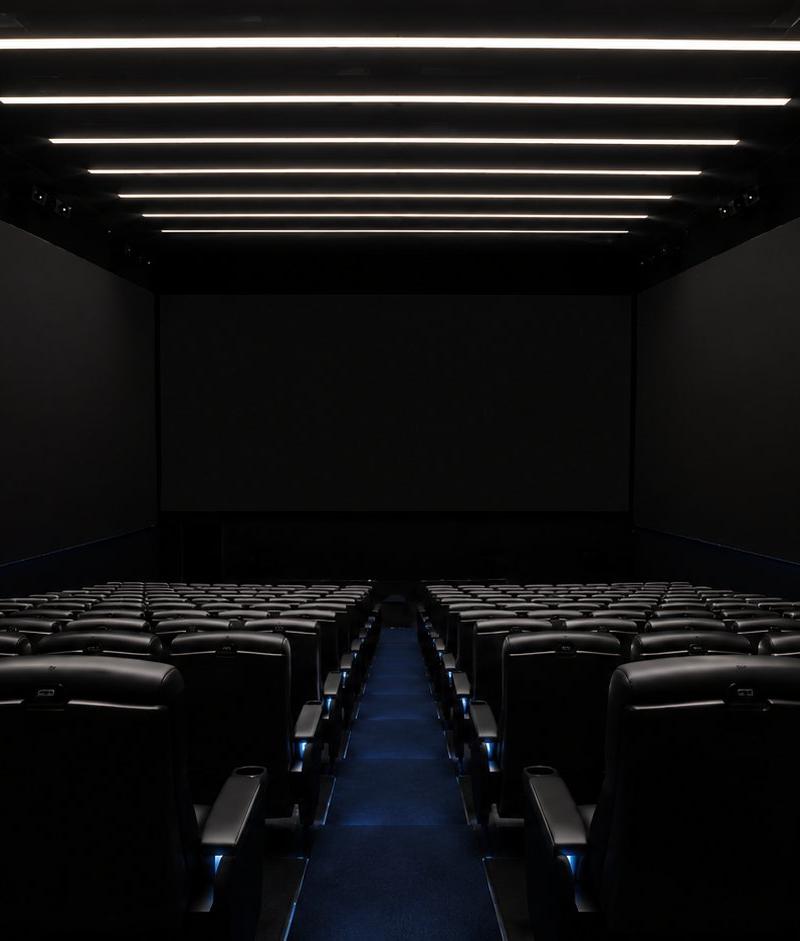
Realistic iPhone audience recording inside a crowded 4DX-style cinema. The first seconds look like a normal movie screening, with many people seated, watching a giant underwater movie screen, some holding phones. By second 3, a huge great white shark suddenly bursts out of the screen, followed by several smaller sharks. A massive wave of water explodes outward from the screen and splashes over the front and middle rows. Audience members scream, duck, stand up, raise their hands, and keep filming as water hits them and droplets land on the phone lens. The giant shark remains partly out of the screen while smaller sharks and water keep bursting into the theater. Single continuous handheld iPhone-style shot, vertical framing, chaotic but readable, realistic crowd panic, dark cinema lighting, blue underwater screen glow, no gore, no blood, no subtitles, no watermark.
Category
Photography & Realism
Model
seedance-2.0
Creator
Kent Dhani
Source language
en
Views0
Source ID
6568
Published
Jun 28, 2026
Studio

Guide

About "4DX 影院鲨鱼袭击模拟"

What is this prompt for?

"4DX 影院鲨鱼袭击模拟" AI image prompt for seedance-2.0 (Photography & Realism). 一段关于混乱 4DX 影院体验的详细视频提示词,描述了一只巨型鲨鱼从屏幕中冲向观众的场景,采用手持 iPhone 拍摄风格。 Copy it on Picva and re…

The full copyable prompt and example visuals above are ready for AI image generation or one-click recreate in Picva.

How to use this prompt

  1. Step 1

    Open the prompt detail

    Review the example visuals, category, and full prompt text for "4DX 影院鲨鱼袭击模拟".

  2. Step 2

    Copy the prompt

    Copy the prompt body from this page, or load it directly in Studio.

  3. Step 3

    Pick a model (seedance-2.0)

    Prefer seedance-2.0. If you switch models, keep subject and composition and tweak style terms.

  4. Step 4

    Generate and export

    Recreate the look in Picva, or export into your workflow for editing and publishing.

FAQ

What is the "4DX 影院鲨鱼袭击模拟" prompt?
It is an AI image-generation prompt for seedance-2.0 in the Photography & Realism category. This page includes the full prompt text, example visuals, and a one-click recreate path in Picva.
How do I use this prompt to generate an image?
Copy the prompt from this page, or use Generate / Studio. Paste it into a compatible image model, or recreate the look in Picva with optional reference images.
Which model is this prompt for?
This page lists seedance-2.0. Most descriptive prompts also transfer to nearby image models such as GPT Image, Flux, or Midjourney with light style tweaks.
Can I use the result commercially?
You can usually copy the prompt for creation, but commercial use of the final image depends on the model terms, reference-image rights, and the generated content. Follow the source author and platform rules.