13

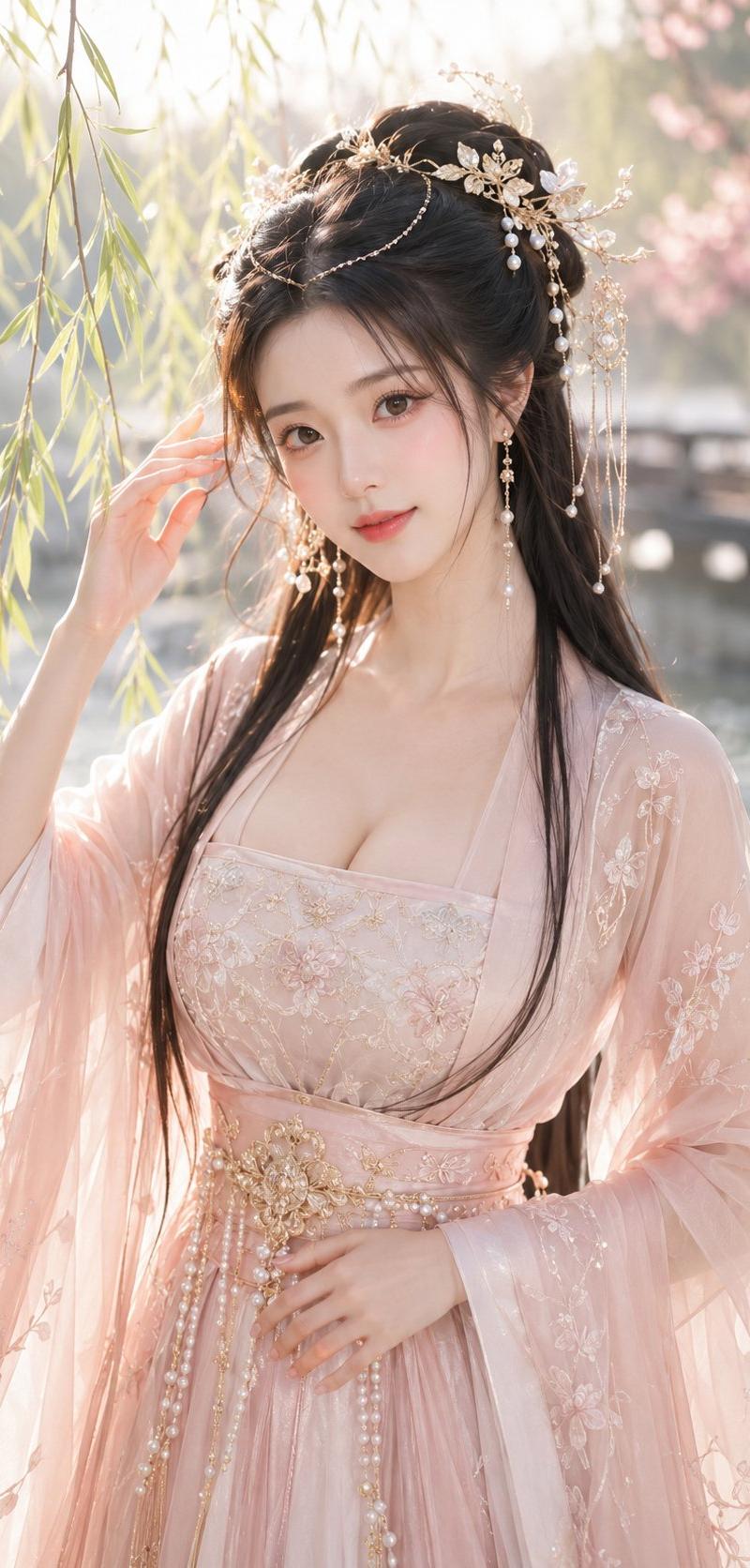
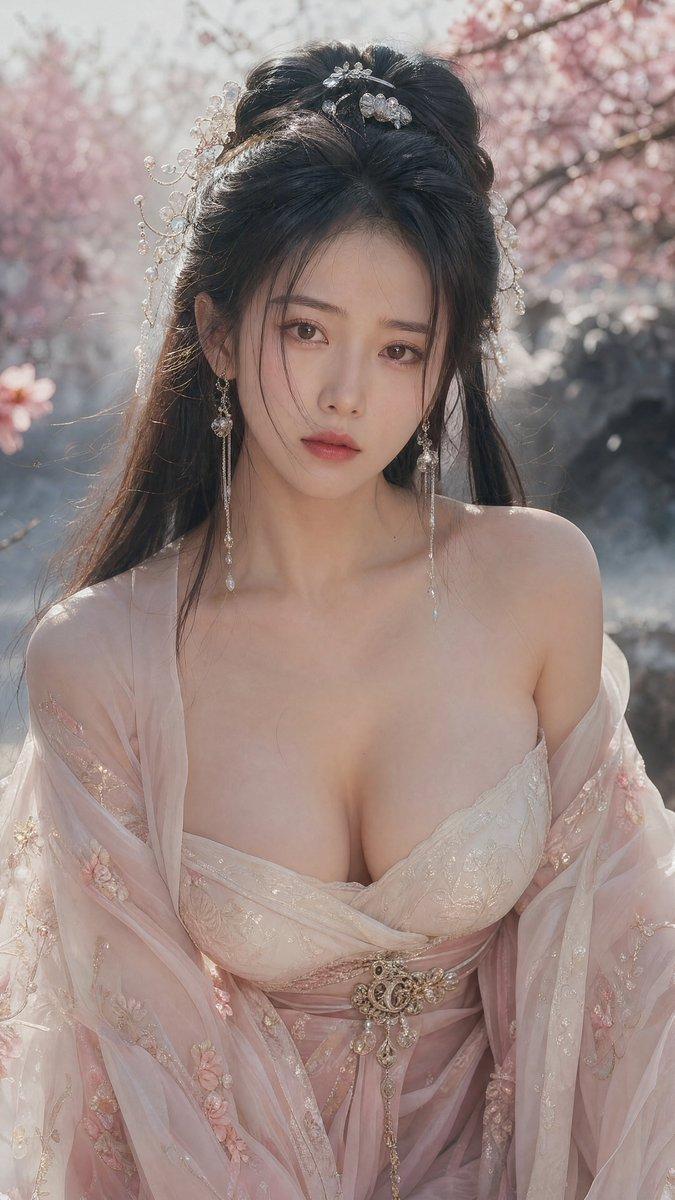
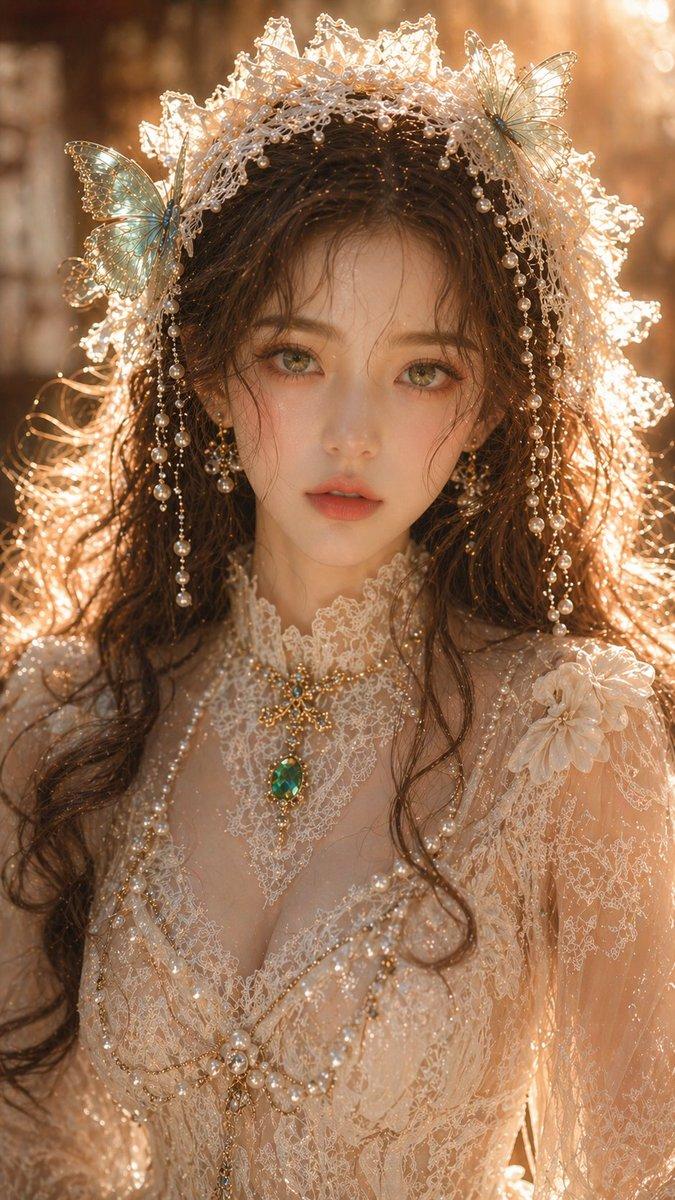
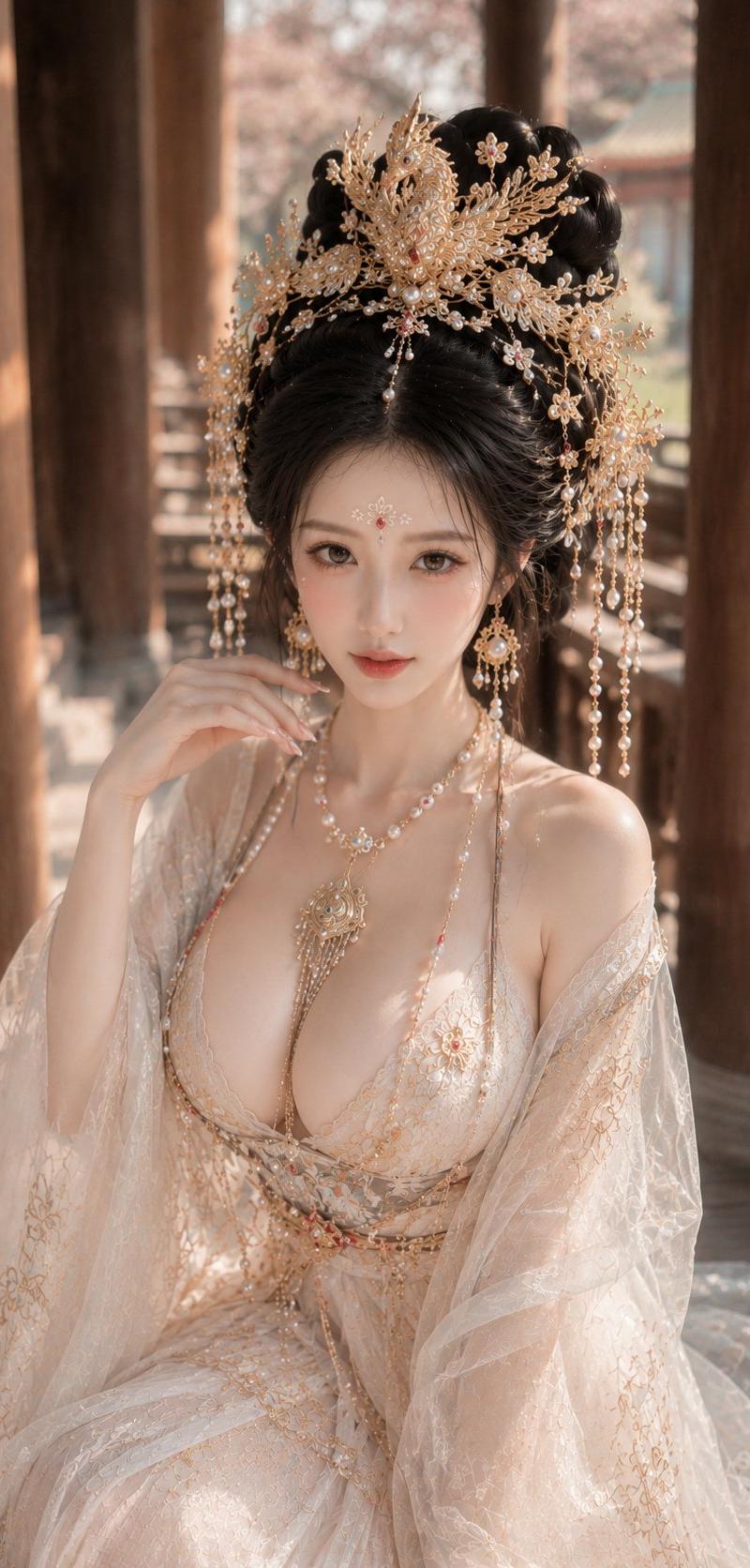
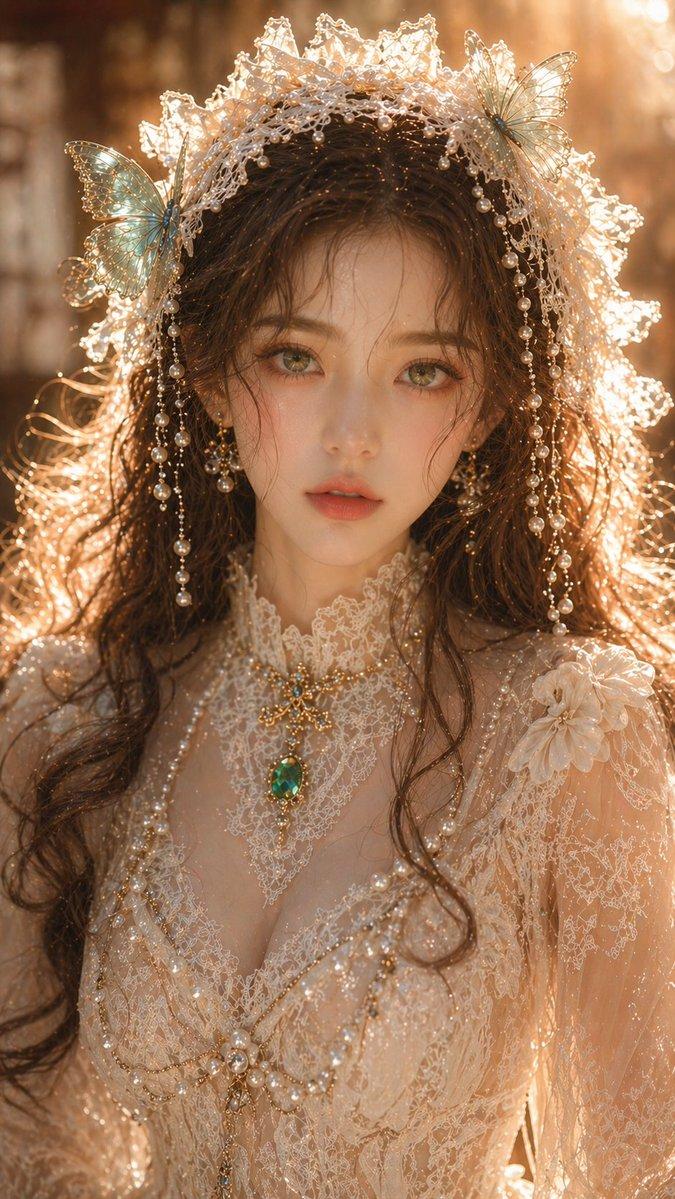
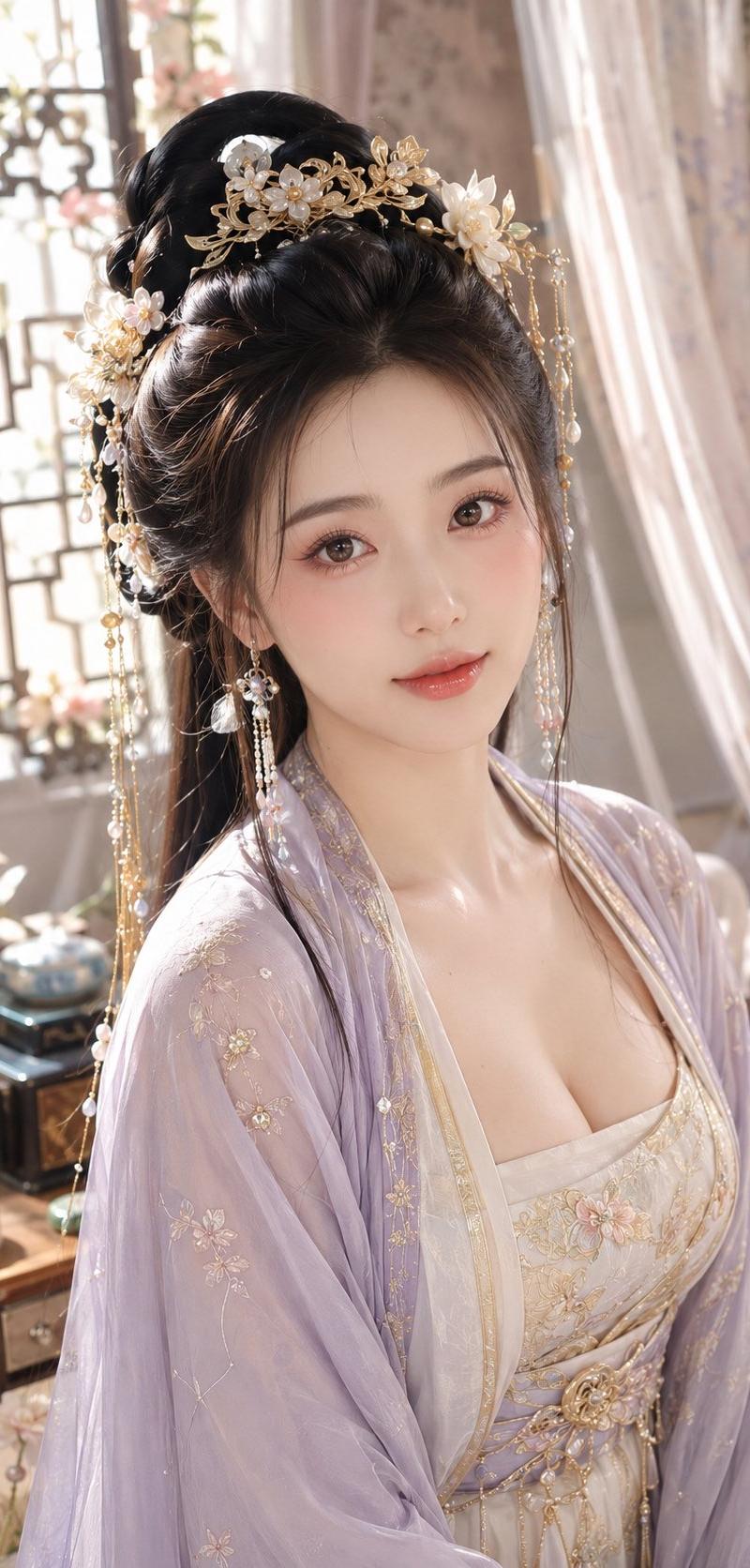
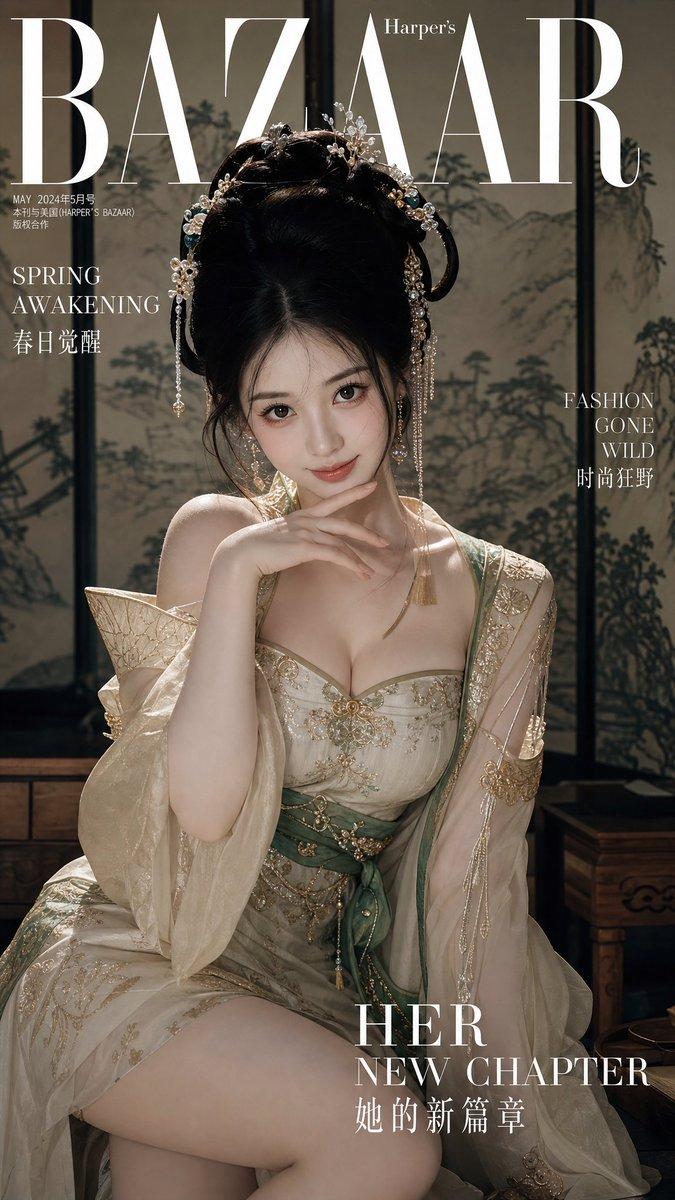
Example images

超写实古风美人情感演绎

Prompt
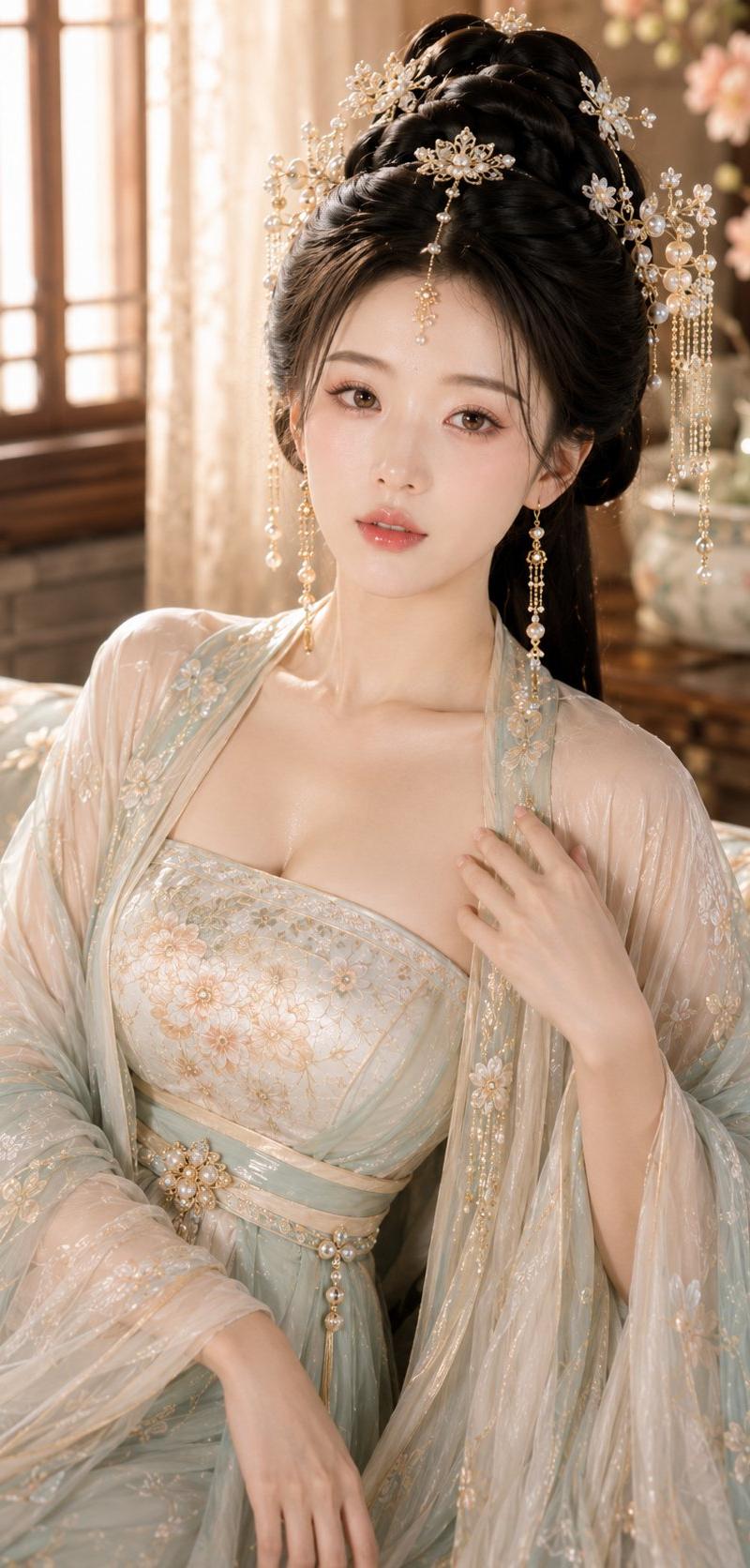
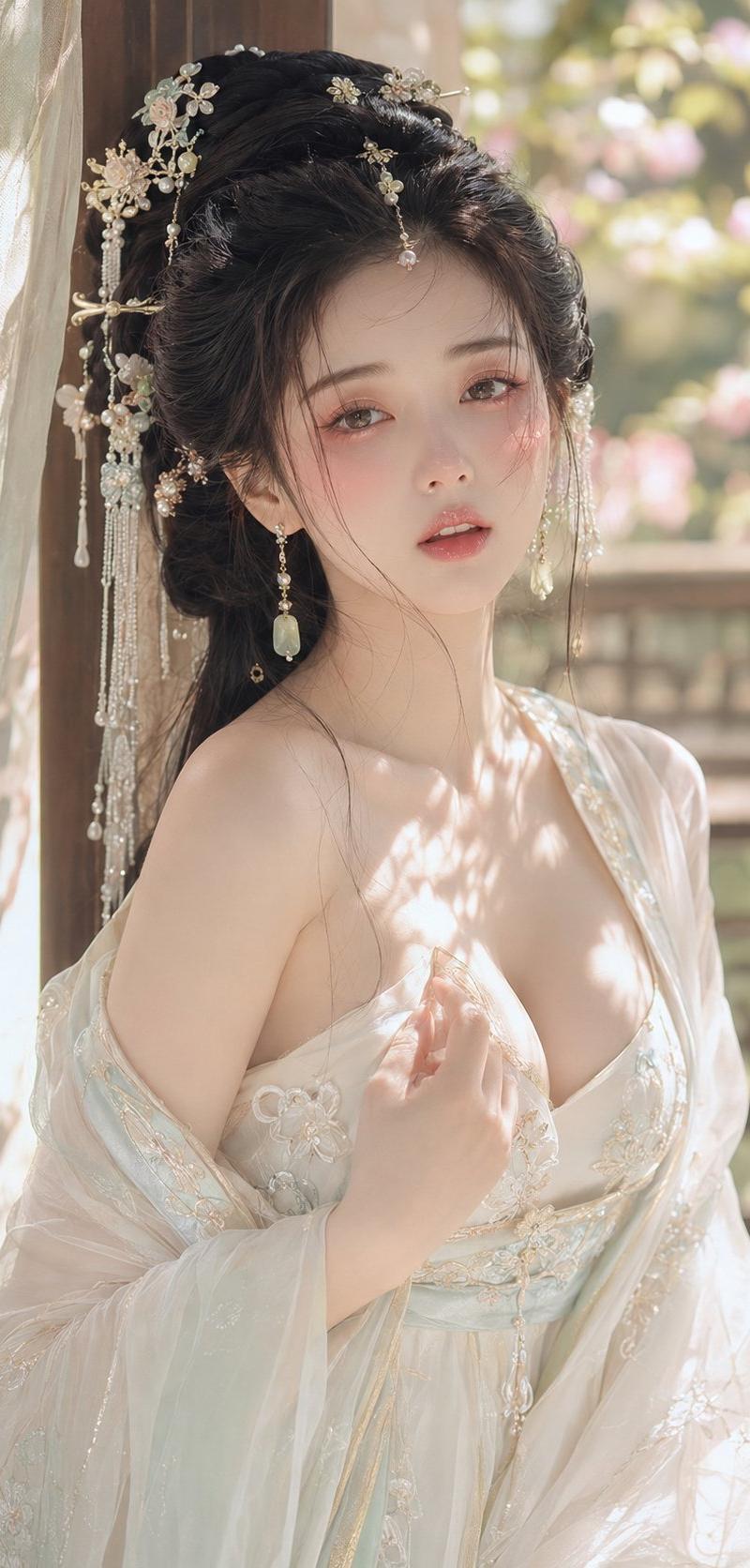
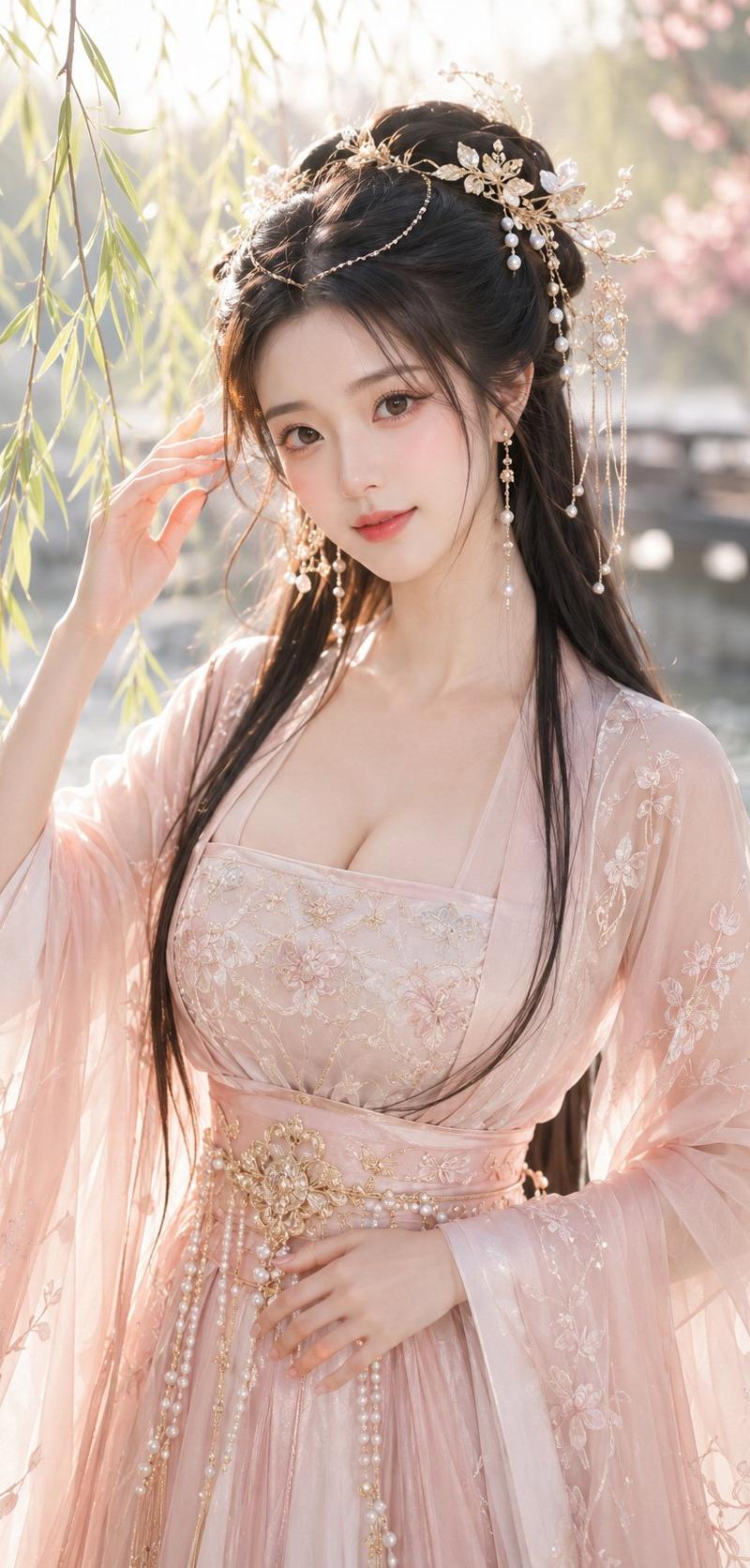
参考图生成视频 · Seedance 2.0 · 4K · 竖屏 9:16 · 15 秒 · 纯眼部/面部表演 · 无对白 · 极致真人级表现。角色参考(= 上传设置图片以锁定角色):古风美人,黑色高发髻配流苏,金镶宝石冠饰加珍珠流苏,露肩粉色花卉刺绣抹胸裙,浅粉色薄纱外袍,长款流苏耳坠。面部特征、妆容、发饰及服装必须与参考图 100% 一致,严禁变形或换脸。竖屏构图:9:16 比例,面部居中/偏上,留白适中,适合特写和眼部微距,背景虚化。场景:静谧园林凉亭,身后是半透明纱幔,远处花影朦胧,温暖暮光,光束中浮尘飘动,微风拂动纱幔与发丝。安静、优雅、极简。表演核心:纯眼部 + 面部表情,无对白/旁白/字幕。所有情感通过眼睛、睫毛、眉毛、鼻子和嘴唇传达。奥斯卡级演技:面部有戏,眼神有潜台词。真实的皮肤质感与呼吸起伏,不规则眨眼,眼动先于头动。带有“不完美真实感”的微表情,流畅自然不僵硬。镜头 1 (0-2.5s):面部中特写,眼帘低垂,神情恍惚/陷入沉思,睫毛颤动,嘴唇微张后抿起,可见呼吸感。镜头 2 (2.5-5.5s):眼部微距,眼神从静止到转动,瞳孔移动仿佛在回忆,眼中暖意升起,嘴角细微柔和。镜头 3 (5.5-8.5s):面部特写,暖意中突现酸楚,眼眶颤动,隐约含泪,眉头微蹙后舒展,鼻翼扇动,克制情绪。镜头 4 (8.5-11.5s):眼部微距,泪水盈眶而不落,短暂闭眼,再次睁开时掩藏脆弱。镜头 5 (11.5-15s):面部中特写,眼神看向画外,温柔、湿润的眼眸,流露出一丝释然/忧郁的微笑,嘴唇微动后停止(欲言又止),最终定格在清冷而温柔、略带忧郁的氛围中。摄影:手持感,带有轻微呼吸感,面部特写与眼部微距交替,浅景深,聚焦于眼部/面部。氛围/光影:暮光暖调,胶片颗粒感,浮尘,纱幔与发丝随风飘动。约束条件:4K,9:16,15 秒,角色一致性,无对白,情感递进,电影级写实,无 AI 伪影(如塑料皮肤/过度闪亮的眼睛),转场平滑,无字幕/水印。
Category
Photography & Realism
Model
seedance-2.0
Creator
John
Source language
zh-CN
Views0
Source ID
6627
Published
Jun 29, 2026
Studio

Guide

About "超写实古风美人情感演绎"

What is this prompt for?

"超写实古风美人情感演绎" AI image prompt for seedance-2.0 (Photography & Realism). 一个极其详尽的 15 秒电影级提示词,专注于高保真面部表情与情感叙事,捕捉眼部细微动作与呼吸起伏,呈现逼真的角色表演。 Copy it on Picva and recrea…

The full copyable prompt and example visuals above are ready for AI image generation or one-click recreate in Picva.

How to use this prompt

  1. Step 1

    Open the prompt detail

    Review the example visuals, category, and full prompt text for "超写实古风美人情感演绎".

  2. Step 2

    Copy the prompt

    Copy the prompt body from this page, or load it directly in Studio.

  3. Step 3

    Pick a model (seedance-2.0)

    Prefer seedance-2.0. If you switch models, keep subject and composition and tweak style terms.

  4. Step 4

    Generate and export

    Recreate the look in Picva, or export into your workflow for editing and publishing.

FAQ

What is the "超写实古风美人情感演绎" prompt?
It is an AI image-generation prompt for seedance-2.0 in the Photography & Realism category. This page includes the full prompt text, example visuals, and a one-click recreate path in Picva.
How do I use this prompt to generate an image?
Copy the prompt from this page, or use Generate / Studio. Paste it into a compatible image model, or recreate the look in Picva with optional reference images.
Which model is this prompt for?
This page lists seedance-2.0. Most descriptive prompts also transfer to nearby image models such as GPT Image, Flux, or Midjourney with light style tweaks.
Can I use the result commercially?
You can usually copy the prompt for creation, but commercial use of the final image depends on the model terms, reference-image rights, and the generated content. Follow the source author and platform rules.