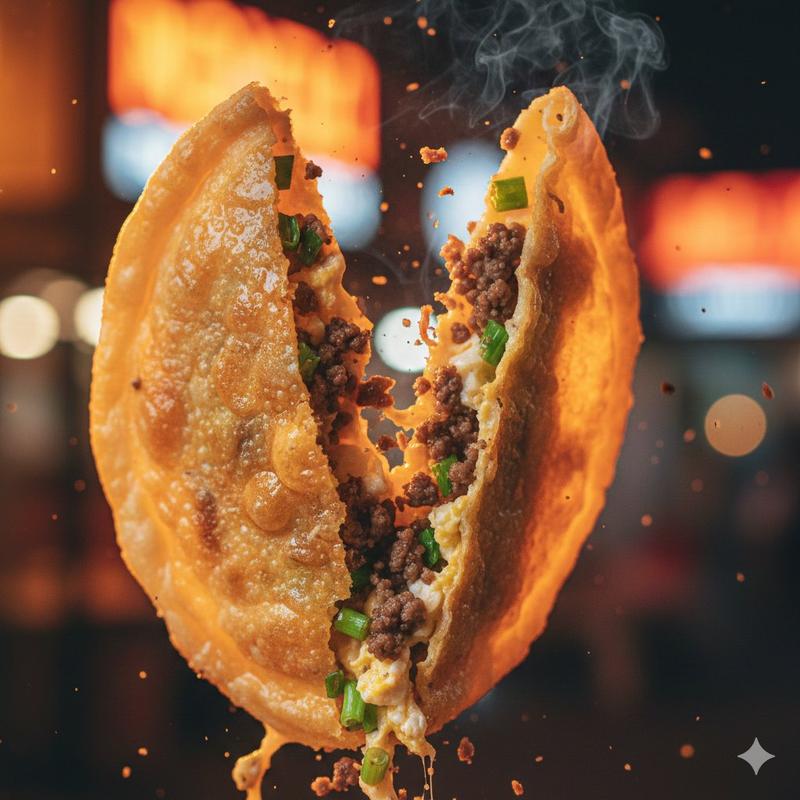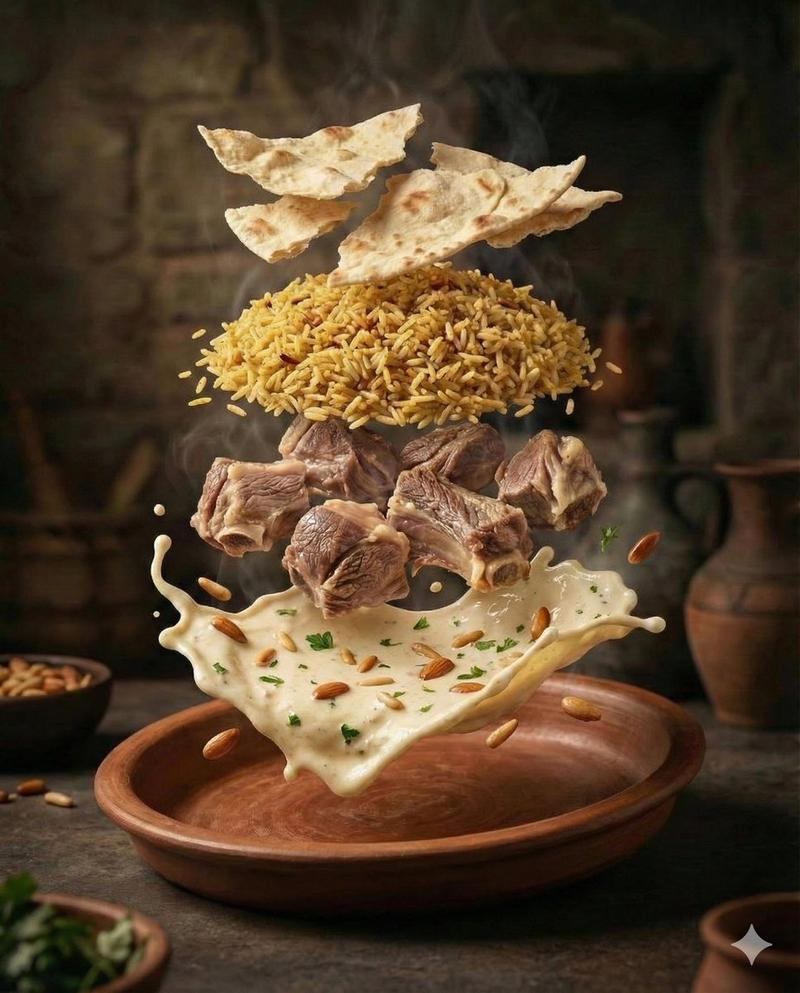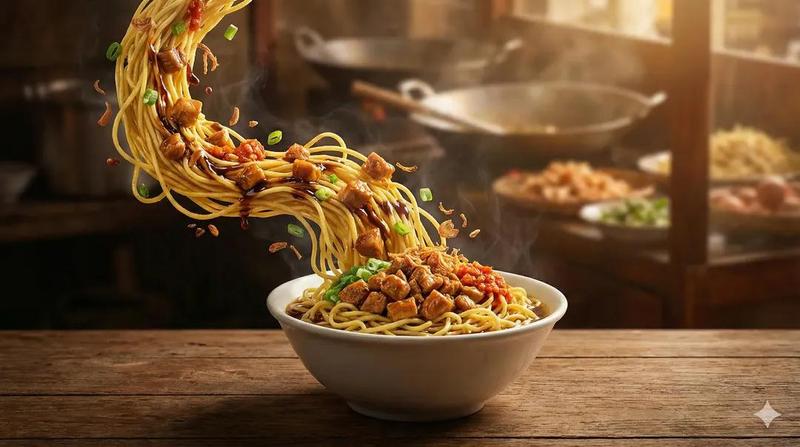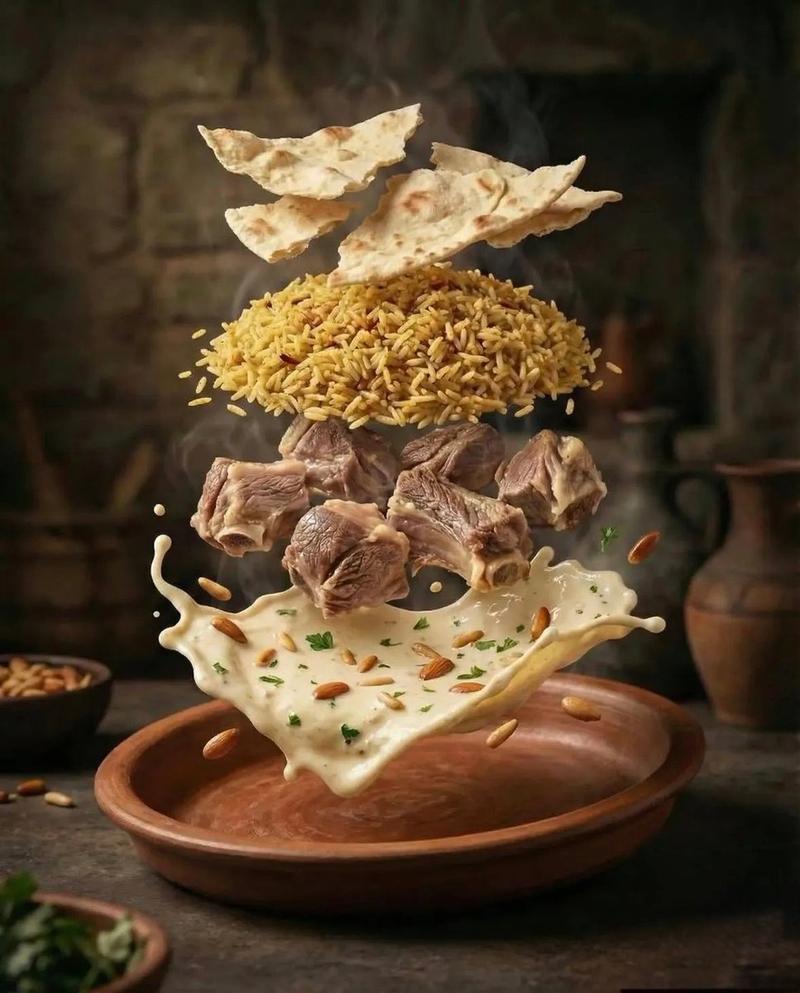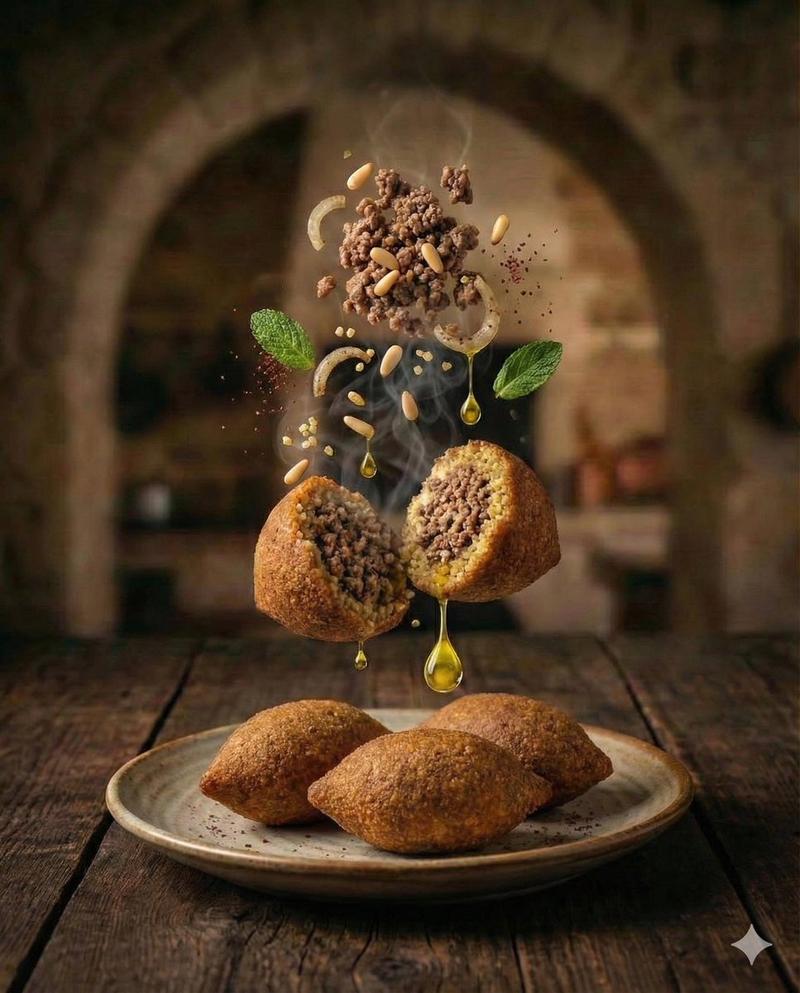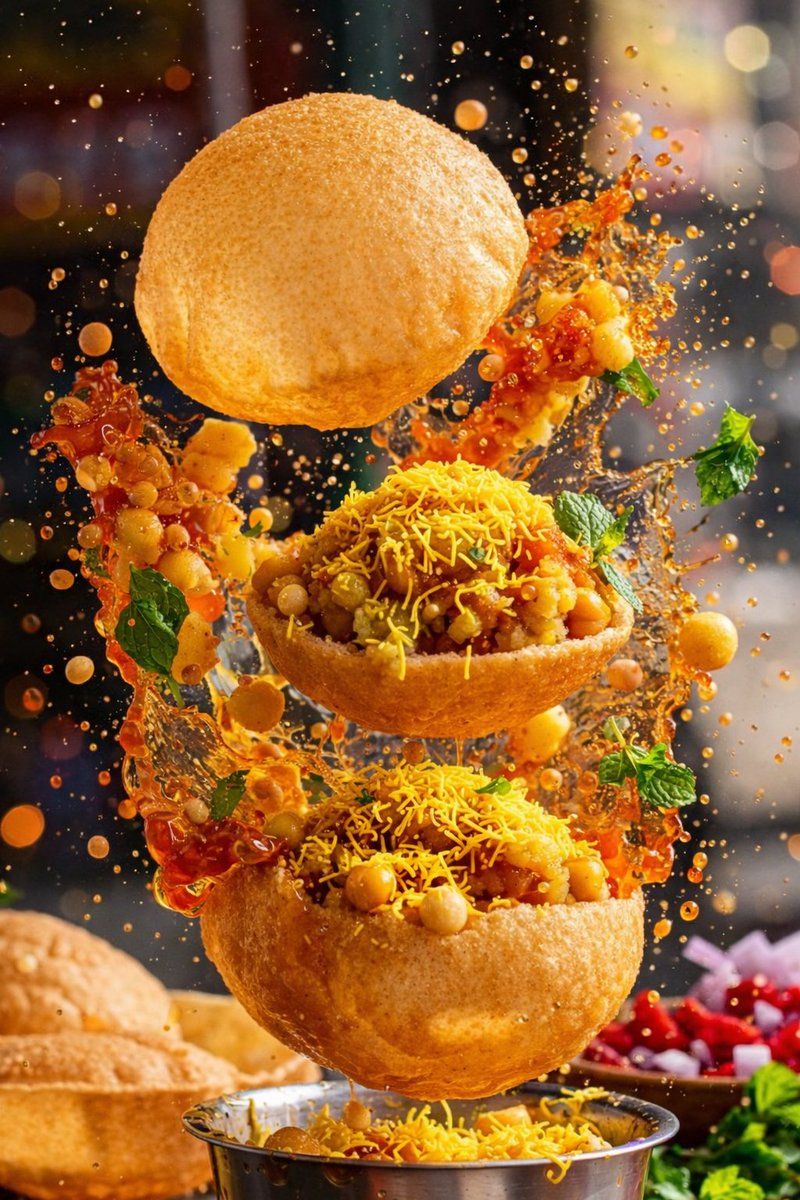
Mid-air taco cinematic shot: GPT Image 2 prompt
Prompt
{
 "global_settings": {
 "resolution": "8K ultra high definition",
 "aspect_ratio": "2:3 vertical",
 "image_type": "AI-edited cinematic food photography",
 "detail_level": "extreme micro-detail, sharp focus, clean edges",
 "style_constraint": "enhanced realism, minimal alteration from original composition"
 },

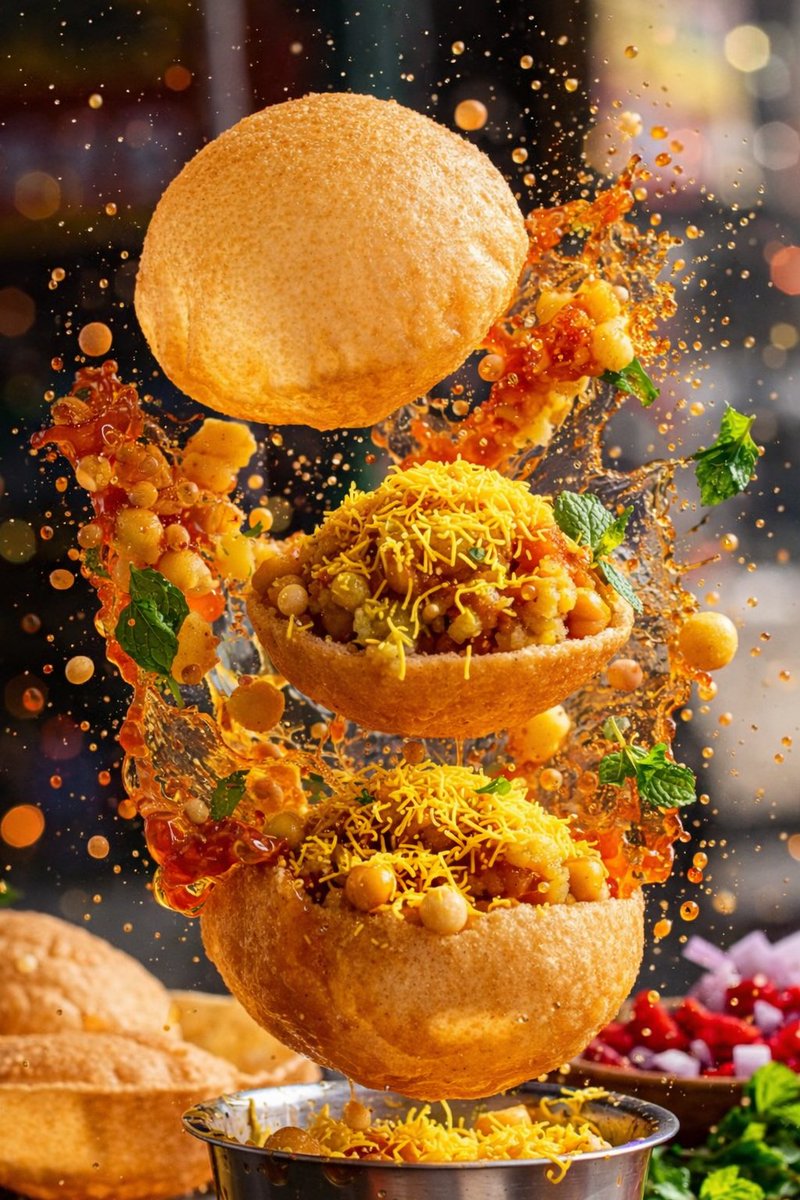
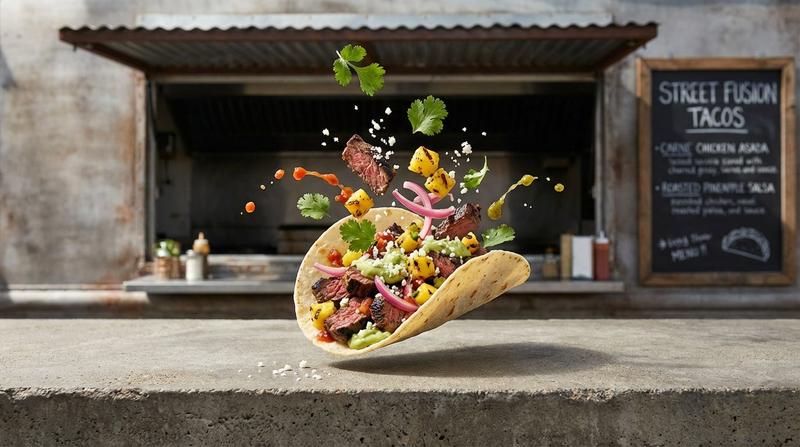
 "module_1_image_1_style": {
 "subject": "single hard-shell taco",
 "composition": {
 "orientation": "diagonal, floating in mid-air",
 "foreground_focus": "taco shell and filling",
 "motion": "ingredients suspended, sauce splash frozen mid-air"
 },
 "visible_elements": {
 "shell": "golden yellow hard taco shell with crisp texture",
 "filling": [
 "shredded cooked meat with visible fibers",
 "green sauce layered on top",
 "small red diced pieces",
 "white crumbled cheese"
 ],
 "floating_garnish": [
 "avocado slices",
 "purple onion rings",
 "green herb leaves",
 "small reddish-brown meat cubes",
 "tiny white crumbs"
 ],
 "liquid": "orange-red sauce splash erupting upward behind taco"
 },
 "lighting": {
 "type": "high-contrast studio lighting",
 "highlights": "glossy reflections on sauce and meat",
 "background_lights": "soft circular bokeh in warm and cool tones"
 },
 "background": {
 "color": "dark with neon-like blurred lights",
 "depth": "strong depth of field, background fully defocused"
 }
 },

 "module_2_image_2_style": {
 "subject": "three grilled meat skewers",
 "composition": {
 "orientation": "vertical skewers, slightly angled",
 "foreground_focus": "center skewer",
 "motion": "ingredients and sauce suspended"
 },
 "visible_elements": {
 "skewers": "wooden sticks with pointed ends",
 "meat": "chunked grilled meat with char marks and uneven texture",
 "garnish": "small green herb leaves attached to meat",
 "floating_items": [
 "round cucumber slices",
 "thin onion rings"
 ],
 "sauce": {
 "container": "small white ramekin",
 "action": "thick orange sauce splashing upward from bowl"
 },
 "particles": "tiny spice or crumb particles scattered in air"
 },
 "lighting": {
 "type": "dramatic directional lighting",
 "highlights": "strong sheen on meat surface",
 "contrast": "deep shadows"
 },
 "background": {
 "color": "solid deep red",
 "texture": "soft grain with floating particles"
 }
 },

 "module_3_image_3_style": {
 "subject": "four sushi rolls",
 "composition": {
 "orientation": "floating cluster",
 "spacing": "uneven depth, some closer, some blurred behind",
 "motion": "sesame seeds and herbs suspended"
 },
 "visible_elements": {
 "sushi_structure": {
 "outer_layer": "white rice",
 "inner_layer": "dark seaweed",
 "fillings": [
 "orange fish slice",
 "green avocado"
 ]
 },
 "toppings": [
 "toasted sesame seeds",
 "brown crunchy coating",
 "finely chopped green herbs"
 ],
 "particles": [
 "sesame seeds",
 "small green herb pieces"
 ]
 },
 "lighting": {
 "type": "soft but crisp studio lighting",
 "focus": "front sushi pieces sharp, rear slightly blurred"
 },
 "background": {
 "color": "dark blue-grey",
 "depth": "clean bokeh-free backdrop with floating particles"
 }
 },
 "post_processing": {
 "clarity": "ultra-sharp",
 "noise": "minimal",
 "color_balance": "rich but natural",
 "ai_signature": "clean AI-edited look without exaggeration"
 }
}- Category
- Products & E-commerce
- Model
- GPT Image 2
- Creator
- Shahid Wani
- Source ID
- 2009887009591226787
- Published
- Jan 10, 2026
Views0