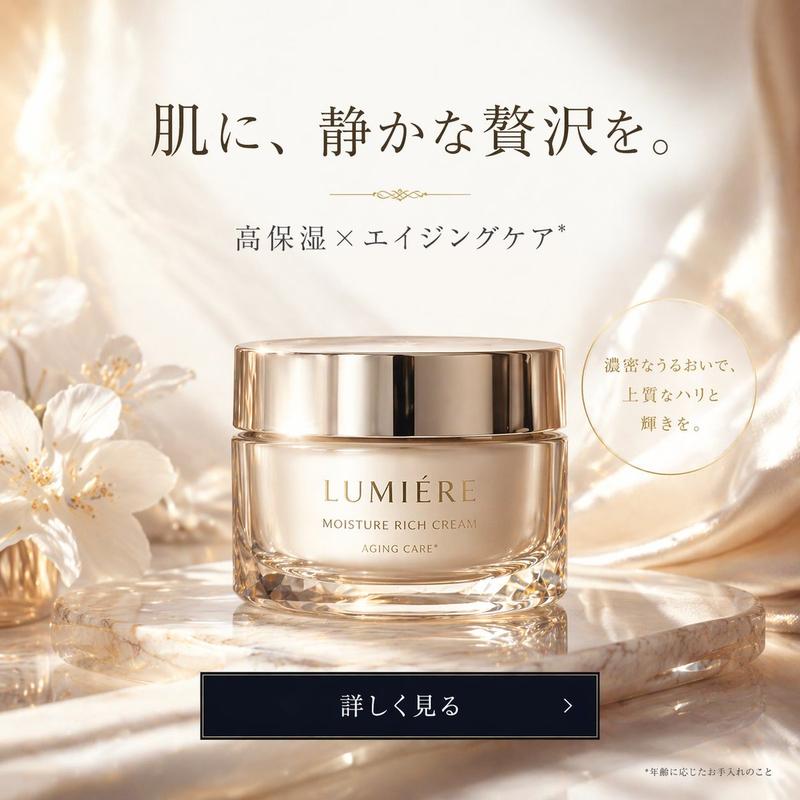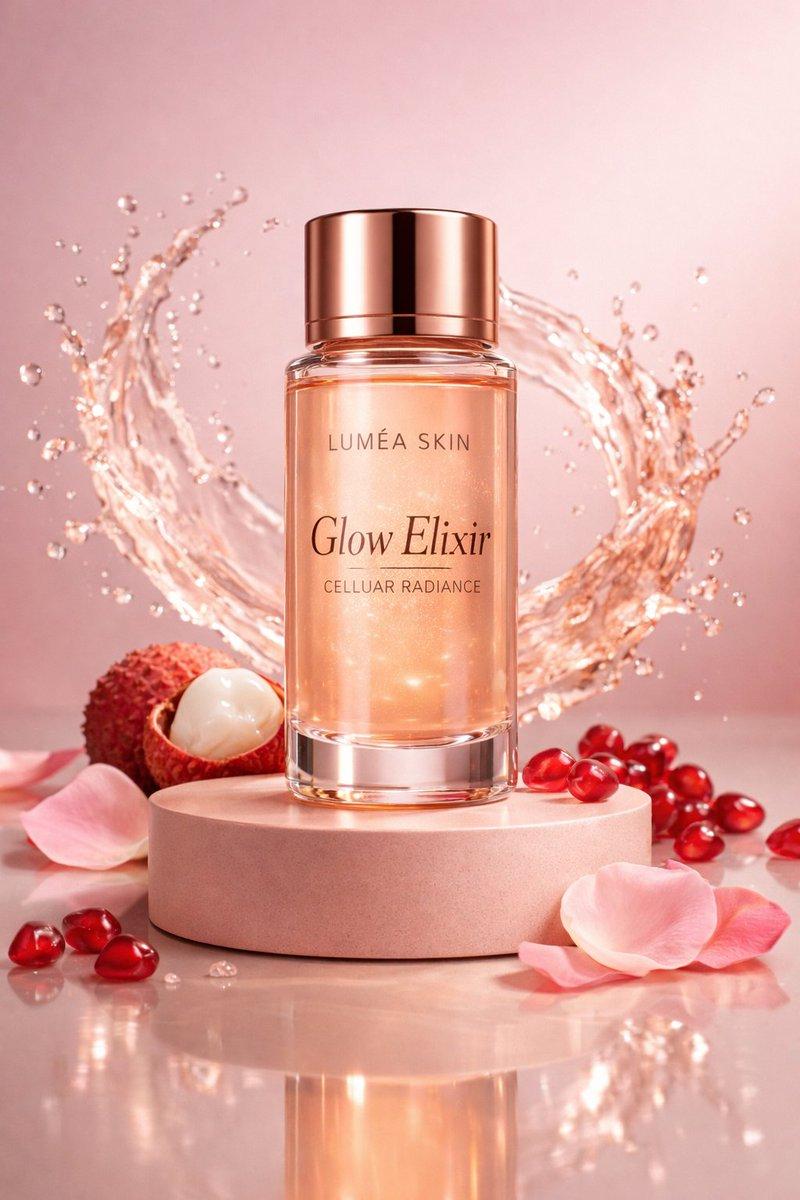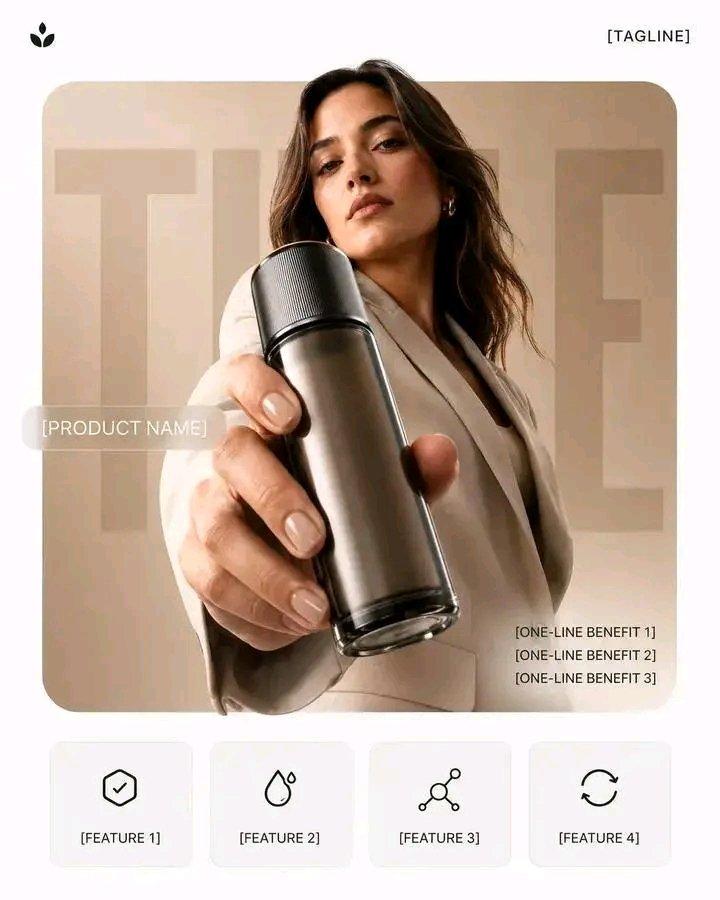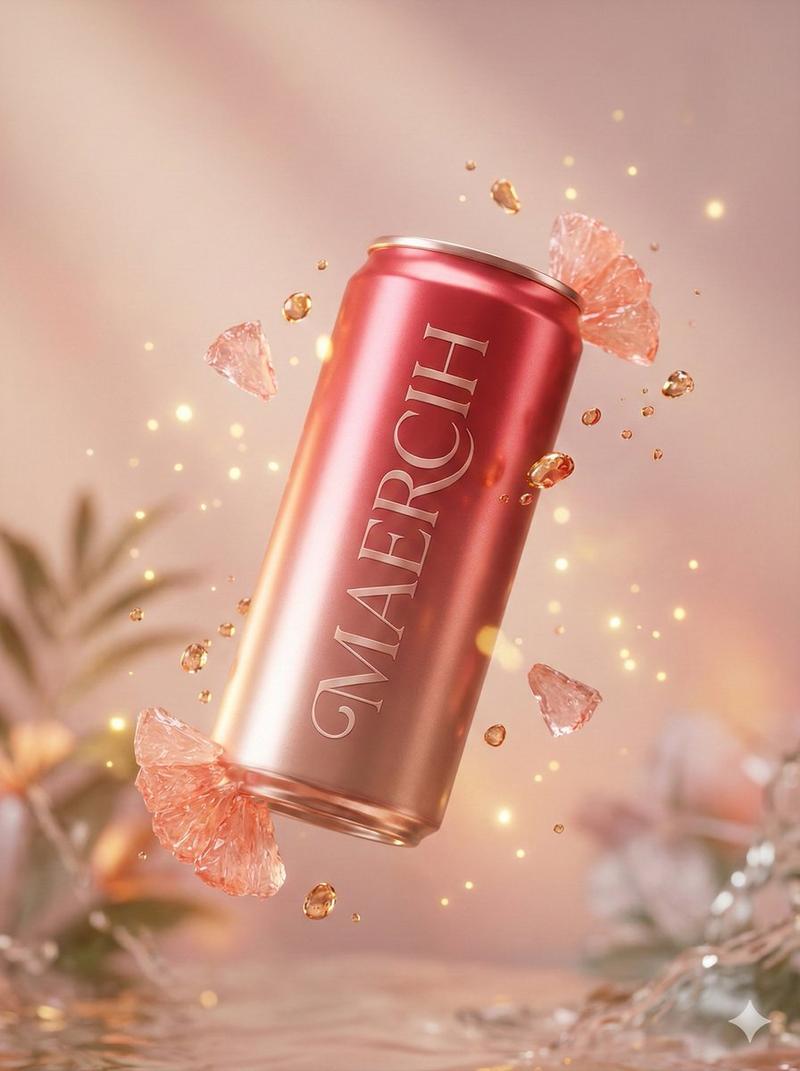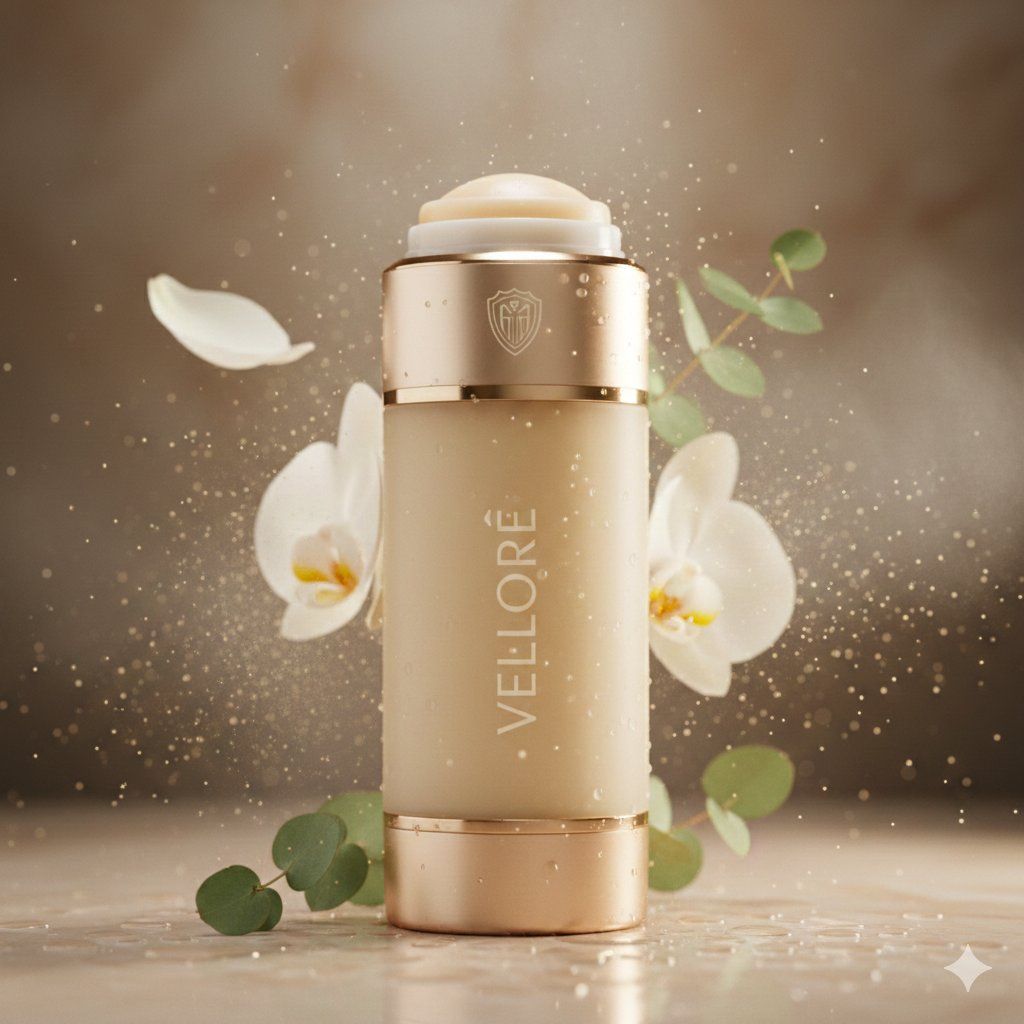
Skincare product shot v2: GPT Image 2 prompt
Prompt
{
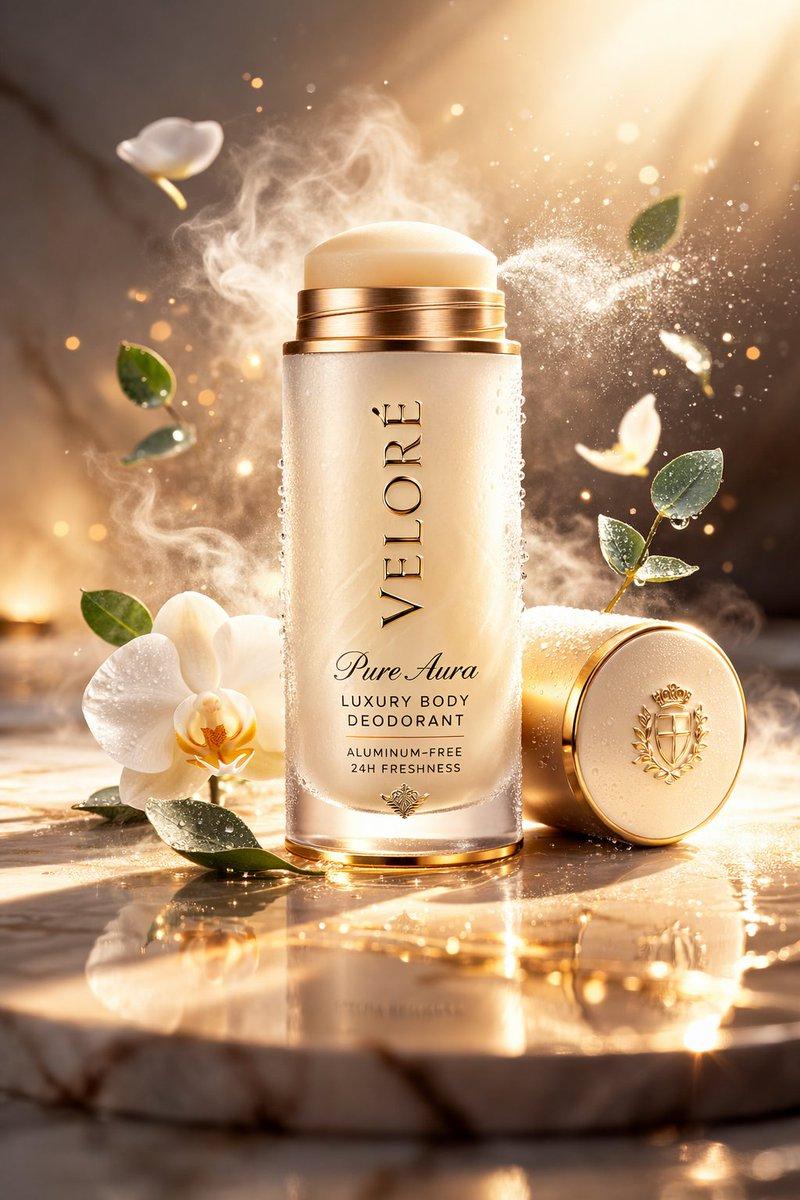
 "master_prompt": {
 "product": {
 "type": "luxury body deodorant",
 "brand_name": "VELORÉ",
 "product_line": "Pure Aura",
 "container_style": "sleek cylindrical deodorant stick with softly rounded edges",
 "material": "frosted glass body with brushed champagne-gold metal accents",
 "finish": "velvety matte surface with refined metallic detailing",
 "cap_design": "magnetic cap with polished gold rim and engraved crest",
 "branding": "minimal serif logo etched vertically with understated elegance",
 "dispense_style": "precision twist-up deodorant balm with smooth surface finish",
 "color": "warm ivory body with subtle golden undertones",
 "accent_details": "champagne gold band and minimal crest emblem",
 "texture_details": "soft satin deodorant balm surface visible at top"
 },

 "composition": {
 "scene_type": "ultra-cinematic luxury personal care advertising photography",
 "orientation": "vertical",
 "aspect_ratio": "4:5",
 "camera_angle": "low hero angle emphasizing elegance and premium form",
 "subject_position": "deodorant standing upright on reflective surface",
 "motion": "fine mist spray particles suspended mid-air for freshness effect"
 },

 "environment": {
 "background": "soft warm marble gradient fading into shadow",
 "atmosphere": "light spa mist creating a serene premium ambiance",
 "floating_elements": [
 "delicate mist particles suspended in air",
 "white orchid petals drifting gently",
 "tiny golden light particles shimmering softly",
 "fresh eucalyptus leaves floating nearby",
 "soft vapor trails suggesting freshness"
 ],
 "surface_effects": "glossy reflections with micro condensation droplets enhancing freshness"
 },

 "lighting": {
 "style": "soft spa-inspired studio lighting",
 "key_light": "diffused overhead light revealing frosted texture",
 "rim_lights": "subtle warm highlights outlining silhouette",
 "accent_lights": "soft golden glow enhancing luxury appeal",
 "shadow_depth": "gentle shadows for calm elegance",
 "contrast": "balanced contrast with luminous clean highlights"
 },

 "color_palette": {
 "primary_colors": ["warm ivory", "soft cream", "clean white"],
 "accent_colors": ["champagne gold", "botanical green"]
 },

 "camera_settings": {
 "lens": "macro cinema lens",
 "depth_of_field": "shallow depth isolating product",
 "focus_point": "engraved logo and frosted glass texture",
 "bokeh": "soft luminous bokeh from mist particles",
 "detail_capture": "extreme micro-detail clarity"
 },

 "render_quality": {
 "resolution": "8K ultra high definition",
 "render_style": "hyper-realistic luxury personal care commercial render",
 "material_physics": "accurate frosted glass translucency and metallic reflections",
 "particle_simulation": "physically accurate mist and condensation droplets",
 "textures": "ultra-detailed frosted glass, metallic accents, and balm surface",
 "sharpness": "tack sharp product focus with soft cinematic background",
 "noise": "none",
 "artifacts": "none"
 },

 "mood": {
 "tone": "pure, refined, and ultra-premium",
 "emotion": "freshness, confidence, and indulgent self-care luxury"
 },

 "final_output": {
 "usage": "luxury personal care campaign and premium wellness advertising",
 "branding_focus": "hero product freshness with elite wellness appeal",
 "visual_style": "cinematic luxury spa aesthetic"
 }
 }
}- Category
- Products & E-commerce
- Model
- GPT Image 2
- Creator
- Meem
- Source ID
- 2025391098437529837
- Published
- Feb 22, 2026
Views0