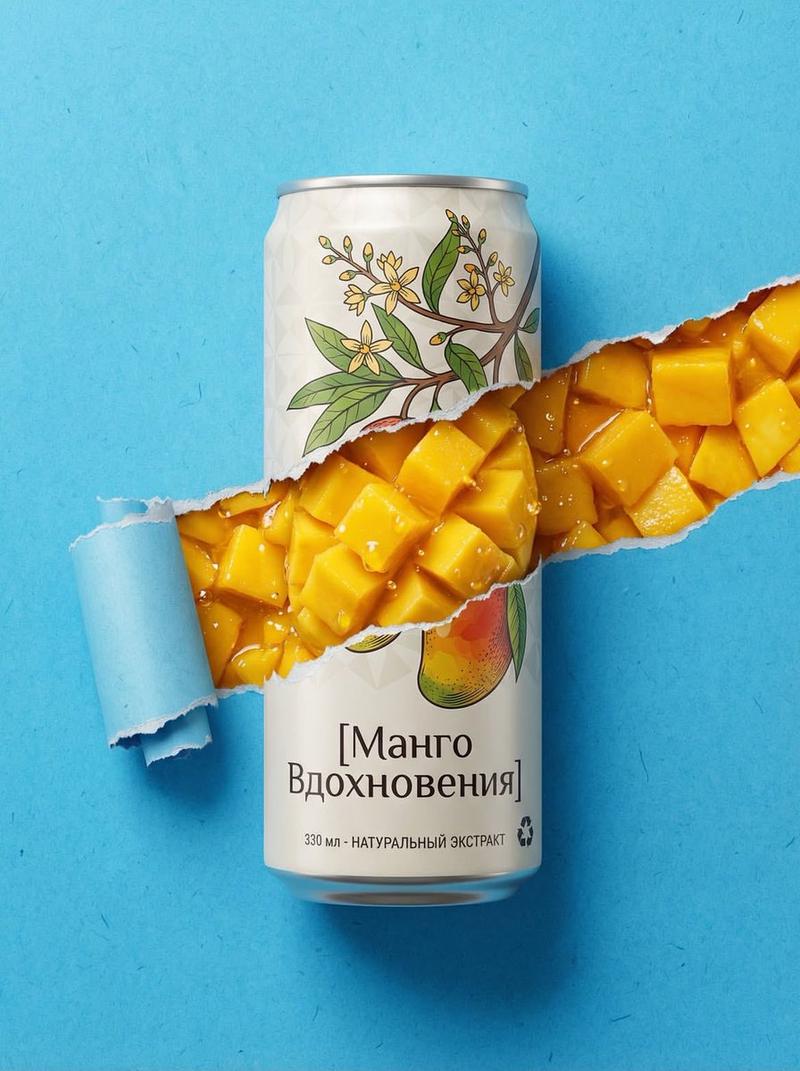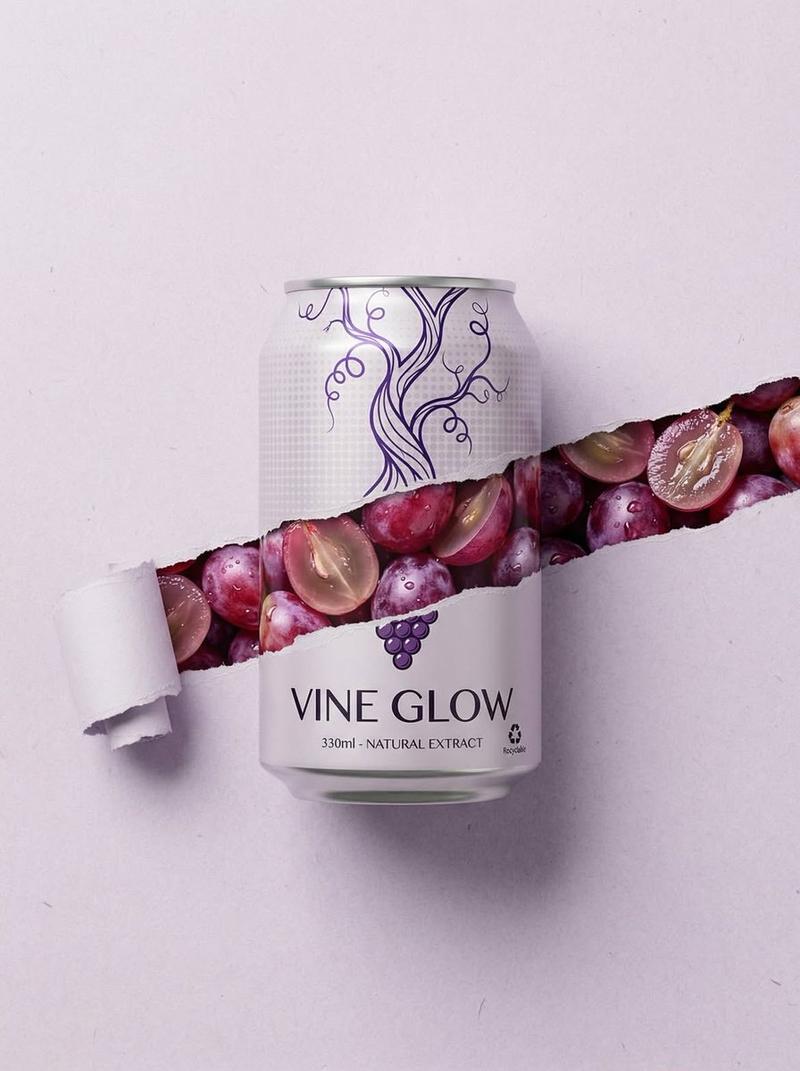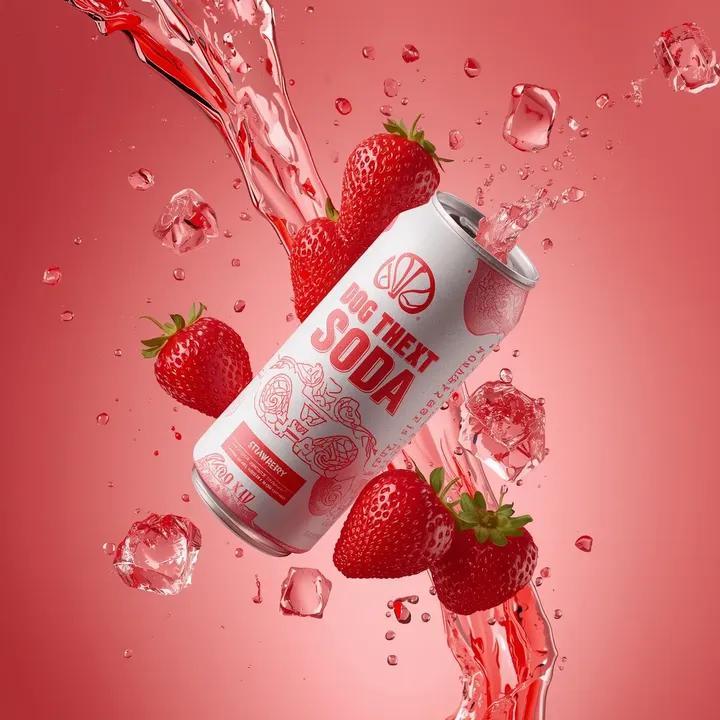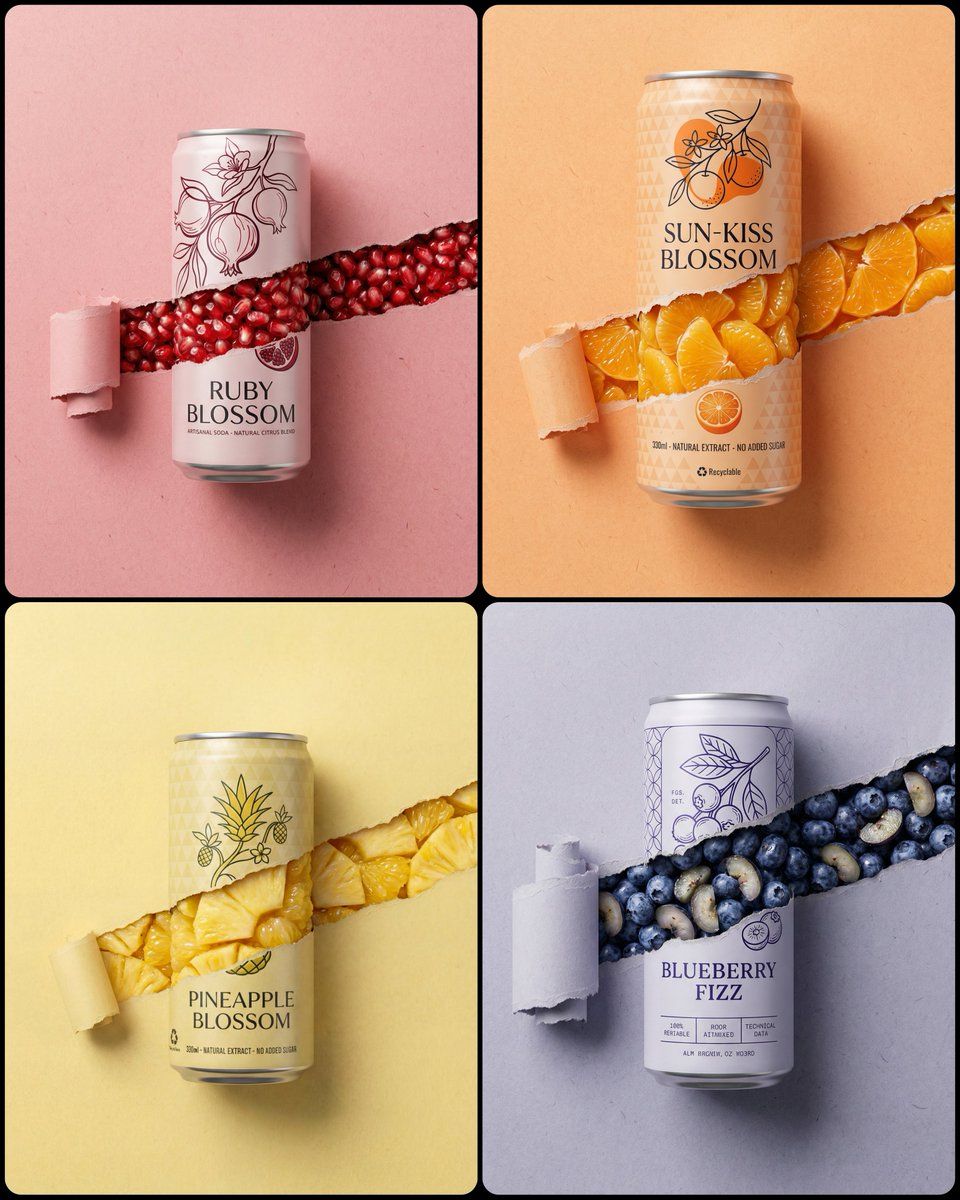
Torn paper soda can shot: GPT Image 2 prompt
提示词
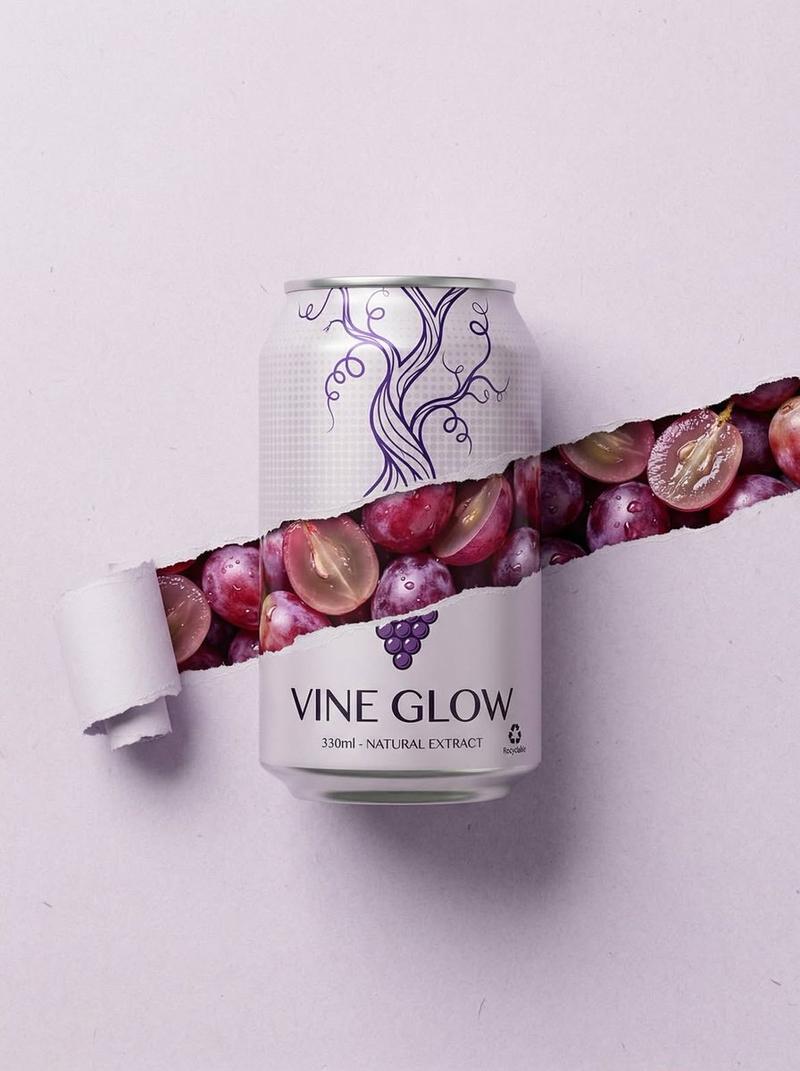
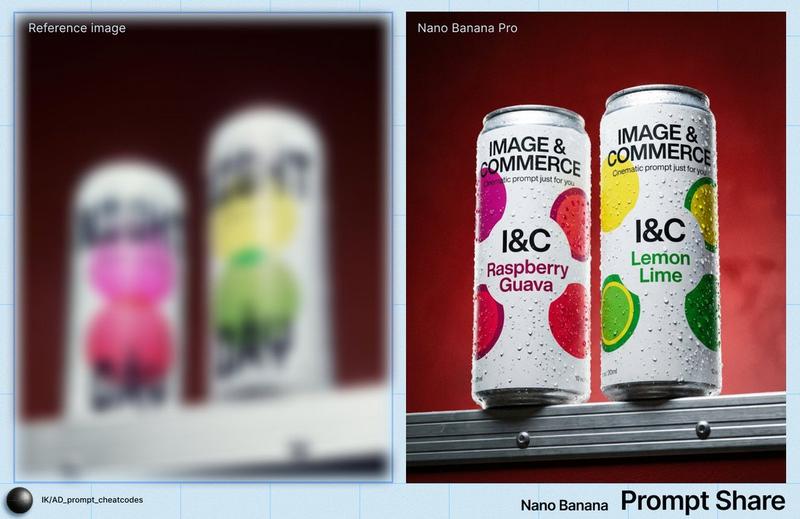
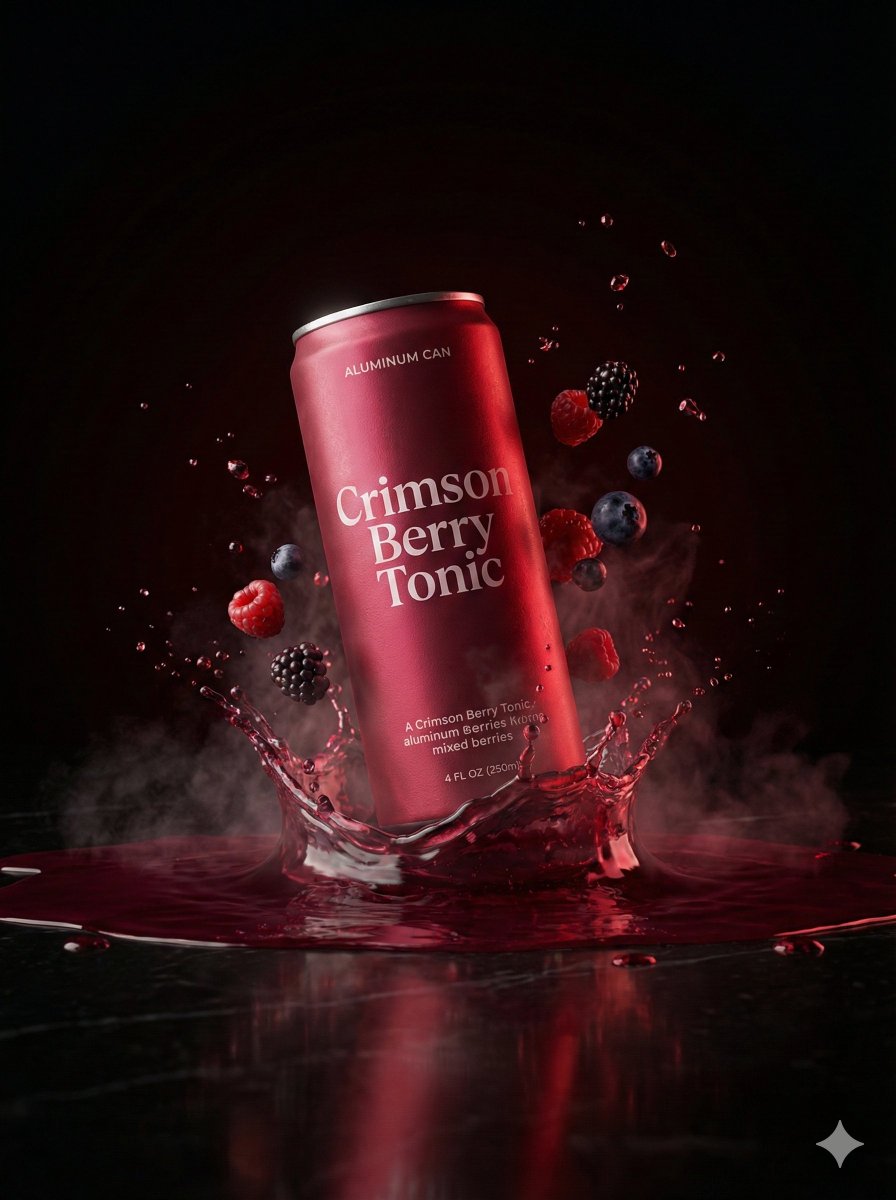
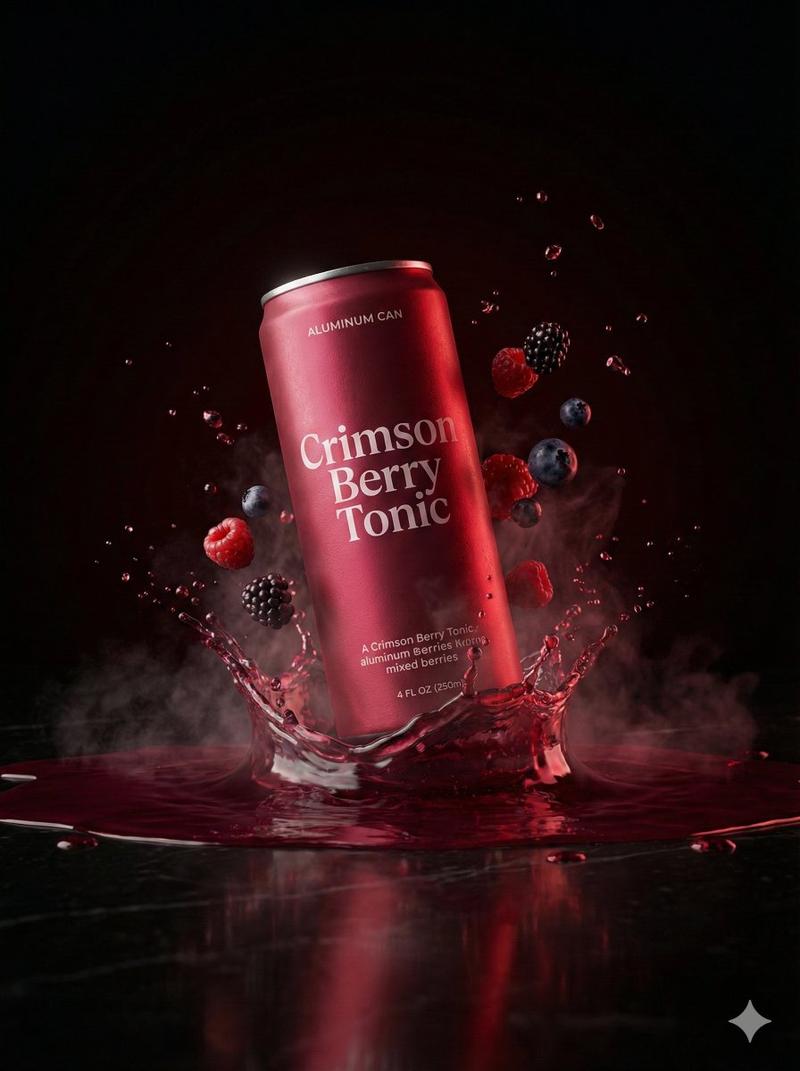
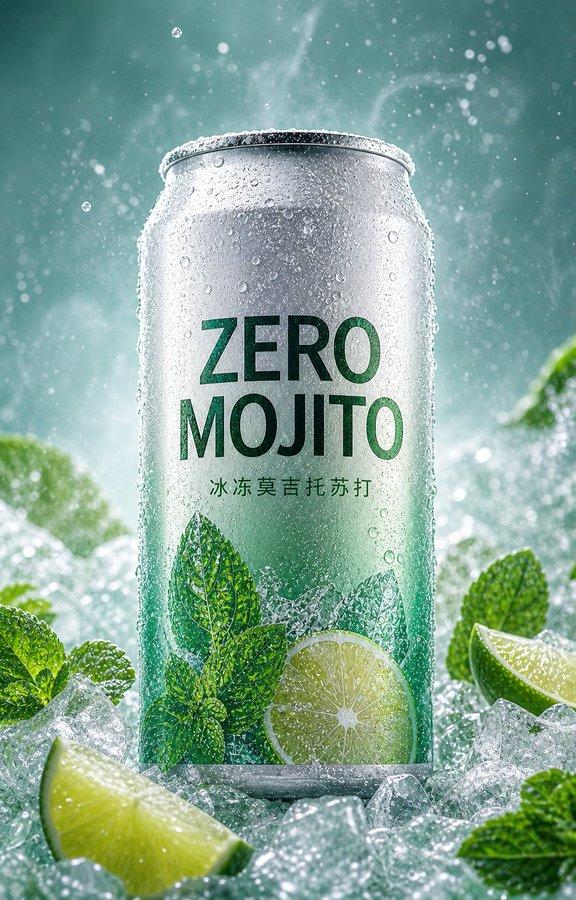
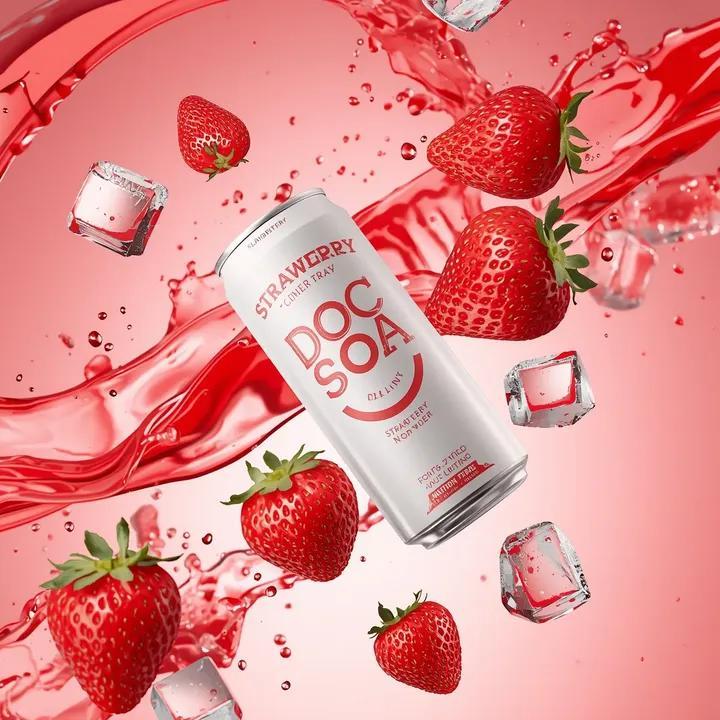
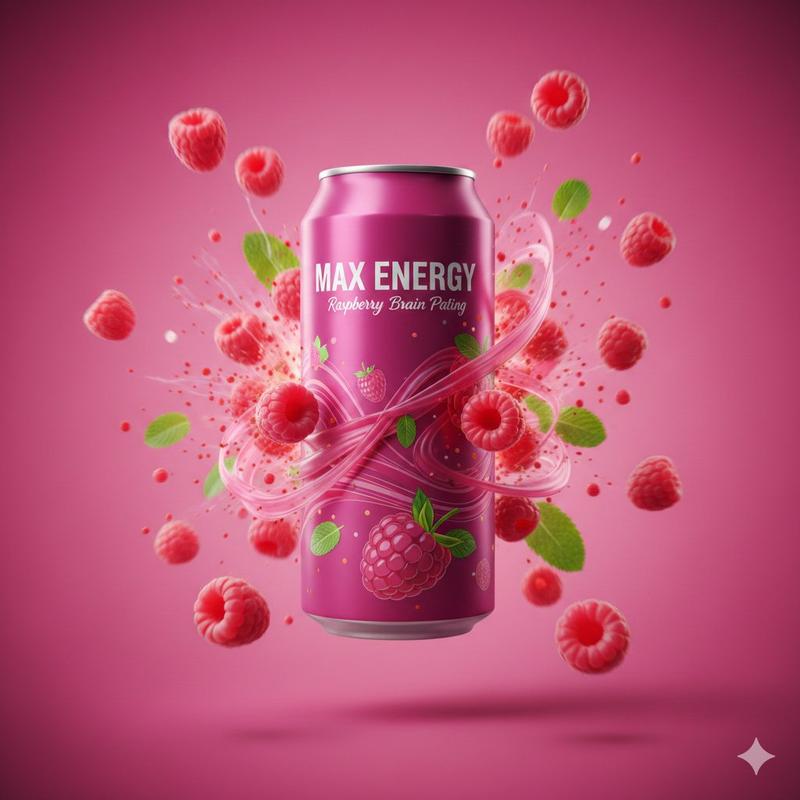
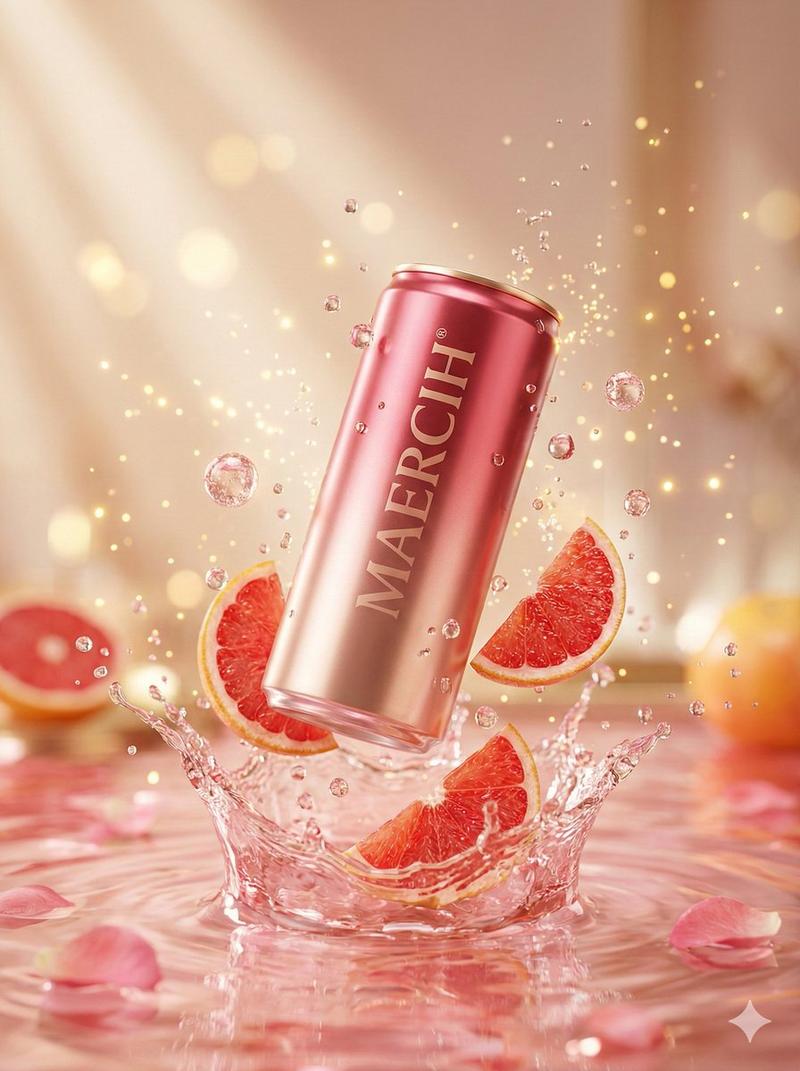
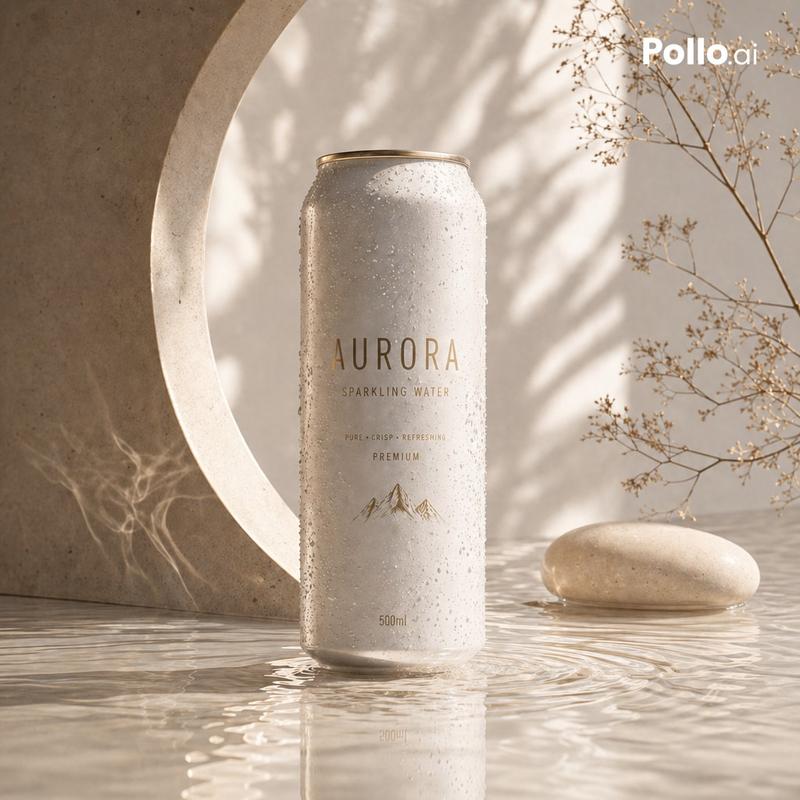
A photorealistic, highly detailed commercial product photograph of a standard aluminum [Type of Soda Can] centered against a minimal, textured [Background Color] paper background, with subtle fibers visible. A single, continuous horizontal paper-tear strip runs across the entire width of the frame, seamless from the far-right edge to the far-left edge. The torn channel cuts through the metal body of the can and continues across the background on both sides with a barely perceptible and minimal diagonal slope towards the upper-left. The tear channel is significantly broader, revealing a dense, glistening, and vibrant layer of [Description of Fruit Segments/Sacs/Berries] tightly packed inside. Near the extreme far-left end of this tear, the paper is neatly rolled into a tight, realistic coil that occupies almost the entire left margin. The can features a newly designed, minimalist branding: the upper portion has a stylized, abstract line-art illustration of [Fruit Branch/Plant] in a contrasting [Ink Color], set against a subtle matte geometric [Pattern Type] pattern on the can surface. Below this, the brand name "[Brand Name]" is printed in an elegant, modern dark typography, with smaller technical text "330ml - NATURAL EXTRACT" and a small "Recyclable" logo. A small, detailed graphic of the fruit is located below the torn path. The lighting is soft and cinematic, casting delicate drop shadows beneath the torn paper edges and the large left coil. 8k resolution, macro details on fibrous paper and glossy fruit texture.
- 分类
- 商品图
- 模型
- GPT Image 2
- 来源作者
- ΛRMIN | AI
- 来源 ID
- 2027470188644626803
- 发布时间
- 2026年2月27日
浏览量0