20

Fisheye crouching girl: GPT Image 2 prompt
Enlarge

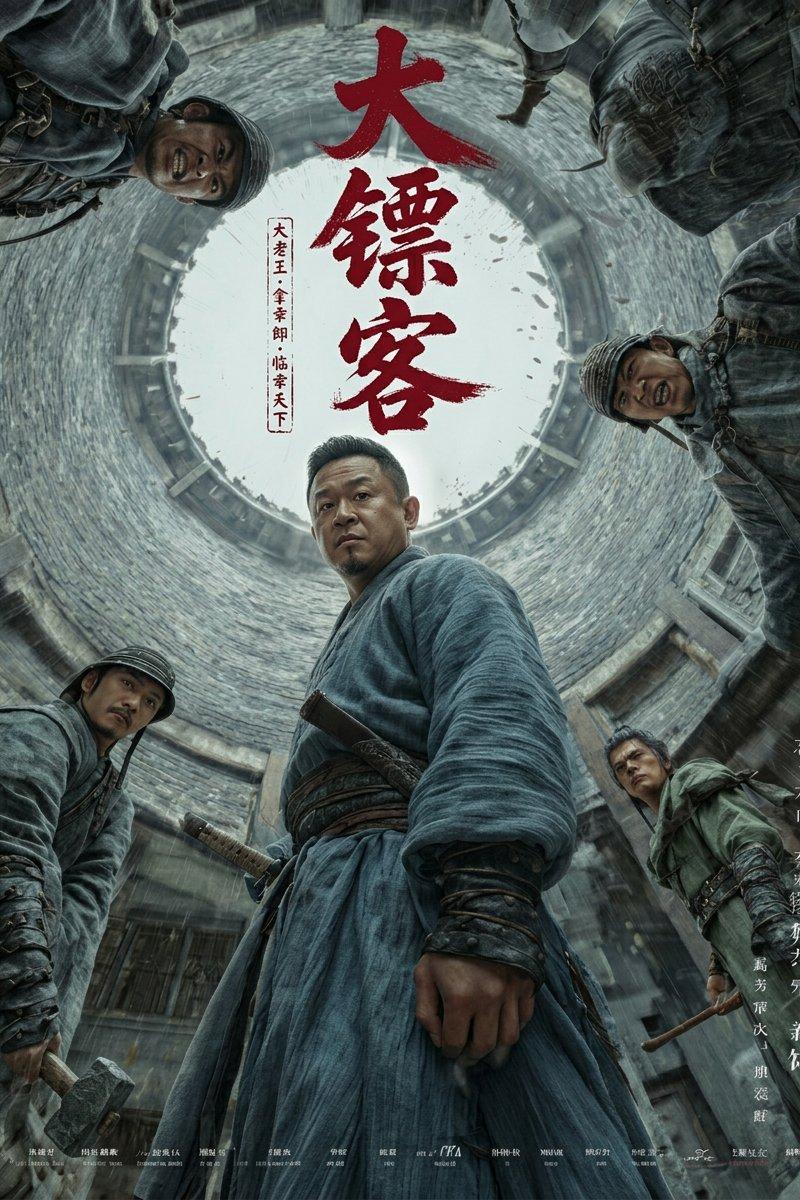
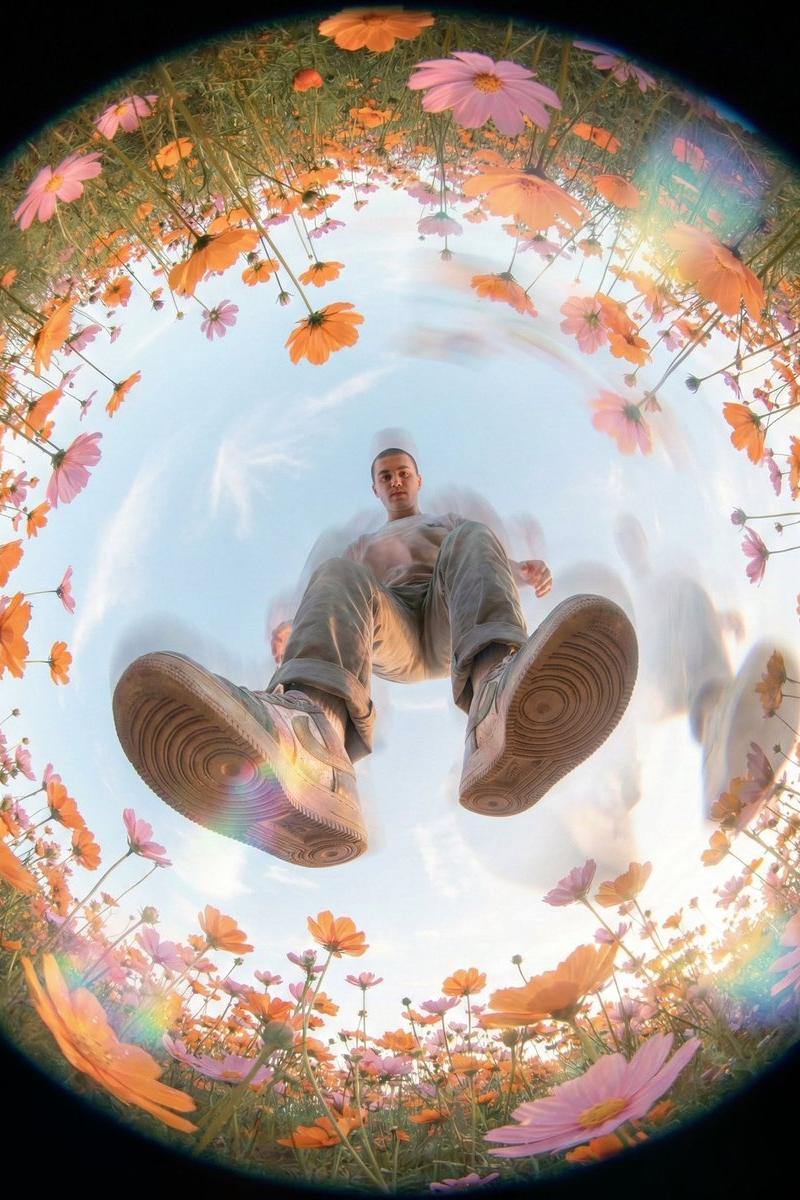
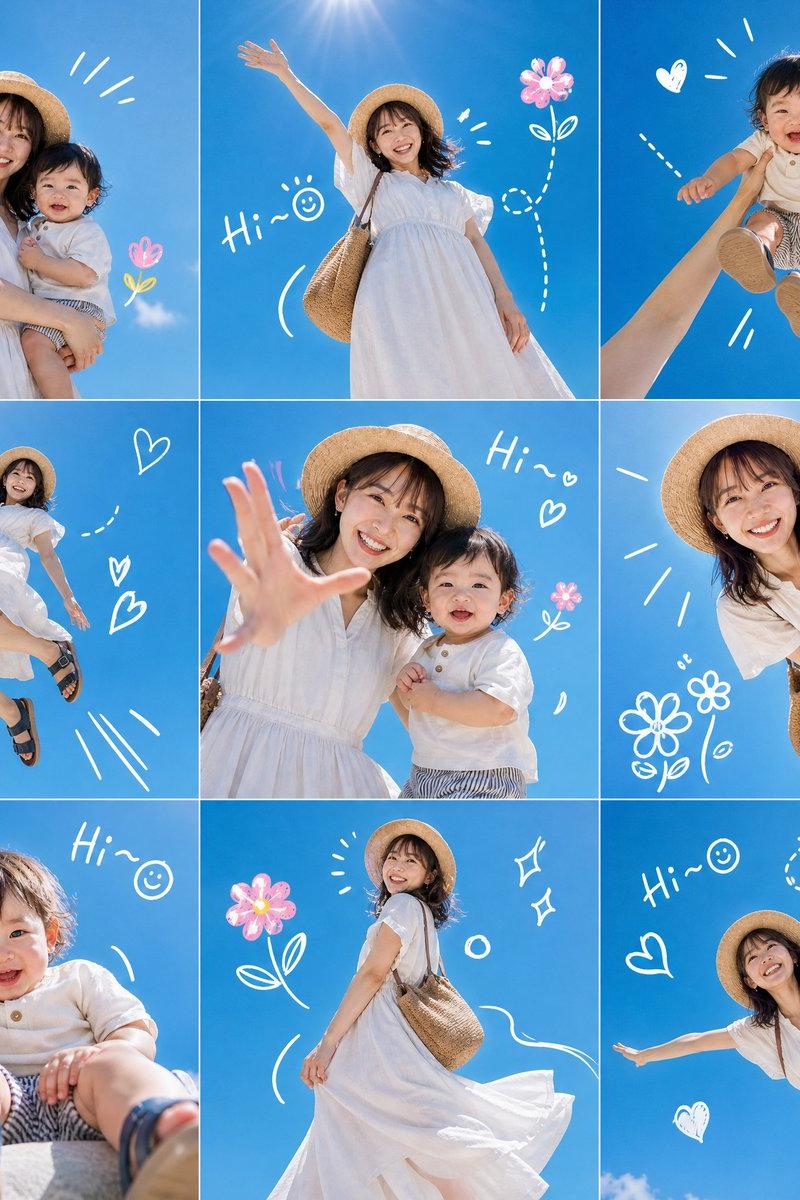
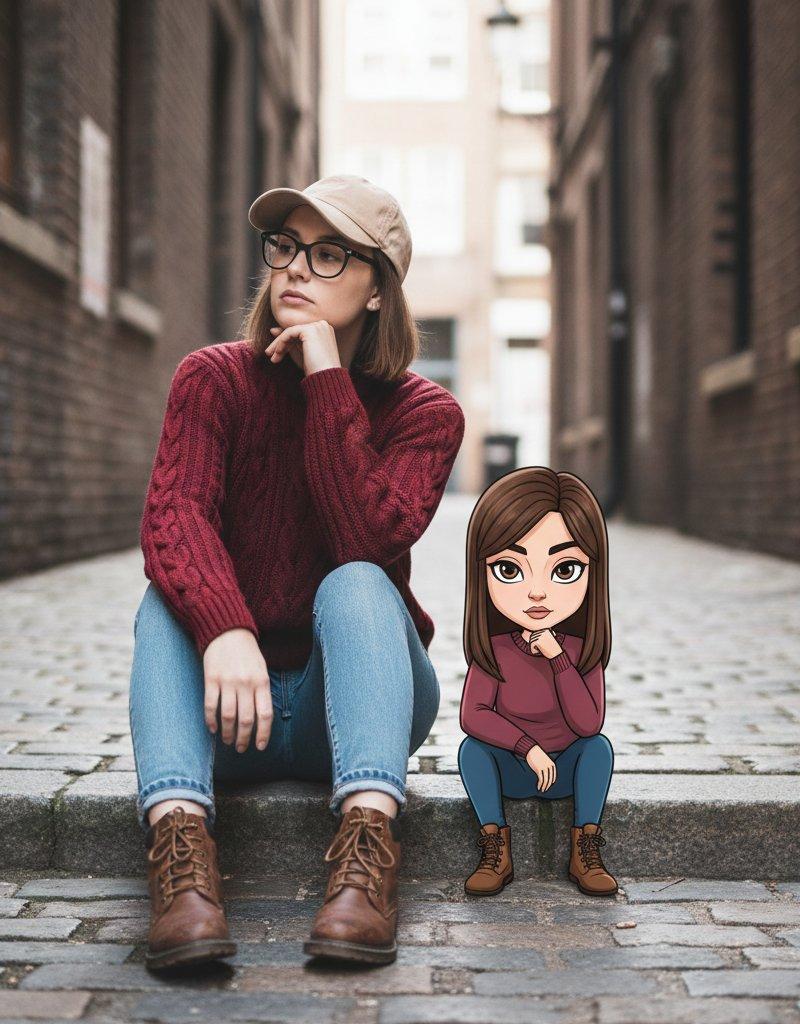
Example images

Fisheye crouching girl: GPT Image 2 prompt

Prompt
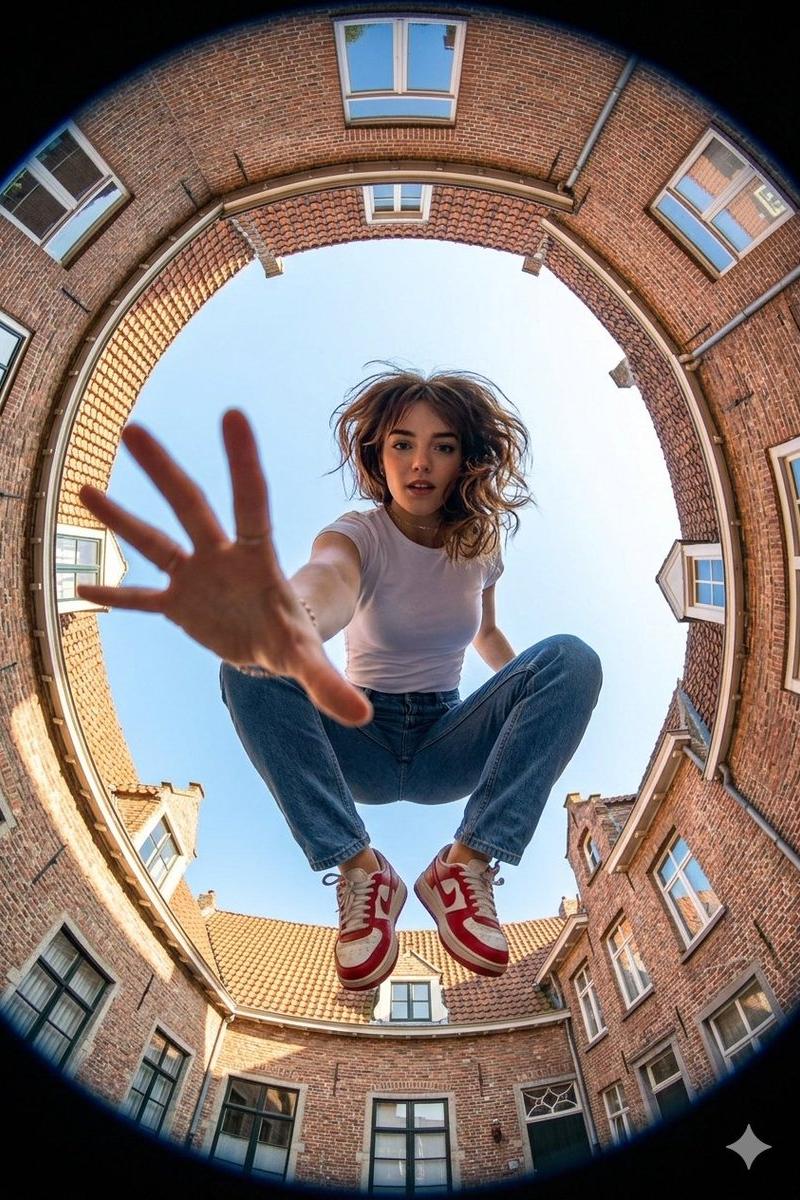
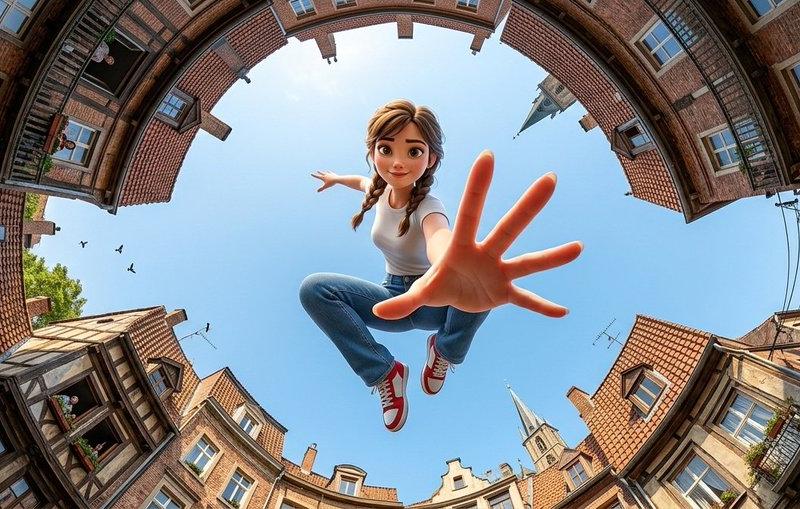
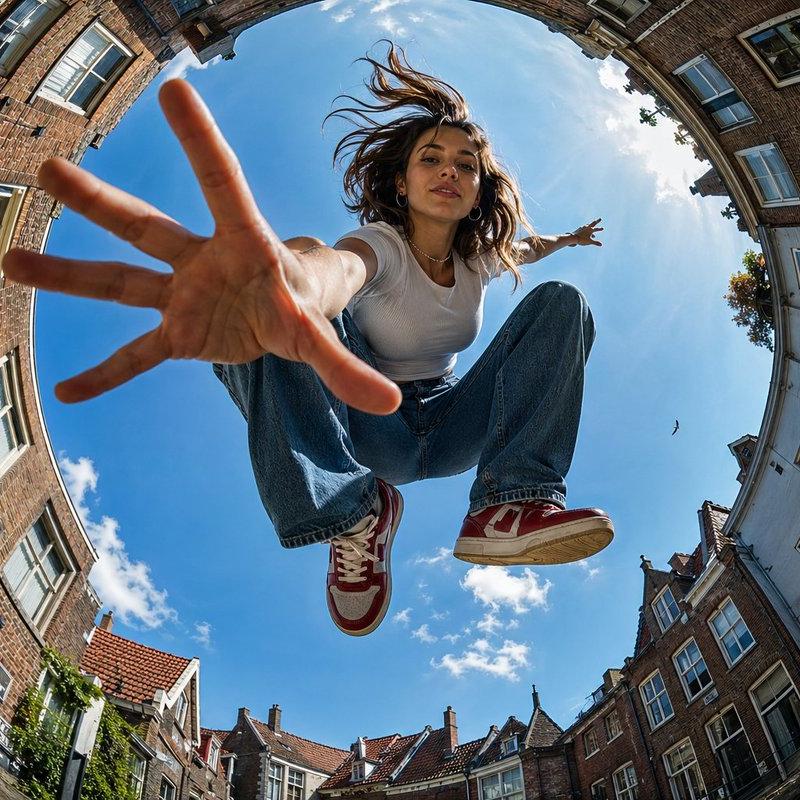
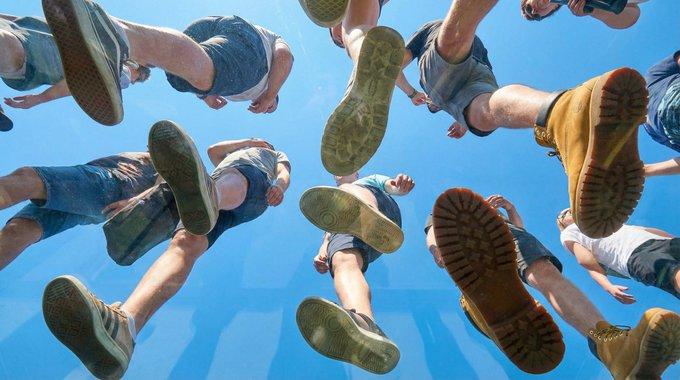
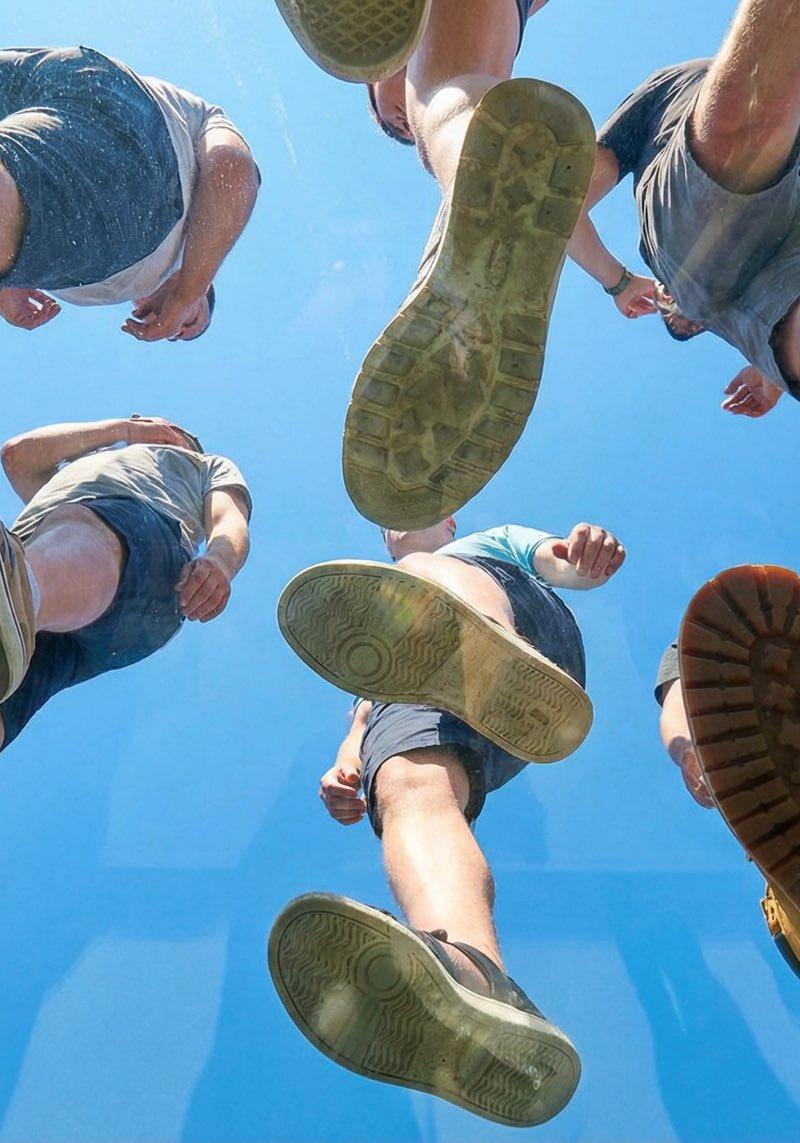
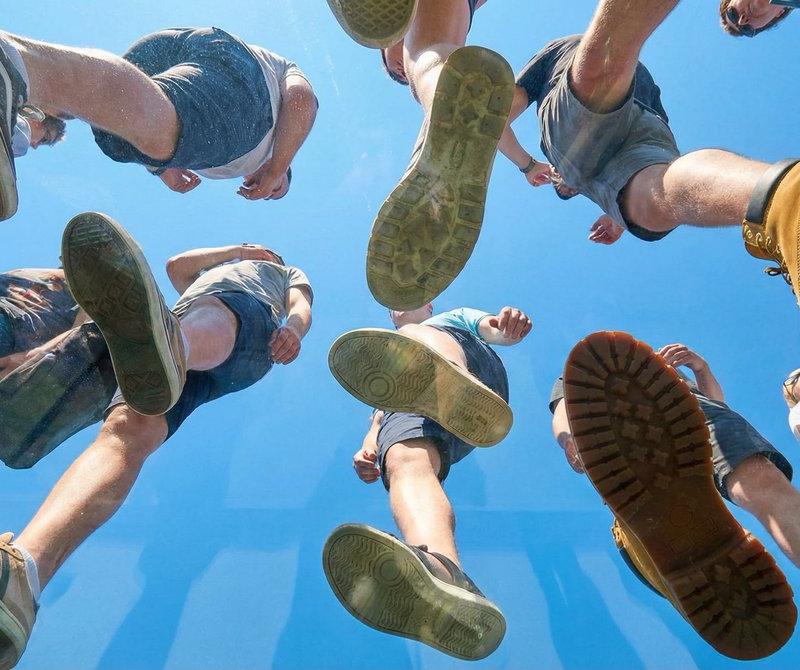
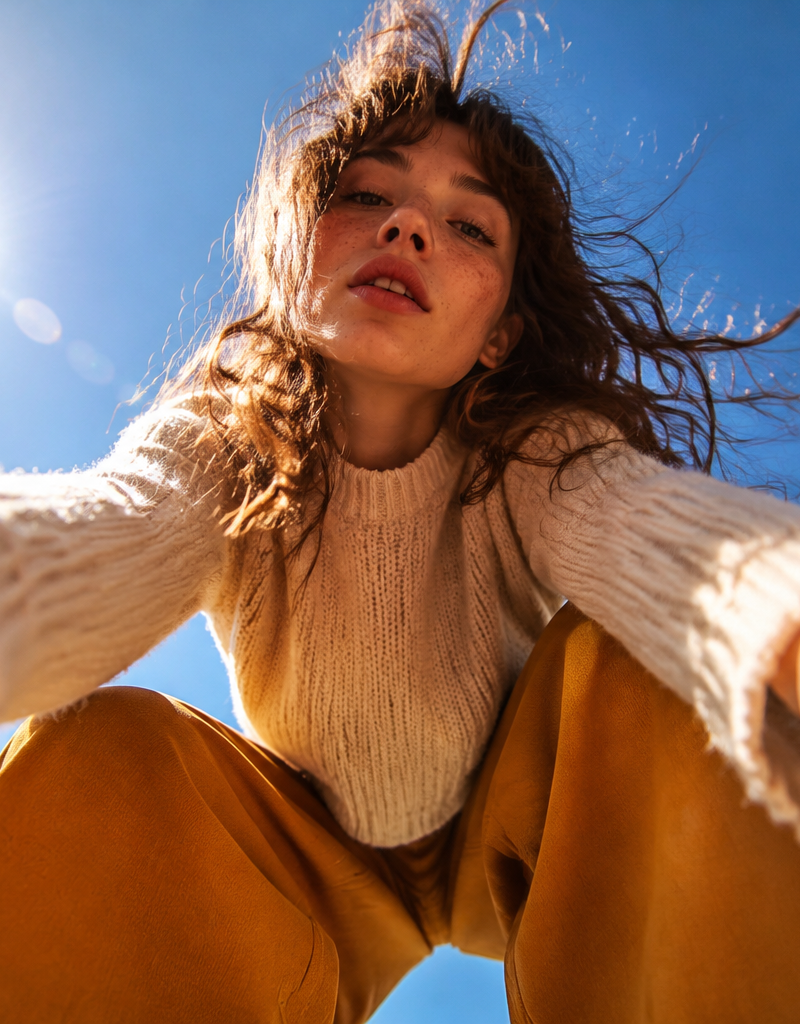
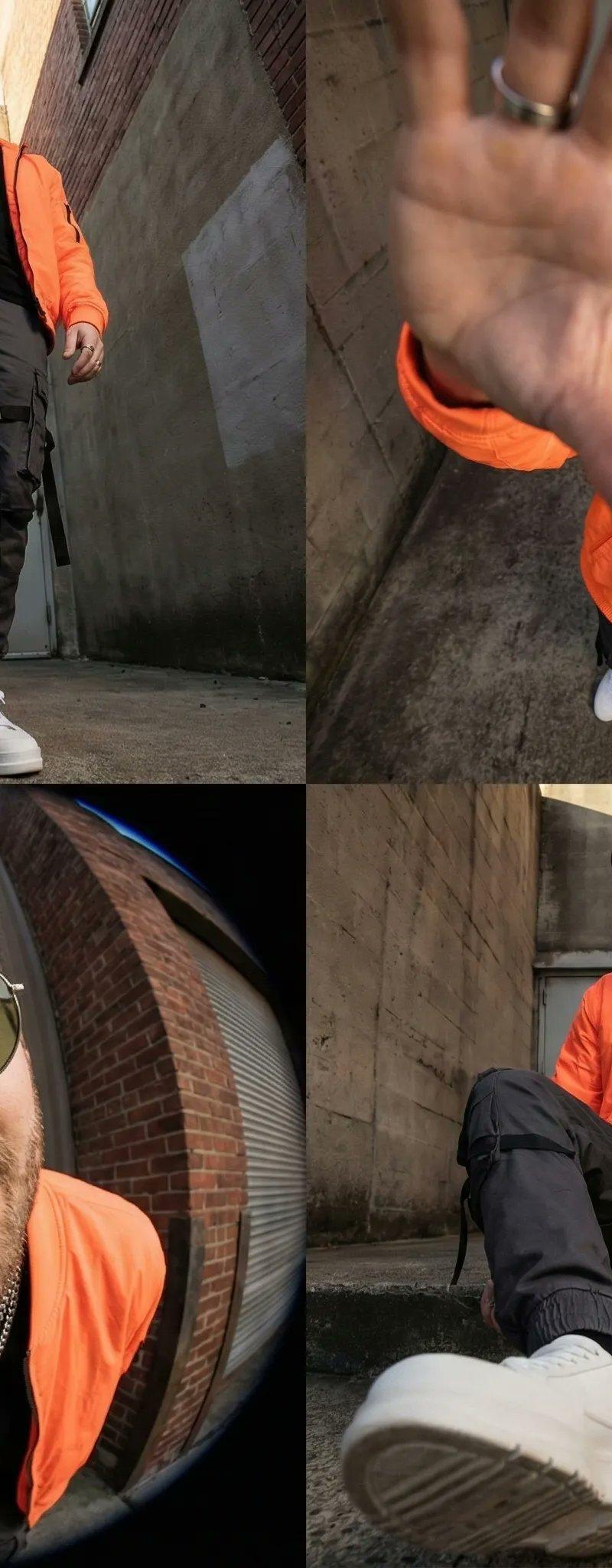
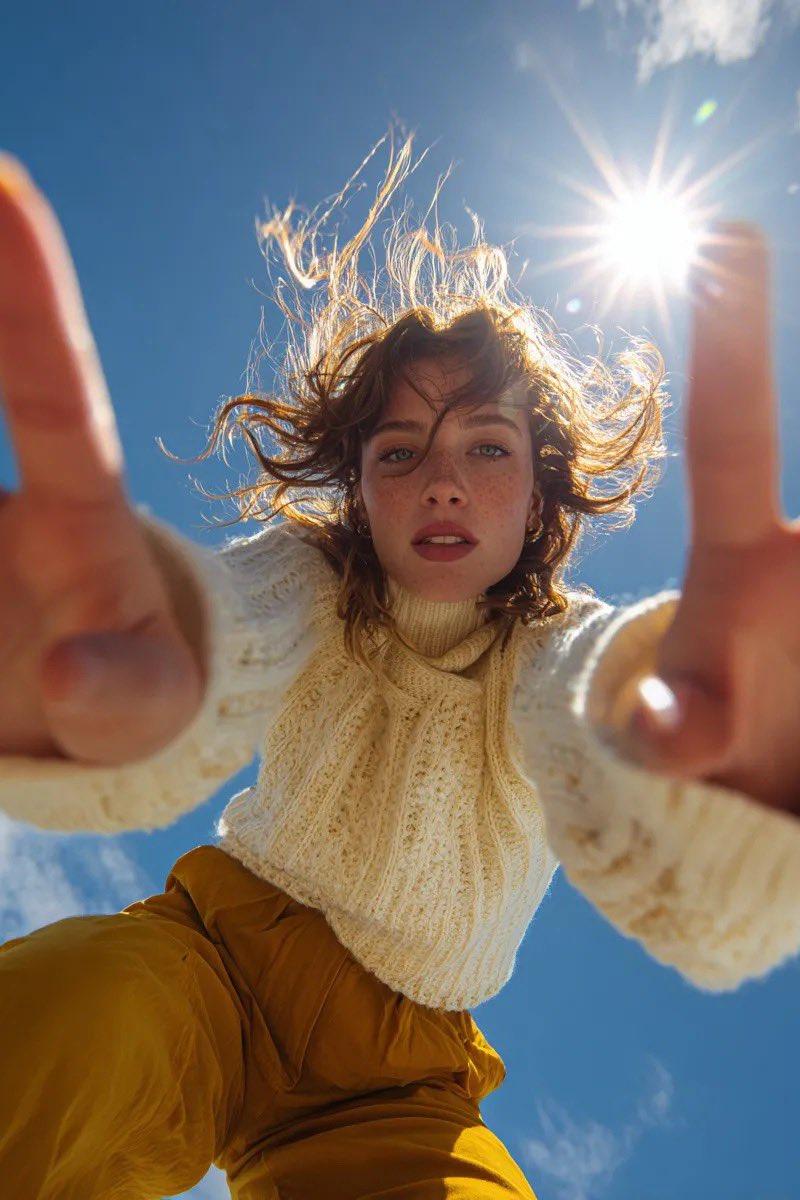
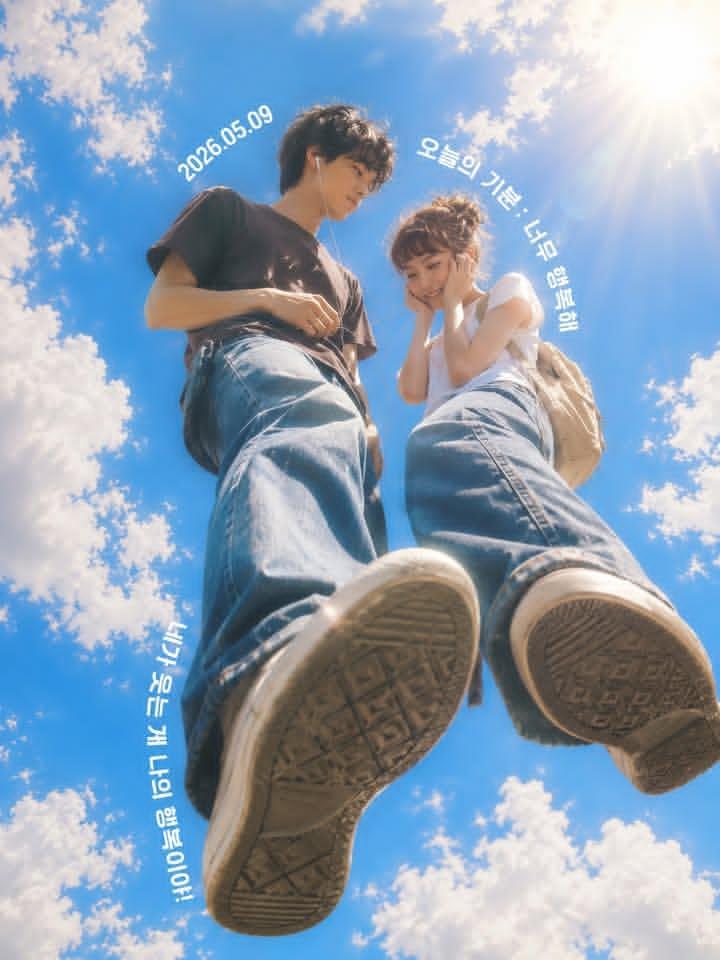
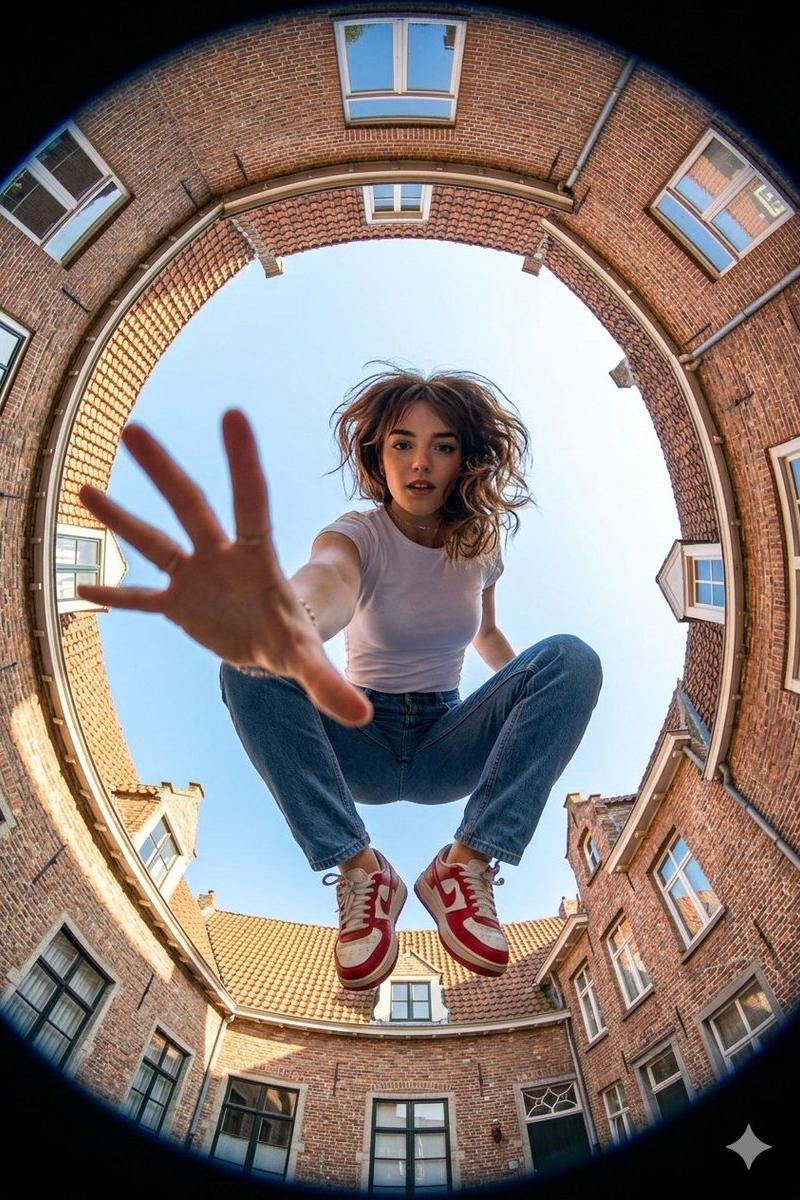
Make an Ultra-wide fisheye lens perspective shot from ground level looking straight up at a young woman use image for face reference crouching mid-air between brick buildings forming a circular frame around the sky. She reaches one hand dramatically toward the camera, fingers spread wide, creating strong foreground distortion and depth. Dynamic action pose, confident expression, casual streetwear outfit: fitted white t-shirt, blue straight-leg jeans, red and white sneakers. Urban European neighborhood setting with brick houses, tiled roofs, windows visible around the edges. Bright daylight, clear blue sky, natural lighting, sharp focus, high detail, cinematic composition, exaggerated perspective, 8k resolution, photorealistic, adventure photography style.
Category
Photography & Realism
Model
GPT Image 2
Creator
Aijaz
Source language
en
Views0
Source ID
2028508328859750704
Published
Mar 2, 2026
Studio

Guide

About "Fisheye crouching girl: GPT Image 2 prompt"

What is this prompt for?

"Fisheye crouching girl: GPT Image 2 prompt" AI image prompt for GPT Image 2 (Photography & Realism). Make an Ultra-wide fisheye lens perspective shot from gro…

The full copyable prompt and example visuals above are ready for AI image generation or one-click recreate in Picva.

How to use this prompt

  1. Step 1

    Open the prompt detail

    Review the example visuals, category, and full prompt text for "Fisheye crouching girl: GPT Image 2 prompt".

  2. Step 2

    Copy the prompt

    Copy the prompt body from this page, or load it directly in Studio.

  3. Step 3

    Pick a model (GPT Image 2)

    Prefer GPT Image 2. If you switch models, keep subject and composition and tweak style terms.

  4. Step 4

    Generate and export

    Recreate the look in Picva, or export into your workflow for editing and publishing.

FAQ

What is the "Fisheye crouching girl: GPT Image 2 prompt" prompt?
It is an AI image-generation prompt for GPT Image 2 in the Photography & Realism category. This page includes the full prompt text, example visuals, and a one-click recreate path in Picva.
How do I use this prompt to generate an image?
Copy the prompt from this page, or use Generate / Studio. Paste it into a compatible image model, or recreate the look in Picva with optional reference images.
Which model is this prompt for?
This page lists GPT Image 2. Most descriptive prompts also transfer to nearby image models such as GPT Image, Flux, or Midjourney with light style tweaks.
Can I use the result commercially?
You can usually copy the prompt for creation, but commercial use of the final image depends on the model terms, reference-image rights, and the generated content. Follow the source author and platform rules.