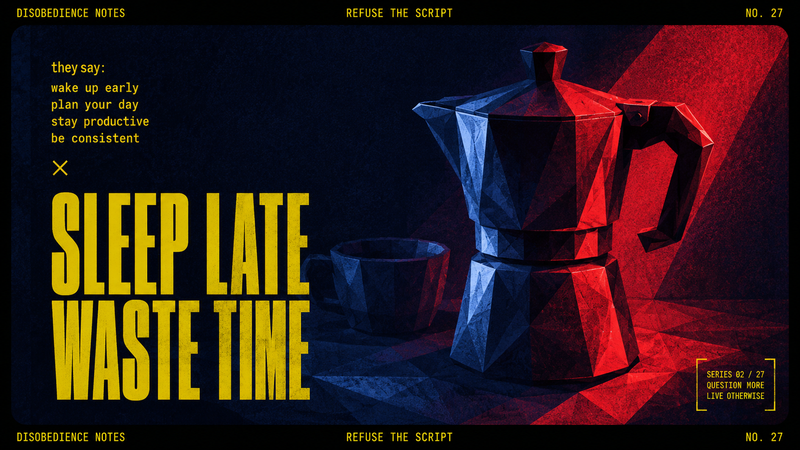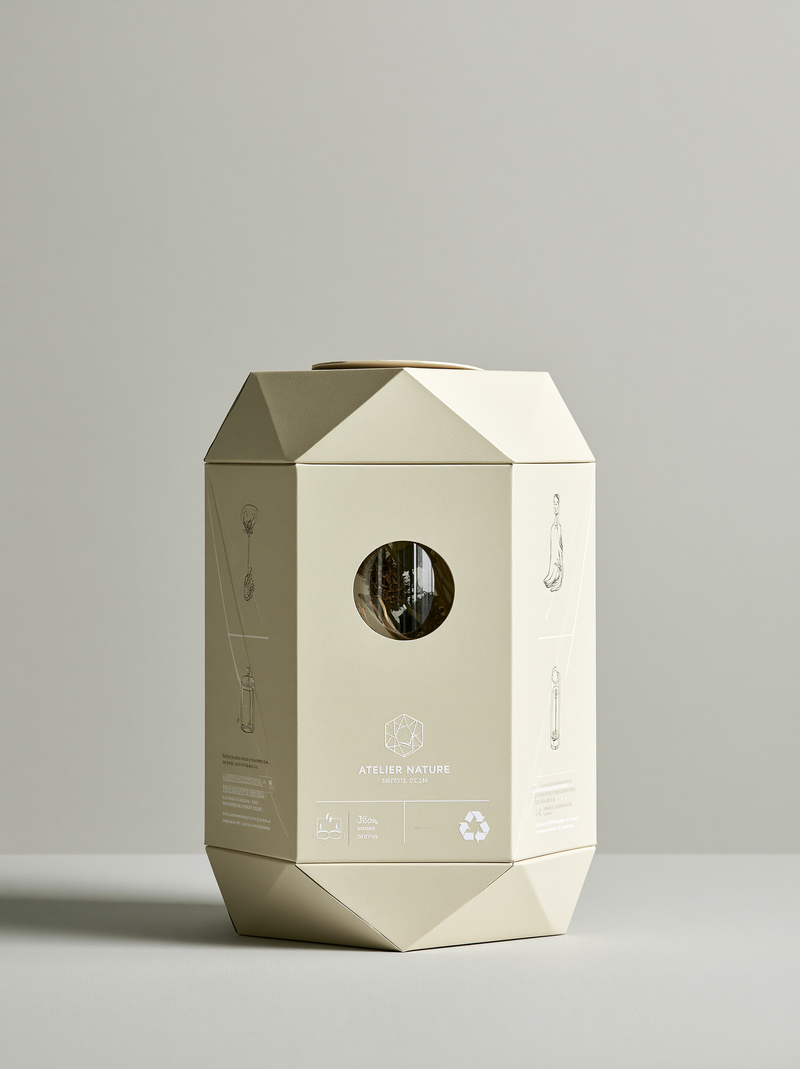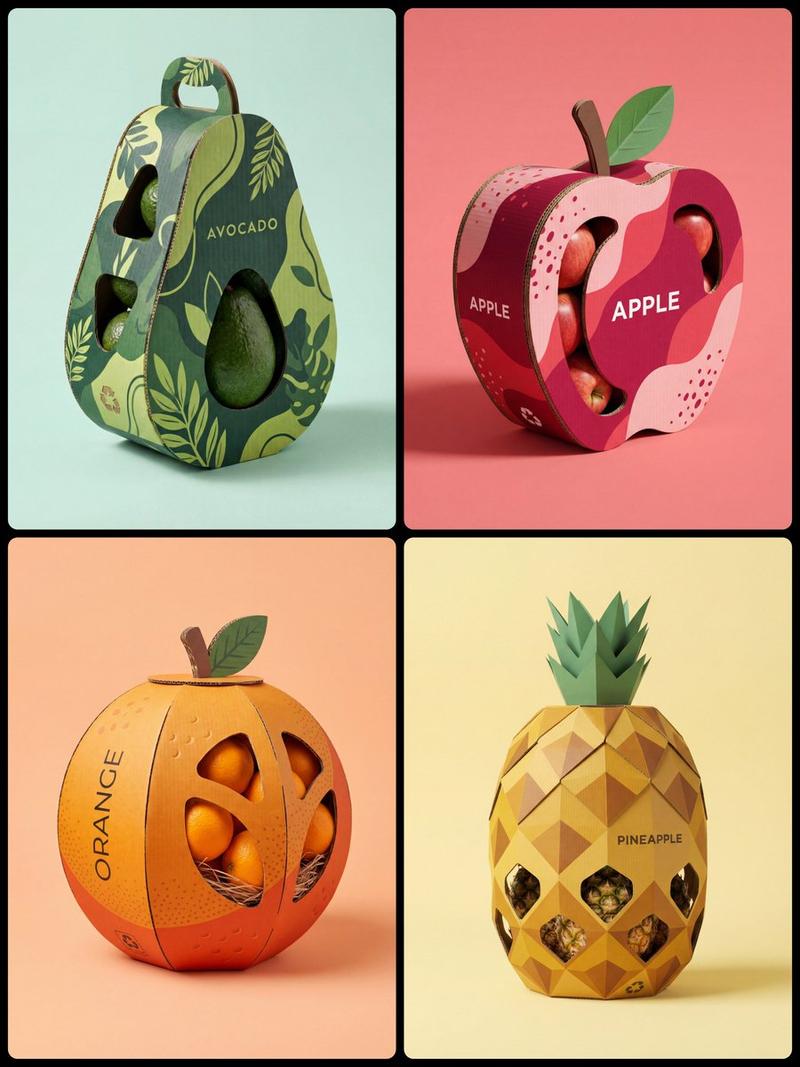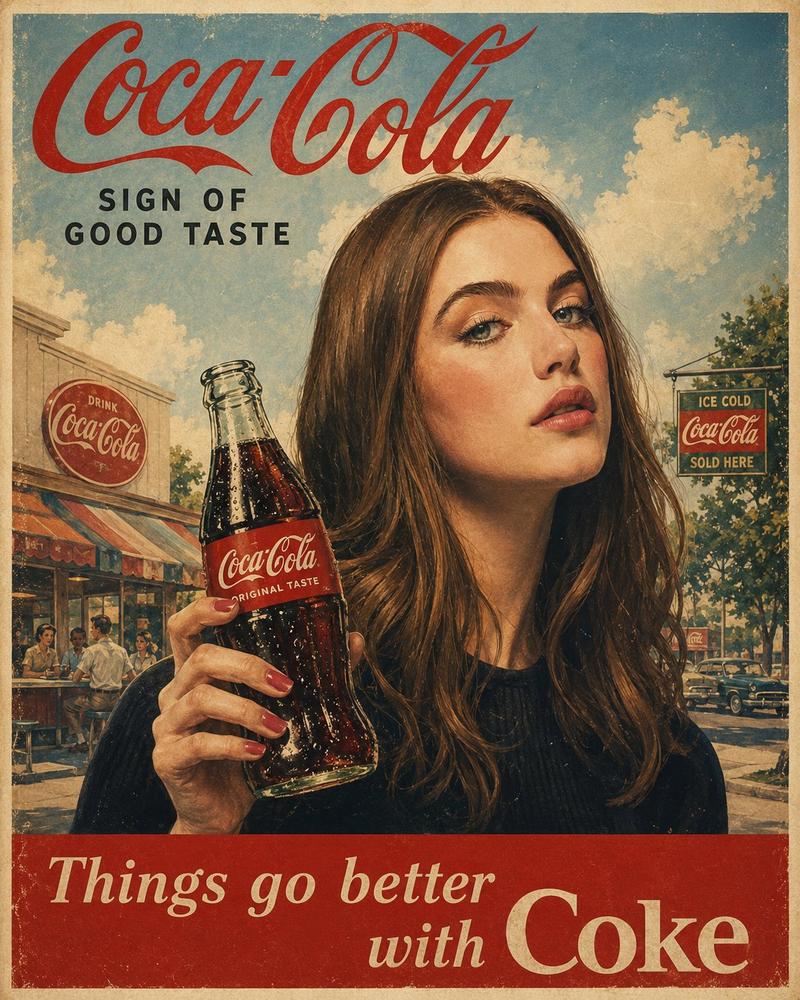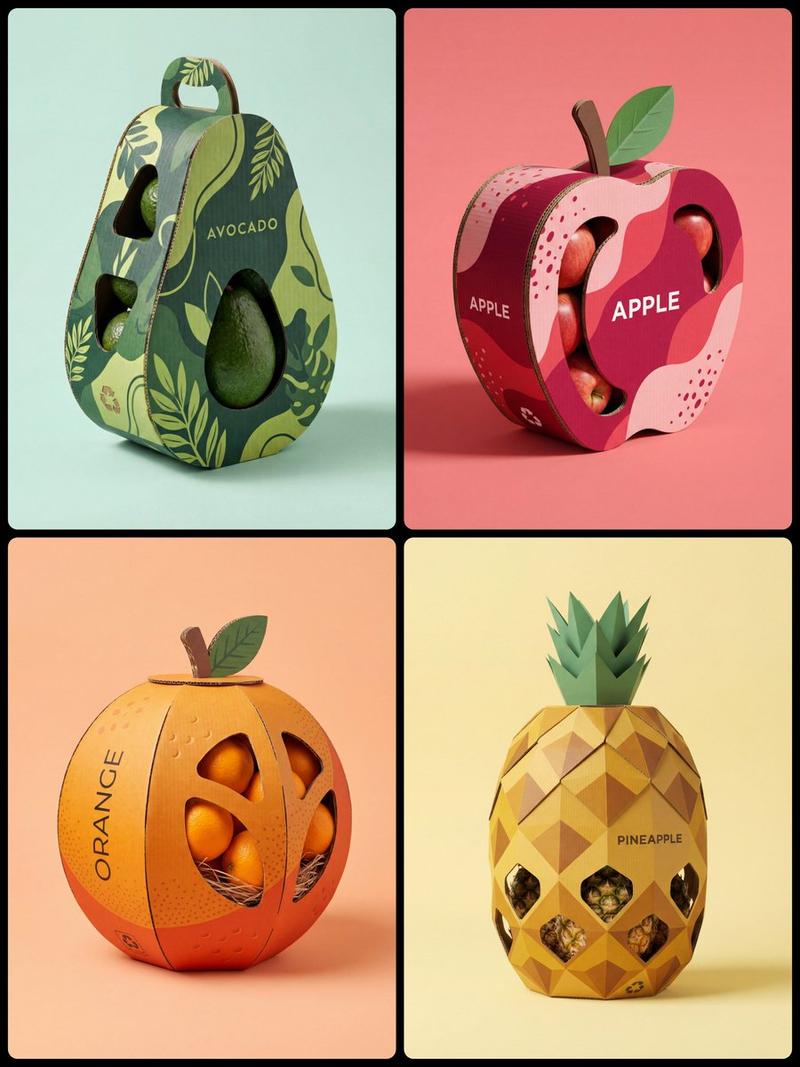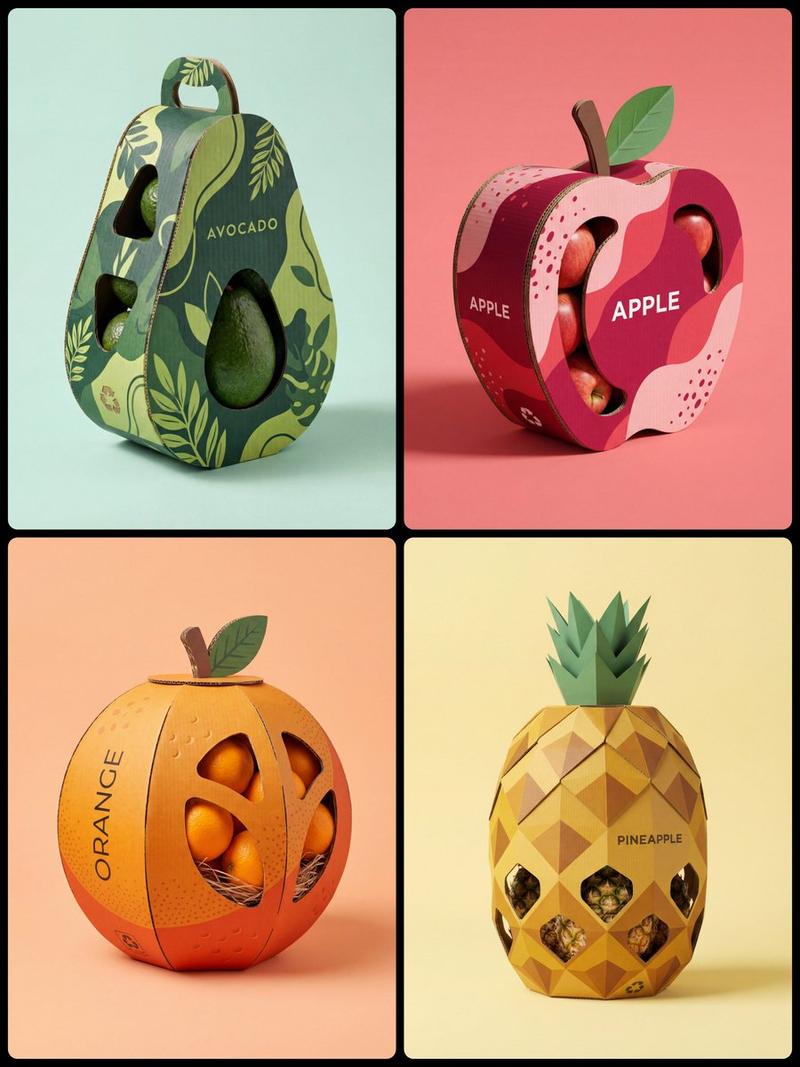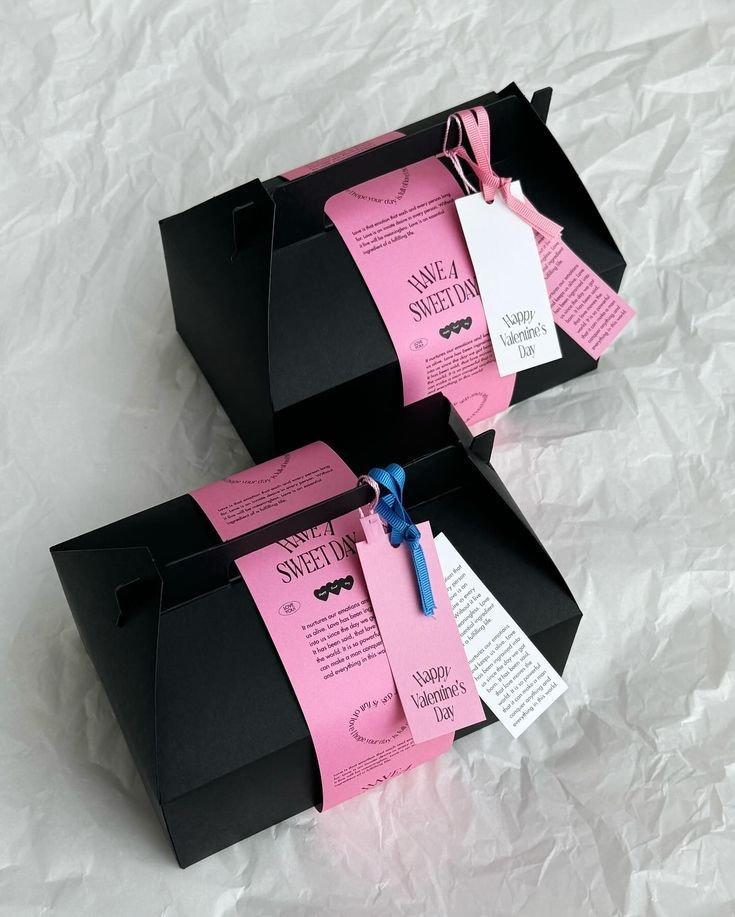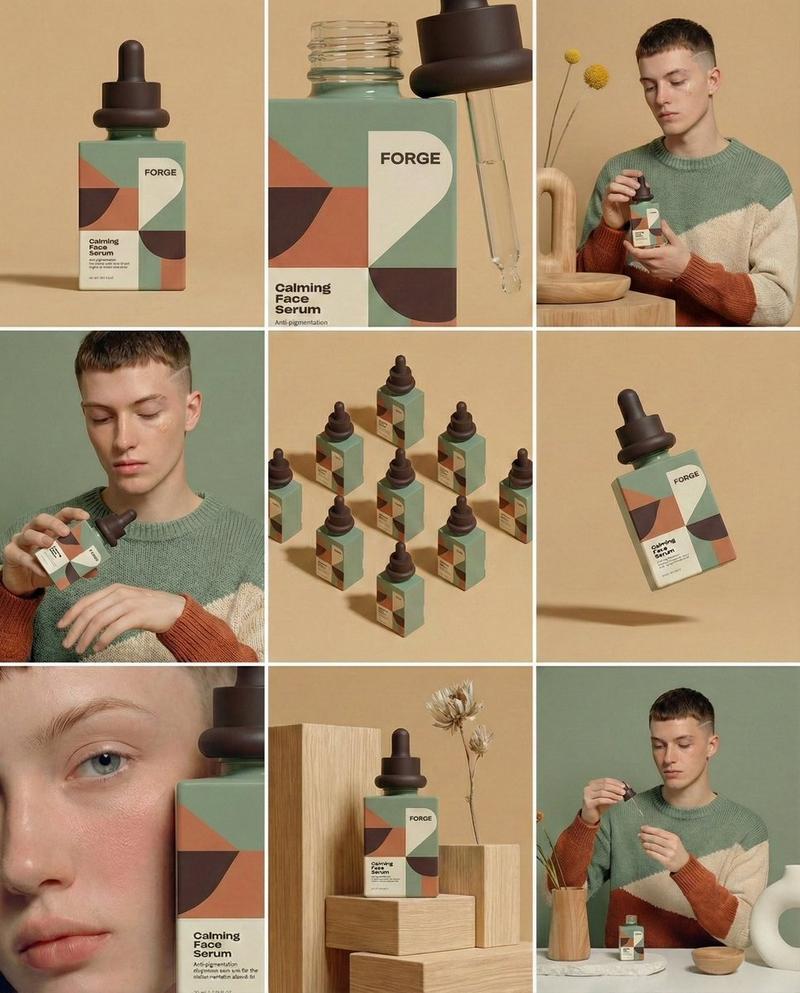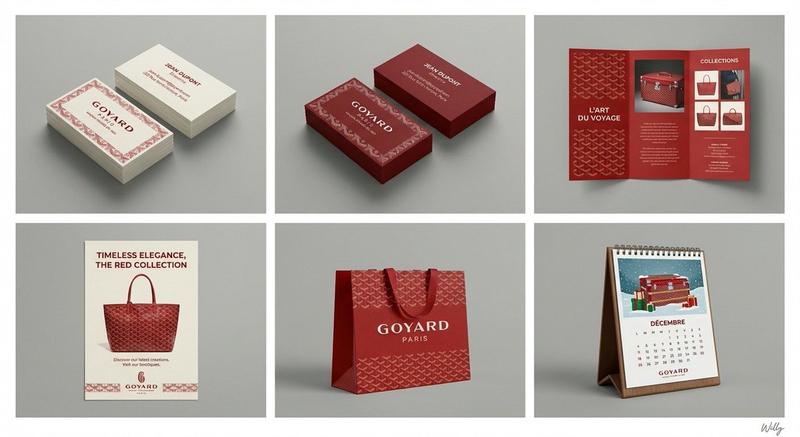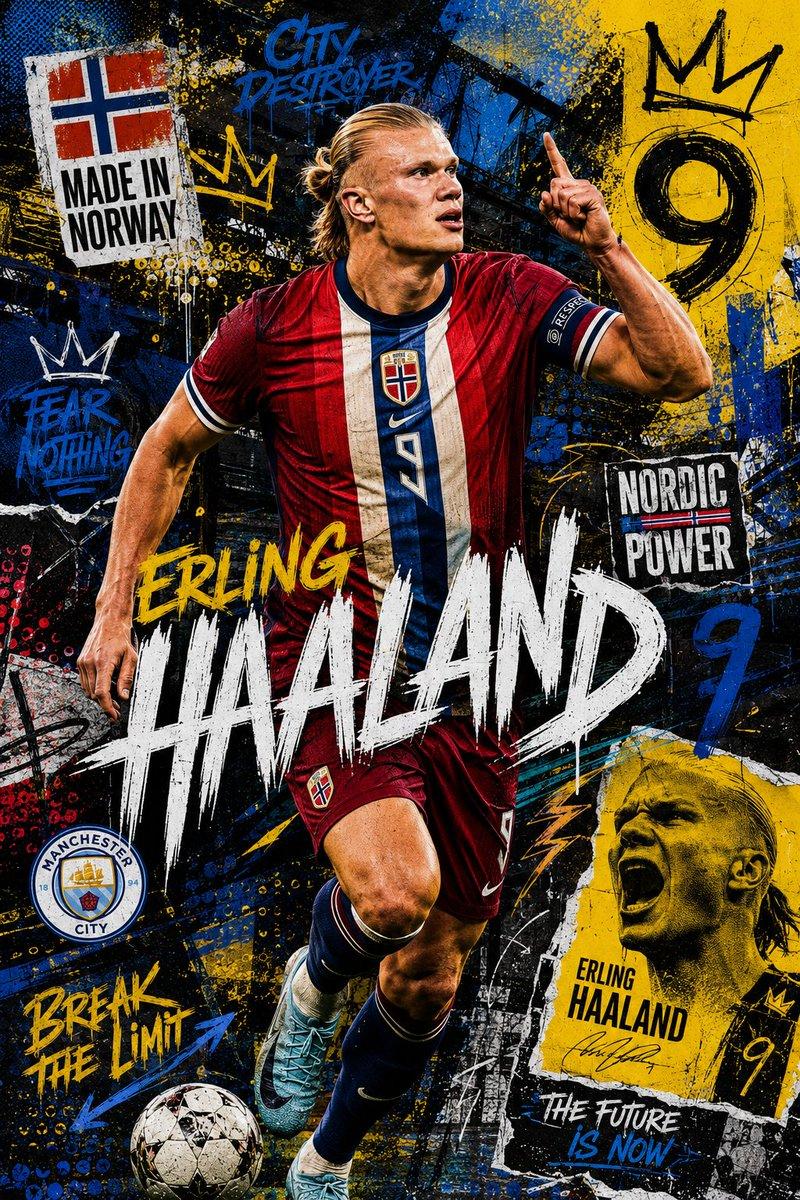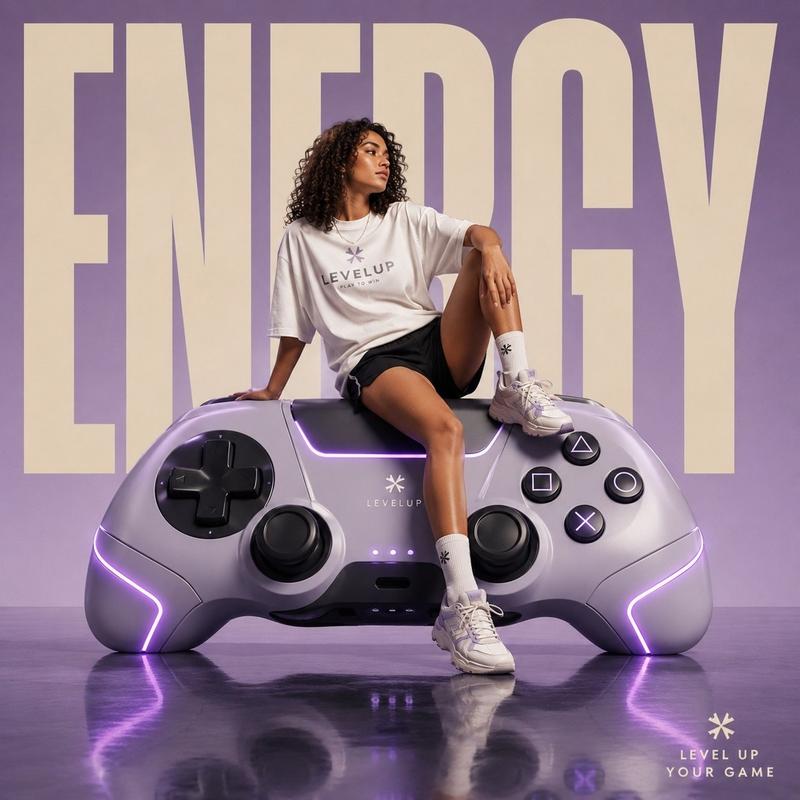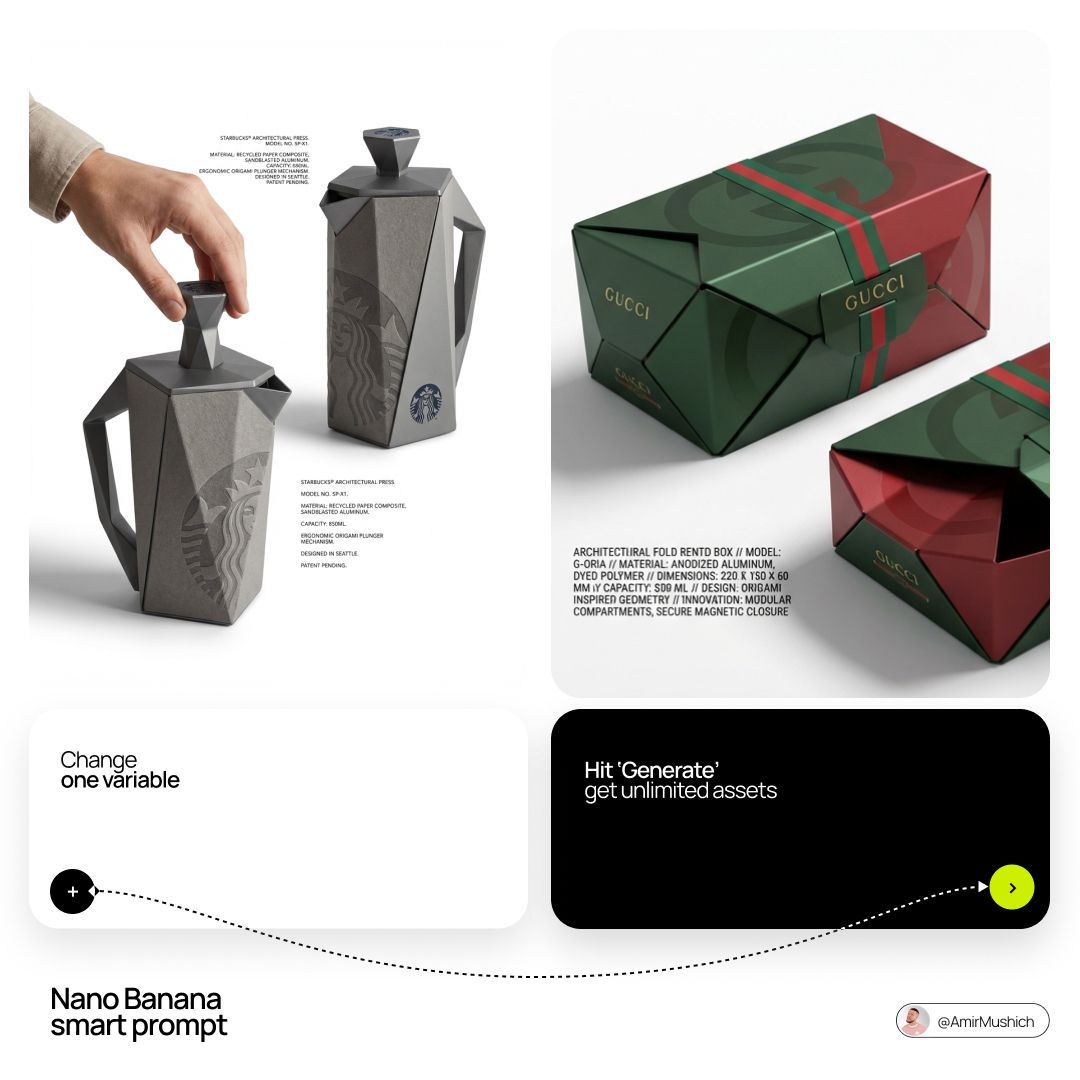
Origami industrial concept: GPT Image 2 prompt
提示词
[BRAND NAME]: The core identity.

[CATEGORY]: Clothing / Food / Automotive / Lifestyle.

Goal: Generate a premium industrial design concept on a PURE WHITE background.

1. INNOVATION & OBJECT

- Select one mundane functional object from [CATEGORY].

- Redesign it using unconventional, architectural, or origami-inspired geometry.

- The object must look like a high-end designer invention, not a standard product.

2. UNIFIED COMPOSITION

- Environment: A seamless, pure white studio background with a flat white floor.

- Interaction: A human hand (natural texture) is shown using the object in the foreground, demonstrating its unique ergonomics.

- Static Display: Right next to the hand, the same object is placed in a static, perfect pose to show its full silhouette and branding.

- Shadows: Soft, realistic grey drop shadows on the white floor to provide depth and ground the objects.

3. BRANDING & TEXT

- Identity: Apply the "[BRAND NAME]" logo in a high-contrast dark color (Black or Navy) directly onto the object's surface.

- Technical Detail: Add small, elegant blocks of justified "specification text" in the white negative space around the objects for an editorial look.

- Pattern: Use a subtle, oversized abstract fragment of the brand's logo as a texture on the object's material.

4. MATERIALS & FINISH

- High-quality matte materials only: heavy-duty recycled paper, sandblasted metal, or soft-touch polymer.

- Sharp architectural lines and clean, premium craftsmanship.
- 分类
- 海报营销
- 模型
- GPT Image 2
- 来源作者
- AmirMušić
- 来源 ID
- 2032532246641406264
- 发布时间
- 2026年3月13日
浏览量0