17

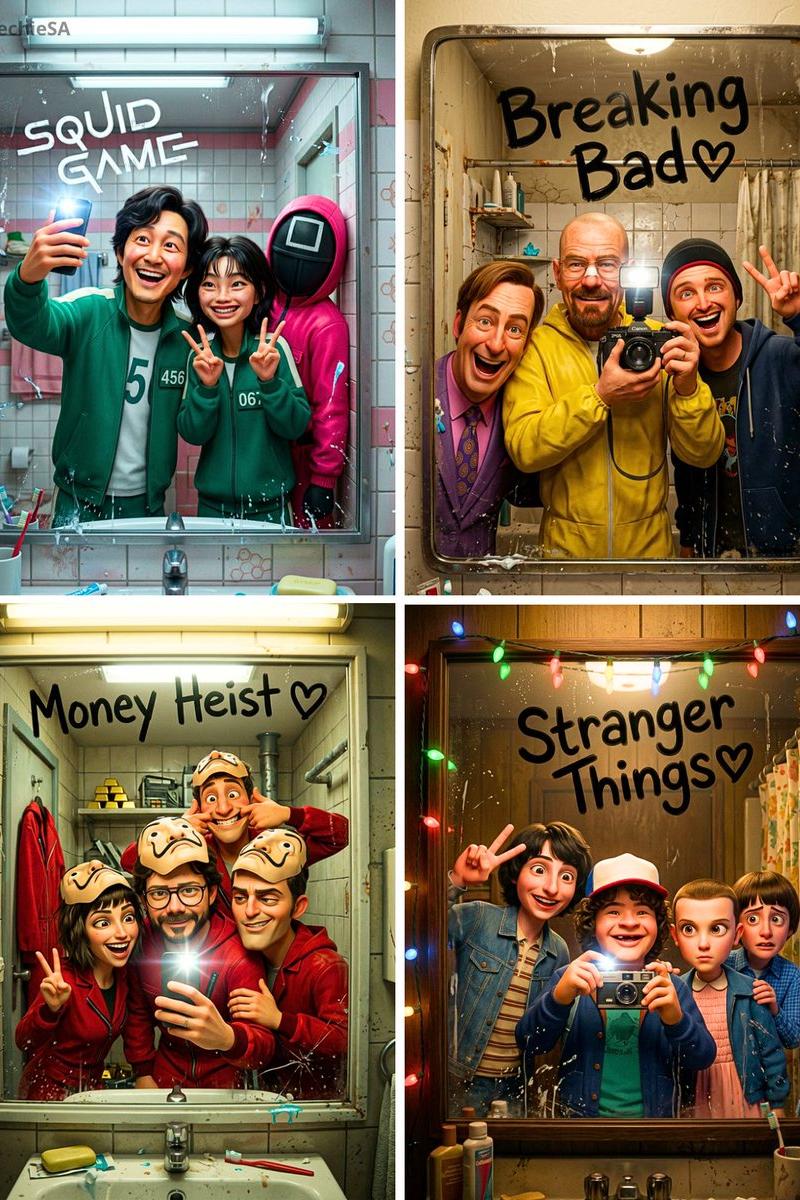
Pixar cast mirror selfie: GPT Image 2 prompt
Enlarge

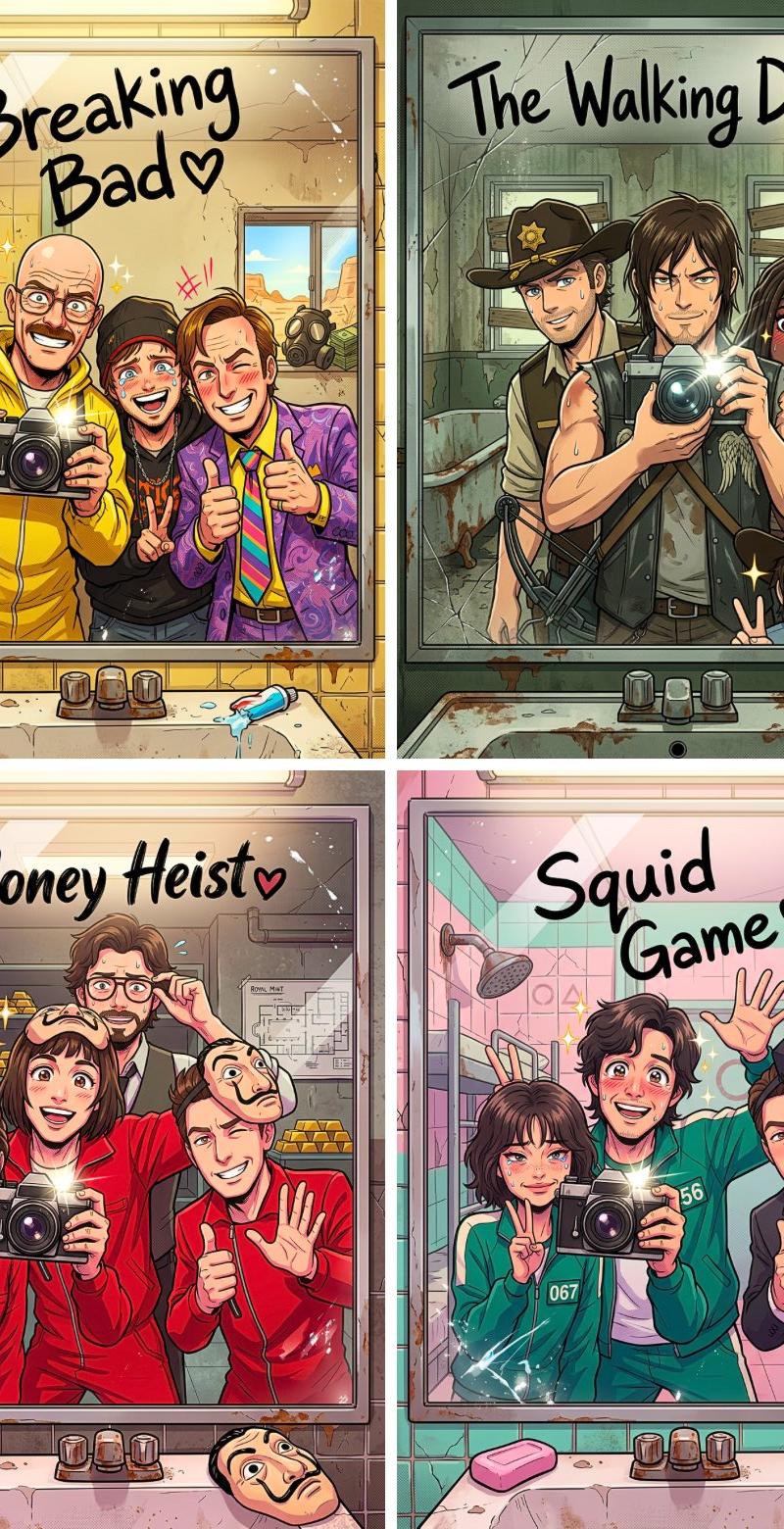
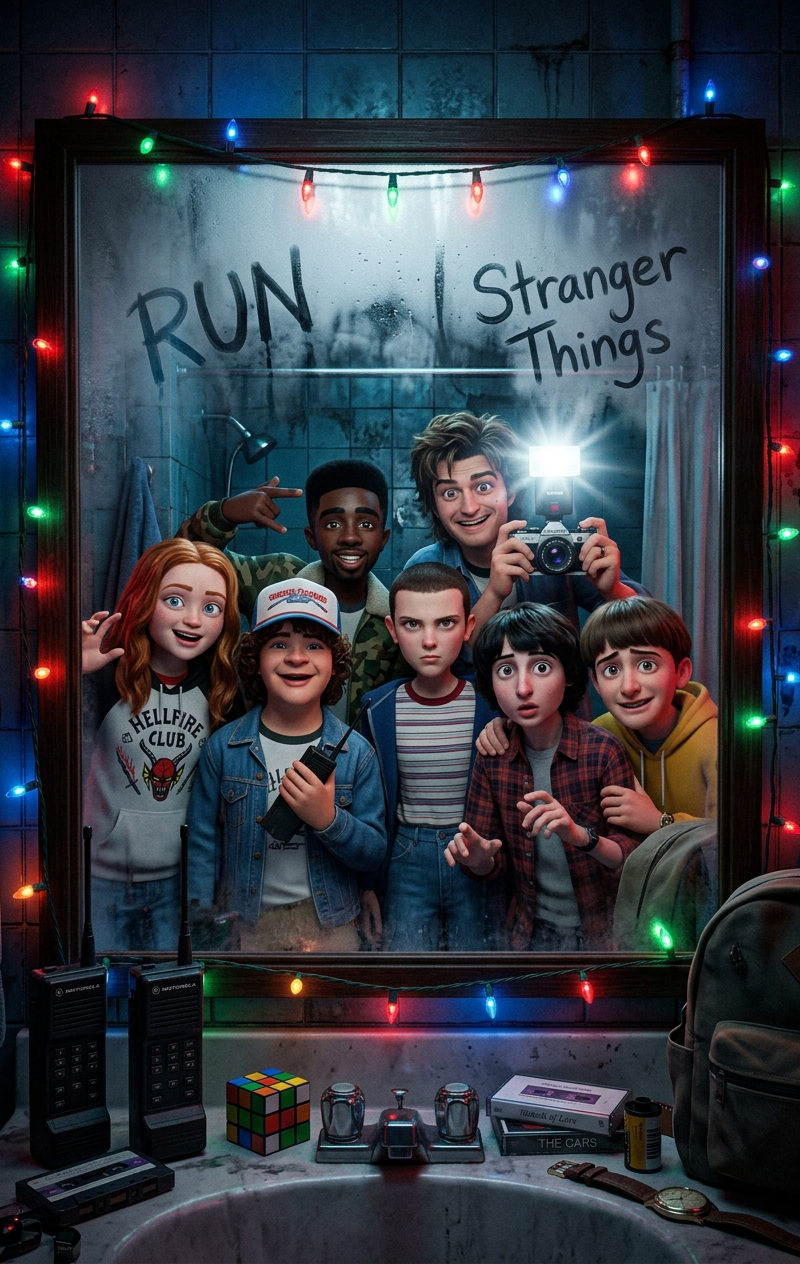
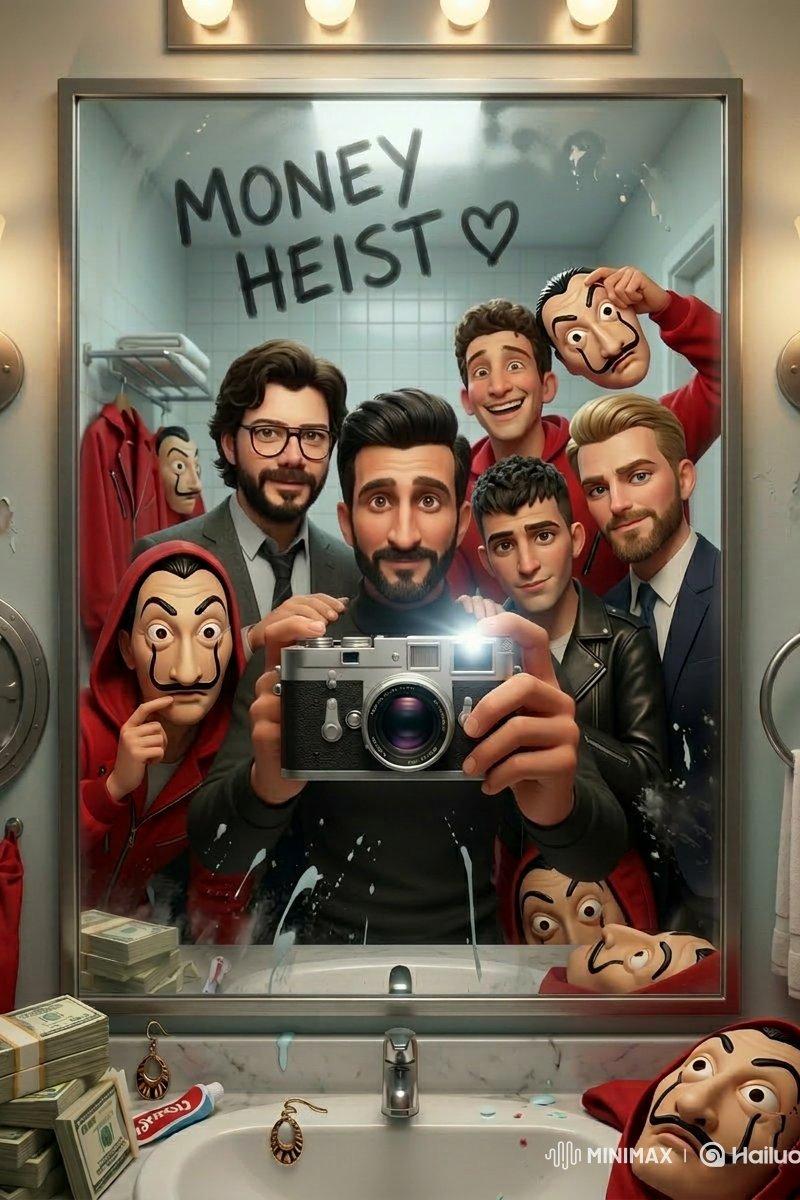
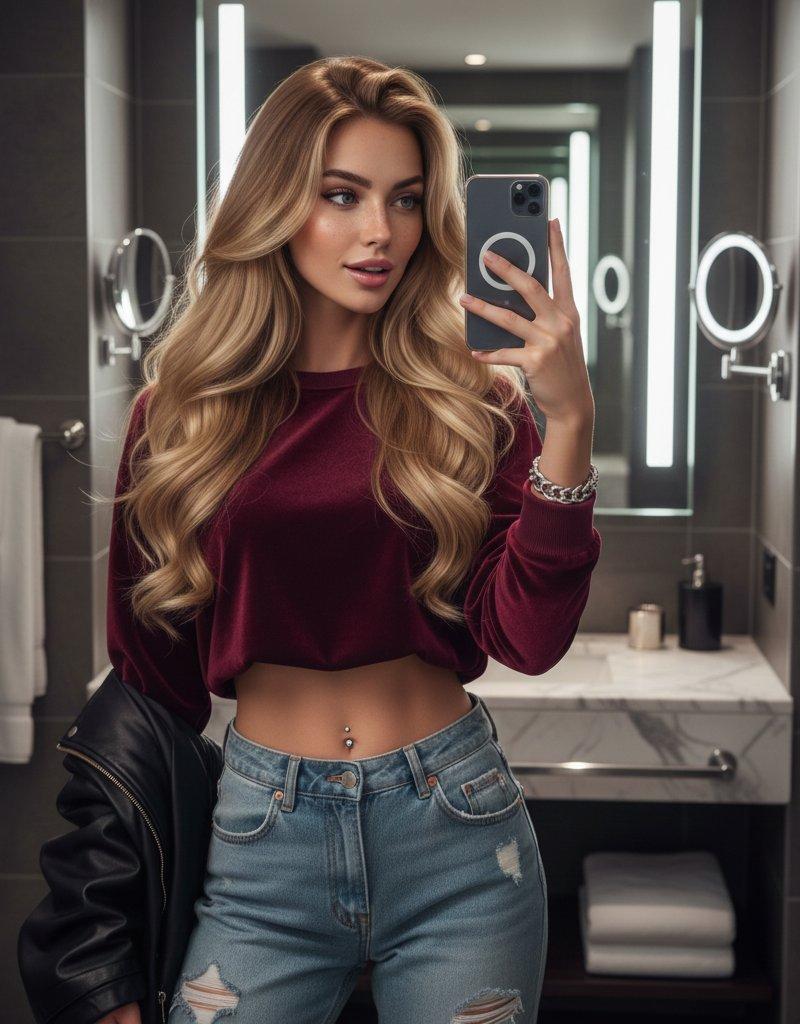
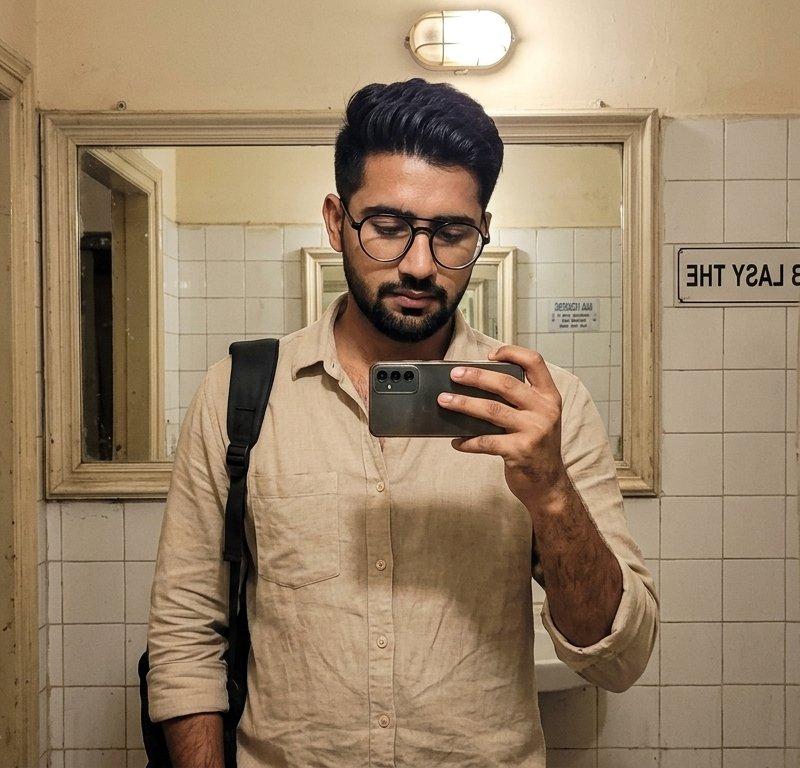
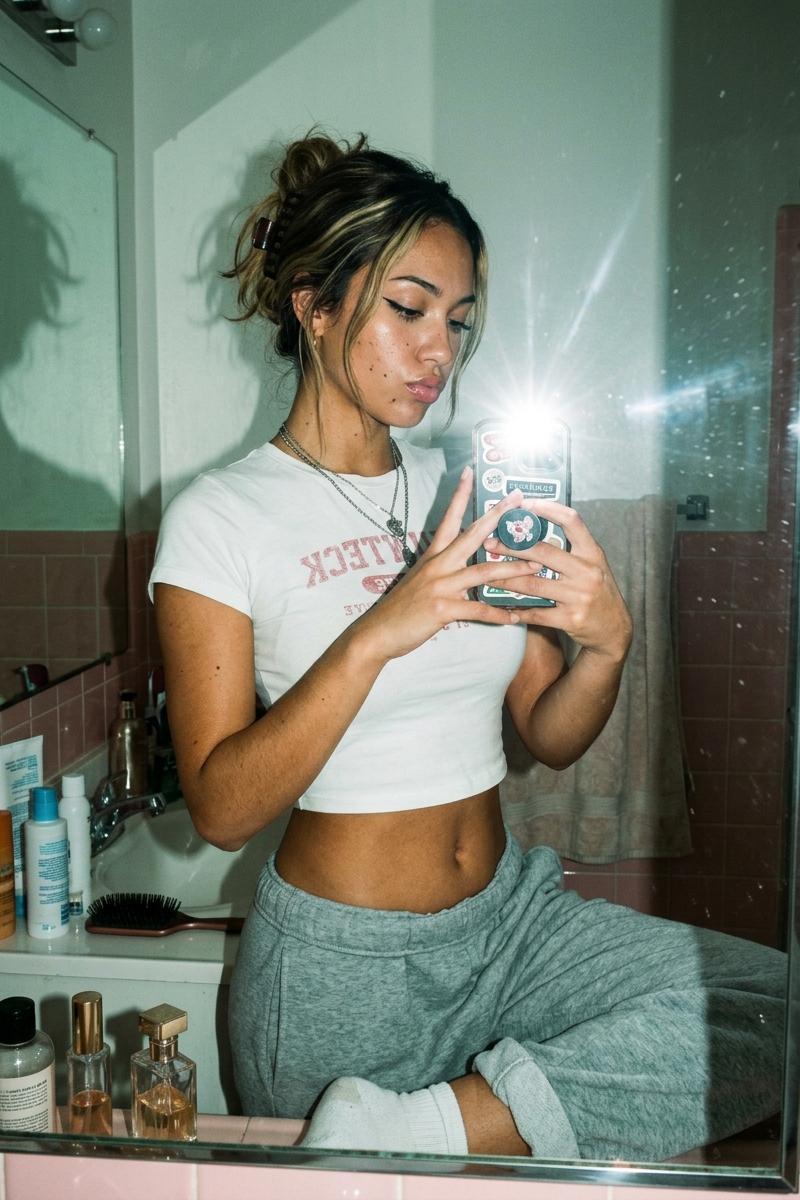
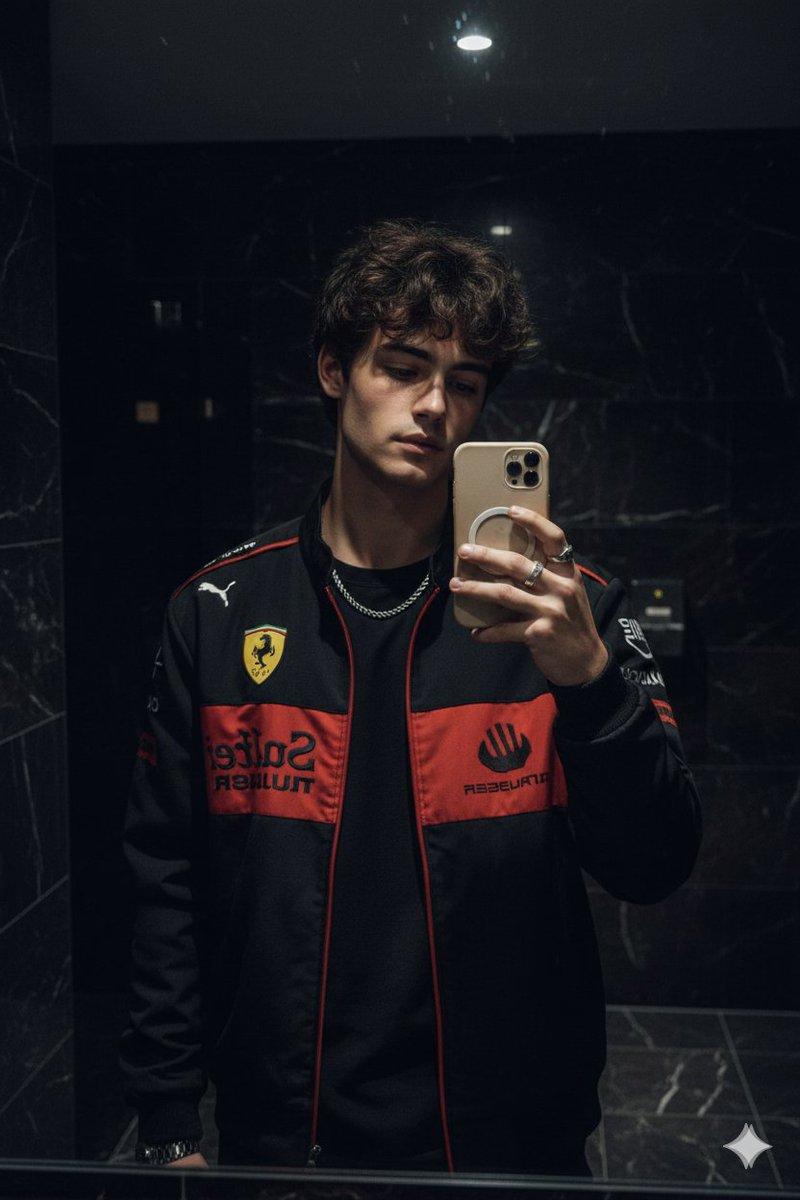
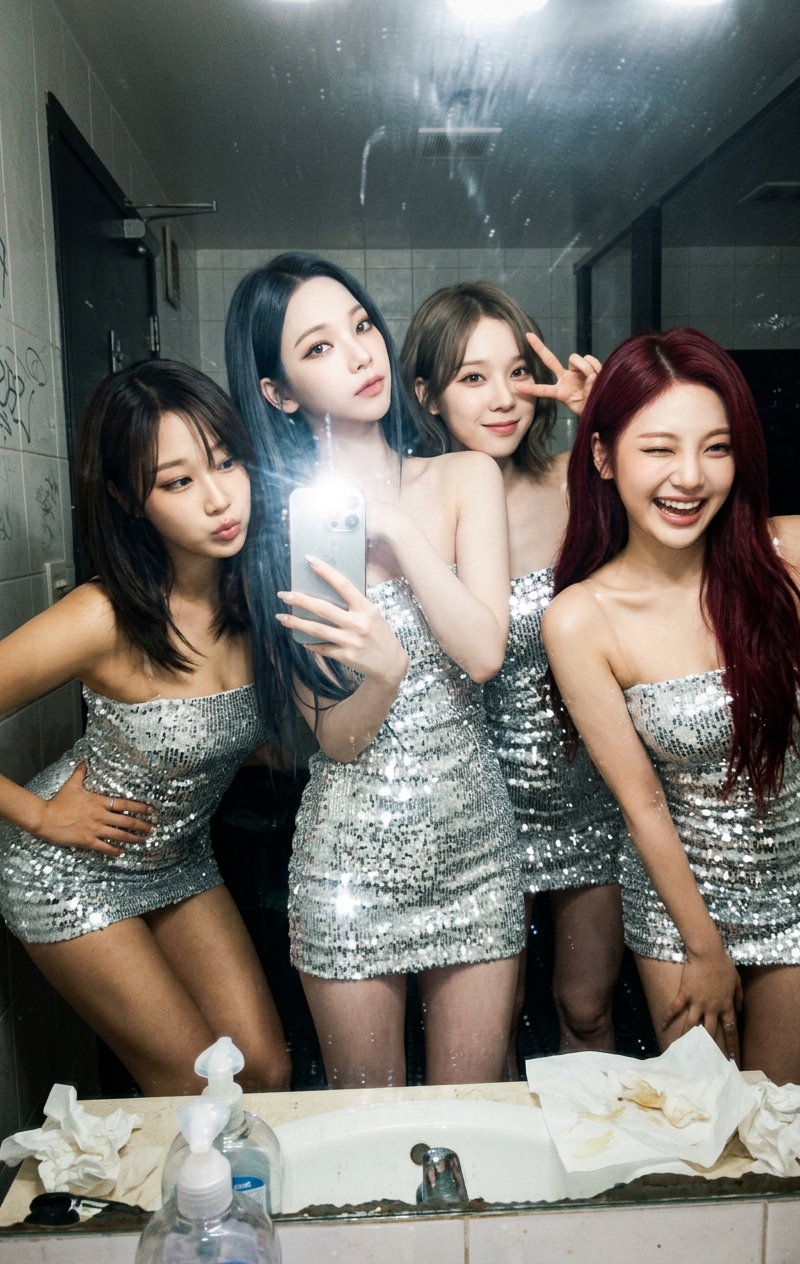
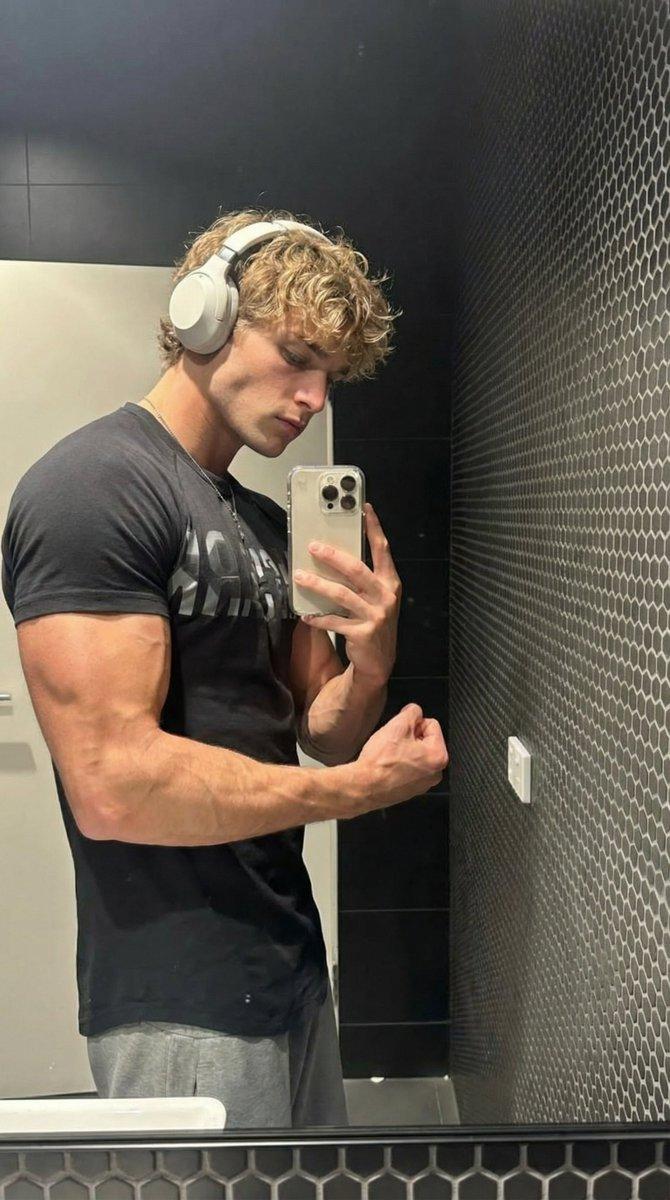
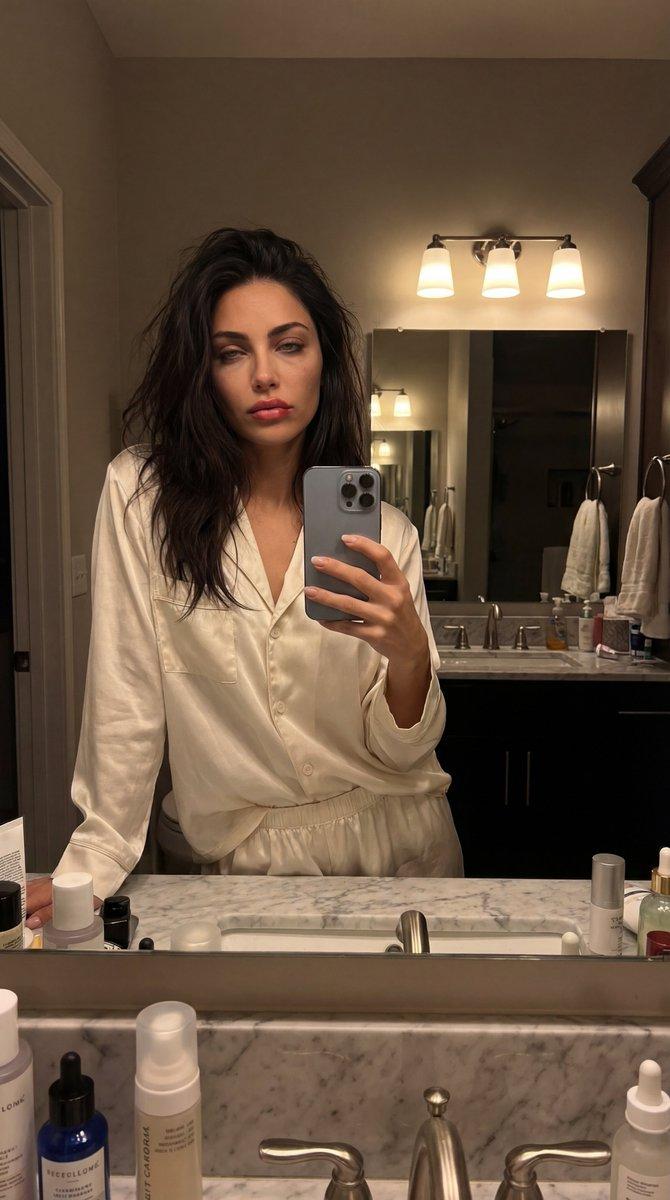
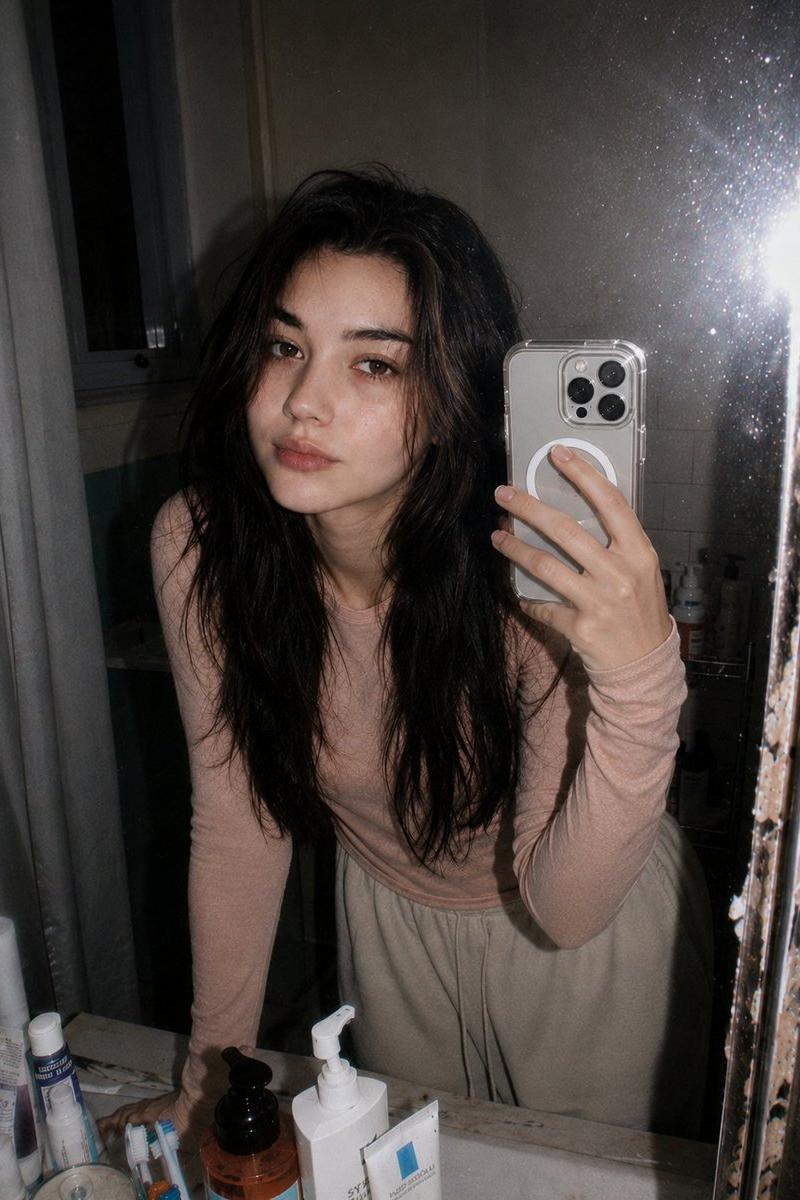
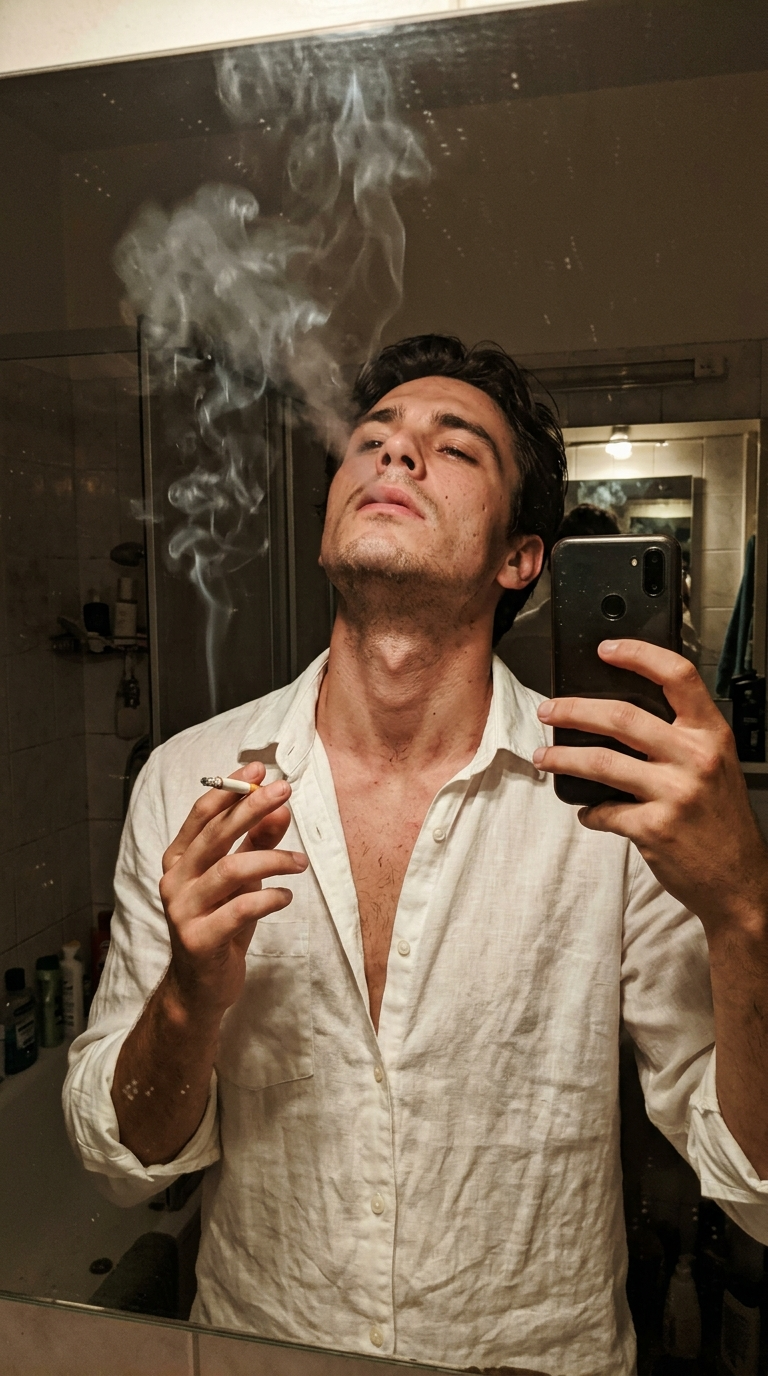
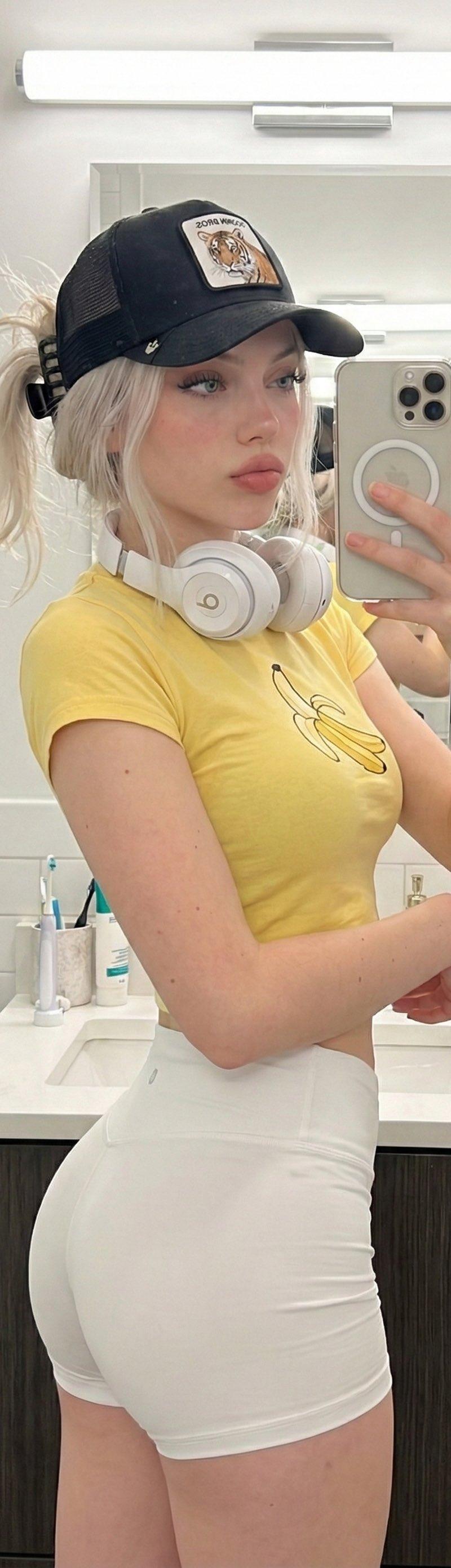
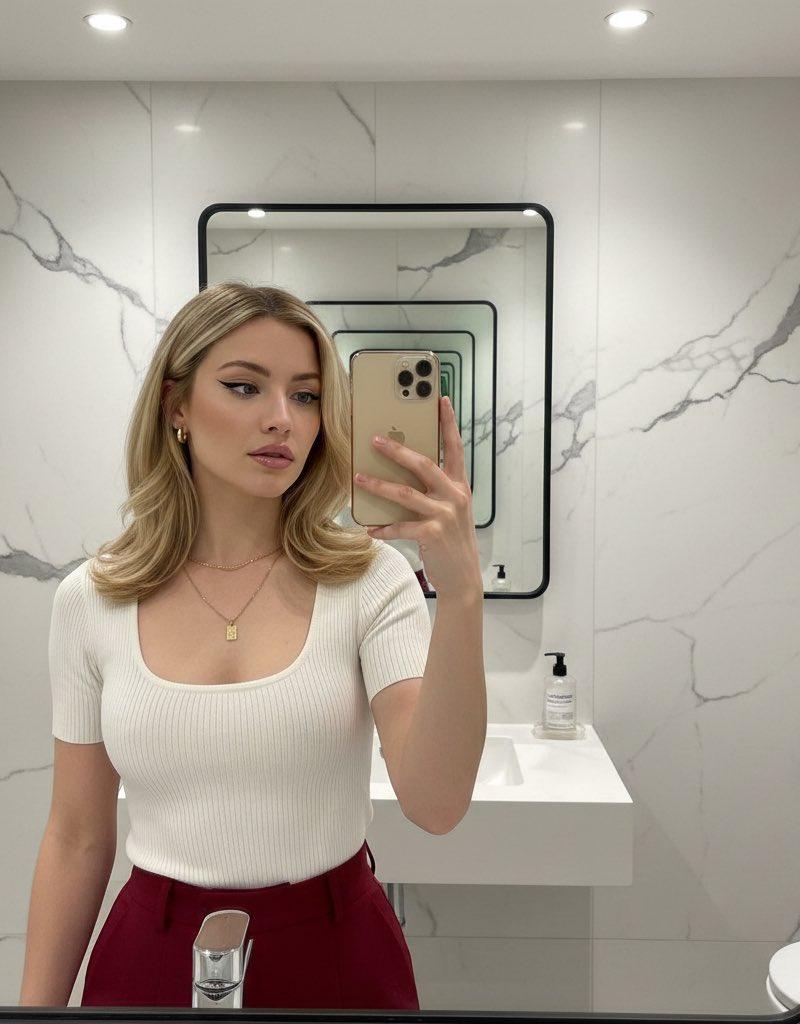
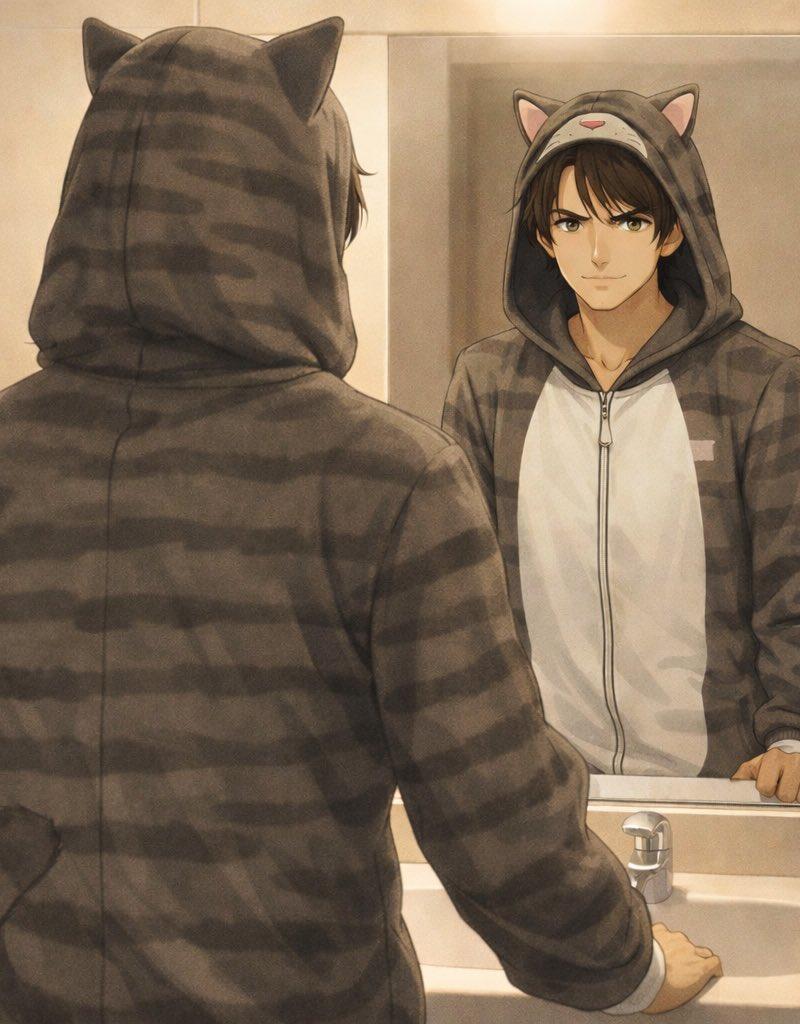
Example images

Pixar cast mirror selfie: GPT Image 2 prompt

Prompt
High-quality stylized 3D CGI Pixar-style render, vertical 3:4 composition, the most iconic characters from [SHOW/MOVIE] captured as a chaotic and joyful bathroom mirror selfie; the most recognizable character holds a large vintage camera up toward the mirror, the remaining characters squeezed tightly into the frame around them, each showing their most signature expression or pose; everyone wearing their most iconic costumes and outfits faithful to the source material; all crammed together creating classic crowded selfie energy; facial proportions gently stylized in Disney/Pixar animation style with expressive eyes while faithfully preserving each character's most recognizable traits, hairstyles and costumes from [SHOW/MOVIE]; the bathroom mirror has realistic toothpaste splatters and subtle smudges; the reflection shows bold black Pixar-style lettering reading "[SHOW/MOVIE]❤️"; the bathroom background is styled to match the world of [SHOW/MOVIE] with thematic props and easter eggs relevant to [SHOW/MOVIE] placed naturally around the scene; lighting combines soft ambient bathroom lighting with a bright camera flash reflecting in the mirror creating gentle specular highlights; warm Pixar-style color grading faithful to the visual tone of [SHOW/MOVIE], smooth highlight rolloff, refined Disney/Pixar cinematic character shading, ultra-detailed 4K render, no watermark
Category
Photography & Realism
Model
GPT Image 2
Creator
TechieBySA
Source language
en
Views0
Source ID
2032557237437116521
Published
Mar 13, 2026
Studio

Guide

About "Pixar cast mirror selfie: GPT Image 2 prompt"

What is this prompt for?

"Pixar cast mirror selfie: GPT Image 2 prompt" AI image prompt for GPT Image 2 (Photography & Realism). High-quality stylized 3D CGI Pixar-style render, vertic…

The full copyable prompt and example visuals above are ready for AI image generation or one-click recreate in Picva.

How to use this prompt

  1. Step 1

    Open the prompt detail

    Review the example visuals, category, and full prompt text for "Pixar cast mirror selfie: GPT Image 2 prompt".

  2. Step 2

    Copy the prompt

    Copy the prompt body from this page, or load it directly in Studio.

  3. Step 3

    Pick a model (GPT Image 2)

    Prefer GPT Image 2. If you switch models, keep subject and composition and tweak style terms.

  4. Step 4

    Generate and export

    Recreate the look in Picva, or export into your workflow for editing and publishing.

FAQ

What is the "Pixar cast mirror selfie: GPT Image 2 prompt" prompt?
It is an AI image-generation prompt for GPT Image 2 in the Photography & Realism category. This page includes the full prompt text, example visuals, and a one-click recreate path in Picva.
How do I use this prompt to generate an image?
Copy the prompt from this page, or use Generate / Studio. Paste it into a compatible image model, or recreate the look in Picva with optional reference images.
Which model is this prompt for?
This page lists GPT Image 2. Most descriptive prompts also transfer to nearby image models such as GPT Image, Flux, or Midjourney with light style tweaks.
Can I use the result commercially?
You can usually copy the prompt for creation, but commercial use of the final image depends on the model terms, reference-image rights, and the generated content. Follow the source author and platform rules.