18

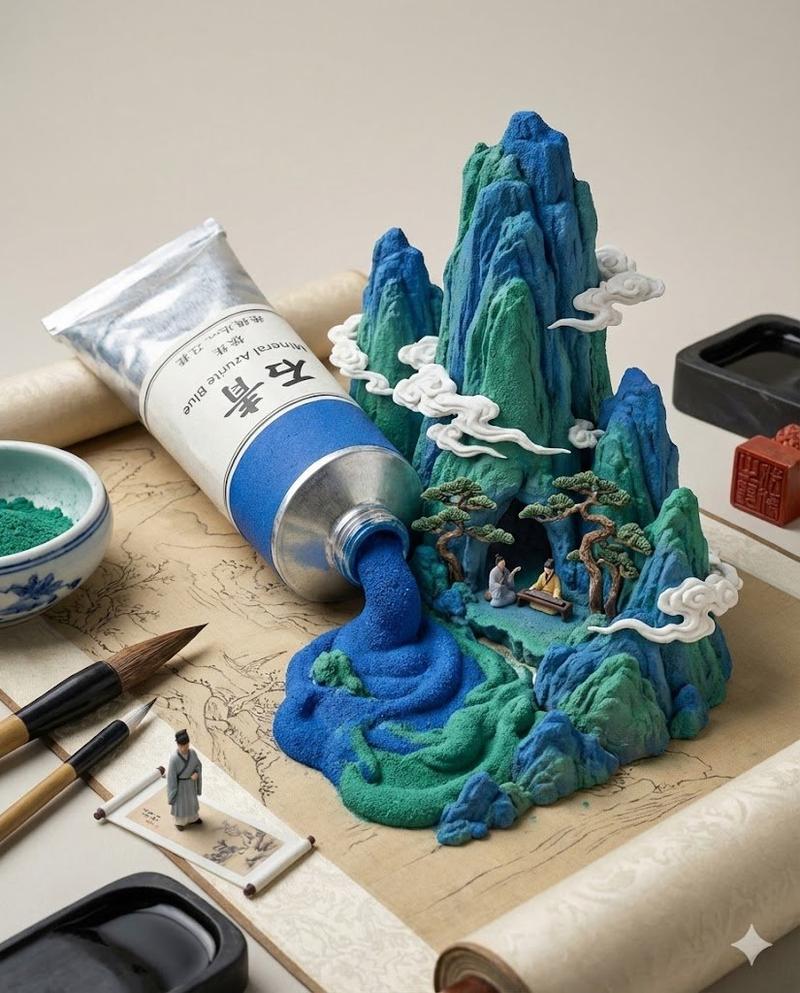
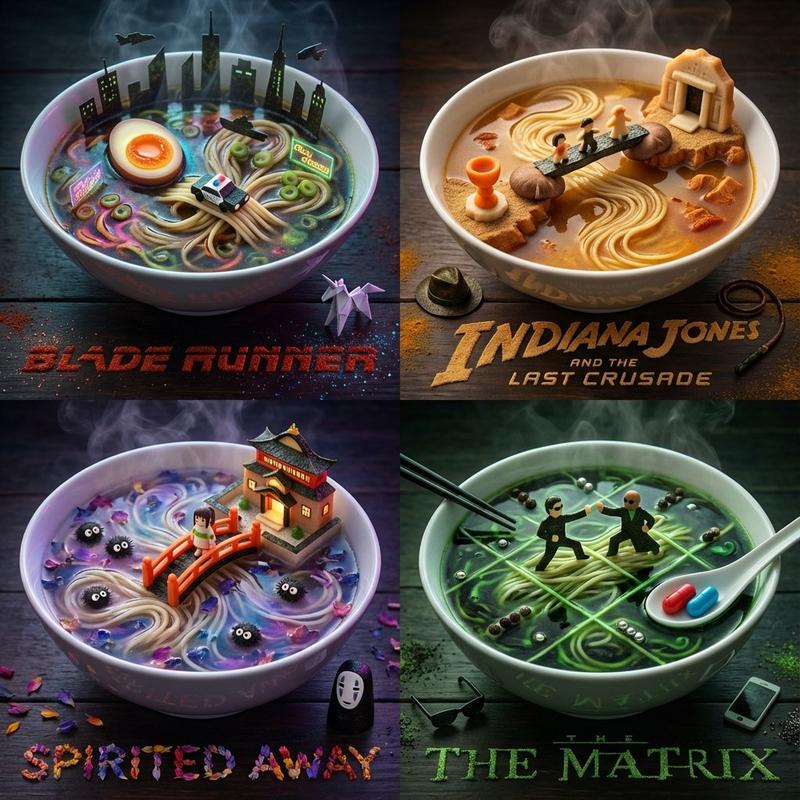
3d render king: GPT Image 2 prompt
Enlarge

3d render king: GPT Image 2 prompt

Prompt
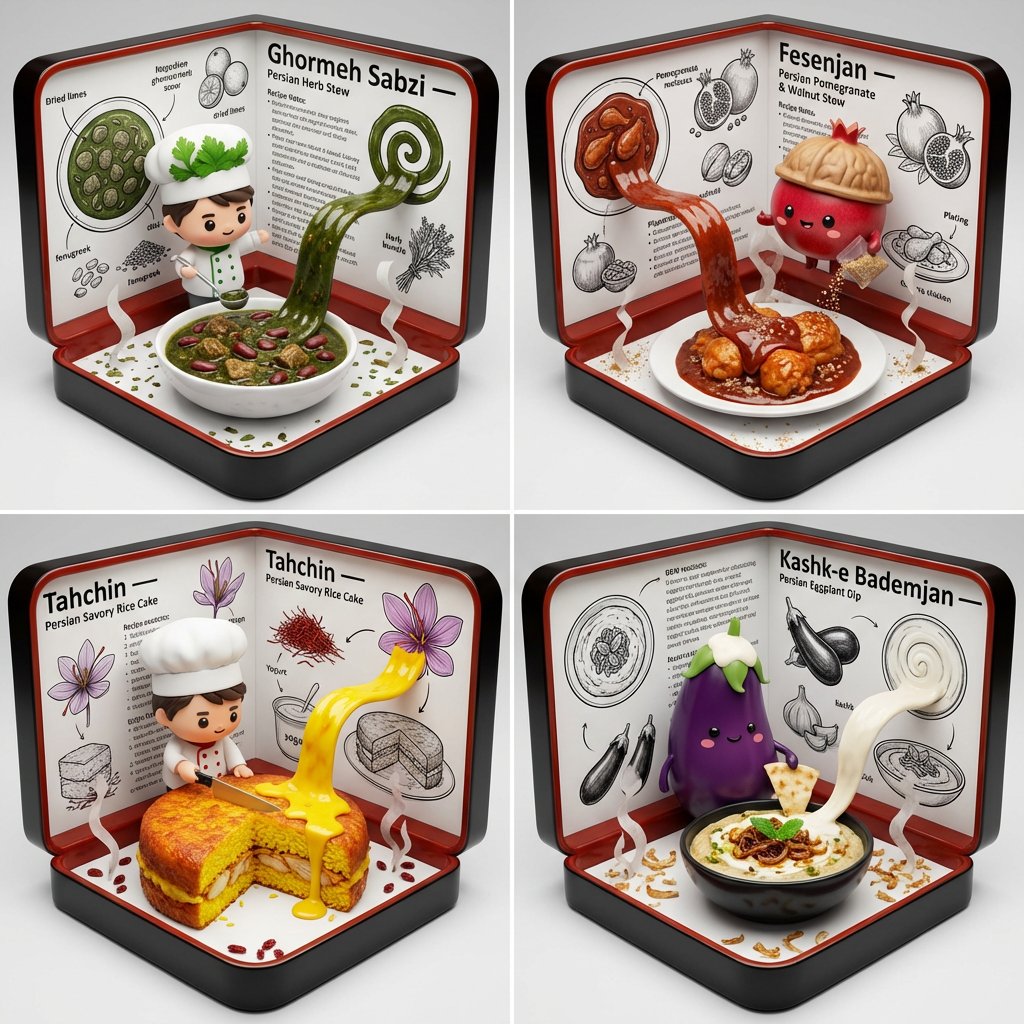
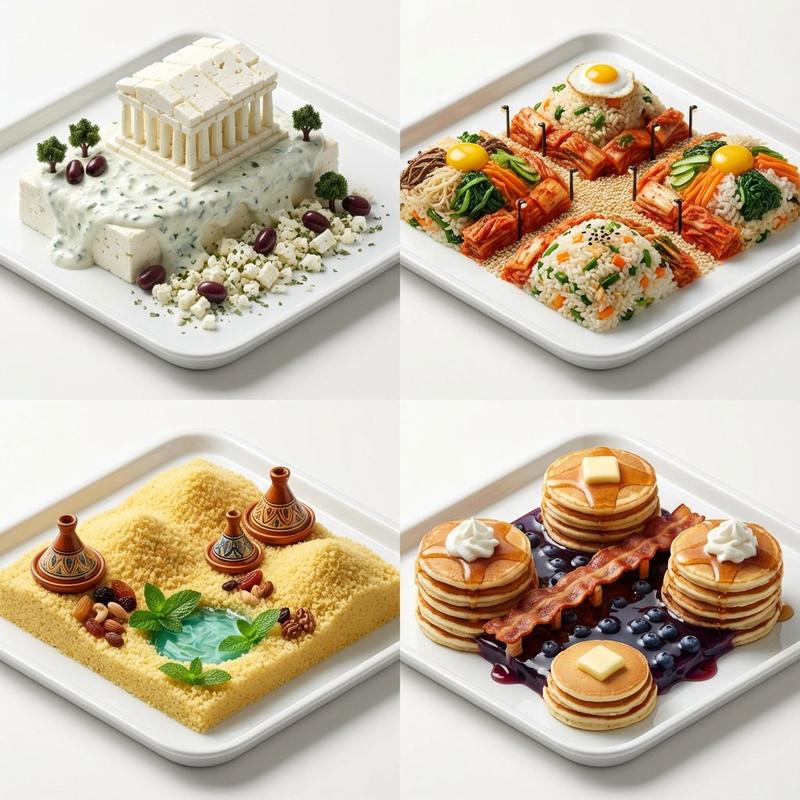
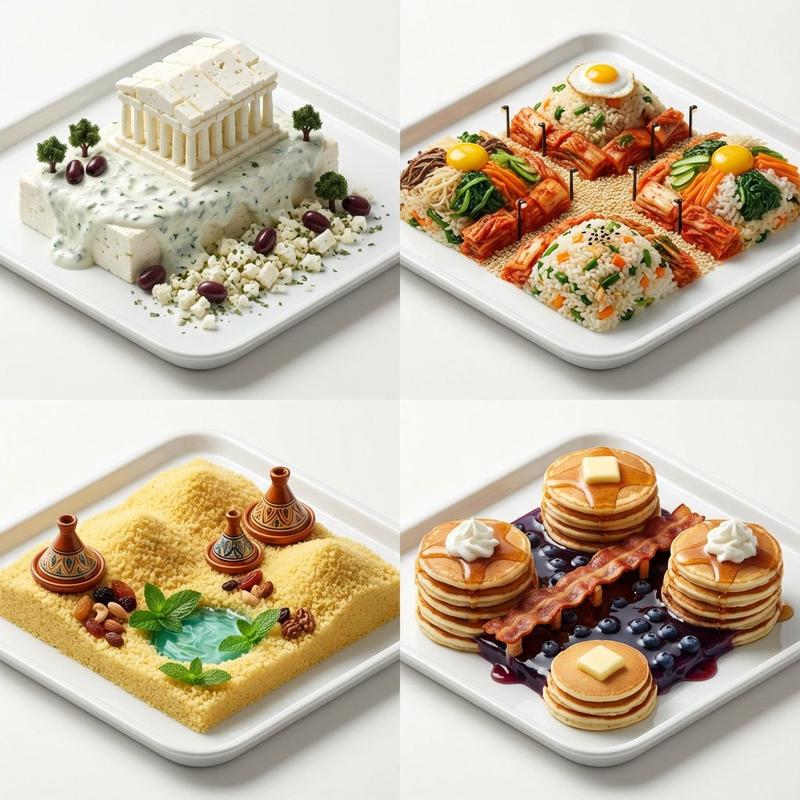
2x2 grid, do this for 4 famous cuisines: function dish(AA){
<instruction>
Input A is a Famous Dish / Culinary Tradition / Signature Dessert / Regional Specialty.

Analyze:
- ingredient hierarchy, cooking method, plating logic
- origin region, historical story, ritual or social context
- flavor architecture translated into visual composition
- symbolic ingredients, cookware, and dining environment
- chef or tradition lineage

Goal:
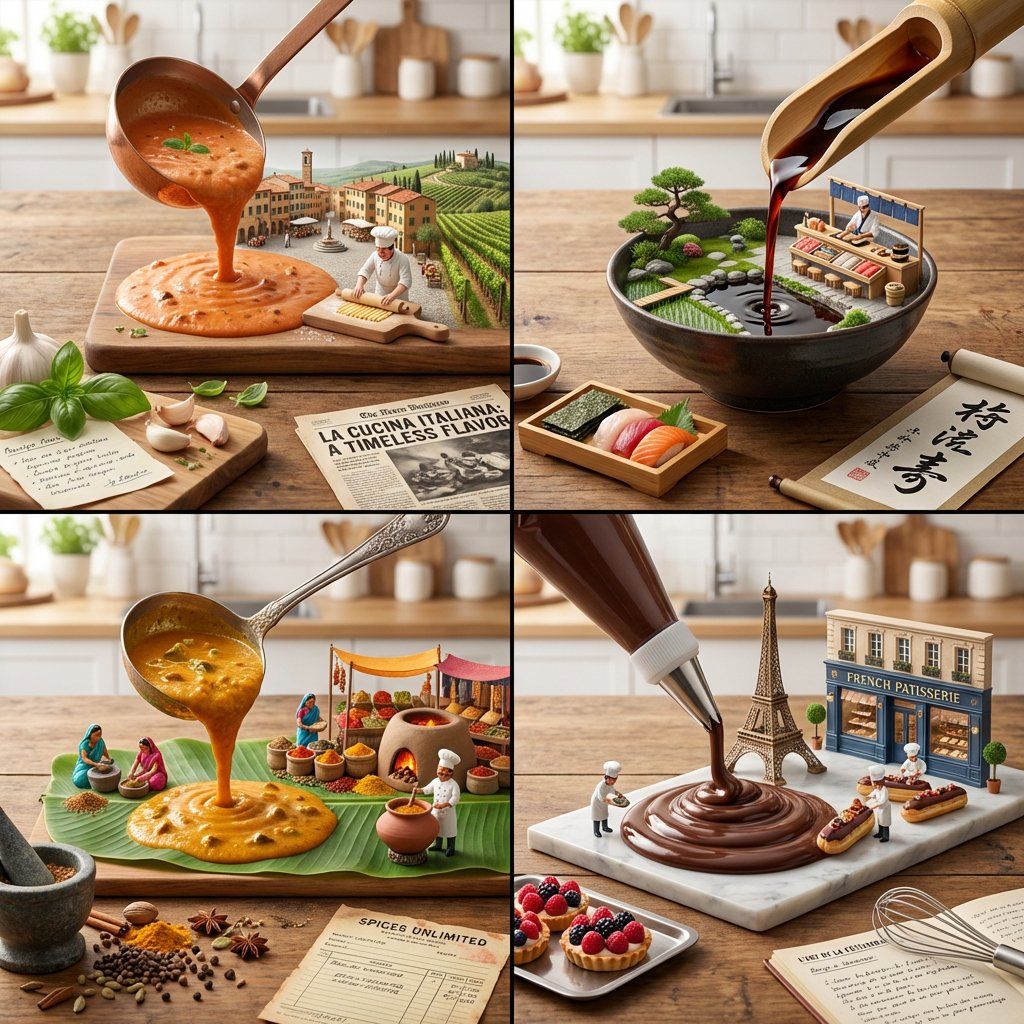
A "sauce pour environment."
A giant ladle, piping bag, or sauce boat is pouring the primary sauce, cream, glaze, broth, or puree onto a table.
The flowing edible medium rises into a detailed 3D world of the dish: ingredients, preparation stages, origin landscape, and plated final form merging together.

Rules:
- the poured substance must remain recognizably edible while forming the scene
- include knives, cutting board, handwritten recipe notes, ingredient trays, steam, spice dust, region-appropriate tools
- include a tiny chef or grandmother figure preparing a miniature version nearby
- include a food critic headline, market receipt, or origin-story clipping
- semantically infer cuisine-specific vessels, table culture, garnish logic, and environment
- no random food pile; composition must reveal flavor structure and culinary history
- lighting: appetizing natural kitchen light with rich edible texture

Output:
ONE image, 4:5, culinary-process diorama aesthetic
</instruction>

Output:
2x2 grid, each grid with a different dish(AA) output
}
Category
Products & E-commerce
Model
GPT Image 2
Creator
Gadgetify
Views0
Source ID
2043013709615022434
Published
Apr 11, 2026

Guide

About "3d render king: GPT Image 2 prompt"

What is this prompt for?

"3d render king: GPT Image 2 prompt" AI image prompt for GPT Image 2 (Products & E-commerce). 2x2 grid, do this for 4 famous cuisines: function dish(AA){ Input…

The full copyable prompt and example visuals above are ready for AI image generation or one-click recreate in Picva.

How to use this prompt

  1. Step 1

    Open the prompt detail

    Review the example visuals, category, and full prompt text for "3d render king: GPT Image 2 prompt".

  2. Step 2

    Copy the prompt

    Copy the prompt body from this page, or load it directly in Studio.

  3. Step 3

    Pick a model (GPT Image 2)

    Prefer GPT Image 2. If you switch models, keep subject and composition and tweak style terms.

  4. Step 4

    Generate and export

    Recreate the look in Picva, or export into your workflow for editing and publishing.

FAQ

What is the "3d render king: GPT Image 2 prompt" prompt?
It is an AI image-generation prompt for GPT Image 2 in the Products & E-commerce category. This page includes the full prompt text, example visuals, and a one-click recreate path in Picva.
How do I use this prompt to generate an image?
Copy the prompt from this page, or use Generate / Studio. Paste it into a compatible image model, or recreate the look in Picva with optional reference images.
Which model is this prompt for?
This page lists GPT Image 2. Most descriptive prompts also transfer to nearby image models such as GPT Image, Flux, or Midjourney with light style tweaks.
Can I use the result commercially?
You can usually copy the prompt for creation, but commercial use of the final image depends on the model terms, reference-image rights, and the generated content. Follow the source author and platform rules.