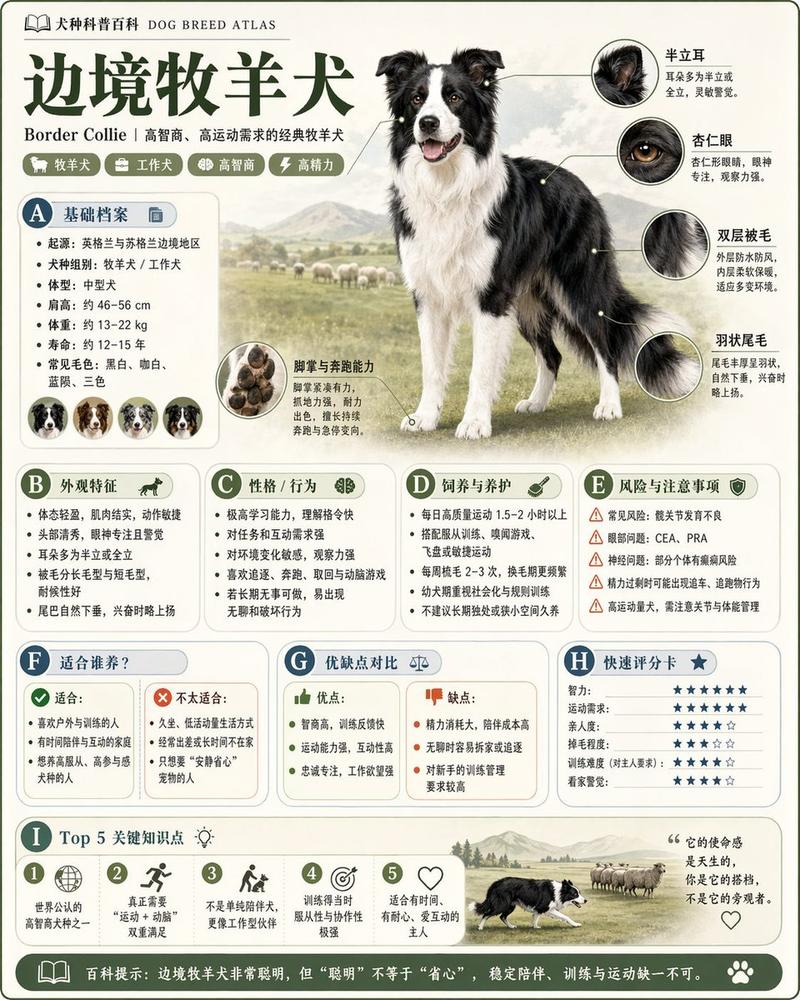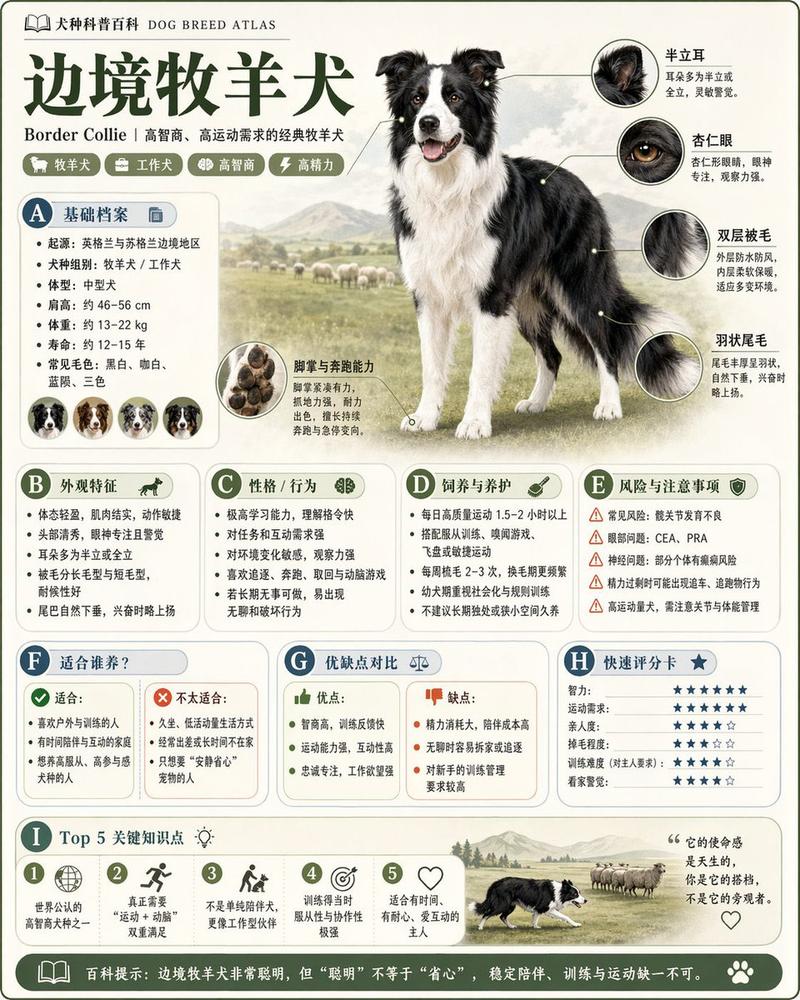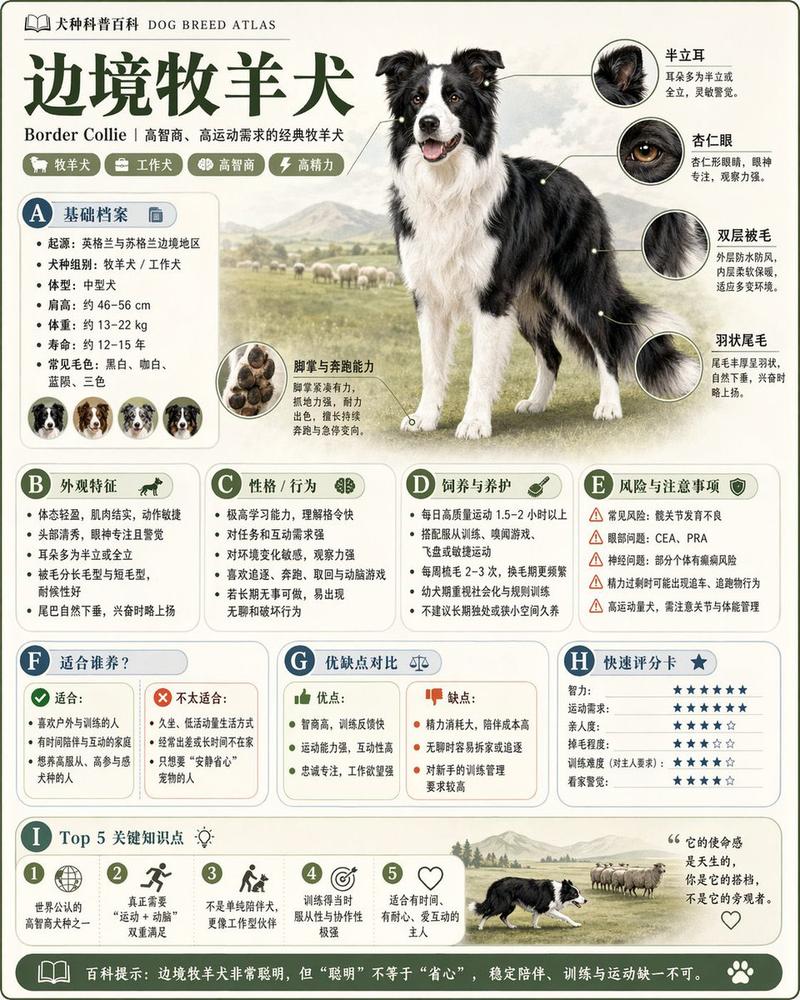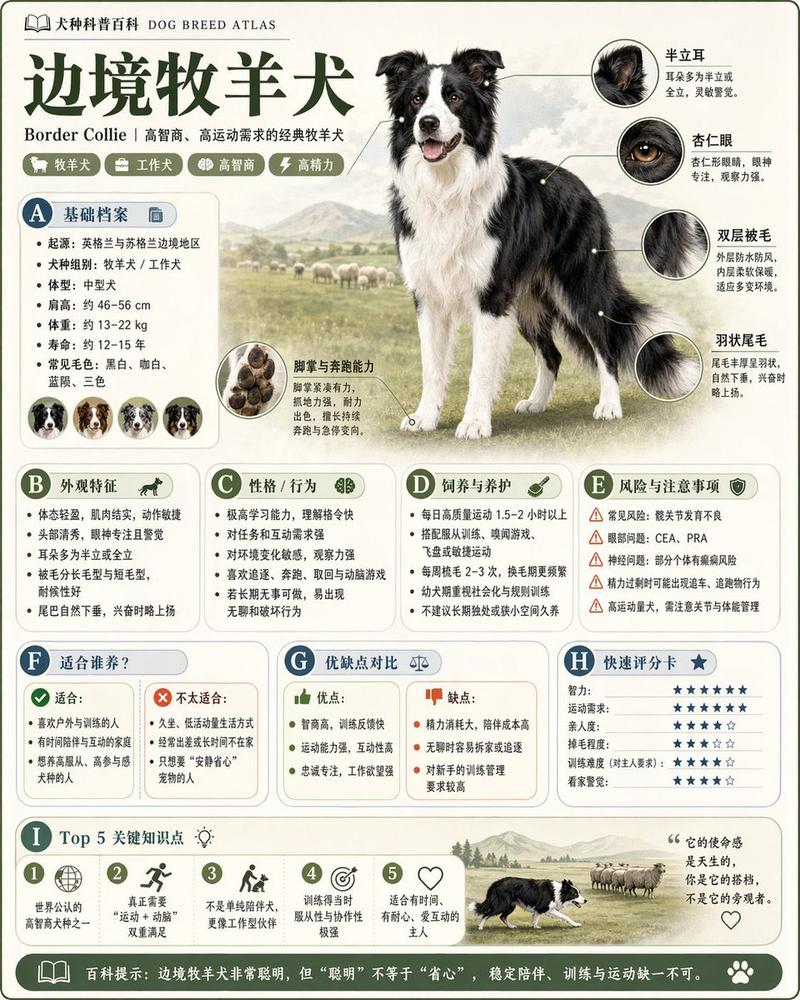
Poster owl: GPT Image 2 prompt
Prompt
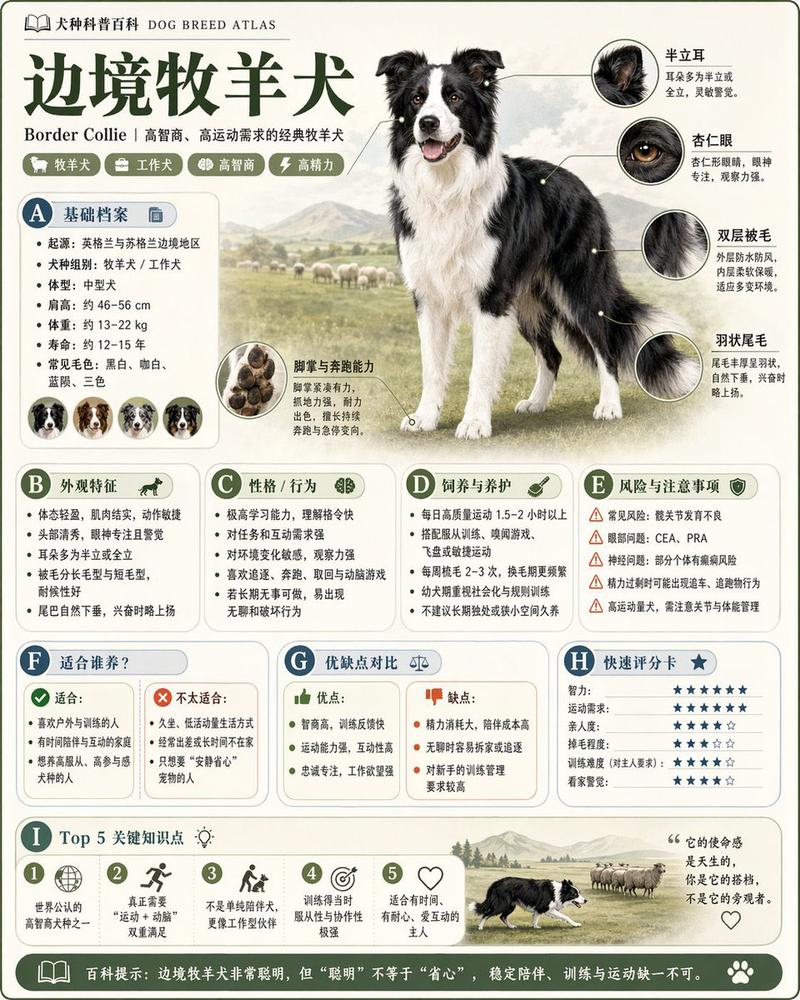
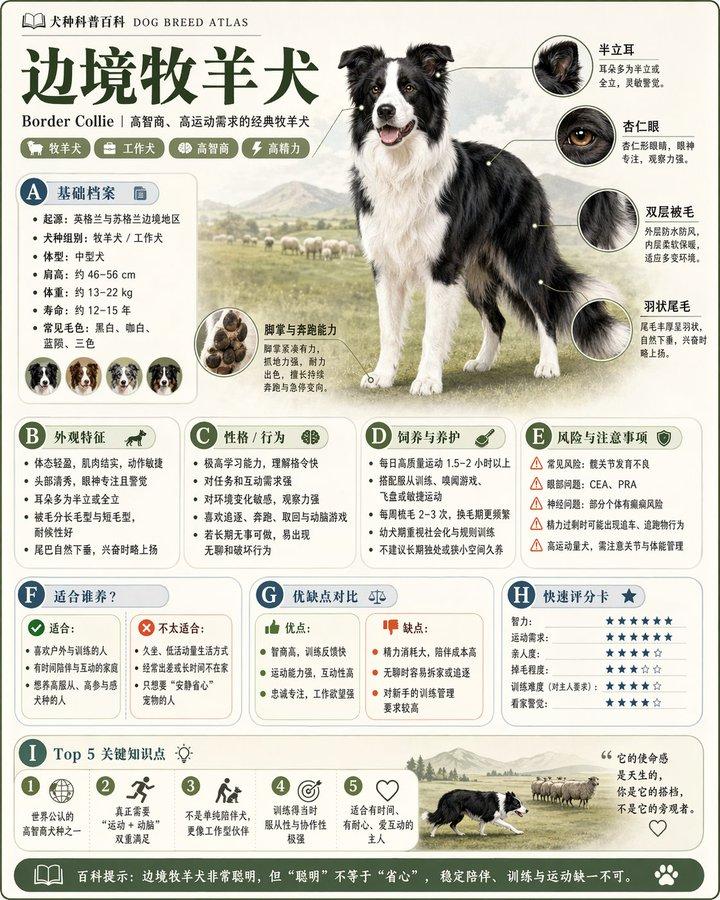
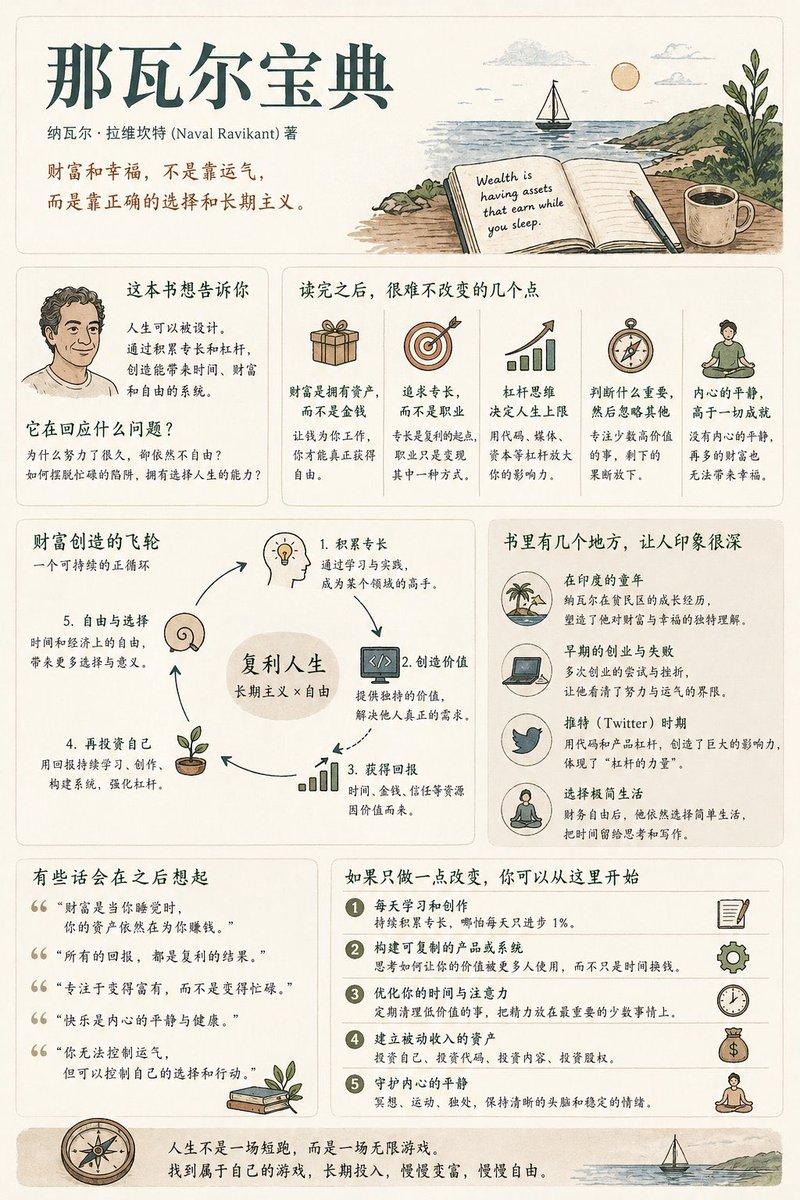
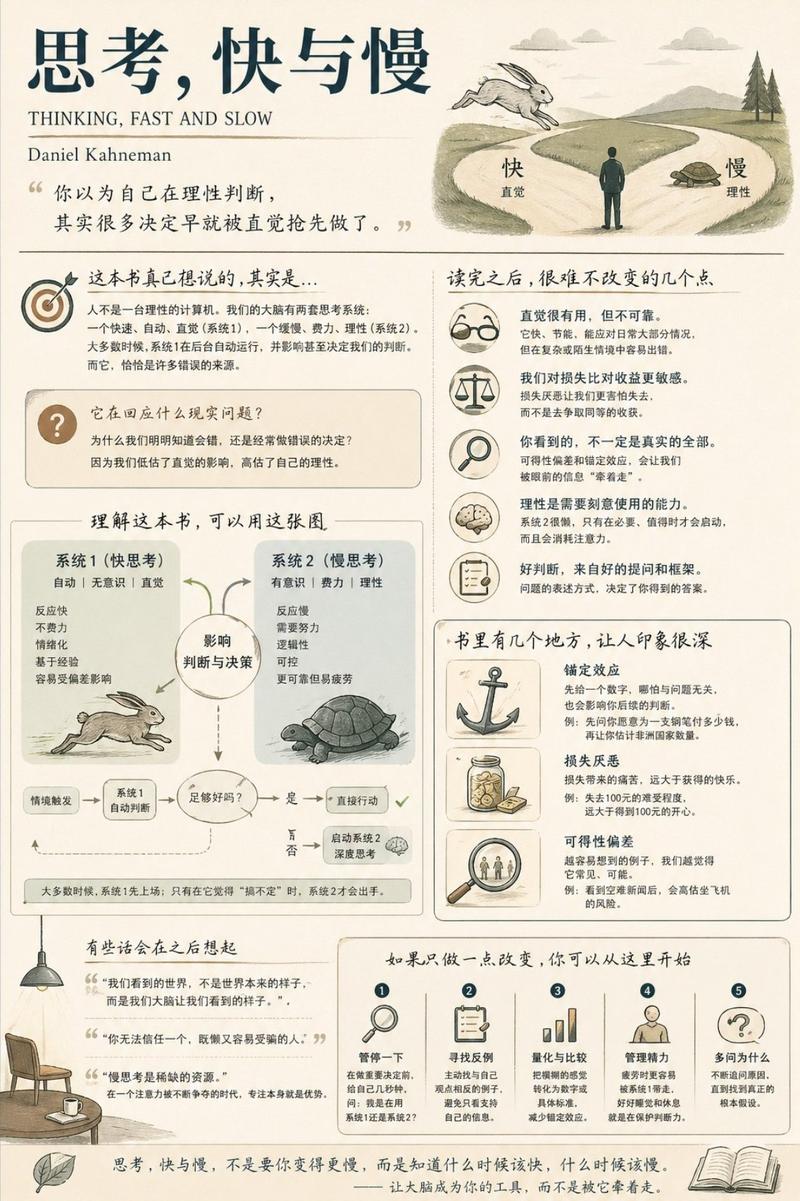
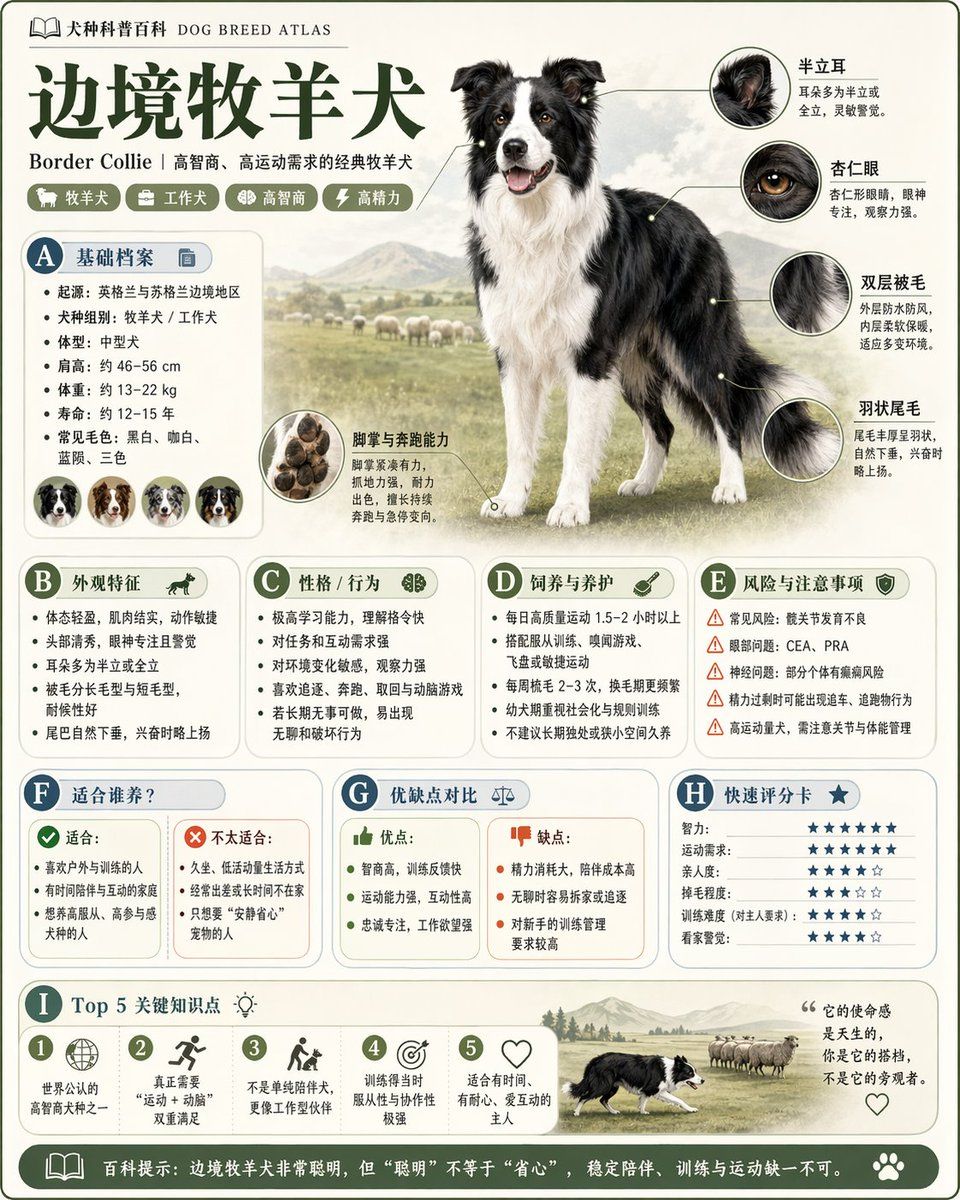
Please generate a high-quality vertical 'science encyclopedia infographic' based on the [theme].

This is not an ordinary poster or a simple illustration, but a modular educational infographic that combines an 'encyclopedia feel, museum feel, structured information feel, and collectible feel.' The overall style references high-end natural-history encyclopedias, modern encyclopedia book pages, lifestyle knowledge cards, and viral social-media infographics combined.

The image should include:
- A clear and beautiful main theme visual
- Several enlarged detail features
- Multiple rounded modular information sections
- Clear title hierarchy and key tags
- Concise but rich encyclopedia content
- Visualized ratings, key takeaways, or Top 5 modules

Content sections should be auto-adapted to the theme, prioritizing combinations from these directions:
basic profile, classification info, appearance traits, habits/ecology, formation mechanism/structural composition, growth or usage conditions, care or maintenance tips, risks and cautions, suitable people or scenarios, pros and cons comparison, quick rating card.

Visual requirements:
Light clean background, soft palette, light shadows, refined small icons, rounded info boxes, neat layout, high information density without crowding, comfortable reading experience. Overall it must look like a publishable, readable, collectible, and serializable educational encyclopedia card — not an ad image.

Do not make it look like a commercial poster. Highlight the characteristics of 'knowledge organization + modular information + encyclopedia-style display.'
- Category
- Charts & Infographics
- Model
- GPT Image 2
- Creator
- Larus Canus
- Source ID
- 2046231542817497392
- Published
- Apr 20, 2026
Views0