12

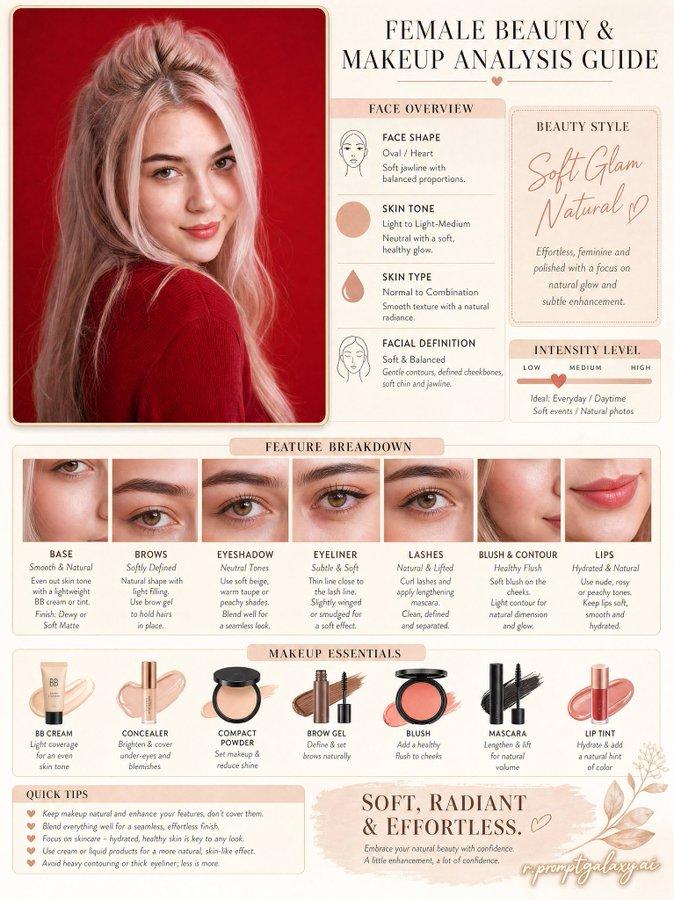
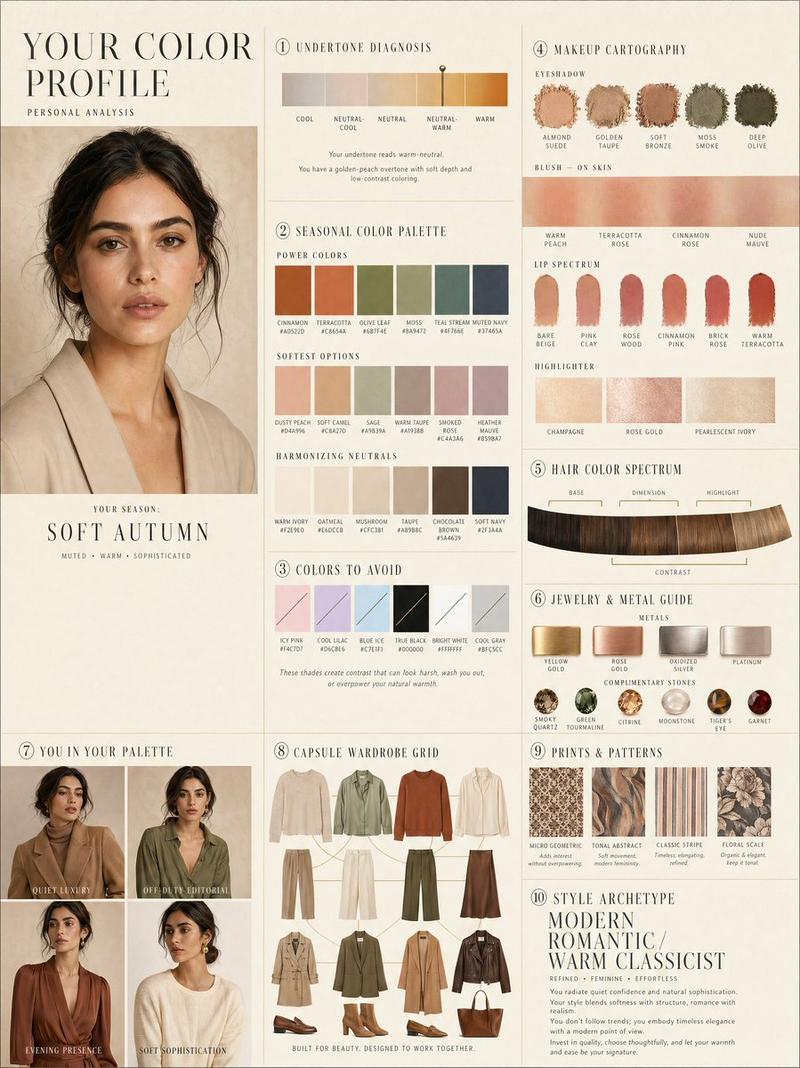
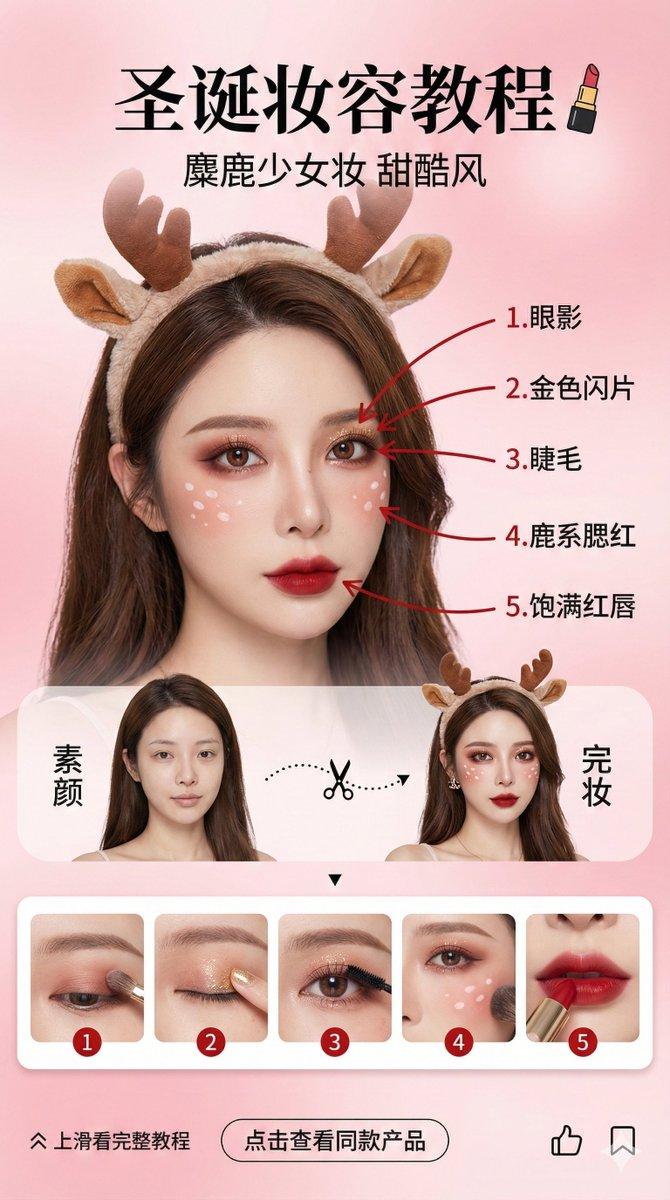
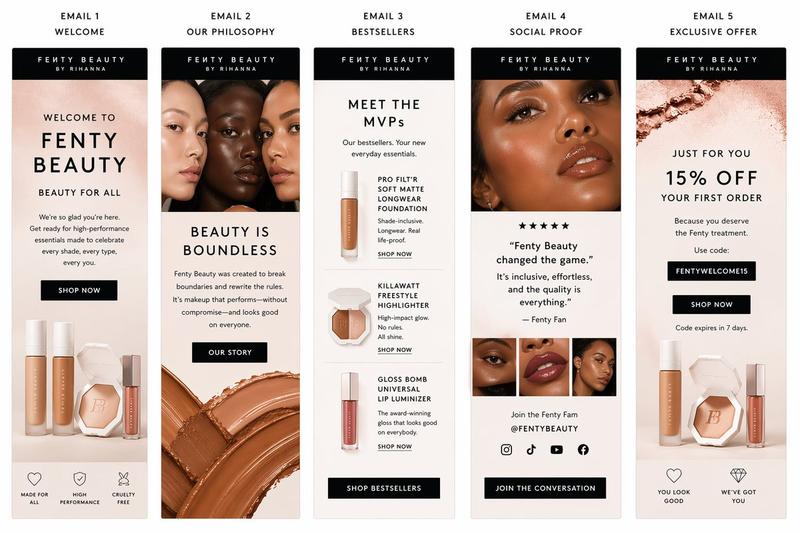
Luxury makeup analysis board: GPT Image 2 prompt
Enlarge

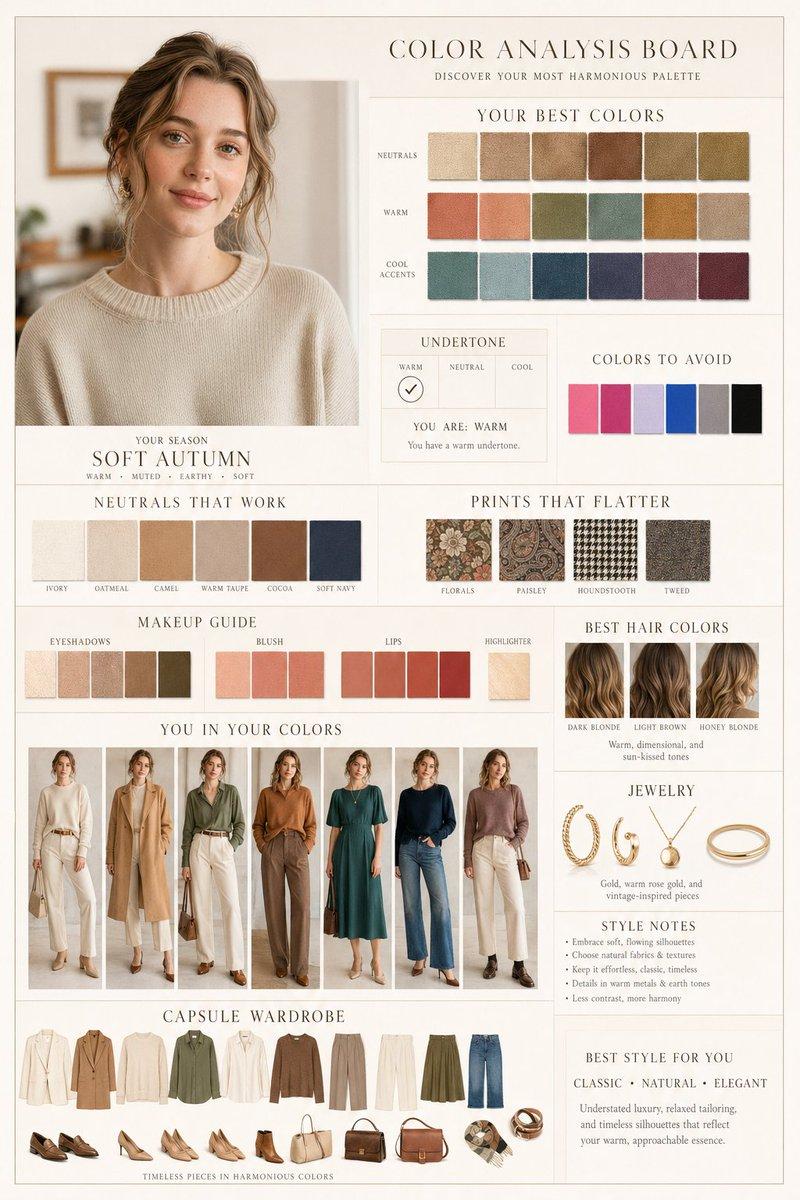
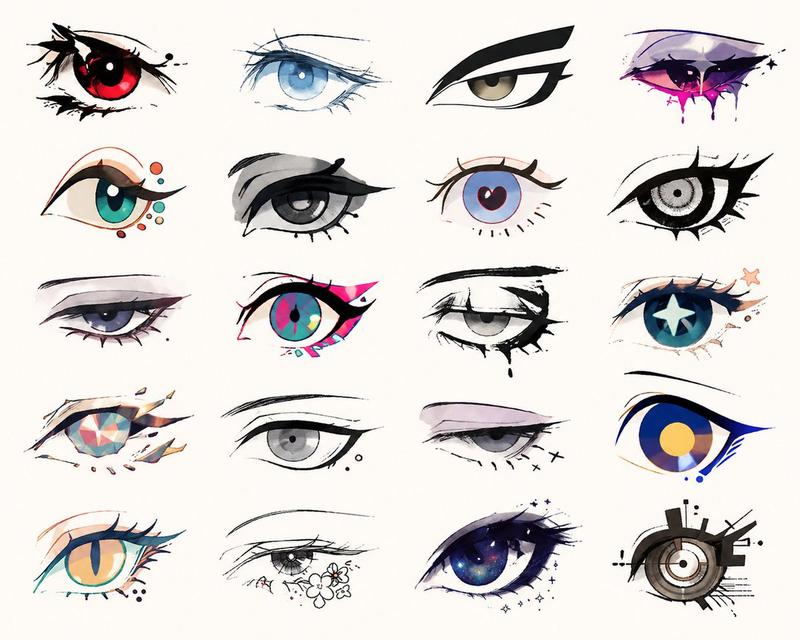
Example images

Luxury makeup analysis board: GPT Image 2 prompt

Prompt
Makeup analysis:

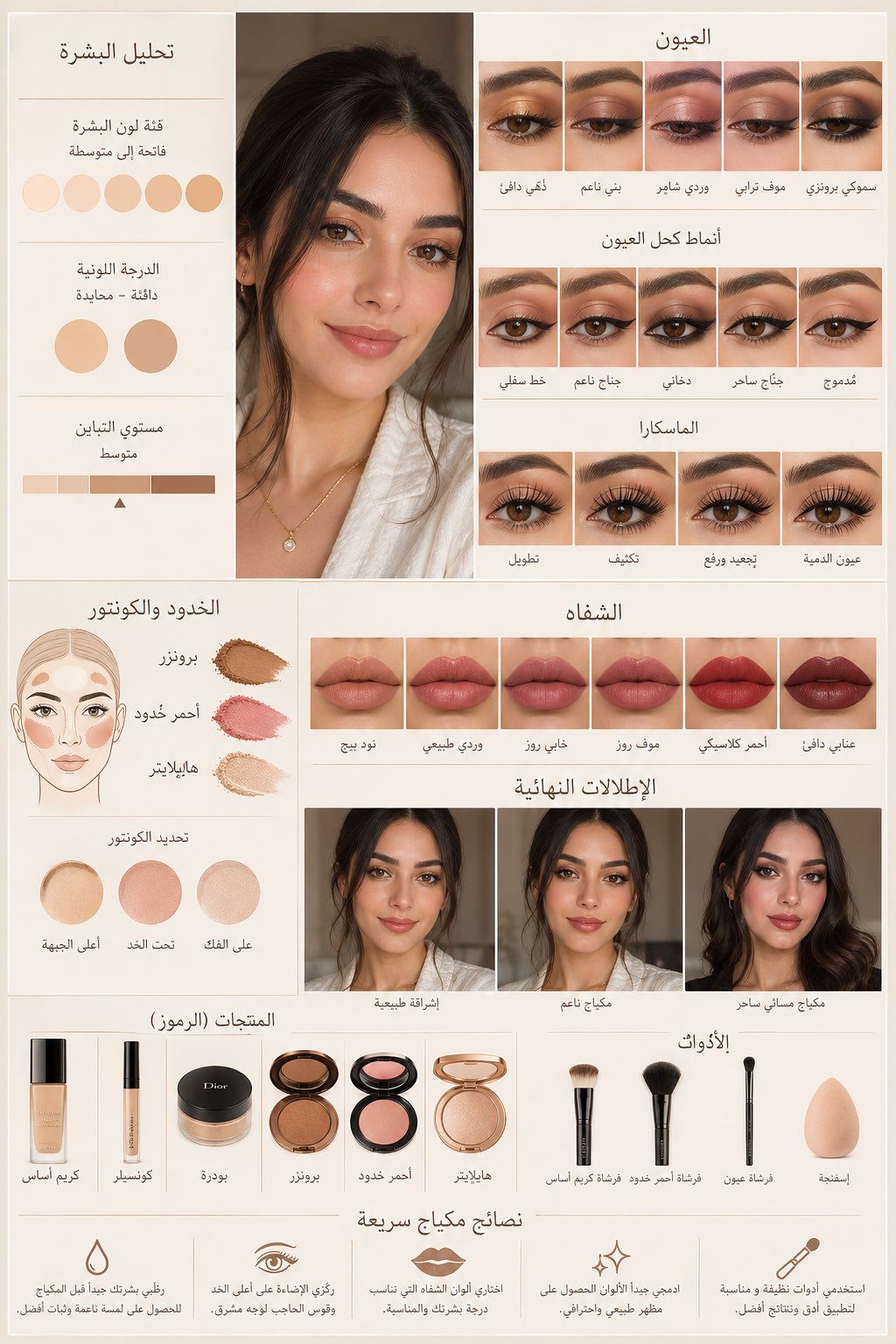
From this selfie, create a luxury makeup analysis board in a high-end beauty magazine style (Dior / Charlotte Tilbury vibe).

Pure beige / ivory background, soft diffused lighting, warm tones, hyper-realistic textures, coordinated lighting, elegant clean lines, grid layout.

Center: a naturally enhanced selfie (same identity, smooth skin, subtle glow, balanced tones, realistic texture).

Left panel: skin tone analysis with categorized swatches (skin tone level, undertone, contrast).

Eyes: 5 attractive close-up shots.

Eyeliner: multiple styles applied on the same eye (lower line, soft wing, smoky, dramatic wing, blended).

Mascara: lengthening, volumizing, curling, lifting, doll-eye.

Blush & contour: bronzer, blush, highlight, contour placement.

Lip colors: 6 attractive shades.

Final looks: natural glow, soft makeup, glamorous evening look.

Products (icons): foundation, concealer, setting powder, bronzer, blush, highlighter.

Tools: foundation brush, blush brush, eyeshadow brush, sponge.

Bottom: short, concise makeup tips (1–2 lines each).

Style: elegant balanced composition, soft shadows, professional retouching, clean look, high-end aesthetic.
Category
Photography & Realism
Model
GPT Image 2
Views0
Source ID
2049416670113124540
Published
Apr 29, 2026

Guide

About "Luxury makeup analysis board: GPT Image 2 prompt"

What is this prompt for?

"Luxury makeup analysis board: GPT Image 2 prompt" AI image prompt for GPT Image 2 (Photography & Realism). Makeup analysis: From this selfie, create a luxury…

The full copyable prompt and example visuals above are ready for AI image generation or one-click recreate in Picva.

How to use this prompt

  1. Step 1

    Open the prompt detail

    Review the example visuals, category, and full prompt text for "Luxury makeup analysis board: GPT Image 2 prompt".

  2. Step 2

    Copy the prompt

    Copy the prompt body from this page, or load it directly in Studio.

  3. Step 3

    Pick a model (GPT Image 2)

    Prefer GPT Image 2. If you switch models, keep subject and composition and tweak style terms.

  4. Step 4

    Generate and export

    Recreate the look in Picva, or export into your workflow for editing and publishing.

FAQ

What is the "Luxury makeup analysis board: GPT Image 2 prompt" prompt?
It is an AI image-generation prompt for GPT Image 2 in the Photography & Realism category. This page includes the full prompt text, example visuals, and a one-click recreate path in Picva.
How do I use this prompt to generate an image?
Copy the prompt from this page, or use Generate / Studio. Paste it into a compatible image model, or recreate the look in Picva with optional reference images.
Which model is this prompt for?
This page lists GPT Image 2. Most descriptive prompts also transfer to nearby image models such as GPT Image, Flux, or Midjourney with light style tweaks.
Can I use the result commercially?
You can usually copy the prompt for creation, but commercial use of the final image depends on the model terms, reference-image rights, and the generated content. Follow the source author and platform rules.