16

Hot pink Berry Loud cafe food ad: GPT Image 2 prompt
Enlarge

Example images

Hot pink Berry Loud cafe food ad: GPT Image 2 prompt

Prompt
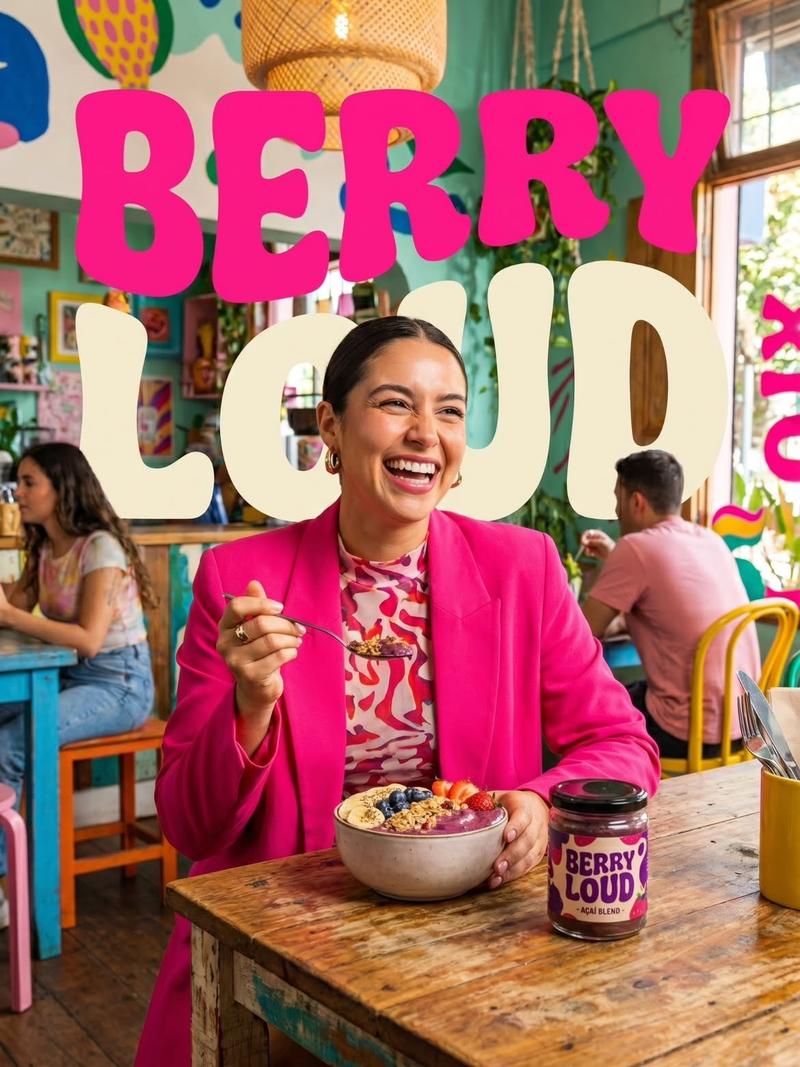
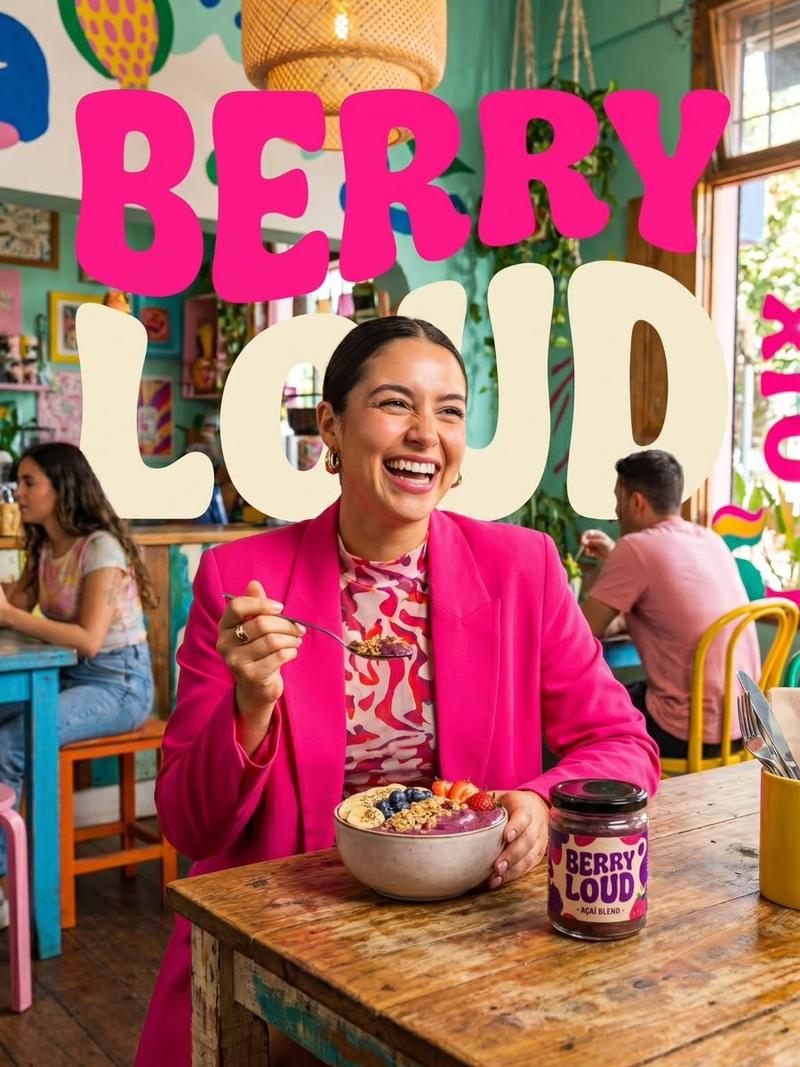
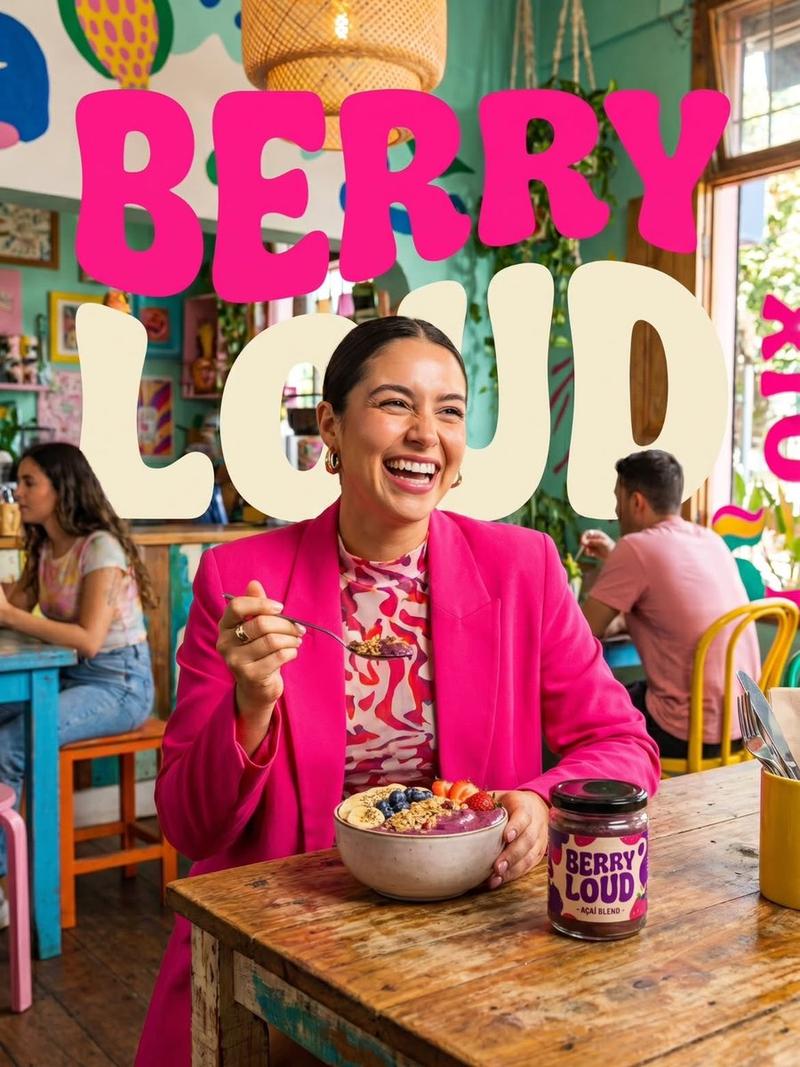
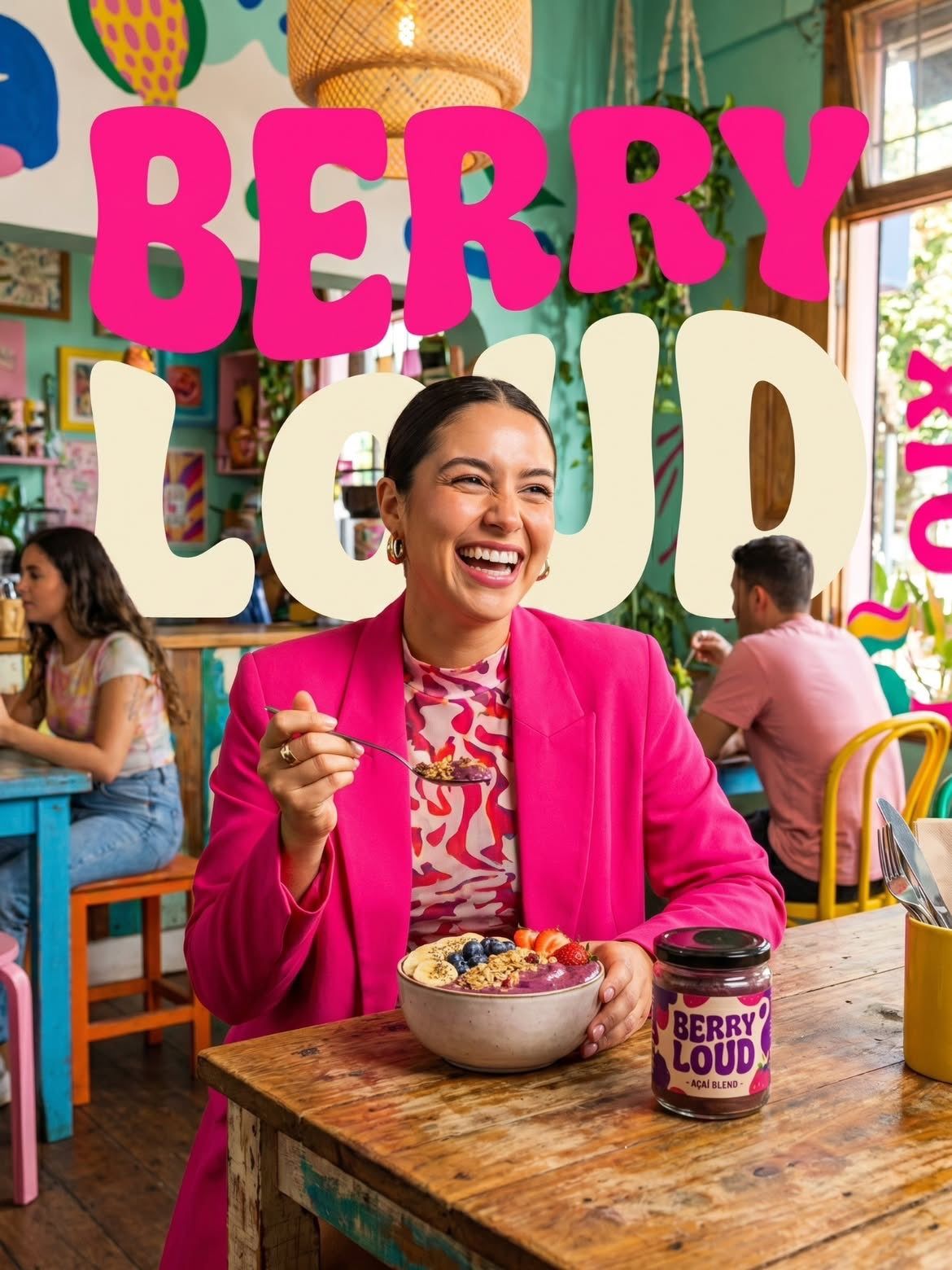
Vibrant lifestyle food advertisement, smiling woman in a bright hot pink blazer sitting inside a colorful trendy café, holding a spoon and eating an acai berry bowl topped with strawberries, blueberries, banana slices, and granola, branded "Berry Loud" jar on wooden table, playful retro typography reading "BERRY LOUD" in large cream bubble letters, tropical café interior with hanging plants, warm natural sunlight, cheerful atmosphere, bold pink and teal color palette, shallow depth of field, cinematic food photography, ultra realistic, high detail, commercial ad campaign style, 4k
Category
Products & E-commerce
Model
GPT Image 2
Creator
Sairah
Views0
Source ID
2053312926141005835
Published
May 10, 2026

Guide

About "Hot pink Berry Loud cafe food ad: GPT Image 2 prompt"

What is this prompt for?

"Hot pink Berry Loud cafe food ad: GPT Image 2 prompt" AI image prompt for GPT Image 2 (Products & E-commerce). Vibrant lifestyle food advertisement, smiling w…

The full copyable prompt and example visuals above are ready for AI image generation or one-click recreate in Picva.

How to use this prompt

  1. Step 1

    Open the prompt detail

    Review the example visuals, category, and full prompt text for "Hot pink Berry Loud cafe food ad: GPT Image 2 prompt".

  2. Step 2

    Copy the prompt

    Copy the prompt body from this page, or load it directly in Studio.

  3. Step 3

    Pick a model (GPT Image 2)

    Prefer GPT Image 2. If you switch models, keep subject and composition and tweak style terms.

  4. Step 4

    Generate and export

    Recreate the look in Picva, or export into your workflow for editing and publishing.

FAQ

What is the "Hot pink Berry Loud cafe food ad: GPT Image 2 prompt" prompt?
It is an AI image-generation prompt for GPT Image 2 in the Products & E-commerce category. This page includes the full prompt text, example visuals, and a one-click recreate path in Picva.
How do I use this prompt to generate an image?
Copy the prompt from this page, or use Generate / Studio. Paste it into a compatible image model, or recreate the look in Picva with optional reference images.
Which model is this prompt for?
This page lists GPT Image 2. Most descriptive prompts also transfer to nearby image models such as GPT Image, Flux, or Midjourney with light style tweaks.
Can I use the result commercially?
You can usually copy the prompt for creation, but commercial use of the final image depends on the model terms, reference-image rights, and the generated content. Follow the source author and platform rules.