14

Watercolor food: GPT Image 2 prompt
Enlarge

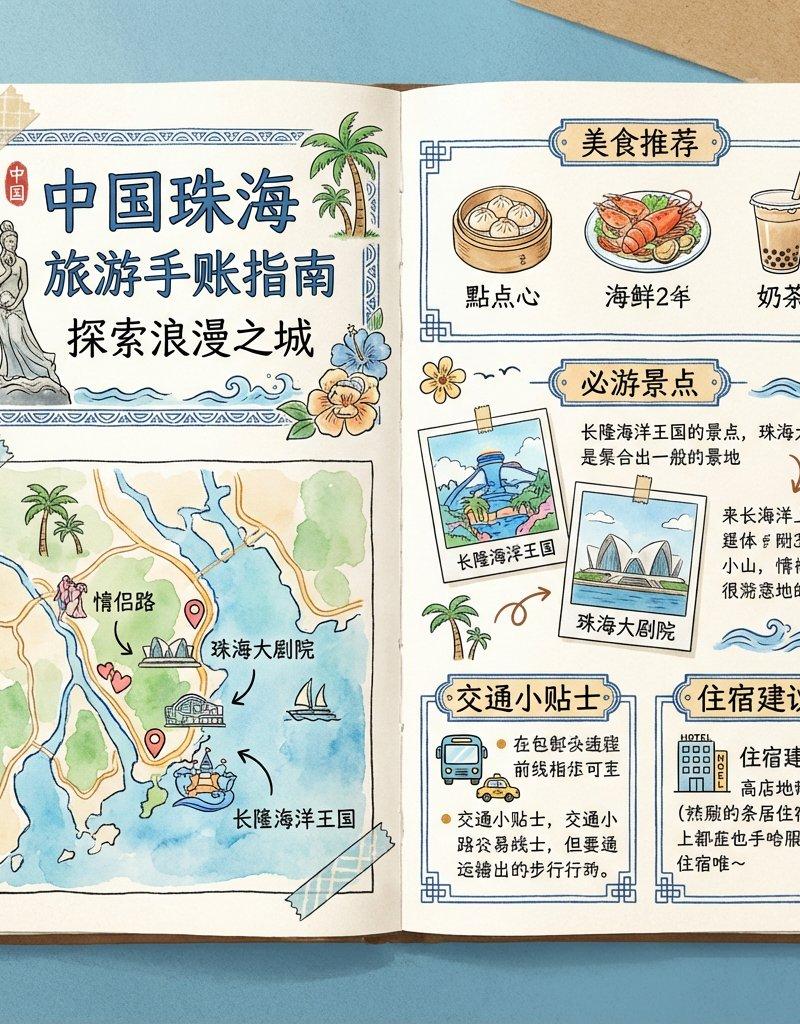
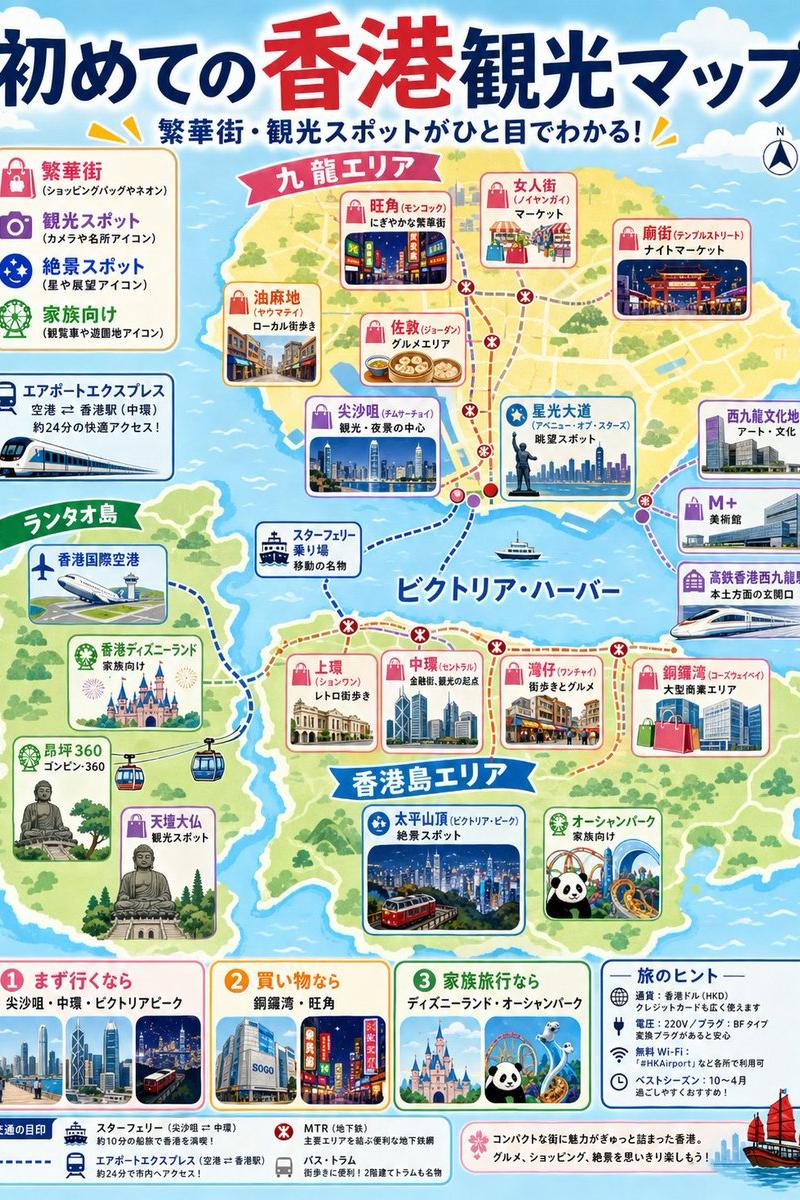
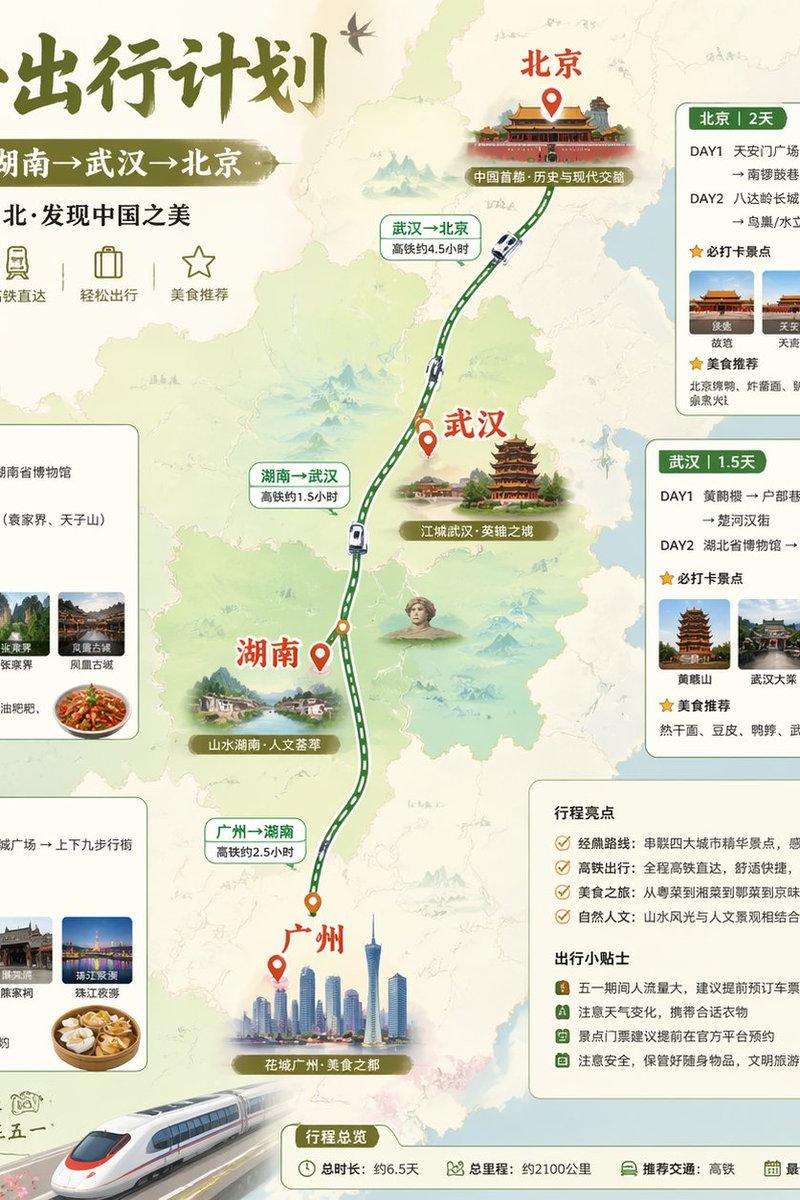
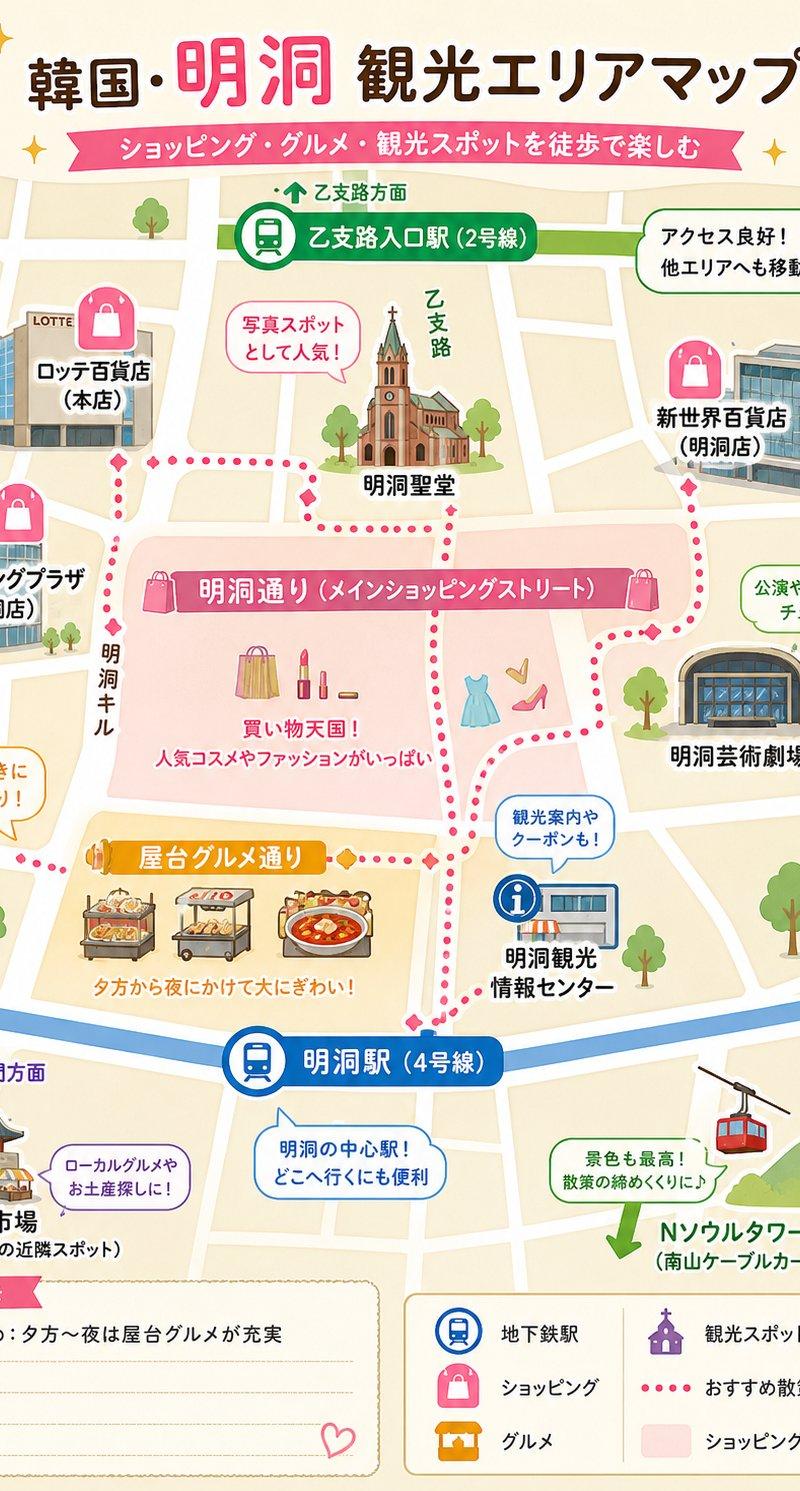
Example images

Watercolor food: GPT Image 2 prompt

Prompt
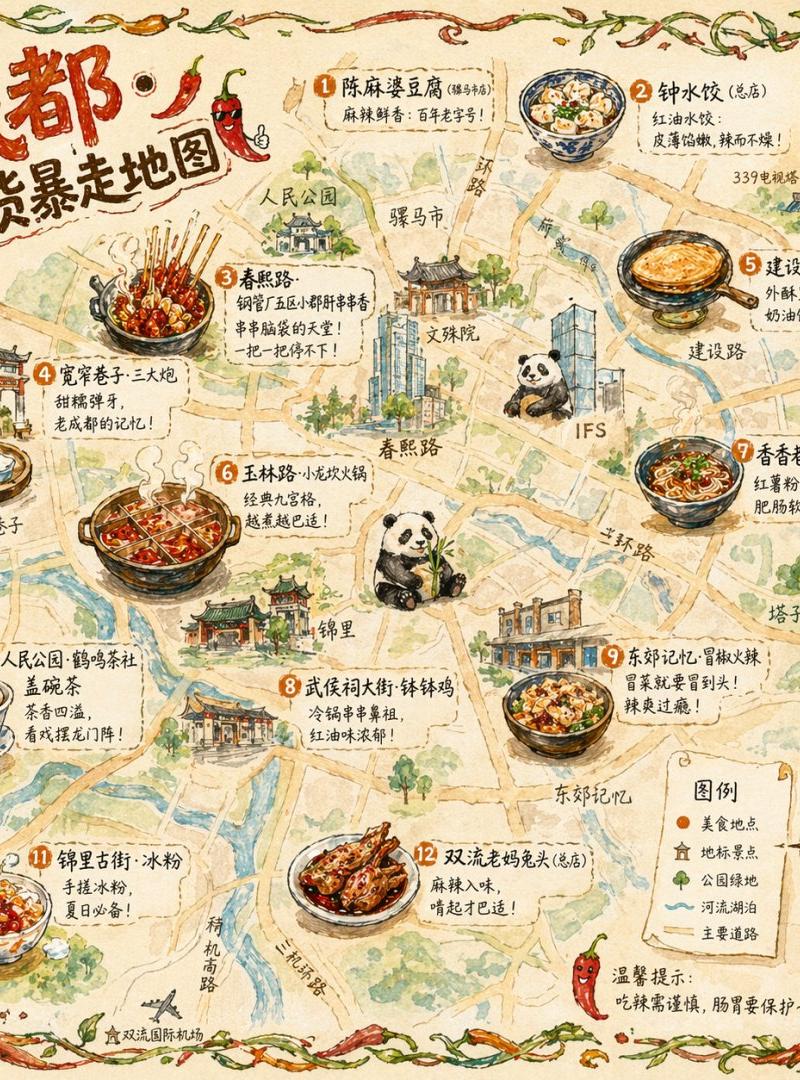
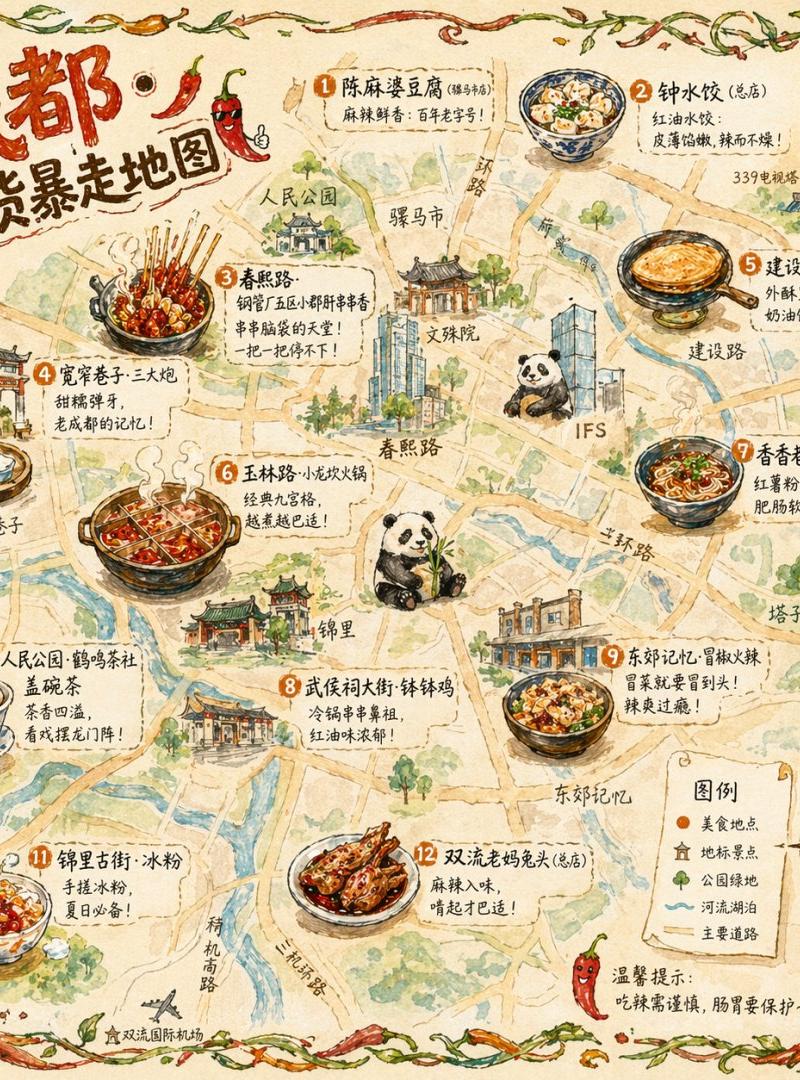
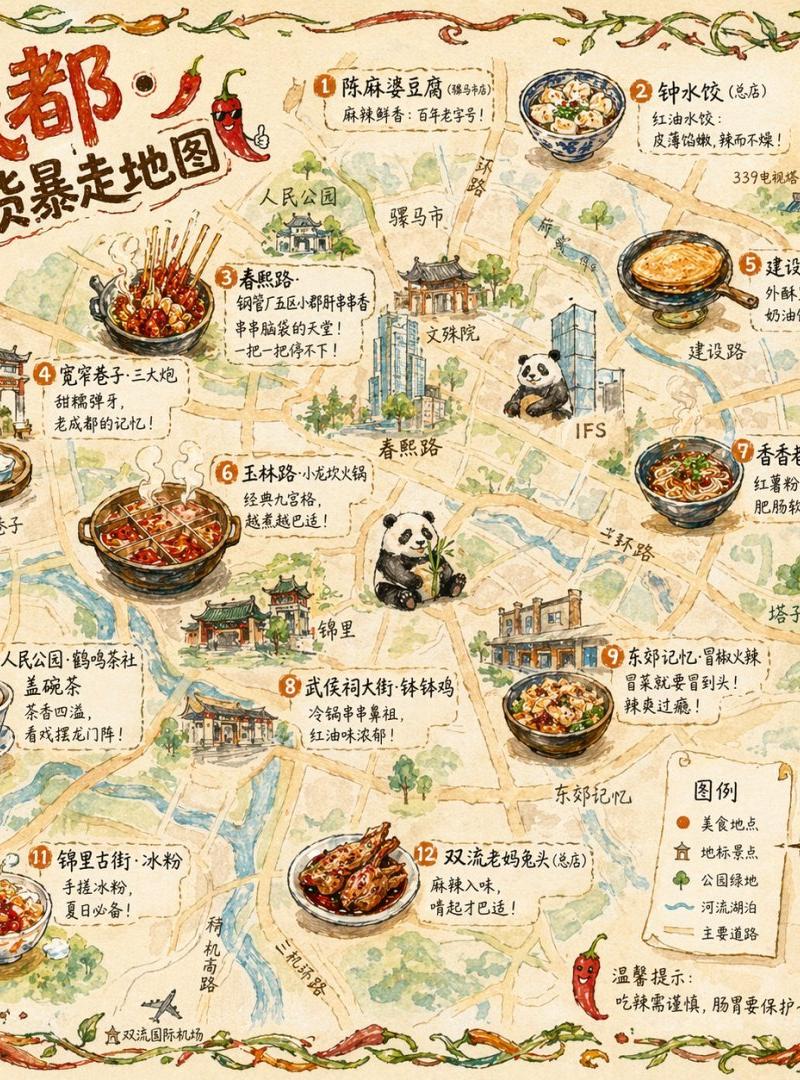
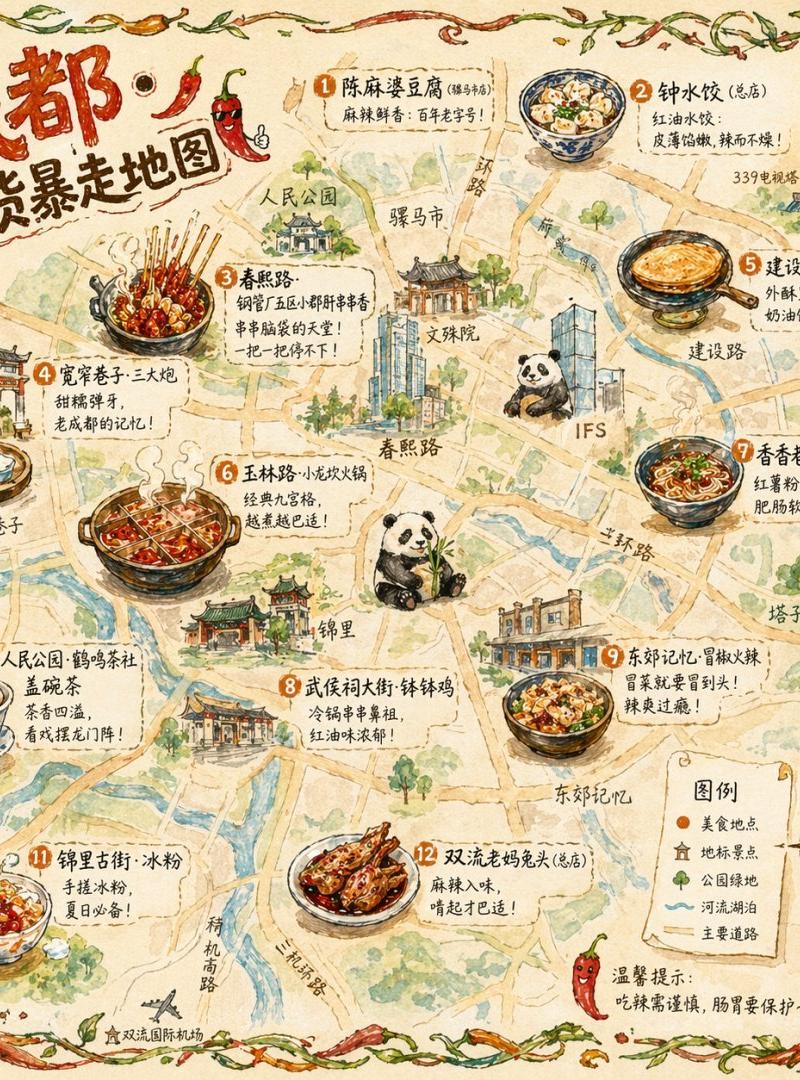
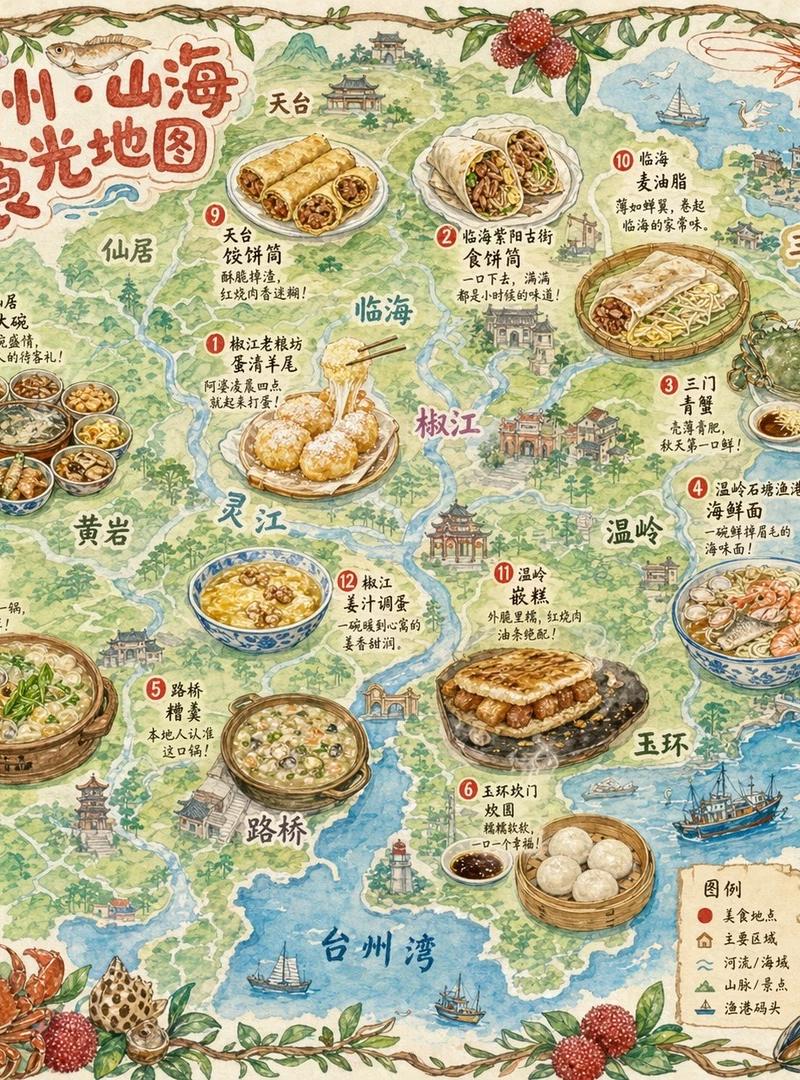
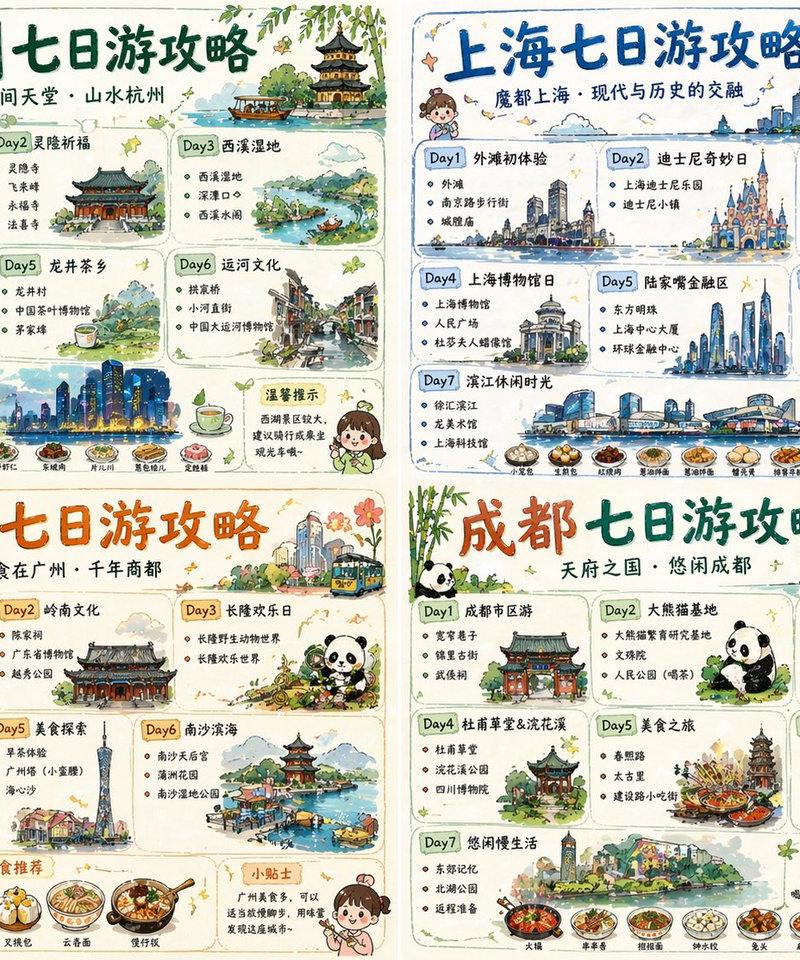
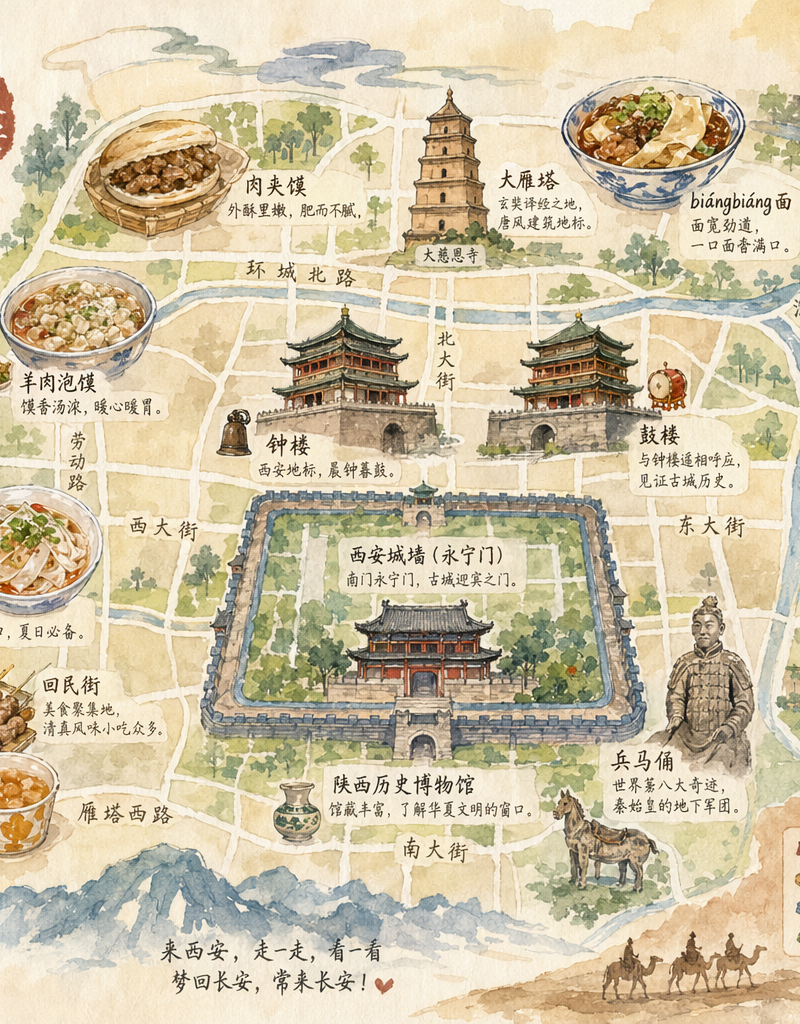
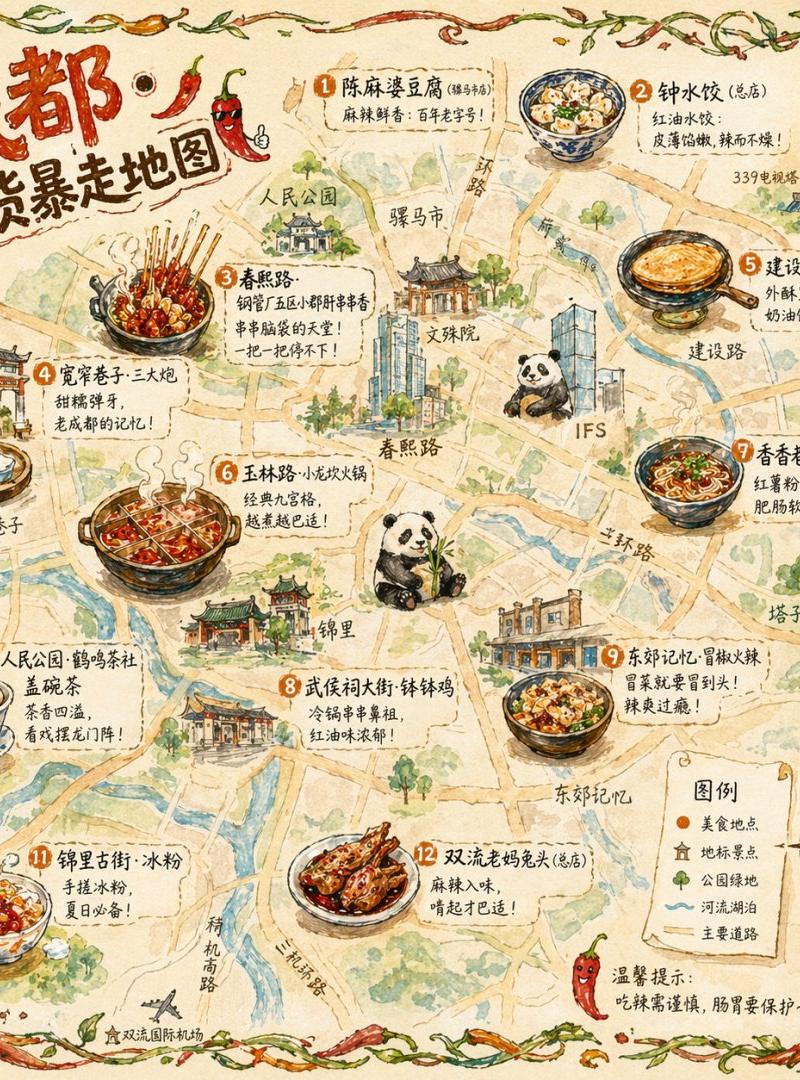
A hand-drawn city food map themed around Chengdu. The base is a bird's-eye-view, hand-drawn simplified city map; main roads and landmarks are noted but precise scale is sacrificed for a cute hand-drawn feel. The map shows 12 detailed hand-drawn food-spot vignettes: skewer hotpot at Chunxi Road (a bunch of bamboo skewers with various ingredients steaming), 'San Da Pao' rice cakes at Wide & Narrow Alley (three glutinous balls flying toward a brass plate), Egg Cake at Jianshe Road (golden, flipping), hotpot at Yulin Road (nine-grid pot bubbling), and more. Each vignette occupies about 5% of the map; beside it is a handwritten shop name and a one-line recommendation like 'The one with a queue at 2 AM.' Map borders are decorated with hand-drawn vines and chili peppers. Lower right has a hand-drawn compass and legend. Top-left title 'Chengdu · Foodie Sprint Map' uses chubby round hand-drawn art type with chili decoration. Overall style: watercolor + colored-pencil hand-drawn texture, warm-tone colors (chili red, ginger yellow, emerald green) dominant. Aspect 1:1.
Category
Charts & Infographics
Model
GPT Image 2
Creator
Panda20230902
Source language
zh-CN
Views0
Source ID
awesome-poster-3
Published
Apr 29, 2026
Studio

Guide

About "Watercolor food: GPT Image 2 prompt"

What is this prompt for?

"Watercolor food: GPT Image 2 prompt" AI image prompt for GPT Image 2 (Charts & Infographics). A hand-drawn city food map themed around Chengdu. The base is a…

The full copyable prompt and example visuals above are ready for AI image generation or one-click recreate in Picva.

How to use this prompt

  1. Step 1

    Open the prompt detail

    Review the example visuals, category, and full prompt text for "Watercolor food: GPT Image 2 prompt".

  2. Step 2

    Copy the prompt

    Copy the prompt body from this page, or load it directly in Studio.

  3. Step 3

    Pick a model (GPT Image 2)

    Prefer GPT Image 2. If you switch models, keep subject and composition and tweak style terms.

  4. Step 4

    Generate and export

    Recreate the look in Picva, or export into your workflow for editing and publishing.

FAQ

What is the "Watercolor food: GPT Image 2 prompt" prompt?
It is an AI image-generation prompt for GPT Image 2 in the Charts & Infographics category. This page includes the full prompt text, example visuals, and a one-click recreate path in Picva.
How do I use this prompt to generate an image?
Copy the prompt from this page, or use Generate / Studio. Paste it into a compatible image model, or recreate the look in Picva with optional reference images.
Which model is this prompt for?
This page lists GPT Image 2. Most descriptive prompts also transfer to nearby image models such as GPT Image, Flux, or Midjourney with light style tweaks.
Can I use the result commercially?
You can usually copy the prompt for creation, but commercial use of the final image depends on the model terms, reference-image rights, and the generated content. Follow the source author and platform rules.