18

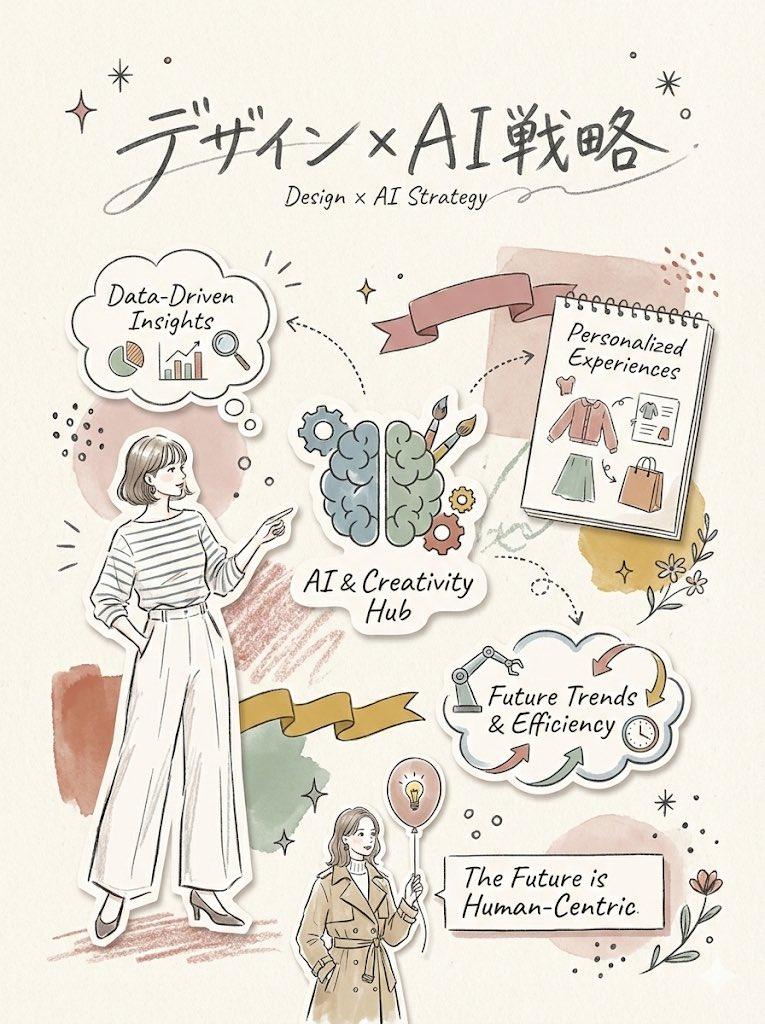
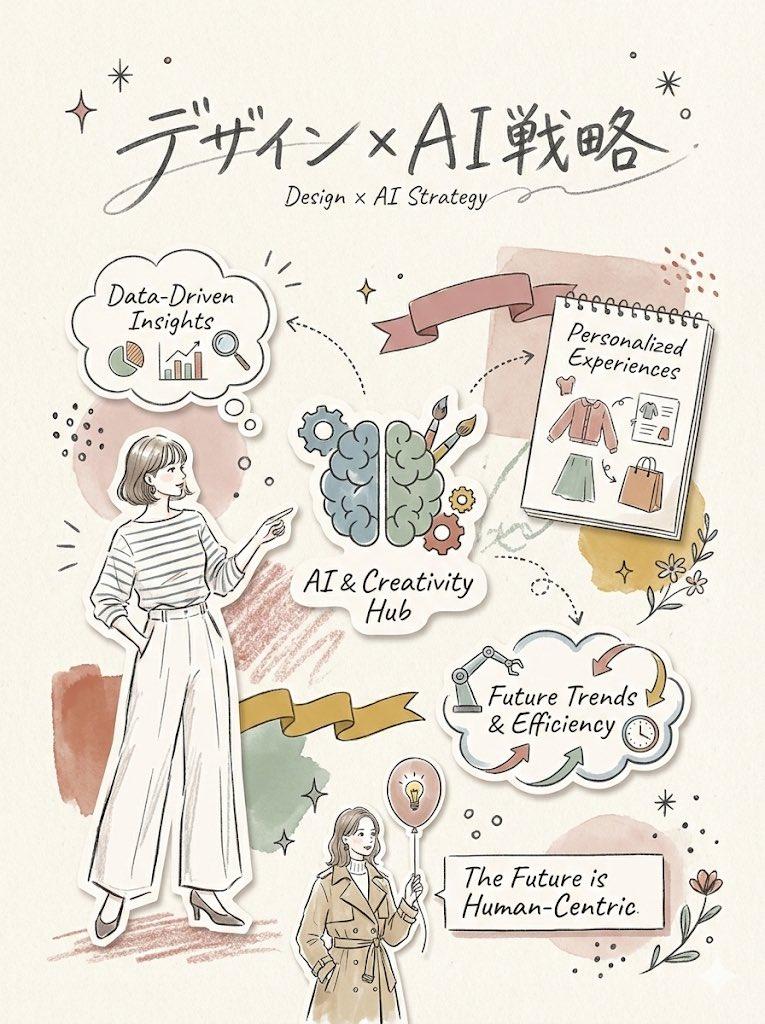
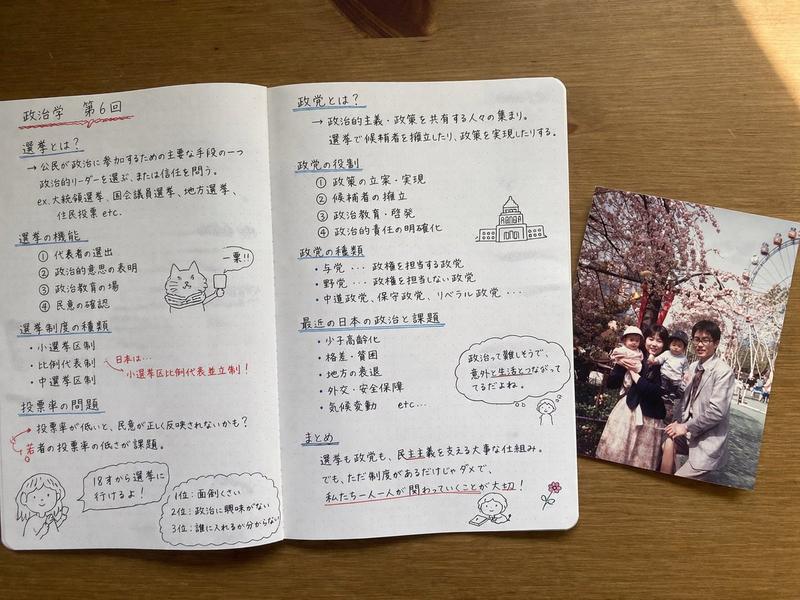
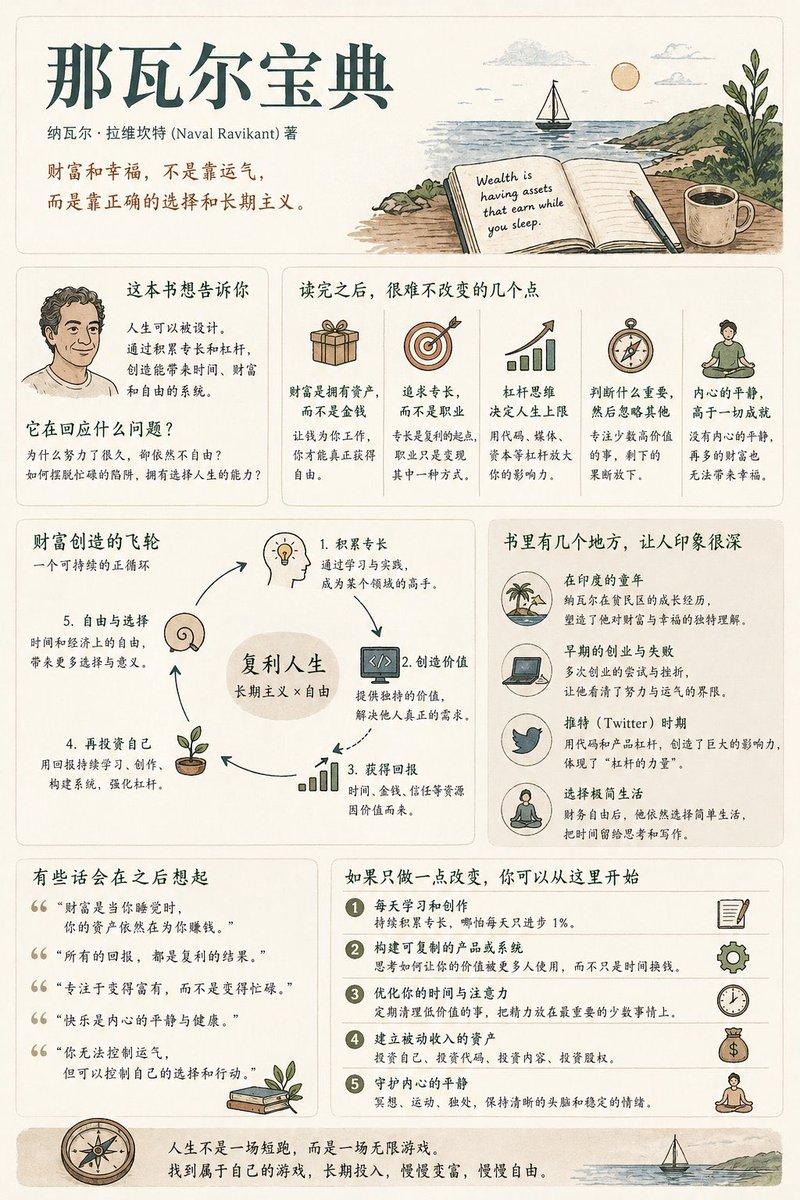
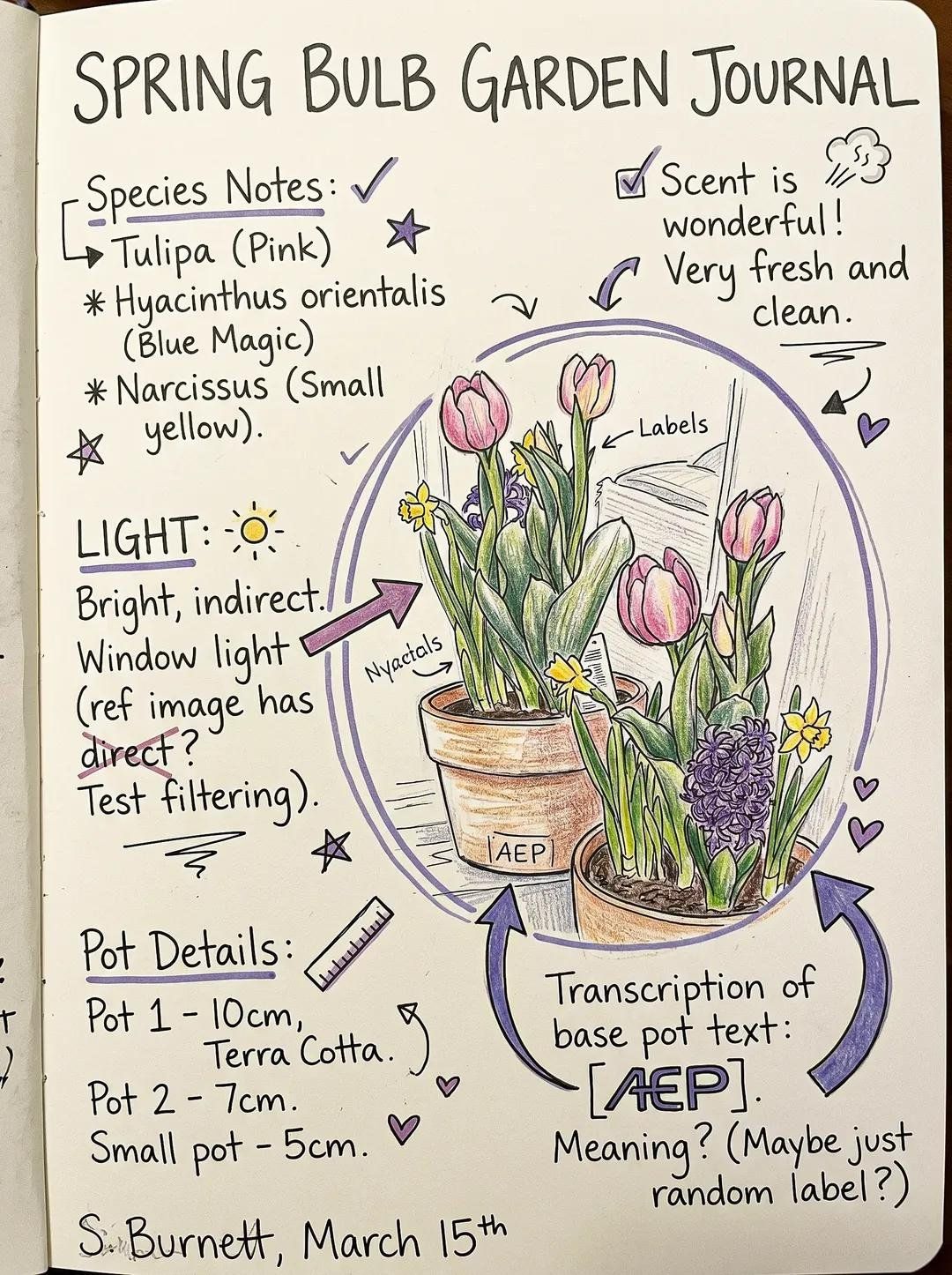
乱序美感手写笔记视觉构图
Enlarge

Example images

乱序美感手写笔记视觉构图

Prompt
Create a composition inspired by messy handwritten notes, while maintaining clear visual hierarchy and readability.

Core Structure:
- Establish a clear focal element (text or object)
- Position focal near center or slightly offset (rule of thirds)
- Ensure it occupies the largest visual weight

Elements:
- Handwritten-style text blocks (vary size and importance)
- Arrows, circles, highlights, underlines
- Small doodles and icons (stars, lines, simple shapes)

Hierarchy Control:
- Primary: focal element (largest, clearest)
- Secondary: supporting notes (medium size)
- Tertiary: small doodles and accents (smallest scale)

Chaos Control:
- Use clustered messiness, not full-frame randomness
- Keep clear breathing space around focal
- Avoid overlapping critical content

Structure:
- Hidden grid alignment underneath
- Intentional spacing between clusters
- Guide the eye using directional elements (arrows, lines)

Color System:
- Base: white / paper tone
- Ink: black or dark grey
- Accents: maximum 1–2 colors only

Style:
- Imperfect, human, slightly chaotic
- Controlled, not cluttered
- Sketch-like but readable

Mood:
- Personal, expressive, slightly playful

Balance Rule:
- 60–70% structured space
- 30–40% “messy” expression
Category
Charts & Infographics
Model
ChatGPT
Creator
@Ciri_ai
Views70
Source ID
15777
Published
Jun 10, 2026

Guide

About "乱序美感手写笔记视觉构图"

What is this prompt for?

"乱序美感手写笔记视觉构图" AI image prompt for ChatGPT (Charts & Infographics). 创建一个以凌乱手写笔记为灵感的构图,同时保持清晰的视觉层级和可读性。 核心结构: - 确立一个清晰的焦点元素(文本或物体) - 将焦点置于中心附近或稍微偏移(三分法) - 确保其占据…

The full copyable prompt and example visuals above are ready for AI image generation or one-click recreate in Picva.

How to use this prompt

  1. Step 1

    Open the prompt detail

    Review the example visuals, category, and full prompt text for "乱序美感手写笔记视觉构图".

  2. Step 2

    Copy the prompt

    Copy the prompt body from this page, or load it directly in Studio.

  3. Step 3

    Pick a model (ChatGPT)

    Prefer ChatGPT. If you switch models, keep subject and composition and tweak style terms.

  4. Step 4

    Generate and export

    Recreate the look in Picva, or export into your workflow for editing and publishing.

FAQ

What is the "乱序美感手写笔记视觉构图" prompt?
It is an AI image-generation prompt for ChatGPT in the Charts & Infographics category. This page includes the full prompt text, example visuals, and a one-click recreate path in Picva.
How do I use this prompt to generate an image?
Copy the prompt from this page, or use Generate / Studio. Paste it into a compatible image model, or recreate the look in Picva with optional reference images.
Which model is this prompt for?
This page lists ChatGPT. Most descriptive prompts also transfer to nearby image models such as GPT Image, Flux, or Midjourney with light style tweaks.
Can I use the result commercially?
You can usually copy the prompt for creation, but commercial use of the final image depends on the model terms, reference-image rights, and the generated content. Follow the source author and platform rules.