18

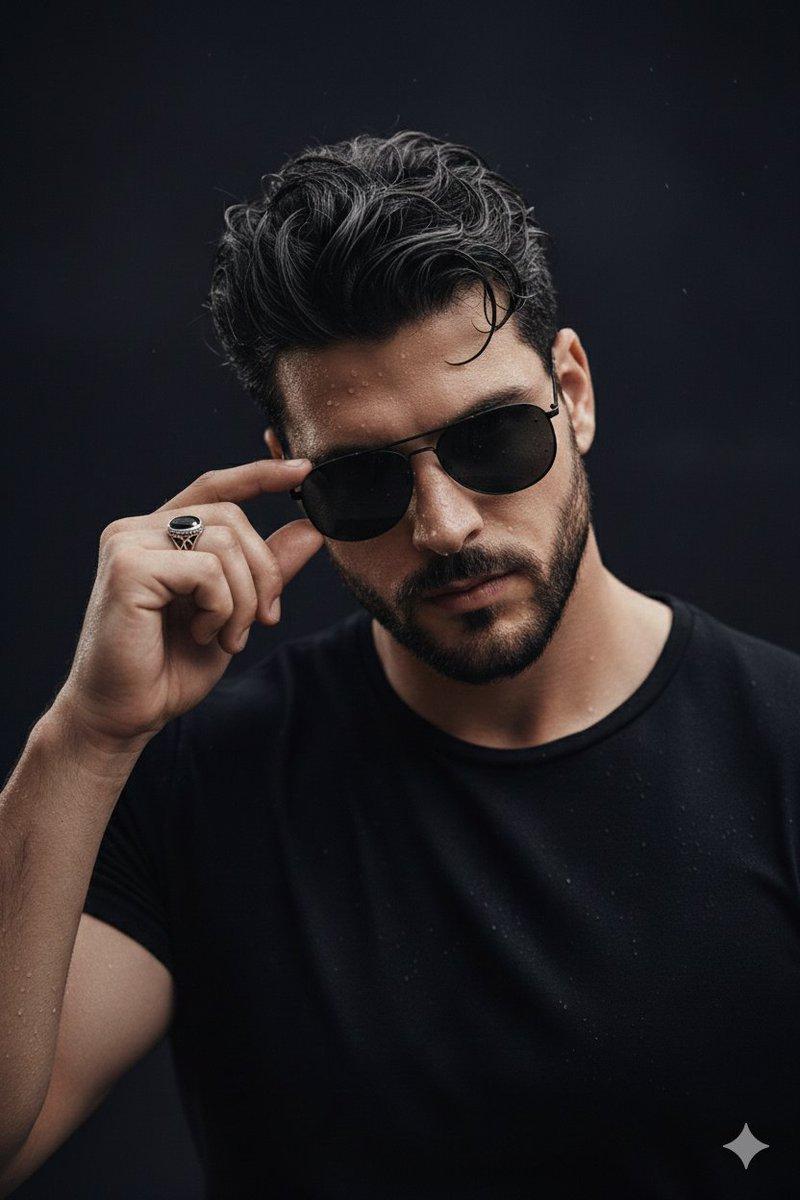
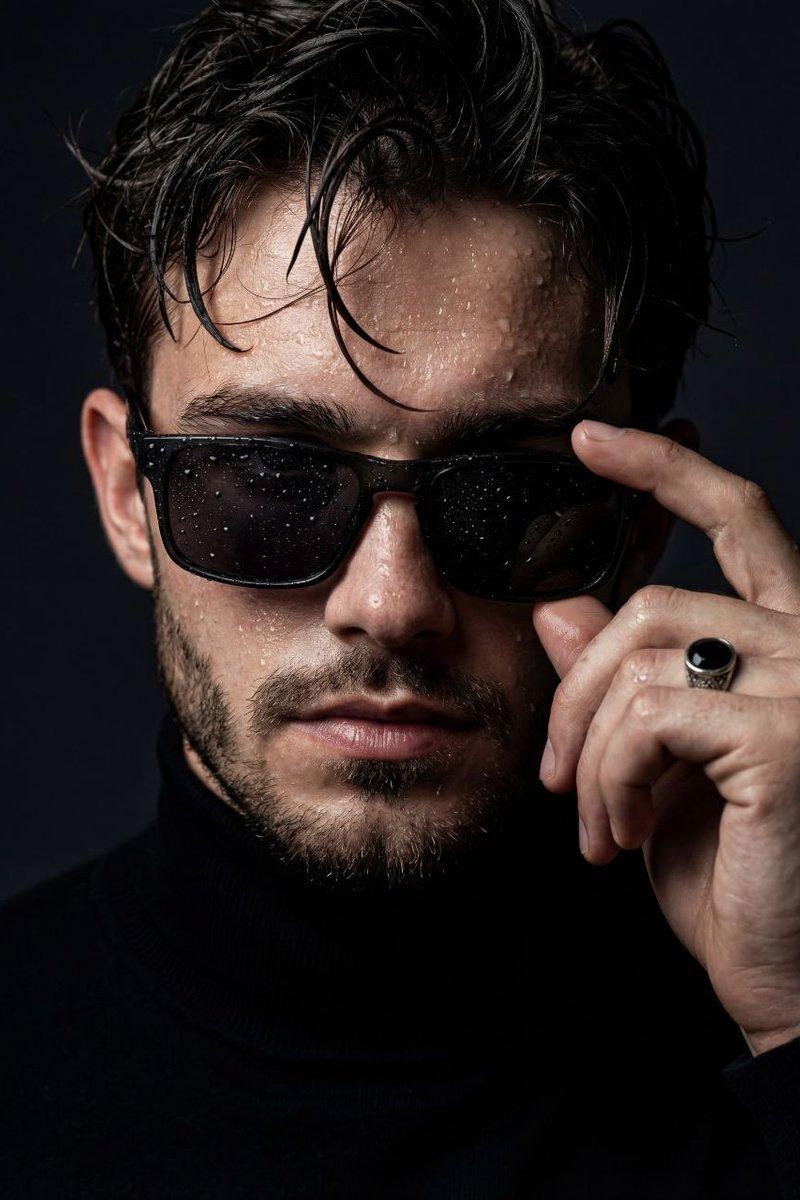
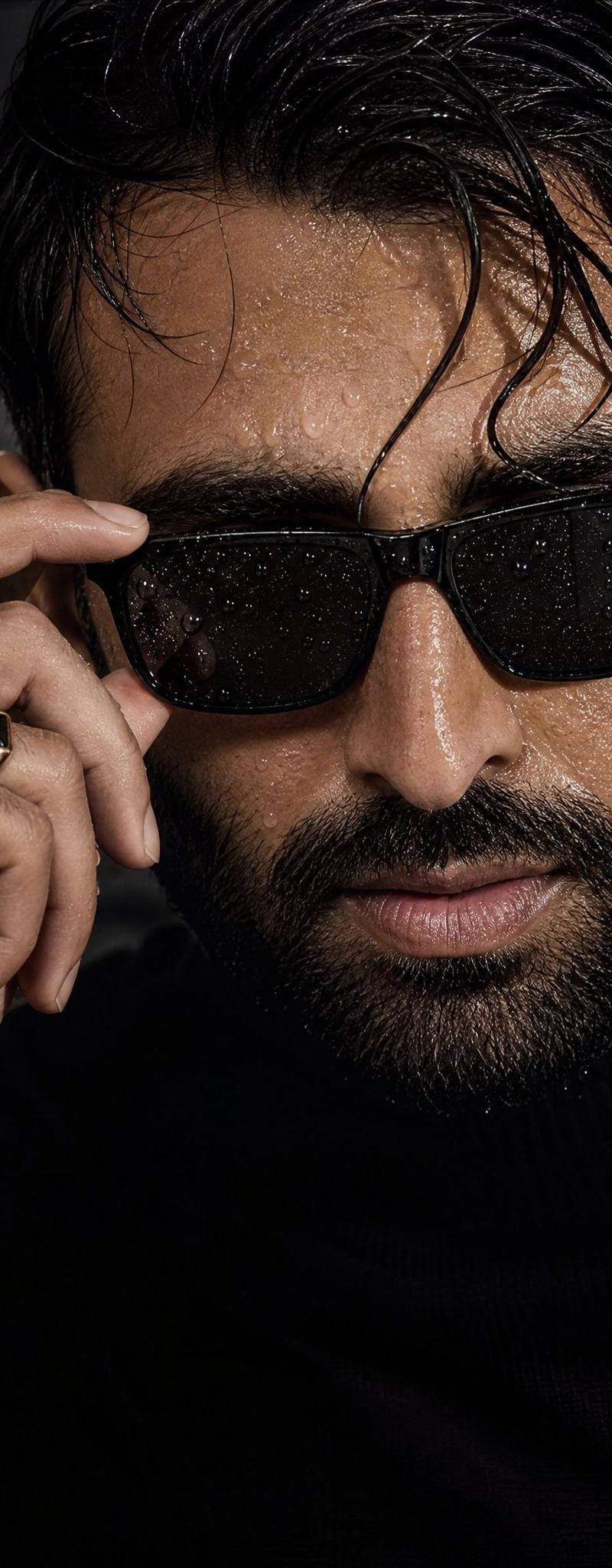
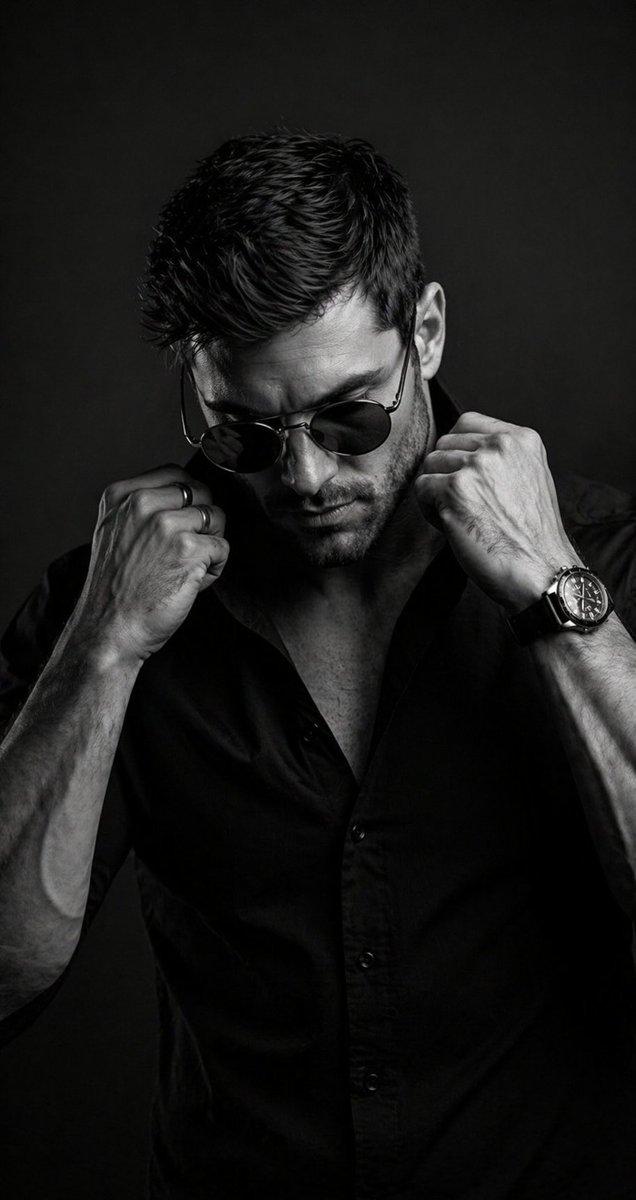
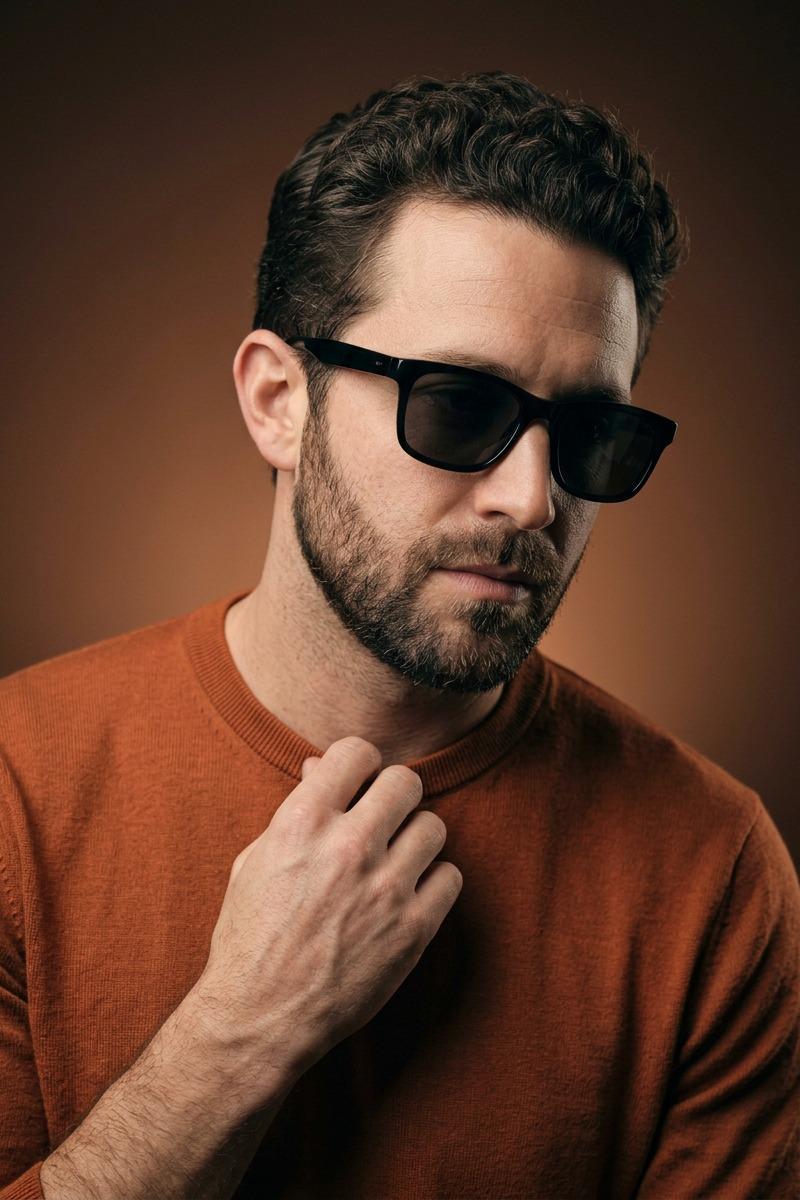
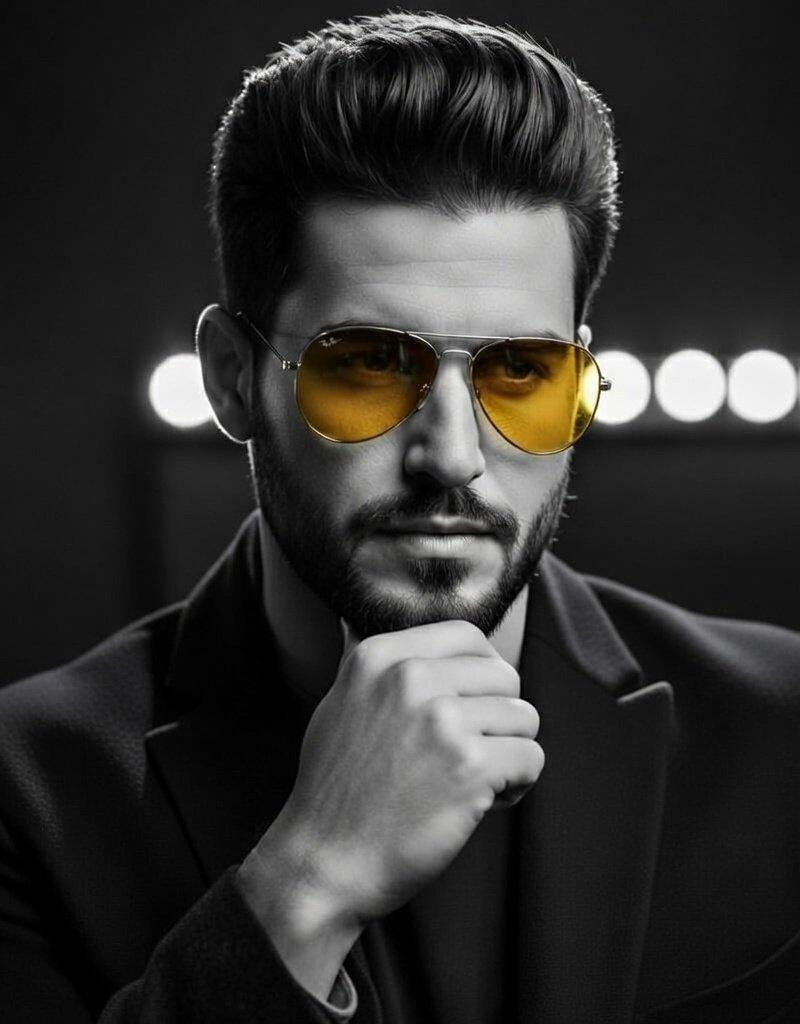
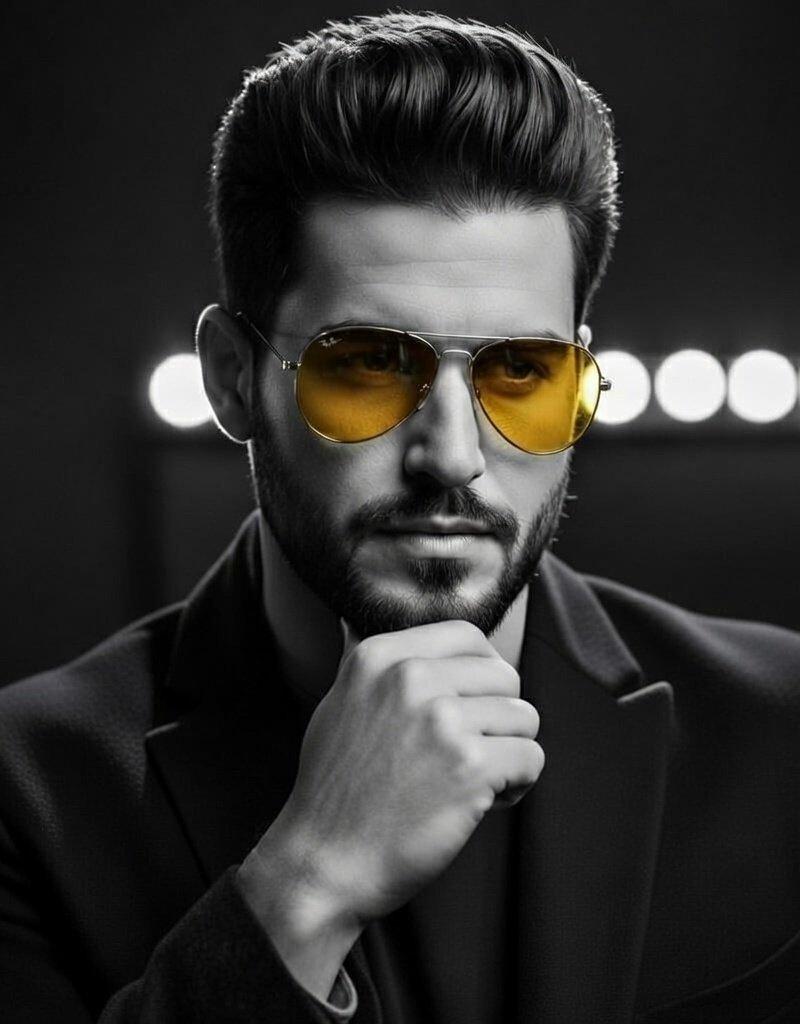
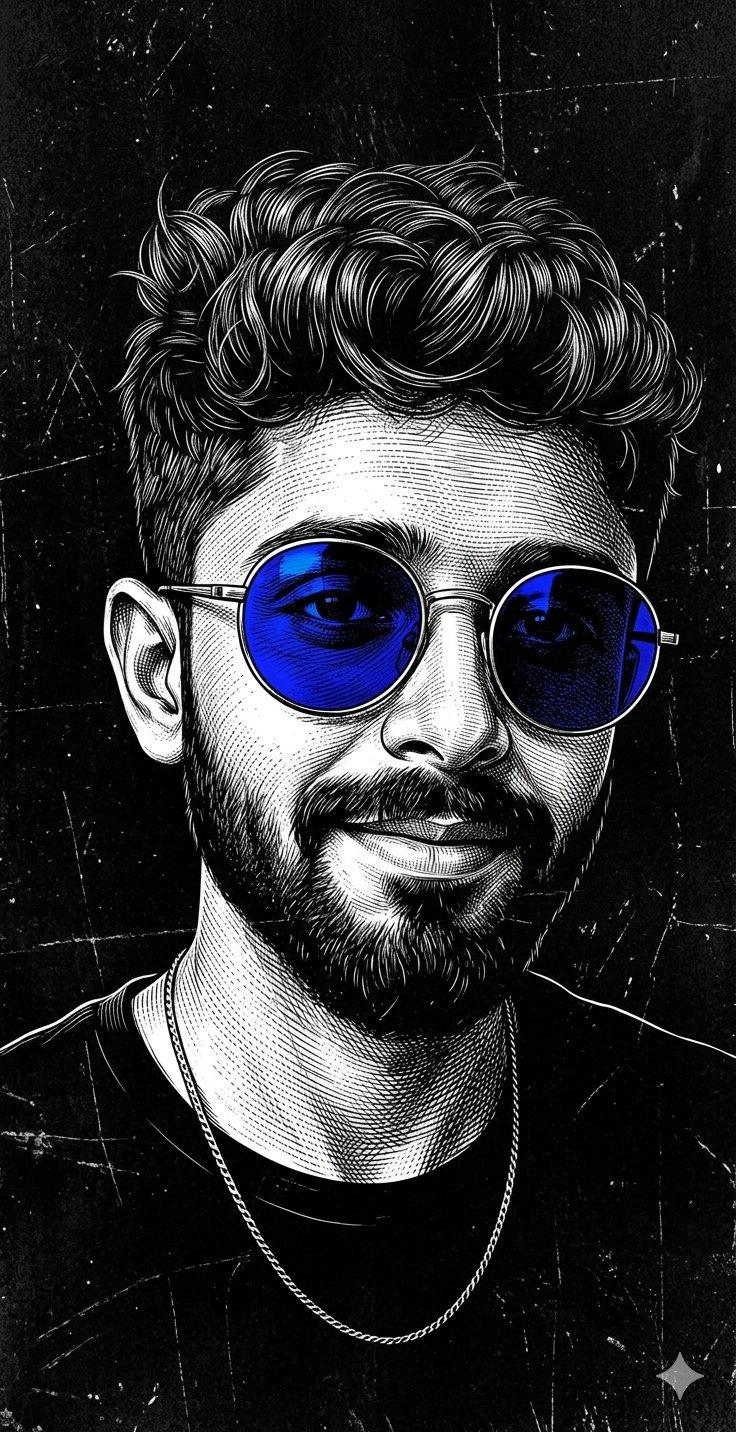
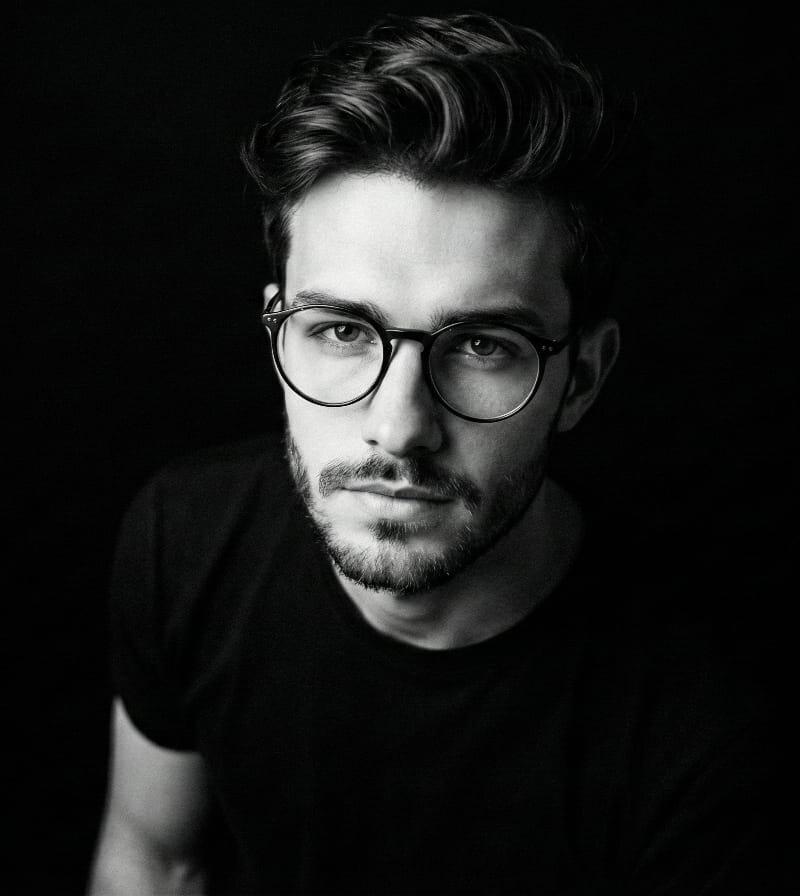
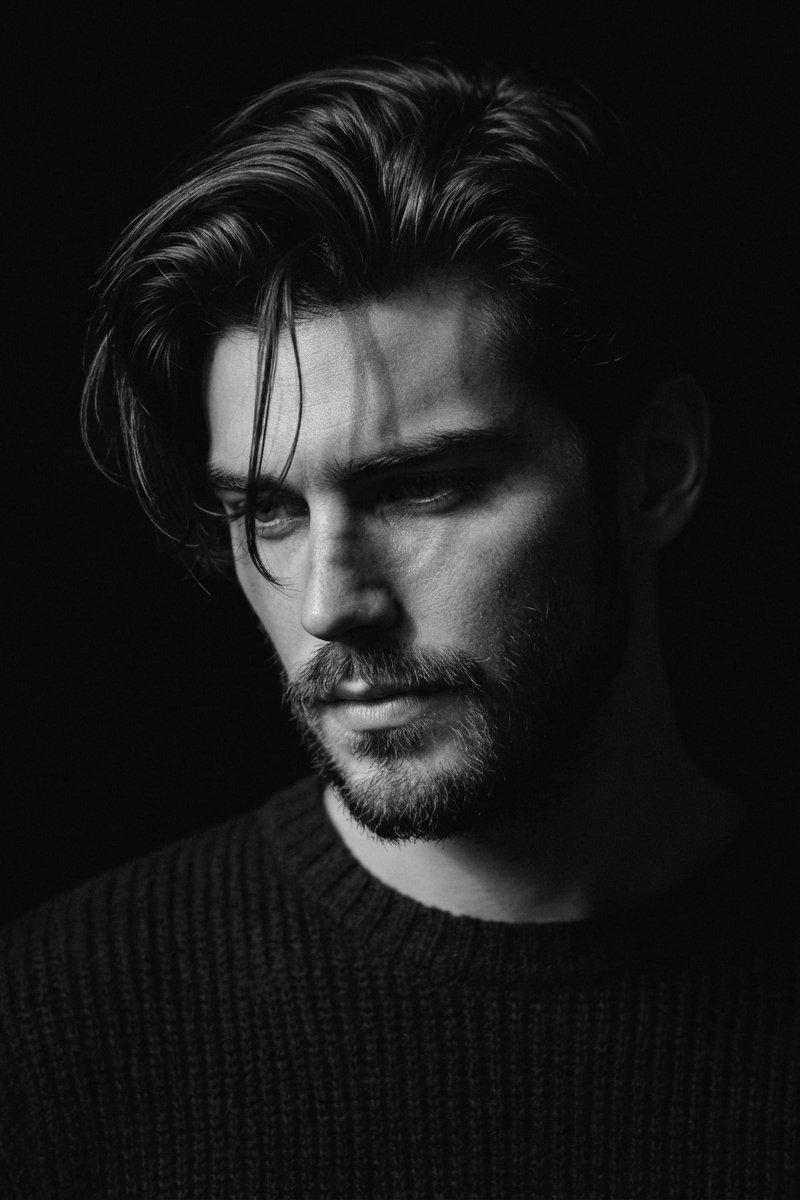
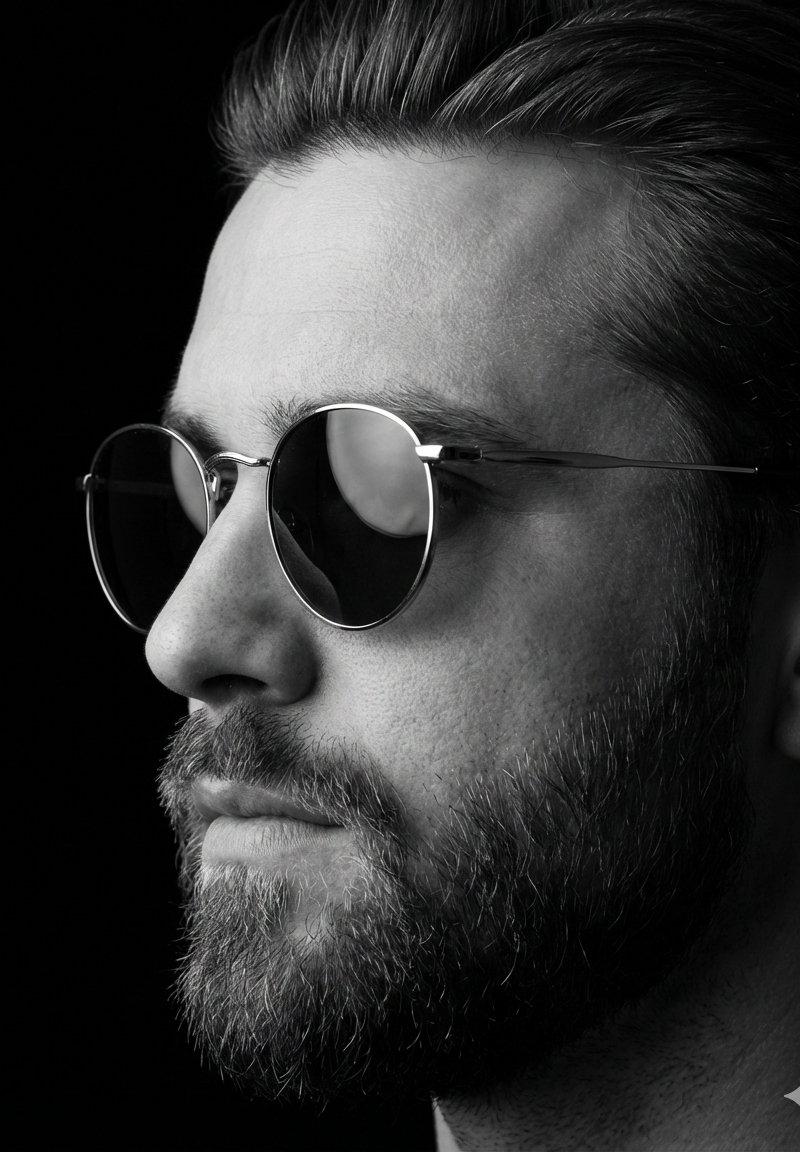
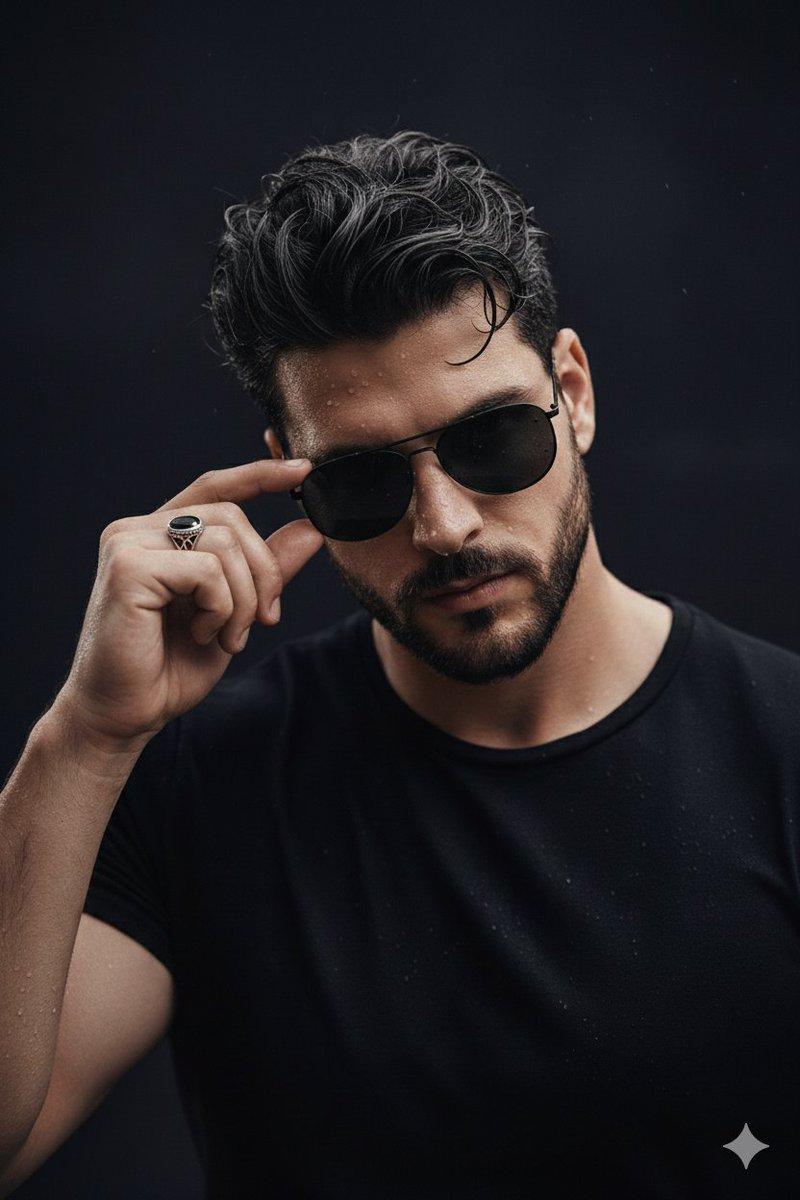
暗调光影下触碰墨镜的忧郁湿发青年
Enlarge

Example images

暗调光影下触碰墨镜的忧郁湿发青年

Prompt
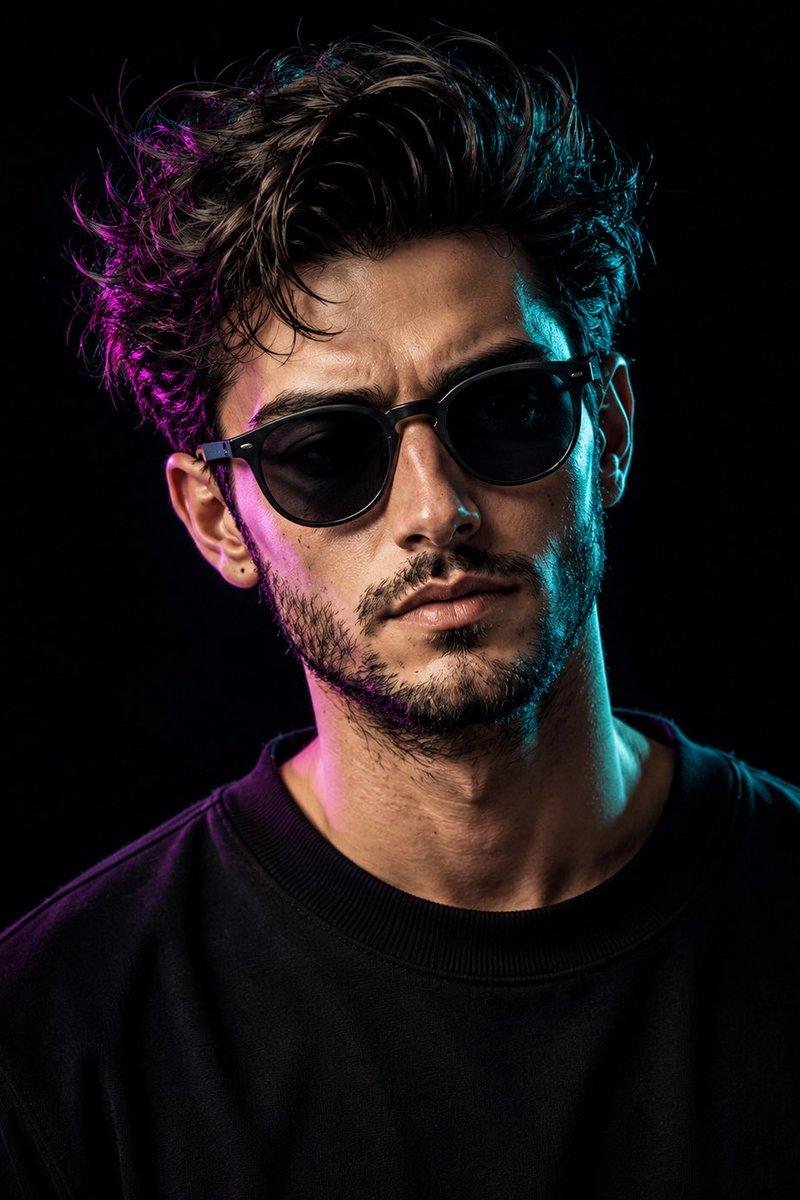
Ultra-realistic cinematic close-up portrait of a young man with wet skin and damp, messy hair. He is lightly touching the frame of dark, rectangular aviator sunglasses beaded with clear water droplets. The lighting is low-key and dramatic, creating deep shadows that emphasize the moisture on his skin and the fine texture of his beard. He wears a plain, form-fitting matte black t-shirt that blends into a dark, minimal background. Detailed hand gesture showing defined knuckles and a silver ring with stone on the pinky finger. Razor-sharp micro-details, shallow depth of field, 85mm f/1.4 lens effect, moody high-contrast realism, and a high-end fashion editorial aesthetic. Use my uploaded face image as the facial and identity reference.
Category
Posters & Typography
Model
Nano banana pro
Creator
@Naiknelofar788
Source language
zh-CN
Views29
Source ID
8197
Published
Mar 22, 2026
Studio

Guide

About "暗调光影下触碰墨镜的忧郁湿发青年"

What is this prompt for?

"暗调光影下触碰墨镜的忧郁湿发青年" AI image prompt for Nano banana pro (Posters & Typography). 超写实电影特写肖像,一名年轻男子皮肤湿润,头发潮湿凌乱。他轻触深色矩形飞行员墨镜的镜框,镜片上挂着晶莹的水珠。灯光低调而富有戏剧性,营造出深邃的阴影,凸显了他皮…

The full copyable prompt and example visuals above are ready for AI image generation or one-click recreate in Picva.

How to use this prompt

  1. Step 1

    Open the prompt detail

    Review the example visuals, category, and full prompt text for "暗调光影下触碰墨镜的忧郁湿发青年".

  2. Step 2

    Copy the prompt

    Copy the prompt body from this page, or load it directly in Studio.

  3. Step 3

    Pick a model (Nano banana pro)

    Prefer Nano banana pro. If you switch models, keep subject and composition and tweak style terms.

  4. Step 4

    Generate and export

    Recreate the look in Picva, or export into your workflow for editing and publishing.

FAQ

What is the "暗调光影下触碰墨镜的忧郁湿发青年" prompt?
It is an AI image-generation prompt for Nano banana pro in the Posters & Typography category. This page includes the full prompt text, example visuals, and a one-click recreate path in Picva.
How do I use this prompt to generate an image?
Copy the prompt from this page, or use Generate / Studio. Paste it into a compatible image model, or recreate the look in Picva with optional reference images.
Which model is this prompt for?
This page lists Nano banana pro. Most descriptive prompts also transfer to nearby image models such as GPT Image, Flux, or Midjourney with light style tweaks.
Can I use the result commercially?
You can usually copy the prompt for creation, but commercial use of the final image depends on the model terms, reference-image rights, and the generated content. Follow the source author and platform rules.