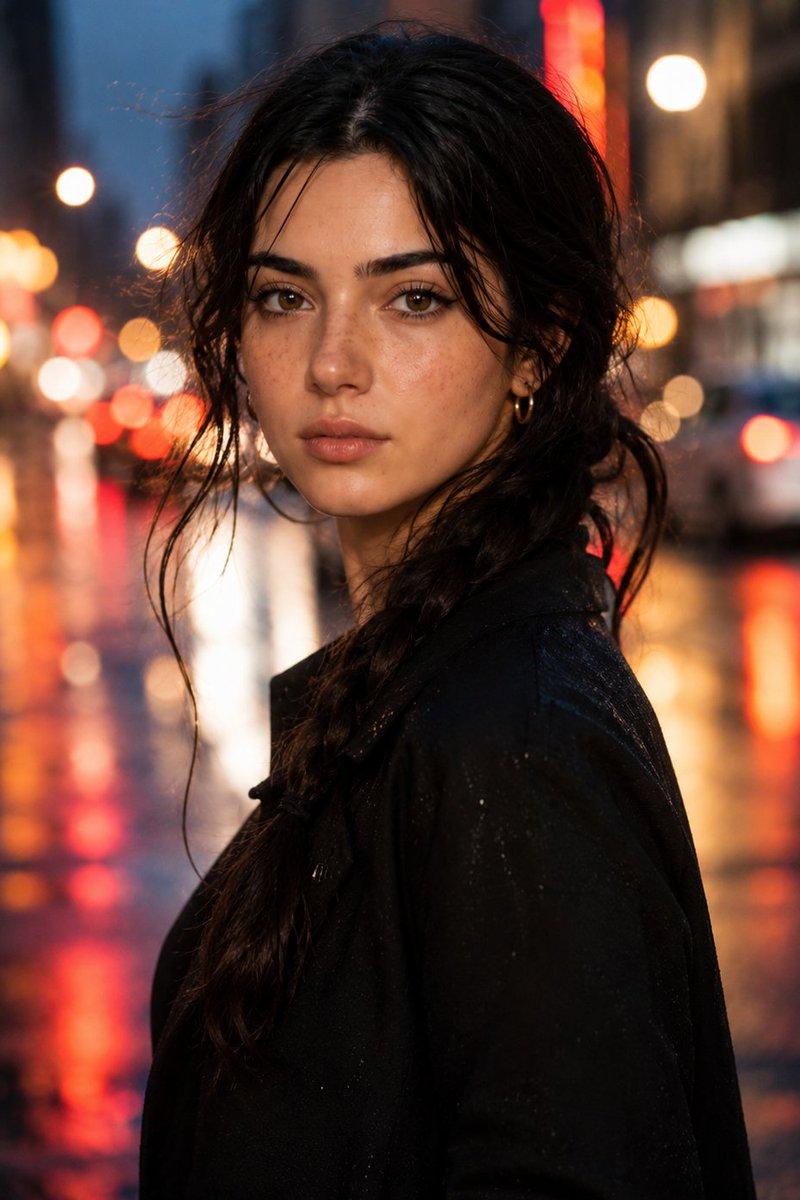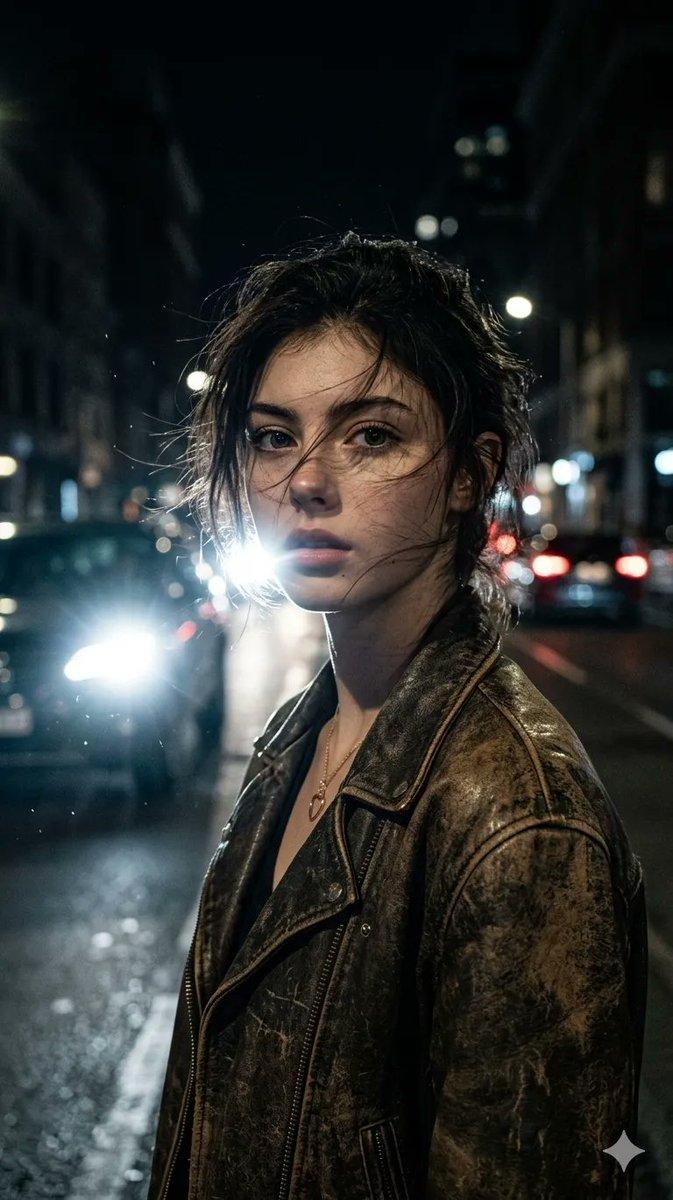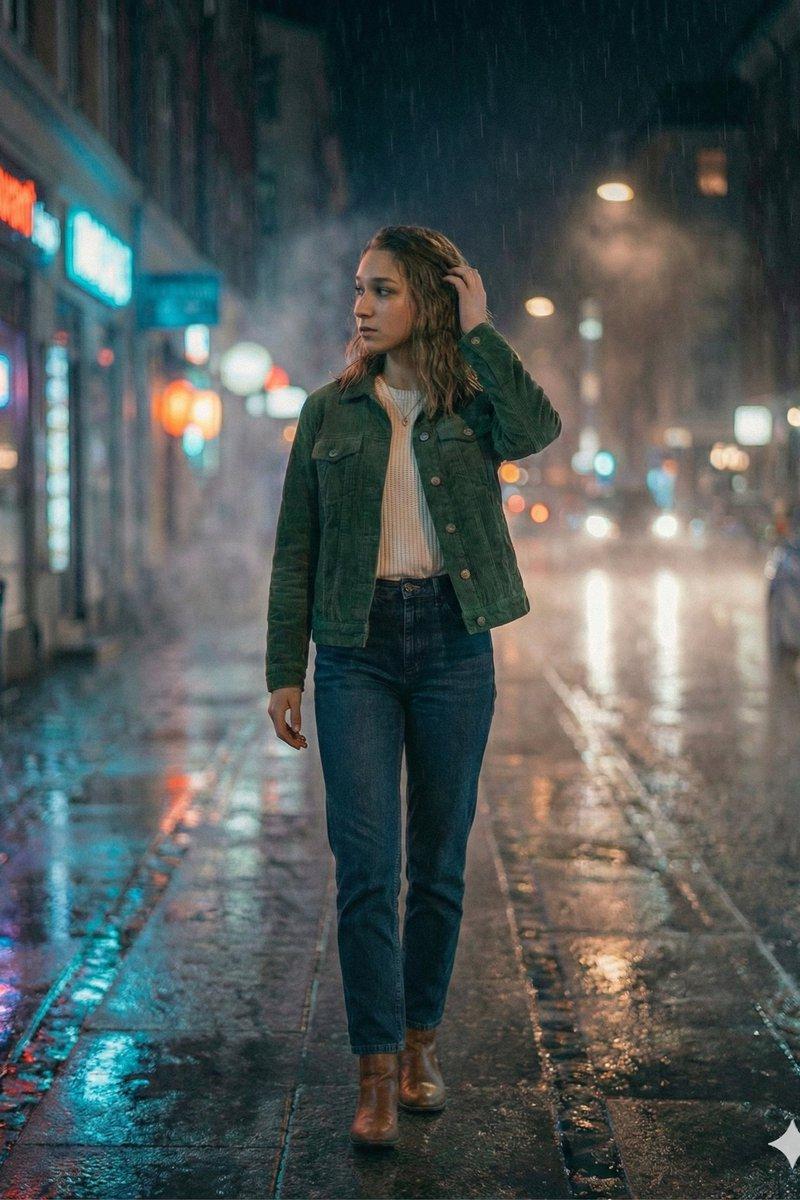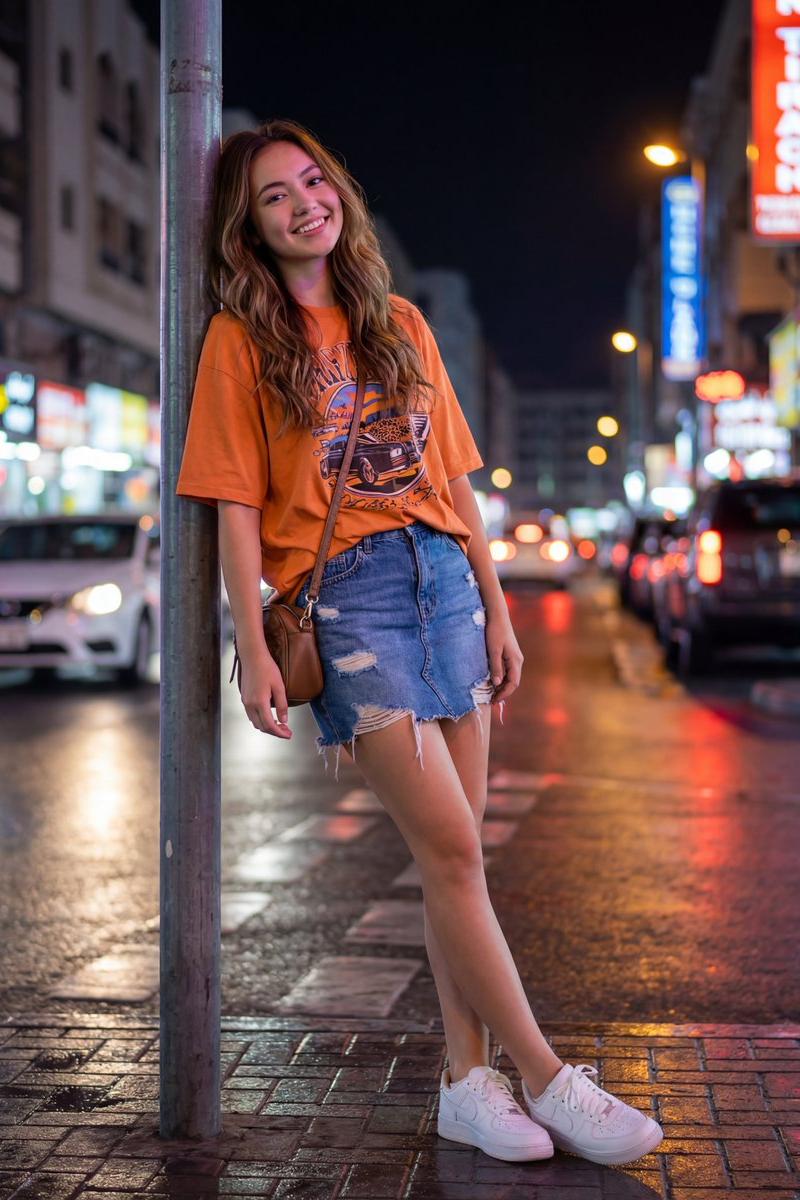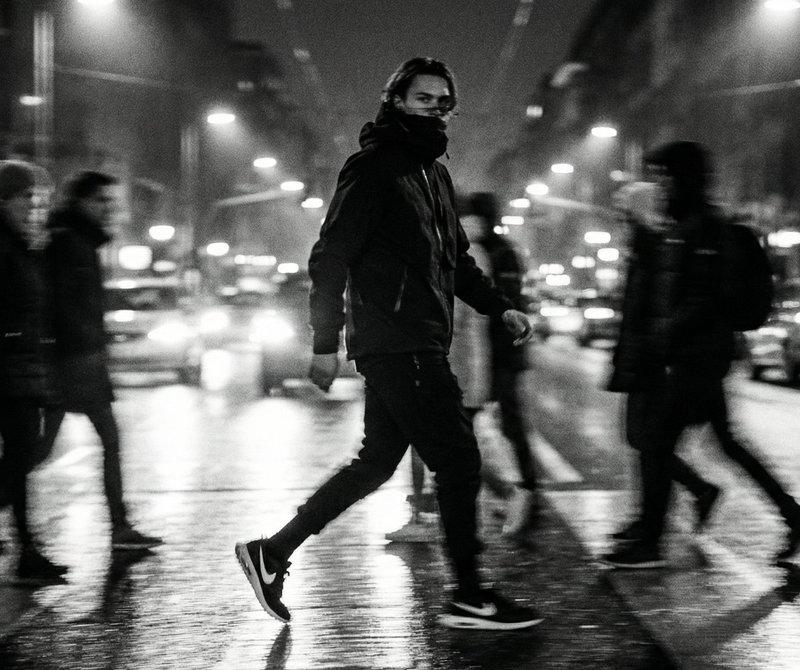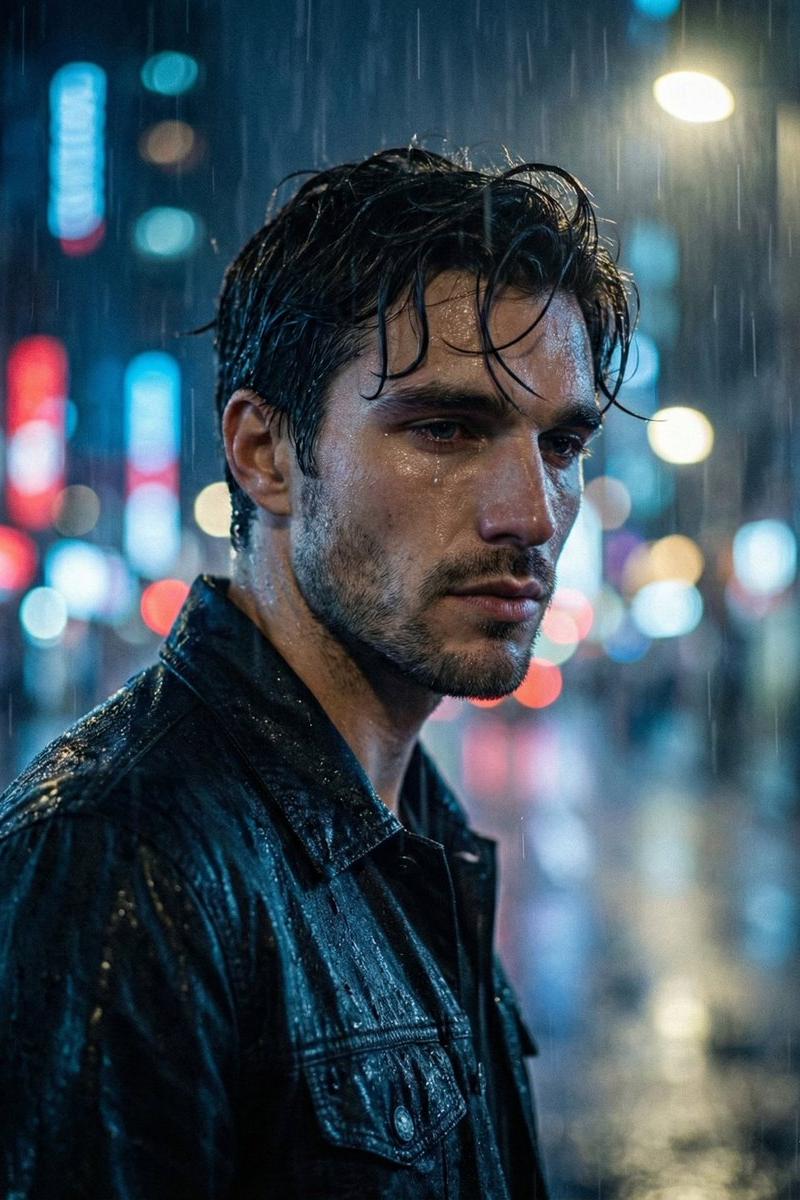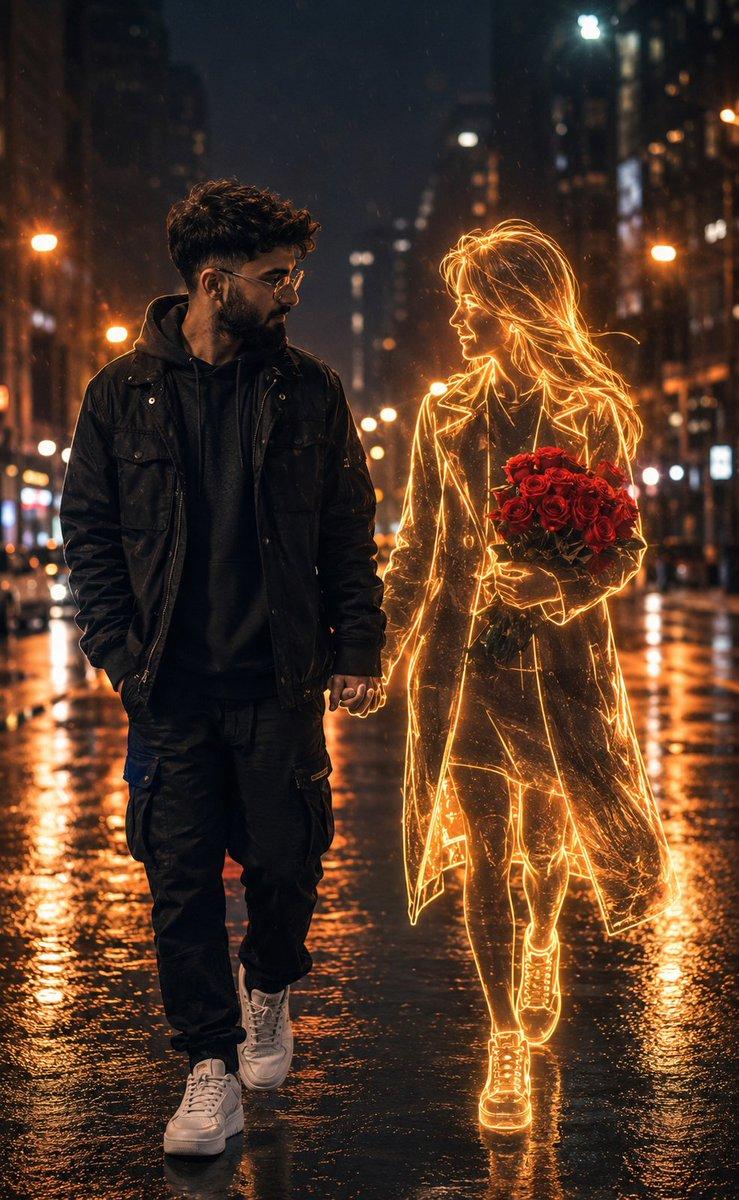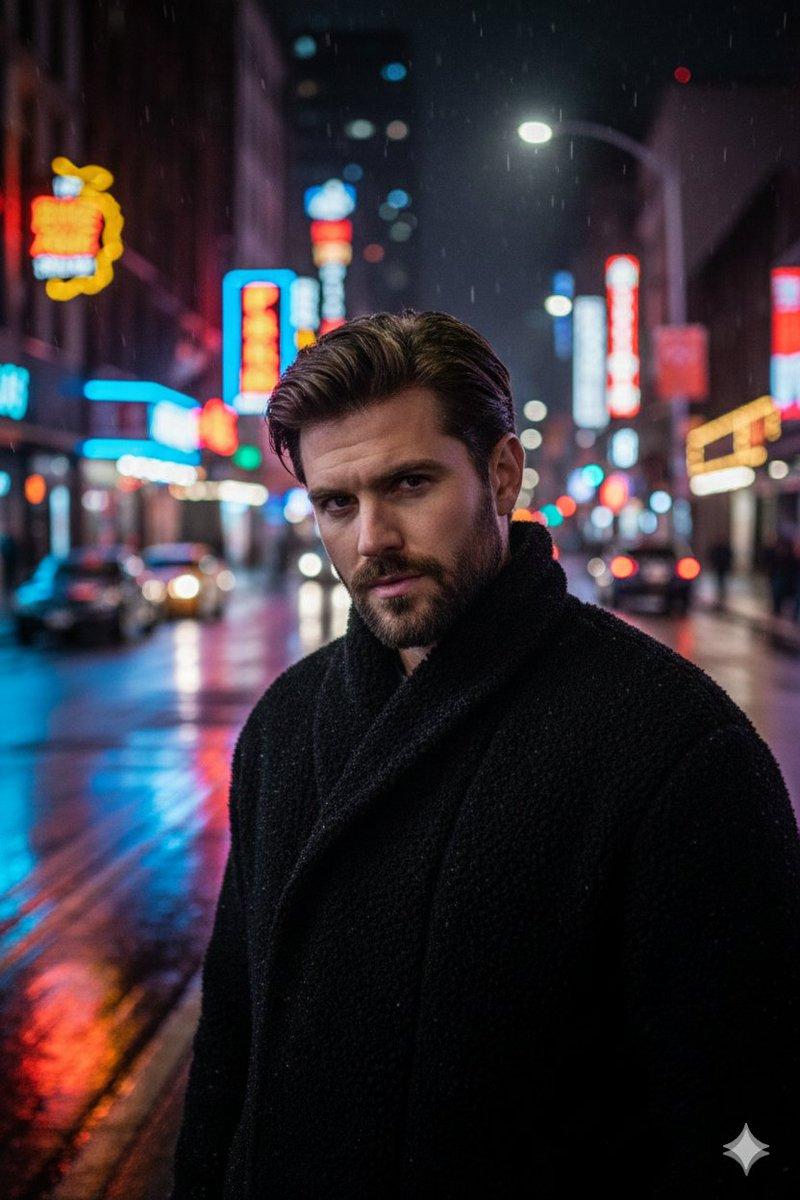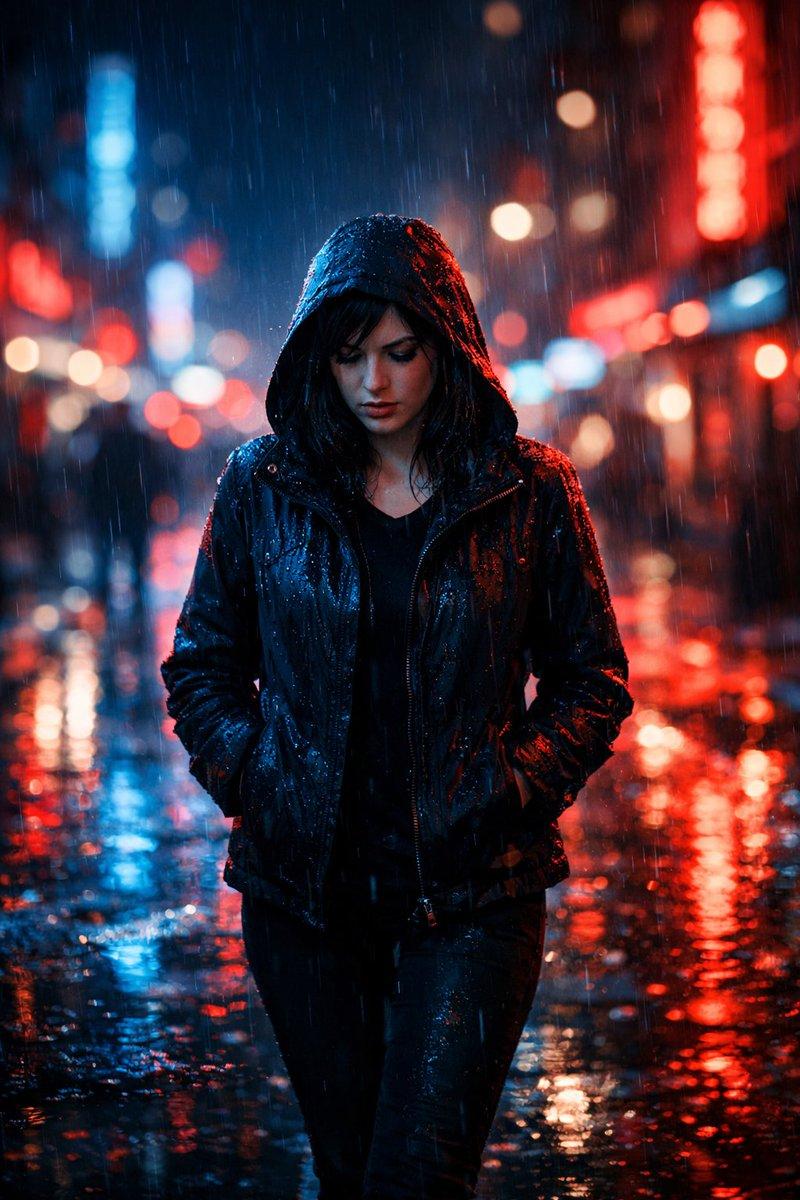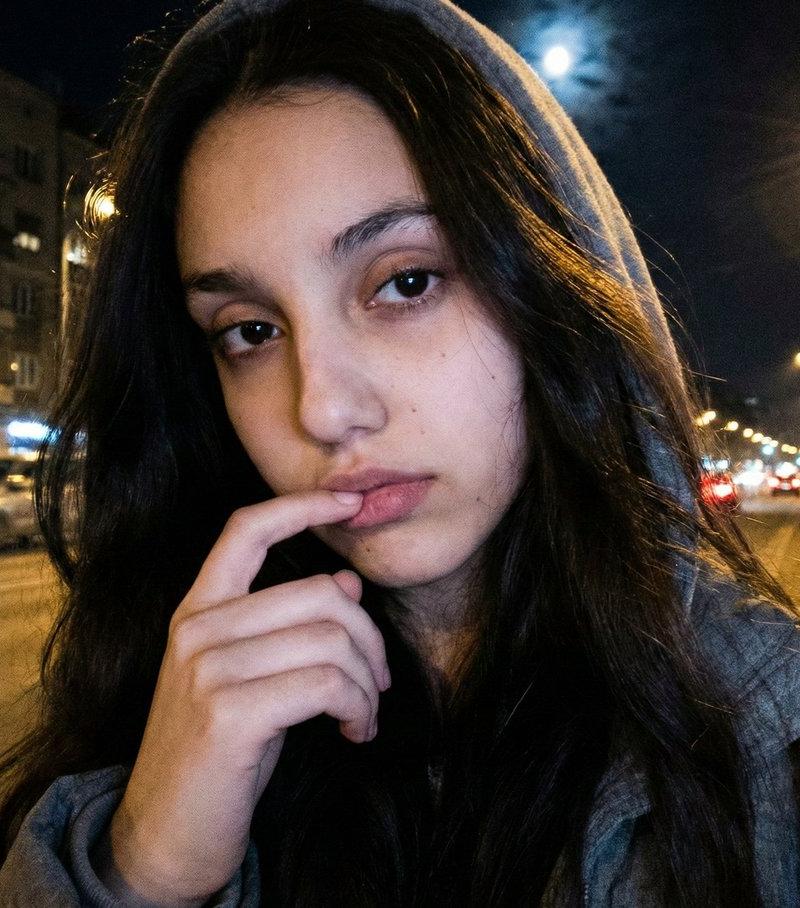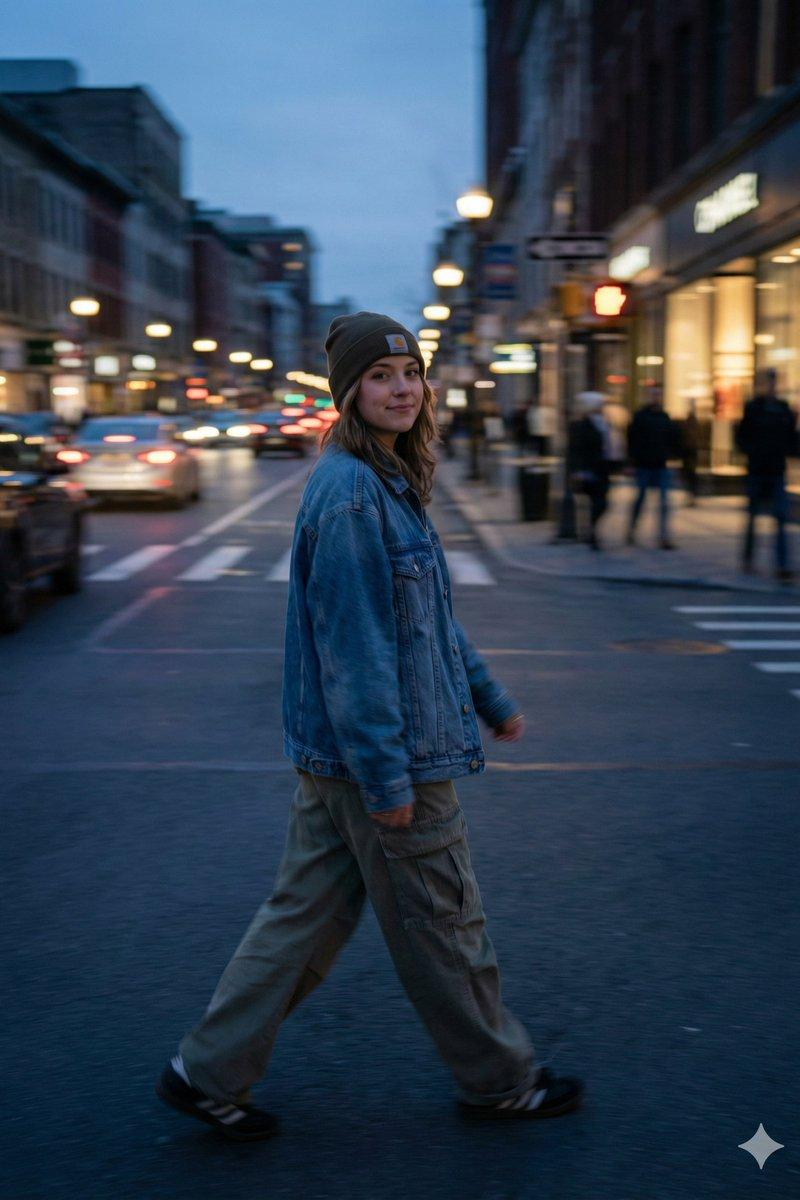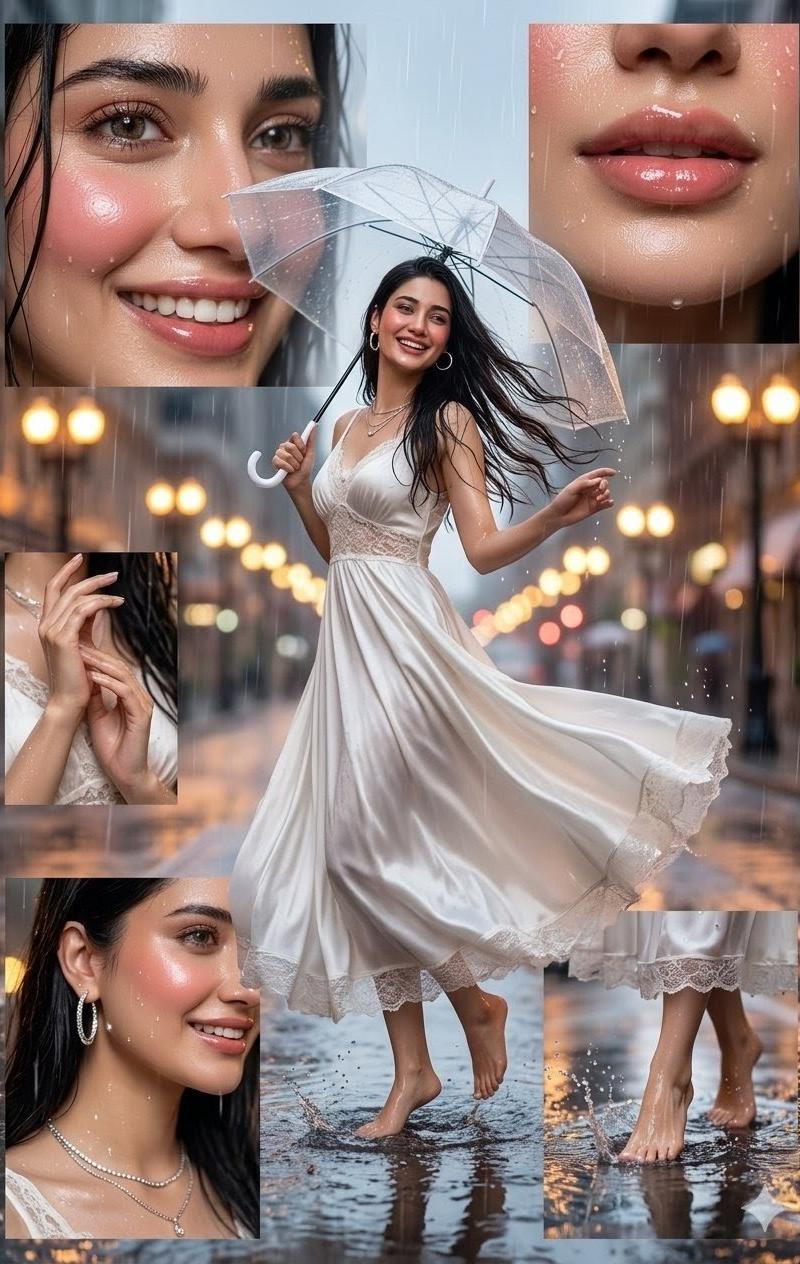
霓虹夜色中漫步的都市摩登丽影
Prompt
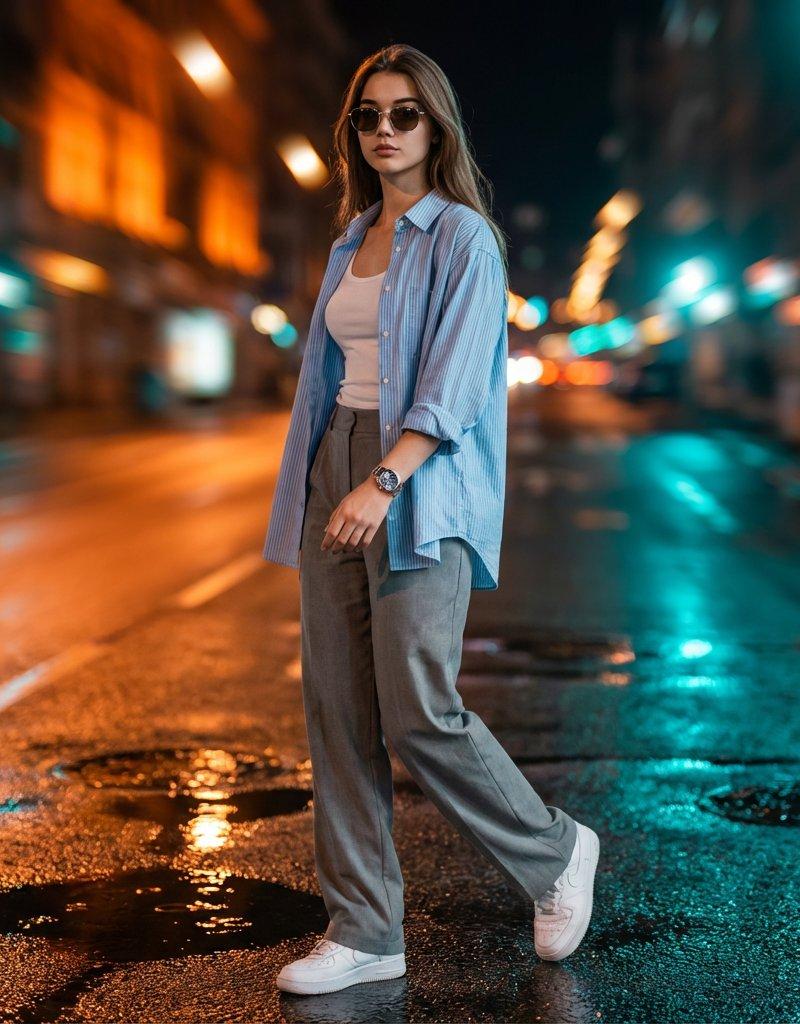
{ "type": "image_generation_prompt", "aspect_ratio": "9:16", "style": "hyper-realistic, cinematic urban night photography", "subject": { "gender": "female", "appearance": { "skin_tone": "fair", "attractiveness": "very stylish and elegant", "expression": "confident, calm, self-assured", "hair": "neatly styled, natural movement while walking", "accessories": [ "sunglasses", "luxury wristwatch clearly visible and reflecting neon light" ] }, "outfit": { "top_layer": "light blue striped overshirt with sleeves rolled up", "inner_top": "white tank top", "bottom": "loose grey trousers", "footwear": "clean white sneakers" }, "pose_and_motion": { "body_angle": "3/4 side profile", "action": "walking mid-motion", "hand_position": "left hand swinging naturally outside the pocket", "watch_visibility": "prominently visible and in sharp focus" } }, "environment": { "location": "urban city street at night", "ground": "wet pavement with realistic reflections", "background_effects": [ "dynamic motion blur trails", "neon light streaks in orange, amber, and teal tones" ], "atmosphere": "energetic, cinematic, modern nightlife" }, "lighting": { "type": "dramatic and directional", "source_direction": "top front-left", "effects": [ "realistic shadows on the subject", "subtle reflections on clothing and pavement", "neon highlights reflecting off the watch" ] }, "camera": { "focus": "sharp focus on face and wristwatch", "depth_of_field": "shallow depth of field with softly blurred background", "motion_effect": "background motion blur to convey speed and movement" }, "quality": { "realism": "ultra-high", "detail_level": "high detail on skin, fabric, and accessories", "look": "cinematic, premium, photorealistic" }, "constraints": [ "No cartoon or illustration style", "No CGI look", "No distorted anatomy", "No excessive blur on the subject", "Background blur only" ], "output_goal": "Create a hyper-realistic cinematic night portrait of a stylish woman walking through an urban street, with sharp focus on her face and wristwatch, dramatic neon lighting, and motion-blurred city background for dynamic energy." }- Category
- Charts & Infographics
- Model
- Nano banana pro
- Creator
- @saniaspeaks_
- Source language
- zh-CN
- Source ID
- 8372
- Published
- Mar 22, 2026
Views27