16

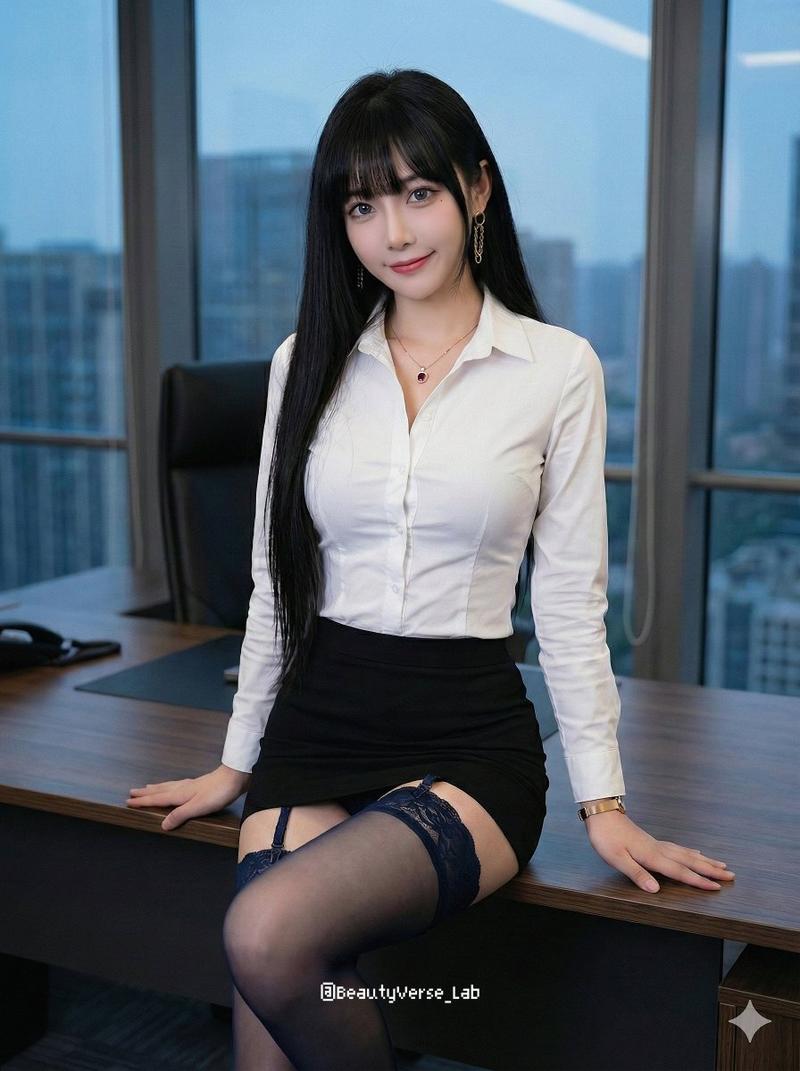
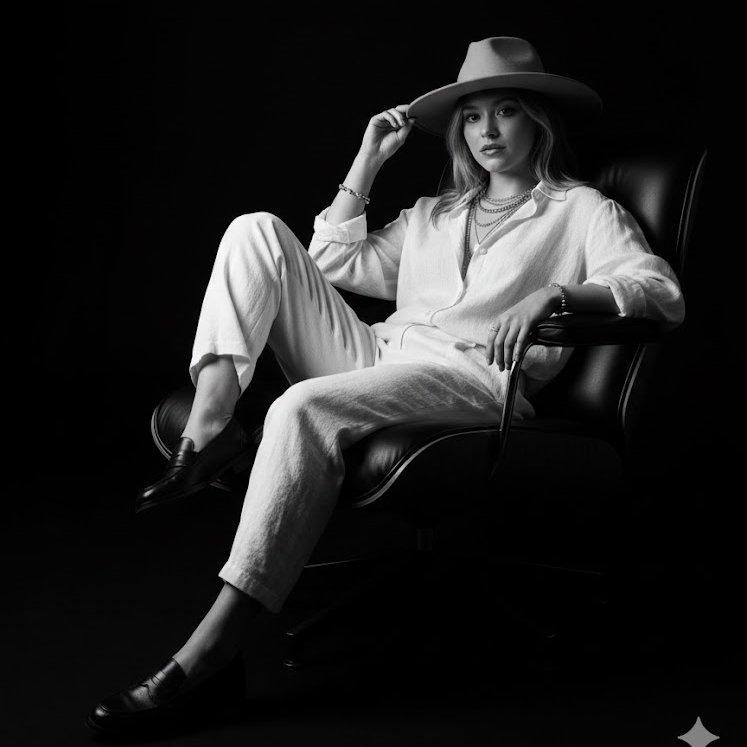
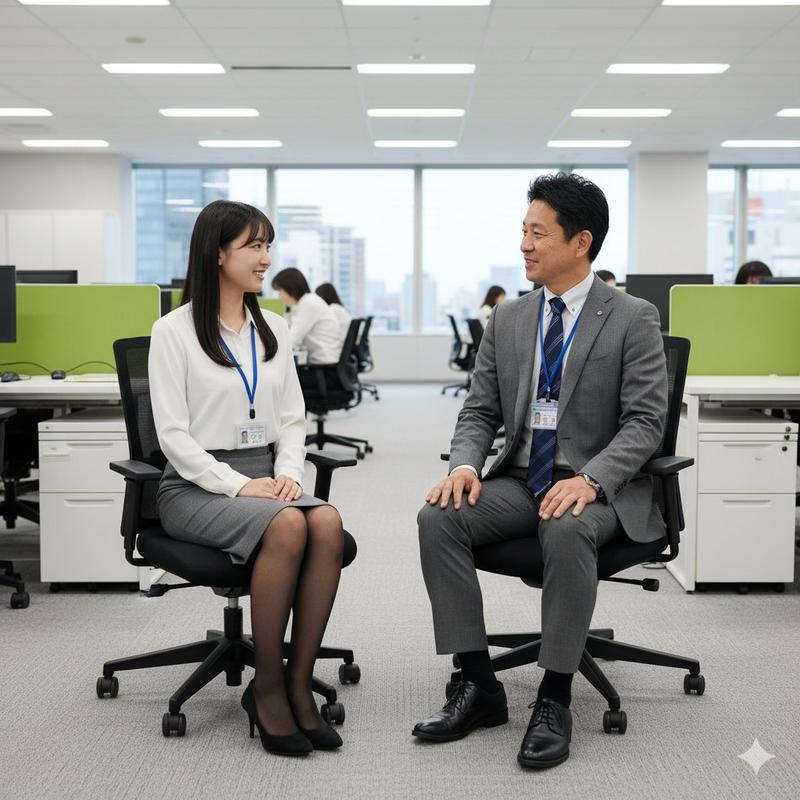
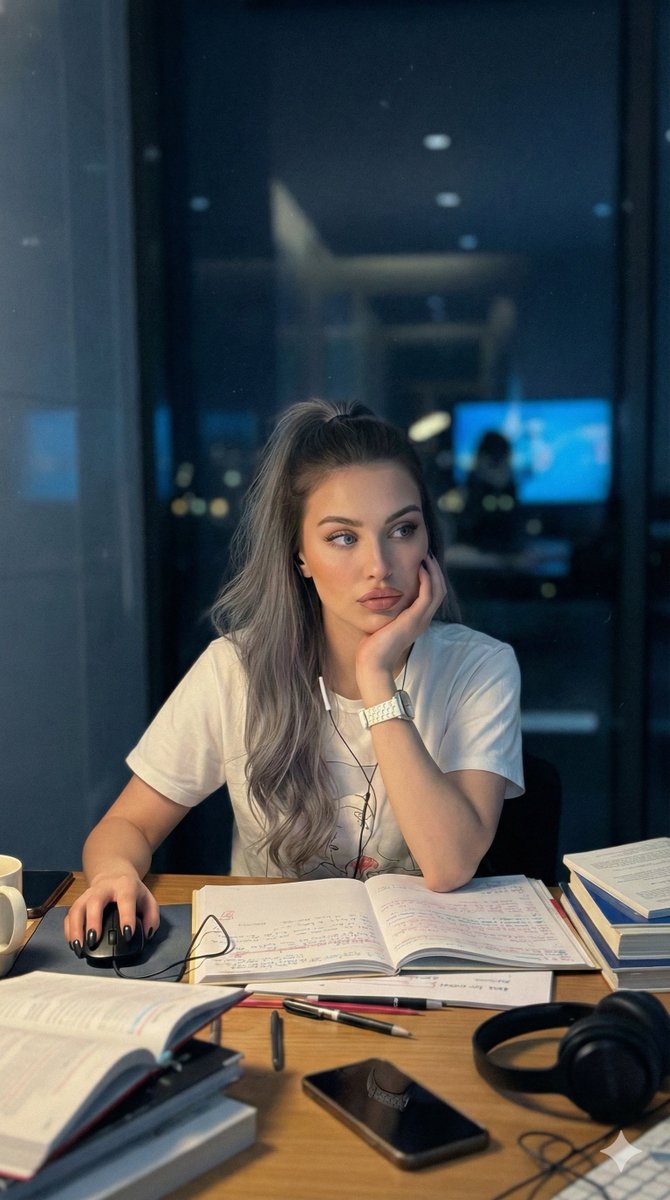
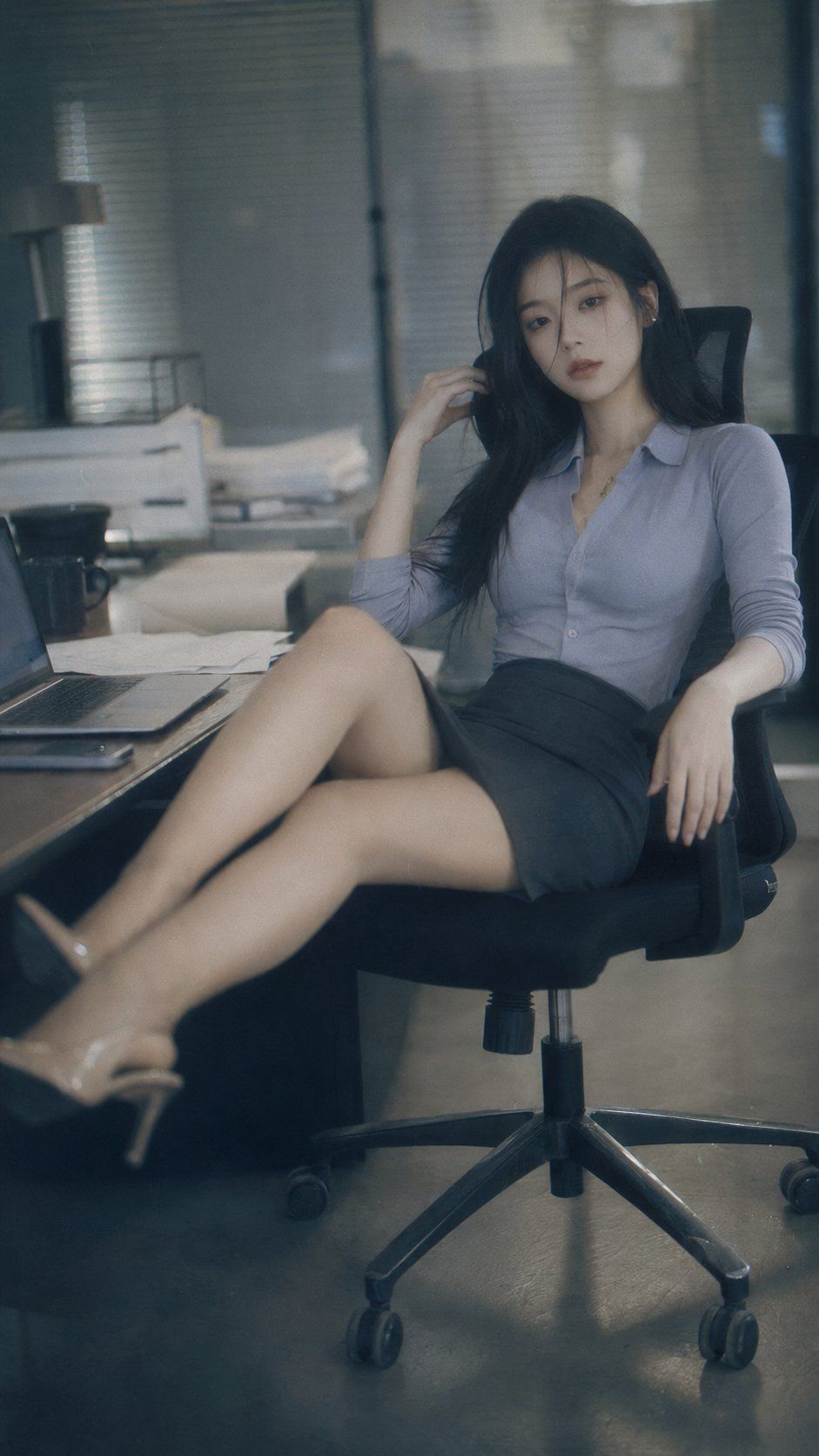
柔光CCD复古日系职场女性肖像
Enlarge

柔光CCD复古日系职场女性肖像

Prompt
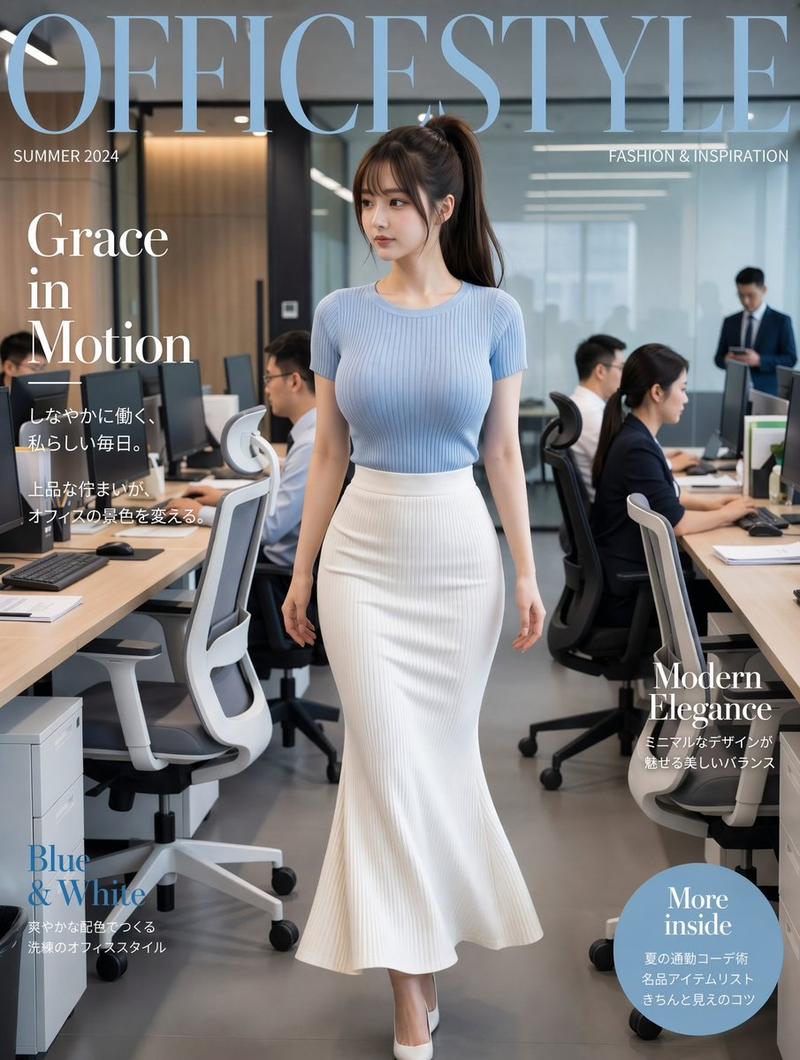
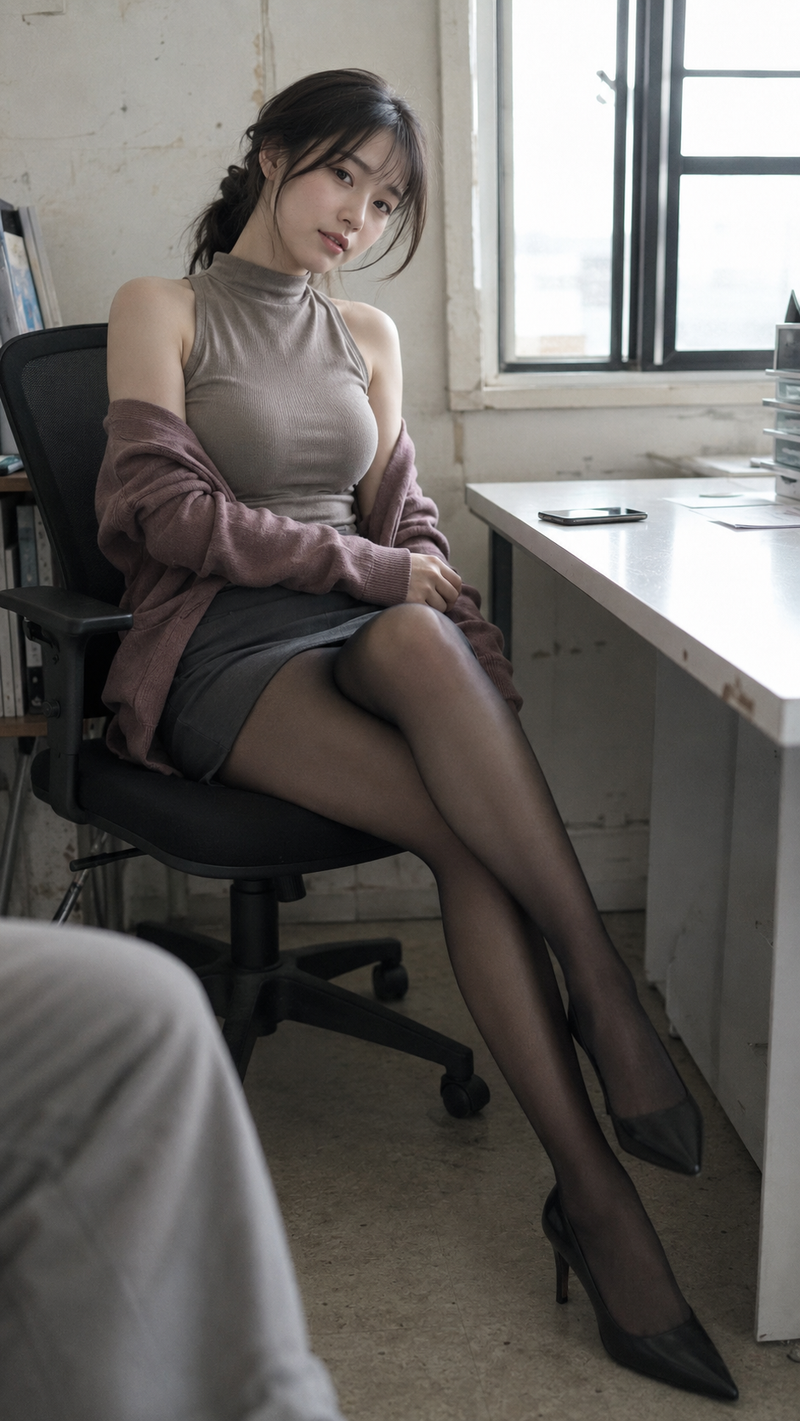
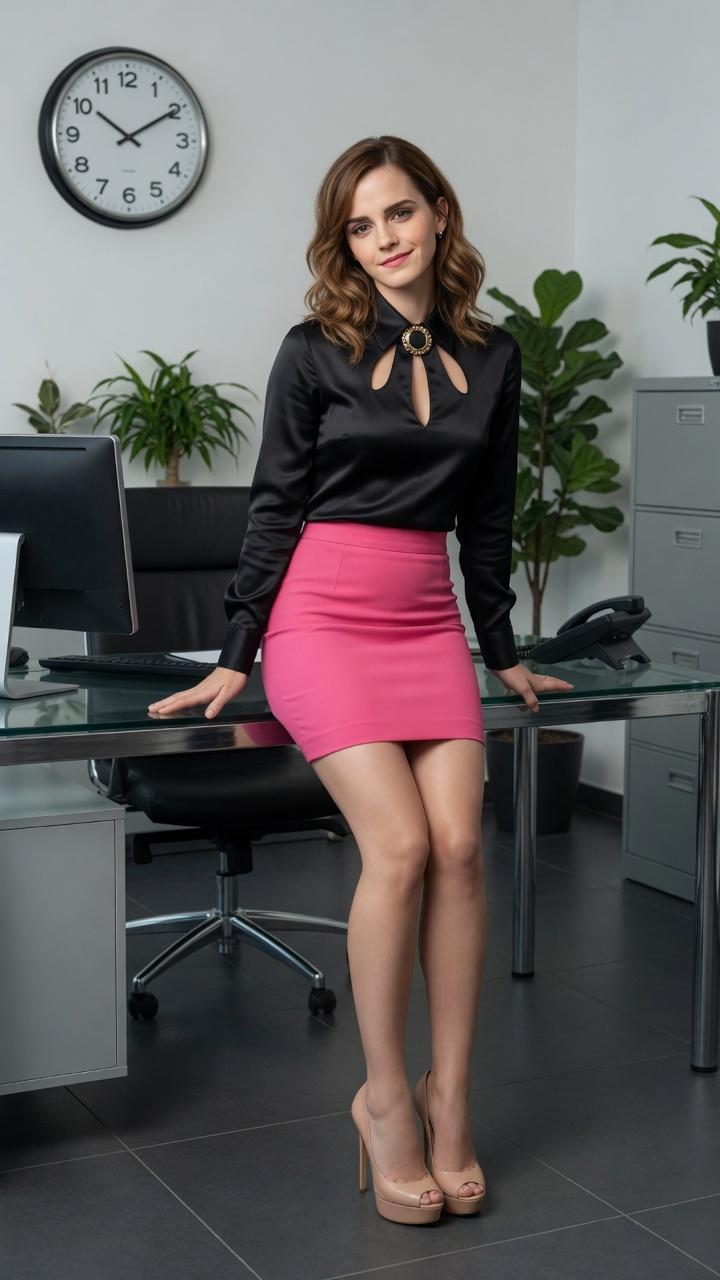
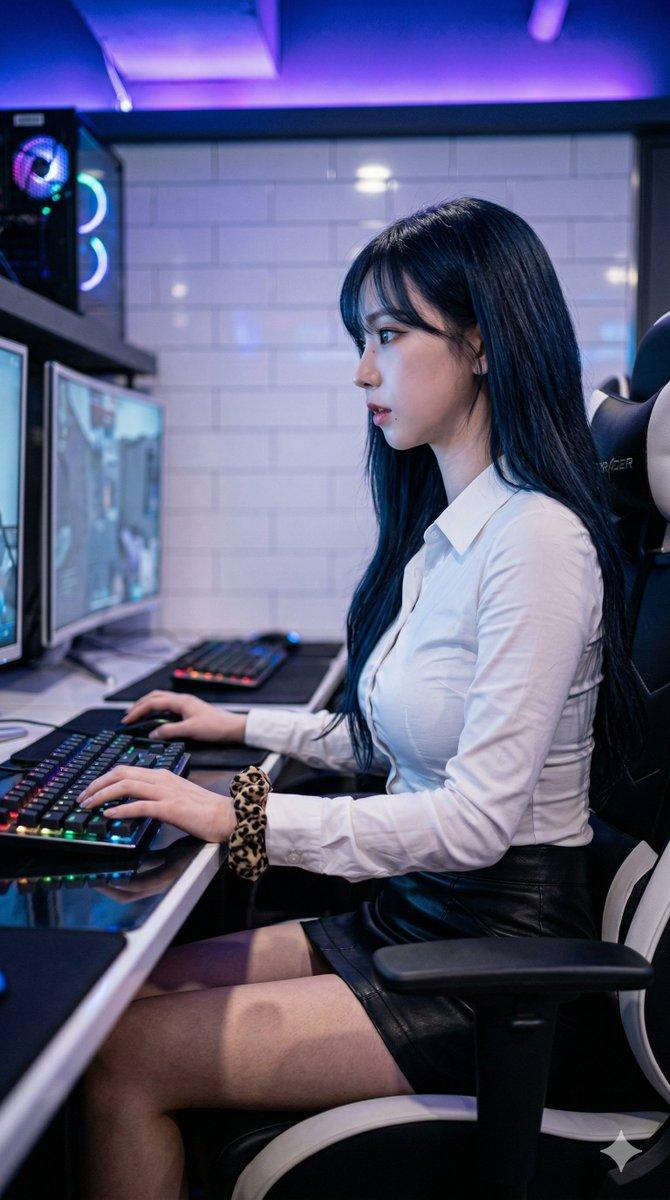
9:16, soft CCD fashion portrait, slight blur and grain, cool low-saturation tone, subtle bloom, highlight diffusion, soft-focus, dreamy vintage digital camera look. A young Asian woman with long black hair and delicate cool-toned features, wearing a Japanese OL outfit: fitted blouse or knit top with a short skirt and elegant heels. She sits on an office chair with her legs casually propped on the desk, relaxed posture, one hand touching her hair or chair, the other resting naturally. Quiet, restrained, slightly tired and detached expression, looking at the camera through loose strands of hair. Minimal Japanese office setting with desk, laptop, papers, mug, blinds or glass partition in the background. Editorial, moody, stylish, urban, soft blurry grainy atmosphere. No text, no watermark.
Category
Photography & Realism
Model
ChatGPT
Views137
Source ID
16771
Published
Jun 25, 2026

Guide

About "柔光CCD复古日系职场女性肖像"

What is this prompt for?

"柔光CCD复古日系职场女性肖像" AI image prompt for ChatGPT (Photography & Realism). 9:16,柔和的CCD时尚肖像,轻微的模糊和颗粒感,冷色调低饱和度,微妙的光晕,高光扩散,柔焦,梦幻的复古数码相机外观。一位年轻的亚裔女性,留着黑色长发,五官精致且呈现冷色调,…

The full copyable prompt and example visuals above are ready for AI image generation or one-click recreate in Picva.

How to use this prompt

  1. Step 1

    Open the prompt detail

    Review the example visuals, category, and full prompt text for "柔光CCD复古日系职场女性肖像".

  2. Step 2

    Copy the prompt

    Copy the prompt body from this page, or load it directly in Studio.

  3. Step 3

    Pick a model (ChatGPT)

    Prefer ChatGPT. If you switch models, keep subject and composition and tweak style terms.

  4. Step 4

    Generate and export

    Recreate the look in Picva, or export into your workflow for editing and publishing.

FAQ

What is the "柔光CCD复古日系职场女性肖像" prompt?
It is an AI image-generation prompt for ChatGPT in the Photography & Realism category. This page includes the full prompt text, example visuals, and a one-click recreate path in Picva.
How do I use this prompt to generate an image?
Copy the prompt from this page, or use Generate / Studio. Paste it into a compatible image model, or recreate the look in Picva with optional reference images.
Which model is this prompt for?
This page lists ChatGPT. Most descriptive prompts also transfer to nearby image models such as GPT Image, Flux, or Midjourney with light style tweaks.
Can I use the result commercially?
You can usually copy the prompt for creation, but commercial use of the final image depends on the model terms, reference-image rights, and the generated content. Follow the source author and platform rules.